I can see that handing it to the AI is faster, but it’s never quite clear who owns the outcome at the end.
That was how Saeki (not their real name) , who was drawing up the rules for generative AI in a manufacturing firm’s business-planning department, put it. On the ground, people had begun using AI to draft responses to enquiries and the first cut of internal proposal documents. Yet until six months earlier, the choice came down to two stark options: hand everything to the AI, or carry on having people check the lot by hand. Striking a balance between quality and efficiency was proving difficult. Sales wanted faster turnaround, legal cared about accountability, and the team leads on the floor worried that an ever-growing chain of approvals would simply make the work heavier.
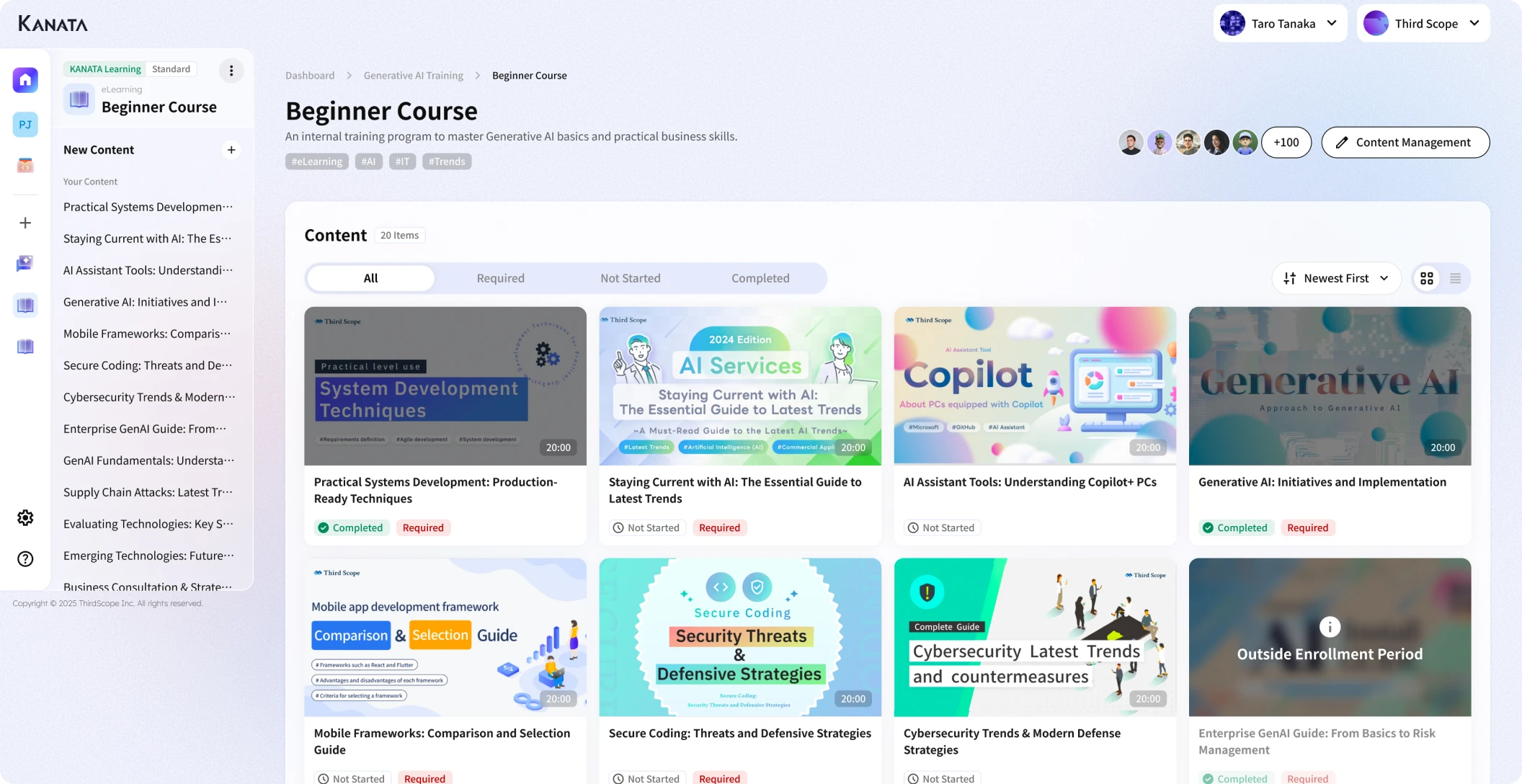
These days they have started to design things rather more deliberately, splitting each task into “the part the AI produces”, “the part a person checks and decides”, and “the quality gate that requires sign-off”. One sensible approach, for instance, is to use a business-grade AI tool equipped with AI chat and a prompt library, then keep the drafting of responses separate from the standardisation of review criteria. Kanata is one such option, well suited to a way of working that combines AI chat, summarisation and managed training data.
That said, Human in the Loop is no panacea. Simply adding more points at which a person intervenes will, if anything, slow the work down. This article sets out how to think about HITL in AI operations, and how to design the division of labour between people and AI, the lines of accountability, and the quality gates. If you find yourself caught between the worry of leaning on AI too heavily and the inefficiency of having people shoulder everything, do read on with your own workflow in mind.
What Human in the Loop actually means

Human in the Loop is the idea of building human checking, judgement, approval and correction into a business process in which AI or a system does the work. It is often shortened to HITL.
The important thing is that it does not simply mean “a person looks at the AI’s output”. Human in the Loop is a way of designing at which stage a person steps in, what they decide, and from which point the work is left to the AI.
For an enquiry desk, say, the AI might draft the reply and a person would check the content before it is sent. For an internal proposal, the AI could produce a first draft and organise the key points, while the final judgement and sign-off rest with the responsible manager. For a contract review, the AI might surface candidate risk areas and a member of the legal team would then check them.
Human oversight of AI is an important theme in the international AI-governance conversation too. The EU’s AI regulation, for example, holds that high-risk AI systems should be designed and developed so that effective oversight by natural persons is possible. EU AI Act (Regulation (EU) 2024/1689)
In short, Human in the Loop is not a mechanism for stopping AI. It is an operational design for using AI safely and continuously within the business.
Why AI operations need human involvement

Generative AI can be put to work across a great many tasks: drafting text, summarising, classifying, searching, generating ideas and producing first-cut replies to enquiries. There is, however, an inherent uncertainty in what it produces.
A passage may read perfectly plausibly and still get its facts wrong. The AI may misread an internal rule or a contractual term. In customer-facing work, a single turn of phrase can dent trust.
NIST’s risk-management profile for generative AI likewise makes the point that generative AI calls for risk management tailored to the purpose and context of use. NIST AI Risk Management Framework The broader principle that AI governance should be improved continuously is reflected in international guidance as well. OECD AI Principles
The problems that tend to arise when you hand everything to the AI
Begin operating without first deciding how much you are willing to leave to the AI, and the first thing to suffer is consistency. The AI’s answers shift with the input and the prompt. Even for the same task, if each person phrases their instructions differently, the quality of the output will vary too.
Next, the lines of accountability grow blurred. When something the AI produced turns out to be wrong, it becomes unclear who was responsible for checking it and who signed it off. The trouble is rarely the AI’s output in isolation; it is the absence of a clear answer to “who confirmed this, and who approved it”.
The problems that tend to arise when people are involved too much
At the other extreme, if people check absolutely everything, the benefits of bringing AI in rarely materialise.
Set things up so that every AI draft has to go through the author, their line manager, the department head, legal and the leadership team , and the approval chain becomes heavier than it was before. The predictable result is grumbling from the floor that “using the AI is more bother than it’s worth”.
What matters in Human in the Loop is not inserting lots of people, but narrowing down the places where a person genuinely needs to be. Rather than applying the same review chain to every task, you need to vary the depth of involvement according to the risk the task carries.
How to think about the division of labour between people and AI

In designing AI operations, the first task is to separate “what the AI is good at” from “what people ought to own”.
AI is well suited to producing drafts from large volumes of information, tidying up prose, classifying, extracting the salient points and offering several candidate options.
People, on the other hand, should own the things that call for judgement: taking responsibility, responding in light of the relationship with the other party, handling exceptions and setting the organisation’s direction.
Work that is easy to leave to the AI
The work easiest to leave to the AI is that where there is no single correct answer and where value comes from producing a draft or a set of candidates.
- Producing a draft set of minutes from meeting notes
- Classifying the content of enquiries
- Summarising internal documents
- Offering several versions of an email
- Drafting the structure of a proposal
- Producing candidate answers for an FAQ
- Organising the key points of an internal proposal
- Suggesting candidates from a knowledge search
In this sort of work, having the AI produce the first rough cut spares people the burden of writing from scratch.
Work that people ought to own
What people ought to own is the work where a final judgement or accountability comes into play.
- Giving the final check to a reply going to a customer
- Judging contractual risk
- Deciding how to assess a job candidate
- Judging how to handle an exception to an internal rule
- Deciding which information to act on in a management decision
- Setting the approach to a complaint
- Checking figures, dates, proper nouns and legal wording
The AI can marshal the material for a decision. But deciding, in the end, “we will proceed on this basis” is for a person to do.
In practice it helps to draw the line as “creating, organising, summarising, classifying and offering candidates go to the AI” and “checking, judging, approving, explaining and handling exceptions stay with people”.
How to build Human in the Loop into a business process

Human in the Loop does not work as an idea alone. It has to be built, concretely, into the business process itself.
Here we set out the basic steps of AI-operations design in five parts.
Break the workflow down
The first thing to do is to break the target task into its finer stages.
For enquiry handling, for instance, it might break down as follows.
- Receive the enquiry
- Classify its content
- Check past FAQs and the manual
- Draft a reply
- The handler checks it
- Where needed, escalate to a line manager or specialist team
- Reply to the customer
- Record the handling history
Broken down this way, it becomes far easier to see which stages can be left to the AI and which a person ought to check.
Decide which stages the AI handles
Next, decide which stages to leave to the AI.
For enquiry handling, classifying the content, suggesting relevant FAQ candidates and drafting the reply are all areas that sit comfortably with the AI. Replies touching on complaints or contractual terms, on the other hand, need a human check.
The thing to watch here is not to over-extend “the work the AI handles”. It is more realistic to begin with work that is low-risk and where the benefit is easy to see.
Decide the quality gates that a person checks
A quality gate is a checkpoint at which, rather than letting the AI’s output run straight on to the next stage, a person reviews it.
At a quality gate you check points such as these.
- Whether there are any factual errors
- Whether it breaches any internal rule
- Whether the wording is fit to put in front of a customer
- Whether any figures or dates are wrong
- Whether there is any contractual or legal risk
- Whether it is something the company can stand behind
There is no need to place a heavy quality gate on every task. The important thing is to vary the thickness of the check according to the scale of the risk.
Decide the approval chain and the lines of accountability
Next, decide who approves what.
For an ordinary enquiry reply, the handler’s check may well be enough. For anything touching refunds, contract changes, legal risk or customer complaints, however, sign-off by a line manager or specialist team is needed.
At this point it is essential to be clear about “who the responsible person is”.
Even where a reply was produced by the AI, once it goes outside the organisation the sender or the approver carries the responsibility. Human in the Loop calls for a design that places the final responsibility on the human side, whether or not AI was used.
Build a feedback loop
Human in the Loop is not a matter of designing it once and being done. The results of people checking the AI’s output need to feed into the next round of improvement.
If, for example, the same correction goes into every draft reply, the prompt or the FAQ wants revisiting. If the AI cannot answer a particular question, the cause may be a gap in the training data or the knowledge base.
By reviewing the AI’s output, the human corrections and the business results at regular intervals, AI operations gradually settle and stabilise. By a feedback loop we mean an improvement cycle in which “people check the AI’s output and feed the corrections back into the prompts, the manuals, the training data and the approval rules”.
Human in the Loop by type of work: design examples

The design of Human in the Loop changes with the kind of work. Here we think it through using some representative examples.
Enquiry handling
For enquiry handling, the basic pattern is that the AI drafts the reply and a person checks it before sending.
Drawing on past FAQs and the manual, the AI can produce the first rough cut of a reply. The handler then checks whether the content is correct, whether it fits the customer’s situation and whether the wording is appropriate.
For low-risk, run-of-the-mill questions, the handler’s check may be enough. For enquiries touching on contracts, refunds, outages or complaints, on the other hand, you should set a rule that escalates them to a line manager or specialist team.
Internal proposals and applications
For internal proposal and application documents, the AI produces the draft and organises the key points, and a person checks the content and grants approval.
The AI is well suited to setting out the purpose, the background, the expected benefits, the risks and the alternatives. The handler checks the actual figures, the contractual terms, the people involved and the schedule.
The approver needs to check not how nicely the AI has written the text, but whether the information needed for the decision is all there.
Contract and legal review
In work touching on contracts or legal matters, the AI’s role is strictly a supporting one.
The AI can pull out clauses from a contract that look as though they carry risk, or organise the points that ought to be checked. But the contractual judgement should be made by a member of the legal team or a specialist.
In this area the Human in the Loop quality gate needs to be a thick one. Using the AI’s output directly as the basis for a decision is to be avoided; design the process on the premise that it will be reviewed by a specialist team.
Internal knowledge search
Where you have the AI draw on internal regulations, operating manuals, FAQs and past minutes, it serves as a useful way in for searching and summarising.
That said, internal knowledge can contain outdated information and department-specific exceptions to the usual practice. So you need an arrangement whereby, for any answer the AI offers, the source and the date it was last updated are checked.
The important thing is to be in a position to confirm not “this is what the AI said”, but “which document the answer was grounded in”.
Human in the Loop as AI governance

Human in the Loop is not merely a technique for streamlining work. It matters as part of AI governance too.
AI governance is the set of rules, structures, oversight and improvement mechanisms by which an organisation uses AI safely and appropriately. Within that, Human in the Loop plays the part of making clear “where people are involved, and what they are responsible for”.
Keep records so you can account for things
Where AI is used in the business, it is important to create a state of affairs in which you can explain things after the event.
In areas such as customer handling, recruitment, appraisal, contracts, legal matters and finance especially, records of the following sort become necessary.
- In which task the AI was used
- Which information it drew on
- Who checked it
- Who approved it
- What corrections were made
- Which content was finally adopted
With these records in hand, it is far easier to trace the cause when something goes wrong. Where no records remain, by contrast, the question that tends to become the problem is less the AI’s output itself than “was it checked, and who signed it off”.
Vary human involvement according to the risk
There is no need to check every AI output to the same standard. The important thing is to vary human involvement according to the risk.
For the summary of an internal memo, for instance, the handler checking it themselves may well be enough. For an external-facing proposal, a contract, a recruitment appraisal or a formal reply to a customer, on the other hand, a more rigorous check is needed.
| Risk category | Example of work | Human involvement |
|---|---|---|
| Low risk | Summaries of internal memos, drafts for personal use | Self-check by the author |
| Medium risk | Materials shared within a department, draft FAQ answers | Check by the handler or a line manager |
| High risk | Customer replies, contracts, recruitment, appraisals, finance-related work | Sign-off by the responsible manager or a specialist team |
| Prohibited or handle with care | Sensitive information, undisclosed financial information, automating legal judgements | Avoid using AI, or refer to a specialist team |
Drawing up this classification makes it easier for those on the ground to use the AI without hesitation.
Designing HITL-style AI operations with Kanata

When you come to put Human in the Loop into practice, you need to combine not just the AI tool but the prompts, the training data, the approval rules and the way the team works.
Many business-grade AI tools offer chat, summarisation, knowledge reference, template management and the like. Kanata is one of them, letting you combine AI chat, AI summarisation, a prompt library and a training-data library to design AI operations task by task.
Here we set this out not as an argument for adopting any particular tool, but as a way of looking at the functional side when you are thinking about HITL-style AI operations.
Use AI chat for drafting and organising the key points
AI chat is well suited to producing a first draft and organising the key points of a piece of work.
You might draft a reply to an enquiry, minutes, the structure of a proposal, the first cut of an internal proposal or an internal notice. People can then take the AI’s draft and concentrate on checking the facts and making the judgements.
The important thing here is to position AI chat not as “the place where the final answer is produced” but as “the place where a draft is made for a person to judge”.
Use a prompt library to standardise review criteria
In Human in the Loop, the quality of people’s checking varies too. It therefore helps to standardise the review criteria as a prompt.
For an enquiry reply, you might fold review criteria such as these into the prompt.
- Whether the reply is in line with internal rules
- Whether it states anything uncertain as though it were fact
- Whether the wording could mislead the customer
- Whether, where needed, it prompts a check with the relevant department
- Whether the prose is courteous and clear
Turn prompts like these into a library and the review standard is less likely to shift from one person to the next. Where you have an environment, as with Kanata, in which prompts can be reused across the team, it can serve to standardise the review criteria as well.
Use a training-data library to keep reference material consistent
The quality of the AI’s output changes greatly with the information it draws on.
By keeping internal regulations, operating manuals, FAQs, product material and past minutes organised as training data, you make it easier for the AI to produce answers that fit the business context.
That said, training data is not a case of the more the merrier. Mix in outdated material, duplicate material and unapproved material, and the AI’s answers grow unstable too. Human in the Loop also makes it important to decide who manages the training data, when it is updated and in which tasks it is used.
Set operating rules for each team
AI operations will not stabilise on individual ingenuity alone. As a team, you need to settle rules such as these.
- In which tasks the AI may be used
- Which information may be put into the AI
- Which outputs need a human check
- Which cases are escalated to a line manager or specialist team
- Where the AI’s output is recorded
- Who updates the prompts and the training data
With these rules in place, those on the ground can use the AI with greater confidence.
Points to watch when adopting Human in the Loop

Human in the Loop is a sound idea, but a poor design can make it counter-productive.
Adding people does not, in itself, make things safe
The commonest misconception is that “as long as a person checks it, it is safe”.
In reality, if the checker does not know what they ought to be looking for, the AI’s errors slip through. If the checker lacks the specialist knowledge, they cannot judge contractual or legal risk. And if a flood of AI output pours onto a busy approver, the checking becomes a mere formality.
In Human in the Loop, what matters is less inserting a person than being clear about what that person is to check.
You need a design that does not pile the load onto the approvers
As AI use spreads, the load of checking and approving can come to rest on a handful of people.
Set things up so that, say, every AI output is checked by the department head, and the department head becomes the bottleneck. The upshot is that the floor either stops using the AI or starts skipping the approval.
For that reason you need to vary the level of checking according to the risk. Low-risk work gets the handler’s check, medium-risk work a line manager’s check, high-risk work a specialist team’s check, and so on, so that the design runs on a realistic load.
Settle the rules for handling exceptions first
What tends to cause trouble in AI operations is not the ordinary pattern but the exceptional one.
For enquiry handling, the exceptions include complaints, refunds, contract changes, outages, personal data and legal claims. For internal proposals, they include high-value cases, out-of-the-ordinary contractual terms and judgements that span several departments.
Leave the handling of exceptions to on-the-spot judgement and the response will vary from one person to the next. You need to decide in advance which cases are not to be handled by the AI but passed to a person, and which are to be referred to a specialist team.
Review the quality gates regularly
The design of Human in the Loop is not a fixed thing.
The performance of the AI, the nature of the work, the internal rules and the approach to customer handling all change. Even work for which the human check was thick at the outset can have that check lightened once the operation has settled. Conversely, where trouble has arisen, the quality gate needs strengthening.
It is important to review the operation each month or quarter, checking the corrections made to the AI’s output, any backlog in the approval chain, the burden on the floor and whether any trouble has occurred.
A checklist for designing Human in the Loop

Finally, here is a checklist for the time you come to build Human in the Loop into your work.
Choosing the work: checks
- Will leaving this work to the AI actually deliver a benefit?
- What would be the impact of a faulty output?
- Does it handle information that goes outside the organisation?
- Does it involve personal or confidential information?
- Is it a high-risk area such as legal, contracts, finance or HR appraisal?
- Is it work you can try small first?
Division of labour: checks
- Are the stages the AI handles clear?
- Are the stages a person checks clear?
- Has the final decision-maker been settled?
- Has the approver been settled?
- Has the person who handles exceptions been settled?
- Are the lines of accountability written down?
Quality gates: checks
- Is it clear what is to be checked?
- Has the method of fact-checking been settled?
- Has the method of checking figures and dates been settled?
- Is there a standard for checking wording and tone?
- Are there escalation conditions for high-risk cases?
- Is there a way of keeping a record of the checks?
Improvement and operation: checks
- Are you reflecting on the corrections made to the AI’s output?
- Are you folding the common corrections back into the prompts?
- Are you updating the training data regularly?
- Are you deleting or tidying away outdated information?
- Are you gathering feedback from the floor?
- Has the approval chain become too heavy?
In summary: HITL is not a mechanism for stopping AI but a design for using it with confidence

Human in the Loop is not an idea for restricting AI. It is a design for using AI within the business with confidence, by making clear where people are involved and what they are responsible for.
AI’s strengths lie in drafting, summarising, classifying, offering candidates and organising the key points. Judgement, approval, accountability and handling exceptions, on the other hand, are areas people ought to own.
Lean on the AI too heavily and quality and responsibility grow blurred. Have people involved too much and efficiency is lost. That is precisely why Human in the Loop calls for designing the division of labour between people and AI, the quality gates, the approval chain, the lines of accountability and the feedback loop as a set.
The realistic course is to begin with work that is low-risk and where the benefit is easy to see. By building the HITL pattern on small tasks such as draft enquiry replies, minutes, summaries of internal documents and the first cut of internal proposals, you make it easier to extend it to the organisation’s AI operations as a whole.
Human in the Loop is not a mechanism for making people serve the AI. It is a design philosophy for folding the power of AI into the business while people retain responsibility.
Q&A: five questions for understanding Human in the Loop
Does Human in the Loop mean a person checks every AI output?Not necessarily. Human in the Loop is a way of designing at which stage people check, judge and approve. For low-risk work a self-check by the author may be enough, while high-risk work may require sign-off by a specialist team.
How should I divide the work that can be left to the AI from the work people ought to own?As a rough guide, drafting, summarising, classifying, offering candidates and organising the key points are areas easy to leave to the AI. Final judgement, approval, accountability, handling exceptions and checking anything that goes outside the organisation, on the other hand, are areas people ought to own.
What is a quality gate?A quality gate is a checkpoint at which a person reviews the AI’s output before it moves on to the next stage. You check for factual errors, breaches of internal rules, the wording put in front of customers, legal and contractual risk, and errors in figures or dates.
Won’t bringing in Human in the Loop slow the work down?A poor design will slow it down. Rather than approving every AI output in the same way, it is important to vary the thickness of the check according to the risk. Light checks for low-risk work and a specialist team’s sign-off for high-risk work make it easier to balance quality and efficiency.
If I want to start HITL-style AI operations, what should I do first?First pick a single task and break its workflow down. On that basis, decide the stages the AI handles, the stages a person checks, the stages that need approval and the conditions for handling exceptions. Rather than rolling it out company-wide from the start, the realistic course is to begin with work that is relatively low-risk and where the benefit is easy to see, such as draft enquiry replies or producing minutes.