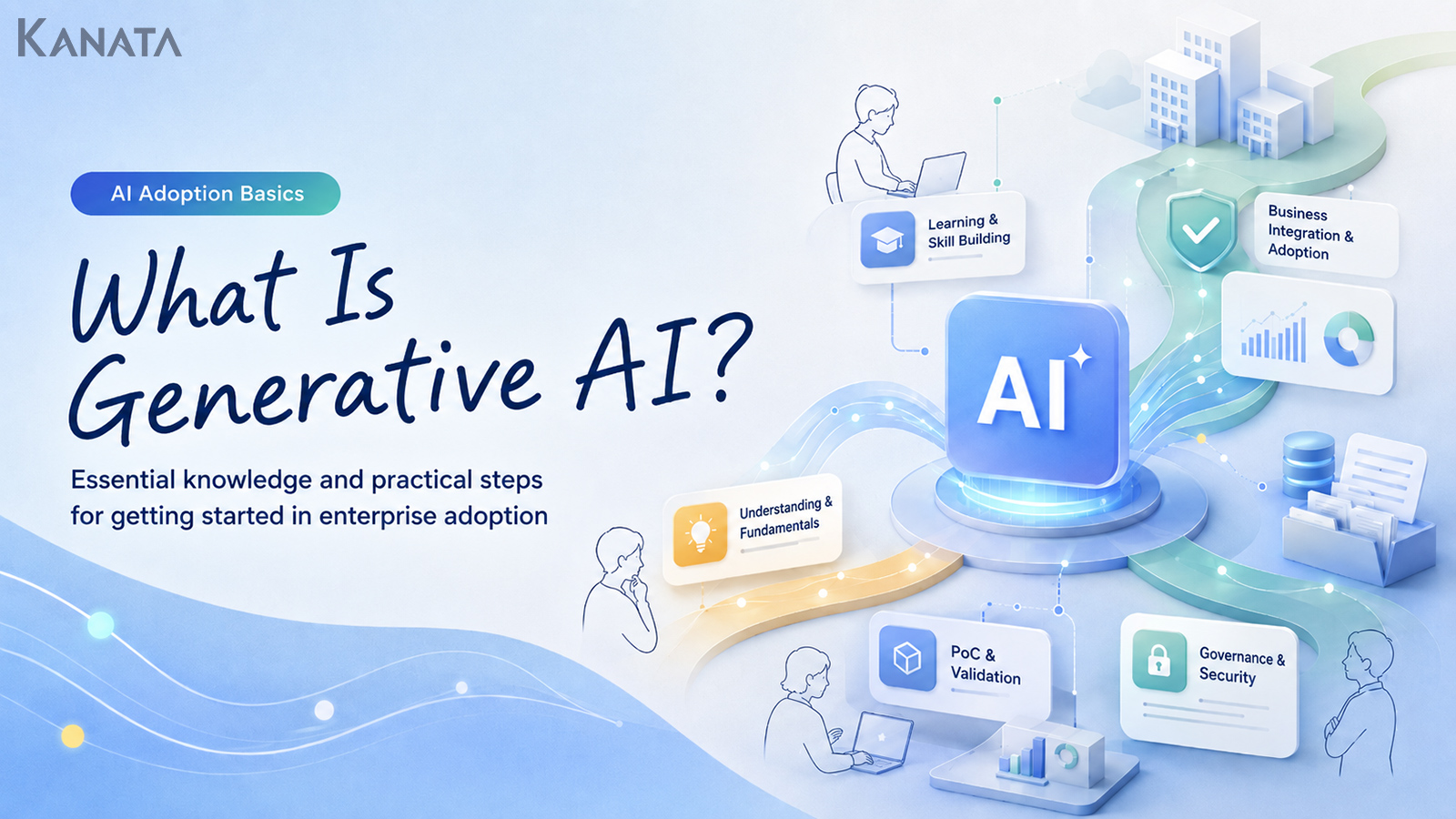



So how much can we actually hand over to AI?
That was the blunt question from a frontline colleague at a company we were helping to prepare a firm-wide generative-AI training programme. IT fretted about data leakage and access control; HR wrestled with designing training that would bring everyone up to the same level; and line managers felt, “It looks useful, but I’d rather people didn’t take a wrong answer at face value.”
Six months earlier, the gap between those who used generative AI and those who didn’t was considerable — how to ask, how to handle internal information, how to check the output, all left to the individual. So we ran a two-week pilot for fifty people, setting out “what generative AI is” and “what it is good at, and what a human should still check.” In the post-course survey, the number who could name at least one concrete way to try it in their own work rose from eighteen to forty-one.
This article is for anyone who knows the term “generative AI” but isn’t quite confident about how their own organisation should handle it. We’ll set out the basic concepts, where it earns its keep in day-to-day work, and the limits worth respecting. The aim is a state in which not just a knowledgeable few but every employee can start from the same shared understanding. That said, generative AI is no silver bullet. It only becomes genuinely safe to use in practice when paired with rules, education and human checks. Do read on with your own work in mind.
What Generative AI Actually Is
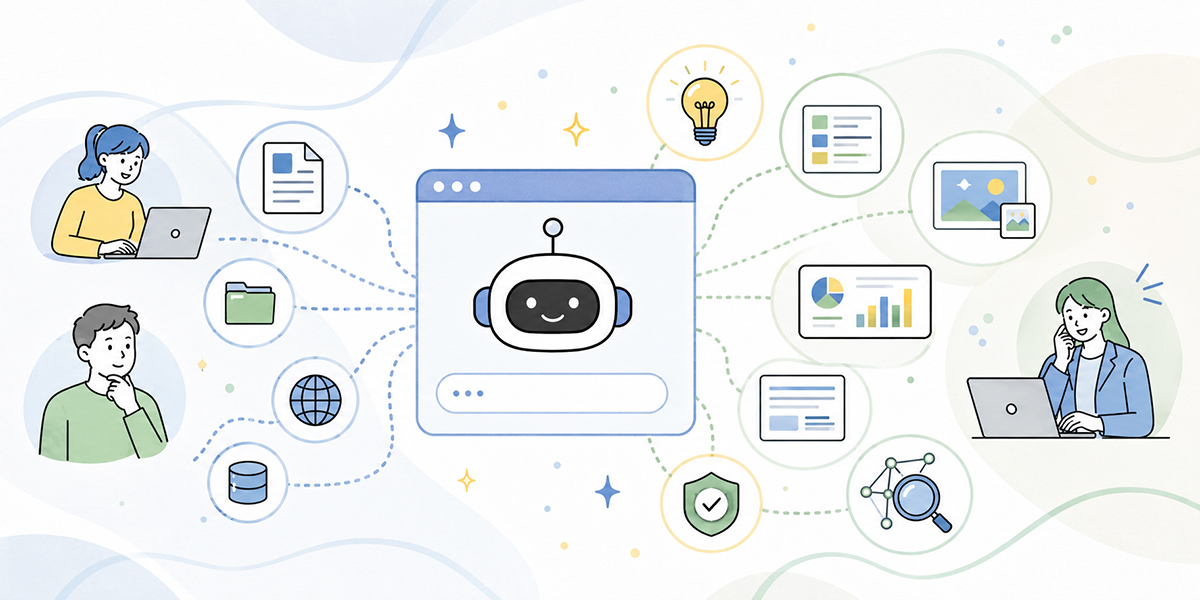
Generative AI is the umbrella term for AI that produces text, images, audio, summaries, ideas, code and the like in response to the instructions you give it. The text you enter as a question or a task is commonly called a “prompt.”
If a traditional search engine is a way of “finding information that already exists,” generative AI is a way of “assembling something new from the information and conditions you provide.” Think turning meeting notes into minutes, drafting an email, condensing a long document, or sketching the outline of a proposal.
It would be a mistake, though, to treat generative AI as “a machine that knows the right answer.” It generates responses that merely look natural based on what you put in. A vague question yields a vague answer; missing context nudges it towards bland generalities; and on occasion it will write something plainly untrue in an entirely plausible tone.
In a business setting you’ll get further by thinking of it less as “AI that hands you the answer” and more as “something that helps a person draft and organise their thinking.”
Why Businesses Are Paying Attention
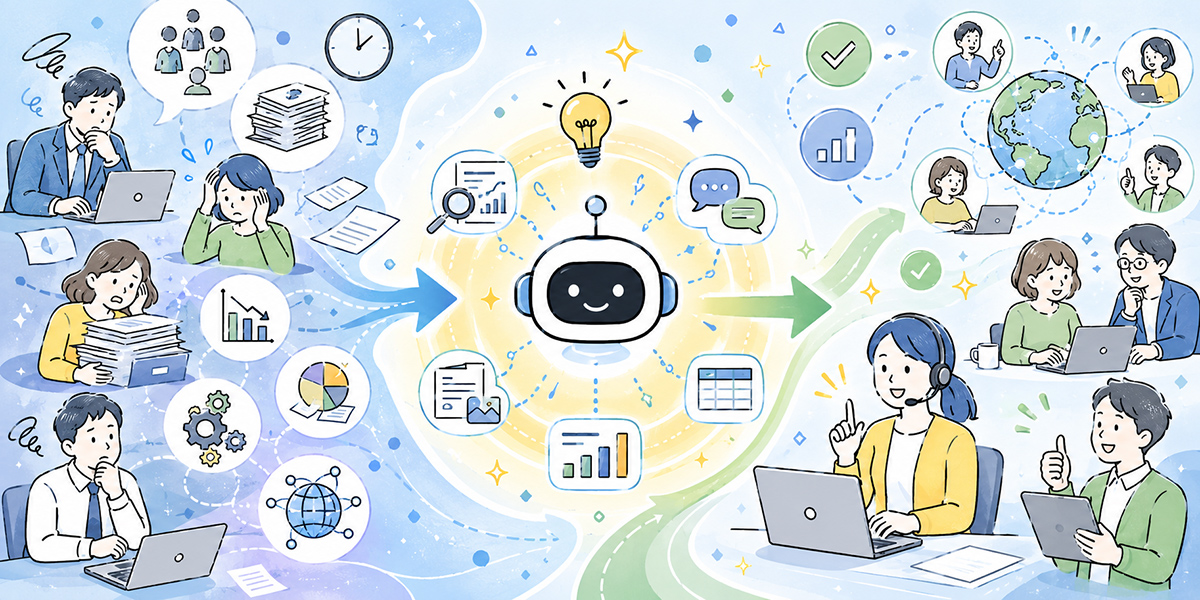
The interest in generative AI isn’t simply that it’s the new shiny thing. In most workplaces a fair amount of time disappears into the “preparation before thinking,” the “draft before writing,” and the “tidying-up before reading.”
Writing minutes after a meeting, organising sales notes, rewriting training material so it reads more clearly, drafting replies to enquiries, polishing a report for your manager — each looks small on its own, but stacked up day after day they add up to a real burden.
Until now, much of this leaned on individual experience and writing ability. The confident writer is quick; the less practised one takes longer. The granularity of minutes varies with whoever takes them. Points get missed in research depending on the person. That is the situation many workplaces have quietly lived with.
Today, generative AI lets you produce a first cut in short order. It won’t always be usable as it stands, of course. But shifting from a blank page to refining a draft or a summary makes it far easier to rethink how the work itself is done.
The point is not to conclude that generative AI “does away with people’s jobs.” The real value in a business is freeing up time for the judgement, the checking, the decisions and the stakeholder alignment that people ought to be doing.
What Generative AI Does Well
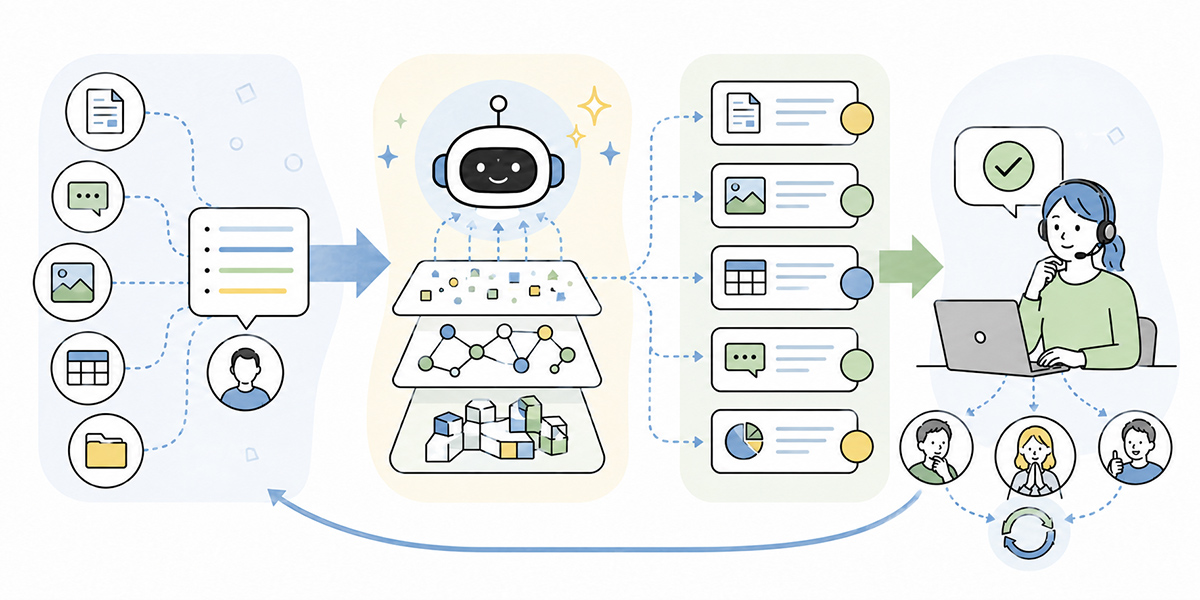
Where generative AI shines is in producing text and structure from information. In business it pairs particularly well with the following.
Drafting Text
First drafts — emails, internal notices, reports, the opening of a proposal — sit firmly in generative AI’s comfort zone.
Take an external request email: writing every word from scratch, people often dither over phrasing and order. Tell the AI “who it is for,” “what you are asking,” and “how formal you want it,” and it will produce a draft.
The final wording still needs a human eye, mind. Whether it reads as courteous, suits your house style, and respects the relationship with the recipient isn’t something the AI can judge on its own.
Summarising Long Material
It is well suited to condensing meeting notes, minutes, training material and research.
On a work-support platform such as Kanata, for instance, the AI summary feature can generate summaries from documents, images, audio, URLs and plain text — minutes and internal materials, transcribe-and-summarise from an audio file, the key points of a web page — all of which eases the load of pulling information together.
The trick with summaries is to be clear about the purpose. “Make it shorter” means different things to different people. Whether it is for the board or for the team, whether you want the to-dos pulled out or the decisions captured, changes the shape of the output entirely.
Generating Ideas and Angles
Generative AI is also handy for brainstorming and for mapping out the issues.
You might ask, “Give me ten themes a generative-AI induction for new joiners ought to cover,” or “Set out the use cases for generative AI in the sales team, with the associated risks.”
Used well, you treat the output not as the answer but as material for checking what you’ve missed. People thinking alone tend towards a narrow view; the AI can offer another angle or a fresh axis of comparison.
Rewriting Text So It Reads More Clearly
You can also use it to recast jargon-heavy text for beginners, shorten a long passage, or warm up something that reads too stiffly.
For firm-wide generative-AI training this matters especially. What is obvious to IT or the DX team can feel rather technical to frontline staff. Generative AI makes it easier to dial the level of explanation up or down.
What Generative AI Isn’t Good At
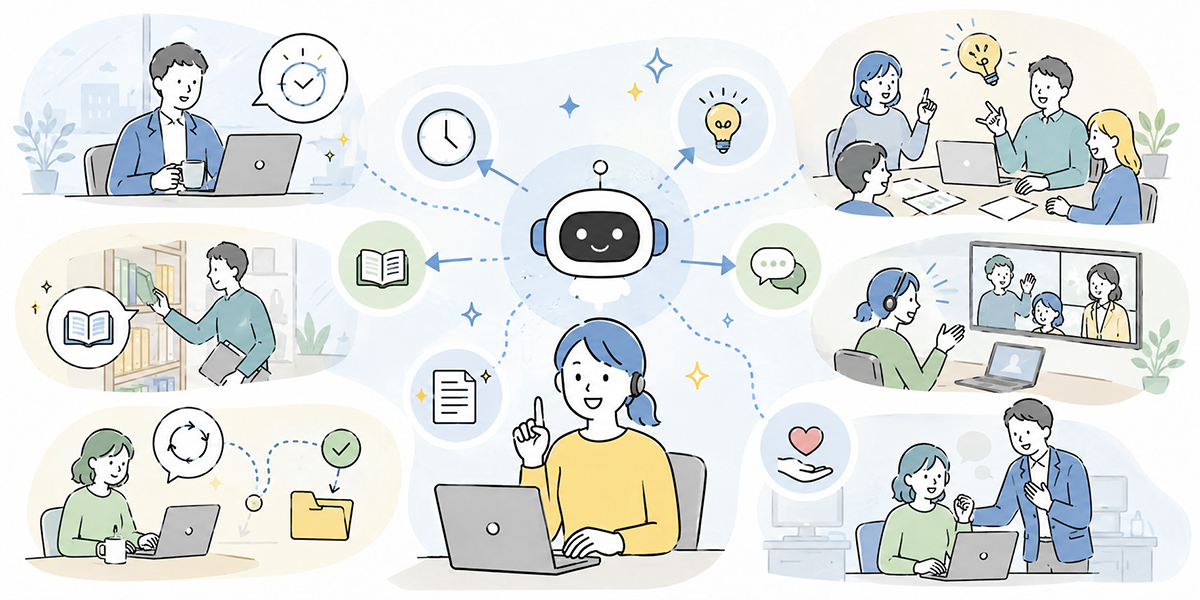
Useful as it is, there are areas you shouldn’t hand over wholesale. Start using it without grasping these and you’ll find yourself doing more checking, not less — or worse, watching wrong information spread inside and outside the company.
Anything That Needs Fact-Checking
Figures, dates, legislation, contract terms, the latest rules, internal policies — these you must always verify against the source.
Generative AI is good at producing natural prose, but it does not guarantee information that is current and accurate. Where law, accounting, employment, healthcare, safety or contracts are involved, a check by an expert or the relevant department is non-negotiable.
Judgements Specific to Your Organisation
“Can we share this with the customer?” “Should we accept this contract term?” “Is this performance-review comment acceptable?” — such calls are bound up with internal rules and with where responsibility sits.
Generative AI can help organise the inputs to a decision, but it cannot carry the final judgement for you. In a company especially, you need to be clear about who checks an output and on whose authority it is used.
Kanata’s own everyday best-practice guidance puts it plainly as a basic principle: always have a person review an output before it goes outside, and never forget the AI may produce a “plausible lie.”
Handling That Hinges on the Relationship
An apology to a customer, feedback to a team member, a message to a job candidate — here it isn’t just whether the text is correct, but the relationship behind it.
You can certainly draft with AI. But how those words land, whether the tone is right for the company, whether it is mindful of the other person’s situation — that is for a human to confirm.
The Perspectives You Need When Using It in a Business
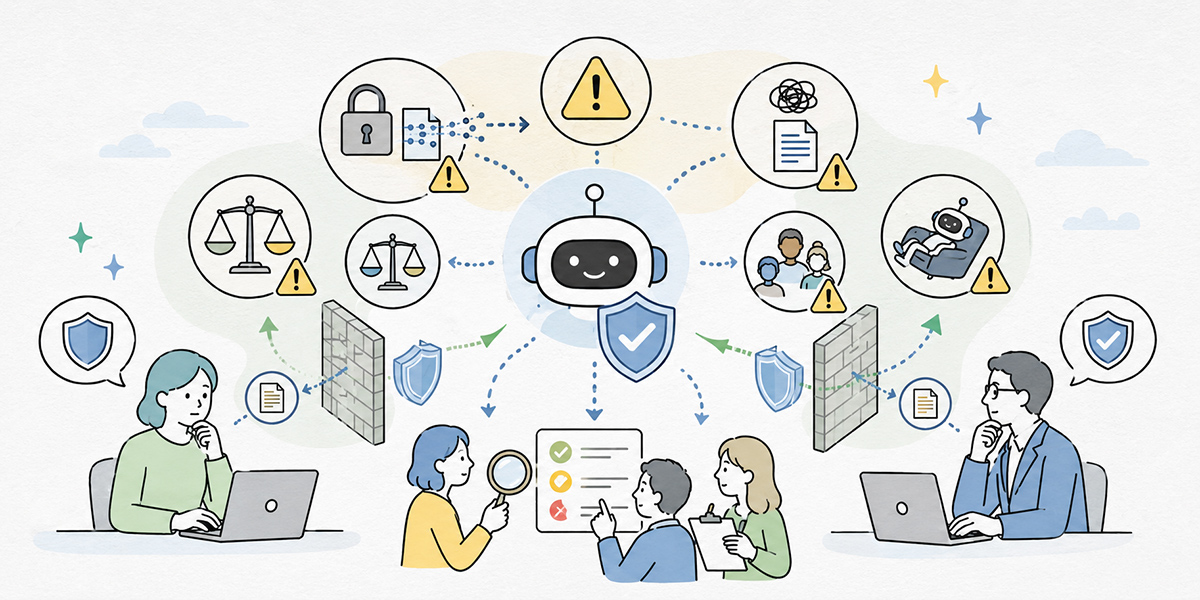
Rolling out generative AI isn’t a matter of simply handing out the tool. In a company you need at least three perspectives: the frontline, the management functions, and the team driving adoption.
Frontline Staff: Make Your Own Work a Little Easier
For frontline staff it’s easier to think of generative AI not as an instrument of grand reform but, to begin with, as an assistant that takes a little weight off the daily routine.
The easiest first tries: drafting internal emails, tidying meeting notes, pulling out your own to-dos, rephrasing text, revisiting training content, batting ideas around.
At this stage there is no need to touch important client documents or confidential information. Start within the bounds where your own efficiency improves, and get a feel for which tasks are worth asking the AI to help with and which are not.
IT and Management Functions: Decide the Safe Boundaries
For IT and the management functions, the question is not the binary “allow it or ban it.” It is deciding which information, in which environment, by whom, and to what extent it may be used.
In particular, you’ll want to settle in advance: whether personal data may be entered, whether customer information may be handled, the conditions for dealing with contracts and proposals, how to separate external tools from a dedicated internal environment, the check before any output leaves the company, and access management for leavers and movers.
Frameworks such as the NIST AI Risk Management Framework make the case that organisations should build AI governance deliberately — under leadership from the top, with risk mapped and managed rather than handled ad hoc. It is voluntary guidance rather than law, but it is a sound reference when you are drawing up your own internal rules.
HR and the DX Team: Get Everyone to the Same Starting Line
For HR and the DX team, the priority is not to let generative AI remain the preserve of a knowledgeable few.
Generative AI is a tool whose outcomes vary markedly with the user. Those who know how to ask get good value; those who don’t are left wondering what to ask in the first place. And using it without understanding the risks, someone may well enter information they shouldn’t.
So a firm-wide foundation course ought to cover: what generative AI is, what it is good and bad at, the basics of a good instruction, what information is fine to enter and what to avoid, the points to check in an AI output, concrete use cases by department, and where to turn when stuck.
What matters here is not talking down to beginners. Rather than stoking anxiety with “you’ll come unstuck if you don’t know this,” it tends to spread more readily if you frame it as “a shared set of rules for trying things safely.”
Internal Rules Worth Settling Before You Start
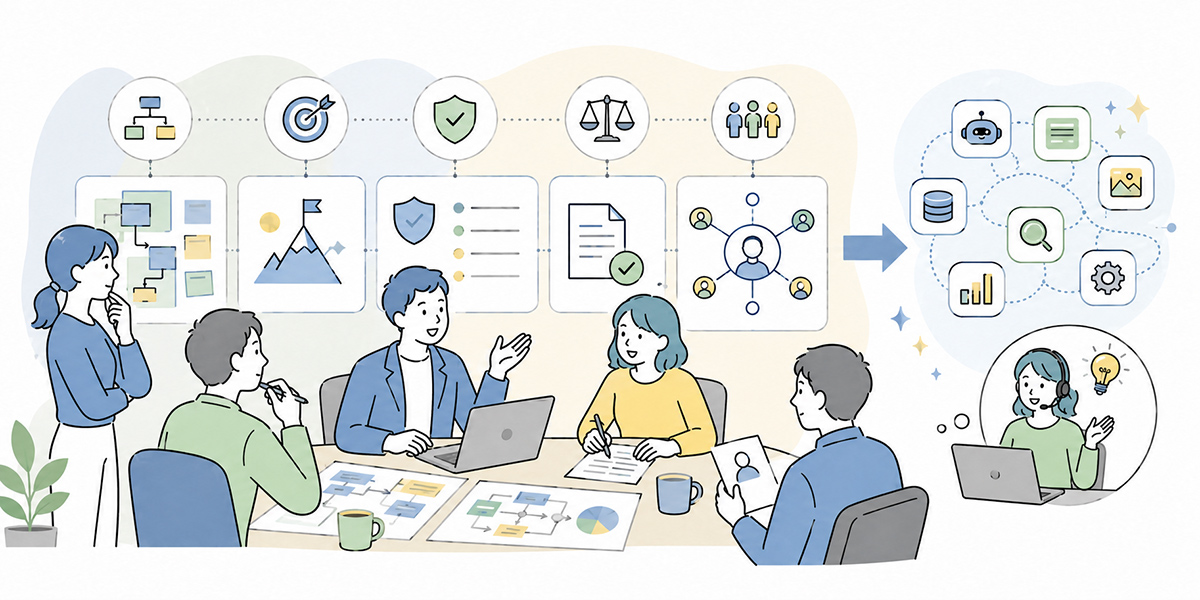
Agreeing a minimum set of internal rules before you begin makes life easier — and calmer — for both the frontline and the management functions.
Separate What’s Fine to Enter From What Isn’t
The first thing to decide is the range of information that may be entered into the AI.
Already-public company information, general work notes, and drafts that don’t identify an individual are relatively easy to handle. Personal data, confidential customer information, undisclosed financials, performance reviews and contract terms, on the other hand, call for care.
When in doubt, “don’t enter it” is the safe default. Where it is genuinely necessary, check with the relevant department, anonymise or mask the data, and use an internally approved environment.
The UK’s Information Commissioner’s Office guidance on AI and data protection stresses much the same balance — handling personal data properly while still capturing the benefits of the technology. It is worth a look as a basic reference whenever personal data is in play.
Don’t Use Outputs As They Stand
A generative-AI output is a draft. Anything bound for outside the company, in particular, gets a human check — every time.
The things to check: figures, dates, proper nouns, consistency with company policy, anything discourteous to the recipient, over-confident assertions, and whether the content needs specialist sign-off from legal, employment or accounting.
AI-written text can look neat and tidy. That is precisely why you shouldn’t let readability lull you — confirm the facts, and confirm where responsibility lies.
Don’t Mix Several Topics in One Chat
When using generative AI, keeping to “one chat, one topic” tends to make the output more stable.
Mix a recruitment email, a sales proposal, an internal policy and a personal query into a single conversation and the context gets tangled, which can lead to output you didn’t intend. When the topic changes, start a new chat. It is a basic rule even beginners can follow.
Share the Instructions That Work
Adoption won’t spread if you leave it entirely to individual ingenuity. Share the prompts that worked across the team and the way everyone uses it gradually converges.
You might keep templates for minutes, email drafts, proofreading, summarising training material, organising sales notes, drafting FAQ answers, and so on.
Kanata sets out the idea of keeping prompts and learning data organised within a project library. Building up reusable instructions and materials for the team makes it easier to move from idiosyncratic use to organised use.
The Basics of a Good Instruction
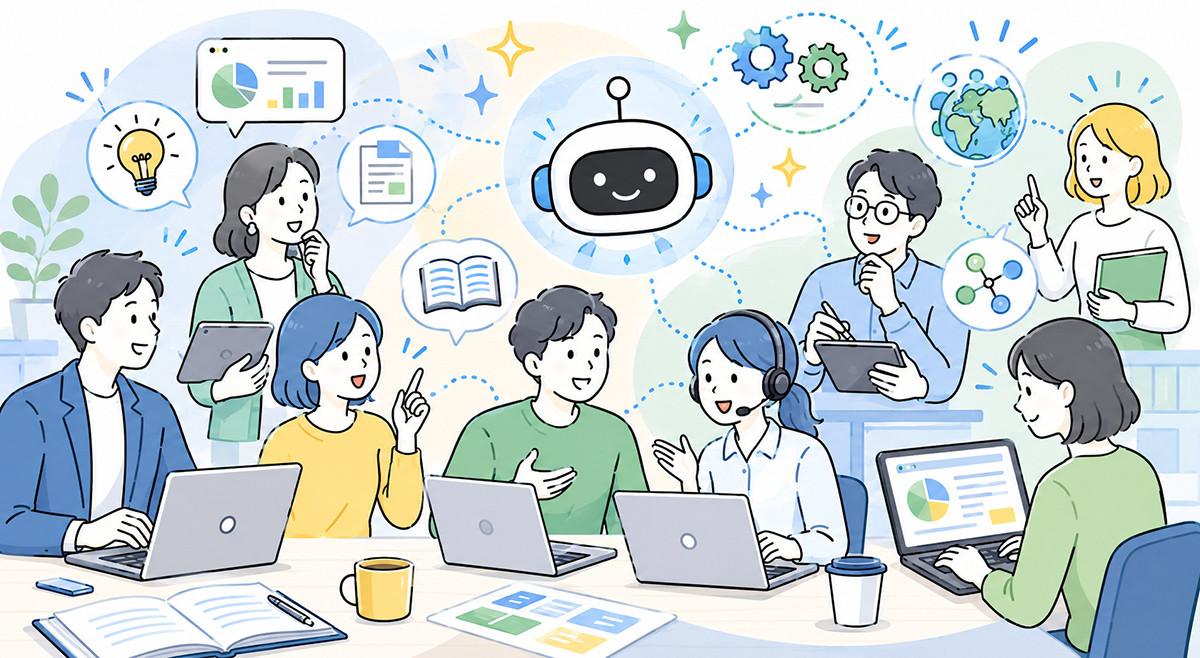
Getting good value out of generative AI comes down to how you write the instruction. You needn’t memorise difficult technical terms, but keeping these six in mind will steady the output.
- State the purpose
- Write what it is for. Not “make this read nicely” but “tidy this into a clear, courteous internal email announcing the training” — that aligns the direction of the output.
- Say who is reading
- A board member, a frontline colleague, a new joiner, a customer — each needs a different amount of background and a different register. Spell out who will read it and you’ll get a more usable answer.
- Hand over the context
- The AI doesn’t know the internal circumstances you haven’t told it. Drafting training material? Enter the audience, the session length, the purpose, what is in scope, and the phrasing to avoid.
- Specify the format
- A table, bullet points, an email, a heading structure — say which. “Under 300 words,” “as a table,” “give me three options” all make the result easier to check.
- Set the constraints
- Constraints are the “don’ts” and the “musts”: “avoid jargon,” “don’t invent figures,” “flag anything uncertain as needs-checking.”
- A human checks at the end
- However clever your instruction, a check is still needed. For internal use, decide who reviews what the AI produced and which range may be used as it stands.
Easy First Use Cases at Work
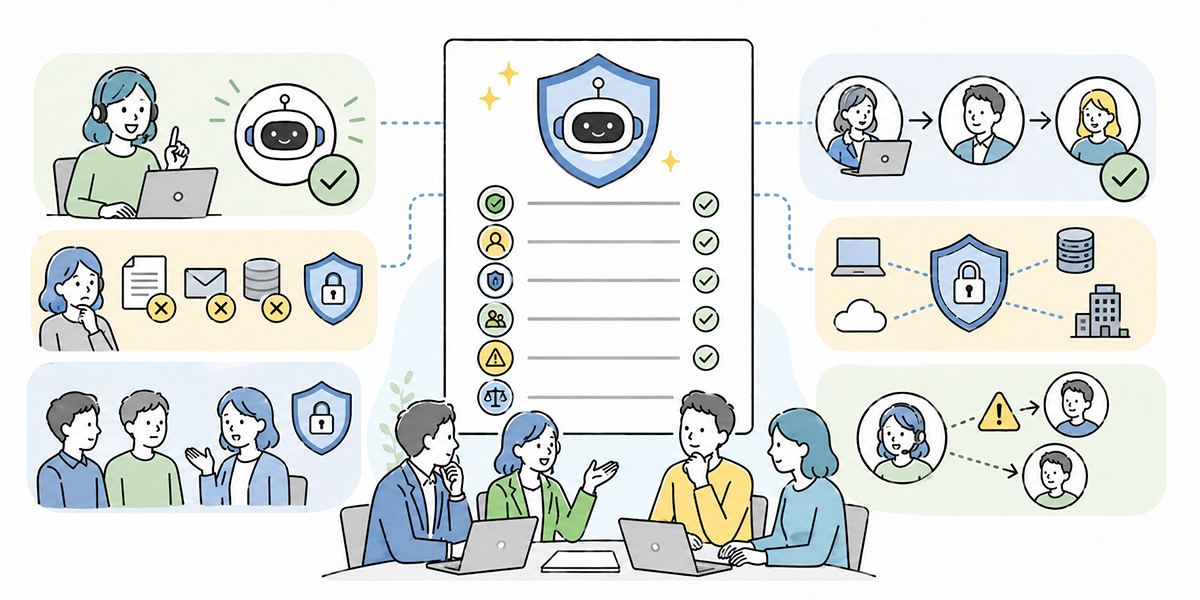
Here are some use cases most employees can pick up fairly easily. The key is not to chase grand transformation from day one. Begin with low-risk tasks where the benefit is easy to feel.
Drafting Emails
Internal announcements and routine messages are an easy first try.
Write an internal email encouraging staff to attend next week’s generative-AI training. The audience is all employees. Keep it readable rather than over-formal. Give me three subject-line options too.
Specify the purpose, the audience, the tone and the output, and you’ll get a usable draft.
Tidying Meeting Notes
Paste in your notes after a meeting and ask:
Organise the meeting notes below into decisions, to-dos, open items and points to check next time. For each to-do, show the owner and the deadline. Mark anything unclear as “needs checking.”
This suits sharing information after a meeting — though do take care with how you handle attendee and customer names.
Summarising Long Text
To shorten training material or an internal notice:
Summarise the text below for staff using generative AI for the first time. Boil it down to five key points, with a brief gloss on any technical terms.
Summaries are handy, but if there is information that mustn’t be cut, say so up front.
Rephrasing Text
Useful when something reads too stiffly, runs too long, or simply isn’t clear:
Rewrite the text below, without changing the meaning, as a clear internal announcement. Keep the sentences on the short side and avoid overly strong wording.
This also helps level out the quality of internal communication.
Revisiting Training
After a generative-AI course, learners can use it to revise on their own:
Help me revise today’s generative-AI training as a beginner, split into key points, things to watch for, and what I can try tomorrow.
Used as a study aid like this, training needn’t be a one-off; it’s far easier to bed it into the work. Kanata’s e-learning feature is built around video content for internal training and self-study, folding AI summaries and question-answering into the learning experience. In AI education too, pairing course content with somewhere to ask questions is one way to help understanding stick.
Common Pitfalls in Adoption
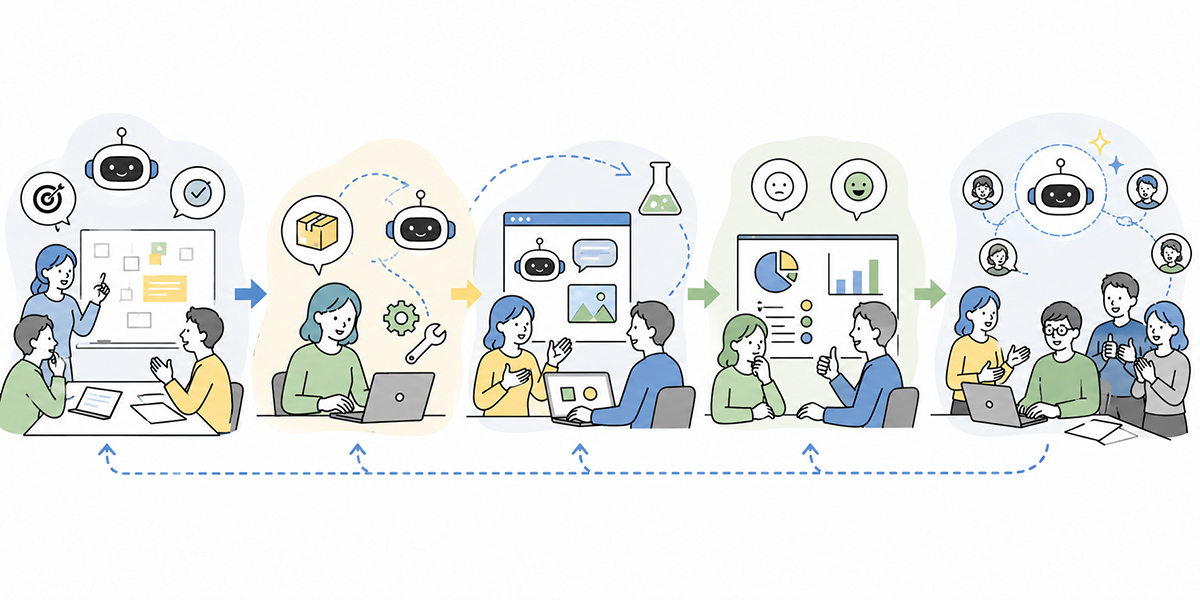
With generative AI the convenience tends to grab the attention — but there are easy ways to trip up. Knowing them in advance takes a good deal of the confusion out of the early days.
Starting With a Vague Purpose
“Let’s just give it a go” rarely beds in. If it’s vague who uses it, for what task, and how much, the gap between users and non-users only widens.
You needn’t roll it out across every task company-wide at once. Better to nail down a few easy uses — email drafts, minutes, course revision.
Communicating Only the Don’ts
Risk management matters, but lead with nothing but “don’t do this, don’t do that” and people simply avoid using it at all.
You need to show, alongside the prohibitions, what people can use it for. Offer safe examples to try and the frontline finds it far easier to move.
No Rule for Checking Outputs
If it’s unclear who checks an AI output, wrong information can slip through unaltered.
External documents, customer dealings, recruitment, performance reviews, legal, accounting and security in particular need a clear check process.
Rolling Out the Tool Without Training
Generative AI doesn’t bed in just because you’ve handed out accounts. Without knowing how to ask, what to watch for and the internal rules, people simply won’t get the most from it.
A firm-wide foundation course should lean less on difficult technical explanation and more on, concretely, how to use it in real work and where to take care.
The First Step to Using It Across the Organisation
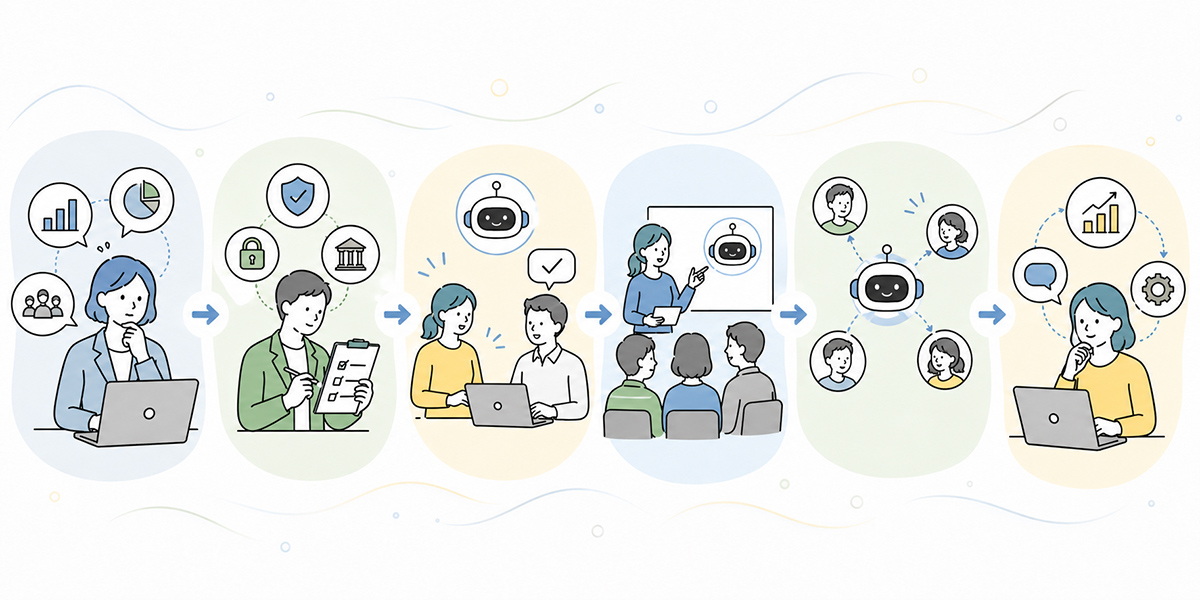
If you’re starting with generative AI across the organisation, the first step is to try it “small, safely, and with shared rules.”
- Decide what information may and may not be handled with generative AI
- Run a foundation course for all staff
- Narrow the first uses to three to five tasks
- Share the instructions you use most often
- Set the rule for checking outputs
- Review the usage and the rules every month
The thing to remember is not to aim for flawless operations from the off. Much of how you use generative AI is worked out as you go.
Information management and security, though, are the one area not to leave for later. Start using it while it’s unclear what may be entered and both the frontline and the management functions get nervous. Putting a minimum set of rules in place first, and trying things within that, is the realistic approach.
How to Think About It With Kanata
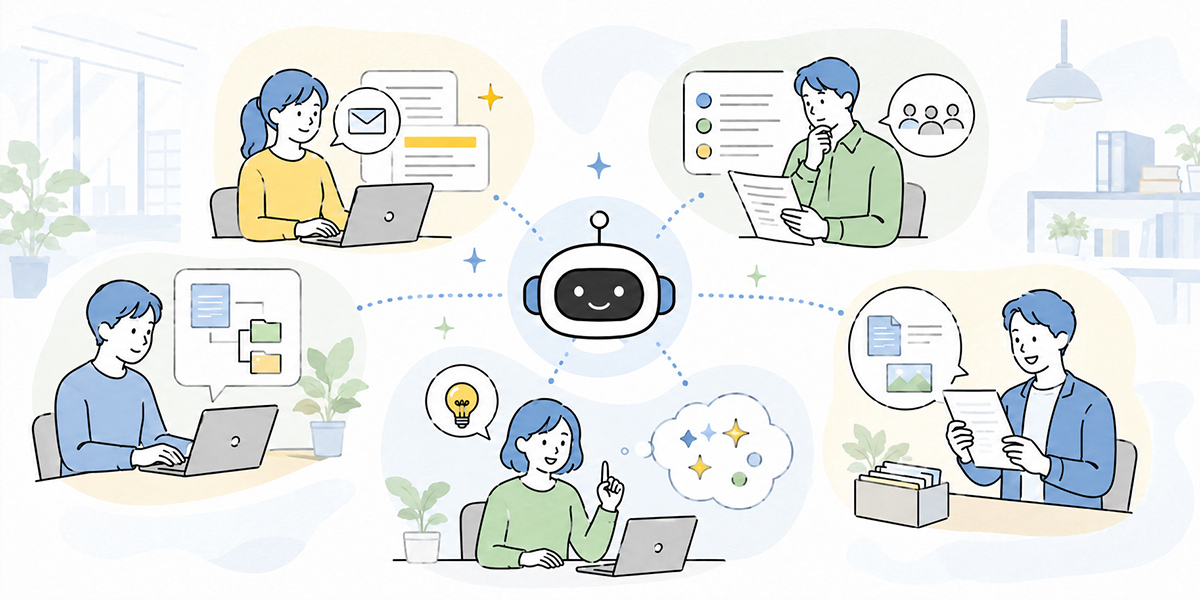
When putting generative AI to work internally, it’s worth considering not only individuals freely using external tools but also providing an environment the team or organisation can actually govern.
Kanata is set out as a platform where AI chat, AI summary and e-learning can be used to fit the work, with the idea of adding apps per project and managing prompts and learning data as a library.
For instance: deliver foundational generative-AI training to all staff via e-learning, have the frontline draft and consult through AI chat, and tidy meetings and materials with AI summary.
That said, Kanata won’t automatically solve every problem. What information to register, who to grant access, who checks the outputs, and which task to start with are still things each company must design for itself.
A tool is only ever a means of supporting rules and operations. Using generative AI in a business takes as much careful design of how it is used internally as it does choosing the service in the first place.
In Summary
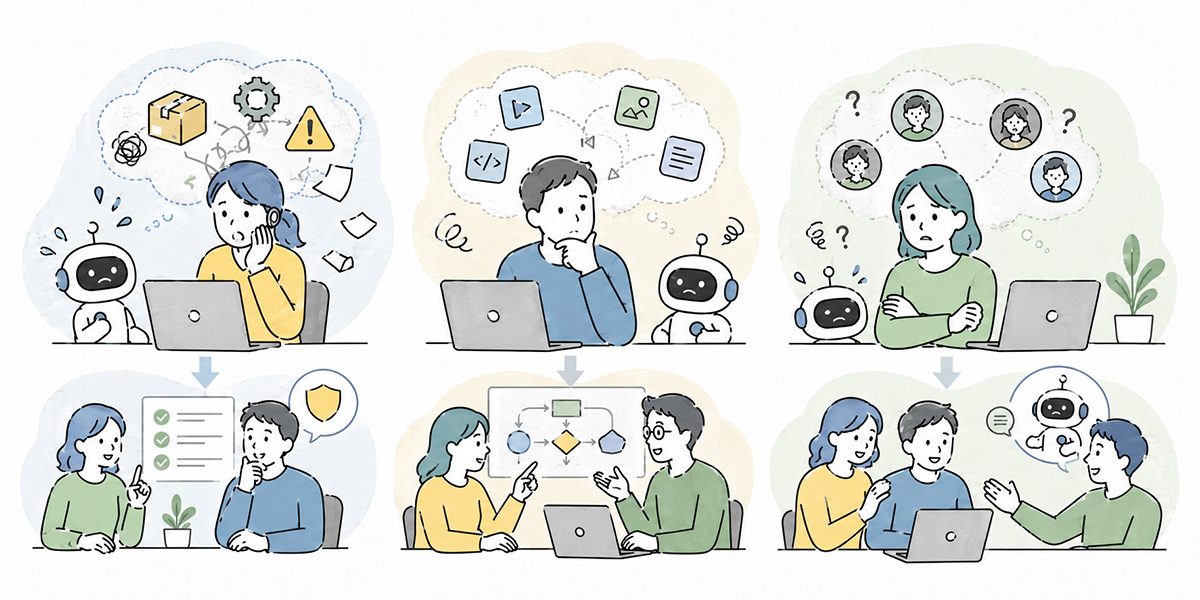
Generative AI is AI that supports drafting, summarising, ideation, organising and rephrasing. In business it earns its place across email drafts, minutes, summarising materials, training support, and the groundwork for handling enquiries.
It is no silver bullet, though. Where responsibility is involved — figures, dates, legislation, contract terms, internal policy, customer information, performance reviews — a human check is indispensable. Separating the work you hand to the AI from the work people own is the basis of using it safely in a company.
In the past, much of writing and organising leaned on individual experience. Now, generative AI is making it possible to produce drafts and tidy-ups in short order. The ideal isn’t a knowledgeable few using it, but every employee sharing the same rules and basic knowledge and using it safely, suited to their own work.
Start with the low-risk tasks. Email drafts, tidying meeting notes, rephrasing, revising course content — small uses are plenty. From there, share what works and update the internal rules and training little by little. That is the first step in putting generative AI to work.
Q&A
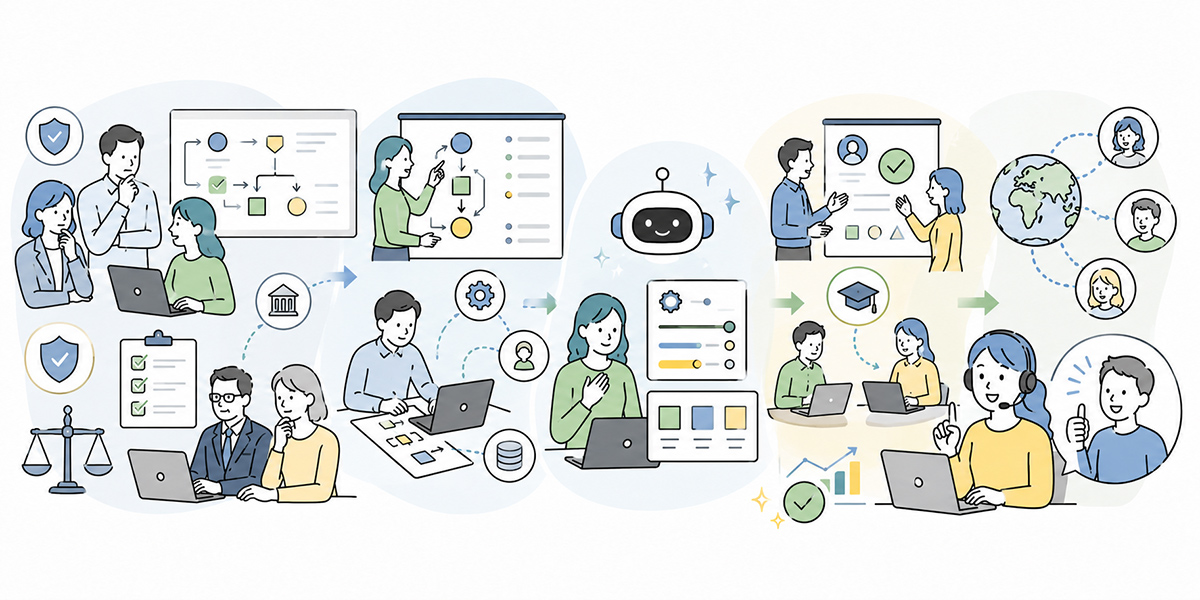
Generative AI is AI that produces text, images, summaries, ideas, code and so on in response to your instructions. In business it is most often used for email drafts, summarising materials, organising minutes and rephrasing text.
How does generative AI differ from a search engine?A search engine is mainly a way of finding information that already exists. Generative AI, by contrast, produces new text or structure from the conditions you give it. Because its answers aren’t always correct, important information still needs checking against the source.
What’s an easy first use in a business?Email drafts, tidying meeting notes, rephrasing text, summarising long documents, and revising course content are all easy starting points. Rather than handling customer or confidential information from the outset, begin with low-risk tasks.
Is there information I shouldn’t enter into generative AI?Personal data, confidential customer information, undisclosed financials, performance reviews, contract terms and sensitive legal or employment matters should, as a rule, be handled with care. If you are unsure whether you can enter something, check your internal rules and anonymise or mask it where needed.
Will adopting generative AI improve efficiency straight away?It helps with a fair bit of drafting and summarising, but results don’t come automatically just because you’ve adopted it. You need rules for input, checks on output, training, and ongoing review. Generative AI isn’t an all-purpose replacement for work — it is most realistic as a tool that supports human judgement and checking.