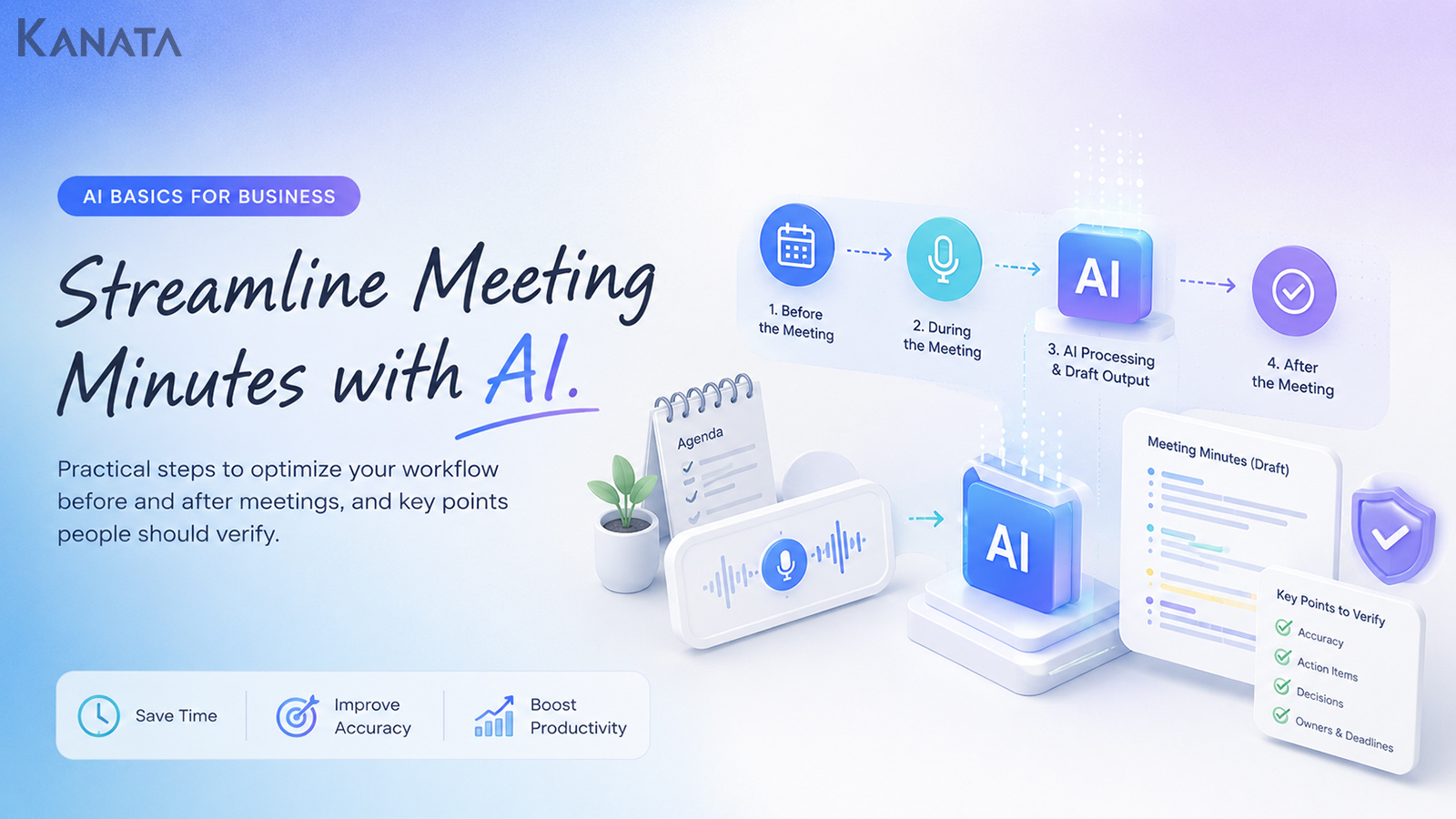



Once the meeting finishes, a second job is only just beginning.
That was the remark from Sato, who sits in the sales planning team and attends eight to ten meetings a week, when she and her support colleague, an HR colleague and her manager sat down to review how minutes were being handled. In the old way of working, she would listen back to the recording after each meeting, pick out decisions and action points by hand, and the write-up would not be shared until the following working day. Now the team feeds recordings or notes to an AI for summarising, and the person responsible simply checks the “decisions”, the “deadlines”, the “intent behind what was said” and “what is safe to share”.
As a rough illustration, if the write-up for a single 60-minute meeting can be brought down from 30 minutes to five or ten, then across ten meetings a week that is somewhere around 200 to 250 minutes saved. This article sets out a practical workflow for before, during and after the meeting, aimed at teams weighing up minute-taking AI, AI-generated minutes, or summary-generation tools for minutes.
The aim is a state in which the AI handles the drafting and the tidying-up, leaving people free to concentrate on judgement and checking. That said, AI cannot fully work out intent or where responsibility sits. Do read this with your own meetings in mind and adapt as you see fit.
What to settle before you lean on AI for your minutes
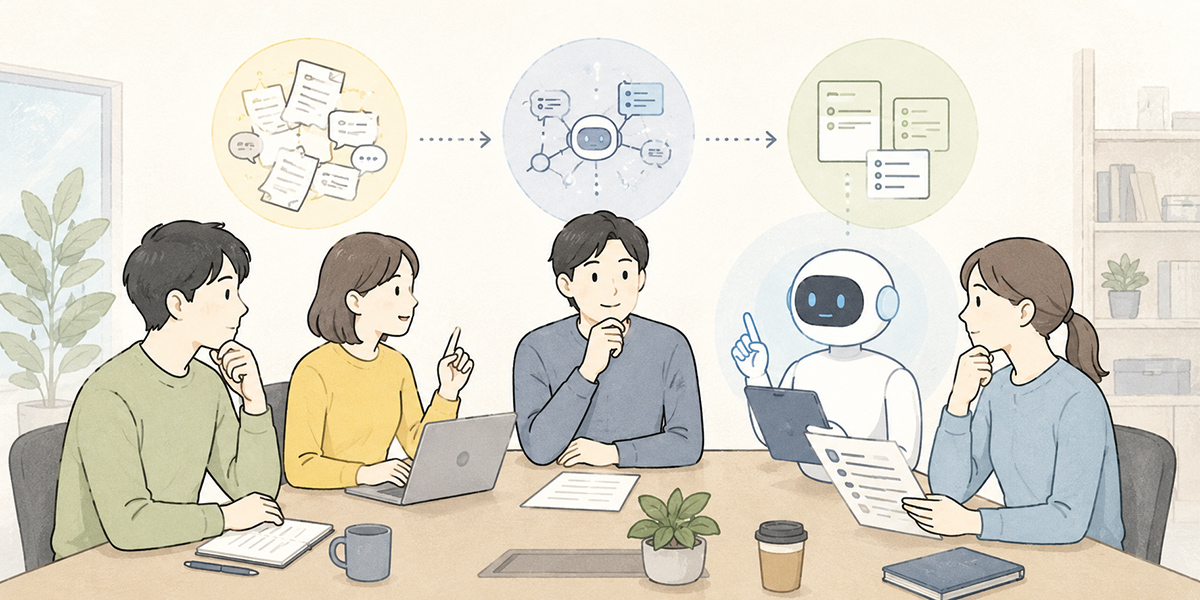
The first thing to decide when using AI for minutes is where the AI’s job ends and a person’s checking begins.
Minute-taking looks like a single task, but in practice it splits into several stages: recording what was discussed, tidying up what was said, pulling out the decisions, sorting action points by owner, shaping it all into something shareable, and sending it round to the people who need it. Have a person do every one of those and the post-meeting load becomes considerable.
Hand the lot to AI, on the other hand, and important judgements can quietly fall through the cracks. It might, for instance, write up something not yet agreed as a “decision”, flatten the nuance of a remark by summarising too forcefully, or sweep in information that ought not to be shared.
For that reason, the sensible position is to treat the AI not as the final author of your minutes but as an assistant that handles the drafting and the tidying-up.
Work that sits comfortably with AI
What sits comfortably with AI is the work of organising information and shaping it into a consistent form.
Think of pulling the key points of a meeting out of a recording or transcript, condensing a long remark into something shorter, putting action points into a table, or listing out what needs doing before the next session. These all fall squarely within summarising, sorting and reformatting, which is where AI is at its strongest. The OECD’s principles for trustworthy AI likewise stress keeping meaningful human oversight over the parts that call for judgement.OECD AI Principles
Work that needs a person to check it
What needs a person’s eye is anything touching on facts, responsibility and judgement.
In concrete terms: whether a decision really was agreed, whether the owner and deadline against an action point are correct, whether a speaker’s intent has been shifted too far, whether any figures or names are wrong, and whether only material that is safe to share has made it in.
Treat the AI’s minutes not as a finished article but as a draft tidied up so it is easy to check, and the whole thing becomes far more workable.
The main tasks AI can make lighter when taking minutes
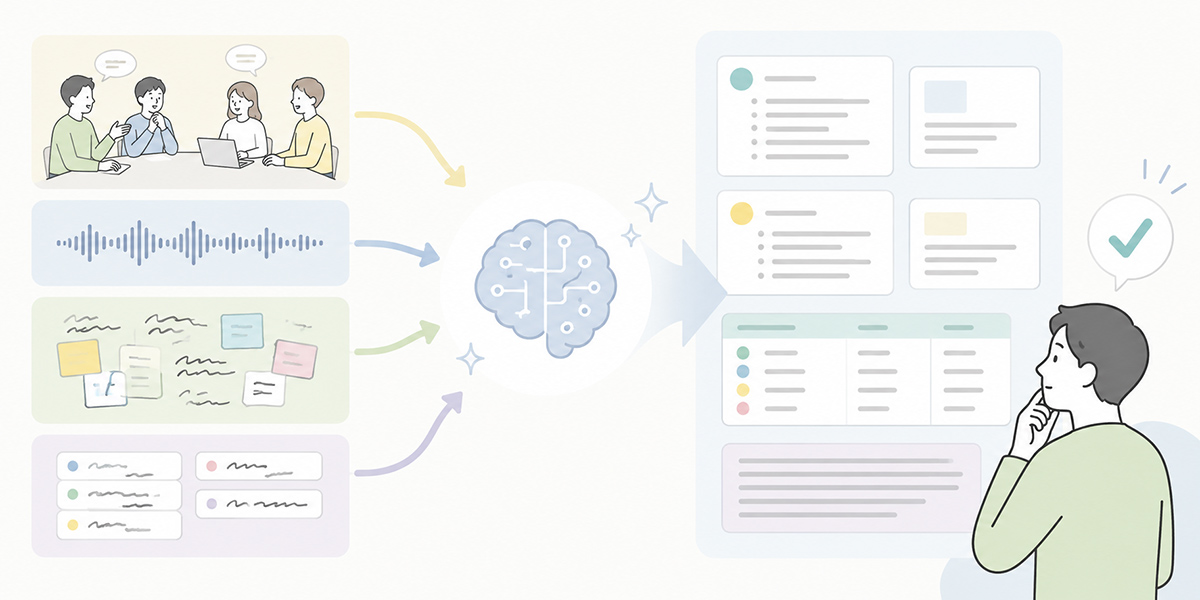
AI does not automate minute-taking from end to end. What it can do is take the time out of the stages that tend to drag.
Pulling the key points from a recording or transcript
The part that eats time after a meeting is reading back through a long recording or transcript while hunting for the bits that matter.
With AI you can produce a draft that pulls the main agenda items, decisions, open questions and action points out of the whole meeting. For anything over an hour in particular, working from an AI summary is often more efficient than a person ploughing through the lot from the start.
Do bear in mind, though, that an AI summary can misjudge what mattered most. Where an important remark was brief, or where a meaningful reservation or dissenting view came up, a person needs to fill the gap.
Sorting out decisions and action points
The most important thing in any set of minutes is what was decided, who is doing it, by when, and what they are producing.
Having the AI lay this out in the following sort of form makes it genuinely usable day to day.
| Item | Content |
|---|---|
| Decisions | What was agreed during the meeting |
| Action points | The work to be done next |
| Owner | The person accountable for getting it done |
| Deadline | The expected completion date |
| Notes | Background, caveats, things to confirm |
With this table alone, carrying the content over into a post-meeting share or a task tracker becomes much easier.
Shaping it into a piece for sharing
Meeting notes may make perfect sense to whoever took them, yet leave anyone reading them later rather in the dark.
With AI you can draft notes shaped for different readers, whether that is participants, a manager or someone who missed the session. For a manager you might lead with decisions and risks; for the people doing the work, with action points and deadlines.
Drawing out the questions for the next meeting
Minutes are a record of the past, but they are also the raw material for the next move.
Ask the AI to “pull out the points we should confirm at the next meeting” and it can organise the open questions and items needing clarification, which feeds neatly into drafting the next agenda.
What to settle before the meeting
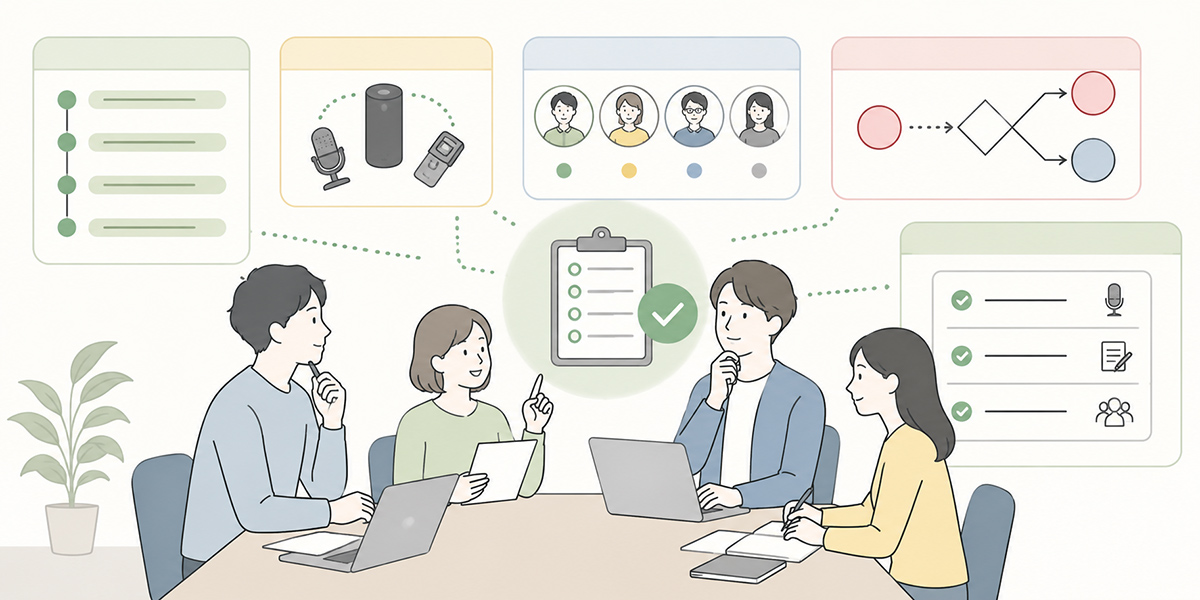
The accuracy of AI minutes is not settled by what you do afterwards alone. The preparation beforehand changes the quality of the output.
Be clear on the meeting’s purpose and who the minutes are for
The same meeting calls for different write-ups depending on what the minutes are meant to do.
For a decision-making meeting, the decisions and the reasoning behind them matter. For a progress meeting, it is each owner’s status and the next action. For an internal share after a client meeting, it is the client’s issues, what was said, how warm they were, and what you propose next.
Settling these three points before the meeting also sharpens the instructions you give the AI.
| What to settle | Examples |
|---|---|
| Who the minutes are for | Participants, those absent, your manager, other teams, clients |
| What the minutes are for | Record-keeping, sharing, sign-off, handover, task management |
| What must be captured | Decisions, action points, deadlines, points of discussion, concerns |
Decide the format first
Ask the AI simply to “write up the minutes” and the format will tend to come out differently every time.
It pays, then, to fix a format for each type of meeting. As a standard, the following structure tends to work well.
[Meeting overview]
- Date and time:
- Participants:
- Purpose:

[Decisions]
-

[Action points]
| Owner | Task | Deadline |

[Key points of discussion]
-

[Open questions / to confirm]
-

[Homework before next time]
-
Using this format every time also makes the minutes easier for the reader to take in.
Kanata sets out the idea of registering prompts in a project library and reusing them. Save a minutes template into the prompt library and you can readily reuse the same instructions for each recurring meeting.
Get consent for recording and transcription
Producing AI minutes often means using a recording or a transcript.
It is best to tell participants in advance that the meeting is being recorded and that an AI summary will be used to write up the minutes. This calls for more care than an internal meeting where clients, candidates or outside partners are in the room.
How you handle recordings and transcripts should follow your own internal rules, contractual terms and data-protection policies. Where personal data, client information, contract details or undisclosed information is involved, you will need to mask it or confirm whether it can be entered before putting it anywhere near the AI. The UK ICO’s guidance on AI and data protection is a sound English-language reference here.ICO guidance on AI and data protection
Sort out what may be entered into the AI
A meeting can mix internal, client, personal and undisclosed information.
A practical approach is to set out categories for the information you might feed an AI, such as public information, general internal information, client transaction data, personal data, sensitive information and undisclosed financial information, and to take care with each.
Before running AI minutes, settle at least the following rules.
| Type of information | Example response |
|---|---|
| General internal information | Handle within an internal-only environment |
| Client and personal names | Mask where necessary |
| Contract amounts and terms | Confirm whether they may be entered |
| Health and sensitive information | As a rule, do not enter |
| Undisclosed financial or HR information | Do not enter |
How to run the meeting itself
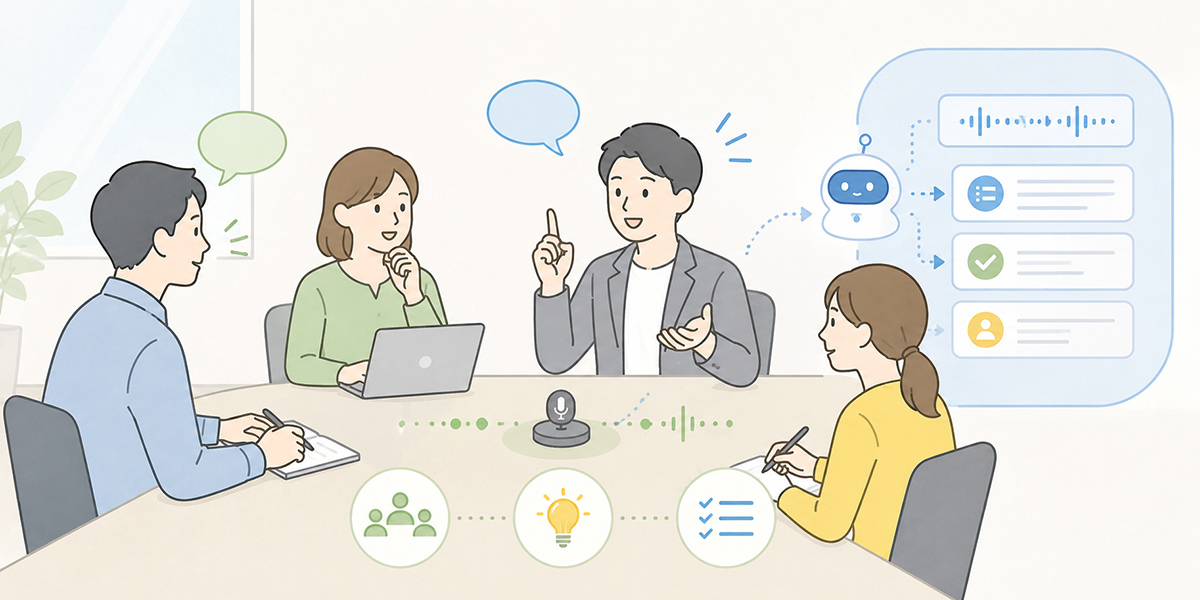
The quality of AI minutes also turns on how people speak and confirm things during the meeting. A meeting that is clear to an AI is a meeting that is clear to people.
State the purpose at the top
Spell out the purpose and the goal at the start, and the AI has a far easier time grasping the context of the whole meeting.
For instance, you might open like this.
Today’s purpose is to decide whether we go ahead with next month’s webinar and how we split the work. By the end of this meeting we want the theme, the date, the owners and the action points for next time all settled.
That one sentence makes it easier for the AI to judge what to treat as important, and gives participants a clear sense of where the meeting is meant to land.
Put decisions into words on the spot
In meetings, people can feel they have vaguely agreed on something, only to find later it is hard to tell whether it was a decision or merely an opinion.
Even when you are using AI minutes, it matters to put decisions into clear words there and then.
So, for today’s decisions: the webinar date is 18 June, the theme is rolling out generative AI internally, and marketing will lead. Are we all agreed?
Confirm it like that and the AI, too, finds it easier to pick the item out as a decision.
Confirm owner, deadline and deliverable for each action point
For action points you need to have settled who, by when, and what they are producing.
A vague version sounds like this.
Let’s get the materials ready before next time.
Left like that, neither the owner nor the deliverable is clear.
A version that works in practice sounds like this.
Tanaka will produce a first draft of the webinar announcement page by 10 June.
Even when you are having an AI write the minutes, if the wording during the meeting is vague, the output will be vague too.
Separate open questions from items put on hold
In minutes, what was not decided matters as much as what was.
That said, it helps to keep “open questions” and “items on hold” apart.
| Category | Meaning |
|---|---|
| Open questions | Things you meant to decide in the meeting but did not |
| Items on hold | Things deliberately set aside from this round of judgement |
| Items to confirm | Things you cannot judge without more information |
Have the AI sort things into these categories and preparing for the next meeting becomes much easier.
The steps for producing minutes with AI after the meeting
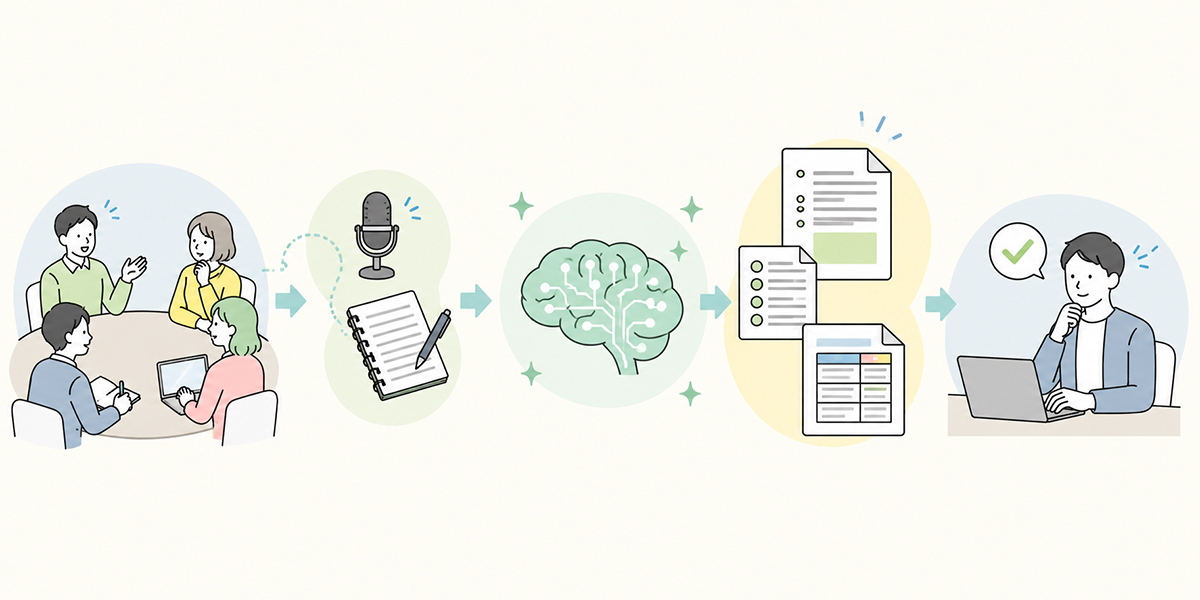
Afterwards the flow runs: hand the AI your material, specify the output format, and then have a person check it and shape it into a version for sharing.
Step 1: Prepare the recording, transcript and notes
First, get together the material you will feed the AI.
That material might include recordings, transcripts, notes taken during the meeting, chat logs, whiteboard content and meeting documents.
Kanata’s AI summarising can take five kinds of input: documents, images, audio, URLs and text. For a recording you would use audio; to paste in meeting notes, text; to fold a document into the summary, the document option.
Step 2: Specify the output format
Next, tell the AI what form the minutes should take.
The trick here is to go beyond “keep it brief” and specify the headings, the tables and the caveats too.
From the meeting content below, produce minutes for internal sharing.

[Output format]
[Meeting overview]
- Date and time:
- Participants:
- Purpose:

[Decisions]
- As bullet points
- Do not include anything not decided

[Action points]
| Owner | Action | Deadline |

[Discussion summary]
- Three to five lines per agenda item

[Open questions / to confirm]
- Mark anything uncertain as "to confirm"

[Rules]
- Leave out small talk and digressions
- Do not fill in figures, dates or names by guesswork
- Where the speaker is unknown, write "speaker unknown"
Tell the AI not just what to produce but what not to do. Spelling out, in particular, that it must not fill in figures, dates or names by guesswork makes the checking far easier.
Step 3: Pull out decisions, action points and discussion points
In the minutes the AI produces, check the decisions and action points first.
What matters here is not how elegant the prose is, but whether it is usable for the next move.
The points to check are as follows.
- Whether each decision really was agreed
- Whether each action point has an owner
- Whether each action point has a deadline
- Whether the deadline was actually confirmed in the meeting
- Whether open questions have crept in among the decisions
- Whether any points to confirm next time have been left out
Step 4: Have a person check it and shape the shareable version
The minutes the AI produces should be checked by a person before they go out.
The following items, in particular, must be checked. As the NIST AI Risk Management Framework underlines, a human review step of this kind is central to using AI responsibly.NIST AI Risk Management Framework
| Item to check | What to look at |
|---|---|
| Figures | Whether amounts, dates, counts and percentages are wrong |
| Names | Whether company, team, personal and product names are correct |
| Decisions | Whether anything undecided has crept in |
| Action points | Whether owners and deadlines are correct |
| Scope of sharing | Whether confidential or personal data is included |
| Tone | Whether the wording might mislead the reader |
Rather than sending on what the AI wrote as it stands, you need a stage that turns it into minutes that are safe to share.
Step 5: Share with the people involved and revise as needed
Sharing the minutes is not the end of it.
After sharing, participants may come back with corrections: “that decision is slightly off”, “the deadline is month-end, not next week”, “this is best shared more narrowly”.
So when you first send them round, it reassures everyone to add something like this.
Here is today’s draft of the minutes. Please check by the end of today that the decisions, action points and deadlines are correct. If there are no corrections, we will treat this as the final version.
Setting a deadline for checking makes it less likely the minutes are simply left to gather dust.
Ready-to-use prompts for producing AI minutes
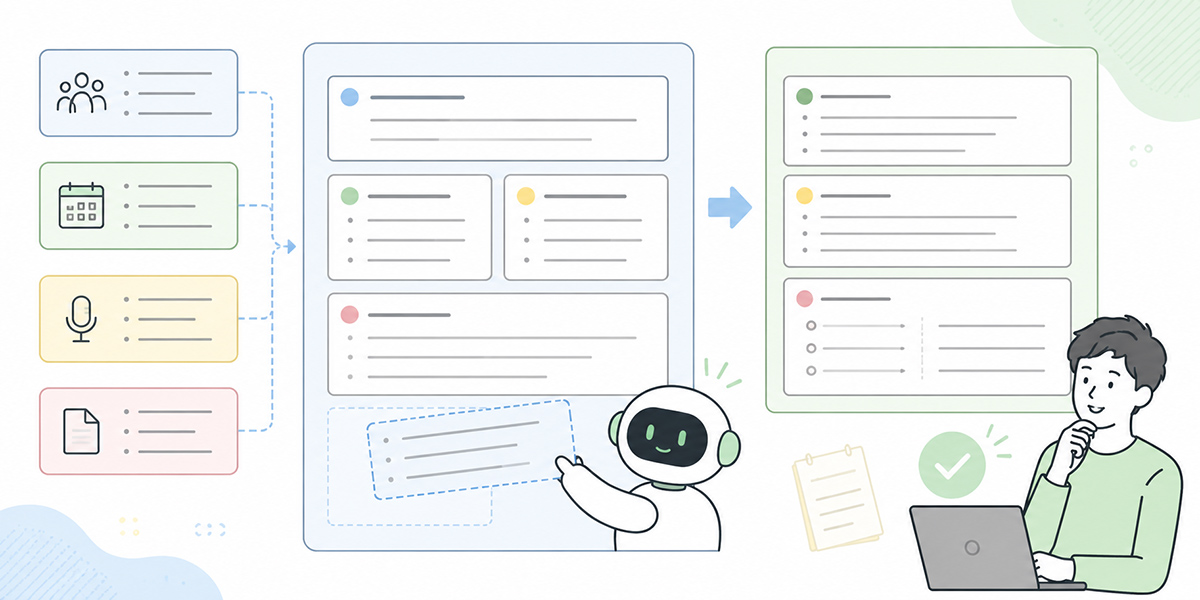
Here are some prompts you can use for different kinds of meeting. Do adjust them to your own meeting names, team names and sharing scope.
Prompt for standard minutes
From the meeting content below, produce minutes for internal sharing.

[Output format]
[Meeting overview]
- Date and time:
- Participants:
- Purpose:

[Decisions]
- As bullet points, decided items only
- Do not include anything not decided

[Action points]
| Owner | Action | Deadline | Notes |

[Discussion summary]
- Three to five lines per agenda item

[Open questions / to confirm]
- Mark anything uncertain as "to confirm"

[Homework before next time]
- Set out what needs preparing before the next meeting

[Rules]
- Leave out small talk and digressions
- Do not fill in figures, dates or names by guesswork
- Where the speaker is unknown, write "speaker unknown"
- Keep the wording polite and concise, suitable for internal sharing

[Meeting content]
{paste the transcript, notes or recording summary here}
Prompt for client and sales meetings
From the client-meeting notes below, produce minutes for internal sharing.

[Output format]
[Meeting overview]
- Client:
- Participants:
- Purpose:

[Client's issues]
- Issues the client stated clearly
- Mark anything we inferred as "inferred"

[Decisions]
- Agreed items only

[Next actions]
| Owner | Action | Deadline | Client side / our side |

[How warm the client was]
- Based on what was actually said
- Do not assert; attach the remarks that support it

[Items to confirm]
- What needs confirming before next time

[Rules]
- Do not assert anything the client did not say
- Do not fill in amounts, timing or contract terms by guesswork
- Where there is confidential information, write "sharing scope to be confirmed"

[Meeting content]
{paste the client-meeting notes or transcript here}
Prompt for HR and recruitment meetings
From the recruitment or HR meeting content below, produce minutes for internal sharing.

[Output format]
[Meeting overview]
- Date and time:
- Participants:
- Purpose:

[Decisions]
- Decided items only

[Items to confirm regarding candidates and staff]
- Mindful of personal data, include only the bare minimum

[Action points]
| Owner | Action | Deadline |

[Points to confirm next time]
-

[Rules]
- Take care with the wording on anything touching personal data or assessment
- Mark inferences or impressions as "inferred" or "impression"
- Do not assert anything uncertain
- Where the sharing scope needs care, write "sharing scope to be confirmed"

[Meeting content]
{paste the meeting content here}
Prompt for leadership and planning meetings
From the leadership or planning meeting content below, produce minutes.

[Output format]
[Meeting overview]
- Date and time:
- Participants:
- Purpose:

[Key points of discussion]
- For each point, set out the background, the views and where the judgement stands

[Decisions]
- Decided items only
- Note the reasoning briefly too

[Open questions]
- Note what has not yet been decided

[Risks and concerns]
- Organise the risks and concerns raised in the meeting

[Action points]
| Owner | Action | Deadline |

[Rules]
- Take care with sharing scope, as undisclosed information may be involved
- Do not fill in figures or dates by guesswork
- Do not confuse opinions with decisions
- Mark anything uncertain as "to confirm"

[Meeting content]
{paste the meeting content here}
What to check when reviewing AI-produced minutes
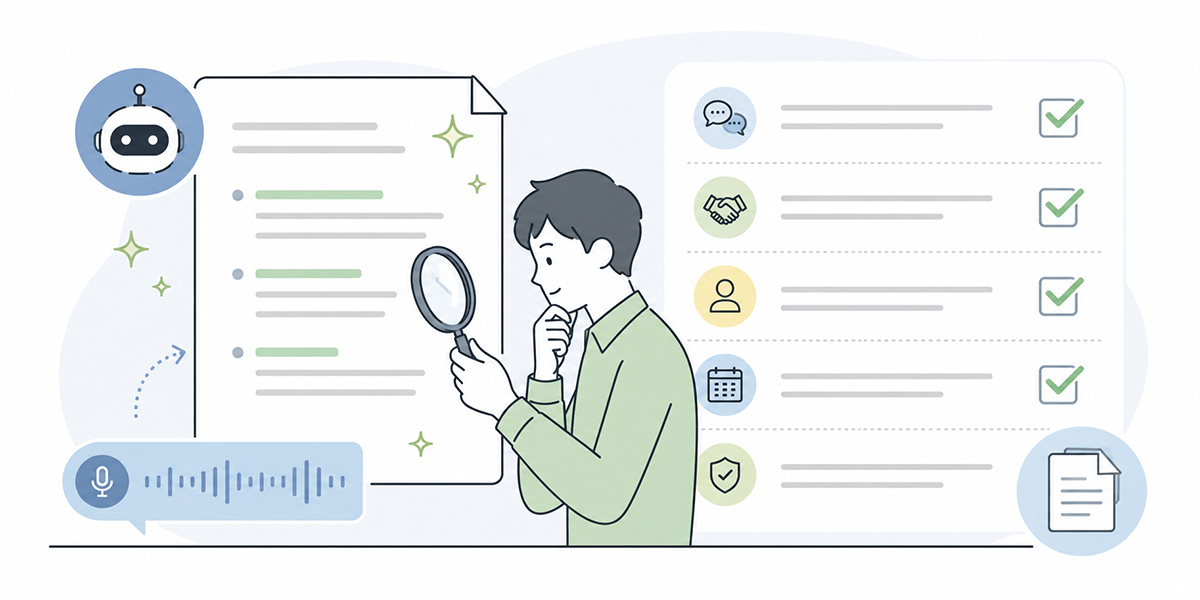
The quality of AI minutes is settled not by the output itself but by the checking process around it.
Whether the decisions are right
The first thing to look at is the decisions.
AI has a habit of treating a forcefully-worded opinion, or something spoken about at length, as though it were a decision. But in a meeting “raised as an opinion” and “formally decided” are two different things.
Check on the following points.
- Whether there was clear agreement during the meeting
- Whether any dissent or reservation remains
- Whether the approver needed for the decision was present
- Whether “we’ll look into it” has got mixed up with “we’ll do it”
Whether the owner and deadline on each action point are right
Action points bear most directly on the actual work in any set of minutes.
Get the owner or the deadline wrong and it knocks on into what happens after the meeting. Check that the AI has not filled in an owner by guesswork, and that the deadline was one actually stated in the meeting.
Where a deadline is unclear, it is safer to write “deadline to be set” or “to confirm” than to have the AI fill it in.
Whether figures, dates and names are right
AI can dress up figures, dates and names so they look plausible.
It might, say, turn a vague “sometime next month” into a specific date, or render a similar product name under a different name.
Amounts, counts, dates, company names, team names and product names should always be checked against the source or the meeting documents.
Whether only information that is safe to share remains
Minutes are shared not only with participants but, later, with other teams or a manager.
So you need to adjust the content to the scope of sharing. Particular care is needed where client information, personal data, contract terms or undisclosed information is involved.
A sound practice is to check named entities, figures and dates against the original before any AI output leaves the building, to cut overstatement and exaggeration, and to put it through a human review.
Tips for making AI minute-taking a team habit
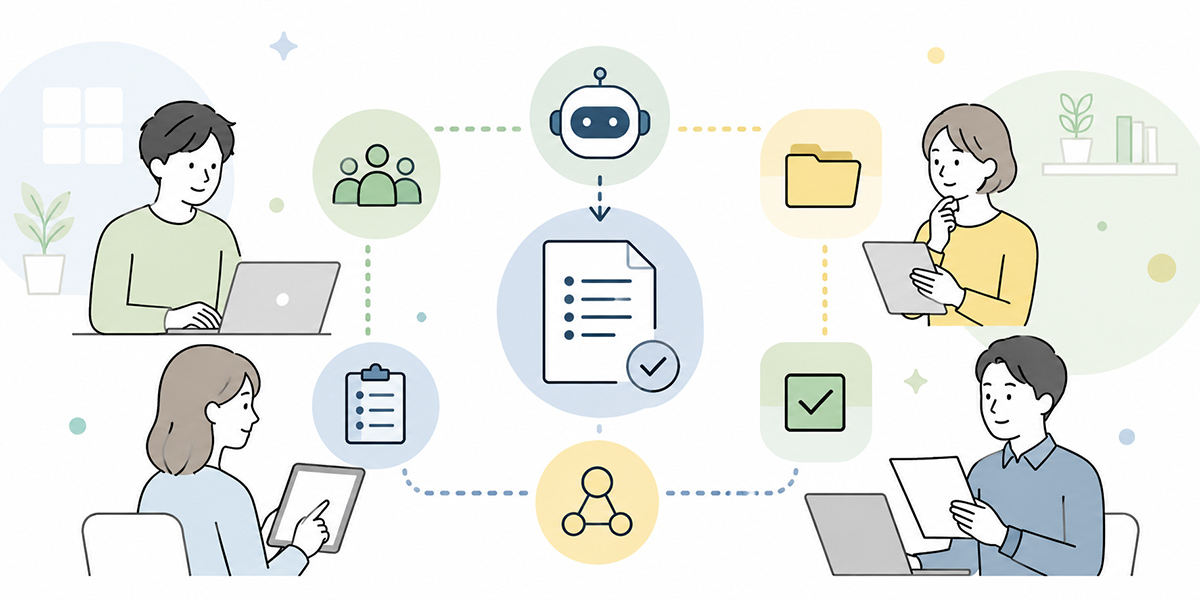
If you are only using AI minutes on your own, simply summarising a recording or some notes already pays off. To use it across a team and keep at it, though, you need some operating rules.
Standardise the minutes template
If the format differs from meeting to meeting, the burden on the reader grows.
Start by splitting templates by type of meeting, as below.
| Type of meeting | What to emphasise |
|---|---|
| Recurring meeting | Progress, issues, action points |
| Decision-making meeting | Points of discussion, reasoning, decisions |
| Post-sales internal share | Client issues, how warm they were, next actions |
| Recruitment meeting | Assessment criteria, items to confirm, next steps |
| Leadership meeting | Key points, risks, open questions |
Save prompts and reuse them
Writing the same instructions out every time is a chore.
It is more efficient to save your minutes prompts as templates and tweak them slightly as needed. Kanata sets out an approach where you register prompts in a project library and reuse them across the AI chat and the summarising tool.
Naming them like this, for instance, makes them easier to find.
- minutes_template_standard_v1
- minutes_template_post_sales_v1
- minutes_template_recruitment_v1
- minutes_template_leadership_v1
Decide who reviews
AI minutes are steadier in quality when the author and the reviewer are different people.
For example, the meeting’s note-taker drafts the minutes with AI, and the meeting owner checks the decisions and action points. For an important meeting, having the relevant department head check too adds reassurance.
Leave the reviewer vague and there is every chance the AI’s output gets treated as the final version as it stands.
Review the output quality once a month
AI minutes are not a case of building a template once and being done.
As the types of meeting and the way the organisation runs change, so do the items you need. Reviewing the following roughly once a month makes it easier to improve.
- Whether decisions are being pulled out correctly
- Whether too many action points are being missed
- Whether there is too much unnecessary information
- Whether it reads well for the people you share it with
- Whether there is anything in the prompt that should be amended
How to go about minute-taking if you use Kanata
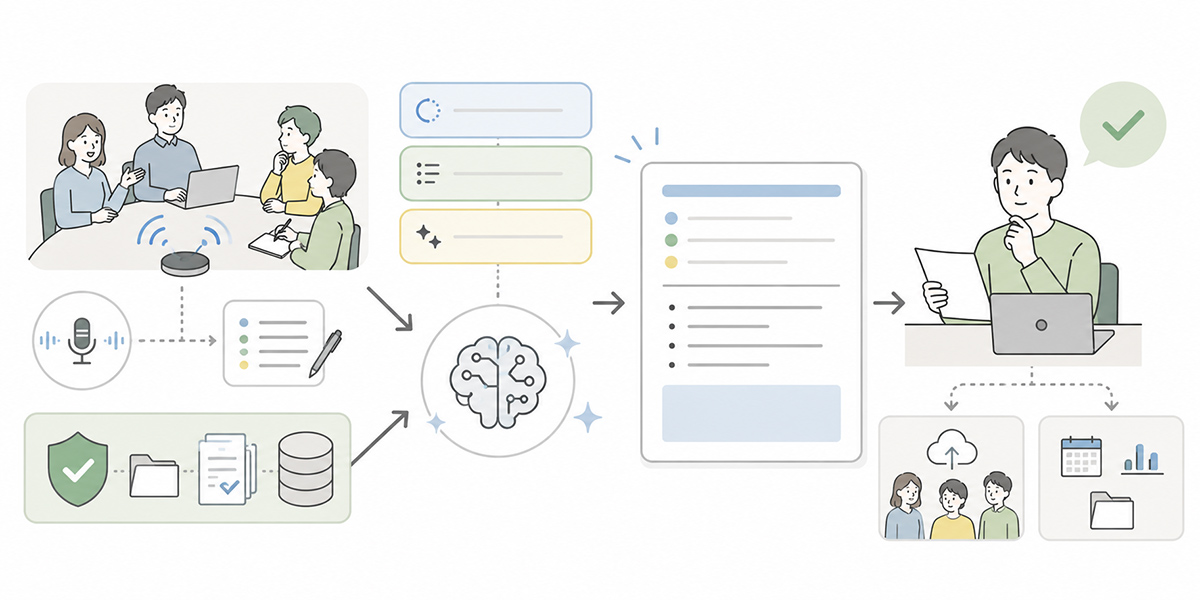
There are plenty of tools and services that can produce AI minutes. When choosing, it is worth comparing how recordings and transcripts are handled, how freely you can set the summary format, whether prompts can be reused, how internal data is managed, and what permission controls are available.
If you use Kanata, pairing AI summarising with the prompt library makes it easier to keep your minutes in a consistent format across different kinds of meeting. Kanata is described as a business-support platform that includes AI chat, AI summarising and e-learning.
Summarise audio, documents and text with AI summarising
When producing minutes there are points where you will lean on AI summarising.
Kanata’s AI summarising is described as taking five kinds of input: documents, images, audio, URLs and text. You would use audio for a recording, text to paste in meeting notes, and the document option to fold meeting materials into the summary.
Specify the minutes format with custom generation
Kanata’s AI summarising is described as offering a choice between automatic and custom generation. For recurring meetings or post-sales shares, where you want the output in a consistent form, specifying the format through custom generation is the more workable route.
For instance, you might enter an instruction like this in the custom-generation field.
Produce minutes under the following headings.
1. Meeting overview
2. Decisions
3. Action points
4. Discussion summary
5. Open questions / to confirm

Mark anything uncertain as "to confirm".
Register a minutes template in the prompt library
If you are taking minutes on an ongoing basis, managing prompts as templates is more efficient than writing them out each time.
Kanata’s operating manual describes a prompt library within the project library, where you can register instructions you use often and reuse them.
Save a minutes template and you can get output in the same format across recurring, sales and recruitment meetings alike.
Shape the share-out and the next agenda with AI chat
Once you have produced minutes with AI summarising, you can use the AI chat to shape the share-out and the next agenda.
For example, you might ask the following.
Using the minutes below, draft a share-out message for participants.
Make the decisions and action points clear at a glance, and end with a line requesting confirmation.
You can also use the open questions to build a draft agenda for the next meeting.
In summary: minute-taking AI is not a tool to offload onto, but one that buys you time to check
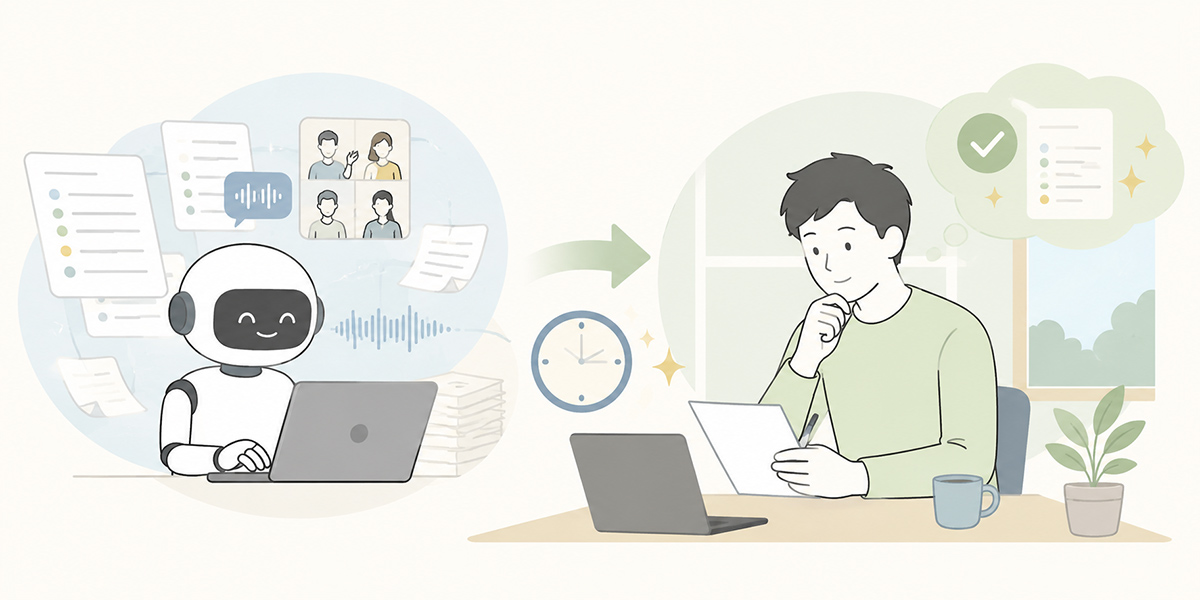
The point of using AI to speed up minute-taking is not to do away with human checking.
If anything, it is to free people up to spend their time on the parts that need checking. Let the AI handle reading back recordings and notes, pulling out key points, putting things into tables and drafting the share-out. People, meanwhile, check the decisions, action points, deadlines, sharing scope and the intent behind what was said. Get that division right and minute-taking shifts from “a heavy job after the meeting” to “work that gets everyone moving on the next step faster”.
You do not need to roll it out across every meeting from the start. The realistic place to begin is with weekly recurring sessions or internal meetings, where the information-handling risk is comparatively low and the format is easy to keep consistent.
Minute-taking AI will not make your meetings better by itself. But put the purpose, the format of the record and the rules for checking in order, and it can help cut the load after a meeting and leave everyone in a better position to move on the next step.
Q&A
Is it all right to share AI-produced minutes as they are?It is safer to avoid sharing them as they stand. AI output can carry misread decisions, missed action points, errors in figures or names, and information that ought not to be shared. Before sharing, have the meeting owner or the person responsible check the content.
What sort of meeting is a good place to start trying AI minutes?To begin with, internal recurring or progress meetings, where the information-handling risk is comparatively low and the format is easy to keep consistent, are the realistic place to start. Client meetings, performance reviews and leadership meetings handle more sensitive information, so it is more reassuring to put input rules and a checking regime in place before bringing AI in.
What does it take to improve the accuracy of AI minutes?Settle the purpose and the minutes format before the meeting, and put decisions and action points into clear words during it. Rather than trying to lift accuracy through the post-meeting prompt alone, it is more effective to get the way the meeting is run into shape, which makes for steadier minutes.
What should I watch for when feeding recordings or transcripts to an AI?Recordings and transcripts can contain personal data, client information, contract terms and undisclosed information. Before entering anything, check your internal rules, your contractual terms and how the AI service you use handles data. Where needed, consider masking personal and client names, amounts and the like.
Where does Kanata sit comfortably?It is one workable option where you want to summarise meeting recordings, notes and documents and shape them into a consistent minutes format. It is particularly worth considering where you want AI summarising to handle several input formats, custom generation to specify the minutes format, and a prompt library to reuse standard instructions.