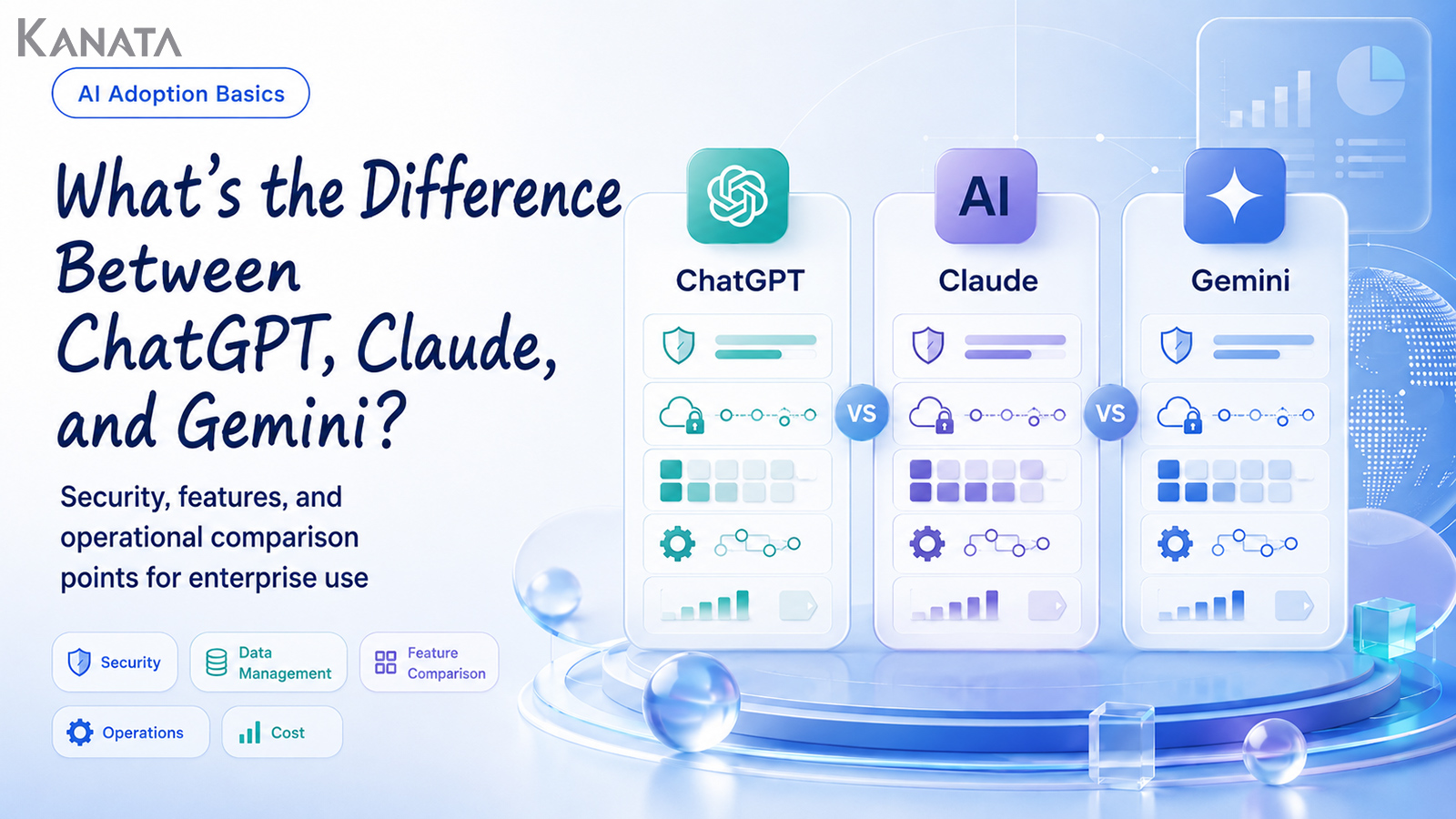



So which one should we make the company-wide standard, ChatGPT or Gemini?
It is a question I have fielded more times than I can count when advising organisations on adopting generative AI. The DX lead steering company-wide AI reskilling, the line manager tasked with improving a particular department, the IT and security officer carrying responsibility for information protection: their vantage points differ, yet by the closing minutes of the meeting the conversation almost always circles back to the same point: which, in the end, should we choose between ChatGPT, Claude and Gemini?
Not long ago, when this was still something individuals were simply trying out, a vague sense that it looked handy or might help with writing was enough to keep the discussion moving. Today it is rather different. Once you are using generative AI as a business, you have to weigh it across several axes at once: security, data handling, integration with existing tools, operational management and overall cost. Without that, explaining your choice internally becomes decidedly awkward.
IT worries about the risk of leaks, HR is busy designing training that lets every employee learn safely, and the front line simply wants to know what will actually change in their day-to-day work. This article organises the differences between ChatGPT, Claude and Gemini not as a ranking but as a set of selection criteria, on the basis of the corporate-facing information each vendor had published as of June 2026. The aim is to reach a position where you can compare them against your own use cases, information governance and training arrangements, rather than deciding on brand recognition alone.
That said, choosing a generative AI tool does not, on its own, make adoption stick. You also need to think about operating rules, training, reviewing usage logs, and tidying up prompts and reference data. For now, read on and treat this as a practical set of criteria you can take into your own evaluation meetings.
ChatGPT, Claude and Gemini: the differences in a nutshell
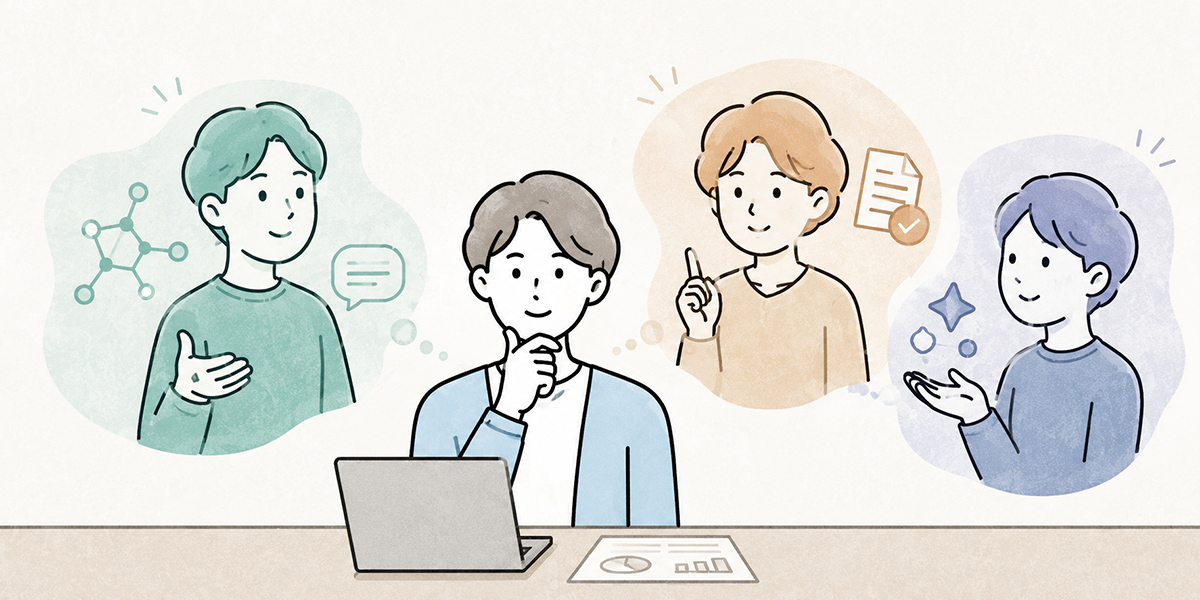
ChatGPT, Claude and Gemini are all general-purpose generative AI services that you can put to use across a wide range of tasks. So at the first pass of comparison, you may well feel they all look much the same.
When people ask me to help with selecting an AI service, the opening question is often simply which one is the cleverest. I understand the instinct entirely. If you are going to take out a corporate contract, you would rather pick the best performer, and being able to tell the front line that this is the most capable AI makes for a tidier explanation.
For business use, however, choosing on raw cleverness alone is a quick route to a poor decision. What matters is whether the tool fits your operating environment, your information-governance policy, your existing tools and the way you intend to train staff.
| Service | Traits often seen in business use | When it is worth considering |
|---|---|---|
| ChatGPT | Versatility, data analysis, coding support, agent-style assistance with tasks | When you want a common tool used across many departments |
| Claude | Long-document comprehension, writing quality, structuring, review work | When document review, summarising, planning and legal or HR writing feature heavily |
| Gemini | Integration with Google Workspace; affinity with Gmail, Docs, Sheets, Slides and Meet | When the whole organisation already runs on Google Workspace |
ChatGPT tends to be seen as a versatile, general-purpose generative AI that is easy to use across a broad spread of work. For ChatGPT Enterprise, OpenAI describes business use that includes connecting to company data, Codex, deep research and the ChatGPT agent. OpenAI’s official ChatGPT Enterprise page
Claude is a service many organisations feel plays to its strengths in long-document comprehension, structuring text and producing careful written work. For Claude Enterprise, Anthropic describes an enterprise offering that includes Claude Code and Claude Cowork, and publishes security and compliance information in its Trust Center. Anthropic’s official Claude Enterprise page
For organisations that live in Google Workspace day to day, Gemini is notable for slotting in alongside existing mail, documents, spreadsheets, slides and meetings. Google Cloud positions Gemini Enterprise as a foundation for agent development and enterprise AI adoption. Google Cloud’s official blog on Gemini Enterprise
In short, the difference between the three is not whether they can generate text. It shows up in where you embed them in your work, who manages them, what information they handle and how you roll them out across the organisation.
In business use, don’t compare on model performance alone
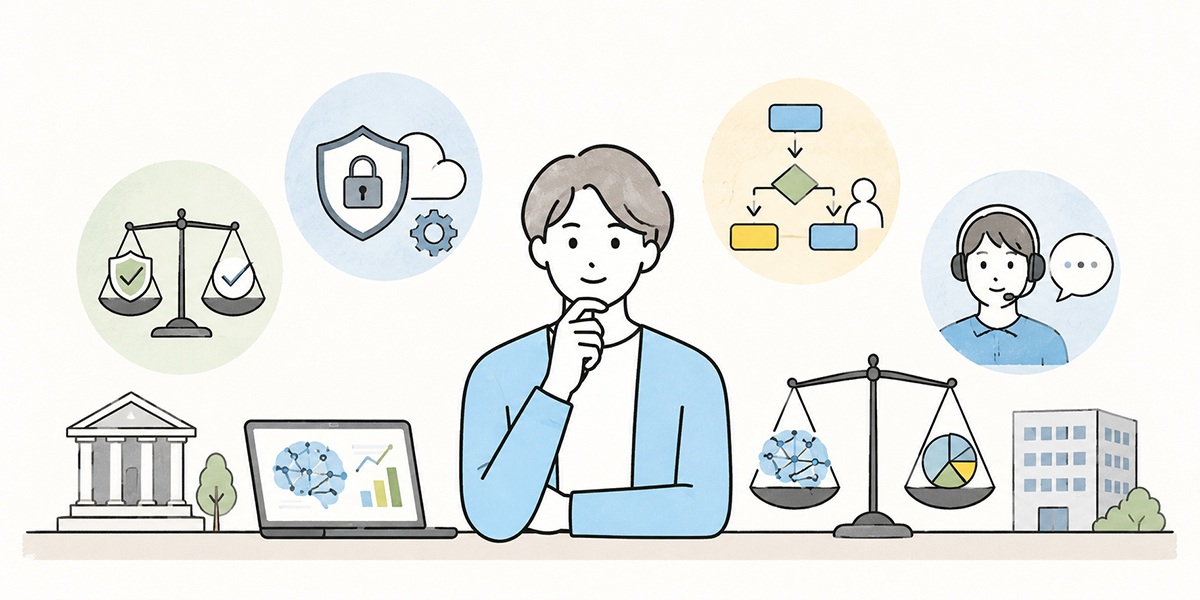
When comparing generative AI services, the conversation tends to slide towards which AI is the cleverest, or which gives the most accurate answers. Output quality matters, of course. Natural prose, accurate summarising, reasoning power, handling of long texts and the quality of generated code all bear directly on real-world use.
For business use, though, that is not enough on its own. When an organisation deploys generative AI, you are not only asking whether one employee finds it handy; you have to answer questions like these.
- How is the information employees type in actually handled?
- Can administrators see how the tool is being used?
- Can you cleanly revoke access for leavers and people who move roles?
- How do you protect confidential and personal information?
- Can everyone use it under the same set of rules?
- Can you tailor training to each department’s use cases?
- Beyond the monthly fee, do the operating, training and management costs stack up?
Even in the projects I support, a discussion that opens with which AI performs best invariably migrates towards who will manage it, how we define what may be entered, and what the front line needs in order to keep using it. Skip past all that at the point of adoption and you tend to get a burst of enthusiasm for the first few weeks, followed a few months later by a tool only a handful of people still touch.
For individual use, verdicts such as easy to use, fast to answer and natural-sounding may be quite sufficient. For business use you have to factor in security, operations, training, cost and the connection to existing systems.
At Kanata we place real weight on separating the work that people do from the work you hand to AI. Fact-checking, final decisions and relationship-bearing conversations stay with people; drafting, summarising, tidying up, marshalling the arguments and getting research started can go to the AI. On top of that, a person should always review the AI’s output, and it is important to settle in advance which information may be entered and which should be kept well clear.
This principle holds whichever of ChatGPT, Claude or Gemini you choose. Before you select a tool, deciding what you are going to entrust to the AI is the first step in business use.
Check the security and management features
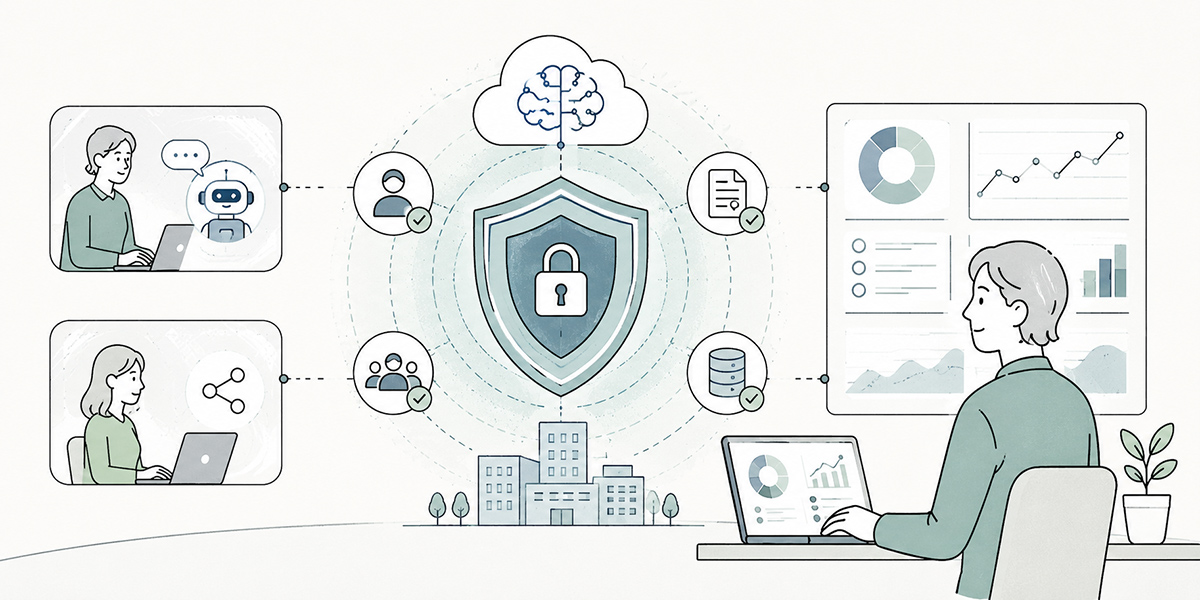
The first thing to check for business use is the security and management features.
Generative AI sits close to the substance of your work: emails, minutes, proposals, contracts, internal policies, customer-service notes. If, because it is convenient, each employee simply starts using it on a personal account, you can lose sight of where information goes in, where it is stored and how widely it is shared.
When I am consulted about generative AI, I always make a point of asking whether staff are already using it on personal accounts. In a great many organisations the answer comes back as probably yes, or we cannot say for certain. That is hardly unusual. If anything, now that generative AI has spread so quickly, most organisations find themselves standing at exactly the same threshold.
The items worth checking carefully are these.
| Item to check | What to look for |
|---|---|
| User management | Whether administrators can add and remove accounts and change permissions |
| Authentication | Whether it supports SSO, two-factor authentication, IP restrictions and the like |
| Log management | Whether you can review usage and audit logs |
| Data protection | Whether the handling of input data, output data and attachments is clearly set out |
| Permission separation | Whether access can be scoped by department, project and role |
| Contracts and audit | Whether you can confirm security certifications, compliance and contract terms |
ChatGPT Enterprise describes business use that includes connected data sources and agent features. Even so, the management features and data handling you can actually use depend on your contracted plan and administrative settings, so you do need to check the official information against your contract terms. OpenAI’s official ChatGPT Enterprise page
For Claude, Anthropic points to its Trust Center as a source for verifying enterprise security and compliance. If you are weighing a corporate contract, it is worth going beyond the sales material to the Trust Center and the contract terms. Anthropic’s official Claude Enterprise page
For Gemini you need to assess the management features in the context of Google Workspace and Google Cloud. The Google Workspace pricing page shows that Business Plus and Enterprise include management and security features such as Vault, DLP, Context-Aware Access and endpoint management. Google Workspace’s official pricing page
The important thing here is not to decide on a vague impression that something looks secure. You should draw up a checklist of the items to verify in light of your own information-security policy, your personal-data protection policy, the NDAs you hold with partners and any industry regulation, and only then compare.
Check data handling and use for training
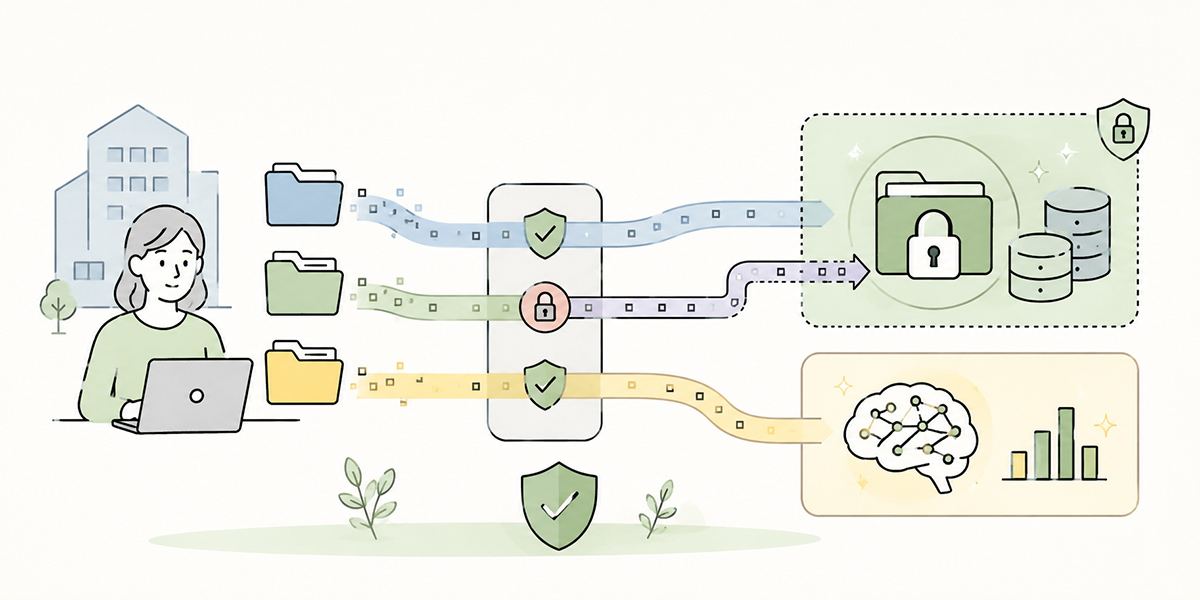
The next thing to check is how input data is handled.
When organisations use generative AI, what most people worry about is whether the information they type in will be used to train the AI, whether it could leak outside, and whether it can be deleted. There is no getting around this, whichever of ChatGPT, Claude or Gemini you pick.
There are five main points to confirm.
- Whether input data is used to train the model
- How long conversation history and attachments are retained
- Whether administrators can control retention, deletion and sharing scope
- Whether the terms differ between API use and the chat interface
- Whether data handling differs between consumer and business plans
One thing to watch in particular: do not treat the experience you formed on a free or personal paid version as if it were the basis for business use. Business plans may come with separate management features, data protection and contract terms. Equally, the features available and the retention conditions can differ by plan and contract type.
When I explain this, I describe it as two distinct exercises: confirming convenience, and making a business decision. Letting the front line trial the free version is genuinely useful for gauging fit with the work. But if you settle a company-wide rollout on that basis alone, the data-governance and contract checks end up shunted to the back of the queue.
So when you compare pricing and data-use terms, you must always note the date of checking, the plan in question and the contract terms. Specifications and prices can change, so confirm against the official information and the contract before any final decision.
At Kanata we adopt the idea of organising users, data and apps by project so that teams can collaborate safely. Where the type of information handled and the people who may view it differ between, say, sales, HR and corporate planning, separating management by project makes it easier to avoid information becoming muddled together.
Alongside selecting the generative AI tool itself, it matters just as much to decide which information, handled by whom and within what scope, will be used inside the organisation.
Look at features and strengths task by task
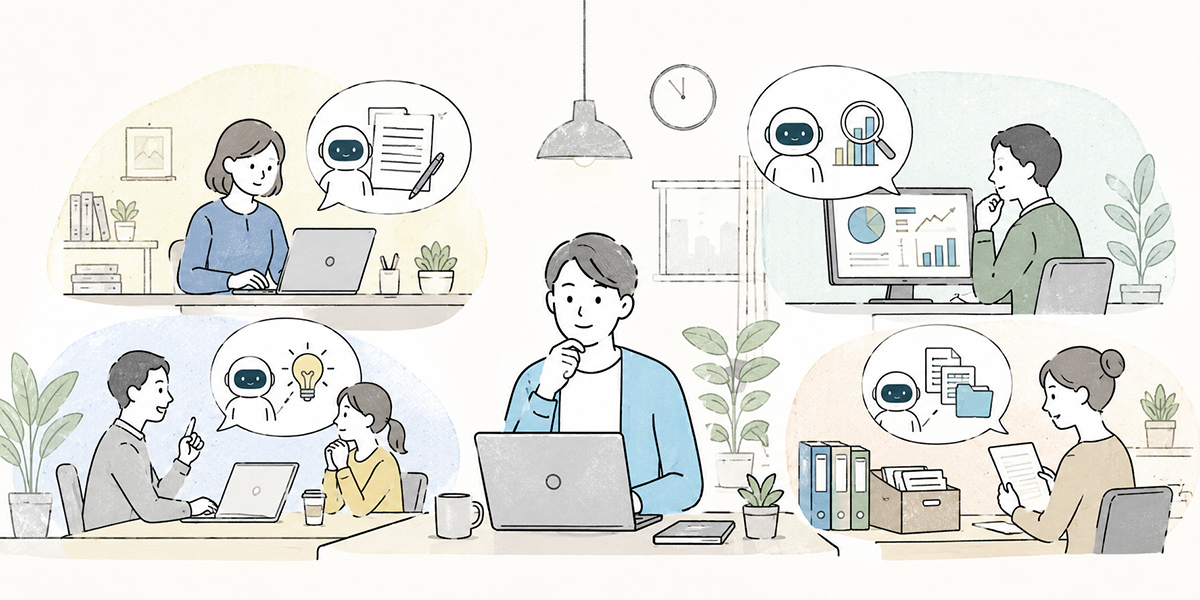
ChatGPT, Claude and Gemini are all general-purpose generative AI. Yet how well suited each is to business use shifts depending on the kind of task.
When I help an organisation organise its AI use, I do not start from tool names. I start by laying out the work: email, minutes, proposals, contracts, FAQs, sales notes, development, handling enquiries, internal training. Once the tasks are laid out, the useful question turns out to be less which AI to use and more which work you want to lighten with AI.
Tasks where ChatGPT tends to be considered
ChatGPT has plenty of situations where it is easy to use in common across many departments: writing, data analysis, producing code, research, structuring documents and brainstorming.
Some examples of work it suits.
- Marshalling the key points from meeting notes
- Drafting emails and internal documents
- Producing outline structures for proposals and plans
- Assisting with data analysis
- Generating code and helping with debugging
- Surfacing the points to investigate in research
- A cross-departmental foundation for AI use
That very versatility, however, means that without internal rules on how to use it, the level of adoption tends to vary by department and by individual. The capable forge ahead, while those who find it harder stall, unsure what to even ask. Closing that gap takes training and a properly organised set of use cases.
Tasks where Claude tends to be considered
Claude is frequently compared on long-document comprehension, writing, structuring and review work. It suits tasks such as reading through a long document and organising its key points, rewriting woolly text into something clearer, and structuring several strands of argument.
Some examples of work it suits.
- Summarising long documents
- A first-pass review of contracts and policies
- Rewriting internal documents
- Structuring HR and appraisal comments
- Extracting decisions from minutes
- Tidying up policy papers, guidelines and FAQs
- Drafting the skeleton of proposals and research reports
That said, in higher-risk areas such as legal, employment, medical and financial work, the AI’s output should be treated as the stage before specialist review, not as the final judgement. Having the AI review something is not the same as letting the AI decide. Drawing that line is especially important in business use.
Tasks where Gemini tends to be considered
Gemini is most often considered on the assumption that it integrates with Google Workspace. For organisations that use Gmail, Google Docs, Sheets, Slides and Meet day to day, there is a real chance of putting AI to work as a natural extension of existing tasks.
Some examples of work it suits.
- Drafting replies in Gmail
- Writing and summarising documents in Google Docs
- Assisting with calculations in Google Sheets
- Helping create materials in Google Slides
- Organising what was said in Google Meet
- Supporting work using information held across Google Workspace
- Company-wide rollout tied to existing Google account management
If Google Workspace is already your internal standard, this can make adoption easier in terms of user training and management. On the other hand, organisations that use a good deal beyond Google Workspace will also need to check how well it connects to their other business systems.
Check how it integrates with your existing tools
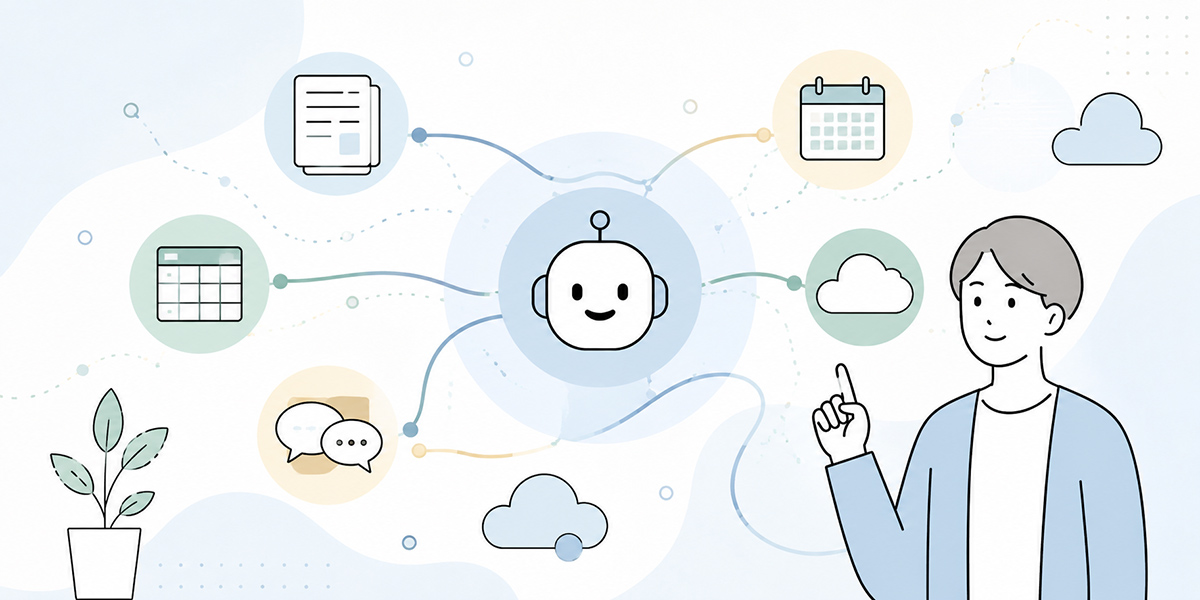
For business use, what matters is not just how easy the generative AI is to use on its own, but how it integrates with the tools you already have.
Internal information is often scattered across several places, like so.
- Documents in Google Drive or SharePoint
- Conversations in Slack or Teams
- CRMs such as Salesforce
- Knowledge in Notion or Confluence
- Code and issues in GitHub
- Files in Box or Dropbox
- FAQs on the internal portal
- LMS and training content
When I support an organisation with improving its operations, I will often check where the information lives before turning to the AI itself. AI is useful, but where internal information is scattered, old and new documents are jumbled together, and nobody is sure who holds the master copy, the AI will struggle to answer correctly too.
Generative AI genuinely earns its keep in the work once it can reach that information appropriately and reference it within the right scope.
One caution here: being able to connect and being able to operate safely are two different things. However many tools you can connect, if permissions, viewing scope, logs, data updates and the treatment of stale documents are not sorted out, you run the risk of referencing the wrong information.
Before you let the AI read your internal information, you first need to organise that internal information itself. It is unglamorous work, but in business AI adoption it is enormously important. In my experience, the organisations that get results from AI spend roughly as much time tidying up their internal knowledge as they do choosing the tool.
Design for operations, training and embedding
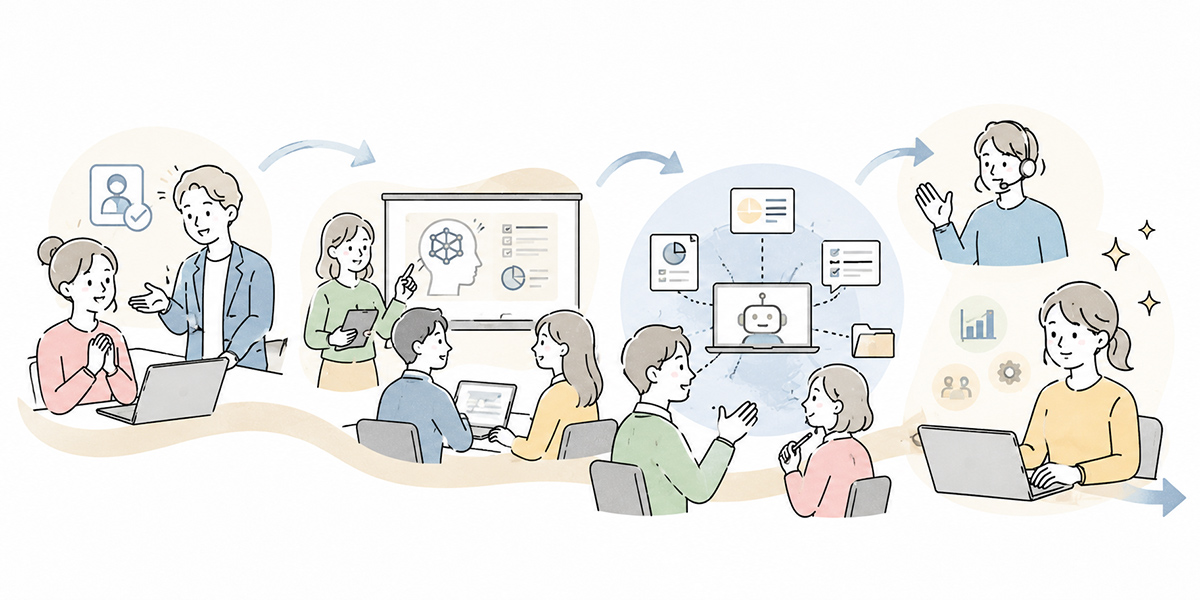
A common failing in business adoption of generative AI is assuming that simply signing the contract will get the tool used across the organisation.
In practice, the benefit of generative AI hinges as much on how you use it as on what you use.
| State | What tends to happen |
|---|---|
| Free use with no rules | People enter information they should not, use output as-is, and habits vary from department to department |
| Minimal guidelines in place | The prohibitions are understood, but people are unsure how to use it in actual work |
| Training, templates and a review process in place | Staff find it easy to experiment safely, and examples of good use accumulate |
| Department-level use cases mapped out | Usage takes root because it is matched to the work on the ground |
When I design generative AI training, I am careful not to let it stop at how to drive the buttons. People pick up the screen soon enough; what they cannot acquire without an understanding of the work is which tasks to use it for and how.
Company-wide reskilling needs to teach not only the basic operation of generative AI but, as a package, the following.
- What generative AI can do
- What generative AI is poor at
- What information may be entered, and what should be avoided
- The basic structure of a prompt
- How to review the output
- How to check the facts
- Concrete points of use for each department
- The internal rules and where to turn for help
At Kanata we place weight on organising concrete, cross-departmental use cases, such as drafting emails, minutes, rewriting materials, research, weekly reports, sales notes, HR and general-affairs enquiries and producing training content in-house, so that staff find it easier to grasp which work to use AI for. Rather than simply telling people to please use it, showing that in this task you can use it like this makes it far more likely that use takes hold on the ground.
Kanata also brings AI chat, AI summarising and e-learning together on the same operational support platform, so that what is learnt in training connects readily to the chat and summarising of everyday work. When you are running company-wide training or department-level adoption, this sort of design, joining up learning and real-world use, becomes important.
Treat cost and the unit of contract as separate questions

When comparing generative AI services, looking only at the monthly fee is a quick way to misjudge.
For business use you need to think about at least the following costs separately.
| Type of cost | What it covers |
|---|---|
| Licence cost | Per-user monthly or annual fees |
| API usage | Metered charges when embedding it into apps or internal systems |
| Management cost | Account management, permission settings and audit work |
| Training cost | Company-wide training, department-level training and producing manuals |
| Operating cost | Updating guidelines, handling queries and reviewing usage logs |
| Migration cost | Connecting to and organising existing tools and knowledge |
| Risk-response cost | Measures against leaks, wrong answers and misuse |
OpenAI’s pricing page explains that ChatGPT’s paid plans are offered per user, monthly or annually. OpenAI’s official ChatGPT pricing page
Claude offers plans including Free, Pro, Max, Team, Enterprise and the API. Anthropic’s official Claude pricing page
Google Workspace sets out plans such as Business Starter, Business Standard, Business Plus and Enterprise, with storage, meetings, security and management features differing by plan. Google Workspace’s official pricing page
When I help with costing, I look beyond the rate card to the cost of getting to a state where it is actually used. Even if the monthly fee is low, if staff cannot get to grips with it, every use prompts another how-to question, and administrators end up running it by hand, the total cost climbs.
Conversely, even a high unit price may be worth the investment if it leads to less time on tasks, more consistent quality, shared knowledge and lower training costs. Price comparison should be done not as how much a month but in tandem with which work, for how many people, and to what degree you want to improve.
A comparison table for ChatGPT, Claude and Gemini
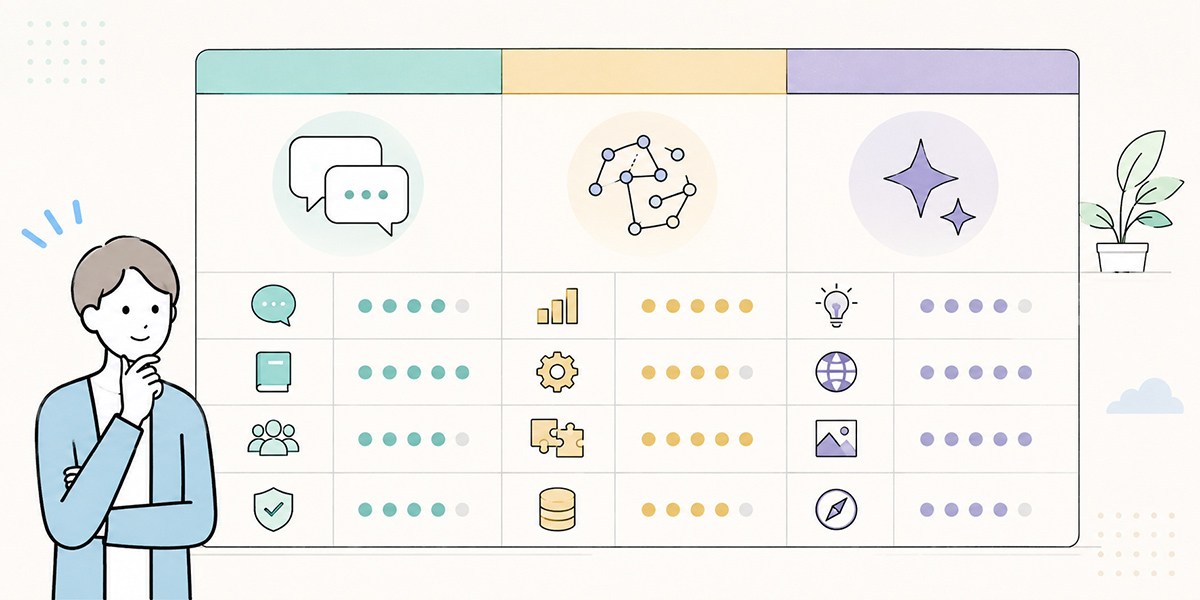
Organising everything so far from the standpoint of business use gives the following.
| Comparison point | ChatGPT | Claude | Gemini |
|---|---|---|---|
| Main characteristics | Versatility, analysis, development support, agent-style use | Long-document comprehension, writing quality, structuring, review | Google Workspace integration; affinity with mail, documents, spreadsheets and meetings |
| Work it suits | Common work across many departments, research, producing materials, analysis, coding support | Long documents, contracts and policies, proposals, appraisal comments, summarising | Everyday work using Gmail, Docs, Sheets, Slides and Meet |
| What to weigh in business use | Company-data connectivity, management features, security, usage logs | Project-level context management, long-text handling, security information | Workspace administration, your existing Google environment, features by edition |
| How to view integration | Check connections to internal files, development environments and assorted business tools | Check integration with CRM, databases, project management and development environments | Check chiefly the integration with Google Workspace |
| Points to watch | Its high versatility means usage varies without internal rules | High-risk documents require specialist review | You also need to check connections to business systems beyond the Google environment |
| The axis for choosing | Do you want a company-wide AI foundation? | Do you have a lot of document, review and structuring work? | Is your working environment centred on Google Workspace? |
This table is not there to crown any one option as the best. It is there to make clear what you value for your own organisation.
If, for instance, you want something used across departments company-wide, ChatGPT may be the easier place to start. Organisations with a lot of long-document and review work will find Claude worth trialling. And for those whose work revolves around Google Workspace, Gemini naturally enters the running.
In practice, though, some organisations run several services side by side: ChatGPT for corporate planning and development, Claude for document review, Gemini for everyday mail and document work, each used according to purpose.
For my part, I would suggest not making company-wide standardisation on a single tool the sole objective from the outset. It is more realistic to trial in small steps by purpose first, evaluating the burden of information governance and training along the way.
Organise the selection criteria by department

This article is a shared piece, so here I will lay out only the way in for each function.
The IT and information-technology view
What IT and the head of information technology should be looking at is less which AI is convenient and more whether it can be managed safely.
The points to confirm are these.
- Whether it supports SSO and two-factor authentication
- Whether administrators can control users and permissions
- Whether you can review logs and audit trails
- Whether the handling of input data is clear in the contract
- Whether you can promptly disable the accounts of leavers and movers
- Whether it falls foul of internal policies or NDAs
- Whether you can explain the data flow when the API is used
For IT, the ideal is not to stop staff from using it. It is to put a safe environment in place so the front line can use it with confidence.
The HR and DX view
What HR and the DX team should be looking at is whether staff find it easy to learn and can keep using it.
Results from generative AI vary a great deal with the person using it. Strong writers take to it at once, while those who cannot quite specify the context or the output format may not get the result they hoped for.
For company-wide reskilling, then, the following matter.
- Basic knowledge of generative AI
- The differences between the leading services
- Information that must not be entered
- How to write a good prompt
- How to check the output
- Department-level use cases
- The internal rules and where to turn for help
Kanata brings AI chat, AI summarising and e-learning together on one operational support platform. Because you can build training materials from a video as a starting point and distribute them to colleagues as learning content, it is easier to connect what is learnt in training to AI use in everyday work.
The line manager’s view
What a line manager should be looking at is how the team’s work will actually change.
For example, they would check whether it can be used for work like the following.
- Producing meeting minutes
- Drafting emails and chat messages
- Producing outline structures for proposals
- Tidying up sales notes
- Preparing weekly reports and one-to-one notes
- Drafting feedback for team members
- Checking FAQs and internal rules
- Marshalling the points to investigate in research
In my experience, whether generative AI takes root on the ground hinges on that first taste of success. The minutes came together in no time. The skeleton of a proposal appeared at once. Less time agonising over the wording of an email. Stack up small experiences like these and generative AI shifts from a new tool to a trusted colleague.
The executive view
What an executive should be looking at is how far to connect generative AI to the business agenda.
Beyond simply trimming staff time, you need to think along lines such as these.
- Productivity gains
- Developing people
- Sharing knowledge
- Speed of decision-making
- Quality of customer service
- Security risk
- Return on investment
- Impact on organisational culture
Adopting generative AI is a tool decision and, at the same time, an opportunity to rethink how the work is done. Executives need to decide not only which service to choose but which work to reshape around AI and which areas people will remain responsible for.
I sometimes tell executives: please do not make adopting AI the objective. The objective is not to use AI. It is to deliver business results, ease the load on the front line, improve the customer experience and make the organisation’s knowledge reusable. AI is the means to that end.
Common pitfalls in business adoption
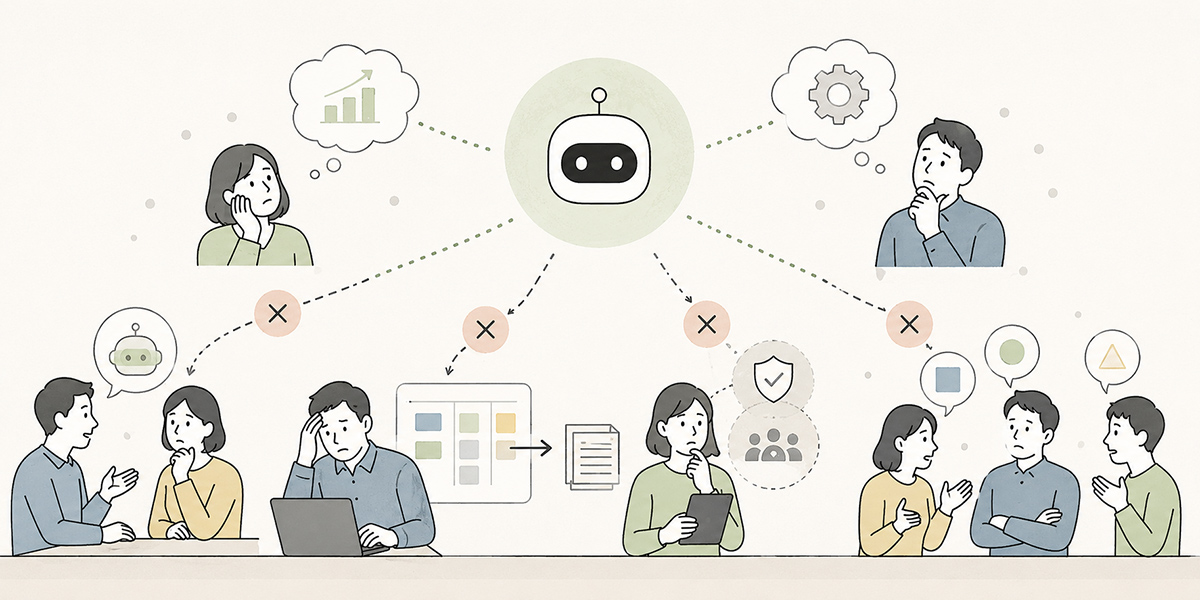
When comparing ChatGPT, Claude and Gemini, you should be aware not only of the feature differences but of the patterns of failure at the point of adoption.
Choosing on name recognition alone
The most common is choosing on the grounds that it is famous, or that everyone else uses it.
Name recognition is one source of reassurance, but it does not guarantee a fit for your organisation. An organisation running Google Workspace company-wide and one centred on Microsoft 365 will differ in how easily things integrate. An organisation with a strong development arm and one centred on document review and knowledge-sharing will value different features.
The first step is to take stock of your own work and information environment.
Rolling out company-wide with a free or personal-plan mindset
Just because something was handy in personal use, letting the whole workforce loose on it as-is is risky.
Free and consumer plans may lack the features needed for corporate management. User management, log management, data handling, contract terms and support arrangements are all things to confirm as preconditions of business use.
Treat the trial stage and the production stage as separate.
Failing to define what must not be entered
Generative AI answers on the basis of what is typed into it. The more useful staff find it, the more tempted they are to feed in internal materials, customer information, minutes and contract details.
So you need to draw up the following classification in advance.
| Category | Handling |
|---|---|
| Public information | May be entered |
| General internal information | May be entered in line with internal rules |
| Customer information | Check contract, NDA and masking conditions |
| Personal information | As a rule, not entered; mask where necessary |
| Sensitive information | Entry prohibited |
| Undisclosed financial, M&A and HR information | Entry prohibited |
At Kanata we recommend handling public information, general internal information, customer transaction information, personal information, sensitive information and undisclosed financial information separately. For instance, public and general internal information is handled in line with internal rules; personal information is as a rule not entered, and masked where necessary; sensitive information and undisclosed financial, M&A and HR information are not entered at all. Setting these criteria down in writing gives staff something to reason from when they are unsure.
Using the output as-is
Generative AI output can look thoroughly plausible. Yet figures, proper nouns, dates, quotations, legal judgements and anything touching on medical, financial or safety matters must always be checked by a person.
Because the AI said so is no excuse for sidestepping your accountability, whether internally or externally.
For materials going outside the organisation, emails sent to customers, and documents bearing on contracts or policy, you particularly need to make clear who is ultimately responsible.
I encourage people to regard AI output not as a finished article but as an exceedingly capable first draft. As a draft it is remarkably strong. But the final judgement, the responsibility and the adjustment for context should rest with a person.
Treating training as a one-off
How you use generative AI shifts as the services are updated. Run a single training session at the outset and call it done, and a few months later it may well no longer match reality.
Alongside the company-wide basic training, you need ongoing operation such as the following.
- Sharing examples of good use each month
- Updating the prompts in frequent use
- Revisiting the prohibitions and points to watch
- Adding more department-level use cases
- Sharing the failures as well
- Checking the impact whenever new features appear
Generative AI use is not something you adopt once and finish with; it is something you grow alongside the work. To my mind, this sense of growing it is a great deal of what makes business AI adoption succeed.
A checklist for choosing the generative AI that fits your organisation
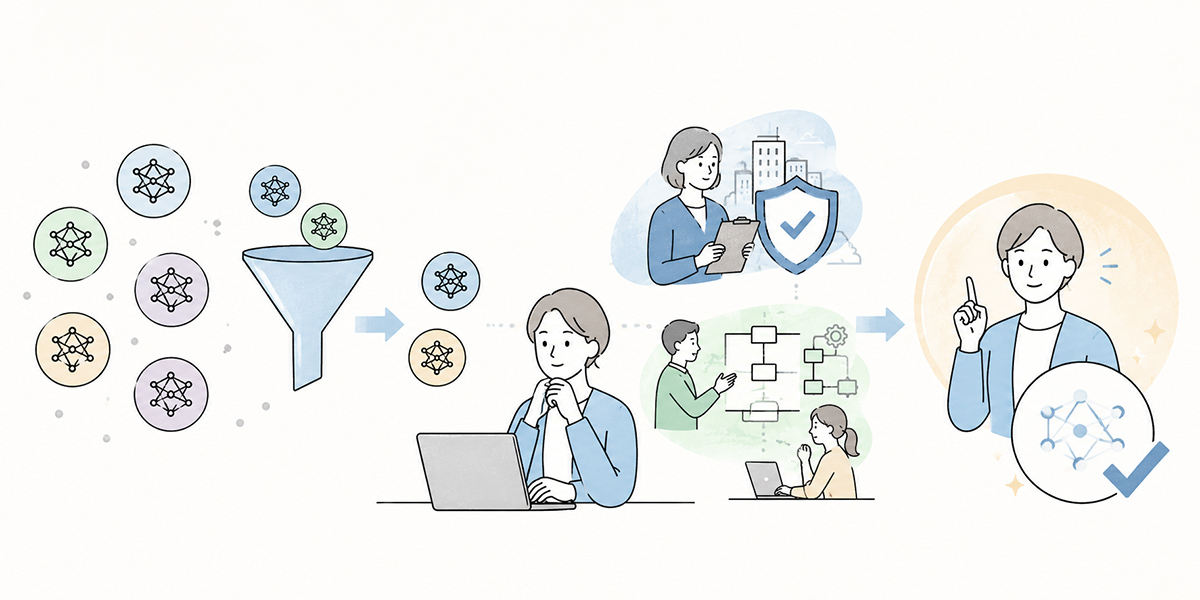
Finally, here is a checklist you can use when comparing ChatGPT, Claude and Gemini.
Ten things to confirm before adoption
- What work do you want to improve with generative AI?
- Is it for the whole workforce, or just some departments?
- What information might be entered?
- Has the handling of personal and confidential information been settled?
- Who is the administrator?
- Do you need SSO, logging and permission management?
- Do you need integration with existing tools?
- Who will design and run the training?
- Where will you accumulate prompts and knowledge?
- What will you look at as success measures three months on?
Questions to use in the evaluation meeting
In the evaluation meeting, the following questions help keep the discussion in order.
- What is the first piece of work we want to improve with this tool?
- Does the whole workforce need it, or should we begin with a few departments?
- What information must staff not enter?
- What logs and permissions do administrators want to see?
- How does it relate to our existing Google Workspace, Microsoft 365, Slack, Teams and CRM?
- Who is responsible for reviewing the output?
- Who will handle training and guideline updates?
- At what point do we decide to continue, expand or rethink?
Comparing services is not an exercise in filling in a feature grid. It is the work of deciding, in light of your own operations, information and organisational set-up, what to entrust and what people will own.
I encourage people not to stop at producing a comparison table, but always to end by deciding what to trial in the first three months. The aim is to avoid the trap where the deliberating drags on and nothing on the ground actually changes.
Where Kanata fits naturally
In a piece comparing ChatGPT, Claude and Gemini, there is no need to force Kanata into the foreground. These generative AI services and Kanata’s role are not one and the same.
That said, when you are thinking about business use, there are points where Kanata fits naturally. They are the stages beyond simply choosing a generative AI, of rolling it out across the organisation, using it safely, and joining up learning with real work.
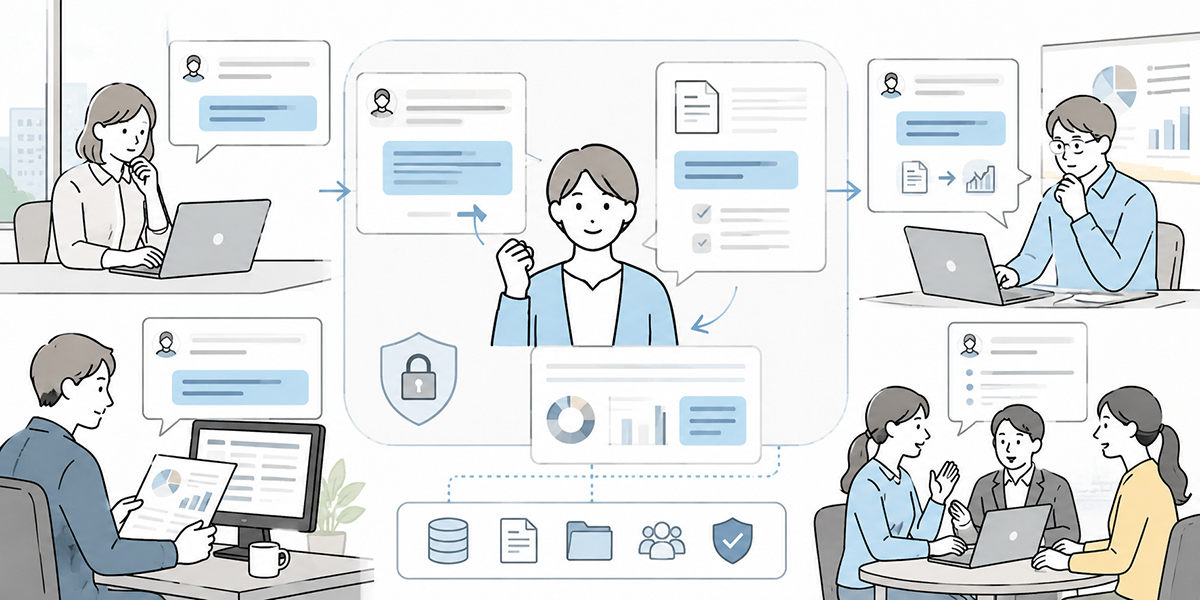
Kanata is an operational support platform that gathers the AI features your work needs, AI chat, AI summarising, e-learning and more, in one place. From a single account you can put questions to the AI, draft text, record meetings and summarise materials, build training content from a video as a starting point, and organise users, data and apps by project.
Kanata also lets you organise AI settings, prompts and training data using a project library. This helps build a way for teams to reuse them, against the problems that tend to crop up in generative AI use, where prompts end up scattered in individuals’ hands and the way internal materials are referenced becomes locked in particular people’s heads.
For example, sales might share prompts for drafting proposals, HR might organise the training data for handling internal enquiries, and the DX team might distribute company-wide training content. Used this way, generative AI moves from being an individual’s handy tool towards being part of the organisation’s operational foundation.
That said, Kanata is no panacea either. Embedding generative AI use takes internal rules, a review process, training, organised data and permission management. Simply installing a tool does not get you to a state where staff can use it safely and well.
In that sense, comparing ChatGPT, Claude and Gemini is the question of which AI to use, while something like Kanata sits closer to the question of how to roll it out internally and make it stick.
In summary: don’t just know the differences, hold your own criteria
ChatGPT, Claude and Gemini are all powerful generative AI services. None of them is invariably the right answer.
For business use, organising it as follows makes comparison easier.
- ChatGPT is easy to consider where you value broad versatility and connectivity to company data
- Claude is easy to consider where you value long-document comprehension, writing, structuring and review work
- Gemini is easy to consider for organisations whose work is centred on Google Workspace
In the end, though, what you should be looking at is not the service name.
What you should be looking at is whether it fits your own work, information governance, existing tools, training arrangements and operating rules. Do not judge on the impression formed from a free or personal version; you need to confirm the business plan’s security, data handling, management features, integration and cost.
And generative AI use does not end at tool selection. If anything, what matters is how you train people after you have chosen, how you set the rules, and how you fold it into the work on the ground.
I have seen, time and again on the front line of AI adoption, the situation where a tool is brought in and then goes unused. By contrast, in organisations that started from small tasks, set the rules and stacked up successes on the ground, generative AI worked its way naturally into everyday work.
So before rushing into a company-wide, all-at-once rollout, start with small tasks. Beginning with relatively low-risk work where the benefit is easy to see, such as minutes, drafting emails, summarising materials and marshalling research, makes it easier to win understanding across the organisation.
Q&A: common questions on comparing ChatGPT, Claude and Gemini for business
Of ChatGPT, Claude and Gemini, which do you most recommend for business use?There is no one-size-fits-all recommendation. For broad company-wide use ChatGPT is a likely candidate; if you value long-document comprehension and document review, Claude; if you value integration with Google Workspace, Gemini. Ultimately, though, you have to decide in line with your own work, data governance, existing tools and training arrangements.
Is it acceptable to use a free or consumer plan at work?For trial purposes it can be valid, but for business use some caution is warranted. Free and consumer plans may not meet corporate requirements on administrator features, log management, data handling and contract terms. For a full rollout, confirm the business plan and the contract terms.
What information must not be entered into generative AI?Personal information, sensitive information, undisclosed financial information, M&A information, HR information and confidential customer information should, as a rule, not be entered. Where you do handle customer information or internal materials, check the contract terms, the NDA and your internal rules, and mask the data where necessary.
Can generative AI output be used as-is?Using it as-is is not recommended. Generative AI output may contain factual errors, wrong figures, drift in context and undue certainty. For materials going outside the organisation, emails to customers, and anything touching contracts, legal, HR, medical, financial or safety matters, a person must always check it.
What does it take to embed it internally after selecting a tool?You need operating rules, a defined list of information that must not be entered, prompt patterns, department-level use cases, a review process and regular training. Signing the contract alone will not make it stick. Starting from work where the benefit is easy to see and the risk relatively low, such as minutes, drafting emails and summarising materials, makes it easier to spread across the organisation.