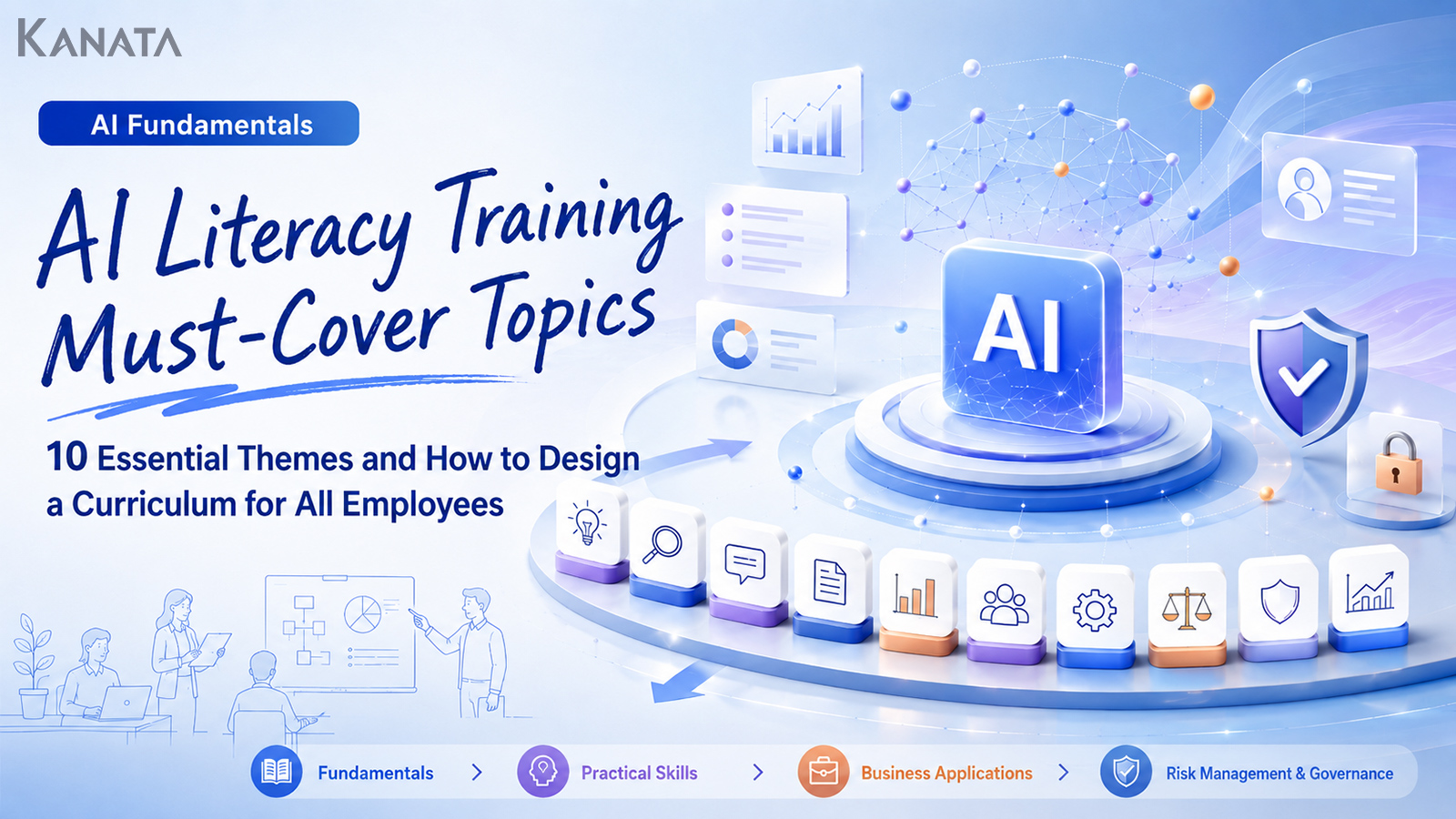



Are these ten themes truly free of any gaps?
When I help organisations design AI-literacy training, I am often asked something rather like this. HR worries about “what, and how much, to teach every employee”; the DX team frets over “whether anyone will actually use it after the course”; and IT is anxious that “it might spread while the rules on information handling remain vague.” Their vantage points differ, but the underlying unease is shared. They want their people to learn generative AI, yet it is hard to see what common knowledge ought to be put in place.
AI training of the older sort frequently ended with little more than an overview of AI and a tour of how to operate the tools. These days, however, generative AI has begun to work its way into everyday tasks—drafting documents, summarising, taking minutes, fielding internal queries, preparing sales materials, building training content, and so on. The scope a course must cover therefore extends well beyond “what is AI?”. It needs to be designed to take in practical use, prompting, information security, copyright, internal rules, and the all-important matter of making it stick afterwards.
Suppose, by way of illustration, that you are designing a month-long AI-literacy programme for all 300 employees. Dividing the instructor materials into ten themes makes it far easier to extend them into department-specific supplements, comprehension checks, and e-learning. Where you have an environment—such as Kanata—in which AI chat, AI summarisation and e-learning all sit within a single work-support platform, you also have the option of designing training, exercises, revision and practical use as one connected whole.
In this article I set out the ten themes worth covering in AI-literacy training as a common module aimed at every employee. The goal is something you can use as a yardstick for comparing training vendors, or as the backbone of in-house instructor materials. That said, simply lining up the themes will not, on its own, embed AI use. A course only goes on being used on the ground when it is designed alongside operating rules, information management, and genuine opportunities to practise once the training is over.
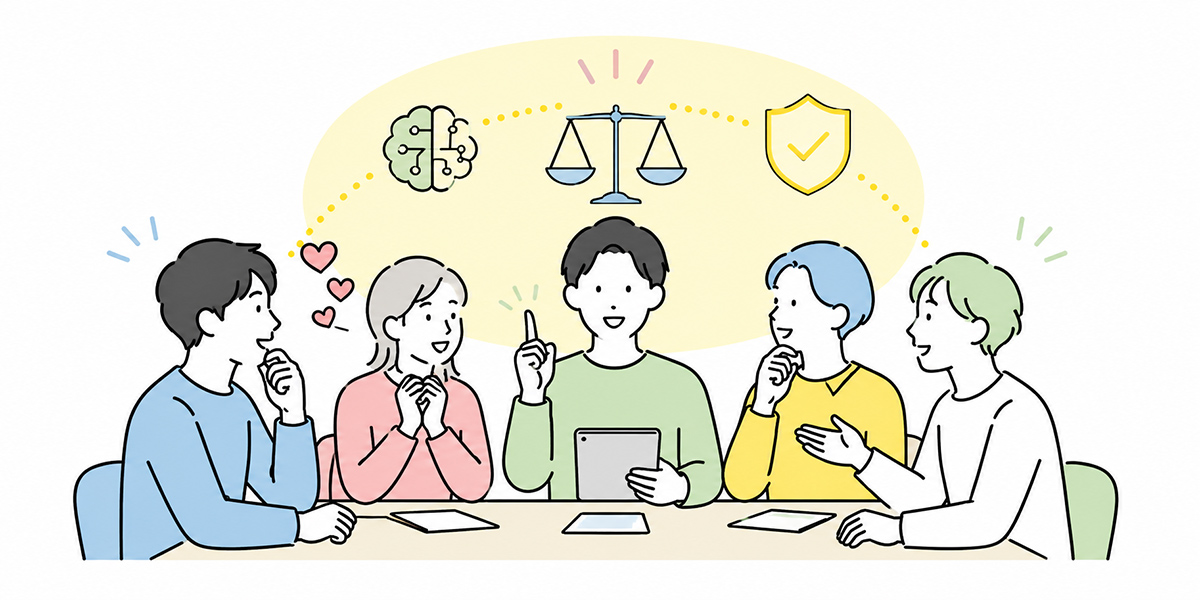
AI-literacy training is a place to align not only “knowledge” but also “criteria for judgement”
The phrase “AI-literacy training” may, for many, conjure up a course that teaches how AI works and how to operate generative-AI tools.
Such basic knowledge—what AI is, what generative AI can do, how to write a prompt—is of course necessary. Yet in my own experience, what truly matters in company-wide training is not increasing the number of “experts”. What matters is creating a state in which every employee can exercise a minimum of judgement when using AI in their work.
Consider, for instance, judgements of the following kind.
- May this task be entrusted to AI?
- May this information be entered into AI?
- How far can the AI’s output be trusted?
- Who should check it before it leaves the organisation?
- In my own department, which tasks should we try first?
- When something goes wrong, who should be consulted?
AI-literacy training is not a venue for getting every employee to memorise the same tool operations. It is a place to align a minimum shared understanding of how to get along with AI.
When I design AI training, I often explain it as something close to a driving licence. You can drive a car without a flawless grasp of how the engine is built. But you cannot take to the public roads without knowing the signals, the speed limits, how to anticipate hazards, and what to do in the event of an accident. Generative AI is much the same. Before any advanced technical understanding, what you need are the rules and criteria for using it in your work.
international frameworks such as the NIST AI Risk Management Framework likewise stress that those involved with AI should take the measures necessary to secure sufficient AI literacy—an important point to keep in view.
In that sense, AI-literacy training contains, in small measure, elements of DX training, information-security training and business-improvement training. Narrow the themes too far and it will not be usable on the ground; broaden them too far and the content becomes diffuse. That is precisely why dividing the themes that every employee should grasp in common into ten parts makes such a sensible starting point for designing the course.
The ten themes worth covering in AI-literacy training
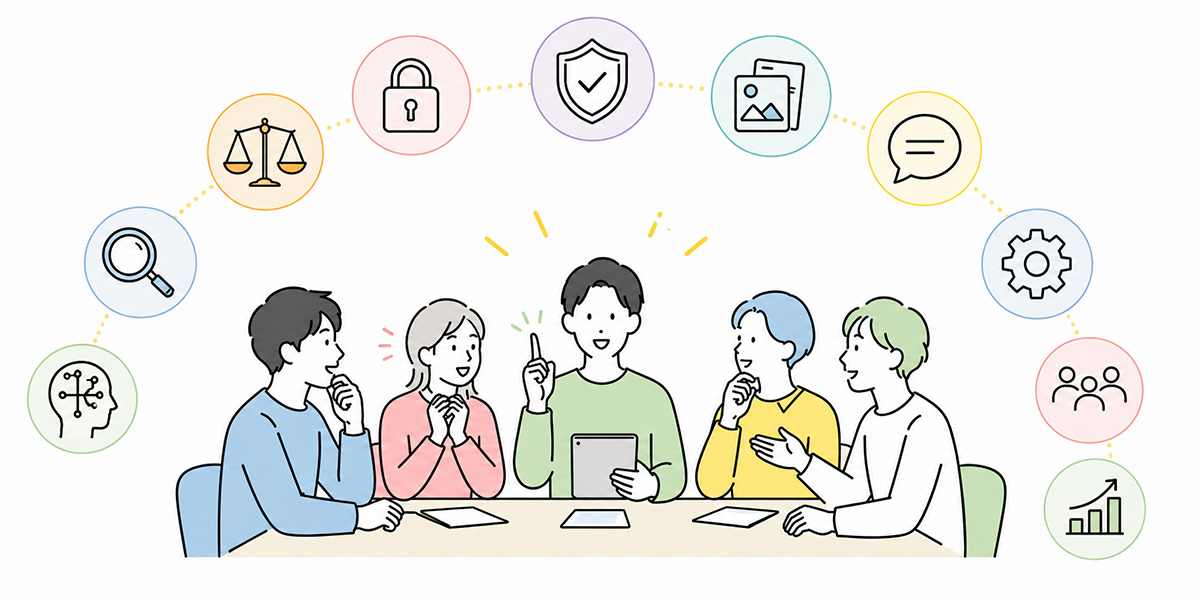
For company-wide AI-literacy training, designing around the following ten themes makes it easier to avoid gaps in the content.
- The basic concepts of AI, generative AI and LLMs
- What generative AI can and cannot do
- Representative use cases that are easy to adopt at work
- The basics of prompting
- How to check AI output
- Information security and the information you must never enter
- The relationship with copyright, personal data and internal regulations
- Use cases by department
- Internal rules and operational responsibility
- Designing for retention after the training
These ten themes are not merely a list of things to know. The first five lay the groundwork for understanding AI and actually putting it to use. The latter five are the themes for spreading it safely as an organisation and embedding it in day-to-day work.
When thinking through the content of AI training, it is important not to lean solely towards the “handy ways to use it”. People on the ground tend to gravitate to “what can it do for me?”, whereas the concern of management and IT tends to be “what must we not do?”.
Emphasise either the convenience or the risk alone, and the training will not work well. By treating convenience, limitations, responsibility and operation as a set, you raise the effectiveness of the course as company-wide training.
Theme 1: The basic concepts of AI, generative AI and LLMs
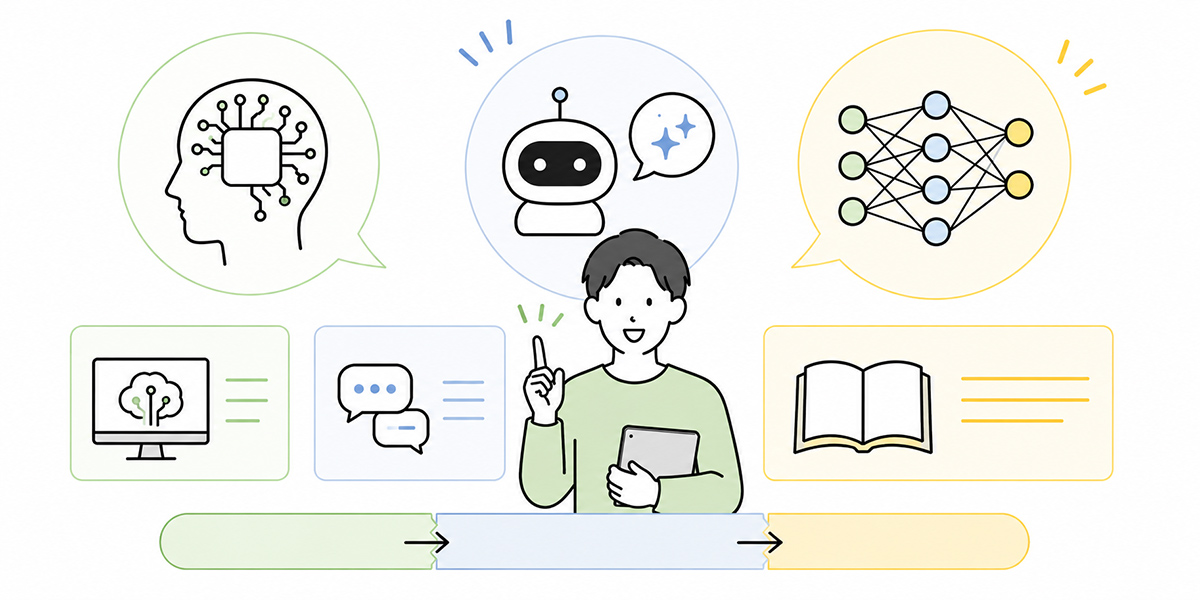
The first theme worth covering is the basic concepts of AI, generative AI and LLMs.
In company-wide training there is no need to wade too far into technical detail. On the contrary, pile on too much jargon and your learners will be left behind at an early stage of the course.
What you should aim for here is a state in which learners can roughly explain the following distinctions.
- What AI is
- What generative AI is
- What an LLM is
- How a search engine differs from generative AI
- How a conventional chatbot differs from a generative-AI chat
AI is the umbrella term for technologies that use a computer to carry out processing close to human judgement and perception. Generative AI is the branch of that which produces new content—text, images, audio, summaries, code and so on. LLM stands for “Large Language Model”. It is an AI model that learns from vast quantities of text and generates natural-sounding writing according to context.
It is important, though, not to leave the explanation there. What I often add in training is this: “generative AI is less a storehouse of knowledge than a mechanism that assembles text according to context.”
Without this premise, learners end up treating the AI’s answers as if they were “search results” or a “book of correct answers”. Generative AI, however, does not always return correct information. It is adept at producing natural, persuasive prose, but the latest information, organisation-specific information, precise figures and legal judgements are not necessarily right.
Aligning this premise in the very first theme makes the later discussion of risk management and output checking far easier to convey.
Theme 2: What generative AI can and cannot do
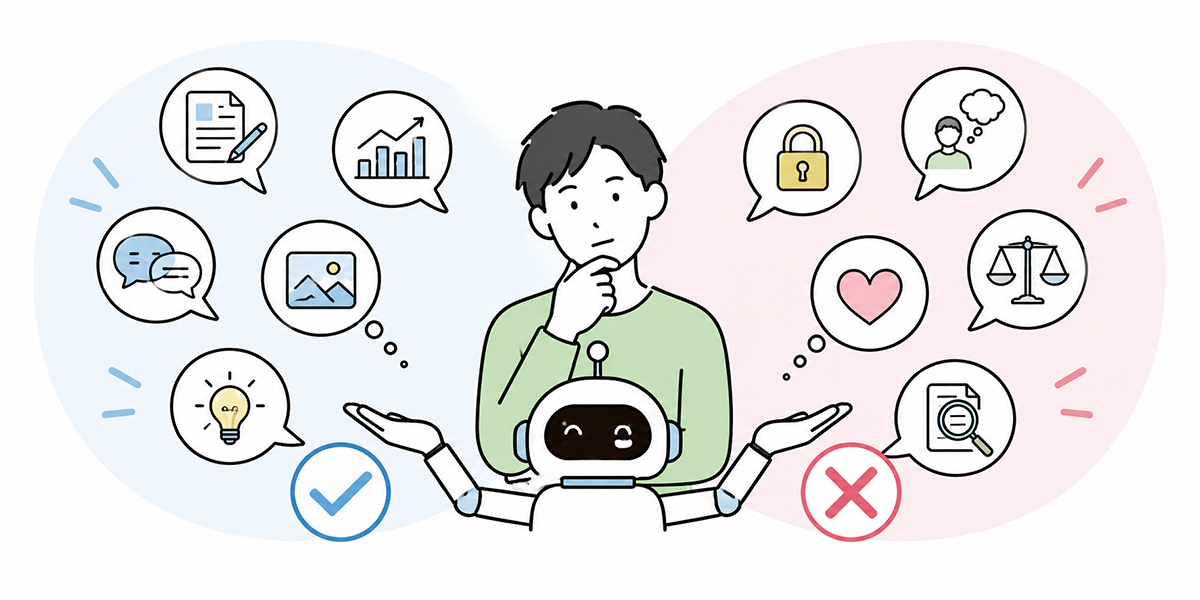
Next, make clear what generative AI can do and what it cannot.
In AI-literacy training it is not enough merely to say “AI is useful”. Stress only the convenience and learners will either expect too much or, conversely, keep their distance with a “this has nothing to do with my job”.
In the course, begin by showing concretely the tasks generative AI is good at. Representative ones include the following.
- Drafting documents
- Composing the text of emails
- Summarising meeting notes and minutes
- Organising the structure of materials
- Generating ideas
- Rephrasing and rewording
- Producing comparison tables
- Drafting first versions of FAQs and manuals
- Outlining the backbone of training content
With Kanata too, rather than aiming for sophisticated automation from the outset, the realistic design is to start with tasks that are easy to adopt regardless of department—drafting emails, taking minutes, rewriting materials, setting the starting point for research, preparing weekly reports and one-to-one notes. Beginning with the everyday “drafting”, “organising”, “summarising” and “rewording” is what makes it take root on the ground.
At the same time, you must treat what generative AI is poor at with equal care. The following sorts of work, for example, should not be left to AI alone.
- Judging precise figures or dates
- Specialist judgements in legal, tax or labour matters
- Important negotiations with customers
- Final decisions on personnel evaluation
- Management decisions
- The final check before anything is published externally
- Handling documents that contain confidential information
Drafting, summarising, tidying up and setting the starting point for research are easy to hand to AI; fact-checking, final decisions and conversations that depend on personal relationships remain the province of people. This dividing line is worth repeating throughout the course.
AI is not something that completes the work in your stead; it is something that prepares the materials on which a person makes the judgement.
In the course it is effective to include an exercise that separates “work to leave to AI” from “work for which a person bears responsibility”. For instance, have learners write out ten of their own tasks and sort them into the following three categories.
- Tasks easy to leave to AI
- Tasks where AI does the draft and a person checks it
- Tasks that should not be left to AI
Once learners can make this sorting, AI use becomes realistic at a stroke. In my experience, too, the further a company gets with AI, the less it tries to make AI do everything. If anything, the division of labour between people and AI is all the clearer.
Theme 3: Representative use cases that are easy to adopt at work
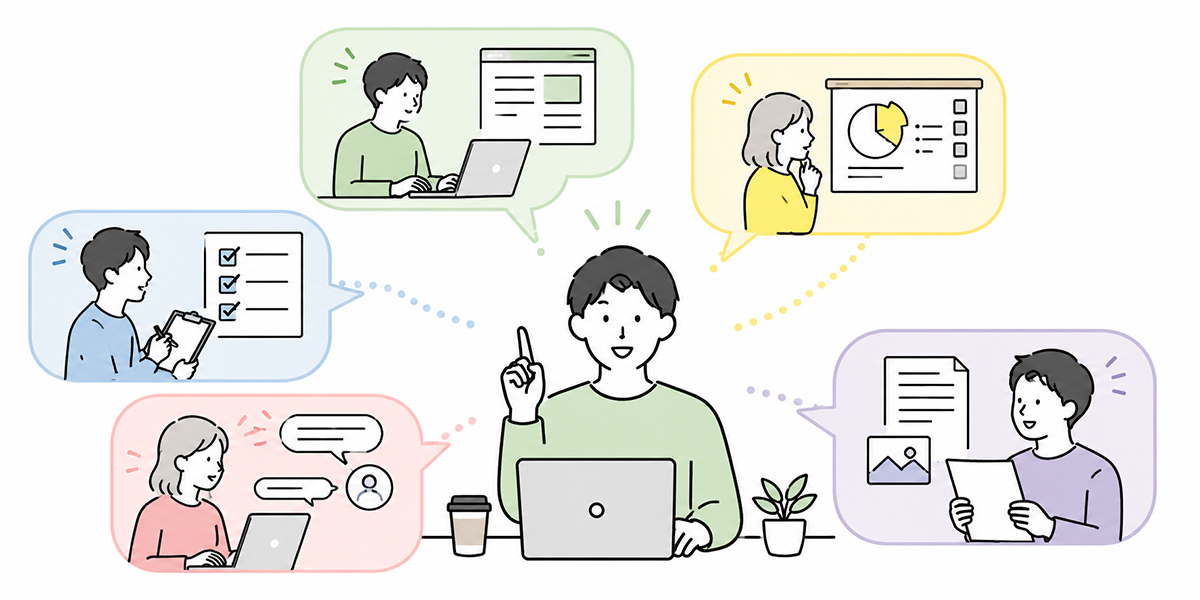
The third theme is representative use cases that are easy to adopt at work.
In company-wide training you need to show not only abstract explanations but also “what can I use this for tomorrow?”.
In the first session especially, starting with examples close to everyday work, rather than difficult use cases, makes it stick better. In my own AI training I take care not to dive too far into advanced automation or system integration at the outset. What learners need first is not a vision of the technology’s future but the felt sense that tomorrow’s work might become a little easier.
Composing emails
Have AI draft the text of emails—requests, scheduling, thanks, apologies, internal notices and the like.
In the course, rather than simply asking it to “write an email”, it is worth showing an example that specifies the recipient, the purpose, the points to convey, the tone and the length.
Please draft a scheduling email to a business contact. The recipient is an existing customer, and we are proposing three candidate dates from our side. Please make the wording polite but not overly stiff. Keep the body within 300 characters.
Even this degree of specificity changes the AI’s output markedly.
Tidying up minutes and meeting notes
From notes or a transcript taken during a meeting, organise the decisions, the to-dos, the points at issue and the homework due before next time.
Where you use a service with a summarisation feature that accepts multiple input methods—documents, images, audio, URLs, text—such as Kanata, it is easy to build exercises drawing on minutes, meeting notes, materials, recordings and the like.
Producing minutes arises in many departments. Sales meetings, HR interviews, project stand-ups, management meetings, customer discussions—change the subject and almost every employee can make it their own.
Drafting the structure of materials
Have AI put forward the structure of proposals, pitch documents, internal briefing materials and so on.
Revising while looking at a draft structure lowers the psychological burden of the work more readily than starting from a blank page. I myself, when preparing materials, will often have AI produce a draft structure first and then cut, reorder and reword it to fit my own thinking.
Rewriting and proofreading text
Uses such as shortening a long passage, adding gloss to technical terms, or shifting the tone to suit the reader.
That said, because AI may change the meaning, checking after a rewrite is essential. With documents that contain contracts, regulations, specifications, figures or customer terms in particular, you need to check the improvement of expression and any change of fact separately.
Generating ideas and organising the points at issue
AI is also easy to use when broadening out new plans, training themes, customer proposals and business-improvement ideas.
What matters here is not to seek a “correct answer” from AI but to have it put forward a starting point for thinking. To my mind the value of AI lies less in the answer itself than in raising the initial speed of one’s thinking.
In the course it is effective to set aside department-by-department exercise time so that learners can transpose this onto their own work.
Theme 4: The basics of prompting

The fourth theme is the basics of prompting.
A prompt is the instruction you give the AI. The quality of generative-AI output turns heavily on how that instruction is framed. Even so, there is no need to teach advanced prompting techniques in company-wide training.
To begin with, what matters is putting in place a basic template usable for any task. In the course it is worth teaching the following six elements as the basic form.
- Role
- Specify the standpoint from which you want the AI to answer. Example: you are a designer of HR training programmes.
- Purpose
- Tell it what the output is for. Example: I want to build the structure of a company-wide training course.
- Audience
- Make explicit who will read it, or to whom it will be explained. Example: for ordinary employees who are not well versed in AI.
- Background information
- Hand over the conditions and context needed for the judgement. Example: the training runs to 90 minutes, with 300 attendees.
- Output format
- Specify the format—a table, bullet points, an email, a slide structure. Example: please present it as an H2-and-H3 structure.
- Constraints
- Specify the expressions to avoid and the points to watch. Example: do not fabricate figures. Where anything is unclear, write “to be confirmed”.
In the course, comparing a bad prompt with a good one aids understanding.
- Bad example
- Think up the content for some AI training
- Good example
- You are the designer of a company-wide AI-literacy course. The audience is 300 employees, AI beginners among them. In a 90-minute session I want to include the basics of generative AI, practical use, information security and an exercise. Please draft a training plan in an H2-and-H3 structure, with time allocations. Do not overuse jargon, and mark any unclear premises as “to be confirmed”.
Even the bad example will return some sort of answer. But because the audience, the duration, the purpose and the output format are vague, it is unlikely to yield anything usable in practice.
I tell people to think of a prompt not as a “message of request” but as a “work order”. Just as when you delegate work to a person, convey the background, the purpose, the conditions and the deliverable format. This alone makes it far easier for most learners to give AI concrete instructions.
Theme 5: How to check AI output
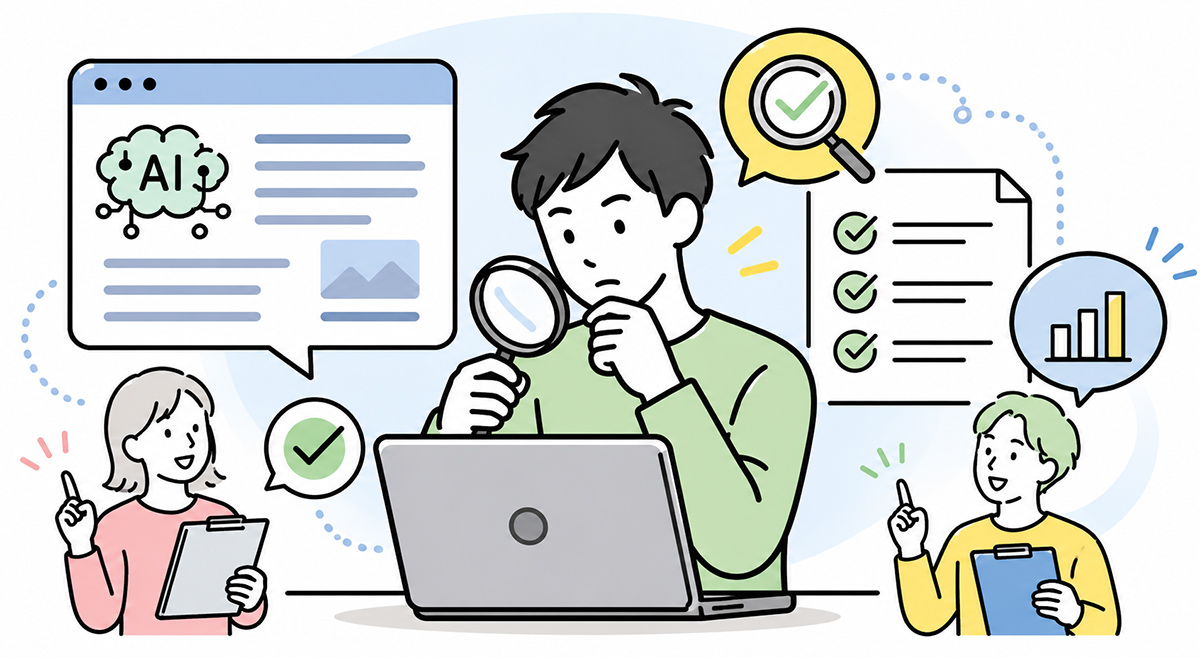
The fifth theme is how to check AI output.
In AI-literacy training, you need to teach how to check the output every bit as much as how to write a prompt.
Generative AI is good at producing natural prose. For that very reason, it can look correct even when it is wrong. I stress this point rather heavily in training, because the risk of generative AI lies less in plainly absurd answers than in natural, persuasive mistakes.
The course should cover at least the following checkpoints.
Check the figures
Always verify figures—sales, headcounts, percentages, periods, costs, case numbers. Rather than using the figures the AI produces as they stand, make it a rule to cross-check them against the source, internal materials and official information.
Check the dates
Dates—event dates, contract dates, publication dates, dates of legal amendments, deadlines—also need checking. When old and new information get mixed together in particular, it can lead to serious misunderstanding in internal documents.
Check the proper nouns
Proper nouns—company names, service names, people’s names, department names, product names—are items where typos and confusion easily arise. In materials submitted externally, an error in a proper noun erodes trust, so a person must always check them.
Check the quotations and sources
What the AI offers up as a quotation or a source does not necessarily exist. The course needs to convey that “even when something quotation-like appears, always go back to the original text”.
Separate judgement from fact
AI output may mix fact, supposition and proposal together. Have learners form the habit of not reading the output as it stands, but checking it by separating out “is this fact, supposition or opinion?”.
What matters here is not to doubt the AI. It is to bring the AI’s output into a state in which a person can use it under their own responsibility.
Theme 6: Information security and the information you must never enter

The sixth theme is information security.
In AI-literacy training, information security must not be left until last. Structure the course so that the handy uses come first and the cautions are conveyed afterwards, and learners may take away the impression that they may “just use it however”.
In generative-AI training I make a point of dealing with “the information you must not enter” at an early stage. It may feel a touch stern, but encouraging business use while leaving this vague is the more dangerous course.
The course needs to show concretely the information that may be entered into AI and the information that must not.
| Category | Examples | Treatment in the course |
|---|---|---|
| Public information | Official websites, published materials, press releases | In principle easy to use |
| General internal information | Internal manuals, already-published internal FAQs | Use in line with internal rules |
| Customer information | Meeting notes, contract terms, proposal contents | Check the contract, permissions and masking |
| Personal data | Names, addresses, contact details, employee numbers | In principle do not enter; mask where necessary |
| Sensitive information | Health information, beliefs, bank-account details, national ID numbers and the like | Entry prohibited |
| Undisclosed information | Unannounced earnings, personnel reshuffles, M&A information | Entry prohibited |
When using generative AI, care is needed over the handling of personal data, customer information, trade secrets, undisclosed information and the like. Because the treatment of input data—storage, use for training, administrator privileges, log capture, external transmission—differs by AI service, you need to check it against your own organisation’s usage rules and contractual terms.
It is also useful in practice to include the basics of masking in the course.
- Replace a name with “Person A”
- Generalise a company name to something like “a major manufacturer”
- Round a figure to something like “in the order of tens of millions of yen”
- Delete addresses and contact details
- Leave no information from which a specific individual could be inferred
That said, masking does not mean anything may be entered. Combine several pieces of information and a person or customer may still be inferable.
In the course it is important to make even the rule explicit: “if in doubt, do not enter it” and “where the judgement is unclear, check with the management department or IT”.
To my mind, security should not be invoked in order to halt AI use. On the contrary, making the safe range clear is what lets employees use it with confidence.
Theme 7: The relationship with copyright, personal data and internal regulations
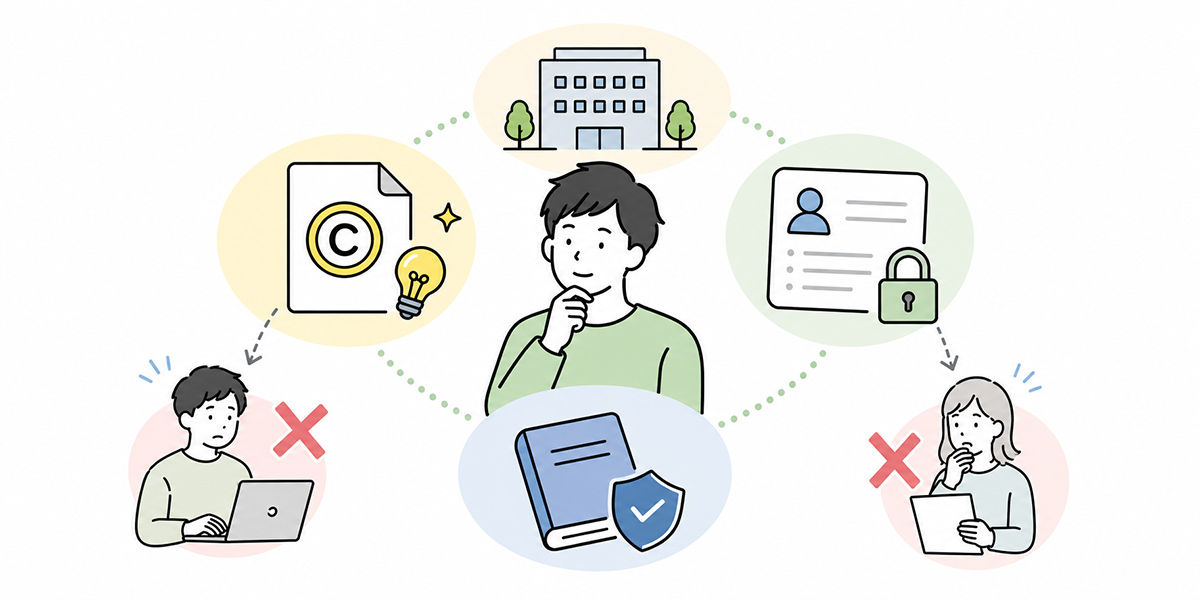
The seventh theme is the relationship with copyright, personal data and internal regulations.
This theme looks difficult, but in company-wide training the aim is not to teach the fine detail of the law. The aim is to let employees notice that “this is a use that needs checking”.
It is worth covering cases such as the following in the course, for example.
- Having AI summarise an external article and using it in internal materials
- Loading another company’s white paper to build a comparison table
- Having AI organise materials received from a customer
- Entering HR data containing employee information into AI
- Using text produced by AI in external advertising or sales materials
- Publishing AI-generated images or copy as they stand
These may bear on copyright, contracts, the protection of personal data and internal regulations.
In the course, rather than leaving every judgement to staff on the ground, it is important to teach the criteria for spotting “situations that need checking”.
- Where you use materials received from outside, check the scope of use permitted under the contract
- Where personal data is involved, in principle do not enter it into AI
- Anything published externally—text or image—must always be checked by a person
- Output relating to law, contracts or labour matters should be checked with the specialist department
- Do not use it in ways that breach internal regulations
In company-wide training, rather than fine points of legal interpretation, it is more realistic to drive home the principle of “not proceeding alone with a use you are unsure about”.
I do not think there is any need to frighten learners unduly here. What matters is not “it is dangerous, so do not use it” but the attitude of “let us learn to spot the situations that need checking”.
Theme 8: Use cases by department

The eighth theme is use cases by department.
In company-wide training, the common themes alone sometimes fail to bring home “how this relates to my own job”. So including department-specific use cases in the latter half makes it easier for learners to take ownership.
I recommend including department-by-department work within AI training. Even with the same generative AI, where it comes in useful differs for HR, IT, sales and managers.
HR and general affairs
In HR and general affairs, you can use it for training notices, internal FAQs, handling queries, onboarding materials, explaining regulations and so on.
In handling queries based on internal regulations, for instance, rather than having AI answer in generalities, it is important to set a rule such as “where there is no basis in the regulations, prompt the enquirer to check with the responsible department”.
Information systems (IT)
In IT, you can use it for the first-pass triage of internal queries, drafting usage rules, updating FAQs, drafting incident notices, producing security-education materials and so on.
That said, care is needed over the handling of system configurations, account information and vulnerability information.
For IT, AI is at once a means of streamlining query-handling and a new object to be managed. The course therefore needs to address both the “using” side and the “managing” side.
Sales and marketing
In sales and marketing, you can use it for proposal structures, organising meeting notes, generating hypotheses about customer issues, email text, content planning and so on.
That said, customer information and deal information may contain highly confidential material. The course must always treat, as a set, how far it may be entered into AI and which information should be masked.
Managers
Managers can use it for meeting agendas, preparing for one-to-ones, first drafts of evaluation comments, organising the points at issue in a decision, drafting OKRs and so on.
That said, the final decision on personnel evaluation or placement should not be left to AI. The course makes clear that AI is an aid to organising one’s thinking, not something that shoulders responsibility.
When dealing with department-specific use cases, it is important not merely to introduce “examples that look handy” but to set out, as a set, the risks each department should watch for.
Theme 9: Internal rules and operational responsibility
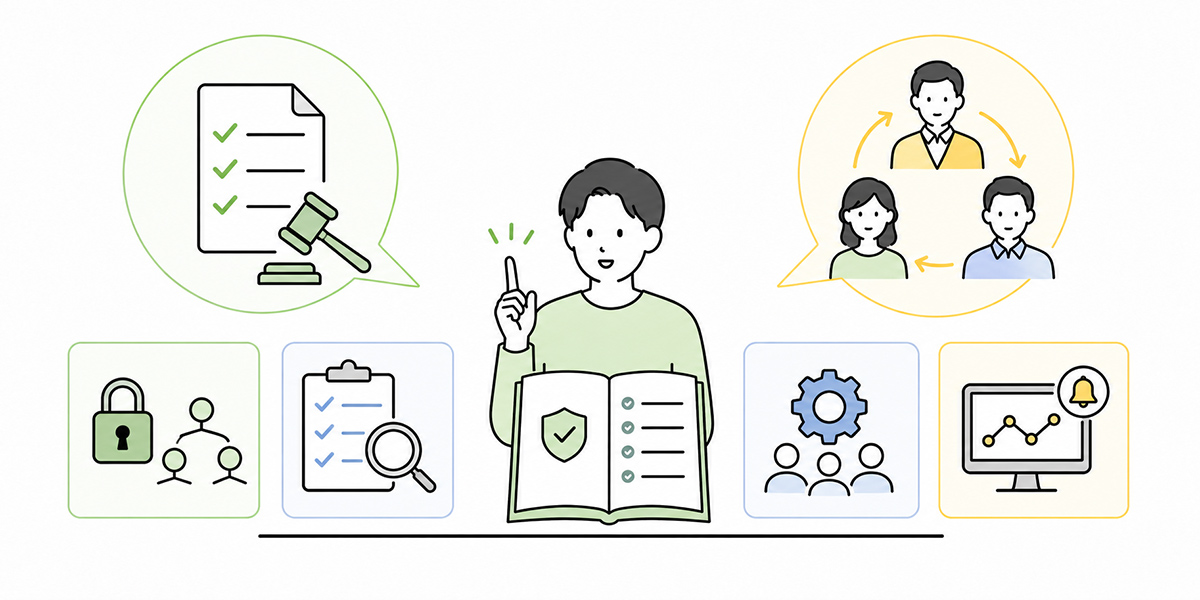
The ninth theme is internal rules and operational responsibility.
AI-literacy training needs to address not only how individuals use it but also the rules of the organisation. If AI use is spread by individual ingenuity alone, the way it is used varies from department to department, and the rules on information management and quality checking become vague.
The internal rules a course should cover at a minimum are these.
- The AI tools the company sanctions for use
- The AI tools that must not be used
- Information that may be entered and information that is prohibited
- The review criteria before anything is submitted externally
- The procedure where customer information is handled
- Where to report when something goes wrong
- The administrators and points of contact for each department
- How prompts and use cases are to be shared
With Kanata, you can run things by combining organisation-level spaces, work-level projects, apps such as AI chat and AI summarisation, and a library that manages reusable prompts and learning data. Drawing on such a structure makes it easier to organise which department handles which information through which AI feature.
In company-wide AI training, for instance, it is worth including the following sort of explanation for learners.
- A common environment used by all employees
- Environments used by each department
- Environments used for highly confidential work
- Environments used for training
- Environments used for testing
Make clear, too, who bears responsibility for AI output.
Even where a passage was produced by AI, when it is submitted externally the responsibility rests with the submitter and the approver. “The AI got it wrong, so it cannot be helped” will not wash.
Sharing this way of thinking in the course makes it easier for learners to understand the range they can use with confidence and the range to handle with care.
To my mind, the success or failure of AI adoption is not decided by tool selection alone. Whether it goes on being used on the ground turns heavily on the design of rules and responsibility.
Theme 10: Designing for retention after the training
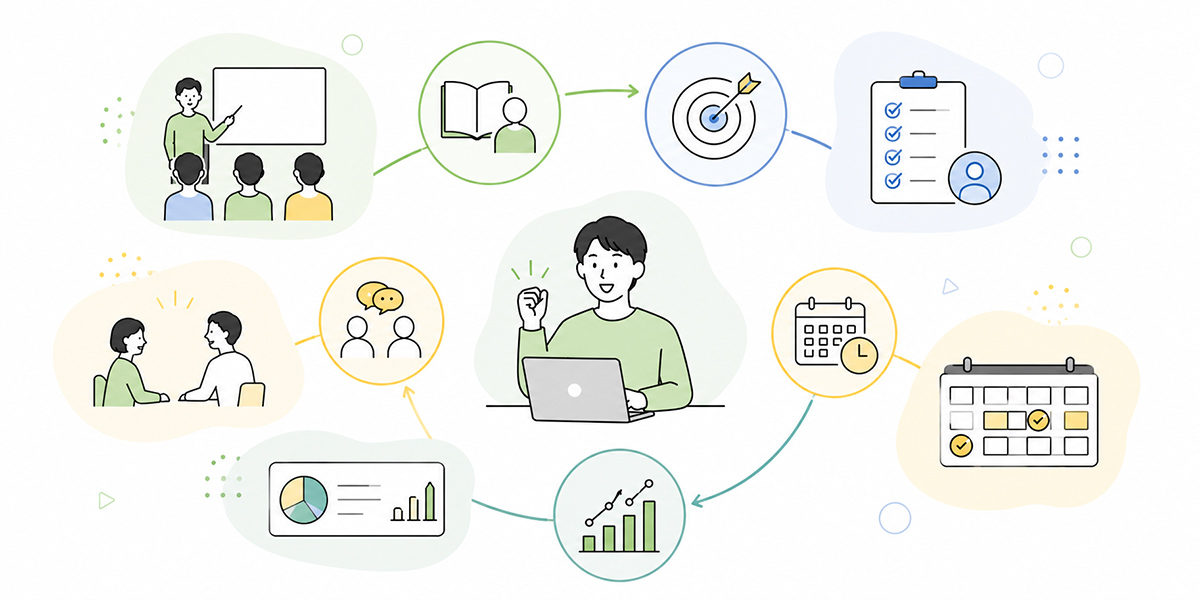
The last theme is designing for retention after the training.
AI-literacy training is not a matter of running it once and being done. Rather, what changes the degree to which it actually takes hold is the behaviour you prompt afterwards.
What I often say is that training is not an “event” but the “starting point of an operation”. A little excitement immediately after attending counts for little if, a month on, no one is using it; as training, that is not enough.
For retention after the training, mechanisms of the following kind are effective.
Hand out a checklist usable straight after the course
Provide a checklist learners can run through before they use AI in their work.
- Is the purpose clear?
- Is there any confidential information or personal data in the input?
- Have you specified the output format?
- Have you checked the figures and proper nouns?
- Has a person reviewed it before external submission?
Run a mini-exercise within a week of the course
Learners may understand immediately after the training, but as time passes they forget how to use it. So it is worth including a mini-exercise in which, within a week, each person tries one AI use in their own work.
- Write out three tasks in your own work that are easy to leave to AI
- Draft the text of an email with AI
- Organise your meeting notes with AI
- Make one request using the prompt template learned in the course
- Check the output and record the points you corrected
What matters is not to let the course content end at “understanding”, but to turn it into actual behaviour at work.
Share use cases department by department
After the company-wide course, set aside time for each department to share use cases. Even with the same training, where it can be used differs by department. The entry points to AI use differ for HR, IT, sales and managers.
Holding department-by-department sharing sessions makes the realisation “I might be able to use this in my own work too” more likely to arise.
When sharing use cases, I recommend covering not only successes but also failures. Prompts that did not work, errors caught at the output-checking stage, the moment someone noticed information that must not be entered—these too are important lessons for the organisation.
Build up a store of prompts and teaching materials
It is important that frequently used prompts and training materials are not shut away in personal notes but put into a form the organisation can reuse.
Where you have an environment that can manage prompts and learning data at the project level—such as Kanata—it is easier to accumulate the prompts used in training, frequently asked questions, internal rules, sample teaching materials and so on. Reusing individual ingenuity as organisational knowledge is what leads to retention after the course.
Carry it into continuous learning with e-learning
There is also the approach of running the first company-wide course live, then making revision available afterwards through e-learning.
With an environment that delivers video content as e-learning and lets learners put questions to AI about what they are learning—such as Kanata—you can create a path along which, after the course, learners revisit unclear points and receive supplementary explanation as needed.
By creating a state in which learners can revisit unclear points after the course, you turn it from a one-off into a continuous learning path.
An example structure for translating this into a training curriculum
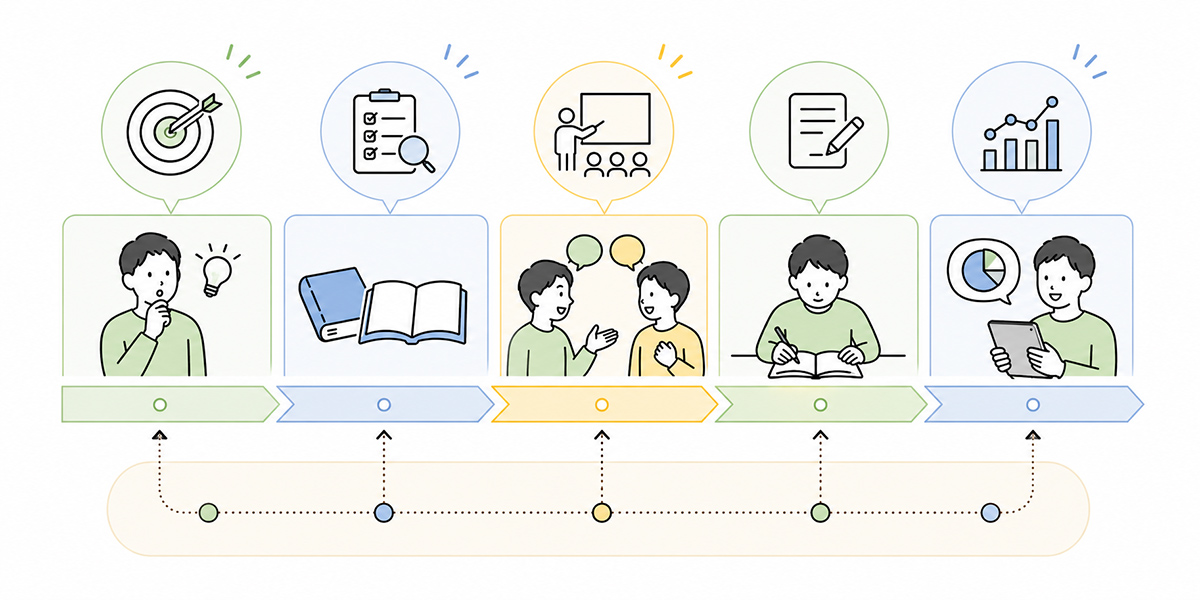
Let us consider how to translate the ten themes so far into an actual course.
The depth you cover varies with the training time. Here, by way of illustration, I set out three patterns: a 90-minute course, a half-day course, and an e-learning-blended type.
An example structure for a 90-minute course
The audience is all employees, the premise being that AI beginners are among them. The purpose is to align a minimum of basic understanding and safe use.
| Time | Content |
|---|---|
| 0–10 min | The purpose of AI-literacy training |
| 10–25 min | The basics of AI, generative AI and LLMs |
| 25–40 min | What it can and cannot do |
| 40–55 min | The basics of prompting |
| 55–70 min | Information security and prohibited input |
| 70–80 min | How to check AI output |
| 80–90 min | Post-course practical task and checklist |
In a 90-minute course, place the emphasis on aligning a shared understanding rather than on covering everything in depth. Department-specific use cases and exercises sit more comfortably in a separate follow-up session.
An example structure for a half-day course
The audience is those who carry the internal roll-out—HR, DX, IT, departmental champions and the like. The purpose is to bring them to a state in which they can run training and drive adoption in their own department.
| Time | Content |
|---|---|
| 0–30 min | The basics of AI literacy and the purpose of the training |
| 30–60 min | What generative AI can and cannot do |
| 60–90 min | Prompting exercise |
| 90–120 min | Information management and internal rules |
| 120–150 min | Department-specific use exercise |
| 150–180 min | Designing post-course retention measures |
| 180–240 min | Drafting and sharing the backbone of a course for one’s own department |
In a half-day course, on the premise that learners themselves will become “in-house instructors” or “departmental champions”, going as far as drafting the backbone of training materials connects to practice.
When I support such groups, I make a point of having them take part not as mere attendees but as those who will spread it within the organisation. Otherwise, the training ends up a one-off event.
An example structure for an e-learning-blended type
The audience is all employees, the premise being a company that wants to spread attendance time out. The purpose is to learn the basics through e-learning and to do the exercises live.
- Attend the basic course via e-learning
- Confirm comprehension with a check test
- Run the prompting exercise in a live session
- Share use cases department by department
- Look back on usage a month later
This format suits companies for which a single company-wide course is difficult, or whose sites and departments are dispersed.
Where AI chat, AI summarisation and e-learning can all be handled within the same work-support platform—such as Kanata—it is easier to connect training, exercises, revision and practical use.
That said, simply introducing a tool will not make the training stick. You need to decide, too, who updates the materials, who answers the questions, and how often the rules are reviewed.
A checklist for avoiding gaps in AI-literacy training
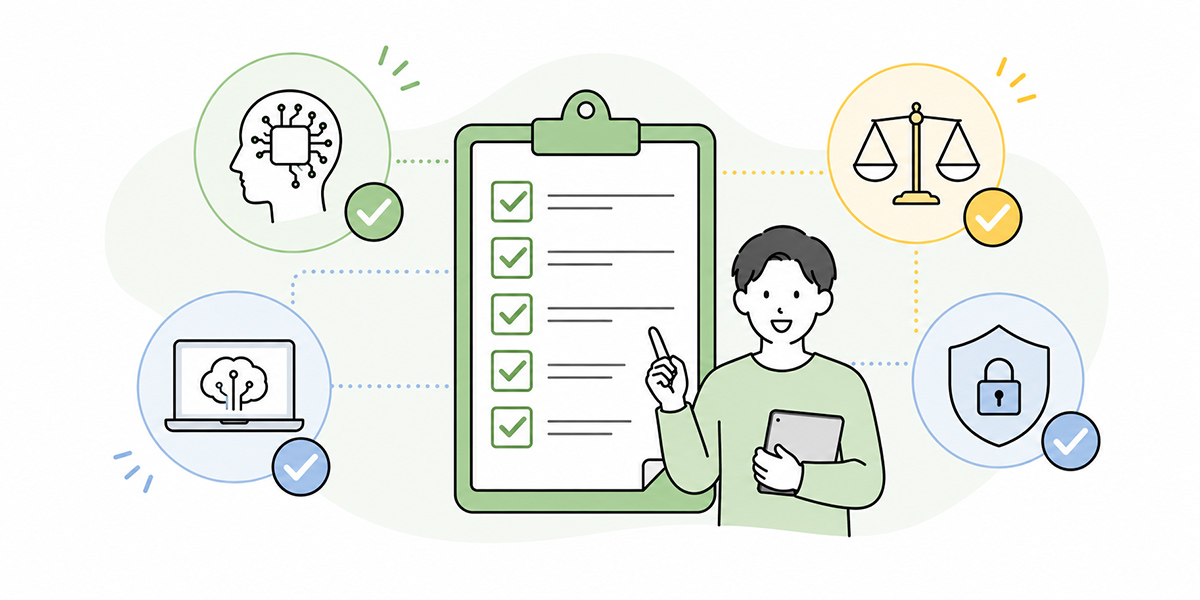
When designing the course, check for gaps against the following perspectives.
Knowledge
- Does it explain the difference between AI, generative AI and LLMs?
- Does it cover the difference between search and generative AI?
- Does it explain what generative AI is and is not good at?
- Does it convey that AI can get things wrong?
Practice
- Does it show concrete examples usable at work?
- Does it teach the basic form of a prompt?
- Does it compare bad examples with good?
- Does it include an exercise in which learners get hands-on?
Risk
- Does it make explicit the information that must not be entered?
- Does it explain the handling of personal and confidential information?
- Does it touch on copyright and internal regulations?
- Does it cover the rules for checking output?
Operation
- Does it make explicit the tools that may be used?
- Does it explain the responsibility for review before external submission?
- Does it indicate where to turn when in difficulty?
- Does it provide a post-course practical task?
- Does it set up an occasion to look back on retention?
This checklist also comes in handy when comparing the proposals of training vendors.
If one course is strong on prompting exercises, for instance, but does not touch on information security or internal rules, you will need to prepare supplementary content on your own side.
Conversely, if it leans too far towards explaining risk and is light on practical exercises, learners may come away with nothing but the impression that “AI is a dangerous thing”.
In AI-literacy training, it is important to design knowledge, practice, risk and operation in a well-judged balance.
How to think about building Kanata into your training operation
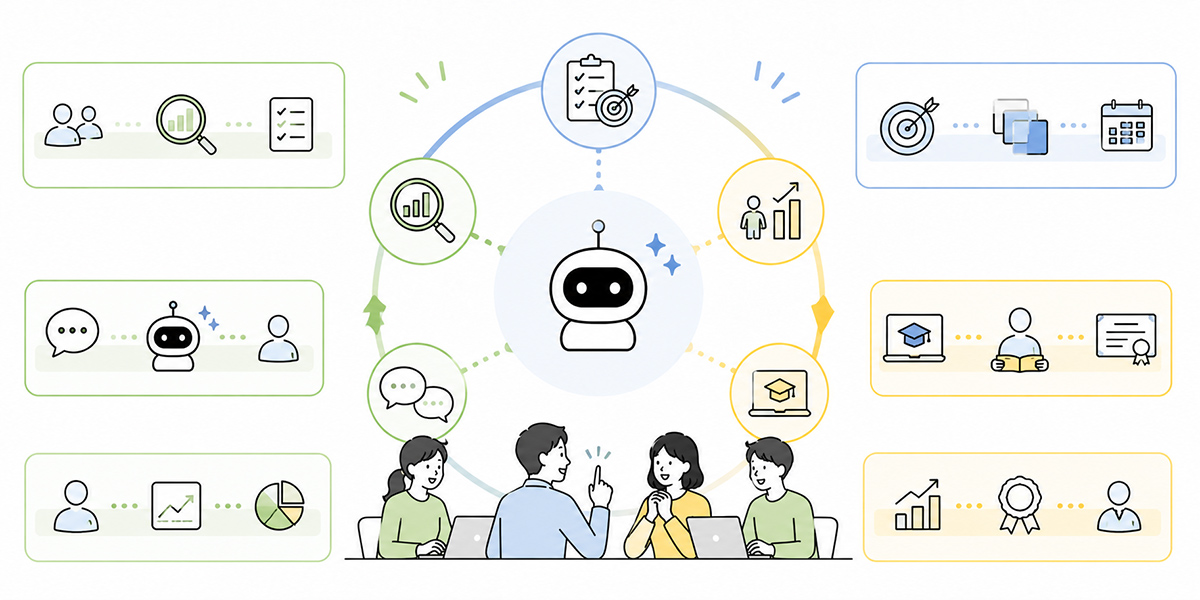
Running AI-literacy training involves several stages—creating materials, attending, exercises, review and accumulating knowledge.
Because Kanata can handle AI chat, AI summarisation, e-learning and the like within a single work-support platform, there are points at which it can be built into the training operation. Even so, Kanata is not the only option. There is also the approach of running it in combination with the LMS, chat tool, knowledge-management tool and generative-AI service you already use in-house.
Where Kanata suits is when you want to handle training content, AI exercises, summarisation, and the management of prompts and learning data along as nearly a single path as possible.
Run prompting exercises in AI chat
During the course, learners create prompts on the subject of their actual work and check the output in AI chat. Here, the instructor checks not only “did good output come out?” but whether the purpose, premises, output format and constraints have been written in.
Run minutes and material-summarising exercises with AI summarisation
On the subject of meeting notes and materials, run summarising exercises. With a summarisation feature that accepts several kinds of material as input—documents, images, audio, URLs, text—it is easy to extend to subjects such as minutes, training materials and internal shared documents.
Deliver basic training via e-learning
Deliver the company-wide basic part as video content and check attendance. After that, running exercises closer to actual work in a live session or a department-by-department workshop lets you design knowledge and practice separately.
Accumulate prompts and learning data
Accumulate the prompts used in the course, frequently asked questions, internal rules, sample materials and so on in a library. Putting individual ingenuity into a state where it can be reused as organisational knowledge leads to retention after the course.
That said, using Kanata will not make AI-literacy training succeed automatically. It is important to decide the purpose, audience, internal rules and operating structure of the course, and then build it into the parts where it is needed.
In AI adoption I place weight on the order: not “we use the tool because we have it”, but “there is a business problem, and we use the tool to solve it”. The same holds for running training.
In closing: design your own AI-literacy training from these ten themes
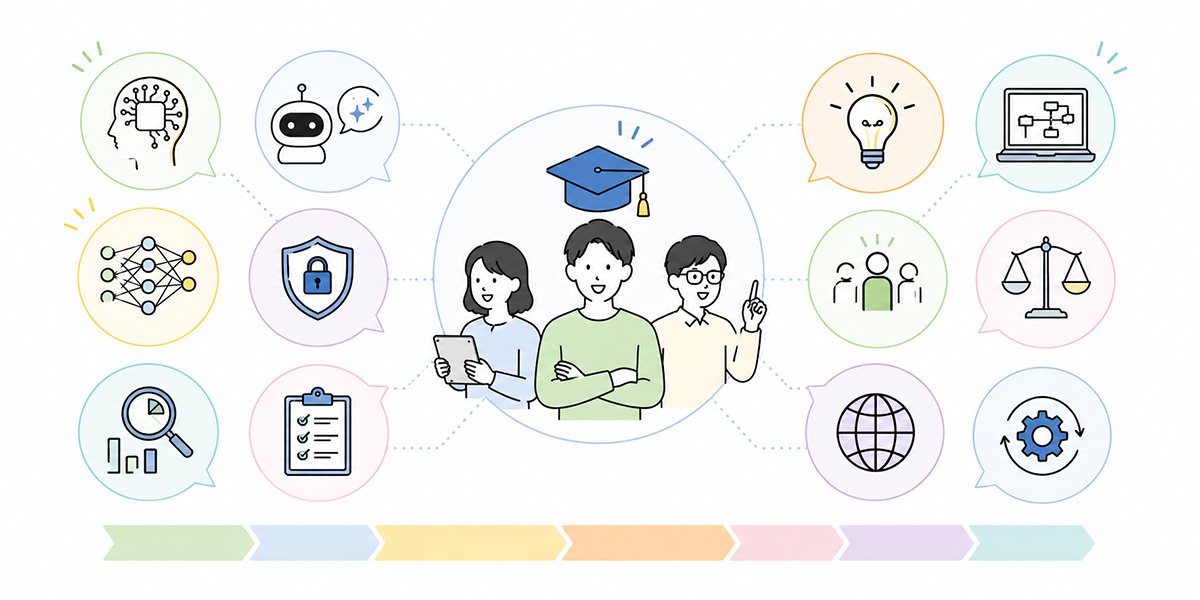
What matters in AI-literacy training is not merely conveying the convenience of generative AI.
What matters is that every employee holds criteria for judgement they can use safely, realistically, and within their work.
To that end, designing the course around the following ten themes makes it easier to avoid gaps.
- The basic concepts of AI, generative AI and LLMs
- What generative AI can and cannot do
- Representative use cases that are easy to adopt at work
- The basics of prompting
- How to check AI output
- Information security and the information you must never enter
- The relationship with copyright, personal data and internal regulations
- Use cases by department
- Internal rules and operational responsibility
- Designing for retention after the training
Training leads would do well first to organise these ten themes as a common module, and then to adjust the depth to suit their own industry, departmental make-up, the tools in use and the rules on information management.
AI-literacy training is not a course that merely teaches everyone the same knowledge. It is the entry point for building a common foundation and then carrying it through to role-by-role decision-making and practical use.
What I sense on the ground is that the companies where AI use progresses well are precisely those that do not chase large results from the very start. First, decide the range in which employees can experiment with confidence. Next, practise in a small way on frequently performed tasks. Then share the uses that worked across the organisation. This accumulation is what, in the end, leads to AI use taking root.
Q&A: common questions about AI-literacy training
Roughly how many hours should AI-literacy training run for?For an initial company-wide course, a design of about 90 minutes to align a shared understanding is realistic to begin with. It covers the basics of AI, what it can and cannot do, the prompt template, information security, and the thinking behind output checking. Where you go as far as department-specific exercises and drawing up internal rules, splitting it into a half-day course or several sessions sits more comfortably.
Where there are many AI beginners, where should one begin?At first, entering by way of use cases close to everyday work, rather than jargon, makes it easier to grasp. Subjects learners can readily transpose onto their own jobs—composing emails, organising minutes, rewriting text, drafting the structure of materials—work well. Supplementing this with a brief account of the basic concepts of AI, generative AI and LLMs then helps knowledge and practice connect.
What should a prompting course teach?Rather than advanced techniques, it is best to begin by teaching the six elements: “role”, “purpose”, “audience”, “background information”, “output format” and “constraints”. Simply conveying, instead of “think up the content for some AI training”, that “the audience is 300 people including AI beginners, the duration is 90 minutes, and the output is a structured plan with time allocations” tends to raise the practical usefulness of the output.
How far should information security be covered?At a minimum, the course should cover the classification of information that may and may not be entered. Personal data, customer information, trade secrets, undisclosed financial information, HR information and the like are handled differently depending on the AI service used and your internal rules. It is important to convey, too, the behavioural standard: “if in doubt, do not enter it” and “where the judgement is unclear, check with IT or the management department”.
What is needed to embed AI use after the training?A post-course mini-exercise, department-by-department sharing of uses, the accumulation of prompts and teaching materials, and a regular review of the rules are all effective. Running a course just once seldom changes behaviour on the ground. It is important to design the training as the starting point of an operation—having people use it once in their work within a week, and looking back on usage a month later.