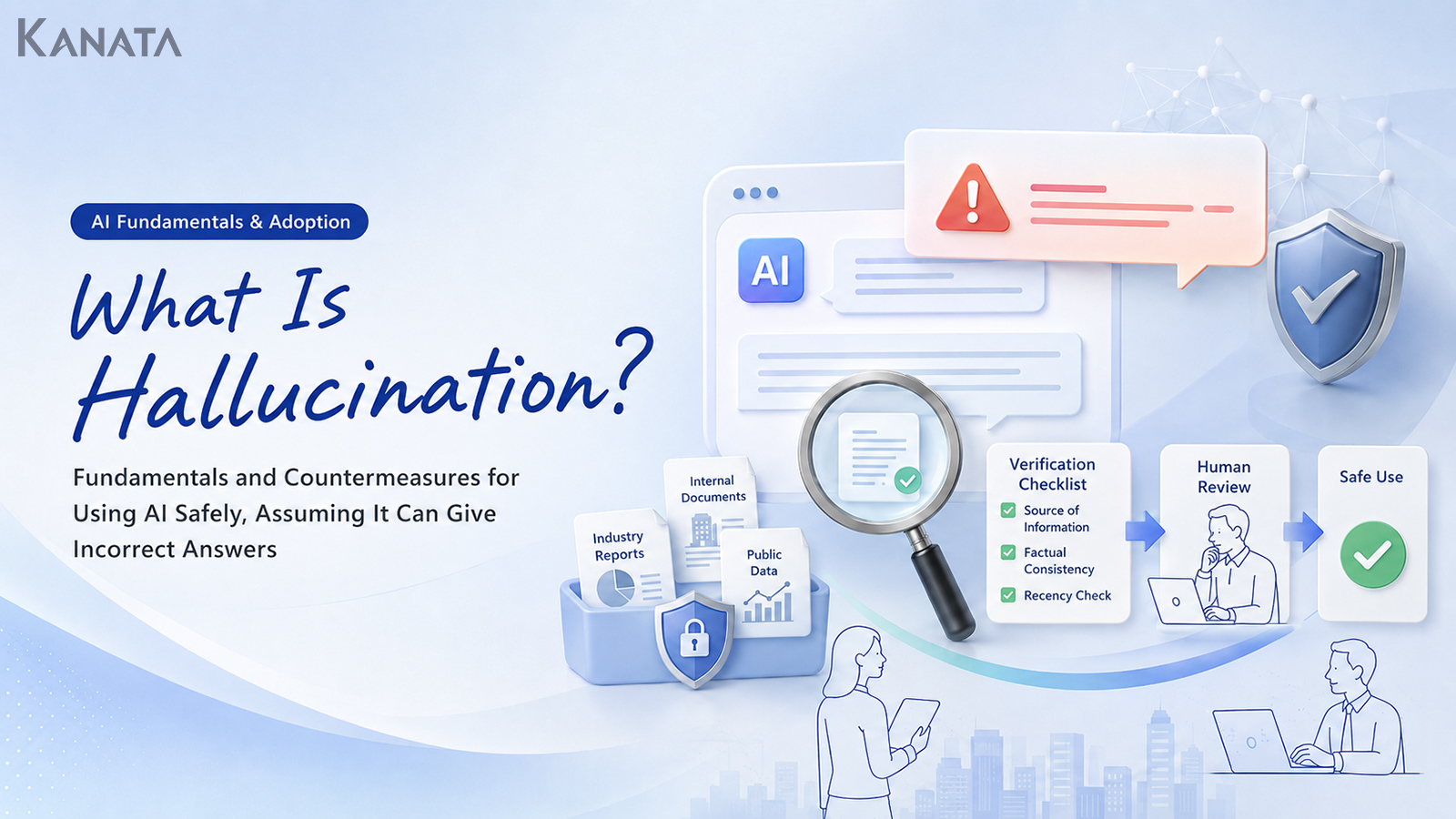



The AI’s answers were so natural that I couldn’t tell where to begin questioning them.
In my work supporting organisations adopting generative AI, I hear remarks rather like this one again and again. It captures the predicament faced by a sales-planning lead who had just begun using generative AI at one company, together with the IT, legal and digital transformation teams. Handing the AI a draft email, a meeting summary or a first pass at some research certainly sped the work along, but every so often it would produce a non-existent policy name or an unverified figure, all dressed up to look perfectly plausible. The people on the ground found it “useful but rather frightening”; IT felt it was “hard to decide how far to permit it”; and legal saw “a real risk of misinformation creeping into external documents”.
Having worked across product development as an engineer and, since then, across sales, marketing, management and operational improvement, I can say that AI’s mistaken answers are not a problem only the technically minded need worry about. If anything, they are most likely to bite precisely when ordinary staff first begin folding AI into their day-to-day work.
A growing number of firms are now shifting their approach: rather than treating the AI’s output as the correct answer, they use it for drafts, summaries and the marshalling of arguments, while people check the sources, figures and proper nouns. In this article I will set out what hallucination is, why AI produces mistaken answers, where it tends to crop up in business, and what to do about it. The aim is not to halt AI, but to reach a state in which you can use it safely on the assumption that it will sometimes err. A checklist alone, mind you, will not make the risk vanish; it has to be considered alongside internal rules, training and regular review.
What hallucination is: when AI presents plausible but incorrect information
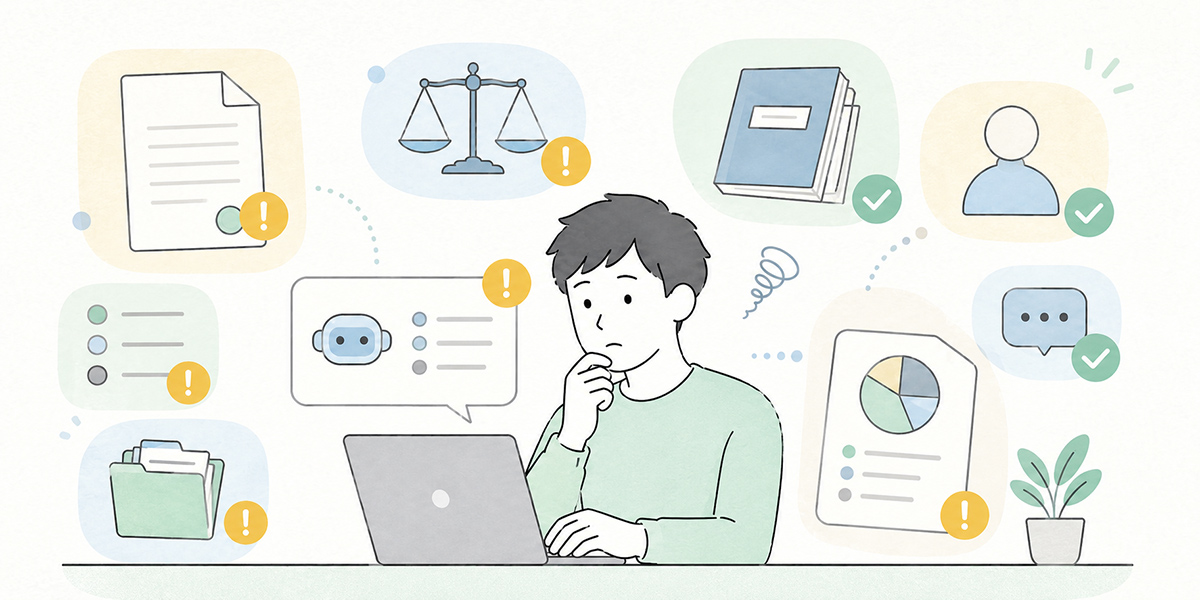
Hallucination is the phenomenon whereby generative AI produces content at odds with the facts, presented as though it were entirely correct.
The following cases are typical examples.
- Describing an internal scheme that does not exist as though it were a real one
- Citing document titles or URLs it never consulted as though they were sources
- Presenting unverified figures as concrete results
- Filling in the content of contracts or regulations with generalities
- Including, in the minutes, decisions that were never actually discussed at the meeting
The awkward part is that hallucination does not always announce itself as an obviously odd answer. More often it reads as natural, courteous and perfectly logical prose. In my own checks on the ground, a single read-through of the AI’s answer gave nothing away; it was only on returning to the original source that I realised “this scheme name does not exist” or “that figure appears nowhere in the document”.
A generative AI’s answer is not a direct quotation from search results or an internal database. It generates a natural-looking reply on the basis of the instructions and context it is given. Consequently, even when information is missing, it may simply not say “I don’t know” and instead fill in the absent premises to produce an answer regardless.
When using generative AI in business, you must start from the premise that the AI can be wrong. This is not a way of dismissing AI; rather, it is the safety mechanism that lets you keep using it in your work over the long run.
Why AI gives mistaken answers
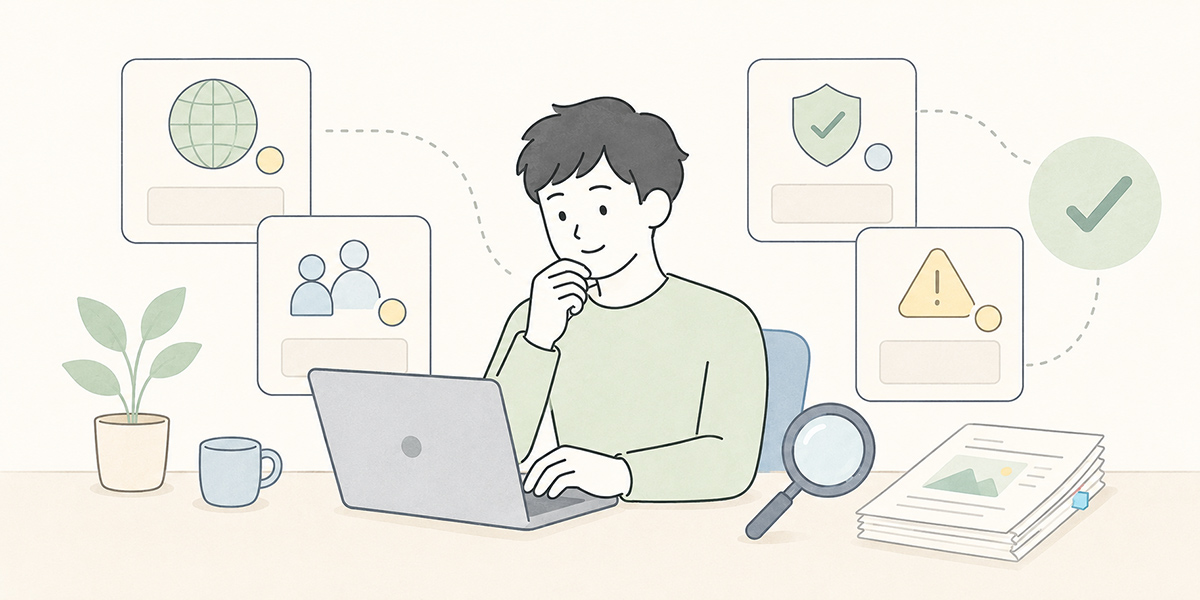
There are several causes behind a generative AI’s mistaken answers. Understanding them helps you avoid fearing hallucination more than you need to, and makes it easier to judge where to pay attention.
It will try to answer even on things it has not learned
AI will sometimes produce what looks like an answer even for things it does not know, or for which it lacks the material to judge.
Suppose you ask, “Tell me about our company’s parental-leave scheme.” Even with no internal regulations to hand, the AI may answer on the basis of a generic description of such schemes. To the reader it looks perfectly natural, yet it need not match that particular company’s rules at all.
With questions of this kind you need to draw a clear line between asking the AI for the general picture and asking for an answer grounded in your internal regulations. In the early days of adoption that distinction is all too often left blurred. I make a point of flagging it in the very first training session, because people are most inclined to trust the AI’s answers just after they have felt how convenient it is.
Vague questions invite it to fill in the premises
“Sum this up nicely,” “tell me the risks,” “turn this into something I can use with customers.” Handy as such requests are, to the AI they are instructions wide open to interpretation. With no clear sense of who it is for, which materials to assume, or how far it may assert things, room opens up for the AI to supply the missing premises itself.
When guarding against hallucination, how you write the prompt matters too. Spelling out the purpose, the intended reader, the background information, the output format and the constraints makes it easier to cut down on unwanted gap-filling.
In my experience, the firms that get on best with AI treat the prompt not as a personal knack but as part of how the work itself is designed. Rather than leaving it to the gifted few to ask the right way, they share the manner of asking across the team, so that anyone who uses it arrives at a consistent quality.
It can be weak on the latest information and company-specific knowledge
AI can be shaky on recent changes to the law, the latest market data, scheme names used only within your company, or the working rules particular to each department.
The following sorts of information warrant particular care.
- The latest laws and regulations
- The latest moves of competitors
- Your own bespoke pricing structure
- Internal regulations and approval workflows
- Contract terms specific to each customer
- Unannounced campaign information
These should never be left entirely to the AI; you must always return to the primary source to check.
There are situations where AI far outpaces a person in producing text. Whether it knows which rules are currently in force in your organisation, understands the individual contract with a given customer, or aligns with the latest approval workflow, however, is quite another matter. It is precisely because it is so fast that you must deliberately build in checkpoints.
It may manufacture something that looks like a source
Ask the AI to “include the sources” and it will often answer in the form of citations. Those citations, though, do not necessarily exist.
It may, for instance, give a document title that does not exist, a page number that is not there, or a URL you cannot verify. A citation being present does not make a claim correct; you must go on to confirm that the source genuinely exists and that its content matches.
This is surprisingly easy to overlook in practice, because the mere presence of a document title or a URL lends an air of reliability. The moment you see a source from the AI, I would urge you to pause and ask, “Does this actually exist?”
Where hallucination tends to arise in business
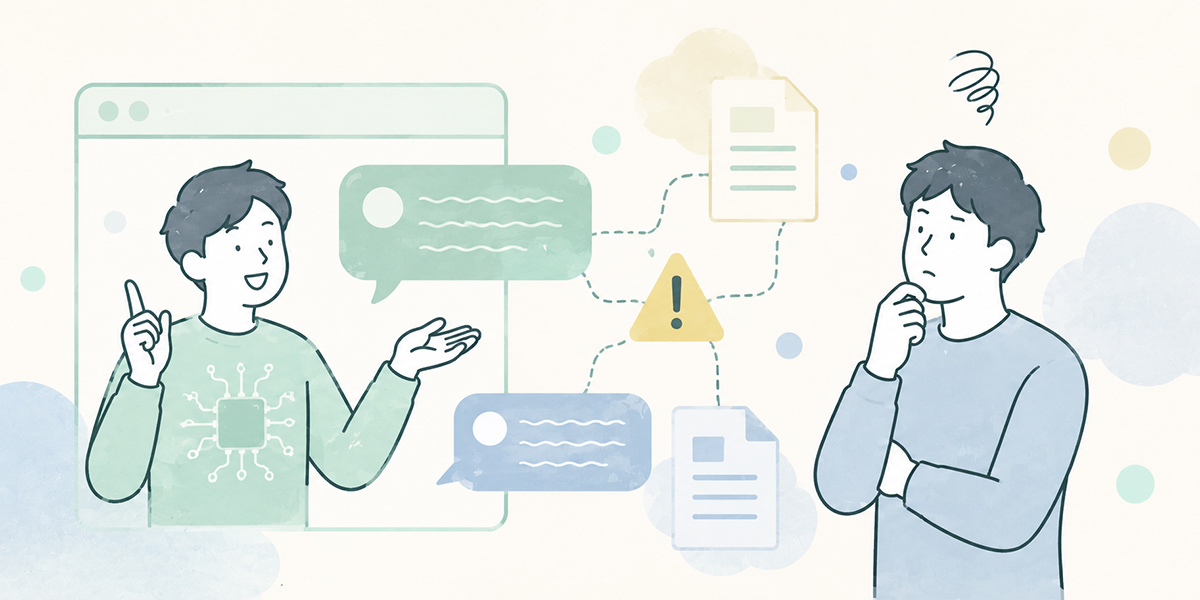
Hallucination does not pose the same problem in every kind of work. The cases that call for particular care are those where misinformation feeds into decisions, internal or external, or into how you deal with customers.
Enquiries about internal regulations and schemes
In HR, general affairs, accounting and IT, there is a natural temptation to use AI to field enquiries from staff.
Questions such as these, for instance.
- Can I claim this travel cost as an expense?
- Which department should I submit a side-job application to?
- What is the deadline for applying for parental leave?
- What equipment must I return when I leave?
At first glance these look well suited to AI. Indeed, tidying up internal regulations and FAQs so that staff can look things up for themselves is a sound use of the technology.
But an answer not grounded in the internal regulations may prompt staff to act wrongly. If, say, a procedure that properly requires prior application is met with the AI’s “applying afterwards is fine,” the result is confusion on the ground.
With questions about internal regulations it is important not to let the AI answer in generalities. You need to build in constraints such as “if there is no basis in the regulations, say you don’t know” and “cite the regulation’s name and clause”.
First-pass review of contracts and legal checks
AI is beginning to be used for first-pass reviews of contracts too. For spotting missing clauses or marshalling the points at issue, it is genuinely useful.
Treating its output as a legal judgement in its own right, however, is dangerous.
In a contract, a single phrase or its surrounding context can change the meaning. The history of past negotiations with the counterparty and your own organisation’s appetite for risk come into it as well. Even when the AI outputs “no problem,” that is not the final word.
In any AI use touching contracts or regulations, I am rigorous about casting the AI not as the decision-maker but as an assistant that helps surface the points at issue. Any output bearing on legal matters must be premised on a human check by the relevant specialist department or by counsel.
Market research, competitor analysis and quoting figures
In marketing and sales planning, AI is sometimes used to knock together a first draft of market research or a competitor comparison.
Here hallucination becomes especially hard to spot, because the AI’s answers readily include a plausible-looking market size, a plausible-looking growth rate and a plausible-looking competitor comparison.
The following, for instance, is a hypothetical example.
As of 2025 the domestic market for XX is worth roughly 100 billion yen and is growing at 10% a year.
A sentence like this looks plausible enough. Without a source, a survey year, a definition of the market in question and the scope of the tally, however, it has no business being used in your work.
When using AI for market research, it is safer not to believe the figures themselves but to use it for the points worth investigating, the sources worth checking and the marshalling of the axes of comparison. As a first move in any research, I more often have the AI draw me a map for investigating than ask it for the answer.
Summarising minutes and tidying up sales-meeting notes
AI summarisation is handy for organising what was said in meetings and sales discussions. Being able to summarise a recording, rough notes or supporting materials into a set format lightens the load of producing minutes and sharing information.
With minutes and sales notes, on the other hand, you must watch for errors of the following kind.
- Writing down, as a “decision,” something that was never decided
- Attaching a name to a task whose owner has not been settled
- Summarising a hypothesis still under discussion as though it were settled policy
- Paraphrasing what the customer said too heavily through an internal lens
AI summarising of minutes helps cut down the time spent reviewing after a meeting. Before sharing it as the final record, though, a person needs to set it against the recording, the notes and the participants’ own understanding.
A meeting is not merely a place where remarks are lined up. Who spoke with what degree of conviction, how far agreement actually reached, what was left in abeyance: reading that sort of context is very much a human’s part to play.
Customer emails, proposals and FAQ answers
In text you send to customers, a mistaken answer from the AI can translate directly into lost trust.
The following expressions in particular call for care.
- We can definitely improve it
- We can accommodate everything
- We are better than the competition
- It will be completed within X days
- There is no legal problem
Categorical statements of this kind should not be used without fact-checking and internal sign-off.
Text the AI has produced is useful as a draft. Before it goes to a customer, however, always check the figures, the terms, the contractual content and the bounds of what you may promise.
In my sales and marketing support work too, I am careful not to let the AI rely too heavily on emphatic assertions. There is a fine line between compelling copy and an overblown promise, and in B2B especially, trust counts for far more than a short-term pitch.
Don’t try to drive AI’s mistakes to zero
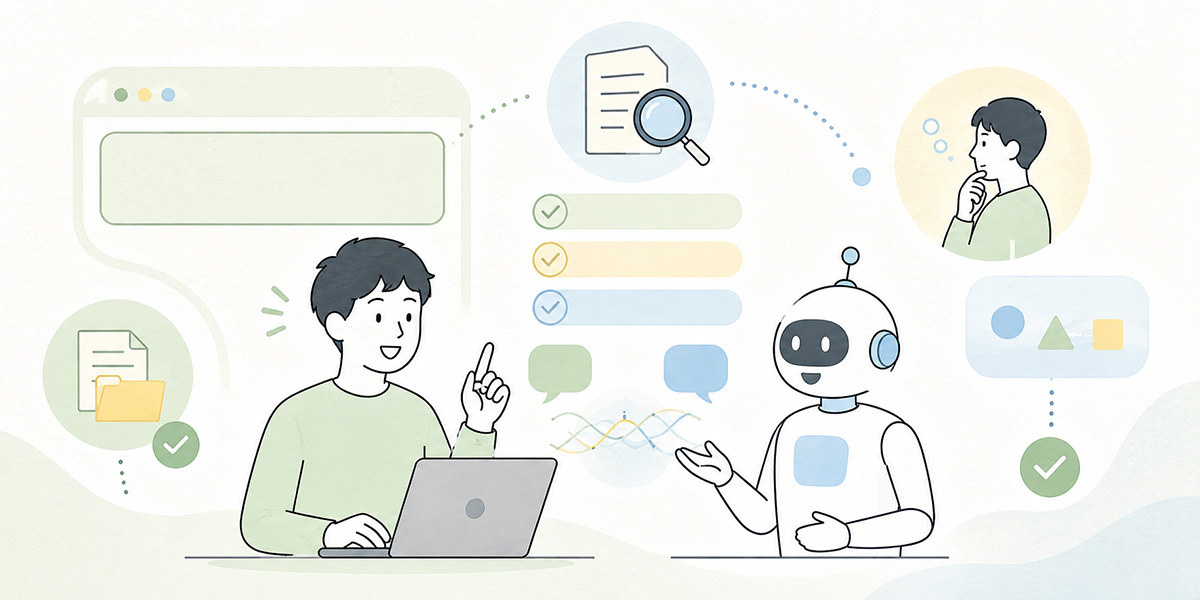
The important thing in guarding against hallucination is not to try to eliminate the AI’s mistakes entirely.
Efforts to reduce mistaken answers are of course needed. But so long as you are putting AI to work, it is more realistic to design your operations on the premise that it may err.
When I am consulted on adopting AI, what I work through with people is not “how do we make sure the AI never errs” but “what design keeps a mistake from becoming an operational accident.” It is close to the mindset of systems development. Rather than assuming a system with zero bugs, you design in detection, review, permissions, logging and recovery procedures. Putting generative AI to work calls for much the same posture.
Don’t treat AI as a tool that produces correct answers
AI is not a tool that guarantees the right answer. It is particularly ill-suited to fact-checking, legal judgement, final decisions and firm commitments to customers.
It is well suited, on the other hand, to uses such as these.
- Drafting text
- Summarising minutes and documents
- Marshalling the points at issue
- Generating ideas
- A first draft of a comparison table
- Drawing up points to check
- Creating prompts and templates
In short, AI is most effective used as a tool for building the groundwork that comes before thinking proper.
Let people handle fact-checking, final judgements and any dialogue that turns on relationships, and leave drafting, summarising, tidying up and getting research started to the AI. Drawing that division of labour clearly makes it easier to have both speed and safety.
Separate low-risk work from high-risk work
Bind every use of AI with the same rule and it becomes awkward to use on the ground; leave everything entirely free and the risk mounts.
It therefore helps to begin by sorting your work by level of risk.
| Category | Examples of work | How to think about AI use |
|---|---|---|
| Low risk | Personal notes, internal drafts, idea generation | Relatively easy to use, but mind confidential information |
| Medium risk | Minutes, internal FAQs, drafts of sales materials | Use on the premise of a human check |
| High risk | Contracts, legal matters, personal data, formal replies to customers | Make a check by the specialist department mandatory |
| Prohibited / handle-with-care areas | Sensitive information, undisclosed financial information, highly confidential customer information | As a rule, do not enter it |
Sorting things this way makes it easier for people to judge “how far they may use it” rather than facing a blanket “everything is forbidden.”
In firms where AI adoption stalls, the choice tends to collapse into “it’s risky, so we won’t use it” or “it’s handy, so use it freely.” I regard designing the realistic operation that sits between the two as the important thing.
Build the place where people check into the workflow
An arrangement for checking AI output will not last if it rests on the attentiveness of individuals alone.
What matters is to build checkpoints into the workflow itself.
For customer-facing materials, for instance, you might do as follows.
- The owner uses AI to draft an outline
- The owner checks figures, proper nouns and examples
- A manager checks the wording and the bounds of what is promised
- Legal or IT check as required
- Submit to the customer
By folding AI use into your existing review process in this way, you can keep the risk down without slowing the pace too much.
The phrase “a person checks it” is not, by itself, an operating procedure. Who checks, at what point, and what for: only once you have settled that does AI use take root on the ground.
The basics of guarding against hallucination
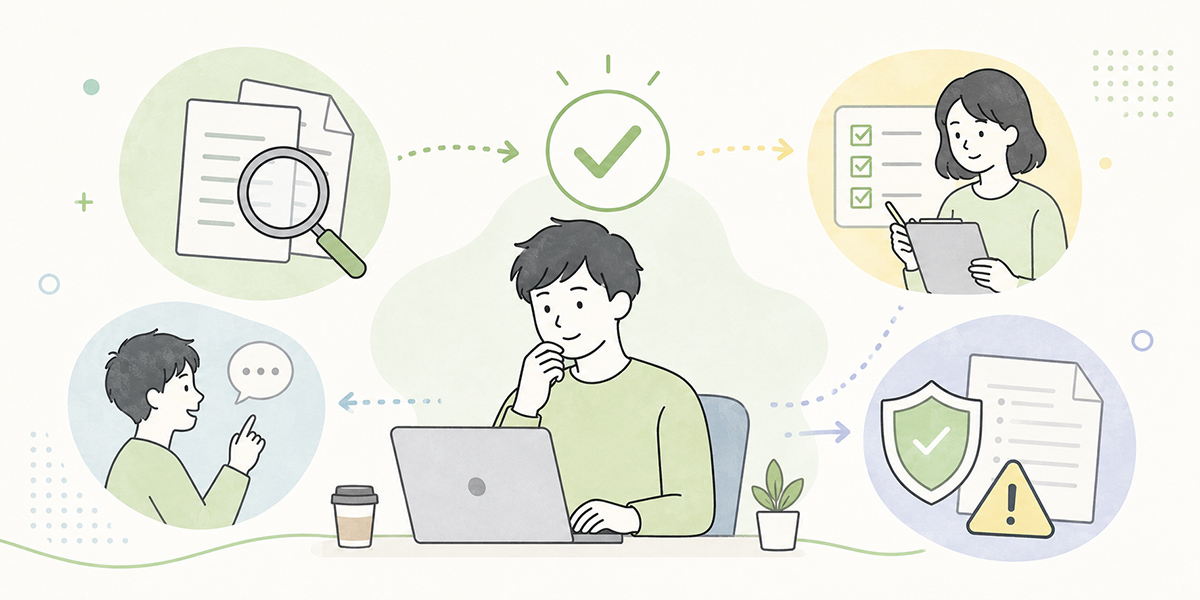
From here I will set out measures you can actually use in practice.
Spell out the purpose, the premises and the output format
When your instructions to the AI are vague, the scope for mistaken answers widens.
A poor example is a request like this.
Sum up this document nicely.To improve it, you would write as follows.
Summarise the document below for sharing at our internal sales meeting.

# Purpose
To enable sales members to decide on the next action

# Output format
- Key points: no more than five
- Decisions: bullet points
- Unsettled matters: explicitly marked "needs checking"
- Use only the figures, dates and proper nouns that appear in the original

# Note
Do not supply information that is not in the document.
As this shows, it is important to tell the AI not only what you want it to do but also what it must not do.
I would encourage you to treat a generative-AI prompt less as a casual request than as something closer to a work brief. A good brief has a purpose, premises, deliverables, constraints and points to check. An instruction to the AI is no different.
Have it answer “needs checking” when uncertain
AI will sometimes try to answer even what it does not know, so specify from the outset: “if uncertain, write ‘needs checking’.”
Example:
For anything not expressly stated in the internal regulations, do not answer by guesswork; write "no basis in the regulations, needs checking."Adding even this one line makes it easier to lower the risk of the AI forcing an assertion.
For internal FAQs, regulation checks and customer-facing replies in particular, it is important to have an AI that can say “I don’t know” when it doesn’t. This is not an instruction that diminishes the AI’s ability; it is one that raises its reliability in your work.
For figures, dates and proper nouns, go back to the source
It is figures, dates and proper nouns where hallucination most readily becomes an operational problem.
The items to check are as follows.
- Amounts
- Percentages
- Headcounts
- Dates
- Company names
- Department names
- Names of those responsible
- Product names
- Contract terms
- Names of laws
- Document titles
Always go back to the original source to check any figure or proper noun the AI outputs. Where the source cannot be verified, either remove the information or mark it explicitly as “needs checking.”
Figures lend prose its persuasive force, which is precisely what makes them dangerous. A figure with no basis is, on occasion, better left out altogether. In document reviews I make it my habit, on finding a figure, to ask first of all: “Where did that number come from?”
Check whether the source exists
Asking the AI for sources is worthwhile, but a source merely being written down is not enough.
There are three things to check.
- Does the source actually exist?
- Does the AI’s summary match the source’s content?
- Is the source still valid today?
For internal documents you also need to check whether it is the latest version. An answer based on outdated regulations or an old proposal may conflict with how things are currently run.
Having the AI attach sources can serve as the gateway to the checking work. The moment a source is attached, though, the checking is not over; rather, that is where the human check begins.
Have a person review it before it goes outside
Anything destined to leave the organisation is always checked by a person.
Even where the draft was produced by AI, at the point of submitting it to a customer or partner a person must take responsibility for checking it. In the review, look at the following points.
- Whether fact and conjecture have become mixed
- Whether the figures and proper nouns are correct
- Whether it is something you may promise the customer
- Whether there is any over-emphatic assertion
- Whether it fits your organisation’s tone
- Whether it contains anything needing sign-off from legal, IT or a manager
Even when the text was written by AI, the responsibility for submitting it rests with a person. That, however far AI advances, will not change easily.
Have specialist departments check high-risk areas
In the following areas, AI output should not be used as it stands.
- Law
- Contracts
- Tax
- Labour
- Security
- Personal information
- Medicine and health
- Financial decisions
- Formal replies to customers
For these you can use AI to marshal the points at issue or to draw up items to check. The final judgement, however, must be made by the specialist department or the person responsible.
With firms pressing ahead on AI, I place as much weight on deciding the areas where AI does not judge alone as on widening the areas where it can be used. Drawing a line you will not cross is not a sign of reluctance about AI; on the contrary, it is the precondition for an organisation to use it in earnest.
A checklist for reviewing AI output
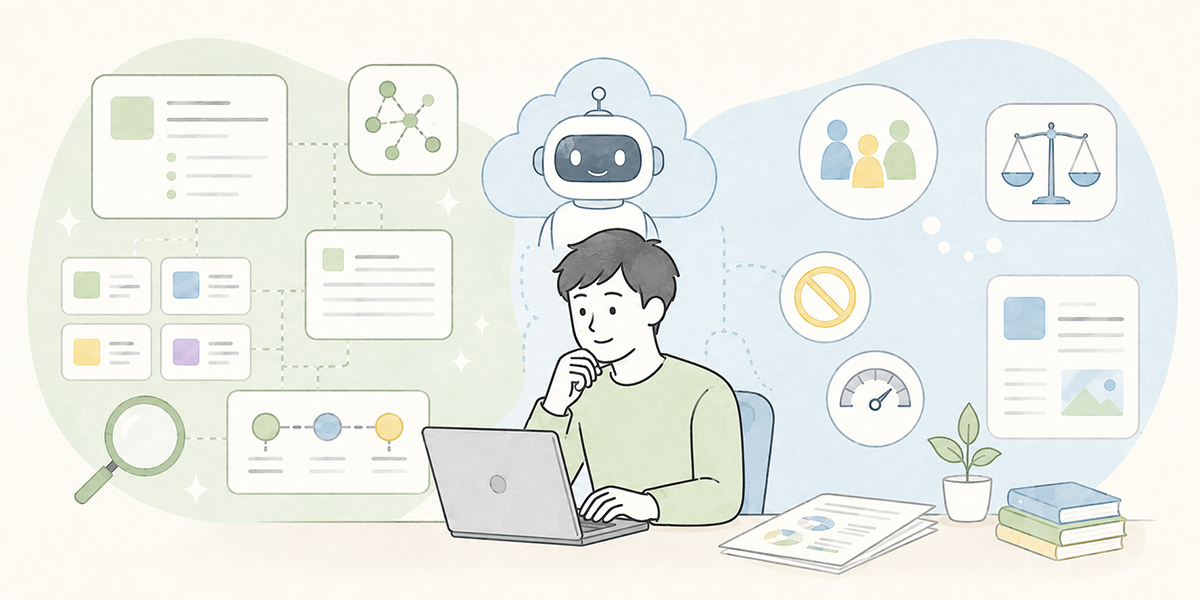
Once you have the AI’s answer, check it against the following list.
Checking the facts
- Whether figures have a source, a period, a unit and a base figure
- Whether the proper nouns are correct
- Whether the dates are correct
- Whether the cited source actually exists
- Whether the referenced material is the latest version
- Whether the AI has supplied information not in the materials
Checking the wording
- Whether it is too categorical
- Whether expressions like “definitely,” “absolutely” or “completely” appear
- Whether the wording is something you may promise the customer
- Whether it fits the internal tone
- Whether it might mislead the reader
Checking the risks
- Whether it contains personal or confidential information
- Whether it contains anything needing a legal check
- Whether there are any security concerns
- Whether it contradicts the contract terms
- Whether it would disadvantage a customer or member of staff
Checking the judgement
- Whether you are adopting the AI’s conclusion as it stands
- Whether you have left even the parts a person should judge to the AI
- Whether you have checked with the relevant parties
- Whether any passage remains marked “needs checking”
Adjust this checklist to suit your department and your work. What matters is to hold a set of checking criteria in common across the organisation, rather than starting each review from scratch.
In my experience, the firms where AI use takes root treat the checklist not as a document for the auditors but as a tool that protects the people on the ground. You put it in place not to constrain those who use it, but to widen the range within which they can use it with confidence. That outlook is what matters.
Generative-AI rules worth settling internally
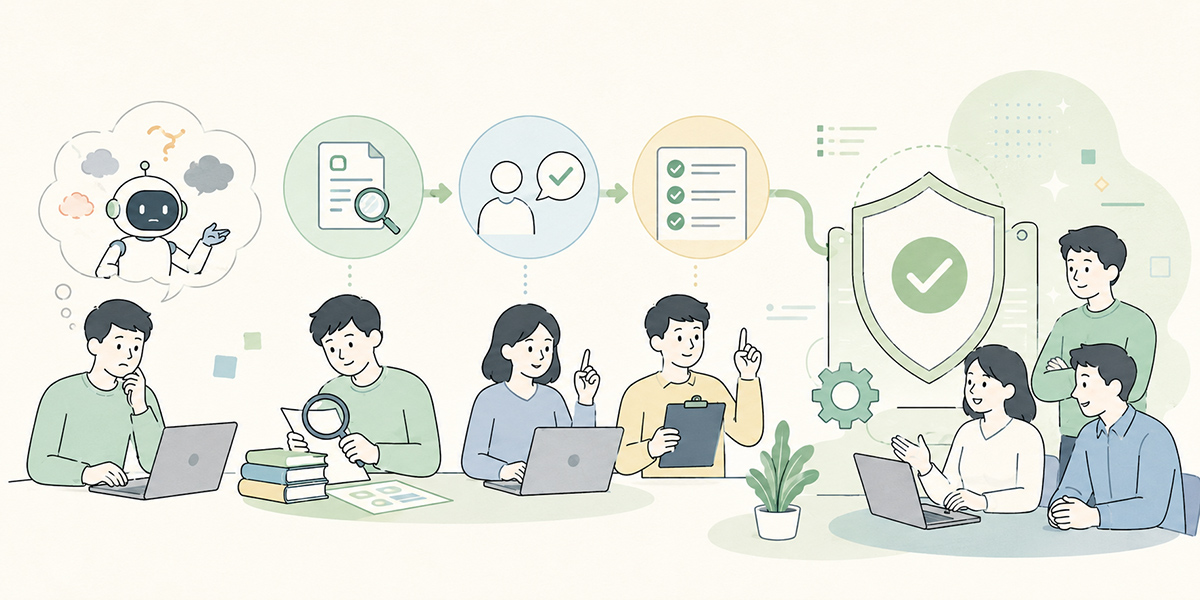
There are limits to what individual care alone can do against hallucination. If you are to use AI as an organisation, you need to settle on a minimum set of rules.
Separate information you may enter from information you may not
The first thing to decide is the range of information you may enter into the AI.
You might classify it, for instance, as follows.
| Information category | Examples | How to handle it |
|---|---|---|
| Public information | Official websites, published materials, press releases | Easy to use |
| General internal information | Manuals, internal FAQs, training materials | Use in accordance with internal rules |
| Customer information | Sales-meeting notes, contract terms, proposals | Check the contract, the permissions and any masking |
| Personal information | Name, address, contact details, employee number | As a rule, masked |
| Sensitive information | Health information, bank-account details, undisclosed financial information and the like | As a rule, not entered |
Personal information, sensitive information and undisclosed financial information in particular call for careful handling: either keep them out of the AI altogether or mask them beforehand. Authoritative guidance such as the NIST AI Risk Management Framework likewise flags the risks of misinformation and disinformation produced by generative AI, and expects those who use it to operate with those risks firmly in mind.
Decide who reviews
Settle, too, who checks the AI’s output.
A division of labour such as the following, for instance.
| Output | Main reviewer |
|---|---|
| Internal text | The author and their manager |
| Customer emails | The author, their manager and, as needed, the sales lead |
| Text concerning contracts or regulations | Specialist departments such as legal, HR and general affairs |
| Text concerning security | IT and the security lead |
| Web articles and advertising copy | The marketing lead, and legal where a legal check is needed |
Without a designated reviewer, something may go out to the world with no one having checked it at all.
“Someone will surely look at it” amounts, in practice, to no one looking at it. Not to foist responsibility on anyone, but so that AI can be used with confidence, you need to settle on a checker in advance.
Don’t transcribe the AI’s answer verbatim
It is also worth setting down, as an internal rule, that the AI’s answer is not to be transcribed verbatim.
Output of the following kinds, in particular, is safer not used as it stands.
- Replies to customers
- Comments on contracts
- Explanations of legal or labour matters
- Market research containing figures
- Materials for the board
- Messages to recruitment candidates
- Press releases and advertising
Receive AI output as a draft, have a person check its content, and recast it in your own organisation’s words before using it.
I think of this process as rather like cooking. The AI speeds up the preparation. But adjusting the seasoning, and judging who the dish may be served to, is a person’s job. Skip that bit of effort and the convenience turns straight into risk.
Review it regularly
How AI is used shifts gradually within an organisation. The rules you first drew up will not necessarily still be the best ones six months on.
Once a month, or once a quarter or so, it is worth reviewing the following points.
- Which AI use cases are seeing heavy use
- Cases where mistaken answers arose
- Worries and questions from the people on the ground
- The range of information that may be entered
- The review procedure
- Prompts and templates
- Training content
Guarding against hallucination is not something you set up once and have done with; it is improved as you operate it. The same holds for product development and operational improvement. Rather than building a perfect system from the outset, starting small and adjusting as you observe how things work on the ground tends to embed it more durably.
Things to keep in mind when using Kanata
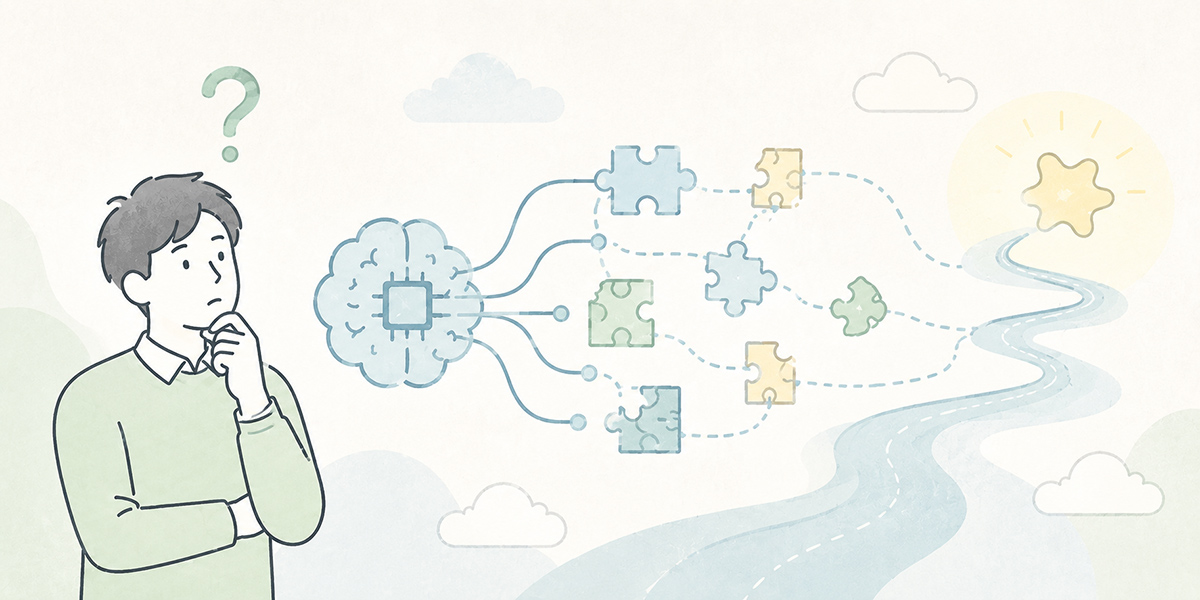
There are several options for using generative AI at work: general-purpose chat tools, in-house AI platforms, groupware integrations, knowledge-search tools and more. Whichever you choose, the important thing is to decide first which work it is for, which information it will handle, and who will check it.
With that in mind, Kanata is a business-support platform that brings AI chat, AI summarisation, e-learning and the like together in one place and lets you organise users, data and applications by project. It can be used for putting questions to and consulting the AI, drafting text, generating ideas, research, summarising meeting recordings and notes, and delivering learning content built around video.
Divide projects by department, save the instructions you use often as prompts, and organise your internal documents as learning data, and you make it easier to arrive at AI use that does not lean too heavily on any one person’s way of working. Kanata comes into its own especially when you want to set up the work process and the checking flow together, as with summarising minutes, internal FAQs, training content and first drafts of sales materials.
Using Kanata, though, does not mean hallucination disappears entirely.
AI chat and AI summarisation help with drafting, organising information and marshalling arguments. Whether the output is then used in your work, however, is for a person to judge. For anything touching external documents, figures, citations, regulations, contracts, legal matters or security in particular, it is important not to adopt the AI’s output as it stands.
When I support a company’s AI adoption, I never let it end at choosing the tool. Which work it is for, who checks it, what information may be entered, how the output is reused: only once you have designed all of that does AI become something that goes on being used on the ground.
Ready-to-use prompts for guarding against hallucination
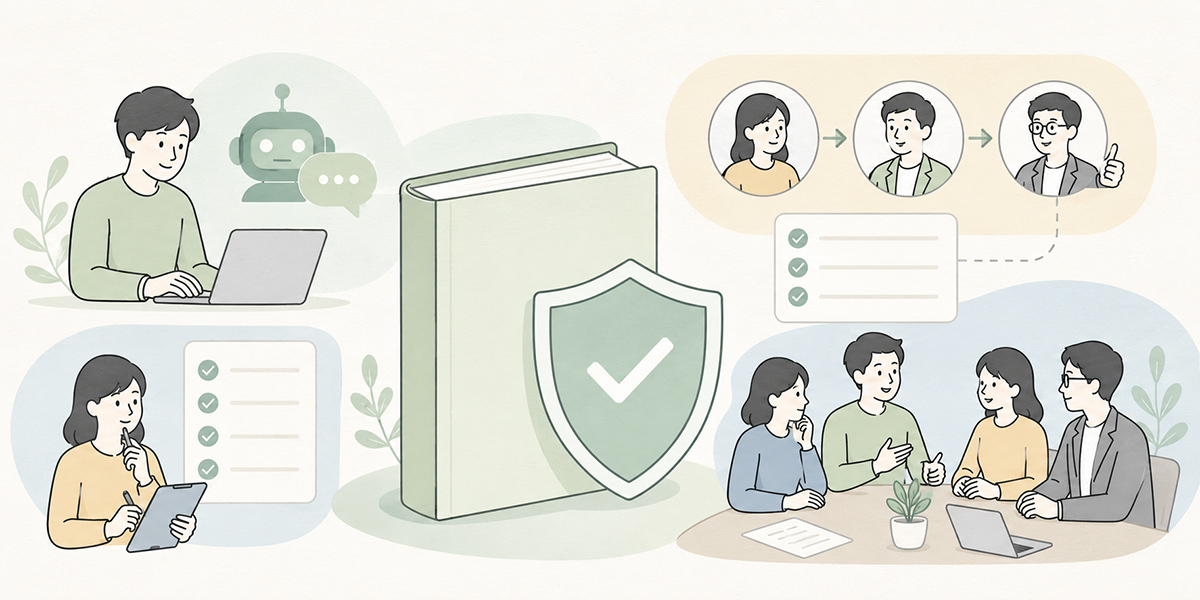
Here are some prompt examples that are easy to use as they are. Adjust them to suit your own regulations and checking flow.
When you want to prevent mistaken answers
Please answer the question below.

# Key rules
- Do not fill gaps by guessing; write "unknown" or "needs checking"
- Do not add information that is not in the materials
- Use only the figures, dates and proper nouns that appear in the input
- Keep fact and conjecture separate

# Question
{the question}
When you want answers grounded in internal regulations
You are an assistant that answers on the basis of the internal regulations.

# Answer rules
- Answer only with content expressly stated in the regulations
- Cite the regulation's name, chapter and clause as the basis
- Where there is no basis in the regulations, write "no basis can be confirmed in the regulations; please check with the responsible department"
- Do not add generalities

# Question
{the staff member's question}
When you want a first draft for market research
Please draft a starting point for research on the theme below.

# Theme
{the research theme}

# What I want you to output
1. The points worth checking
2. Candidate sources to consult as primary information
3. Definitions to watch out for during the research
4. The premises needed when verifying figures
5. What must not yet be asserted

# Note
Do not assert specific market sizes or growth rates.
Where a figure is needed, write "source required".
When you want fewer errors in summarising minutes
Please organise the meeting notes below into minutes for internal sharing.

# Output format
- Purpose of the meeting
- Decisions
- Open matters
- TODO
- Things to check next time

# Note
- Do not add decisions not written in the notes
- For any TODO whose owner is unknown, write "owner to be decided"
- Mark uncertain content explicitly as "needs checking"
- Do not presume the intent behind a remark

# Meeting notes
{the meeting notes}
When you want to review an external document
Please check the text below from the standpoint of a pre-submission review for external use.

# Points to check
1. Whether fact and conjecture have become mixed
2. Whether any figures, dates or proper nouns need checking
3. Whether there is any over-emphatic assertion
4. Whether any wording looks like a promise to the customer
5. Whether anything should be checked with legal, IT or a manager

# Output format
Put it in a table under the three headings:
- No problem
- Needs revision
- Needs checking

# Text
{the text to review}
In summary: design your usage on the assumption that AI will err
Hallucination is the phenomenon whereby generative AI produces, plausibly, content at odds with the facts.
What causes trouble in business is not merely that the AI errs. It is using that error, unnoticed, in external documents, internal regulations, contracts, numerical materials and customer dealings.
To use generative AI safely, then, the following way of thinking is indispensable.
- Don’t treat AI as a tool that produces the right answer
- Use it for drafts, summaries and marshalling the arguments
- Check figures, dates and proper nouns against the original source
- Confirm that the source actually exists
- Have a person review it before it goes outside
- Have specialist departments check high-risk areas
- Review internal rules and training regularly
Using AI is not a choice between banning it and using it freely. On the premise that it will err, and with the places where people check decided, it becomes easier to have both speed and safety on the ground.
In my view, it suits companies better to treat AI as a capable collaborator who nonetheless needs checking, rather than as an all-knowing oracle. Let it lighten people’s work, but keep hold of the judgements for which people must answer. That distinction, I am sure, will be the key practical skill as AI use develops.
Q&A: common questions on hallucination and guarding against AI errors
What is hallucination?Hallucination is the phenomenon whereby generative AI produces content at odds with the facts in the form of plausible prose. It may present non-existent schemes, unverified figures or sources that do not exist, all in natural-sounding language.
Can AI’s mistaken answers be prevented entirely?Operating on the assumption that they can be wholly prevented is not realistic. What matters is to design source-checking, review, input rules and a flow for checking with specialist departments, all on the premise that mistaken answers can occur.
When using AI in business, what should be checked in particular?Always check figures, dates, proper nouns, sources, contract terms, internal regulations and any wording that promises something to a customer. When these are wrong, they readily affect judgements and trust, inside the organisation and out.
Is it safe to just ask the AI to “add the sources”?Having it attach sources is worthwhile, but that alone does not make it safe. A person needs to check that the source exists, that it matches the content, and that it is the latest version.
Will using Kanata make hallucination go away?No. Kanata is a business platform that supports AI chat, AI summarisation, e-learning and the organising of information by project; but so long as it is AI, the output still needs checking. In guarding against hallucination, it is important to design human review and internal rules alongside the tool’s features.