


It isn’t that we want to stop people using it — we simply can’t tell what we’d have to write down for the company to count it as approved.
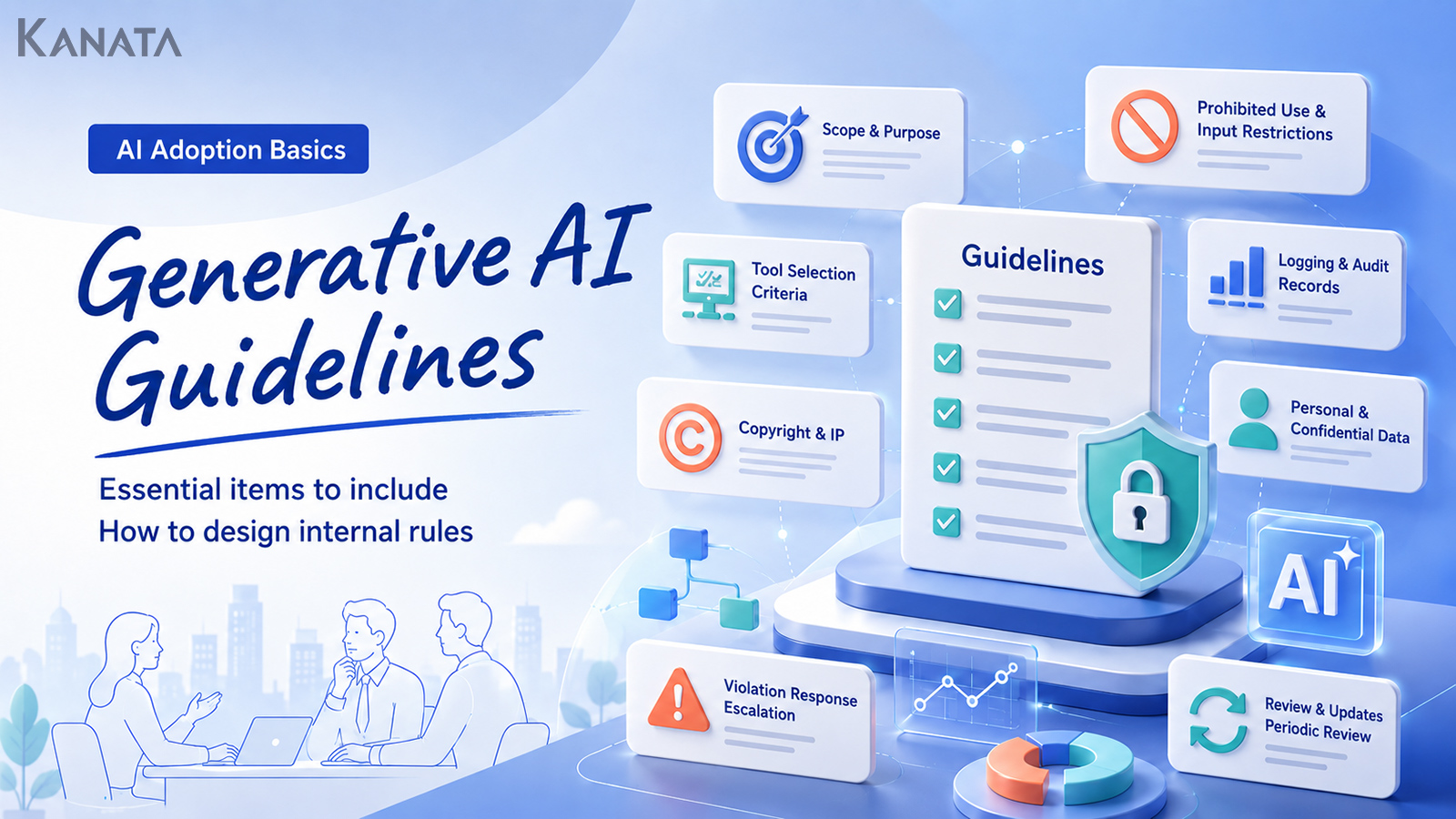
Faced with a draft AI guideline, an IT systems staff member voiced exactly that concern. It is a scene that arises easily at companies weighing firm-wide use of generative AI, when IT, legal, compliance, digital transformation (DX), HR and security all find themselves round the same table. Not so long ago, the typical stage was individuals trying public AI tools, and the warning rarely went beyond “please don’t enter confidential information.” Today generative AI is working its way into the job itself — meeting minutes, first-pass review of contracts, searching internal regulations, building training content. Kanata, too, offers features that support business use, from AI chat and AI summarisation to e-learning and per-project library management. The trouble is that who may input which information, how far the output can be trusted, and how logs should be handled are all viewed differently from one department to the next. This article sets out the items worth including in a generative AI guideline, at a level of detail you can lift straight into internal regulations or operating rules as a first draft. The aim is a shared rule that neither smothers use nor stops at a list of prohibitions — something the people doing the work can return to whenever a judgement call leaves them uncertain. That said, a guideline alone will not deliver safe adoption. Pair it with education, tool configuration and regular review, and work it into how your own organisation actually operates.
A generative AI guideline is not just a list of prohibitions

The roles a guideline must play
A generative AI guideline serves three broad purposes.
- Stating the company’s basic stance. Make clear whether generative AI is to be used in the business at all, which areas to begin with, and which risks to weigh most heavily.
- Aligning judgement on the ground. The same piece of information is treated differently depending on whether it is public, internal-only, or bound up in a customer contract.
- Clarifying the first response when something goes wrong. Decide, in advance, who is to be told, when, and what, should information that ought never to have been entered be entered by mistake.
A guideline is not there solely to tie the hands of the people doing the work. It marks out the range within which they can act with confidence — the foundation that lets adoption move forward.
The basic items to settle first
Purpose
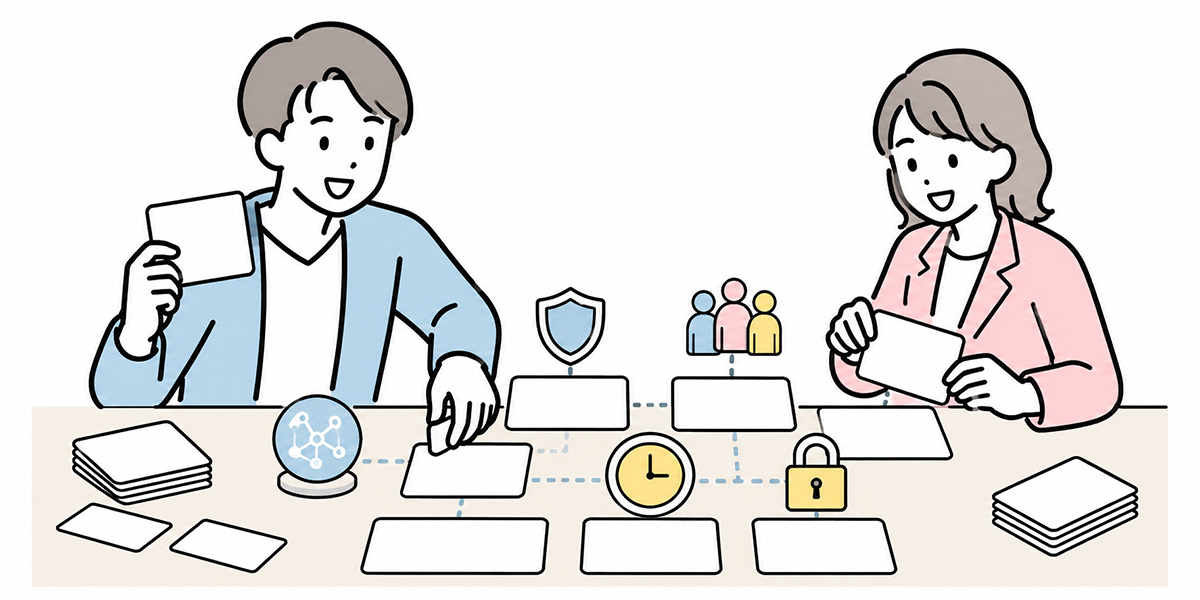
The first thing to write down is the guideline’s purpose. State purposes along the following lines, for example.
- To use generative AI in the business safely and appropriately
- To advance efficiency and the use of knowledge across the business
- To curb risks such as information leakage, copyright infringement and reliance on misinformation
- To set a shared standard for staff when a judgement call leaves them unsure
What matters here is to state plainly that generative AI is “not something to which business judgement is handed over wholesale.” It is well suited to drafting, summarising, organising arguments, generating ideas and getting research started. It does not, however, replace the final call on contracts, hiring, performance reviews, financial matters or legal questions. Positioning generative AI at the very top of the guideline as “a tool that assists the work” makes the items that follow easier to organise.
Scope of application
Next, define who it applies to, for which work, and to which tools. As for who, the candidates extend beyond permanent staff to contract and temporary workers, outsourced contractors, officers and external partners. In practice it is safest to bring anyone who might touch business data within scope, regardless of employment type. Break the work in scope into categories — writing, summarising, translation, research, minute-taking, handling enquiries, preparing materials, code generation — and you can vary the permitted range and review requirements by task. Be explicit about tools, too. You need to decide whether only company-contracted and approved tools are in scope, whether generative AI services individuals subscribe to are included, and how to treat browser extensions and external integrations.
Definitions of terms
A guideline should also head off mismatched understandings of terminology. At a minimum, it is worth defining terms such as the following.
Generative AI — an AI system that produces text, images, audio, code and the like.
Prompt — the instruction or input given to a generative AI.
Input information — information passed to the AI via the chat box, attached files, images, audio, URLs and so on.
Output — the text, summaries, images, code, answers and so forth that a generative AI produces.
Training data — documents and materials registered for the AI to refer to.
Confidential information — important business information not disclosed outside the company.
Personal data — information that can identify an individual, such as name, contact details and identification numbers.
Customer information — information bound up in dealings, such as customer names, contact persons, contract terms and the substance of negotiations.
For instance, “input information” is not merely the text typed straight into the chat box. Define it to include attached files, images, audio, URLs and copied internal documents. On a work-support platform such as Kanata, which carries several functions — AI chat, AI summarisation, e-learning, a training-data library — the material registered in a project library, not just what is typed into chat, also falls under information management.
Classify what may and may not be entered
A basic sort by information category
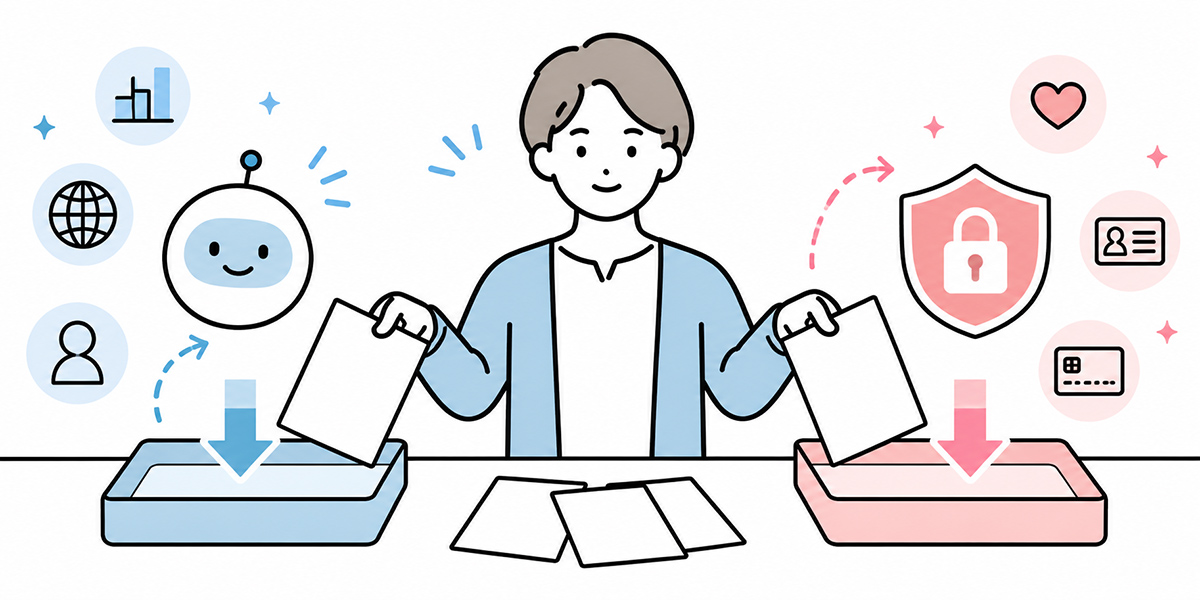
Putting a table like the one below into the guideline makes the call easier on the ground.
| Information category | Examples | How to think about whether it may be entered |
|---|---|---|
| Public information | Official website, press releases, published IR materials | As a rule, may be entered |
| General internal information | Internal manuals, already-published internal FAQs, general work procedures | May be used with company-designated tools |
| Department-restricted information | Departmental meeting materials, internal policies, materials shared on a limited basis | Check access rights and purpose of use |
| Customer information | Negotiation notes, proposals, contract terms, the substance of enquiries | Check the contract, NDA and internal rules |
| Personal data | Name, address, telephone number, email address, staff number | As a rule, not to be entered; where necessary, consider masking or approval |
| Sensitive information | Health information, beliefs, national identification numbers, account details and the like | Entry prohibited |
| Undisclosed material information | Unpublished financial results, M&A, personnel moves, business strategy | Entry prohibited |
Adjust this classification to fit your company’s existing information-management rules. If you already have bands such as “public,” “confidential,” “restricted” and “strictly confidential,” tying those bands to your generative AI rules makes operation smoother. On the handling of personal data, the UK Information Commissioner’s Office sets out detailed guidance on AI and data protection. Where information containing personal data is to be entered into a generative AI, you may need to work through the data-protection position — purpose of use, third-party disclosure, processor relationships and the like.
Treat personal data on a “minimum necessary” and “masking” basis
Personal data is information to handle with particular care in generative AI use. Names, addresses, telephone numbers, email addresses, staff numbers and the names of customer contacts are all routinely used at work — yet a summary or a draft does not always require the real name. When tidying up a negotiation note, for instance, you can substitute as follows.
- Taro Tanaka → Customer contact A
- ○○ Co., Ltd. → Manufacturer A
- ¥32.5m → in the ¥30m range
- 13 May 2026 → mid-May 2026
- ○○, Minato-ku, Tokyo → within Tokyo
Simply deleting the name, however, is not enough. If combining several pieces of information could still identify the person or company, that does not count as adequate masking. It is worth writing into the guideline that “as a rule, personal data is not entered” and that “where it is necessary for the work, the purpose, scope, approver and tool used are made explicit.”
Put “if in doubt, don’t enter it” in writing
Grey areas will arise on the ground without fail.
- May the minutes of an internal meeting be entered?
- If the customer’s name is hidden, may a negotiation note be used?
- If it is only part of a contract, may it be entered into an external AI?
Leaving such calls to the individual produces variation from one person to the next. The guideline should therefore state plainly: “if you are unsure whether information may be entered, do not enter it,” and “if in doubt, check with your line manager, legal, or the information-security team.” The point is not to stop people using the tool, but to give them a way out when they hesitate.
Make clear which tools may and may not be used
Conditions for an approved tool
Tools the company sanctions for use should not be chosen on convenience of features alone. At a minimum, check the following points.
- Whether the entered data is stored
- Whether the entered data is used to train the AI model
- Whether administrators can see how it is being used
- Whether logs can be captured
- Whether access rights can be managed
- Whether it supports SSO, two-factor authentication, IP restrictions and the like
- Whether the handling of data is clear under the contract
- Whether the rights of leavers and movers can be removed
Kanata’s operating manual sets out a design in which users, data and apps are organised by unit of work through the concepts of spaces, projects, apps and libraries. Tools with such units of management make it easier to design operation around how information should be presented — by department, by matter, by training course. That a tool has management features, however, is a separate matter from whether your own company can operate it well. Even with an approved tool, if you do not settle the rules for access rights and for registering training data, information-management risk remains.
Handling of individually contracted tools
A common headache at many companies is how to treat individually contracted and free public tools. In reality, staff are often already using generative AI privately, so simply writing “prohibited” risks drifting away from what is actually happening. The guideline might organise it as follows, for example.
- Do not enter business confidential information, customer information or personal data into individually contracted tools
- Limit use to summarising public information and rephrasing general text
- Do not enter company materials, customer materials, contracts or internal minutes
- Where business data is involved, use a company-approved tool
Setting out not only what is off-limits but how far is acceptable, as here, makes the call easier on the ground.
Treat AI output as a “first draft”
Ultimate responsibility rests with people
First, state plainly that ultimate responsibility for AI output rests with the user or the approver. “Because the AI wrote it” is no excuse for evading responsibility for outward-facing materials or customer answers. Human checking is essential for uses such as the following in particular.
- Formal answers to customers
- Explanations relating to contracts or regulations
- Documents bearing on hiring, evaluation, transfers or disciplinary matters
- Materials bearing on results, IR or management policy
- Published material such as advertising, press releases and white papers
- Explanations bearing on laws, regulations or audits
Generative AI can be put to use for drafting and for organising arguments. The final judgement and the duty to account for it, however, remain with people and the organisation.
Turn your review points into a checklist
Checking AI output by “skimming it” is not enough. Turning your review points into a checklist makes it easier to keep quality consistent across departments. The following, for instance, are points worth confirming.
- Are the figures, dates and proper nouns correct?
- Do the cited sources actually exist?
- Are fact and conjecture kept apart?
- Is any customer information or personal data included?
- Is there any exaggeration or any overly definitive wording?
- Are there any copyright or trademark concerns?
- Does it fit internal rules and brand tone?
- Is it the sort of content that needs a specialist department’s sign-off?
Kanata’s best-practice guide for everyday work likewise sets out the principle that AI is used for drafting, summarising, tidying up and getting research started, while fact-checking and the final judgement are carried out by people. This idea belongs at the heart of a generative AI guideline.
Set out the handling of copyright, citation and third-party information
When entering a copyrighted work
Where you enter external paid reports, books, articles, materials received from customers, contracts or training materials into a generative AI, you need to check the licence and the contract terms. Materials such as the following warrant particular care.
- The full text of a paid article or paid report
- The body of a book or teaching material
- Materials received from a customer under an NDA
- Training materials produced by an outside instructor or a production company
- Proposals or specifications shared by a business partner
“It’s only a summary, so it’s fine” does not always hold. The guideline should set out an approval rule for entering third-party works.
When using AI output
Text or images an AI generates may also resemble an existing work. Taglines, advertising copy, images, logos, slogans and code call for particular care over similarity to existing expression. It is worth writing the following into the guideline.
- Where it is to be used in outward-facing material, have a person check for similarity
- Always verify that citations or sources the AI offers actually exist
- For information that needs a source, go to the primary source
- Mind other firms’ trademarks, logos, characters and the expression of well-known figures
- Do not publish generated material as-is; put it through an internal review
Generative AI cannot always handle sources accurately. Where citation or evidence is required, make it the rule to check the original rather than the AI’s output.
Design logging, auditing and access management
Logs worth capturing
Which items you want to capture as logs varies with the tool and the contract terms, but as a baseline consider the following.
- User
- Date and time of use
- Tool used
- Feature used
- A summary of what was entered
- Whether files were attached
- A summary of the output
- A history of sharing and exports
- A history of changes to administrator settings
Where logs are captured, though, privacy and the labour-management angle must also be weighed. State plainly that the aim is not to surveil staff but to capture logs for information protection, incident investigation and improving how the tool is used.
The purpose of the logs
Logs are useful not only when something goes wrong but for improving operation. They can reveal the topics that prompt the most enquiries, hesitation over prohibited-input information, a surge in use within a particular department, features that go unused. Acting on logs — updating the FAQ, adding training topics, revisiting the approval flow — keeps the guideline matched to reality.
Access management
Where a generative AI tool is used in the business, managing access rights matters too. In an arrangement that separates information by project, in particular, you need to confirm regularly who is on which project and which training data they can reach. Kanata’s manual sets out an approach to managing members and rights per space and per project. Even when you use such a structure, removing the rights of leavers and movers, stocktaking administrator rights, and barring shared accounts should be put in writing as your own operating rules.
Separate prohibited items from requires-approval items
Examples of prohibited items
Under prohibitions, record acts that clearly cannot be allowed — for example, the following.
- Entering special-category information into a generative AI
- Entering personal data without authorisation
- Entering a customer’s confidential information without approval
- Entering undisclosed financial, personnel or M&A information
- Entering business confidential information into a tool the company has not approved.
- Sending AI output outside the company without checking it
- Making hiring, evaluation or disciplinary decisions on the basis of AI output alone
- Circumventing security restrictions or access controls
- Using an AI tool while impersonating another person
Make the prohibitions as concrete as you can. Writing only “inappropriate use is prohibited” gives people nothing to judge by.
Examples of requires-approval items
Under requires-approval, record acts that carry risk but become necessary for the work once conditions are met — for example, the following.
- Introducing a new generative AI tool
- API integration
- Integration with external services
- Feeding in customer data
- Registering training data across departments
- AI generation of outward-facing content
- Use for high-expertise documents such as contracts, regulations and evaluation papers
- Uploading large volumes of data
For requires-approval items, set out, as a set, where to apply, what information is needed, who approves, and how it is recorded.
The exceptions-request flow
Cases not written into the guideline will come up on the ground, so it is reassuring to have an exceptions-request flow ready as well. Asking for the following at the point of request makes the call easier.
- Purpose of use
- User
- Tool to be used
- Type of information to be entered
- Where the output will be used
- Period of use
- Foreseeable risks
- Measures to reduce the risk
- Approver
Rather than “no exceptions whatsoever,” the practical stance is “manage the necessary exceptions appropriately.”
Decide the first response to incidents and breaches
The first-response flow
The first response when an incident occurs can be organised as follows.
- Stop using it at once
- Check the chat in question, what was entered, attached files and the output
- Preserve the necessary evidence, such as screen captures and logs
- Report to your line manager, IT and the information-security team
- Set out the type of information entered, the date and time, the tool used and how widely it was shared
- Liaise with legal, compliance and the customer-facing department as needed
- Consider measures to prevent recurrence and feed them back into the guideline and training
The point to watch here is that “just delete it quickly” is not always right. Evidence may be needed before deletion. Decide, in line with your own incident-response policy, the order in which evidence is preserved and material is deleted.
The reporting template
Having a reporting template ready as well saves people on the ground from hesitating. It is worth including the following items.
- Date and time of occurrence
- Date and time of discovery
- User
- Tool used
- Type of information entered
- Whether files were attached
- A summary of the output
- Whether it was shared outside the company
- Action taken so far
- Further checks needed
- Action needed to prevent recurrence
Reporting is not about apportioning blame; it is about preventing the damage from spreading.
Put a no-blame culture in writing
A guideline should carry not only “breaches will be penalised” but a stance that “encourages prompt reporting.” A culture that comes down too hard on whoever caused an incident makes reporting slower — and the slower the report, the harder it becomes to establish the scope of impact and put things right. Malicious breaches and deliberate exfiltration certainly call for a firm response. For ordinary mistakes, however, putting in writing a stance that prizes early reporting and prevention of recurrence will, in the end, protect the organisation.
Provide education, communication and an enquiry channel
What to convey in the first round of education
In the first round of education on generative AI use, conveying the standards for judgement, not just how to operate the tool, is what matters. At a minimum, it is worth covering the following.
- What generative AI can and cannot do
- The company’s policy on use
- What information may and may not be entered
- The handling of personal data, customer information and confidential information
- How to check AI output
- Points to watch on copyright and citation
- How to report an incident
- Common no-go examples
The EU AI Act, too, requires providers and users of AI systems to take measures to ensure that those involved have a sufficient level of AI literacy. It does not necessarily apply directly to Japanese companies, but it is a useful reference for positioning education as part of running a guideline. Kanata’s best-practice guide likewise sets out the idea of checking, before sending a prompt, the role, purpose, intended reader, format and constraints, the masking of confidential information, and one topic per chat. Such practical checkpoints lend themselves well to internal education too.
Supplement by department
A common guideline alone does not always reach the concrete calls each department has to make. In sales, negotiation notes, proposals and customer information are central; in HR, evaluation, hiring and personal data; in legal, the handling of contracts and regulations; in marketing, copyright, citation and checking the wording of public content. Building departmental supplementary rules and FAQs on top of the common guideline therefore makes operation smoother.
Decide on an enquiry channel
Generative AI use prompts plenty of questions from the ground.
- May this information be entered?
- May this tool be used?
- May text the AI produced be sent to a customer?
- Does this case need an exceptions request?
Without a channel to answer such questions, people either make their own call or stop using the tool altogether. It is best to set up an enquiry channel that can work with legal, compliance, security and DX, not IT alone.
Decide how often to review and the rules for revision
A rough guide to review frequency
Once the first edition is published, I would recommend reviewing it after a month. At that point it is hard to see what questions the ground will raise, which items are unclear, and where use will take hold. After that, run a regular review each quarter or each half-year. In addition, review on an ad-hoc basis in cases such as the following.
- When a new generative AI tool is introduced
- When the specifications of an existing tool change
- When an incident or near-miss occurs
- When a law, regulation or industry guideline changes
- When a new cross-departmental use case begins
How often to review depends on the sector, the sensitivity of the information handled, the number of users and the kinds of tools in use. In areas where regulation or social impact is large — finance, healthcare, the public sector, infrastructure, education — a shorter cycle of checking may be needed.
What to confirm at review
At review, confirm the following.
- The substance of enquiries from the ground
- Cases where a judgement call was difficult
- Gaps in the prohibitions or requires-approval items
- Trends visible from the usage logs
- Incidents and near-misses
- Rules that go unused
- Consistency with departmental rules
- Consistency with training materials and the FAQ
A guideline that goes unused may have drifted away from the reality on the ground. Drawing on enquiries and logs to shorten the text, add a table or turn parts into an FAQ matters.
Keep a revision history
When you update the guideline, keep a revision history. At a minimum, record the following.
- Revision date
- Reviser
- What was revised
- Reason for the revision
- Date it takes effect
- How it was communicated
Where you have changed the prohibitions or the approval flow in particular, staff must be reliably informed.
A ready-to-use generative AI guideline checklist
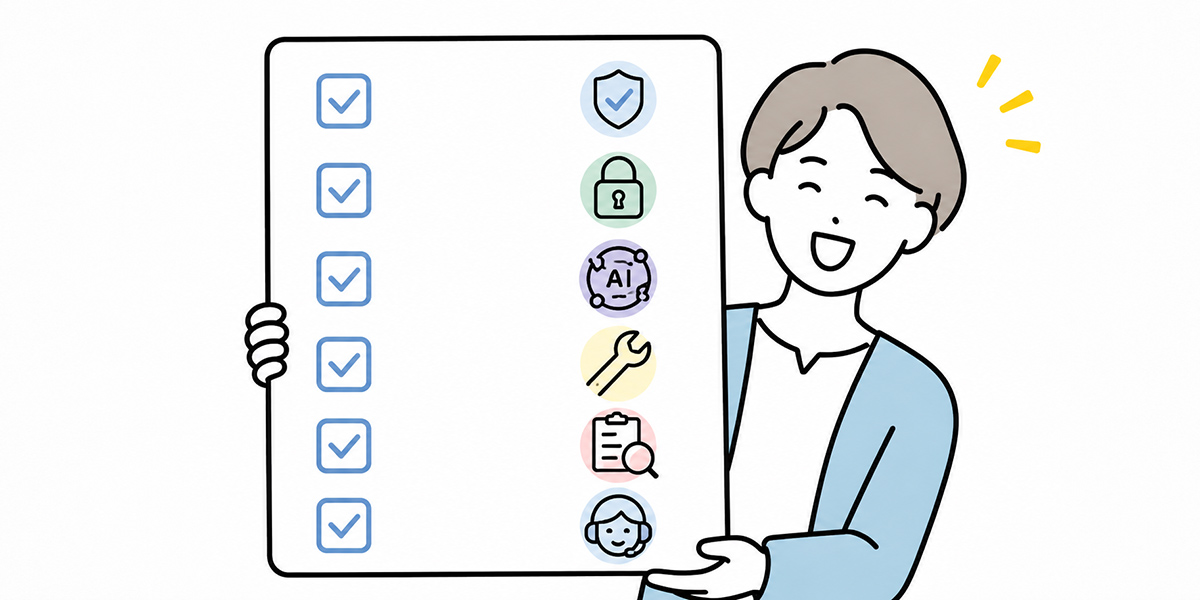
Basic policy
- The purpose of the guideline
- How generative AI is positioned
- Who it applies to
- The work in scope
- The tools in scope
- Definitions of terms
- The user’s responsibilities
- The administrator’s responsibilities
- That the final judgement is made by people
Information management
- What may be entered
- What may not be entered
- Whether each information category may be entered
- Handling of personal data
- Handling of customer information
- Handling of confidential information
- Prohibition on special-category information
- Prohibition on undisclosed material information
- Masking methods
- Where to check when a judgement call is hard
Tool management
- A list of approved tools
- Handling of prohibited tools
- Handling of individually contracted tools
- Handling of free public tools
- Approval rules for external integrations
- Approval rules for API use
- Account management
- Removing the rights of leavers and movers
- Prohibition on shared accounts
Output management
- That AI output is treated as a first draft
- Review before outward-facing use
- Checking figures, proper nouns and dates
- Verifying sources
- Checking copyright
- Citation rules
- Sign-off by a specialist department
- Checking for inappropriate expression
- Prohibition on exaggeration
Logging and auditing
- The logs to capture
- The purpose of the logs
- How long logs are retained
- Which administrators may view them
- Use in incident investigation
- Regular checks of how the tool is used
- Stocktaking of rights
Prohibited and requires-approval items
- Information prohibited from entry
- Prohibited acts
- Use cases that require approval
- The exceptions-request flow
- Approvers
- Where approval records are kept
Incident response
- Reporting thresholds
- The first-response flow
- Whom to report to
- Evidence preservation
- Establishing the scope of impact
- Deciding on contact with customers and stakeholders
- Prevention of recurrence
- Feeding it back into education
Education and operational improvement
- First-round education
- Departmental education
- FAQ
- Enquiry channel
- Regular review
- Revision history
- How it is communicated
In summary: a generative AI guideline is not “to stop you,” but “to let you use it without hesitation”

Q&A
Should a generative AI guideline be drawn up as internal regulation?Rather than locking it down as formal regulation from the outset, it is more realistic to begin with a guideline or operating rule. Because the setting for generative AI use changes quickly, in the first edition it is easier to organise around basic policy, prohibited inputs, approved tools, review responsibility and incident response, and to weigh up later how much to formalise as regulation once it has been in operation.
What information must not be entered into a generative AI?Typically: personal data, special-category information, customers’ confidential information, undisclosed financial information, personnel information, M&A information, and materials whose external disclosure is restricted under contract. Whether something may actually be entered, though, depends on your company’s information-management rules, the contract terms and how the AI tool you use handles data. When in doubt, make “do not enter it” the rule.
May AI output be sent outside the company as-is?As a rule, it should not be sent outside the company as-is. AI output may contain factual errors, sources that do not exist, out-of-date information, copyright concerns or inappropriate expression. Where it is to be used outward-facing, have a person check the figures, proper nouns, dates, sources and the soundness of the wording, and run it past legal or a specialist department where needed.
With a company-designated tool, is there no problem entering confidential information?Even with a company-designated tool, it is not the case that anything may be entered. You must abide by the tool’s contract terms, data storage, whether it is used for training, access rights, log management and your internal information bands. Where customer information, personal data or undisclosed material information is involved in particular, check whether an approval flow or masking is required.
How often should the guideline be reviewed?After the first edition is published, a month is a good guide for the first review. After that, check each quarter or half-year. When a new tool is introduced, an existing tool’s specifications change, a law or industry rule changes, or an incident occurs, consider revising without waiting for the regular review.