


It looked rather handy, so we’d been using it a little within the team.
This is the sort of thing IT departments and digital-transformation leads hear all too readily once they set about bringing the company’s use of generative AI into some kind of order. Not so long ago, a tool used for work was something the company contracted for, an administrator issued accounts for, and the scope of use was decided centrally. Today, by contrast, purpose-built AI tools arrive in a steady stream — for minute-taking, drafting, translation, image generation, search assistance, coding support and the rest — and the environment in which staff can simply try them out for themselves has widened considerably.
IT and security teams want to know how input data is handled, whether it is used for external model training, how logs are managed, and what the contract terms say. Frontline departments — sales, marketing, HR, planning — feel, rather understandably, that “if you stop us using even the genuinely useful things, improvement grinds to a halt.” Suppose, as a worked example, you survey 100 employees over the past month and find that 28 had been trying AI tools the company never approved. The problem is not simply that they “used something without asking.” It is that no one had shared what may be used, what must never be entered, and whom to ask when in doubt.
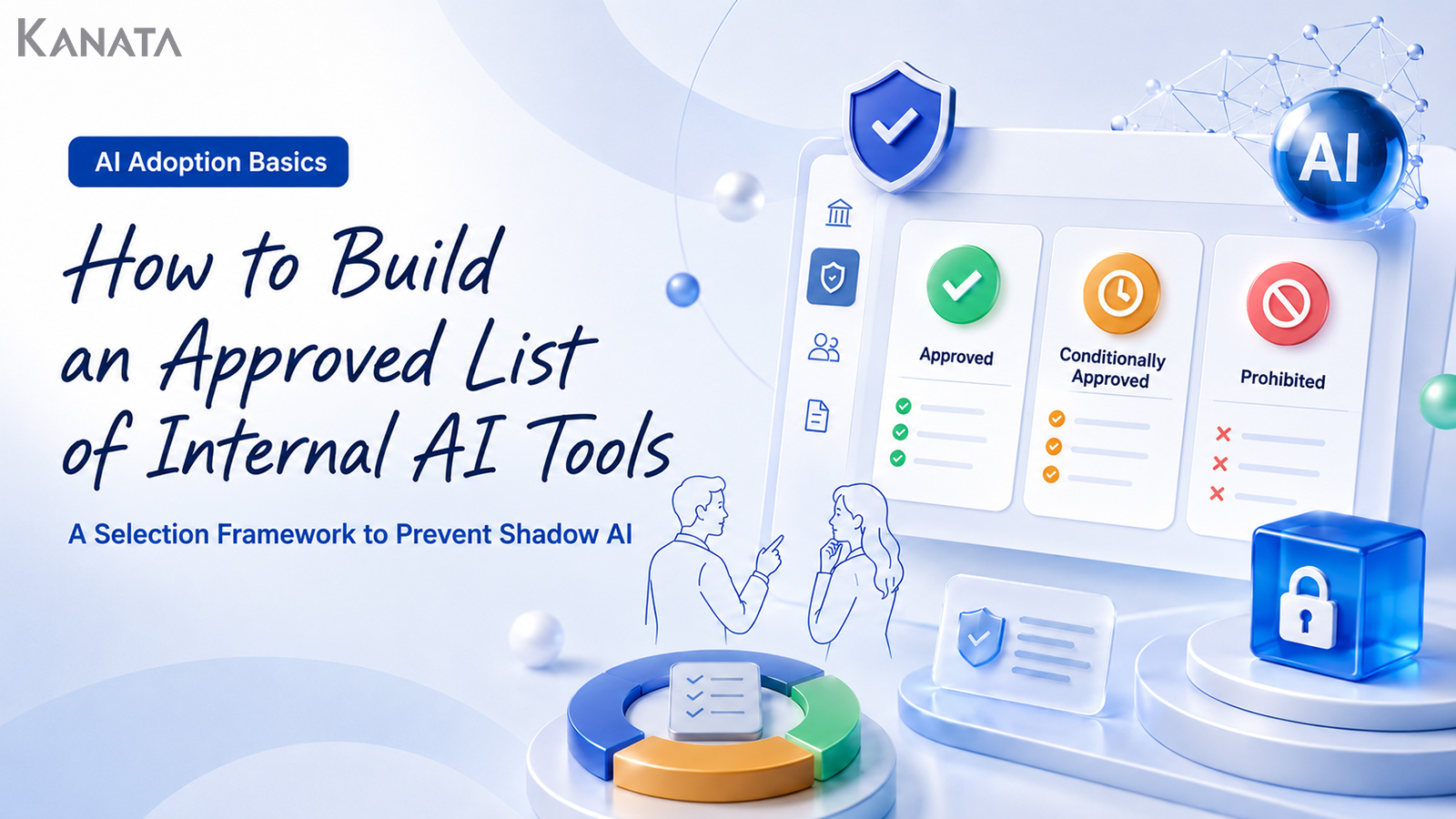
In this article we set out how to divide AI tools into those you permit for internal use, those you permit with conditions, and those you ought to prohibit. The aim is an allowlist regime in which the frontline can ask for guidance with confidence and the management functions can explain the risks. That said, drawing up a list does not, on its own, make shadow AI disappear. The sensible course is to combine it with training, an exception-request process and periodic stock-takes, and to grow it into something that genuinely fits your own organisation.
Why an internal AI tool “allowlist” is needed
When companies first contemplate adopting generative AI, most begin by asking “what should we prohibit?” Clarifying the prohibitions is, of course, indispensable if you are to prevent confidential information and personal data from being typed in.
A prohibition list alone, however, rarely changes behaviour on the ground.
From the frontline’s point of view, AI tools are already close at hand in everyday work. Open a browser and there are free services to be had; some can be tried on a personal account. Transcribing meetings, drafting email copy, knocking together a first cut of a proposal document, organising the questions for a piece of research — there is no shortage of moments where someone thinks “I’d quite like to give this a go.”
At such moments, if the company has not signalled “which AI tools you may use,” the frontline tends to reason along these lines:
- I don’t know the internal rules, so I’ll just use my own judgement for now
- Asking the company will probably get it blocked, so I’ll trial it within my team first
- I’m not entering anything confidential, so I reckon it’s fine
- I’ll use it without really registering the difference between a free tool and a corporate-contract one
And so AI use that the management functions cannot see — so-called shadow AI — comes into being. Shadow AI is when employees or departments put AI tools to work on their own initiative, in a state the company neither knows about nor has approved.
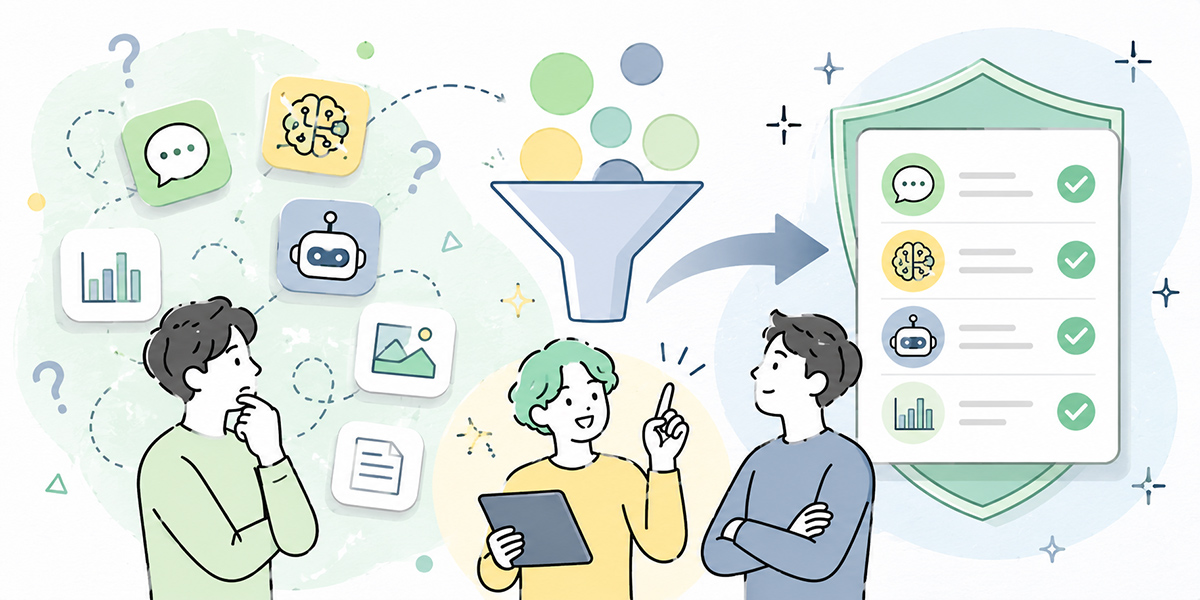
The crucial point in tackling shadow AI is not to treat the frontline with suspicion. It is to set out options they can use safely, and to create a state of affairs in which, when in doubt, they have someone to ask. An internal AI tool allowlist sits at the centre of that.
Internationally, frameworks such as the OECD AI Principles emphasise pursuing both innovation and the reduction of risk when AI is put to use, and call for AI governance to be specified in a way that fits each organisation’s own work and information management. The OECD AI Principles are a useful reference point when you draw up internal rules.
Shadow AI springs not from “malice” but from “the absence of a yardstick”

The phrase “shadow AI” carries a whiff of rule-breaking. In practice, though, it is by no means always malice that sets it off.
In most cases, the starting point is simply wanting to do the job better.
A salesperson wants to tidy up post-meeting notes in short order. An HR colleague wants to produce a summary of training materials quickly. A marketer wants to generate several first-draft options for an article or a piece of ad copy. A developer wants to grasp the meaning of an error message at speed.
These needs are perfectly natural in themselves. The trouble is that, along the way, judgements like the following end up being left to the individual:
- May I enter a customer’s name?
- May I paste in internal documents?
- How should I distinguish between a free AI tool and a corporate-contract one?
- May I send the output straight outside the company?
- Which tools has the company actually approved?
- When I’m in doubt, which department should I consult?
With no yardstick to go by, the more cautious among us avoid AI altogether, while the more enthusiastic press on using their own judgement. The upshot is variation in AI use from department to department and person to person.
Major international reporting has likewise noted that where corporate rules on AI use remain vague, employees end up using generative AI on personal accounts, or unintentionally falling foul of internal rules.
To prevent shadow AI, telling people “don’t use it” is not enough. You need to set out the following three things as a set:
- AI tools you may use
- AI tools you may use provided you observe the conditions
- AI tools you must not use
With these three categories in place, the frontline finds it far easier to understand “how far is all right.”
Before you classify AI tools, first get a grip on actual usage
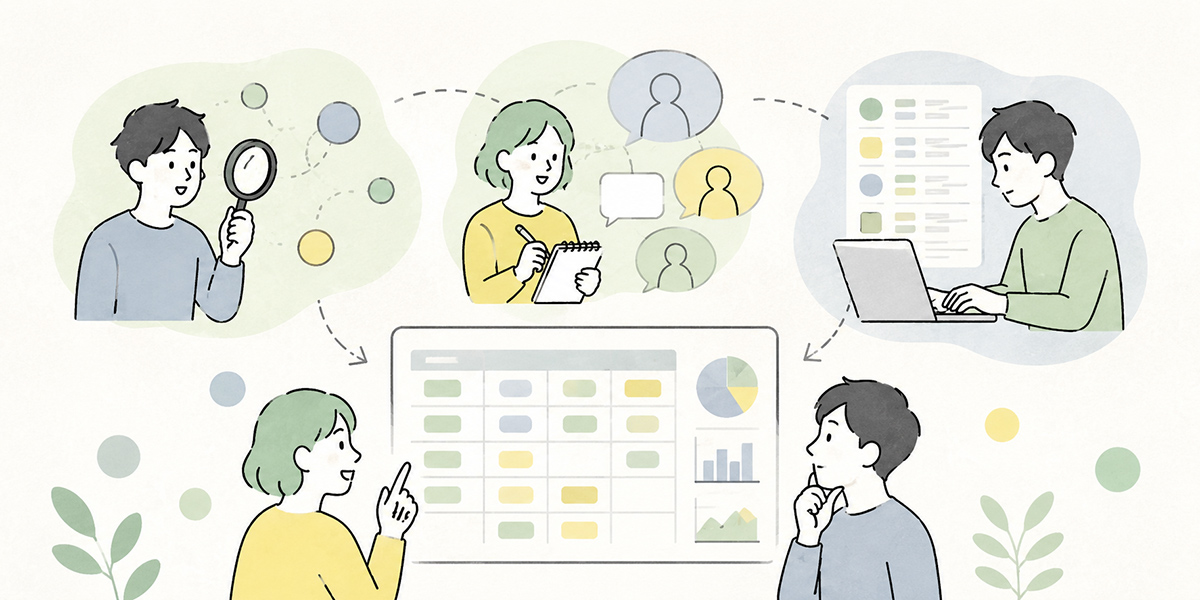
Before drawing up an allowlist, the first thing to do is take stock of how tools are actually being used.
However ideal the rules you try to write from the outset, if you do not know which AI tools are actually in use on the ground, you will end up with rules that do not fit the work.
To begin with, check usage from the following angles.
Who is using it
The tendency to use AI tools differs by department, role and type of work.
In sales it may be drafting emails and tidying deal notes; in marketing, article ideas and ad copy; in administrative functions, checking regulations and handling enquiries; in development, coding support and investigating errors — the way it is used varies.
What matters is not “is the company as a whole using AI?” but “which departments are using it, for which tasks, and to what extent?”
For what work it is being used
Rather than the AI tool itself, first check the purpose of use.
Even with the same AI chat, the risk differs between summarising public information and pasting in notes from a customer meeting. With translation AI, too, translating a draft press release due for publication is one thing; translating undisclosed materials still under negotiation is another.
Rather than merely collecting the names of AI tools, get a grip on the business use and the input data together.
What kind of information is being entered
The most important thing in tackling shadow AI is checking the input data.
Care is needed, for example, where the following information is being entered:
- Customer names, contact names and contact details
- Deal history, proposal content, contract terms
- Minutes of internal meetings
- Undisclosed revenue, budget or HR information
- Employees’ personal data
- Materials entrusted by customers
- Source code and design information
The risk of an AI tool cannot be judged from its name alone. What you enter changes the decision between allow, conditionally allow and prohibit.
The yardsticks for separating allow, conditional allow and prohibit
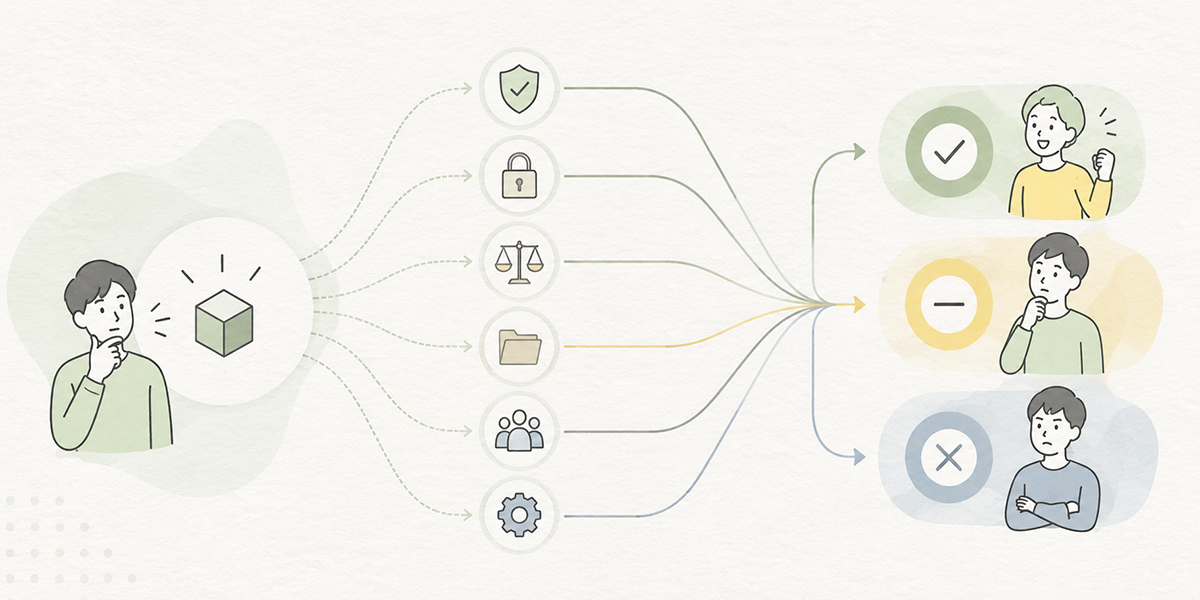
When classifying AI tools internally, glib reasoning of the “it’s a famous service, so it’s safe” or “it’s free, so it’s dangerous” variety simply will not do.
At a minimum, checking against the following six yardsticks helps put the decision on a sounder footing.
The sensitivity of the information being entered
The first thing to look at is the sensitivity of the information being entered.
If you are only ever handling public information, the risk is comparatively low. Where you are dealing with customer data, personal data, contract terms or undisclosed management information, on the other hand, careful judgement is called for.
| Information category | Examples | How to think about AI tool use |
|---|---|---|
| Public information | Official websites, press releases, published IR materials | Comparatively easy to use |
| General internal information | Operating manuals, internal FAQs, ordinary meeting notes | Handle within an internally approved environment |
| Customer and transaction information | Deal history, proposals, contract terms | Check the contract terms; as a rule, handle only within a managed environment |
| Personal data | Names, contact details, employee numbers, appraisal information | As a rule, do not enter it; where necessary, mask it |
| Special-category information | Health information, national ID numbers, bank account details and the like | Entry prohibited |
| Undisclosed management information | Unannounced financial results, M&A, personnel changes | Entry prohibited |
In your internal rules it is important not merely to write in the abstract “do not enter confidential information,” but to give concrete examples.
How the AI provider handles and trains on your data
The next thing to check is how the data you enter is handled on the AI provider’s side.
The items worth checking in particular are these:
- Whether the data you enter is used for model training
- Whether there is a setting to keep it out of training
- Whether a corporate contract lets you control the terms of data use
- Whether the data retention period is stated explicitly
- Whether you can ascertain where data is stored and which law governs it
- Whether the terms for third-party disclosure and sub-processing are spelt out
Free and consumer plans may well lack the management features and contract terms that corporate use requires.
Even for “the same service name,” the handling of data and the management features can differ between the free version, the paid consumer version and the corporate plan. On your internal list, set down not just the tool’s name but the specific plan that may be used.
Administrator settings, logs and auditing
In corporate use, it matters that an administrator can see how the tool is being used.
The items to check are these:
- Whether an administrator can add and remove users
- Whether the permissions of leavers and movers can be changed
- Whether usage logs can be inspected
- Whether you can trace who used which feature
- Whether it supports SSO and two-factor authentication
- Whether permissions can be divided by team or department
However handy an AI tool may be, if an administrator cannot keep track of who is using it and a leaver’s access lingers on, it is not suited to company-wide use.
Conversely, a tool with well-developed administrator features, where permissions can be managed and logs inspected, is easier to consider as a candidate for permission.
The business need and alternative means
It is not only risk but the business need that serves as a yardstick.
However safe a tool may appear, where the business need is low there is no need to permit it company-wide. Conversely, even where there is a degree of risk, some tools are worth using if the business need is high and appropriate conditions are attached.
The questions worth asking are these:
- Which task is this a tool for making more efficient?
- Is the audience the whole company, or just some departments?
- Can an existing approved tool do the job instead?
- If you don’t use it, what workload remains?
- Is it worth running a pilot?
In selecting AI tools, judge not only “safe or dangerous” but also “why we actually need to use it,” as a set.
Contracts, legal matters and customer NDAs
Where you handle customer or transaction information, an internal decision alone is not enough.
A customer contract or NDA may restrict the external transmission of data, sub-processing, the use of cloud services, or the use of generative AI.
The items to check are these:
- Does the contract permit entering customer data into external services?
- What are the terms on sub-processors and cloud use?
- Are there explicit restrictions on the use of generative AI?
- May the content of contracts and proposals be entered into AI tools?
- Does the treatment need to vary from one customer to another?
In B2B firms in particular, contract terms may differ from customer to customer. You need not only a company-wide blanket decision but also a per-account check flow.
The reach of the output
The risk of an AI tool lies not only in what goes in but in what comes out.
Where you send text, summaries, analysis, code or images produced by AI straight outside the company, misinformation, copyright, brand damage and contractual problems may all arise.
The questions worth asking are these:
- Will the output stay within internal use?
- Will it be shared with customers or external partners?
- Will it be used for important decisions — contracts, legal matters, hiring, appraisals?
- Have you made human review mandatory?
- Can the basis for the output be checked?
For anything submitted externally, anything contract-related, anything touching hiring or appraisals, and anything legal or financial, work on the premise that a human must always check it.
The conditions under which an AI tool can be “allowed”
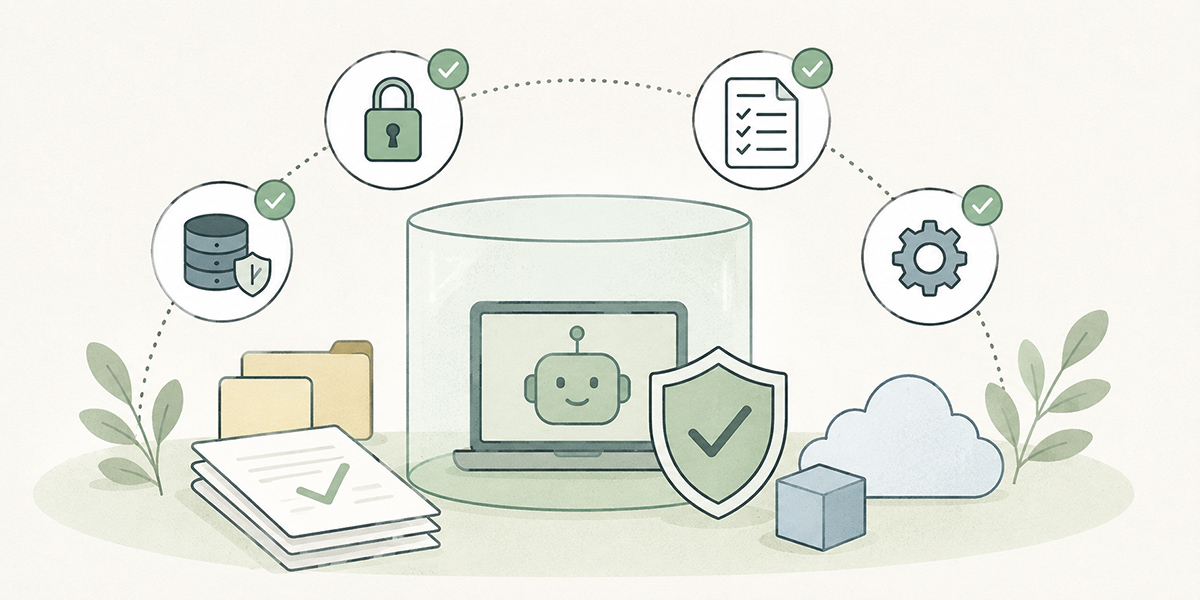
An AI tool you permit internally is not merely “a handy tool.” It is one for which there is a business need, whose risks the company can explain, and which the company can manage.
The rough criteria for permitting it are these:
- It has a corporate contract or administrator features
- You have established how it treats your input data for training
- You can manage users, permissions and logs
- It can be used in line with your internal information-classification rules
- The business purpose of using it is clear
- You can explain the usage rules internally
- You can manage the accounts of leavers and movers
An AI chat or AI summarisation tool that the company has contracted for formally, where an administrator can manage users and the handling of input data is clear under the contract, is, for example, a likely candidate for permission.
That said, even a permitted tool does not mean you may enter anything you like into it. The allowlist must always set out the conditions of use alongside each tool.
| Tool name | Permission | Main uses | Information that may be entered | Information prohibited from entry | Notes |
|---|---|---|---|---|---|
| Internally approved AI chat | Allowed | Drafting, summarising, organising arguments | Public information, general internal information | Personal data, undisclosed financial information, customer confidential information | A human checks before external submission |
| Internally approved minute-taking AI | Allowed | Producing meeting notes | Internal meeting content | Customer confidential information, special-category information | Notify participants before recording |
| Internally approved translation AI | Allowed | Translating documents and emails | Public information, general internal information | Undisclosed materials under negotiation, customer confidential information | Seek legal review where necessary |
Writing not just “Allowed” but “allowed within what scope” is what heads off misunderstanding on the frontline.
How to think about AI tools that should be “conditionally allowed”
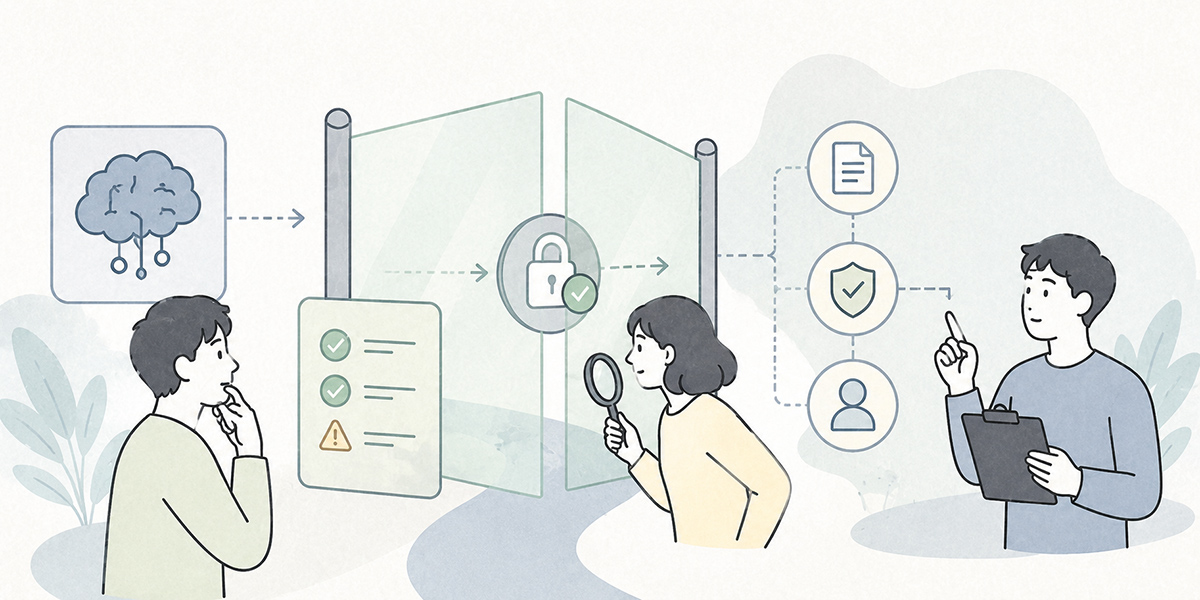
Not every AI tool can be sorted neatly and at once into allowed or prohibited.
Some tools can be used provided you restrict the purpose or the information entered. Such tools are treated as “conditionally allowed.”
Examples of conditional permission are these:
- May be used only for summarising public information
- May be used only where no personal or customer data is entered
- Limited to a three-month trial in a specific department
- Not for external submissions — limited to internal drafting
- The output is always reviewed by the person responsible
- May be used only where customer names and amounts have been masked
Conditional permission is the middle ground that lets you manage the risk without bringing the frontline’s improvements to a halt.
If you allow too much on conditions, however, the list becomes complicated and the frontline can no longer make a call. Set a period, trial it, and after a set interval review each tool into one of three buckets: formally allowed, still conditionally allowed, or prohibited.
The criteria for deciding an AI tool should be “prohibited”
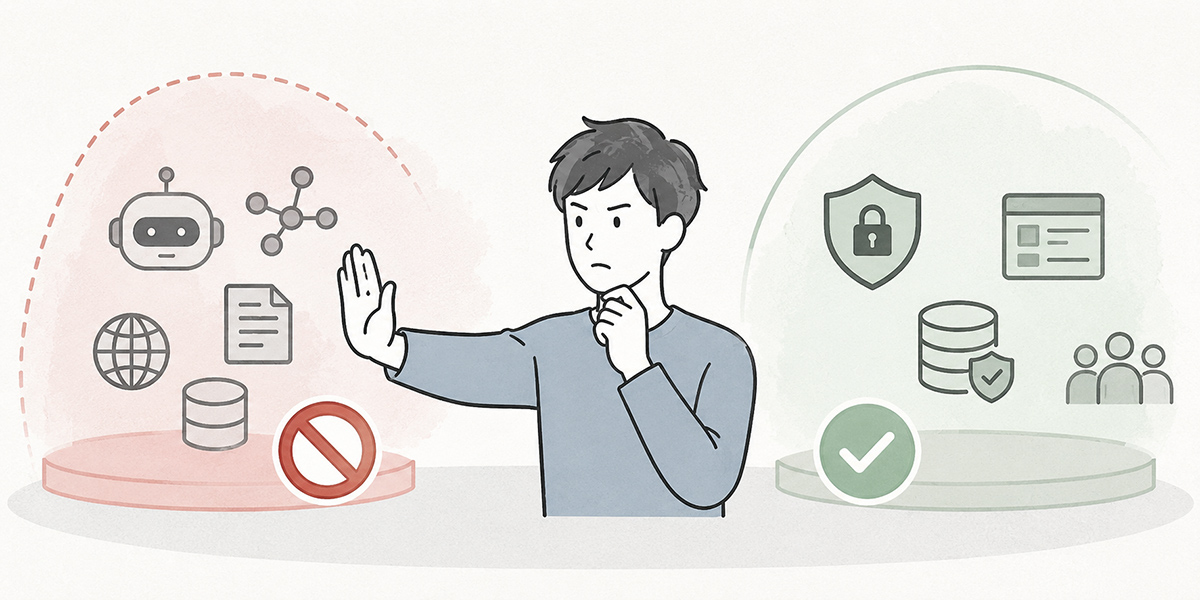
AI tools that should be prohibited need to be communicated clearly across the company.
The following cases, in particular, warrant consideration for prohibition:
- There is a high likelihood that input data is used for external training
- The terms of data use cannot be ascertained
- An administrator cannot keep track of users or logs
- It can only be used on a personal account
- Entering business data is the very premise of using it
- There is a risk of breaching a customer contract or NDA
- There is an internally approved tool with equivalent functionality
- The copyright and usage terms of the output are unclear
When drawing up the prohibition list, it is important not to write merely “prohibited.” If the reason is not apparent, the frontline finds it hard to accept.
| Tool type | Permission | Reason for prohibition | Alternative |
|---|---|---|---|
| Free AI chat used on a personal account | Prohibited | Because the handling of input data, log management and leaver management cannot be assured | Internally approved AI chat |
| Free minute-taking AI | Prohibited | Because meeting content may include customer data and internal confidential information | Approved minute-taking tool |
| AI image-generation services of unknown provenance | Prohibited | Because the terms of service, the rights in the generated material and the handling of input data cannot be verified | Approved image-generation tool |
The aim of a prohibition is not to make the frontline timid. It is to steer them towards the options they may use.
The items your allowlist ought to include
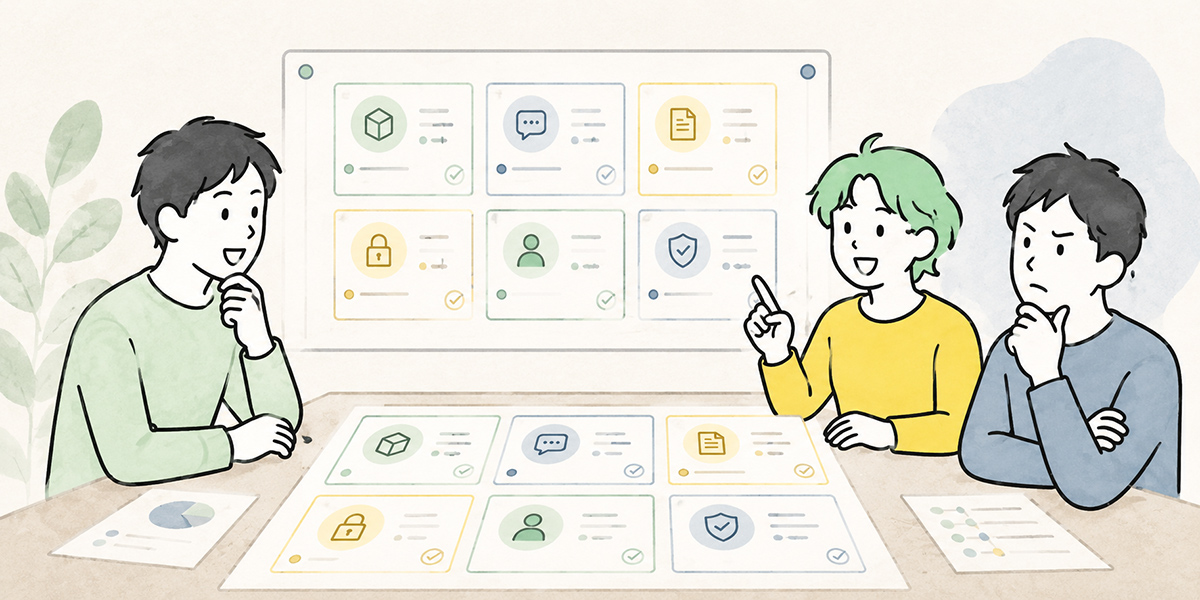
Make the allowlist, as far as possible, in a form the frontline can read and understand.
Including at least the following items makes it easier to run:
| Item | Content |
|---|---|
| Tool name | The official name. Record the plan name too, if you know it |
| Permission | Allowed, conditionally allowed, prohibited |
| Main uses | Drafting, summarising, translation, minutes, image generation and so on |
| Target departments | The whole company, sales, HR and so on |
| Information that may be entered | Public information, general internal information and so on |
| Information that must not be entered | Personal data, customer confidential information, undisclosed financial information and so on |
| Conditions of use | Review mandatory, masking mandatory, department-only and the like |
| Responsible owner | IT, security, the DX office and so on |
| How to apply | Where to apply for new or exceptional use |
| Last updated | A date showing how fresh the list is |
The “last updated” date matters especially. Because AI tools change quickly, a list that has gone a long time without an update tends to lose the frontline’s trust.
Set an occasion for a stock-take — once a quarter, or at least once every six months, say — to suit your own risk appetite and how heavily the tools are used.
Tricks for guidelines that actually reach the frontline

Drawing up an allowlist counts for nothing if the frontline never reads it.
In internal guidelines, it is important to render things not only in technical language but in words people can act on in their everyday work.
Examples of information you may enter
- Information found on official websites or published materials
- Publicly available news articles
- Work notes from which no individual or customer can be identified
- General how-to documents that can be shared internally
- Sample data that has been masked
Examples of information you must not enter
- Deal notes containing customer or contact names
- Contract amounts or quotation terms
- Employee appraisal information
- Unannounced revenue, budget or HR information
- Health information, bank account details, national ID numbers
- Confidential materials entrusted to you by a customer
A check flow for when you’re in doubt
A flow for when you’re in doubt is useful too.
- Would it matter if this information went outside the company?
- Does it contain information that identifies an individual or customer?
- Is the use of external services restricted by a contract or NDA?
- Is it a tool on the company’s allowlist?
- If in doubt, whom do I consult?
Simply being able to check these five points goes a long way towards steadying the frontline’s judgement.
Provide a route for exception requests
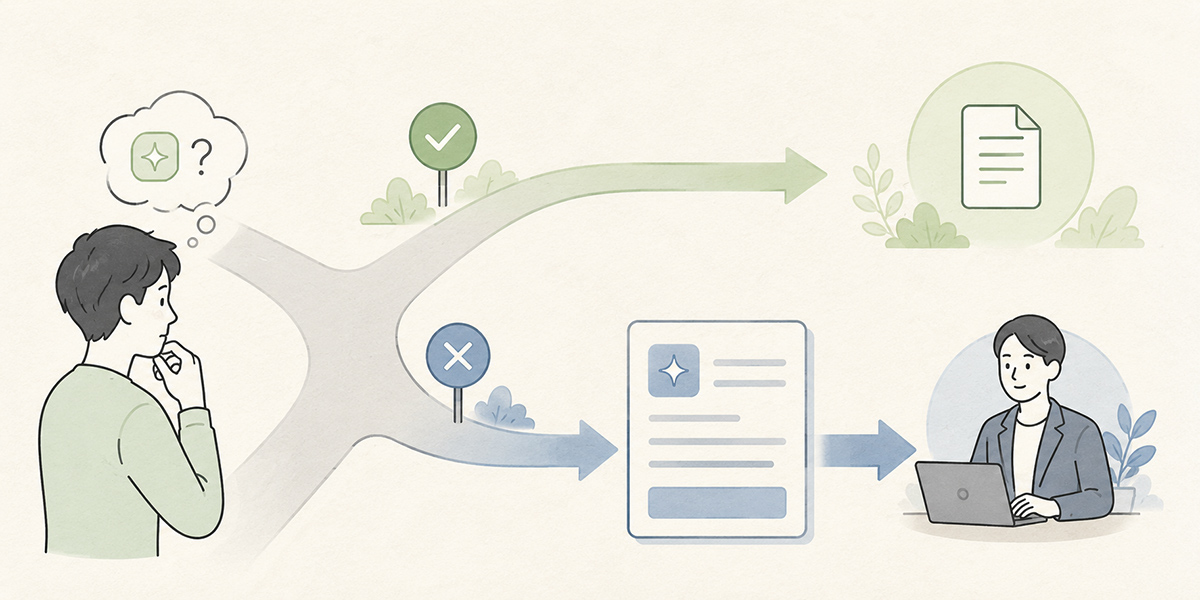
New AI tools arrive in a steady stream, and the frontline’s needs change. The allowlist you draw up at the outset cannot cover every job on its own.
For an exception request, having people fill in the following makes the decision easier:
- The name of the AI tool they want to use
- The department and headcount that would use it
- The purpose of use
- The data they plan to enter
- Where the output will be used
- Why an existing tool cannot do the job instead
- The desired period of use
- The business benefit anticipated
- The risks they are concerned about
Once a request comes in, check it with the people who need to be involved — IT, security, legal, the DX office and so on.
What matters is not turning the exception request into “a tiresome approval procedure.” It needs to be a mechanism the frontline finds easy to approach and from which an answer actually comes back.
The running you need once the list is made
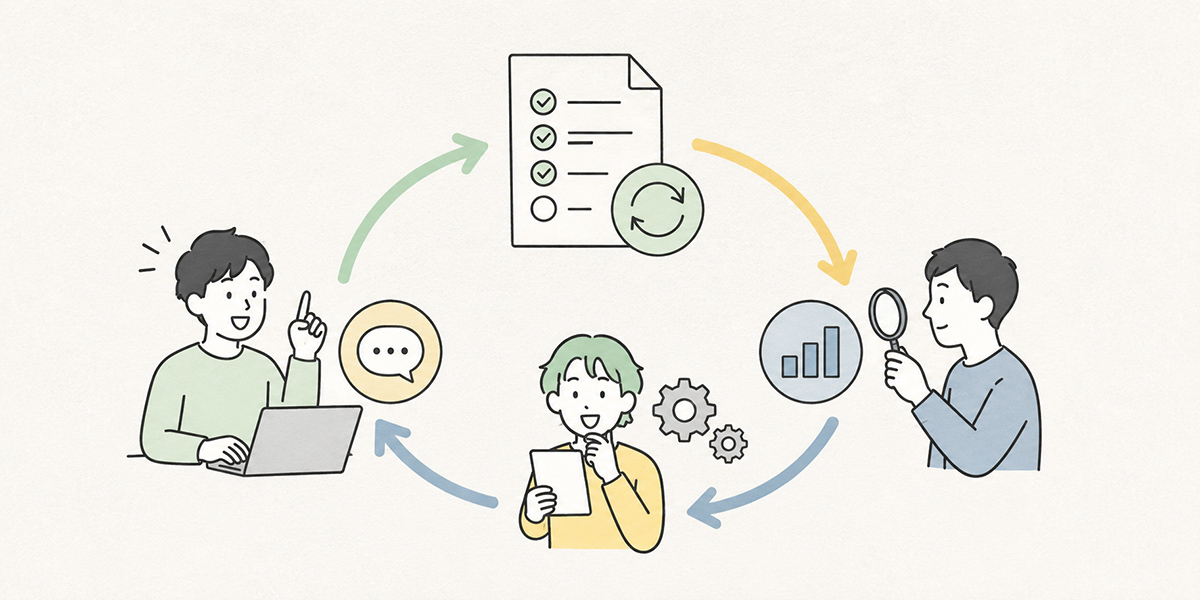
An internal AI tool allowlist is not a job you finish by making it. If anything, it is the running of it afterwards that matters.
At a minimum, decide on the following ways of running it:
Periodic stock-takes
The specifications, pricing plans, terms of service and management features of AI tools can change.
Review the following points periodically:
- Whether any AI tools have newly come into use
- Whether any tools have been left sitting as “conditionally allowed”
- Whether the reason for prohibiting a tool still holds good
- Whether the contract terms of permitted tools have changed
- Whether tools that have gone unused can be cleared away
Training for the frontline
Posting the rules on the company portal does not, on its own, make them stick.
You need to convey them repeatedly — through an initial briefing, departmental study sessions, e-learning, the distribution of checklists and so on.
What you convey should be close to practice rather than couched in difficult legal jargon — things like:
- May I enter a customer’s name?
- May I feed a meeting recording into the AI?
- May I use a free AI tool?
- May I send out text the AI produced as it stands?
- Whom do I ask when in doubt?
The reporting route for an incident
Decide, too, on the reporting route for the event that someone does enter prohibited information into an AI tool.
If you run this as a regime that “blames the person who entered it,” reporting will be slow. What matters is to stop it quickly, grasp the situation accurately, and turn it into prevention of a recurrence.
When it is reported, establish the following:
- When it was entered
- Which tool it was entered into
- What was entered
- Who used it
- Whether the output was shared anywhere
- Whether it can be deleted or stopped
What Kanata can help you put in order
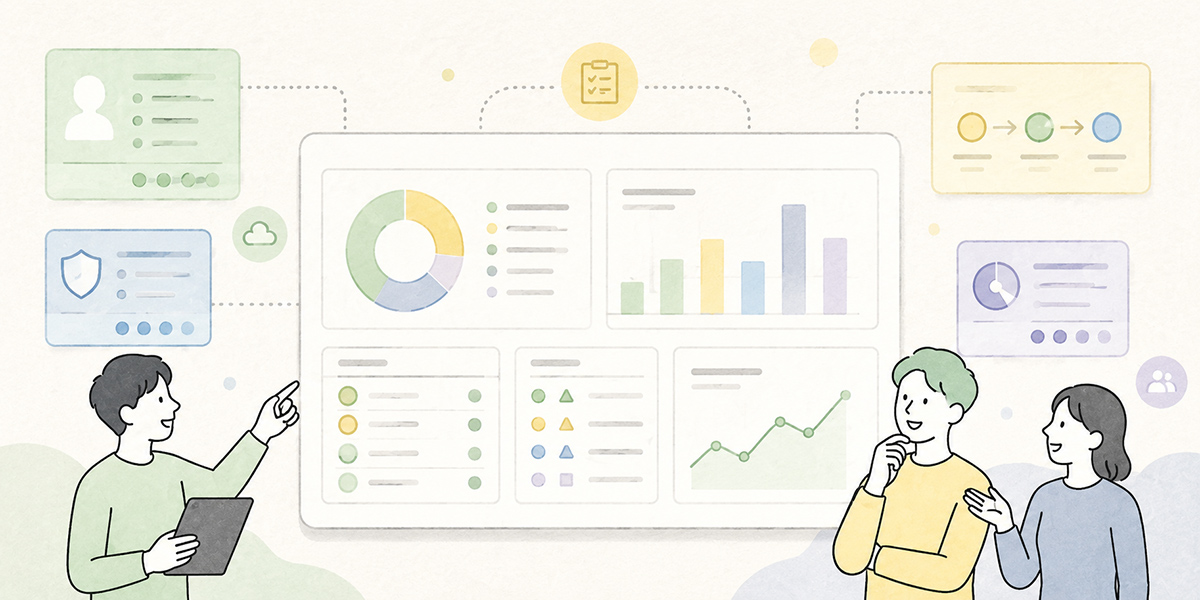
As you push internal AI use forward, there is also the approach of consolidating the AI features used in your work into a single environment, rather than having staff use individual AI tools every which way.
Kanata is described as a work-support platform that brings the AI features needed for work — AI chat, AI summarisation, e-learning and the like — together in one place. It also treats projects as work-unit groups, letting you manage members and permissions on a per-project basis.
This characteristic is helpful when you want to provide an internally approved AI environment. By dividing projects by department, limiting who may use them, and managing frequently used prompts and reference materials, for instance, you make it easier to reduce AI use left to the individual. Kanata’s project library lets you use a prompt library for managing the instructions you use often, and a learning-data library for managing the internal materials you want the AI to refer to.
That said, adopting Kanata does not, by that alone, complete your AI governance. Usage rules, information classification, training and a review regime are needed separately. Kanata’s best-practice guide likewise sets out, as basic principles, getting the data you may and may not enter sorted out first, and always having a human review the AI’s output.
In short, the tool and the rules need to be thought through together.
The practical steps for selecting internal AI tools
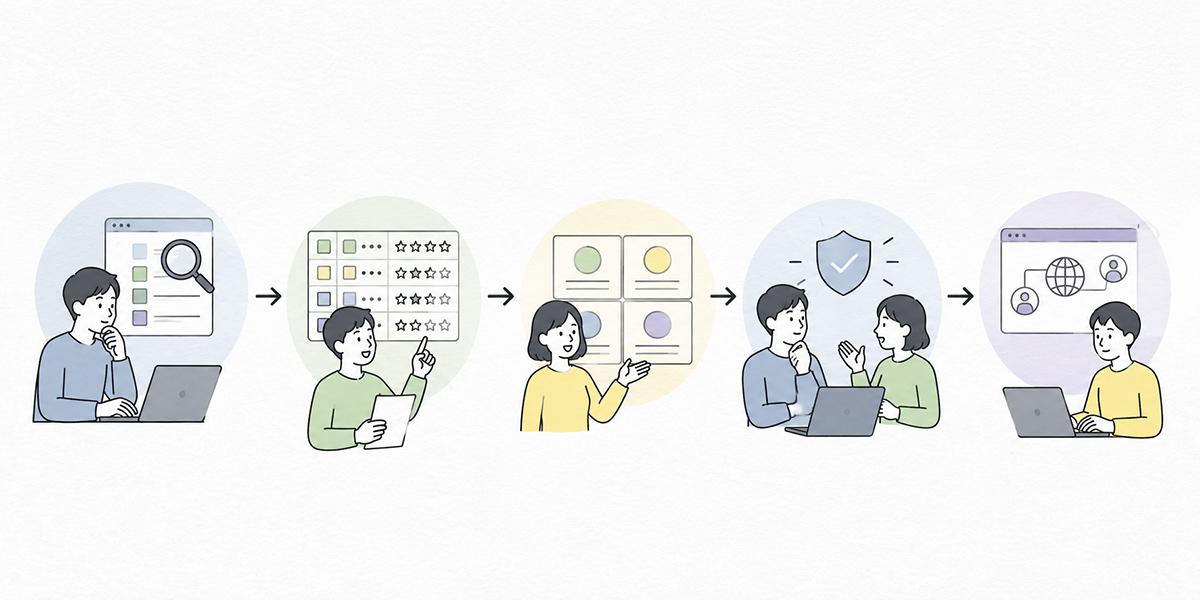
Grasp actual usage
By combining internal surveys, expense and subscription records, device logs and the like, organise which departments are using which AI tools, and for what. At this stage it is important not to create an atmosphere of blame towards the frontline. Frame it not as “an investigation to find what to ban” but as “an investigation to build an environment where AI can be used safely.”
Classify the kinds of input data
Next, classify the information being entered into AI tools.
Organise the treatment by information category — public information, general internal information, customer information, personal data, confidential information, undisclosed management information and so on.
While this classification remains vague, the decision on each tool will remain vague too.
Sort AI tools into three categories
On the basis of what you have established, sort AI tools into the following three:
- Allowed
- Conditionally allowed
- Prohibited
Here it is important to judge not only by tool but by use.
The same AI tool may be usable for summarising public information yet prohibited for entering customer data.
Publish it as an allowlist
Publish the results of the classification in a form the frontline finds easy to read.
Put it somewhere employees consult day to day — the company portal, an internal wiki, a spreadsheet.
When you publish it, do not merely put up a table; add the following explanation too:
- Why this list was made
- How the decisions were reached
- Whom to consult when in doubt
- How to apply if you want to use a new tool
Carry out training and review
Finally, training and periodic review.
An allowlist is not complete the moment it is published. As it comes into actual use, questions arise from the frontline. New AI tools appear. Tools that, for business reasons, ought to be allowed on conditions will emerge too.
Taking that change in your stride and keeping the allowlist updated is what makes for the continued running of your shadow-AI defences.
In summary

Selecting internal AI tools is not an exercise in drawing up a prohibition list. The real aim is to put in place an environment in which the frontline can use AI safely.
To that end, you first need to get a grip on actual usage, then check the sensitivity of the input data, the terms of data use, the management features, the business need, the contract terms and the reach of the output. On that basis, sort AI tools into “allowed,” “conditionally allowed” and “prohibited,” and list them in a form the frontline can act on without hesitation.
Shadow AI does not arise simply because the frontline won’t follow the rules. In most cases it springs from the fact that what may be used, what must not be used and when to seek advice have never been made clear.
That is precisely why an AI tool allowlist needs to be designed not as a management document for IT and security alone, but as a common language linking management, the DX office and the frontline departments.
Draw up the list, train people on it, accept exception requests, and review it periodically. It is this patient, unglamorous running of it that is the first step towards reconciling AI use with risk management.
Q&A
Should an internal AI tool allowlist cover every tool from the very start?There is no need to cover everything from the start. The realistic approach is to begin with the tools actually in use on the frontline, the tools many people want to use, and the high-risk tools. Once you have a first edition, running it with periodic updates — quarterly, say — makes it easier to sustain.
Should all free AI tools be prohibited?Rather than ruling them out across the board, it is more practical to decide by checking the input data, the purpose of use, the terms of service and whether management features exist. That said, a tool that can only be used on a personal account, where the handling of input data and log management cannot be ascertained, is one to be cautious about for business use.
In what cases should “conditional permission” be used?Use it where a tool has business value but its input information or scope of use needs to be restricted. You might attach conditions such as limiting it to summarising public information, masking customer names, trialling it in a specific department for three months only, or having a human review it before external submission.
If you find shadow AI, should you prohibit it at once?Before prohibiting it at once, it is important to establish what task it was used for, what information was entered, and what kind of output was being produced. Where the business need is high, moving to an approved tool or considering conditional permission is the more useful course. The aim is not to catch people out but to move to a safe usage environment.
Once you’ve made the allowlist, what is the most important thing to keep running?Periodic review, and building routes that make it easy for the frontline to ask for guidance. Because AI tools change quickly, a judgement that was sound at the time of writing can later change. And if the frontline cannot ask for advice when they want to use a new tool, shadow AI will readily spring up again.