


We have got the generative AI tools working. But the moment someone on the team asks, “Right, so what am I actually meant to use it for?”, I rather lose my footing.
This was the predicament facing one division manager, alongside the IT and digital-transformation (DX) teams supporting the early rollout. It used to be assumed that simply introducing a tool would let usage spread of its own accord. In practice, sales, the back office and the management tier each expected to use it for quite different things, and on the ground people were left uneasy about “what is safe to type in” and “how much we can hand over to the AI”.
These days, a more realistic approach is gaining acceptance: start with work that carries comparatively low risk and is easy for a person to check, such as drafting copy, summarising, rephrasing, framing the opening of a piece of research, and writing up meeting minutes. As an illustrative example, if drafting the minutes of a 60-minute meeting currently takes 30 minutes, working from an AI draft might bring the check-and-revise step closer to 5–10 minutes. That said, the result will vary with recording quality, the nature of the meeting, and your organisation’s own conventions for minutes.
Even when you are using a work-support tool such as Kanata, which comes with AI chat and AI summarisation, there is no need to aim for sophisticated automation from day one. Because Kanata’s AI summary accepts documents, images, audio, URLs and plain text as input, it lends itself to starting modestly: tidying up materials, summarising what was said in a meeting, and the like.
This article is for the front-line teams and their supporting functions who, having got generative AI up and running, cannot quite decide on that “first use”. It sets out the kinds of work well suited to early adoption, and how to spot the tasks on which agreement is easiest to reach. The aim is a state in which the front line can choose its own first step, while IT and DX keep the operation safe. A word of caution, though: generative AI is not a cure-all. The premise throughout is that you pair it with human checking, sound information management, and regular review.
Where early adoption tends to stumble: the gap between “available” and “actually used”

In the early days of a generative AI rollout, attention naturally turns first to getting the environment in order. You issue accounts, settle the rules of use, and make sure the right people can log in. Reach that point and, as the person running the rollout, you may feel a certain milestone has been passed.
From the front line’s point of view, however, all that has happened so far is that the tool has become available. For it to be genuinely used in day-to-day work, the following questions need answering:
- Where in my own work do I actually use it?
- Which information is it acceptable to type in?
- How far can I trust the AI’s output?
- How do I explain this to my manager or to other departments?
- By what measure do we judge whether it has done any good?
Leave these vague and the front line will tend to conclude, “Looks handy, but I’ll get there faster doing it the usual way.”
At the same time, aiming for too much too soon is not realistic either. Try to hand the AI things like automated customer replies, contract decisions, personnel evaluations or major management judgements straight away, and the burden of accountability and explanation grows heavy. The fallout from a mistake is large, and the psychological hurdle for the front line rises accordingly.
The point of early adoption is not to aim for sweeping automation from the outset. Begin instead with the “slightly tedious but easy-to-check” tasks already sitting within everyday work.
What makes a task well suited to early adoption
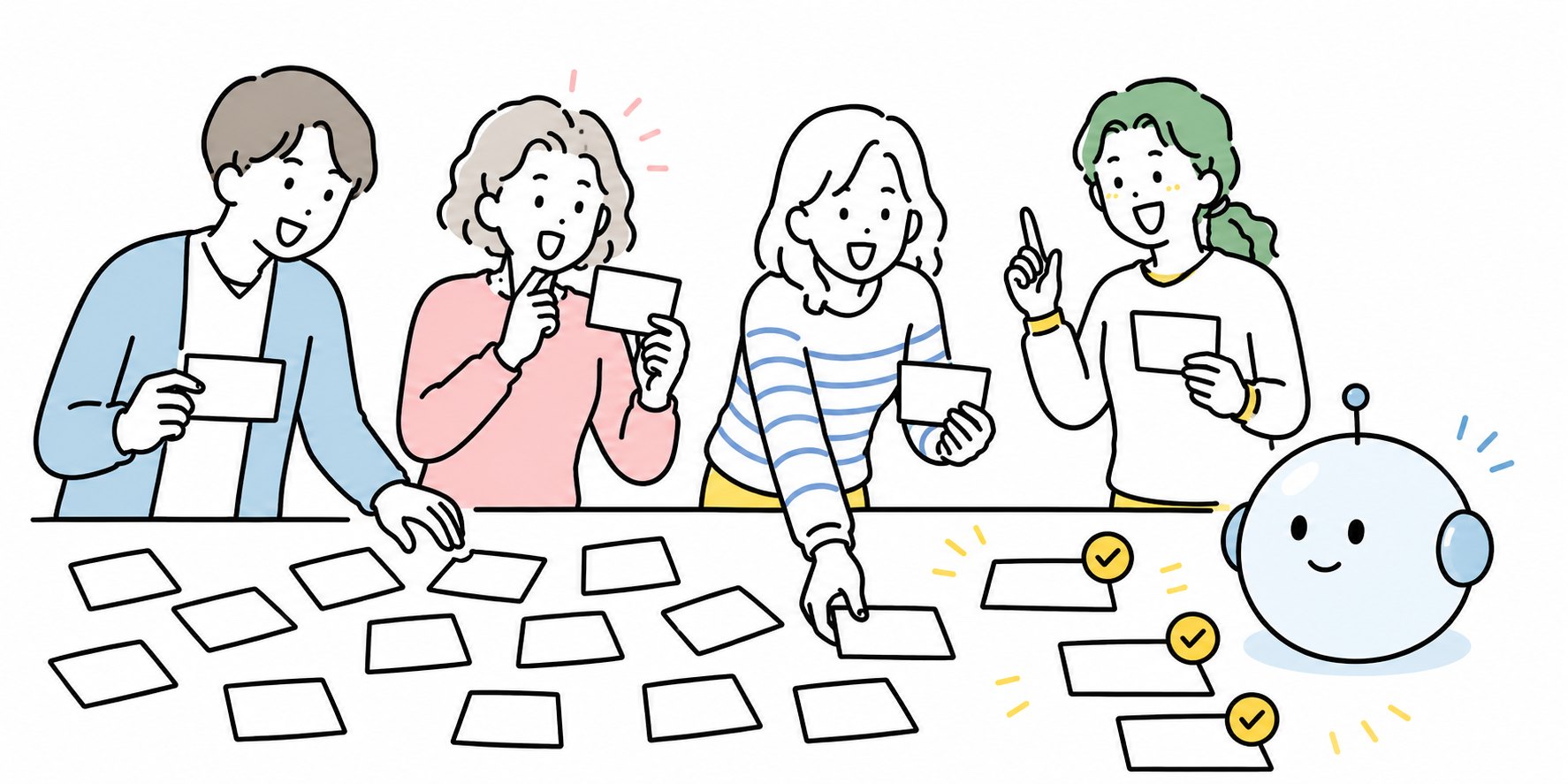
When choosing that first use for generative AI, it is wiser not to judge solely on “does this look like it will pay off?”. In the early stages, low risk and ease of reaching agreement matter just as much as the potential benefit.
A person can check it quickly
Early adoption suits work whose output a person can verify in short order.
Drafting an email, rephrasing a passage, summarising meeting notes, tidying up a set of bullet points – in all of these, you can look at the output and readily judge whether it is any good. Where there is an error, a person can correct it before use.
By contrast, work involving specialist judgement or intricate calculation requires further research or review just to confirm the output is correct. Tasks where checking takes time are the ones where early adopters struggle to feel the benefit.
Its effect on the outside world is limited
At first, it is realistic to begin with work that stays inside the organisation.
Internal memos, post-meeting tidy-ups, framing the issues before a chat with your manager, first drafts for sharing within a team – with these, errors are easy to put right and agreement among the people involved is easy to secure.
Copy sent directly to customers, materials published externally, and anything touching contracts or legal matters, on the other hand, are areas best not left to the AI in the early stages. Even where you do use it, keep it to drafting or framing the issues, and treat the final check as something a person performs.
You can try it without entering confidential or personal information
In early adoption, “what is safe to type in” is a ready source of anxiety on the front line.
The first tasks you take on should be ones you can try without entering confidential or personal information – a draft of a general email, the framing of research angles based on public information, a summary of meeting notes with names withheld, and so on.
The AI Guidelines for Business published by Japan’s Ministry of Internal Affairs and Communications and Ministry of Economy, Trade and Industry note, as an important consideration, that information about an AI system or service – its capabilities and limits, and appropriate and inappropriate uses – should be provided to stakeholders within reason.
NIST’s risk-management profile for generative AI likewise frames the use of generative AI as requiring the identification, assessment and management of risk in a way that fits the organisation’s own context.
With that in mind, early adoption is as much about deciding “what not to type in” up front as it is about “what to have the AI do”.
Its results are easy to see
In early adoption, it is worth not letting things end at “tried it, found it handy”; as far as possible, make the results visible.
Measures such as these, for instance, are straightforward to compare:
- Time spent drafting emails
- Time spent writing up minutes
- Time spent summarising materials
- Number of rounds of rework on a piece of writing
- Time spent sorting out post-meeting to-dos
When dealing in figures, you need to keep actual results and illustrative examples separate. If you say “the minutes of a 60-minute meeting went from 30 minutes to 5”, make clear whether that is a measured result or an example anticipated before rollout.
In the early stages, rather than a rigorous effectiveness study, it is quite enough simply to record “for which task, and by how much, the sense of burden fell”. Where you can, comparing the time spent on the same kind of task in the week before rollout with the week after makes for an easy point of reflection within the team.
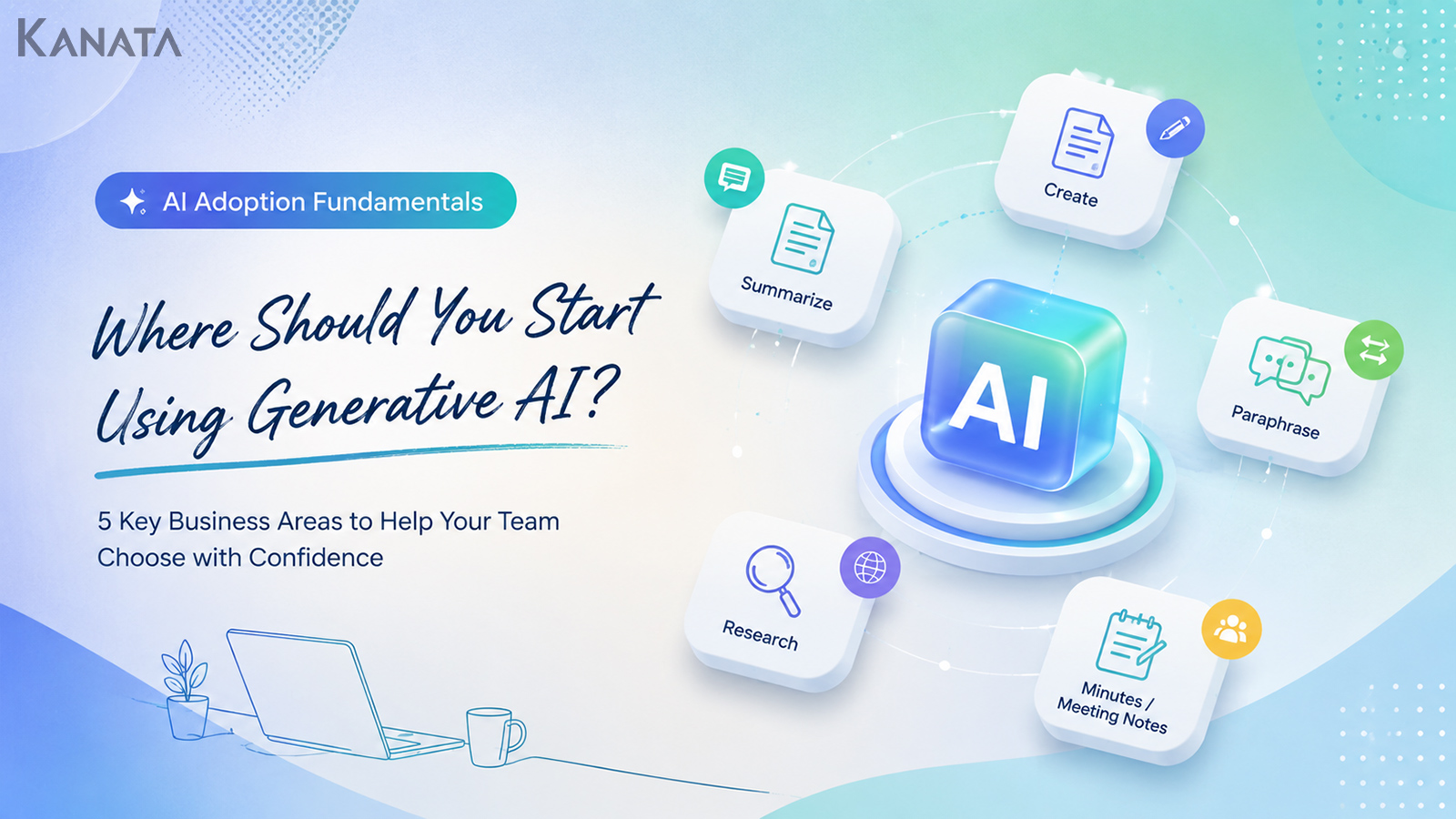
Five areas of work worth considering first
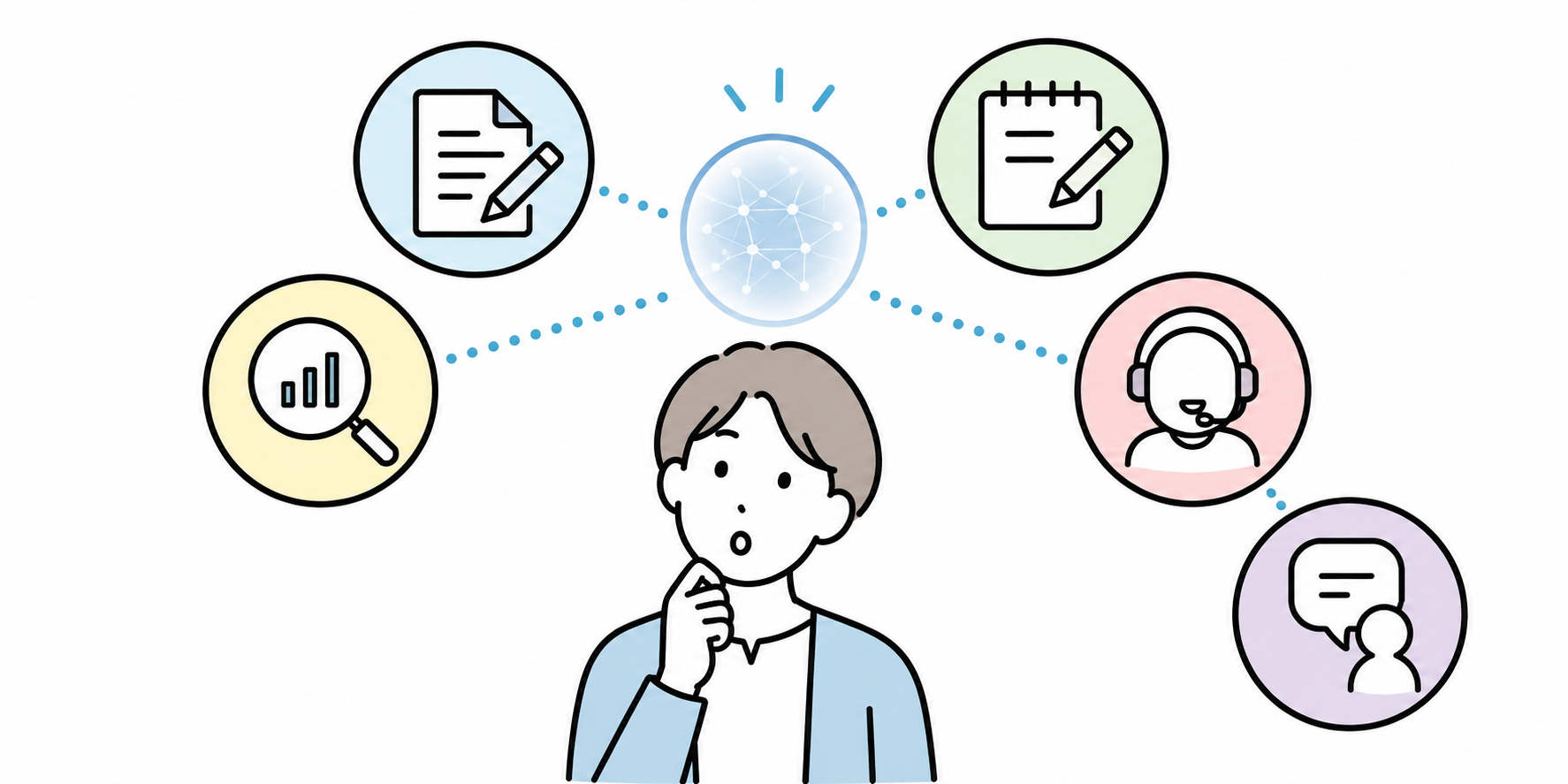
For early adoption of generative AI, it is easier to get going if you look first at the following five areas of work.
Drafting copy: emails, requests and internal notices
The most approachable place to start is drafting copy.
Think of internal requests, scheduling emails, meeting invitations, brief notes of thanks, reports to a manager, and so on. Written from scratch, these take longer than you might expect. Yet the quality of an AI-produced draft is easy for a person to judge, and it is an area where revisions are easy to make too.
As an illustrative example, email writing that had been taking 5-15 minutes apiece might, working from an AI draft, come closer to a 1-3 minute check-and-revise task. That, however, depends on the kind of email, your relationship with the recipient, and what needs checking.
When you use it, spelling out the conditions as below keeps the output steady:
Please draft an internal request email.

Purpose: to request survey responses by next Friday
Recipients: members of the sales department
Tone: courteous but not overly formal
Length: around 100-150 words
Points to include:
- The response deadline
- A rough idea of how long it will take
- Where to direct any questions
Specifying the purpose, recipient, tone, length and points to include in this way yields a draft that is easy to use on the front line.
Kanata’s best-practice guide for everyday work likewise treats email drafting and tone adjustment as a use case common across the whole organisation.
Summarising: tidying up materials, meeting notes and long passages
The next easy place to begin is summarising.
Tidying up meeting notes, internal materials, long emails and shared reports so they read more easily is a good fit for generative AI. You are especially likely to feel the benefit where there is a great deal of text and you want to grasp the whole before reading.
You might use it, for instance, like this:
Please summarise the following text for internal sharing.

Output format:
1. Three key points
2. Decisions made
3. Open questions
4. What to check next

Note:
Mark anything uncertain as "to be confirmed".
Kanata’s AI summary offers several input methods – documents, images, audio, URLs and text. Being able to summarise according to the type of source material, whether a meeting recording, a document or a web page, makes it a natural candidate for early adoption.
That said, while summarising is the work of “making important information shorter”, what counts as important shifts with context. Decisions, deadlines, owners, amounts and dates in particular must always be checked against the original.
Rephrasing and proofing: making materials and copy easier to read
Polishing the wording of a document is also well suited to early adoption.
Complaints such as these, for example, are common on many a front line:
- The text is long and hard to read
- The subject is vague, so it is unclear who does what
- It reads well internally but does not land with other departments
- It is heavy with jargon, so understanding varies by reader
- The phrasing is too forceful, or too vague
In cases like these, you can ask the AI to “tidy it up without changing the meaning”.
Please make the following text easier to read without changing its meaning.

Conditions:
- Keep sentences short
- Make the subject clear
- Add a brief gloss on jargon at first use
- Soften any overly assertive phrasing a little
- After revising, explain the three main changes you made
The key is to state “without changing the meaning” explicitly. In the course of naturally smoothing out a piece of writing, AI can inadvertently alter a fact or a shade of meaning. So always check proper nouns, figures, conditions and assumptions.
This use case has results that are easy to see, while ultimate responsibility for the text remains with a person. For copy that goes outside the organisation, or for important materials, do not copy it across as is – adjust it to your own tone of voice and the facts of the matter.
Framing research: organising the issues and angles
Generative AI works best used not as a tool to complete the research itself, but as a tool to frame its opening.
Rather than asking it to “look into this new market”, for instance, you are on safer ground using it like this:
Theme: early adoption of generative AI at small and medium-sized enterprises

I plan to write an internal report on this theme.
First, please organise the issues that ought to be researched.

Output:
1. Seven issues worth covering, in order of importance
2. For each issue, the kind of primary source to check
3. Angles that are easily overlooked
4. Avoid being categorical; mark items needing a source as "source required"
With this approach, you are not asking the AI for the right answer; you are having it organise “what ought to be researched”. Picture using it for the issue-listing, the check for missing angles, and the ordering of what to investigate – the parts of that first 30 minutes of research where it is easy to flounder.
A word of caution: do not take the latest information or figures at face value. Market size, regulation, product specifications and competitor information are all liable to change. Where you need specific figures or quotations, always confirm them against primary or otherwise reliable sources.
Minutes: organising decisions, to-dos and follow-ups
Writing up minutes is a task readily considered for early adoption of generative AI.
At many meetings, work like the following arises afterwards:
- Summarising the key points of the discussion
- Setting out the decisions made
- Splitting the to-dos by owner
- Gathering the items to check before next time
- Polishing the text to be shared with those involved
These are easy to standardise, and easy to split into the part you hand to the AI and the part a person checks.
You might frame the request, for instance, like this:
Please organise the following meeting notes into minutes for internal sharing.

Output format:
Meeting overview
Decisions made
To-dos
| Owner | Item | Deadline |
Open questions
Items to check before next time

Notes:
- Where an owner or deadline is unknown, write "to be confirmed"
- Do not guess at who said what
- Leave out small talk
As an illustrative example, if writing up the minutes of a 60-minute meeting had been taking 30 minutes, working from an AI draft might bring the check-and-revise step closer to 5-10 minutes. It will vary, though, with the recording quality, the number of participants, the complexity of the discussion, and your organisation’s conventions for minutes.
With minutes, errors in the “decisions”, “owners” and “deadlines” in particular have a bearing on the work. Treat it as given that, after the AI has organised things, a person always checks.
Work to handle with care in early adoption
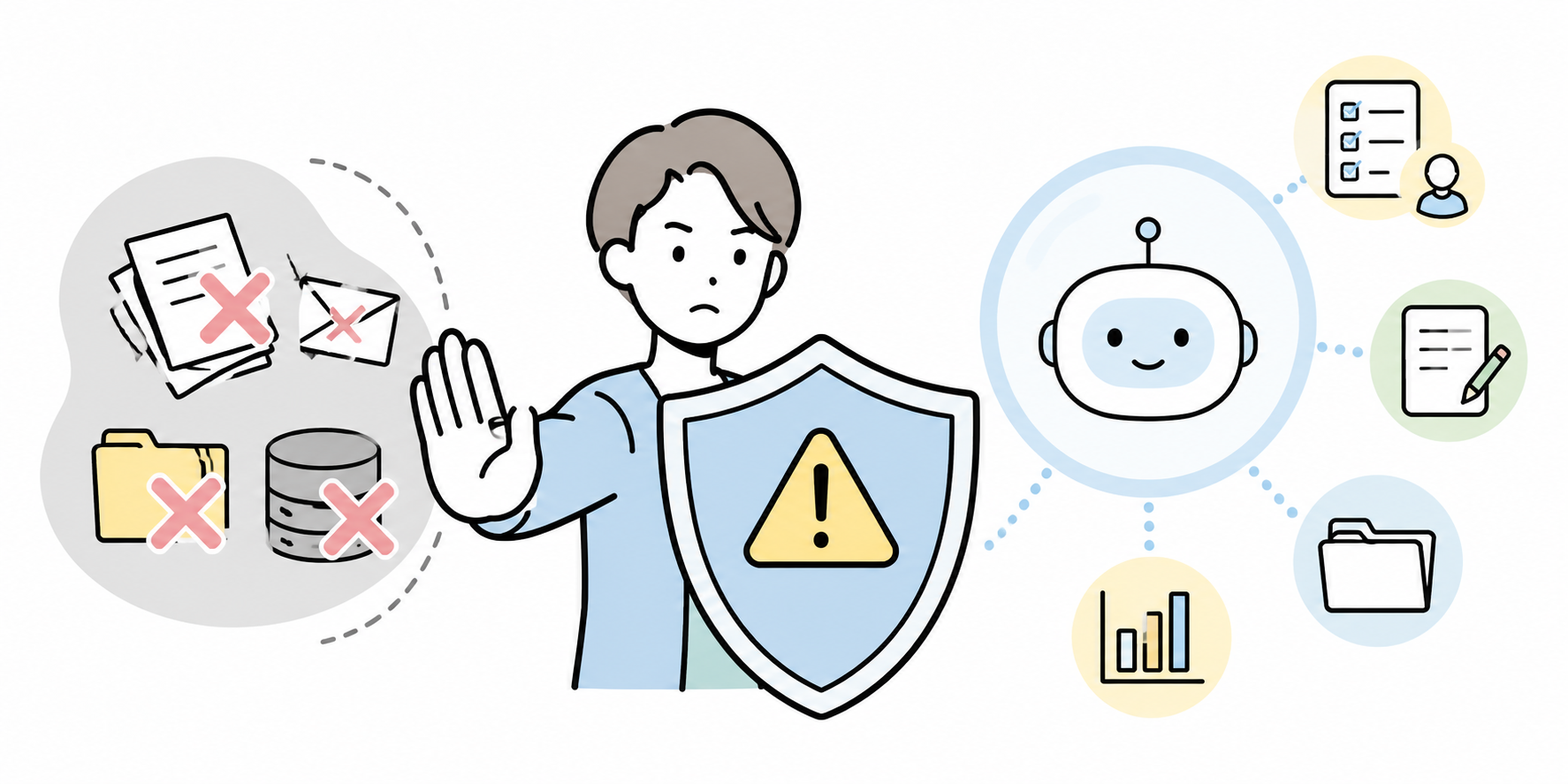
For all the work well suited to early adoption, there is also work that calls for caution before you take it on from the outset.
Work that hands the final decision to the AI
Generative AI is fine for organising the issues or drawing up a comparison table. Using it to delegate the final decision, however, is something to avoid.
Hiring decisions, the judgement to sign a contract, pricing, the line to take on a complaint, investment decisions – all of these carry a duty to account for them to the people involved. The AI’s output should stay a reference point; the judgement must rest with a person.
Work involving personal or sensitive information
Work involving names, addresses, contact details, employee numbers, health information, evaluation information and the like calls for particular care in early adoption.
If you do try it, mask anything that could identify an individual and follow your organisation’s rules on information management. When in doubt, give precedence to the decision not to enter it.
Work with heavy responsibility, such as contracts, legal matters and personnel evaluation
For reviewing contracts, drafting evaluation comments, making legal judgements and the like, AI can sometimes support the drafting or the framing of issues. But the fallout from an error is large, and specialist checking is needed too.
In early adoption, it is realistic to keep it to a supporting role – “draw up the issues to put to legal”, “organise the structure of the evaluation comments” – and no further.
Work that replies directly to customers
Automating customer response looks appealing, but in the early stages it needs handling with care.
Where the AI gives incorrect guidance, it affects the customer experience and trust. Begin with the range a person can check – drafting reply suggestions for internal staff, organising FAQs, classifying enquiry trends – and go from there.
A three-step check for choosing the work
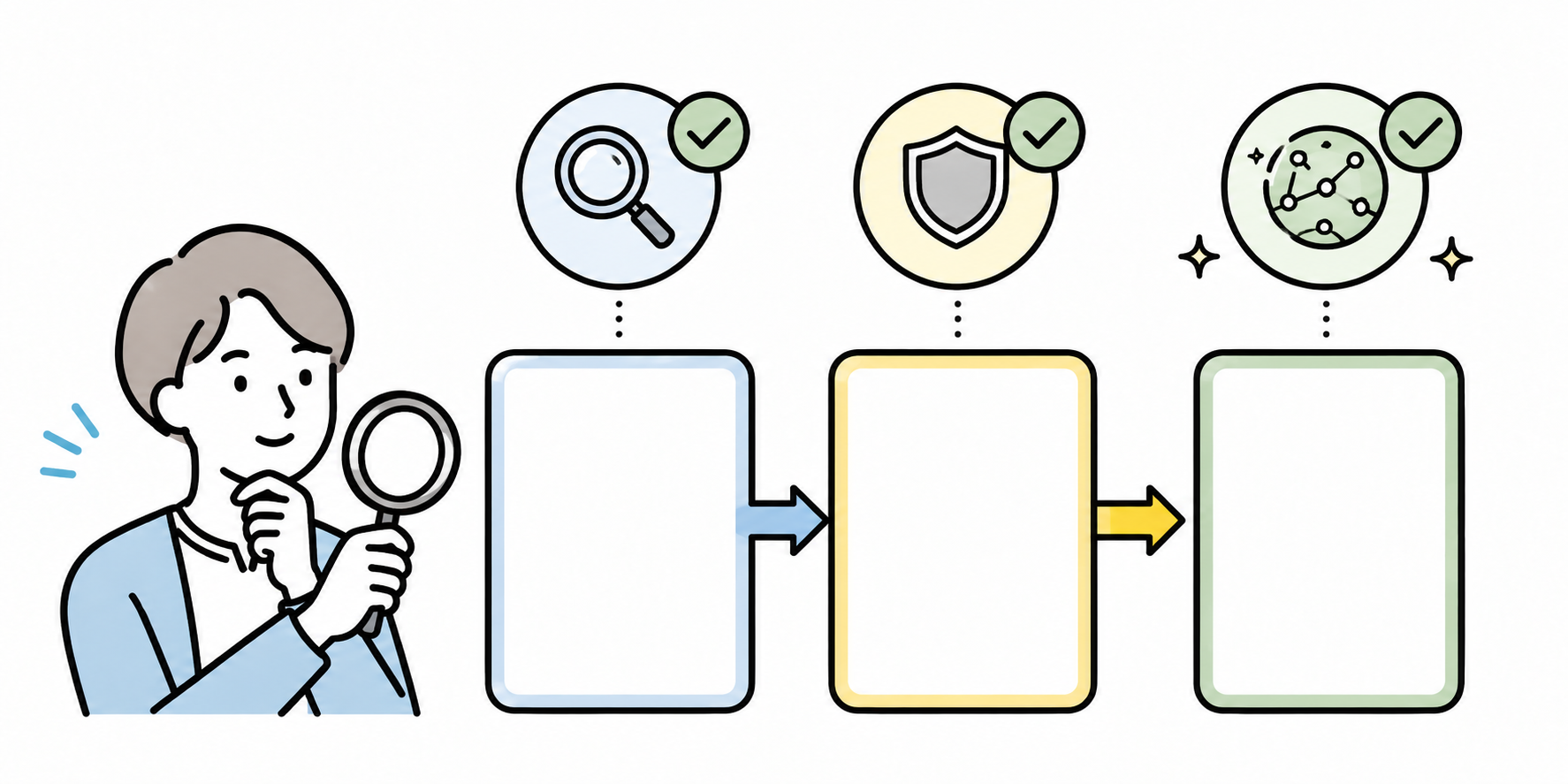
Drawing on everything so far, the work to target for early adoption is easier to sort out if you choose it in the following three steps.
Break the work down
First, it is important not to think of the target work simply in terms of “do we hand it to the AI or not”.
Think of handing “sales proposals” to the AI and the scope is far too broad. Break it down as below:
- Organising customer information
- Drawing out the proposal’s key arguments
- Building the structure of the proposal document
- Drafting the email copy
- Summarising the post-meeting notes
- Sorting out the next actions
Break it down this way and it becomes easier to see which parts are easy to hand to the AI and which a person should own.
Separate by reach
Next, check the reach of that work.
- Things you use on your own
- Things shared within a team
- Things shared across departments
- Things that go to customers or outside the organisation
- Things bearing on contracts, evaluations or monetary judgement
In early adoption, it is safe to begin with what you use on your own, or within a team. Anything that goes outside should presuppose a human review.
Compare benefit and risk in a table
Lastly, compare the candidate tasks on benefit and risk.
| Task | Visibility of benefit | Risk | Suitability for early adoption |
|---|---|---|---|
| Drafting internal emails | High | Low | Well suited |
| Summarising meeting notes | High | Low to medium | Well suited |
| Rephrasing document copy | Medium to high | Low to medium | Well suited |
| Framing market-research issues | Medium | Medium | Suited, with conditions |
| Final judgement on contracts | Medium | High | Not suited to early adoption |
| Automated replies to customers | High | High | Needs careful design |
This table is not there to settle the right answer. It is a foundation on which the people involved can talk things through from the same premises. For use in your own organisation, adding the sensitivity of the information, who checks it, and whether there is any external effect makes the judgement easier still.
Operating rules worth agreeing between the front line and the supporting functions
Early adoption of generative AI is hard to advance with the front line alone, or with the IT and DX teams alone. By dividing the roles between them, you come closer to a state in which it can be used with confidence.
Decide which information is acceptable to enter
First, so the front line is not left guessing, put in writing which information is acceptable to enter and which is best avoided.
You might split it, for instance, as follows:
- Easy to enter: public information, general internal information, anonymised notes
- Needs care: customer information, contract terms, deal history
- As a rule, do not enter: personal information, sensitive information, unpublished financial information
The important thing is not to let it end at “don’t use it”. So that the front line can use it safely, provide examples of masking and a point of contact for when a judgement is unclear.
Do not send AI output straight out as is
In early adoption, hold firmly to the rule of treating AI output not as a finished article but as a first draft.
For external emails, proposals, customer-facing materials, contract-related documents and recruitment or evaluation documents in particular, make a human check mandatory.
The points to check come to at least these four:
- Are the proper nouns correct?
- Are the figures, dates and conditions correct?
- Is there anything discourteous to the reader?
- Is it something the company is content to say?
Share the instructions you use often
If people try it on their own and leave it there, generative AI is unlikely to spread. Put the approaches that worked into a form the team can share.
Sharing prompts such as these across the team, for instance, reduces variation on the front line:
- A minutes template
- An internal-email drafting template
- A report-to-manager template
- A research-issue-framing template
- A document-rephrasing template
With Kanata, you can register prompts and reference data in a project library and draw on them from the chat and summary apps within the project. For keeping prompts out of individuals’ private notes and making them easy for the team to reuse, a library feature like this lends itself well.
A prompt is not something you make once and finish with. You revise the wording and conditions as you go, in actual use.
Review after 30 days
Early adoption does not get anywhere if you try to write perfect rules from the start. It is realistic to begin by narrowing the target work and on the premise of a review after 30 days.
At the review, check the following:
- Which work was actually used often
- Which work went unused
- Which tasks felt quicker
- Where unease or failures arose
- Which input rules or prompts ought to be revised
On the strength of what you learn here, you extend into the next area of work.
How to approach early adoption when working with Kanata
When you advance early adoption using Kanata, the basics are the same. Begin with work the front line finds easy to check and easy to reach agreement on.
AI chat is a feature that lends itself to drafting copy, rephrasing, framing research, organising the issues and the like. Kanata’s user manual explains that you can use AI chat to ask questions, talk things through, draft copy, generate ideas and carry out research.
AI summary suits tidying up meeting notes, materials, audio, URLs, text and so on. Start with the minutes of a regular meeting, the key points of a long document, or a summary for internal sharing, and you are likely to feel the benefit.
Being able to organise members, data and apps on a per-project basis matters in early adoption too. By splitting projects by department or by use, it becomes easier to sort out who may see which information.
That said, using Kanata does not put your operation in order of its own accord. Only with input rules, a review setup, prompt sharing and a regular stocktake does it become a way of working the front line can reproduce with ease.
In summary
What matters in the early adoption of generative AI is not to aim for sweeping automation from the outset.
Begin with work such as the following and you will find it easier to win the front line’s confidence:
- Drafting emails and internal documents
- Summarising materials and meeting notes
- Rephrasing and proofing copy
- Framing the issues for research
- Assisting with the writing of minutes
These are areas where a person can readily check the AI’s output, and where errors are easy to put right. The front line finds it easy to picture “where in my own job I would use it”, and IT and DX find the work easy to design rules around.
Conversely, final decisions, replying directly to customers, and contracts, legal matters and personnel evaluation should be handled with care in early adoption. This does not mean not using AI; it is safer to keep it to drafting, framing the issues and identifying the points to check. Generative AI does not embed itself the instant a tool is introduced. Through a cycle in which the front line tries things out on a small scale, the supporting functions lay down safe rails, and everyone reflects on the results, early adoption gradually takes root in the work.
Q&A
Which work is it safe to start with in the early adoption of generative AI?At first, it is realistic to start with work a person can verify in short order – drafting emails, rephrasing copy, summarising materials and meeting notes, assisting with minutes and the like. Errors are easy to put right, and the effect on the outside world is limited.
Is there work that is better not handed to generative AI?Yes. Work that carries a heavy duty of explanation or has a large external effect – contract decisions, personnel evaluation, hiring decisions, pricing, automated customer replies and so on – should be handled with care. Even where you use it, you are on safer ground keeping it to framing the issues or drafting, rather than the final judgement.
How should the benefit of generative AI be measured?In the early stages, it is easy to compare the time taken before and after rollout, on a per-task basis – email drafting, minutes, document summaries and the like. Recording, say, the time spent on the same kind of task in the week before and the week after rollout, along with the rounds of rework, makes for easy reflection on the front line.
What should we get ready on the front line before having people use generative AI?Beyond “what to use it for”, it is important to set out “what is acceptable to enter”, “how to check the output”, and “who to consult when stuck”. Adding concrete prompts such as a minutes template or an email-drafting template makes it easier still for the front line to try things out.
Which situations in early adoption is Kanata suited to?Kanata lends itself to drafting copy, talking things through and organising the issues via AI chat; to summarising materials, audio, URLs and text via AI summary; and to managing data on a per-project basis. Sharing prompts and learning data across the team in particular makes it an easy option to consider when advancing early adoption such as drafting, summarising or minutes. That said, the premise is that you combine it with operating rules and a review setup involving people.