


The email drafts are helpful, but beyond that I’m not yet sure what else I should be using it for.
This is a remark you hear rather often from people on the ground in the HR, finance, planning and support functions of B2B companies—those who spend their days drafting and checking documents. Their managers want generative AI used more widely, the IT department frets about safe usage, and the people doing the actual work simply want to know what, in their own role, is going to get easier.
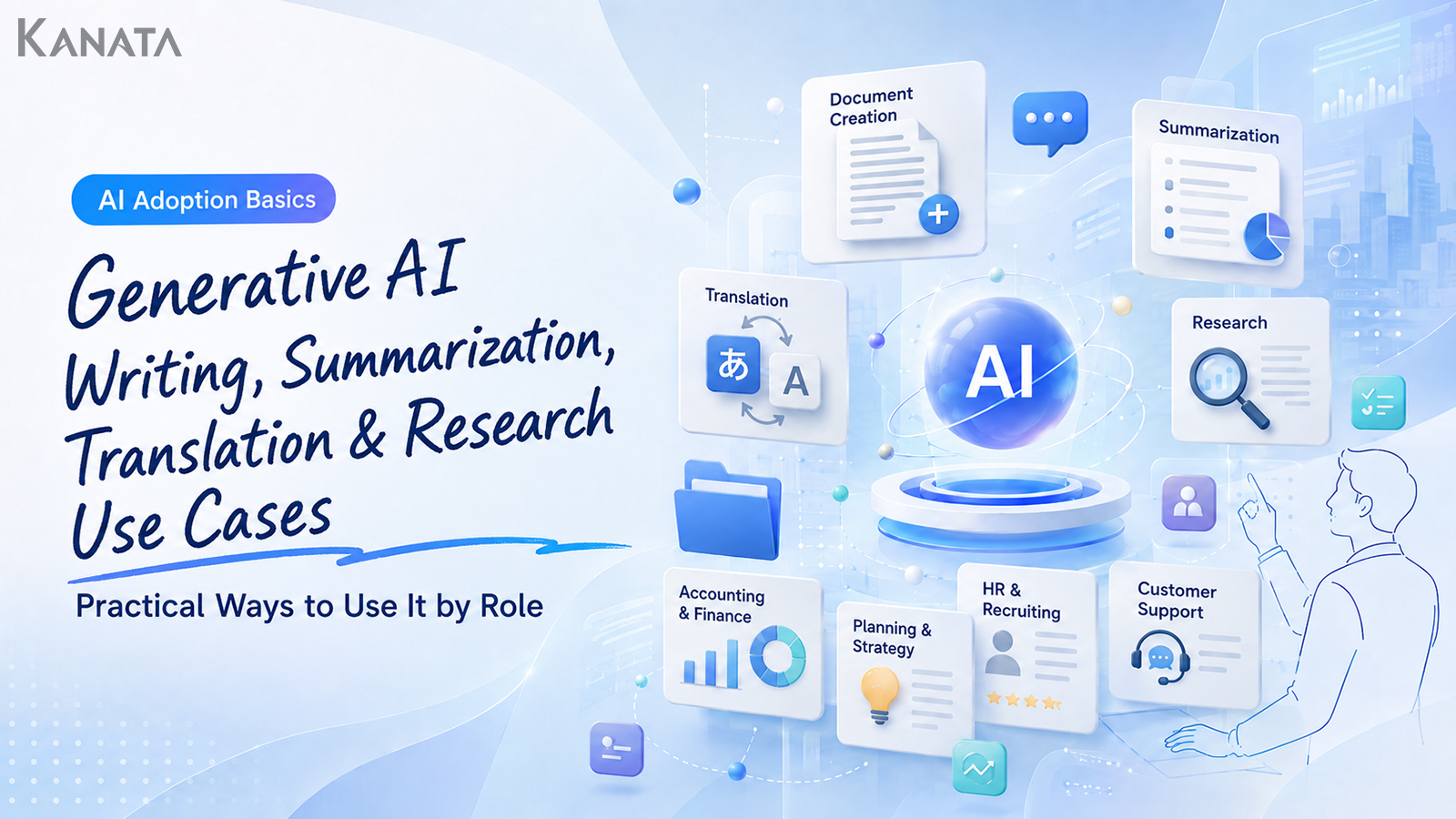
Not so long ago, putting generative AI to work tended to stop at drafting emails or the odd bit of rephrasing. These days it reaches rather further into the everyday: summarising meeting notes, putting together first drafts of internal documents, lending a hand with translating overseas material, mapping out the points a piece of research should cover. As an illustrative example, drawing up the minutes of a sixty-minute meeting might be trimmed from around thirty minutes to roughly five. That said, it depends on the quality of the audio or notes, how involved the discussion was, and whether you count the reviewer’s time.
This article is for anyone keen to broaden where they use generative AI. Across four areas—document creation, summarisation, translation and research—it sets out which tasks it suits, what to watch for, and how to measure the effect. The aim is not to hand everything over to the AI, but to separate the work that calls for human judgement from the tasks that can comfortably be delegated, so that teams can try it on a small scale in their own work.
Generative AI is no cure-all. Figures, proper nouns, quotations, and anything touching contracts, legal matters or personal data still need human checking and a clear set of internal rules. As you read on, do keep one eye on where, in your own role, you might begin.
Generative AI is not a tool for handing over whole jobs
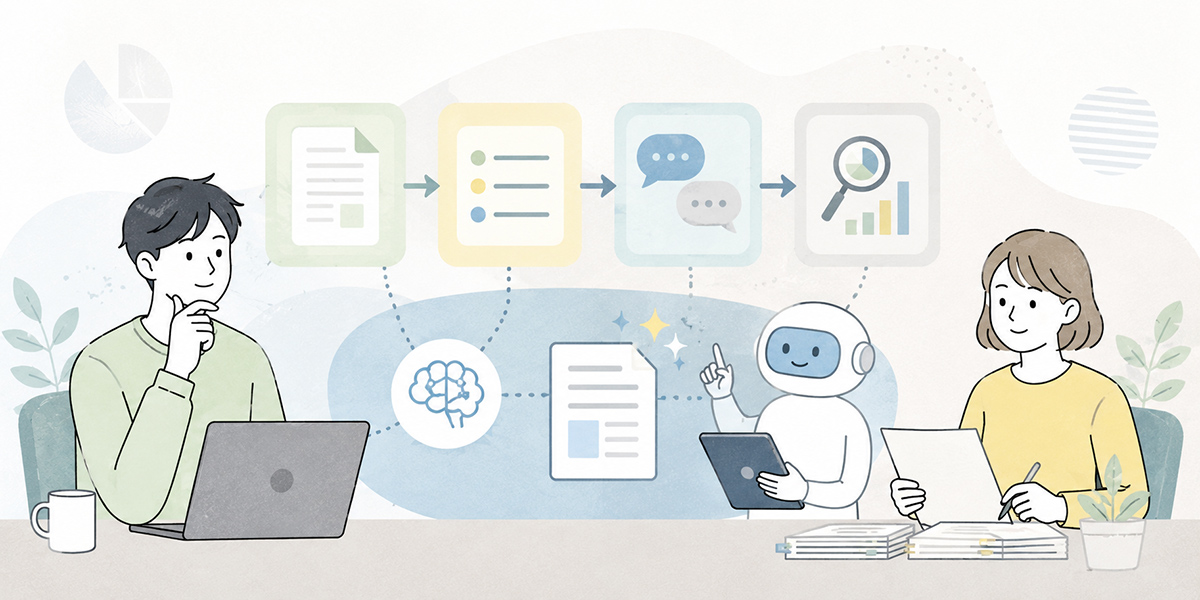
When you bring generative AI into your work, the first thing worth sorting out is what to delegate to it.
For tasks such as document creation, summarisation, translation and research, it is more realistic to hand over part of the upstream or downstream work than to delegate the whole task from the outset.
Rather than have the AI finish a proposal outright, for instance, get it to suggest an outline. Rather than let it judge what a meeting decided, have it pull out the decisions and the action items. Rather than rely on AI translation alone to assess overseas material, use it first to grasp the gist. Rather than let it settle your market research, have it lay out the questions worth investigating.
Looked at this way, generative AI becomes easier to use not as a stand-in for judgement but as an assistant that gets you off the mark more quickly.
| Area | What people should own | What is easy to delegate to AI |
|---|---|---|
| Document creation | Final judgement, accountability for wording, tailoring to the reader | Drafts, outlines, rephrasing, proofreading |
| Summarisation | Confirming decisions, fixing owners and deadlines | Extracting key points, organising to-dos, condensing long text |
| Translation | Checking technical terms, contract conditions and cultural nuance | First-pass translation, grasping the gist, comparing wording options |
| Research | Verifying sources, confirming the latest information, decision-making | Organising the issues, building comparison criteria, listing items to investigate |
Kanata’s everyday-work best-practice guide makes much the same point: people handle fact-checking, the final call and any relationship-based dialogue, while the AI takes on drafting, summarising, tidying up and getting research started.
It is also worth starting a fresh chat when the subject changes, having a person review every output before it goes anywhere, and reusing your frequently used prompts and reference material from a library.
External AI-governance material returns again and again to the same themes—human oversight, risk management, transparency and responsible use. The OECD AI Principles, for example, are widely cited as an international reference point for developing and using trustworthy AI, and the NIST AI Risk Management Framework serves as a practical aid for managing AI risk across different uses.
Putting generative AI to work in document creation
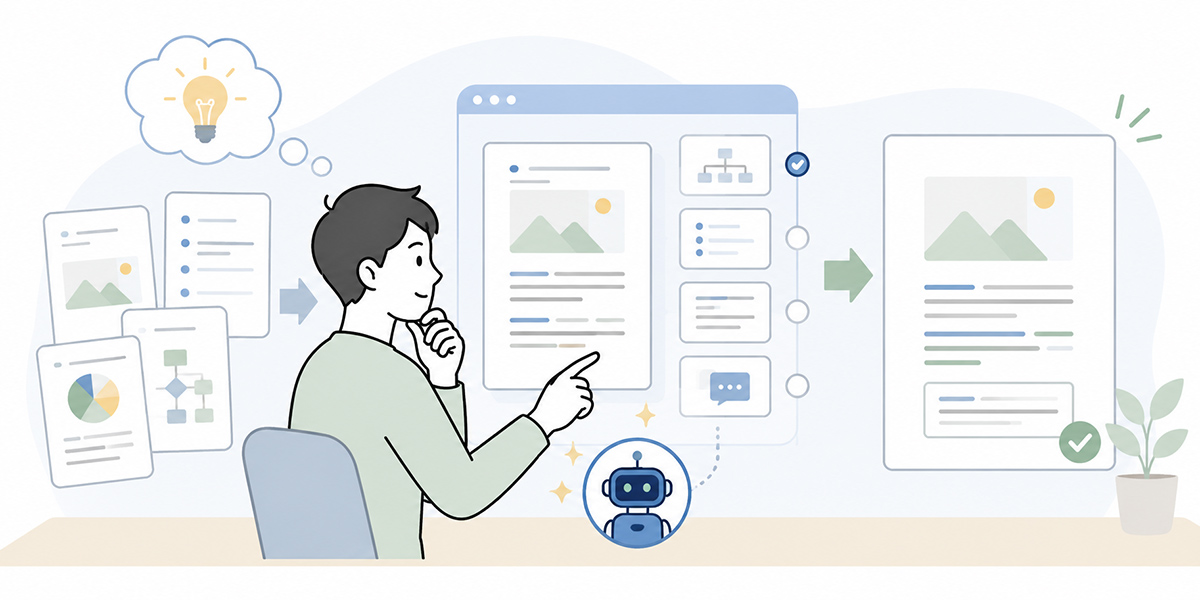
Document creation is one of the more approachable areas in which to try generative AI. In HR, finance, planning and support, a great deal of the daily work involves the written word—emails, internal notices, reports, meeting notes, FAQs, how-to guides and the like.
That said, ask generative AI to “write something nice” and you will get readable prose that may well miss the purpose or the reader. When using it for document work, it pays to be clear about who the text is for, what you want to convey, and the format you want it in.
Drafting emails and request notes
The easiest place to begin is drafting emails and request notes.
It comes in handy in situations such as these:
- An email to a client to arrange a meeting
- A request note to colleagues
- A report to your manager
- A first reply to a customer
- Wording for an apology or a request to confirm something
When you have generative AI draft these, specify your relationship with the recipient, the points you want to get across, the tone, and the length.
You are drafting an external-facing email.

# Recipient
A contact at an existing client. We have corresponded a few times before.

# Purpose
To arrange a meeting time next week.

# Points to convey
- Three candidate dates
- Around 30 minutes is expected
- We would like to hold it online

# Tone
Polite but not overly stiff.

# Constraints
- Within 300 characters
- Suggest a subject line too
- Give three options
Asking for three options rather than one lets you compare the directions the wording might take. The person then picks from them and, where needed, recasts it in their own words.
Be careful with emails involving apologies, contract terms, sums of money or deadlines. Rather than sending the AI’s output as it stands, a person must always give such wording a final check.
To measure the effect, it is worth looking at the time taken per email, the number of edits from managers or colleagues, and how many clarifying questions come back after sending.
Building outlines for proposals and reports
For proposals and reports, a useful approach is to shorten the time spent staring at a blank page.
If you are writing an internal improvement proposal, say, do not have it write the body straight off—ask for an outline first.
Create an outline for an internal proposal on the following theme.

# Theme
Building a mechanism to make first-line responses to internal enquiries more efficient

# Audience
Department heads, HR and General Affairs, IT department

# Output format
Five H2 headings, each with two or three lines of explanation

# Constraints
- Avoid being too assertive
- Mark cost-effectiveness as an “illustrative example”
- Include the risks of adoption
Asked this way, it produces the skeleton of a proposal in short order. The person then adds the actual internal circumstances, the figures and the views of those involved.
The thing to watch is that generative AI will happily invent plausible-looking figures and examples. Anything that is not an actual result should be marked as an “illustrative example”, and where you do treat something as a result, confirm the period, the number of cases and the conditions before using it.
For measuring the effect, look at the time to a first draft, how complete it is before review, the number of times it is sent back, and how many people are involved in producing the document.
Using it for rewriting and proofreading
In document work, generative AI is useful not only when writing from scratch but also when tidying up text you already have.
You are an editor of BtoB business documents.
Tidy up the following text to read more clearly, without changing the meaning.

# Points to revise
1. Make the subject of each sentence clear
2. Keep sentences short
3. Add a brief gloss to technical terms
4. Make emotive phrasing neutral
5. After revising, explain the changes in at most five points

# Original text
{paste the text here}
The crucial thing in rewriting is to state explicitly that the meaning must not change. In the course of smoothing the prose, generative AI can quietly alter facts or nuance.
Dates, sums, customer names, product names, contract terms and the names of schemes in particular must always be checked against the original.
Putting generative AI to work in summarisation
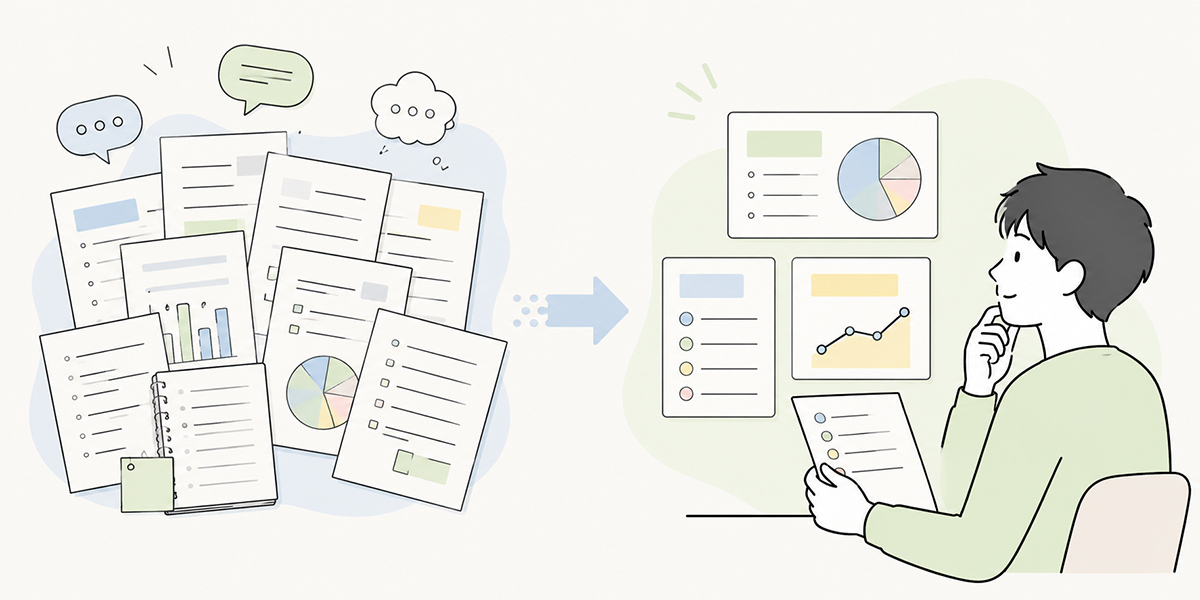
Summarisation is an area where the busier the department, the more readily the benefit is felt.
In work with a high volume of information—meetings, enquiries, document checks, chat logs, training videos—simply reading, listening and organising eats up time. Generative AI helps you grasp the overall shape of the information quickly and free up time for the checks that matter.
Kanata, our own AI summarisation service, offers five ways to provide input documents, images, audio, URLs and text. The document option supports formats such as CSV, PDF, PowerPoint, Word and Excel.
You can also choose between automatic and custom summarisation, so when you want the same format every time—for a regular meeting, say—you can specify the output format with custom summarisation.
Summarising meeting notes and minutes
Writing up minutes after a meeting is a task that suits generative AI well.
From meeting notes or a transcript, for instance, you can organise things into a format like this:
Turn the following meeting notes into minutes for internal sharing.


# Output format

## Meeting overview
- Date and time
- Attendees
- Purpose


## Decisions
Set out as bullet points


## To-dos
| Owner | Item | Deadline |


## Key points of discussion
Three to five lines per theme


# Rules
- Leave out small talk
- Where a deadline is unclear, write “to be confirmed”
- Separate decisions from matters still under discussion
This way, whoever writes the minutes works not from a blank page but by checking and correcting what the AI has organised.
Bear in mind, though, that the context of a meeting and the intent behind a remark are not always things the AI reads accurately. Decisions, owners, deadlines and open items in particular must always be checked by a person.
To measure the effect, it is worth looking at the time taken to produce minutes, the time from the meeting ending to sharing them, missed to-dos, and the number of correction requests from attendees.
Reading long documents and reports quickly
The time spent reading internal documents, research reports, regulations and manuals can also be shortened through summarisation.
Before sharing with your manager, for example, you might “sum up the key points of this document in three”, “pull out only the risks bearing on the decision”, or “organise only the parts relevant to the finance team”.
Summarise the following document on the basis that a member of the planning team will read it.

# Output format
1. Overall key points within 300 characters
2. Five important issues
3. Risks affecting the decision
4. Points needing further checking

# Constraints
- Quote figures exactly as in the original
- Add no interpretation not in the original
- Mark anything unclear as “to be confirmed”
Summarising is convenient, but the shorter you make something, the more falls away. For material used in important decisions, do not judge from the summary alone—check the relevant passage in the original.
Organising enquiry histories and chat logs
In HR, finance and support, similar enquiries tend to come round again and again.
Expense claims, attendance, leave, application procedures, how to use internal tools, and so on. Summarising and categorising the enquiry history makes the common questions and the procedures worth improving easier to see.
Categorise the following enquiry history.

# Output format
| Category | Count | Representative question | Action needed |

# Categories
- Expenses
- Attendance
- Application procedures
- System use
- Other

# Constraints
- Do not include individuals' names.
- Put anything you cannot judge into “Other”
- At the end, suggest questions worth adding to the FAQ
With this use, take care over how personal and customer information is handled. Names, email addresses, employee numbers, addresses, account details and the like should be masked before input.
Putting generative AI to work in translation
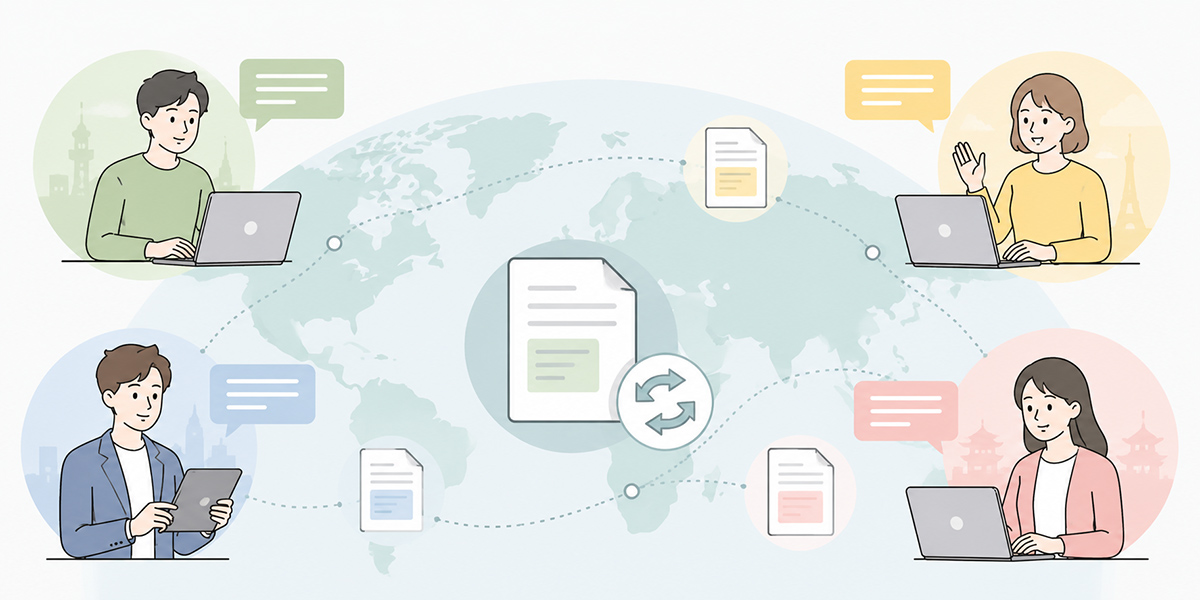
Translation, too, is an area where it is easy to extend generative AI into everyday work.
Translation, though, is not only about “rendering accurately”; there is also the matter of conveying meaning to suit the purpose. Whether you are reading overseas material, sharing internally or replying to a customer, the output that fits will differ.
Getting the gist of overseas material and English emails
When reading English material, trying to translate the whole thing accurately from the start takes time. It is more efficient first to pull out the gist, the key figures and the points worth checking.
Summarise the following English text in Japanese.

# Purpose
For a planning team member to grasp the gist

# Output format
1. A summary within 200 characters
2. A list of important figures, dates and proper nouns
3. Issues likely to bear on the work
4. Points where the original needs checking

# Constraints
- Give technical terms in English as well
- Mark anything whose meaning is uncertain as “to be confirmed”
Used this way, you produce not a full translation but a “map to read by” beforehand. It is handy for going through overseas news, industry reports, competitor information and outside vendors’ material.
The thing to watch is figures, dates, proper nouns and contract terms. However natural the AI’s translation reads, it does not necessarily reflect the original accurately. For passages used in important decisions, go back to the original and check.
Turning Japanese documents into English or plain Japanese
Translation is not only English into Japanese. There is also rendering an internal Japanese document into English, turning it into plain Japanese for staff who are not native speakers, or adjusting the tone for an overseas office.
Rewrite the following internal notice into Japanese that staff who are not native speakers can follow easily.

# Audience
Staff who use Japanese at work but are not used to formal honorific language

# Output conditions
- Keep sentences short
- Add a brief gloss to difficult words
- Set out important procedures as bullet points
- Do not change the original meaning

# Original text
{paste the text here}
This kind of use suits HR, General Affairs, IT and training staff.
For text touching on work rules, contracts, personal data or the law, however, checking the nuance after translation is indispensable. Where it is to serve as a formal internal document, treat confirmation by the relevant department or a specialist as a given.
How to measure the effect in translation
The effect of translation work is hard to gauge by character count alone.
Indicators worth watching include:
- Time taken to a first understanding of overseas material
- Time to produce a first-draft translation
- Number of terms corrected in review
- Number of clarifying questions from readers
- Time spent organising before sending out for external translation
As an illustrative example: where grasping the gist of a ten-page overseas report had taken sixty minutes, having the AI pull out the key points, figures and items to check first might bring the first read down to roughly twenty to thirty minutes. That said, it depends on how difficult the material is, how specialised the English, and how wide the final check.
This figure is not a general benchmark but a placeholder to start from when you begin measuring the effect internally. If you mean to use it in an article or an internal report, you need to record the page count, the number of people involved, the comparison period and the scope of review before doing so.
Putting generative AI to work in research
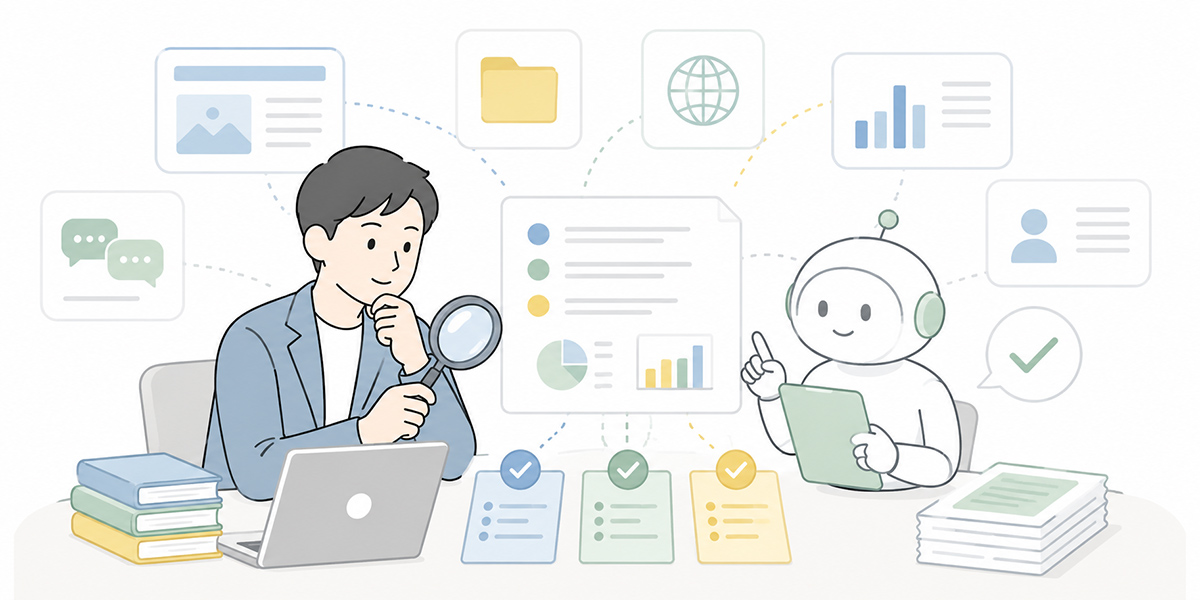
In research, the important thing is to use generative AI not as a tool for producing answers but as one for helping design the research.
Market size, competitor information, legal changes, prices, service specifications and the like all need confirming against the latest, official information. Judge from the AI’s answer alone and you risk relying on out-of-date or mistaken information.
It is, on the other hand, well suited to organising the issues worth investigating, suggesting comparison criteria, building the structure of a report, and raising angles that are easy to overlook.
Drawing out the issues for a research topic
When looking into a new topic, the first difficulty is knowing where to begin.
It is worth having generative AI lay out the issues for the research.
The theme is “making internal enquiry handling more efficient”.
Before writing an internal report, organise the issues I should investigate.

# Output format
1. The seven issues to nail down, in order of importance
2. The primary sources to check for each
3. Items needing numerical confirmation
4. Counter-arguments easy to overlook
5. A proposed H2 structure for the final report

# Constraints
- Do not assert specific figures
- Mark anything needing a source as “source required”
Asked this way, you build the starting point of the research in short order. The person then goes on to check official material, internal data and primary sources.
Building comparison tables and evaluation criteria
In choosing tools, comparing outsourcers or weighing up schemes, building the comparison criteria takes time.
You can ask generative AI as follows:
Build evaluation criteria for comparing the following three options.

# Options
Option A: carry on with the existing tool
Option B: bring in a new SaaS
Option C: build part of it in-house

# Output format
| Evaluation criterion | Why it matters | Information to check |

# Constraints
- Do not judge on cost alone
- Include operational burden, security and training cost
- Write on the basis that the final call rests with a person
This gives you a footing that those involved can debate from more easily.
Prices, features, contract terms and legal compliance, though, must always be confirmed against the latest official information.
How to measure the effect in research
For research work, indicators such as these are useful:
- Time spent designing the research
- Gaps and omissions in the items investigated
- Time to a first draft of the report
- Number of further checks from managers and those involved
- Time to a decision
The effect of generative AI is not that “research itself becomes unnecessary”. Rather, it lies in setting the entry point in order and getting you to the information worth checking more quickly.
In measuring the effect, keep “illustrative examples” and “actual results” apart
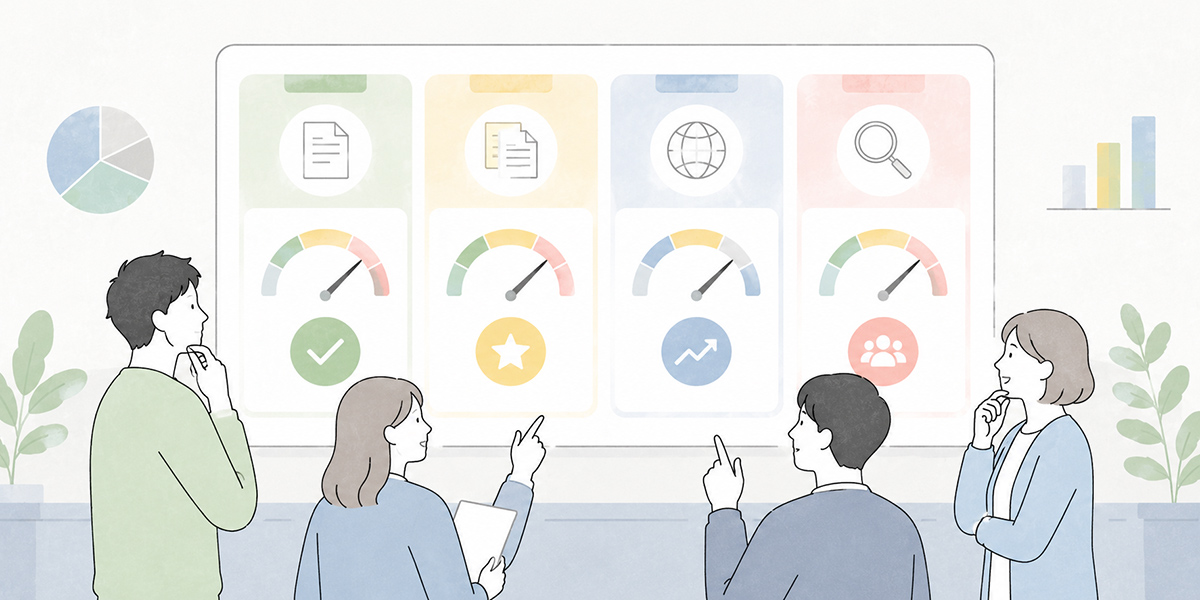
To spread generative AI use across the team, it is important not to leave it at “that was handy” but to make the effect visible.
That said, trying to produce a rigorous return on investment from the outset makes the whole thing unwieldy. In the early stages, it is more realistic to begin with indicators that are easy to record.
You might record things as follows, for instance.
| Area | Indicator to record | Example record |
|---|---|---|
| Document creation | First-draft time, number of review comments, number of send-backs | Average first-draft time for ten internal notices |
| Summarisation | Time to produce minutes, time to sharing, missed to-dos | Time to produce minutes across four regular meetings |
| Translation | First-pass translation time, number of term corrections, number of clarifying questions | Time for a first read of five English documents |
| Research | Time to organise issues, number of further investigations, time to a decision | Time to build three comparison tables |
Say a department drafts twenty internal notices a month and the average first-draft time per notice falls from thirty minutes to twenty: that gives an illustrative example of two hundred minutes saved a month. It depends, though, on whether you include review and correction time.
When you use figures in an article or an internal report, you need to state the period, the number of cases and the conditions. The accompanying introduction-writing guideline likewise recommends presenting a figure together with its indicator, comparison period, number of cases and degree of change.
What to watch for when using generative AI
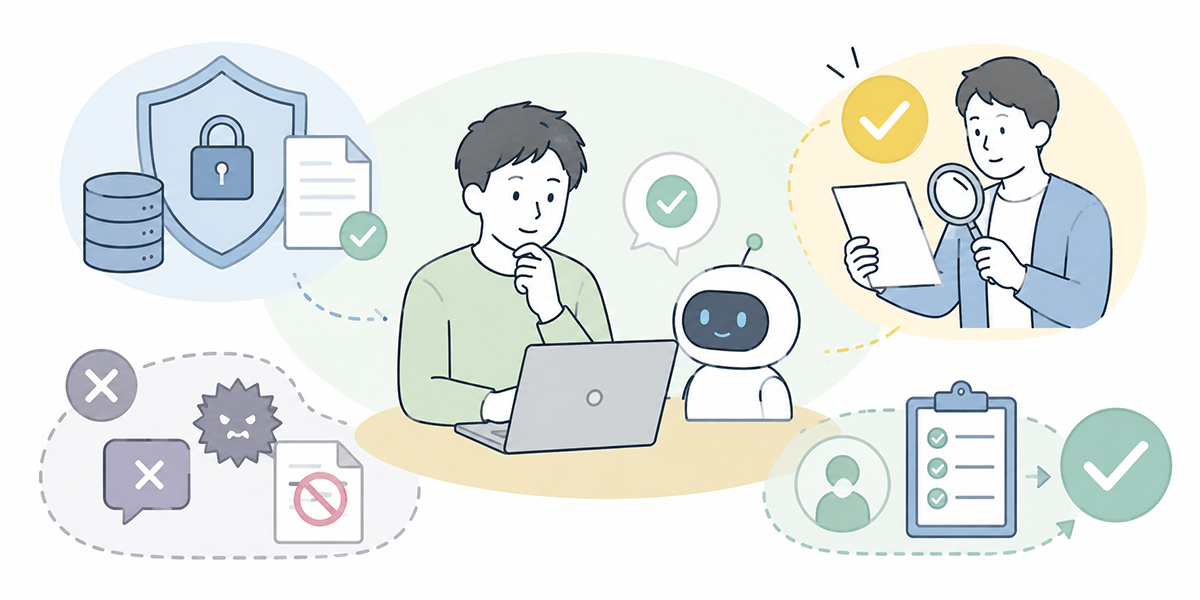
The wider you extend generative AI use, the more there is to watch for.
Just because it is handy does not mean every scrap of information may be fed in. And just because the AI’s prose reads naturally does not mean the content is correct.
Check figures, proper nouns, dates and quotations
Generative AI is good at producing natural prose. It can, on the other hand, get figures, proper nouns, dates and the source of a quotation wrong.
For documents that leave the building, material a manager uses to make decisions, or information sent to customers, always check against the original source.
Representative things to check are:
- Figures such as sales, costs, headcounts and ratios
- Customer names, company names, product names
- Contract dates, deadlines, application cut-offs
- Names of laws, schemes and regulations
- Quotations and their sources
It is safer to treat the AI’s output not as finished copy but as a draft to be checked.
Do not feed in personal or sensitive information
What calls for particular care in generative AI use is how information is handled.
Kanata’s everyday-work best-practice guide treats public and general internal information as something to handle within a dedicated internal space, sets personal data as off limits in principle, and forbids sensitive information and undisclosed financial data.
The following sorts of information, for instance, need handling with care:
- Names, addresses, phone numbers, email addresses
- Employee numbers, account details, national ID numbers
- Health information, beliefs, family information
- Undisclosed financial results
- M&A, personnel changes, contract terms
- Customers’ confidential information
Even where you do need to use such information, you should mask it before input, check the internal rules, and consult the relevant department.
Approaches to AI governance differ by country, and the rules and guidance continue to evolve, so it is worth deciding the scope of use with reference to your own information-management policy. For an international reference point on the responsible development and use of AI, see the OECD AI Principles.
Assume specialist checking for legal, contractual, labour and financial matters
Generative AI can also be used to explain contracts, regulations, laws and schemes. It cannot, however, be left with the final judgement.
It can, for instance, do a first-pass review of a contract and “pull out clauses that look risky”. But whether to accept a clause, whether it should be amended, and whether it poses a legal problem all need checking by legal staff or a specialist.
The same goes for matters touching HR schemes, labour, accounting, financial products, medicine and safety.
Use outputs only after a person has reviewed them
Generative AI speeds up writing. But responsibility for the output rests with the person using it.
Text that leaves the building, wording sent to customers, and material used in management decisions must always be reviewed by a person.
In review, check the following:
- Whether the facts are correct
- Whether it could mislead the reader
- Whether there is excessive assertion or exaggeration
- Whether it breaches internal rules
- Whether sources and grounds can be confirmed
- Whether it contains personal or confidential information
Kanata’s best practice likewise holds that, because AI can produce “plausible falsehoods”, documents that leave the building, figures and quotations must always be verified by a person.
Operating rules for getting started on the ground
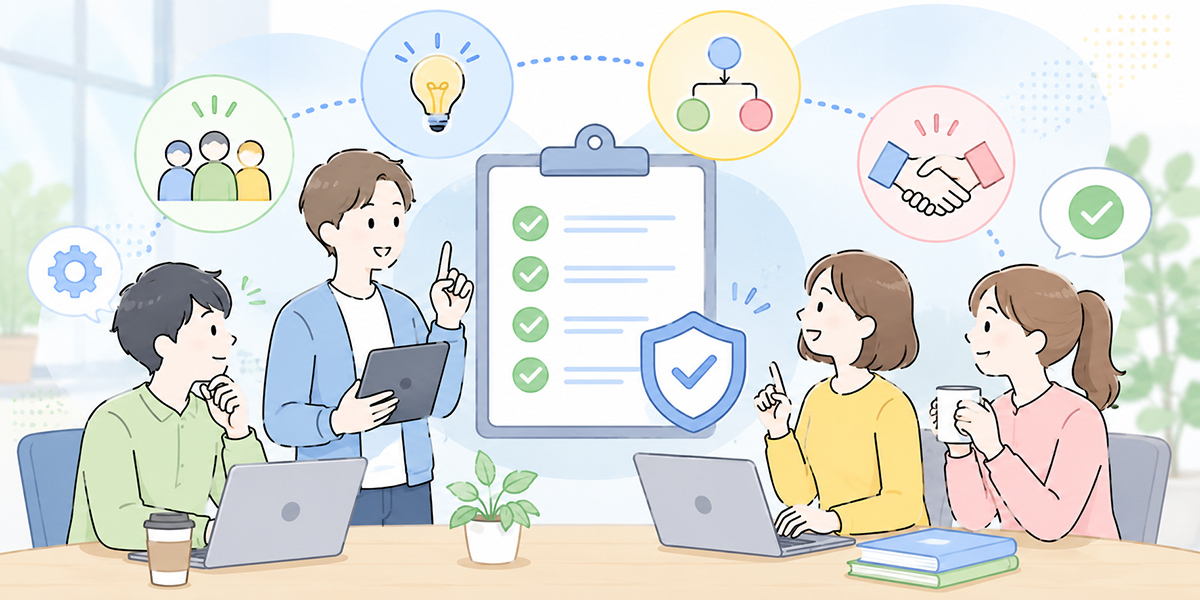
Generative AI use is hard to embed if individuals merely reach for it on a whim. When a team uses it, it is reassuring to settle on a minimum set of operating rules.
Start with one department, one task, one month
Aim for a company-wide rollout from the start and the rule-making and training balloon out of all proportion.
It is more realistic to try it small first—one department, one task, about a month.
You might try it in ways like these:
- In HR, for building an FAQ on internal enquiries
- In finance, for tidying up expense-claim guidance notes
- In planning, for building outlines of research reports
- In support, for categorising enquiry histories
Narrowing the focus makes both the effect and the snags easier to see.
Share your prompts
What generative AI produces turns on how the instruction is framed.
A request that worked well is easier to reuse if, rather than keeping it to yourself, you share it with the team.
Kanata describes a design in which your frequently used instructions are saved to a prompt library and reused within a project. There is also a reference-data library to which you can register internal material you want the AI to draw on.
The following sorts of prompts, for instance, are worth sharing:
- A minutes template
- An email-draft template
- An FAQ-building template
- A research-issue-organising template
- A translation-checking template
There are several options when it comes to generative AI tools. One is to use the AI features built into your existing chat tools or office software. Where you want to organise and reuse prompts and reference data by department or project, on the other hand, a business-support platform such as Kanata—which lets you handle apps and libraries on a per-project basis—is also an option. Which tool you use is an important choice, to be made to suit your internal security requirements, your existing systems and the burden on whoever runs it.
Decide what to delegate to AI and what people check
In your operating rules, set out not only “the tasks AI may be used for” but also “the points people check”.
| Task | What to delegate to AI | What people check |
|---|---|---|
| Email writing | Drafts, rephrasing, subject-line ideas | Recipient, what is being promised, apologetic wording |
| Minutes | Summarising, extracting to-dos, tidying the format | Decisions, owners, deadlines |
| Translation | Grasping the gist, first-pass translation | Technical terms, contract conditions, figures |
| Research | Organising the issues, building comparison criteria | Sources, latest information, the final call |
Divided up this way, people on the ground can use it with greater confidence.
Review the effect and the failures once a month
In generative AI use, the failures matter as much as the successes.
Looking back once a month from angles like these makes the operation easier to improve:
- Which task saw time saved
- Which prompt was easy to use
- Which output contained errors
- Where there was uncertainty over what information could be entered
- What task to try next
Generative AI is not a case of make the rules once and you are done. It needs revisiting to suit the work, the internal rules, the tools in use and how practised the members are.
In summary
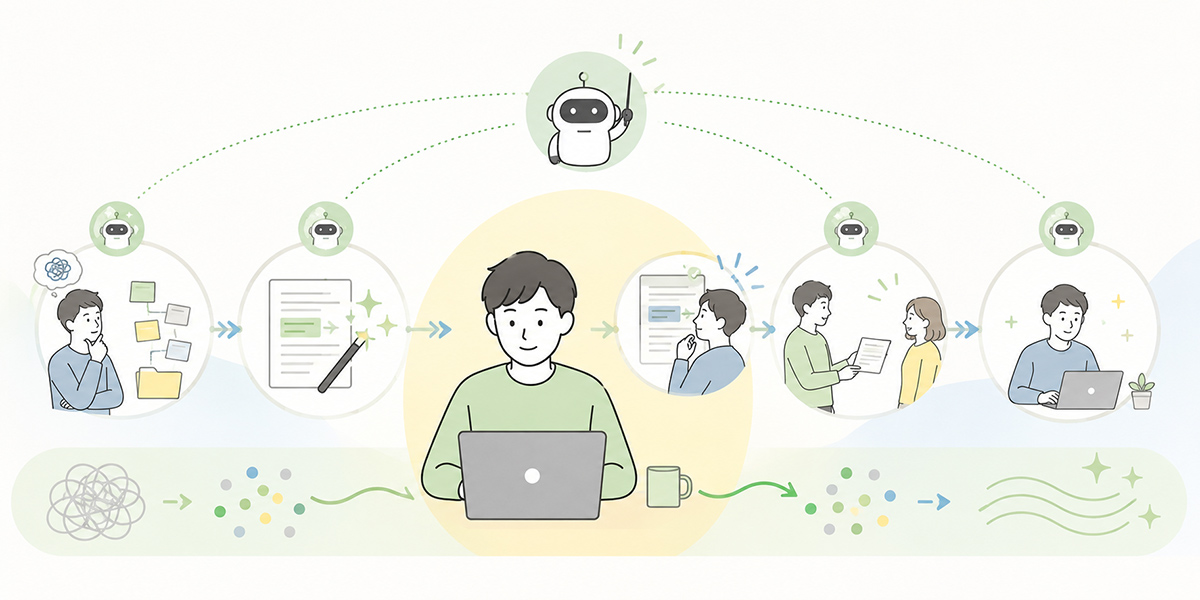
Document creation, summarisation, translation and research are tasks common to every department.
In these tasks, generative AI may shorten the time spent thinking from a blank page, reading through long stretches of information, tidying up prose, and setting up the entry point for research.
Generative AI is not, on the other hand, a replacement for human judgement. Figures, proper nouns, dates, quotations, contracts, personal data and anything touching legal, labour or accounting matters need a person to check and, where necessary, a specialist to consult.
Begin small, with a single task. Start somewhere close to the daily work—drafting an email, summarising meeting notes, grasping the gist of overseas material, drawing out research issues—and it is more likely to take root on the ground.
The point of using generative AI is not simply to shorten working time. It is to make more time for people to check, to judge, and to convey things in a way that suits the person on the other end.
Q&A
Which task should I use generative AI on first?It is realistic to begin with a task that carries low external risk and whose outcome is easy to check—an internal email draft, summarising meeting notes, building a document outline, or drawing out research items, for example. Tasks involving contracts, legal matters, personal data or undisclosed information are safer handled once the internal rules are in place.
What should I watch for when using generative AI for document creation?The most important thing is not to treat the AI’s text as finished copy. Have it produce a draft once you have specified the reader, the purpose, the tone, the length and any forbidden phrasing, then have a person check the facts and the wording. Sums, dates, customer names, contract terms and apologetic wording in particular must always be checked by a person.
How far can I trust a summary?A summary is useful for grasping the overall picture. In the course of shortening, though, premises and exceptions can fall away. For decisions, owners, deadlines, important figures and anything touching contracts or regulations, do not judge from the summary alone—check the original.
When using generative AI for translation, what sort of request works well?Rather than just “translate the whole thing”, it is easier to use when you specify the purpose—“summarise in 200 characters so a planning team member can grasp the gist”, “extract the key figures and proper nouns in a table”, “give technical terms in English as well”, and so on. Text touching contracts, laws or schemes should be used on the basis that the relevant department or a specialist checks it after translation.
How should I measure the effect of generative AI use?At first, it is better to begin with indicators that are easy to record than with a rigorous return on investment. For document creation, first-draft time; for summarisation, time to sharing minutes; for translation, time to a first understanding; for research, time spent organising the issues, and so on. When you use figures, recording the comparison period, the number of cases, the number of people involved and the scope of review alongside them makes it easier to verify later.