


We had another agent give a different answer to this very question only yesterday.
This is the case of Mr Morita, who heads customer support at a fictional SaaS company. At the regular Monday-morning meeting, a single remark a supervisor posted to Slack brought a front-line problem into the open. In the four weeks following a new feature release, monthly enquiries had climbed from 1,200 to 1,680. FAQ updates could not keep pace, and the first-contact resolution rate had slipped from a 72% average over the three months before launch to just 61% in the most recent month.
Front-line operators felt they were spending too long hunting for answers, the development team was unsure how finely to scope escalations, and customers were complaining that the answer differed from the last time they asked. The aim now is to fold FAQ generation, enquiry classification, answer suggestions from a response-support AI, and the tidying-up of VoC (Voice of Customer) into the workflow, so that operators can concentrate on judgement and on genuinely understanding the customer.
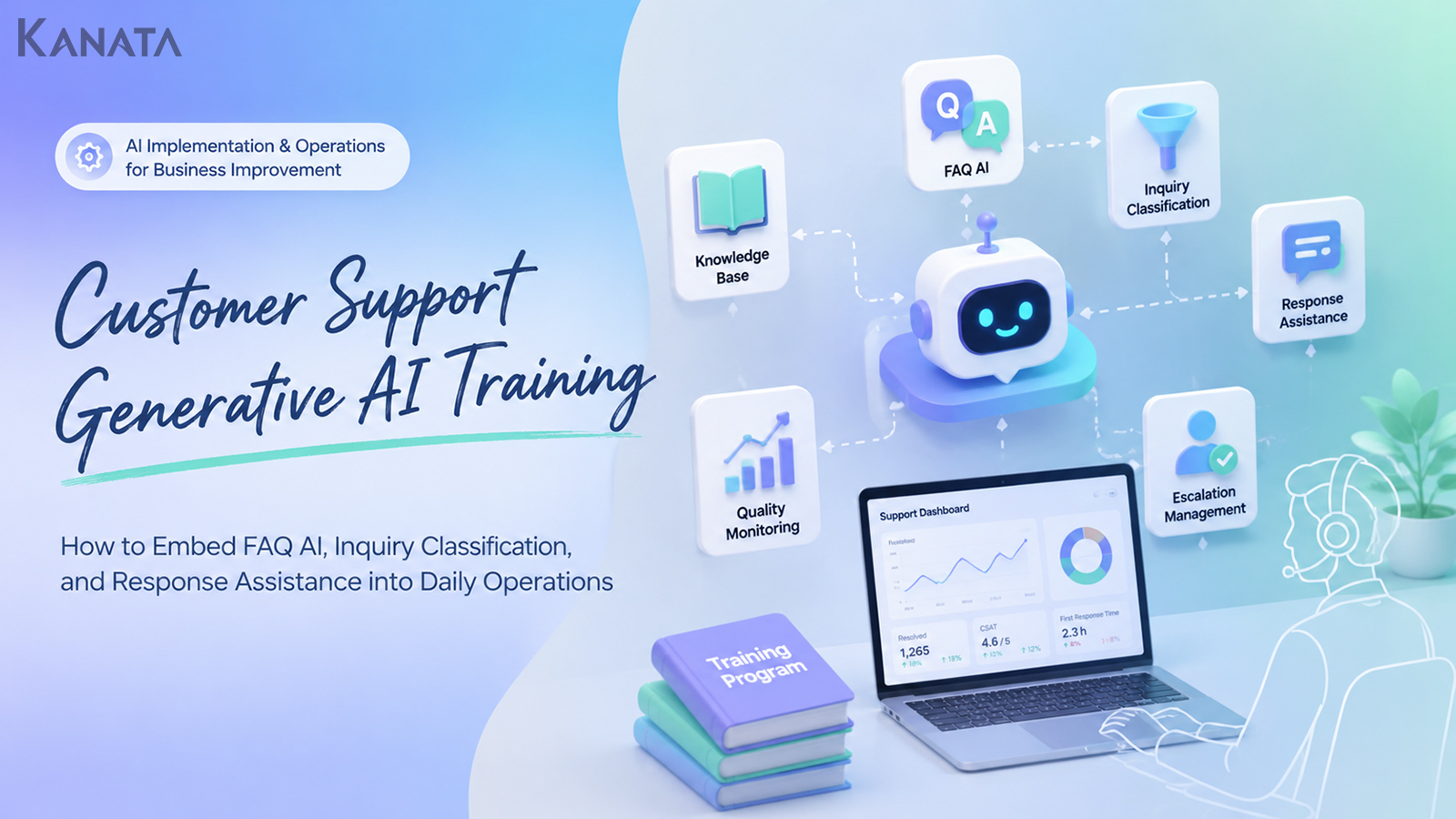
This article sets out how to design generative-AI training for customer support and, crucially, how to embed it in day-to-day operations — covering the knowledge base, automated responses, quality monitoring and escalation. That said, AI is no panacea. Reproducible, real-world improvement only follows once you have clear accountability for answers, a review structure, and a habit of keeping FAQs up to date.
Why customer support needs generative-AI training

Customer-support teams tend to face rising enquiry volumes, staffing shortages and the strain of maintaining response quality all at once. When new products or features, pricing changes, campaigns and incident handling pile up together, a great many enquiries land on the front line in a very short space of time.
At that point, simply adding more FAQs or bolting on a chatbot will not cut it. The trouble on the ground is rarely just a shortage of information.
Take the familiar pattern where two agents answer the same question by consulting different documents; where the criteria for classifying enquiries are vague, so handovers to development or sales come too late; or where the FAQ exists but old and new information sit side by side. In that state, even a response-support AI will struggle, because the knowledge base it draws on is itself unstable, and answer quality stays hard to keep consistent.
What matters is not adopting an AI tool, but getting everyone on the front line aligned on how AI is actually used in the work.Generative-AI training for a customer-support team should make plain not only how to operate the tool, but which tasks are handed to the AI and which judgements stay with people.
Working with generative AI calls for operations mindful of reliability, safety, transparency and explainability. International frameworks set out principles that organisations using, developing or providing AI can refer to. See the OECD AI Principles for reference.
Separate what the AI handles from what people do
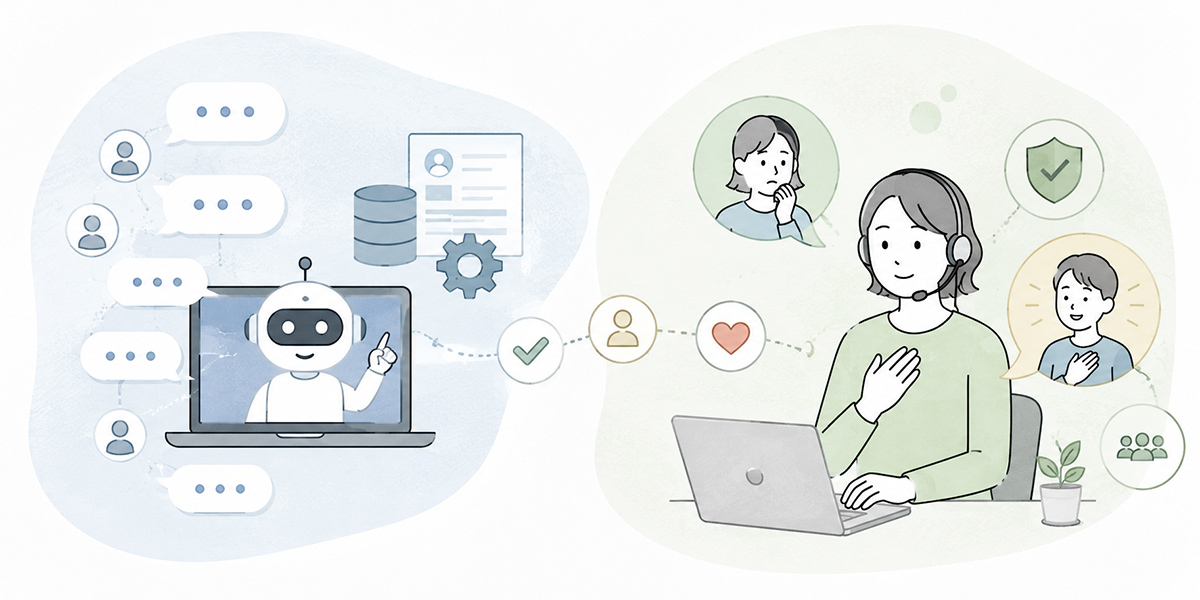
The first thing to sort out when putting generative AI to work in customer support is the boundary between the jobs you hand to the AI and the jobs people keep.
AI is well suited to summarising past enquiries, drafting candidate FAQs, classifying enquiries, drafting answers, spotting trends in response logs and organising VoC. Reading large volumes of text, finding patterns and shaping it all into a set format plays to generative AI’s strengths.
People, by contrast, should own the final answer to the customer, exceptions, decisions on apologies or compensation, explanations bearing on contractual terms, and emotionally charged complaints. Rather than sending an AI-drafted reply as-is, an operator or supervisor needs to weigh the customer’s situation, the contract and the prior exchanges before deciding.
| Task | AI’s role | People’s role |
|---|---|---|
| Drafting FAQs | Pull candidate FAQs from enquiry logs | Check whether they can be published, plus wording, evidence and the update date |
| Classifying enquiries | Provisionally sort by category, urgency and owning team | Judge exceptions and priorities |
| Answer support | Suggest a draft answer | Edit to fit the customer’s situation, then send |
| Quality monitoring | Surface trends and variance in response logs | Decide on improvements and training content |
| VoC analysis | Organise the customer’s voice by theme | Connect it to product improvement and organisational issues |
Start using AI while that boundary is still blurred and you slide easily into a culture of “the AI said so, so it must be right” and “just send whatever the AI produced”. The point of generative-AI training is not to get people using AI, but to reach a state where they can apply it safely and selectively within the work.
FAQ AI starts with putting the knowledge base in order

One of the more approachable ways for a support team to use AI is the FAQ AI. By FAQ AI I mean a setup that helps draft candidate FAQs and answers from past enquiry logs, manuals, help pages, specifications and release notes.
To use a FAQ AI to good effect, though, you first need to check the state of the knowledge base — the information backbone that organises the FAQs, manuals, specification details and operating rules needed to handle customers.
What you often find on the ground is FAQs scattered across several places: customer-facing FAQs on the help site, supplementary notes for operators on the internal wiki, past stopgap answers lingering in Slack, and information that could justify an answer buried in development specs or sales material. In that state, it is hard for the AI to judge which source should be treated as authoritative.
In training, start by sorting the existing knowledge as follows.
| Type of knowledge | Use | Watch-outs |
|---|---|---|
| Customer-facing FAQ | Information you can pass to the customer as-is | Check no stale content remains |
| Internal FAQ | Supports an operator’s judgement | Separate out internal matters you cannot show customers |
| Product manual | Confirms the official specification | State the version and update date clearly |
| Past enquiry logs | Extracting candidate FAQs | Handle with care, as these involve personal and customer-specific data |
| Development and sales material | Background understanding and supplementary explanation | Check the scope of disclosure and the wording |
In an environment such as Kanata, where AI chat, AI summarisation and e-learning all sit on the same operations-support platform, you can run things while keeping users, data and apps organised on a per-project basis. Set up a project dedicated to the customer-support team, for instance, and manage FAQs, response manuals, answer templates and training material together, and it becomes easier to handle your learning data and training content without them drifting apart.
That said — and this is not specific to Kanata — when choosing a tool, check how well it sits with your existing CRM, enquiry-management system, chat tools, permissions, audit logs and security requirements. The payoff from AI turns not on the tool alone but on the quality of your data preparation and operational design.
Get the front door right with enquiry classification
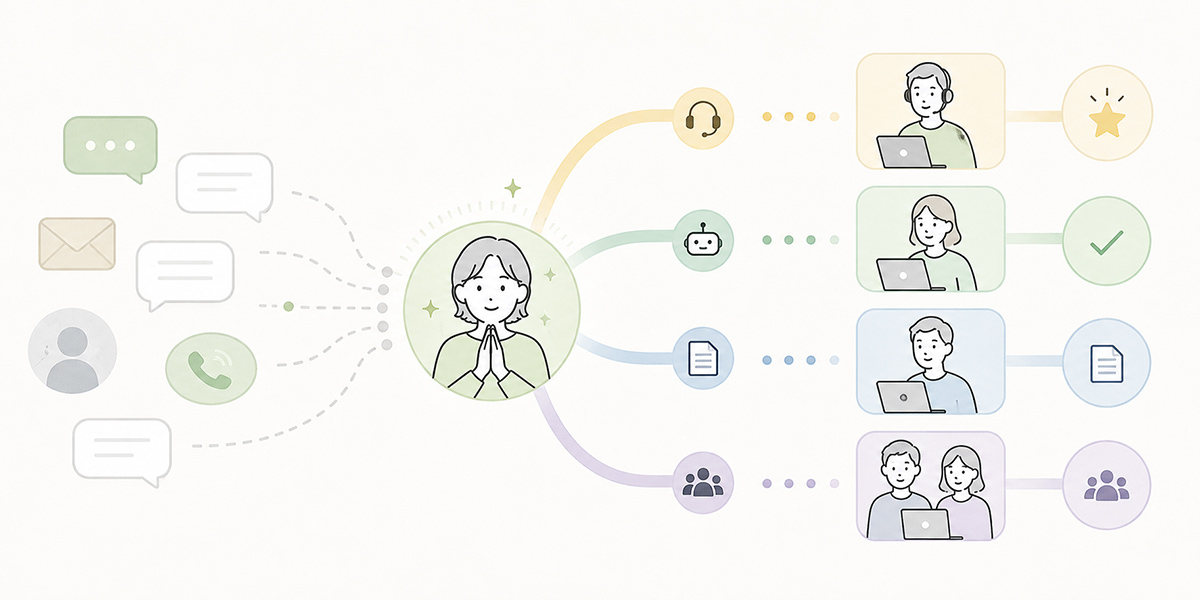
Enquiry classification is a pivotal step that shapes both the quality and the efficiency of customer support. Which enquiries get resolved at first contact? Which go to a specialist team? Which are treated as a sign of an incident or defect? Let that front door descend into disorder and handling times stretch out while the customer experience suffers.
Generative AI is well suited to provisionally classifying an enquiry by category, urgency, scope of impact and owning team, based on the body of the enquiry.
| Classification axis | Example |
|---|---|
| Enquiry category | Pricing, login, feature specifications, incidents, contracts, cancellation, how-to |
| Urgency | High, medium, low |
| Customer impact | All users, a specific company, a specific user, not reproducible |
| Owning team | CS first response, supervisor check, development, sales, billing |
| Whether escalation is needed | Not needed, needs checking, escalate immediately |
The clearer such classification rules are, the easier the AI is to work with. Conversely, a vague instruction like “flag anything that looks important” leaves the AI’s output as inconsistent as it would be across different agents.
In training, use past enquiries and have supervisors or front-line staff review how the AI classified them. From there, put the judgement criteria into words: “this case is an operating mistake, not an incident”, “treat this wording as a sign of impending cancellation”, “this sort of enquiry goes to billing, not development”.
Enquiry classification is not merely an efficiency exercise. As classified results accumulate, they feed into VoC analysis. By spotting features that draw a lot of enquiries, pricing items that are easily misread, or grievances that tend to precede cancellation, you can put the findings to work in product improvement and in sharpening sales material.
Use the response-support AI as your drafting hand
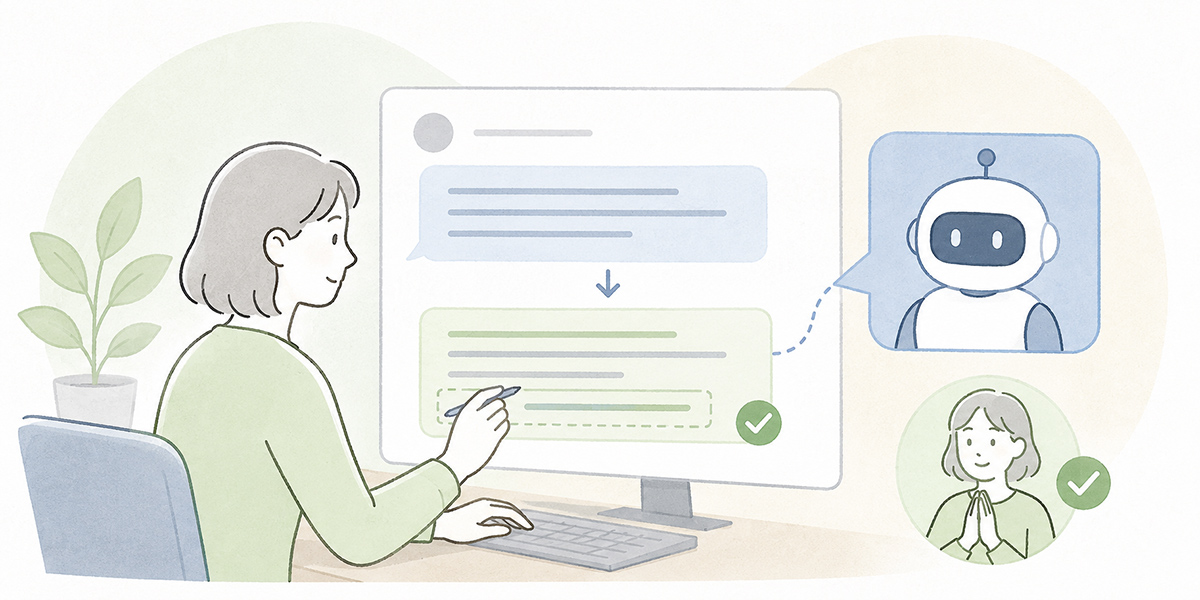
A response-support AI can be used to draft the replies an operator sends to customers — a setup that suggests a candidate answer drawn from the enquiry, the customer’s attributes, prior exchanges, FAQs and internal manuals.
The single most important rule when bringing in a response-support AI, however, is this: never send the AI’s text as-is.
AI can produce plausible-sounding prose in moments. Yet it cannot reliably judge a customer’s contractual terms, their response history, individual circumstances or the emotional temperature. For answers touching on pricing, incidents, cancellation, compensation or contract changes in particular, a human check is indispensable. NIST’s risk-management resources for generative AI likewise note that generative AI carries distinctive risks and that controls should be aligned with an organisation’s objectives and priorities.
In training, position the response-support AI as follows.
| Step | Detail |
|---|---|
| Organise the enquiry | Have the AI summarise what the customer is struggling with |
| Find the FAQ to refer to | Check the relevant knowledge base |
| Draft an answer | Have the AI produce a draft |
| A person checks it | Check the evidence, wording, customer situation and any prohibited phrasing |
| Send it | An operator or supervisor sends it, owning the decision |
| Improve | Fold frequently used answers back into the FAQs and templates |
Bed this flow in and operators carry less of the burden of writing from scratch, freeing them to concentrate on the final judgement to the customer.
Training people to use the response-support AI by simply “getting it to write emails” is not enough. You need to compare good answers with poor ones and deal concretely with which phrasing unsettles a customer, which blurs the bounds of responsibility, and which falls foul of internal rules.
Put AI to work on quality monitoring
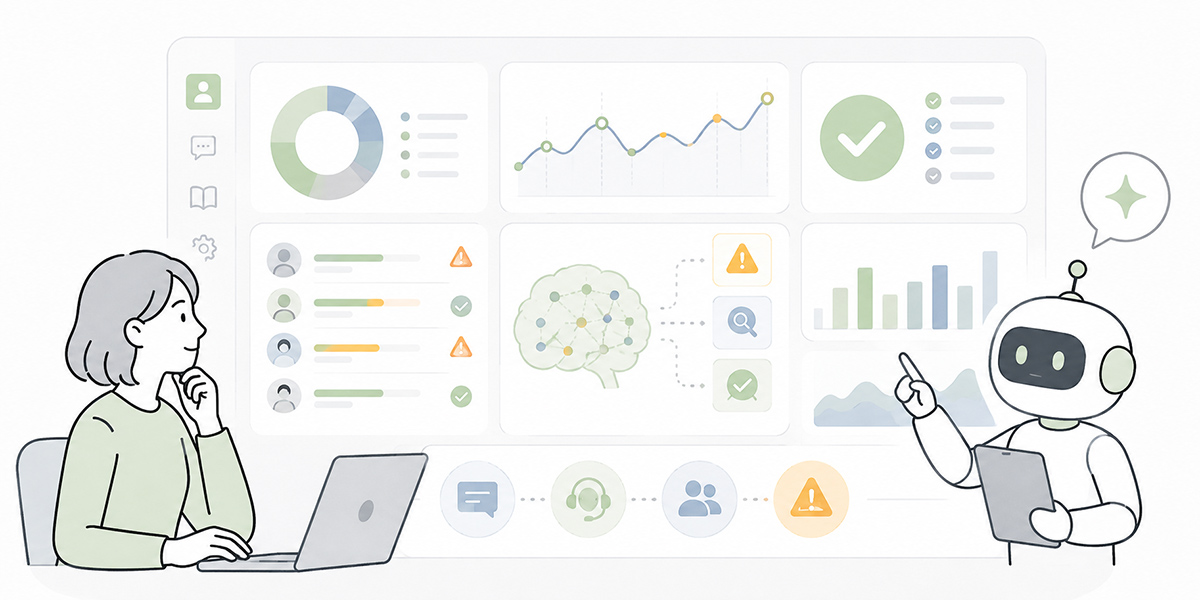
In customer support, it is important not just to speed up individual answers but to hold the quality of the whole team. AI-assisted quality monitoring helps here.
Summarise and classify response logs with AI and you can check points such as the following.
| Monitoring item | What to look for |
|---|---|
| Consistency of answers | Whether answers to the same question are wobbling |
| Citing the evidence | Whether the source — a FAQ, the terms, and so on — is shown |
| Tone | Whether it is too cold to the customer’s worry, or over-promising |
| Escalation | Whether cases that warrant it are being routed properly to supervisors or specialist teams |
| Repeat enquiries | Whether a first answer failed to resolve things and prompted a repeat enquiry |
| VoC | Whether voices that could feed product or FAQ improvement are being buried |
Traditionally, quality monitoring leaned on supervisors sampling a handful of interactions. Once enquiry volumes rise, grasping the overall trend becomes difficult. Put AI to work and you can take a broad read of trends across response logs and more readily surface the interactions most worth reviewing.
Even so, you should not judge an operator’s quality on an AI assessment alone. AI is strictly a supporting hand for spotting trends. The final assessment and feedback need to come from supervisors and managers, weighing the context.
Build training around the workflow, not the buttons
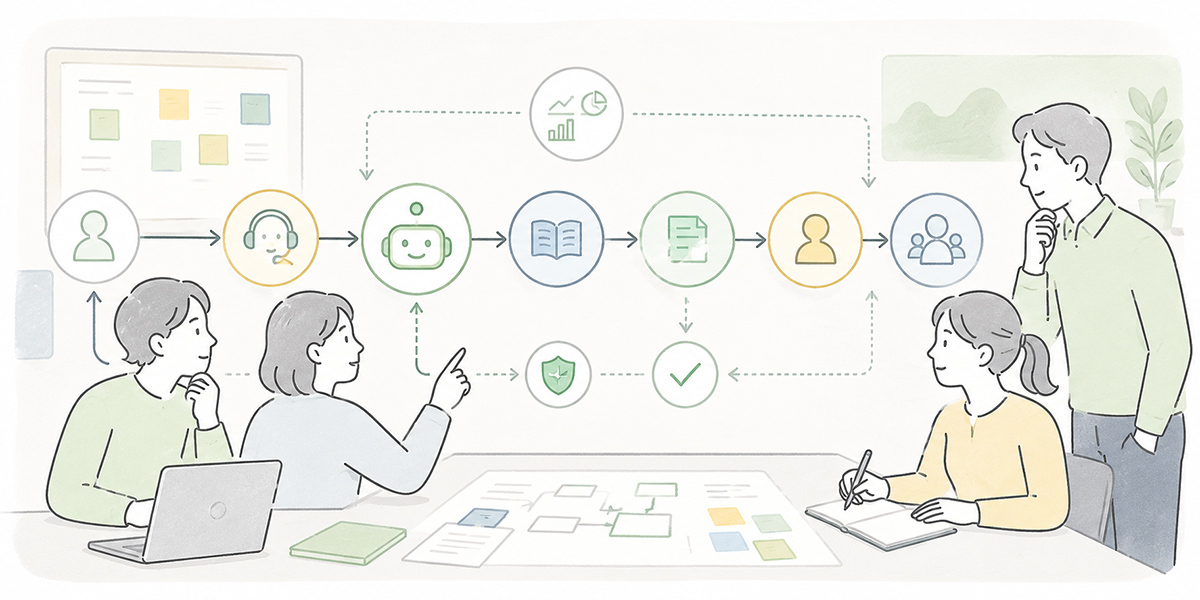
The easiest way for AI training in a support team to come unstuck is to stop at explaining how to operate the tool.
- Enter your question on this screen.
- You can summarise with this button.
- Please use this prompt.
Stop there and the front line tends to try it once and leave it at that. When work gets busy, people slip back to the methods they know.
Training needs to weave the moments of using AI into everyday work.
| Work situation | How AI is built in |
|---|---|
| Morning stand-up | Summarise the previous day’s enquiry trends with AI and share them |
| First response | Have the AI draft an answer; a person checks it and sends |
| Supervisor review | Use AI to pull the items to review from response logs |
| FAQ updates | Generate candidate FAQs from the enquiry logs weekly |
| Monthly improvement | Classify VoC and share it with product, sales and development |
| New-starter training | Run AI role-plays using common enquiries |
Putting AI into the everyday process rather than treating it as a “special task” makes adoption far stickier.
With Kanata you can combine answer support via AI chat, the tidying of enquiry logs via AI summarisation, and training delivery via e-learning. The operating manual likewise shows that Kanata offers features such as AI chat, AI summarisation and e-learning, with a structure that keeps users, data and apps organised on a per-project basis.
For a CS team, for instance, you might set up purpose-specific AI chats — “enquiry-classification support”, “FAQ drafting support”, “answer-review support” — while at the same time delivering e-learning on answer quality and the handling of information.
How to run AI training for customer support

AI training for a support team tends to bed in on the front line if you run it in the following order.
Take stock of the current enquiry work
First, review your current enquiry channels, volumes, categories, handling times, first-contact resolution rate, repeat-enquiry rate and number of escalations. Even where figures are not available, draw out where the time is going by talking to supervisors and operators.
What matters at this stage is deciding what you want AI to improve: lagging FAQ updates, inconsistent enquiry classification, the burden of drafting answers, or a shortfall in quality monitoring. Begin training with that purpose still vague and the front line will struggle to see where it fits.
Put the knowledge base in order
Next, organise the FAQs, manuals, specifications, past enquiries and answer templates. Leave stale information in place for the AI to reference and you risk it lending support to the wrong answer.
You need not get everything immaculate before training. But even just separating “official information”, “reference information” and “information that needs updating” makes it easier to lift the accuracy of your AI use.
Create prompts and answer rules
When using a response-support AI, supply a prompt template rather than have operators write their instructions from scratch each time.
You are an assistant supporting our company's customer-support agents.
For the enquiry below, draft a customer-facing reply.


# Rules
- Where you cannot be definitive, write “we will check”
- Do not promise refunds, compensation or contract changes on your own initiative
- Append the names of any FAQs or manuals you referred to, for internal checking
- Be courteous to the customer, but do not over-apologise
- Write on the assumption that a person will check before final sending
Standardise prompts like this across the team and the AI’s output grows steadier too. Where you use a tool that can build a library of frequently used instructions and reference material, you can narrow the differences in how individuals write. Kanata’s everyday-work best-practice guide likewise sets out the idea of using a prompt library and a learning-data library and reusing them across the team.
Practise on cases close to real data
In training, run exercises using cases close to the real thing, not just made-up enquiries. Mask personal and confidential information, however — customer names, individuals’ names, contract amounts, contact details and the like.
In the exercises, have the AI classify enquiries and draft answers, then have participants review them. From there, talk through the following.
- Is this classification correct?
- Should it be escalated?
- Is there any misleading wording in the draft answer?
- Does it answer the customer’s worry fully enough?
- Is there anything that should be added to the FAQ?
- Is there any VoC that points to product or UI improvement?
Through this process, people learn not to use AI as such, but how to judge AI output.
Decide the post-training operating rules
Training is not a one-and-done affair. In customer support, FAQs and answer rules shift as products and services change, so post-training operating rules are essential.
| Item | Example |
|---|---|
| FAQ update frequency | Review candidates from the enquiry logs every Friday |
| Prompt updates | Once a month, a supervisor reviews output quality and revises |
| Quality review | A supervisor reviews the AI-extracted logs weekly |
| Escalation criteria | A person always decides on incidents, contracts, refunds and complaints |
| Security | Mask personal and confidential information before handling |
| Training | New starters must take the course on using the response-support AI and on what is off-limits |
With these operating rules in place, AI use becomes continuous business improvement rather than a one-off initiative.
Risks to watch when bringing AI in
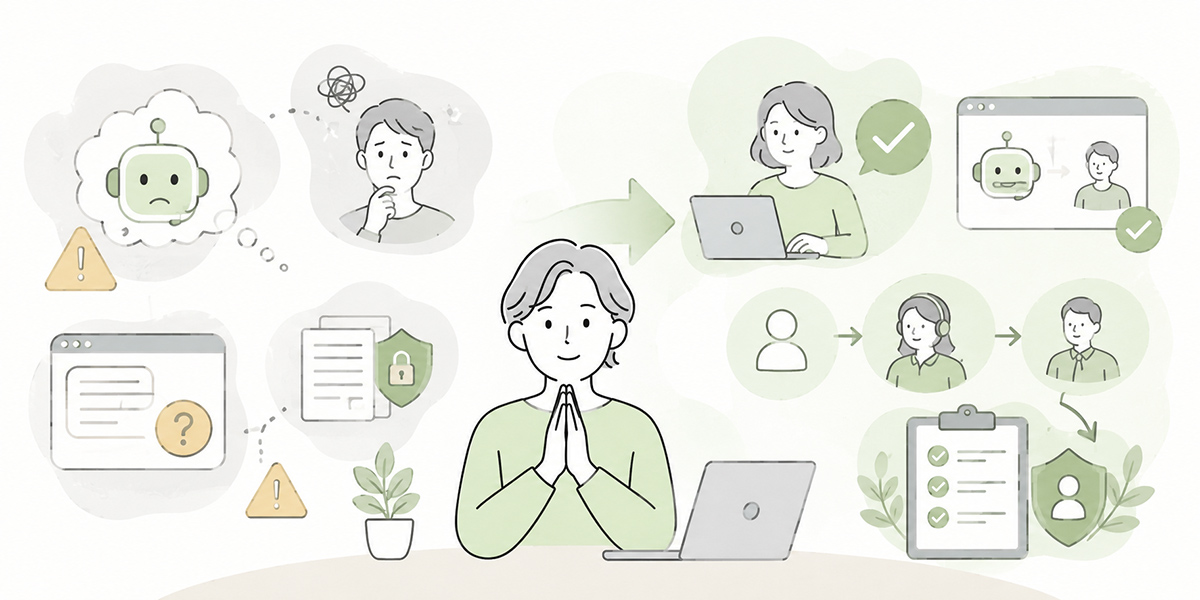
There are several risks to using generative AI in a support team.
First, the risk of wrong answers. AI can produce natural prose even where the basis is shaky, and may pad out content not set down in the FAQ or manual with generalities. So you need a design that “returns ‘I don’t know’ when it does not know” and “routes anything without evidence to a supervisor for checking”.
Second, the risk of over-automation. Pile on too many automated responses and customers can find it hard to reach a person at the very moment they are genuinely stuck. The aim of contact-centre AI is not to cut headcount but to reach a state where people can concentrate on the enquiries that warrant a human.
Third, the risk around handling information. Enquiry logs contain names, email addresses, contract details, usage and, on occasion, a customer company’s confidential information. Before feeding anything to the AI, decide what may be handled, how far to mask it, and in which environment it is processed. The handling of personal data calls for careful checking. href=”https://ico.org.uk/for-organisations/uk-gdpr-guidance-and-resources/artificial-intelligence/guidance-on-ai-and-data-protection/” target=”_blank” rel=”noopener noreferrer”>the UK ICO’s guidance on AI and data protection for reference.
Kanata’s everyday-work best-practice guide likewise sets out the importance of masking personal and confidential information, having people review the output, and managing access.
The metrics to watch in AI training
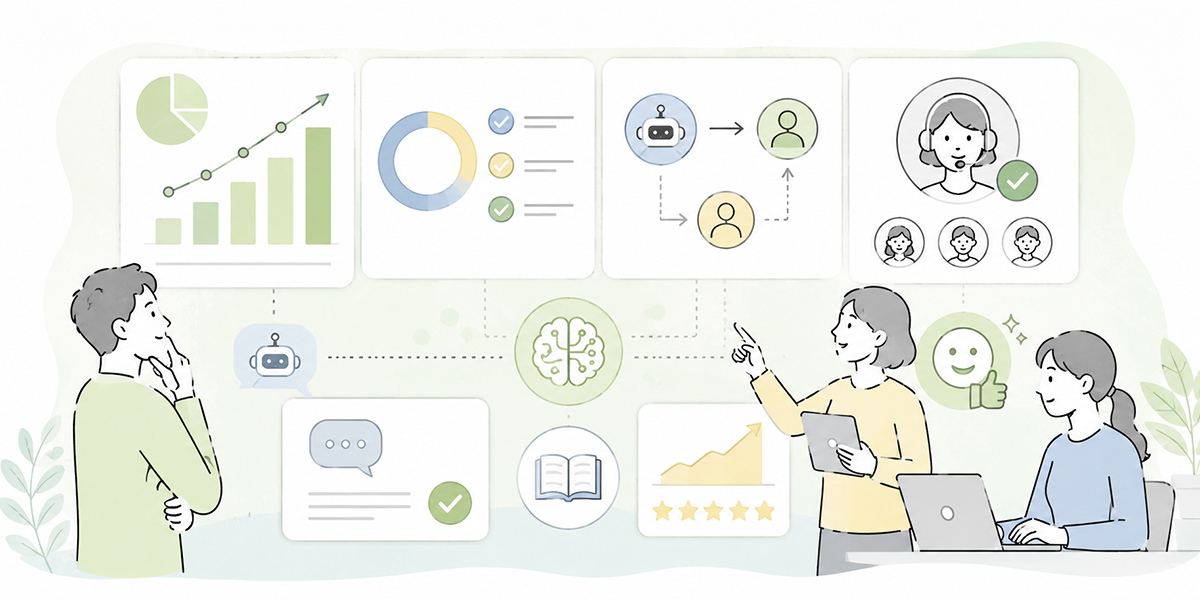
Measuring the effect of training takes more than counting how many people used the AI. You need to check how it affected the quality and efficiency of the work on the ground.
| Metric | What it is for |
|---|---|
| First-contact resolution rate | Whether things are resolved at first contact |
| Average time to first reply | Whether the customer is kept waiting less |
| Average handling time | Whether the operator’s workload is coming down |
| Repeat-enquiry rate | Whether thin answers are prompting repeat enquiries |
| Number of escalations | Whether the enquiries that need it are routed properly to specialist teams |
| Number of FAQ updates | Whether the knowledge base is being improved continuously |
| Number of points raised in answer reviews | Whether variance in quality is shrinking |
| Customer satisfaction | Whether the efficiency gains are harming the customer experience |
The important thing is not to fixate on short-term time savings. Just after AI goes in, prompt tuning and FAQ tidying can take time. But as the knowledge base comes together, classification criteria sharpen and review points fall into line, the long-run effect is a lift in quality across the whole team.
Expectations of AI are also rising. A survey Gartner published in 2025 reports that many service and support leaders feel pressure to adopt AI and see budgets increasing. Because results from such surveys shift with the companies, regions and sectors studied, however, when you assess things for yourself you should design your metrics around your own enquiry volumes, customer base, products and existing systems.
In closing: the point of AI training is not to replace operators

Generative-AI training for a support team is not about swapping operators out for AI. Rather, it is about freeing operators to spend their time on the judgement, customer understanding, emotional handling and exception handling they ought to be concentrating on.
FAQ AI can be used to organise past enquiries and grow the knowledge base. Enquiry classification gets the front door in order and connects through to escalation and VoC analysis. The response-support AI lightens the load of drafting replies while helping bring answer quality into line. Quality monitoring gives supervisors a foundation for reading the whole team’s trends and putting them to use in training and improvement.
None of these, however, is something AI completes on its own. Only when you design the whole — the scope you hand to AI, the scope people judge, the review structure, the handling of information and the running of FAQ updates — does generative AI truly bed into customer support.
The realistic path is to start not by trying to automate everything, but with the work where the front line feels the benefit soonest — enquiry classification, drafting candidate FAQs, drafting answers. From there, choose a tool that fits your own processes and existing systems, and build a setup where the whole team keeps learning, combining AI chat, AI summarisation, training content and the knowledge base.
Q&A
Which work is easiest to bring AI to first in a support team?The easiest to start with are enquiry classification, drafting candidate FAQs and drafting answers — each lends itself to the AI organising the information and a person making the final call. Rather than reaching straight for fully automated responses, beginning with uses that assist the operator’s work beds in more readily on the front line.
If we bring in a FAQ AI, can FAQ updates be automated?Full automation deserves caution. The AI can produce candidate FAQs, but a person needs to check whether the content can be published, whether it matches the official specification, and whether it might mislead the customer. Think of a FAQ AI not as “a replacement for the person doing updates” but as “a help in finding update candidates”.
Can we send the response-support AI’s answer to the customer as-is?As a rule, you should avoid sending it as-is. An AI answer may contain phrasing with a shaky basis, or content that does not match a given customer’s contractual terms. For pricing, incidents, refunds, contract changes and complaint handling in particular, an operator or supervisor must check it before sending.
What kind of exercises make generative-AI training effective?Exercises that pair AI classification and draft answers with a human review, using cases close to real enquiries, work well. Mask customer names, individuals’ names, contact details, contract amounts and the like, however. In the exercise, it is important to discuss not only whether the AI’s output is correct but where a person ought to amend it.
Which metrics should we use to confirm the payoff from AI?Check a combination: first-contact resolution rate, average time to first reply, average handling time, repeat-enquiry rate, number of escalations, number of FAQ updates, number of points raised in answer reviews, and customer satisfaction. Watch time savings alone and it is easy to miss a drop in customer experience or answer quality, so it is important to look at both efficiency and quality.