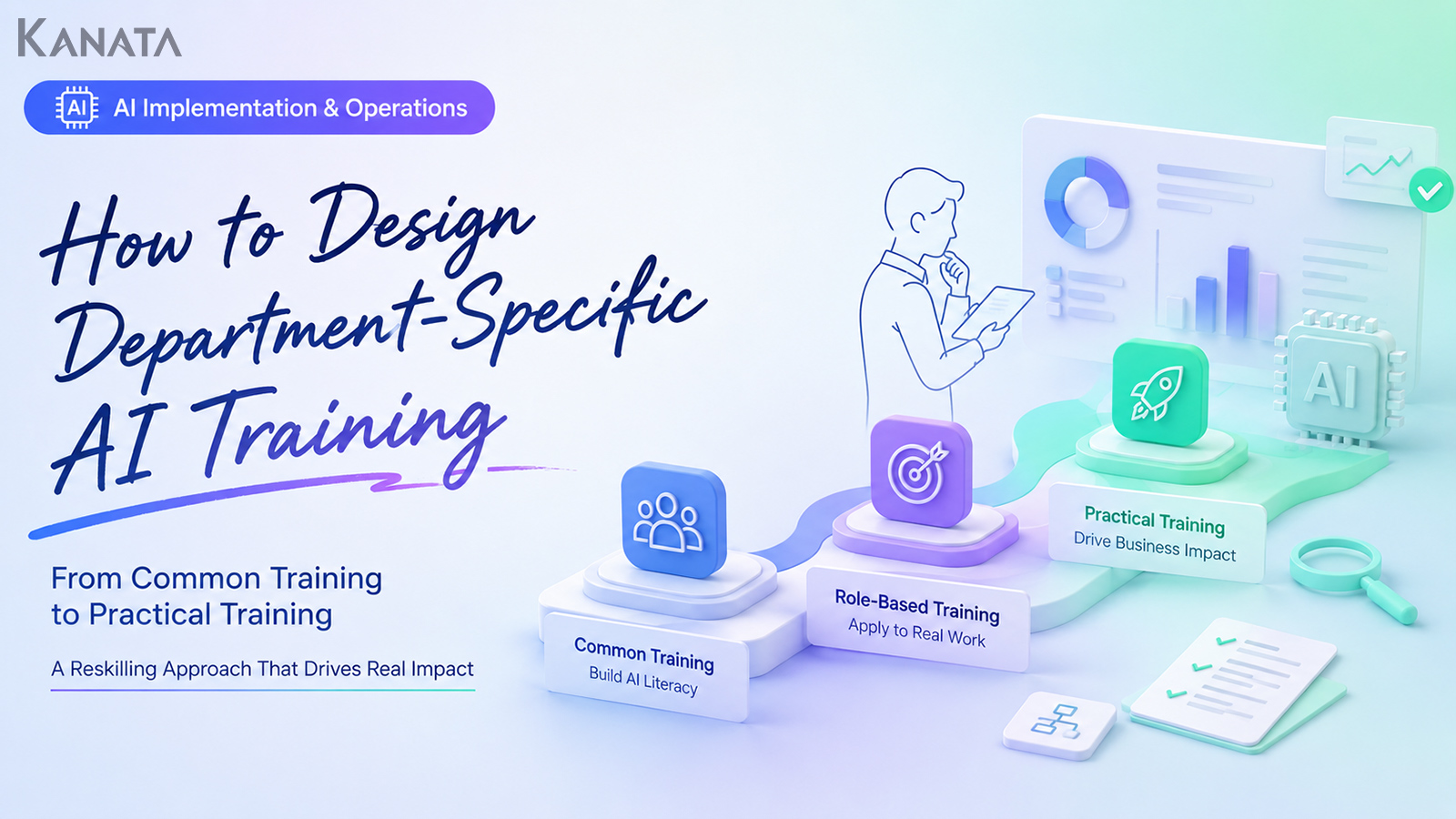



The training was a real hit, yet by the following week not a soul on Slack was so much as mentioning AI.
This is the story of Sato-san, who looks after generative-AI education in the HR planning department of a manufacturer, and of the sales-planning, accounting and DX-promotion teams who had to make it work. Six months earlier the company had run a firm-wide AI-literacy course, and of a department-by-department AI training programme that brought together the sales-planning, accounting and DX-promotion teams. Back at their desks, however, people were left saying things like “I’m not sure what to actually use it for in my own role” and “the prompt examples didn’t match the work my department does.”
The approach now is rather different: use cases for sales, accounting and HR are gathered in advance through pre-work, and on the day participants tackle output exercises built on data that mimics real work. Over the past three months, an in-house trial covering three departments and 42 people in total saw eleven AI use cases reported at the team share-out held the week after training.
This article sets out role-based training design, how to bridge into on-the-job learning, and a way of thinking about embedding the habit, written for the HR, learning and the DX (digital transformation) team leads who can’t seem to move from common training to practical training. The aim is for participants not merely to “know about AI” but to start using it in their own work the very next week.
That said, department-level training alone won’t make everything stick. You need to design the whole thing through to the choice of business themes, the involvement of line managers, and the post-training review. If that familiar sense of stagnation rings a bell, do read on with your own training design in mind.
Why common AI training alone doesn’t lead to practical use
Firm-wide AI training plays an important part. What generative AI is, what risks it carries, how to write a basic prompt: unless this shared knowledge is brought to a common level, it becomes hard to embed safe usage rules across the organisation, let alone department-by-department adoption.
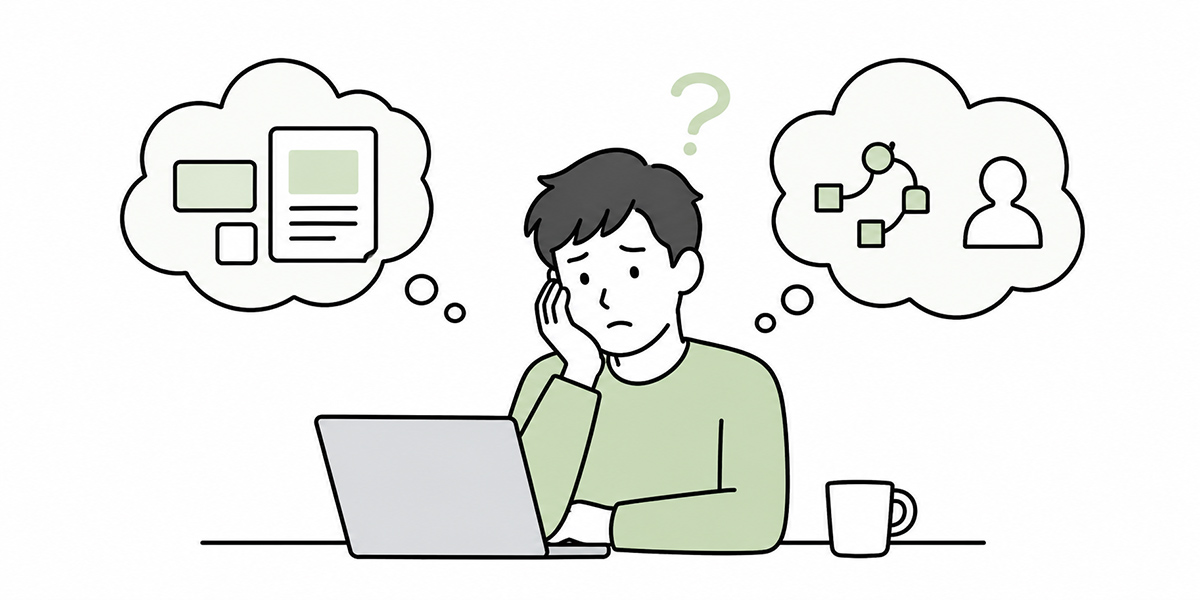
On its own, however, common training tends not to reach as far as “what do I use it for tomorrow?” People may find it useful in the room, but the salesperson goes back to preparing for meetings, the accountant to the monthly close, and the HR lead to interview notes and course planning. At that point, if there is a gap between the generic prompt examples covered in training and the work right in front of them, usage tends to stall.
What you commonly see on the ground looks like this:
- The use cases are too abstract. Being told “it’s handy for writing” or “it’s handy for summarising” leaves participants unsure where in their own process it actually fits.
- The training stops at “understanding” as its goal. Even if people come away from generative-AI education knowing more, without producing something they’ll use in practice it rarely translates into action the following week.
- Department heads and managers aren’t involved. Unless the line manager who controls operational priorities signals “which work we’ll try AI on,” participants simply slip back into business as usual.
In short, what’s needed after common training is not a mere “advanced edition.” It’s a redesign as practical training, tied to each department’s business themes.
Design department AI training around “business themes,” not “job titles”
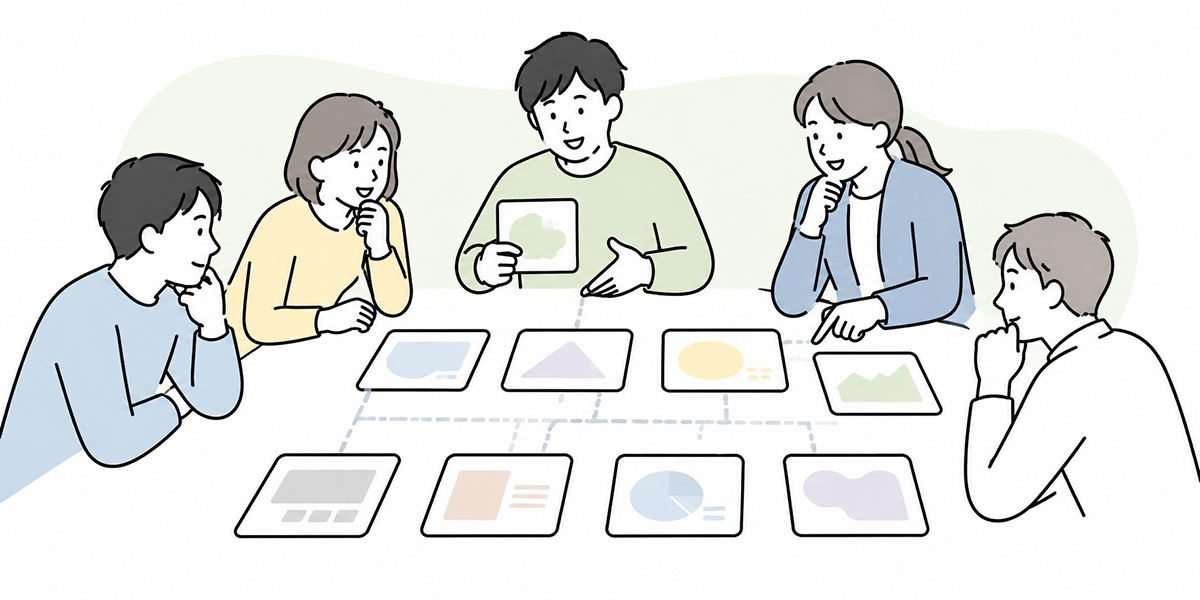
When designing department-level AI training, the first thing to consider is not simply job-title labels such as “for sales,” “for accounting” or “for HR.” Splitting by department is of course necessary, but on its own it makes the training content far too broad.
What matters is breaking things down into the business themes each department deals with day to day.
In sales, for instance, that might be pre-meeting company research, drafting a first cut of a proposal, tidying up meeting notes, or writing entries to paste into the CRM. In accounting, it could be checking against internal regulations, handling internal queries, summarising monthly materials, or organising the points for an audit. In HR, the targets might be improving job adverts, tidying interview notes, creating training content, or fielding internal queries.
Even within the same “writing” task, a sales proposal and an HR interview feedback note call for different levels of precision and different things to watch. Even within the same “summarising” task, minutes of a meeting and a regulatory document differ in output format and in the points you need to check.
For that reason, department AI training starts by sorting out three things:
- Which business process you’ll introduce AI into
- Which output you’ll produce during the training
- Who will keep using it, and in what situations, after the training
Design a course while these three remain vague, and participants tend to finish at “that was instructive.” Get the business theme and the output clear, on the other hand, and the training doubles neatly as a gateway into on-the-job learning.
Here, on-the-job learning means trying out what was learned in actual work, with feedback from managers and colleagues along the way. Department AI training tends to connect to practice far better when paired with this on-the-job element than when left to finish as classroom learning alone.
Gather the field’s use cases through pre-work

The quality of department AI training is settled well before the day itself. The pre-work is especially important.
In the pre-work, simply asking participants “what would you like to try with AI” isn’t enough. More often than not, participants themselves haven’t yet pinned down what they could use it for. The questions therefore need to lean towards the snags in their work.
For example, ask along these lines:
- What work crops up repeatedly, every week or every month?
- What work eats up time in drafting or summarising?
- What work takes time not in the judgement itself, but in marshalling the material for that judgement?
- What work do new joiners or transferees tend to stumble over?
- What work generates the same sort of queries from within the company again and again?
Collect these answers and the practical training themes for each department start to come into view. For sales it might be “meeting preparation and proposal drafting,” for HR “tidying interview notes and creating training content,” and for accounting “handling regulation queries and summarising monthly materials.”
One thing to watch here: don’t carry real data straight into the training. Customer names, personal data, contract values, undisclosed information and the like all carry risk as training material. It is safer to use mock data that mirrors the structure of the work but has the information altered. Domestic and international guidance likewise makes clear that, when introducing and operating AI, establishing usage rules and managing risk are essential.
The pre-work is not a mere questionnaire. It is the raw material for designing the use cases in your department AI training.
In practical training, make more time for “making” than for “listening”
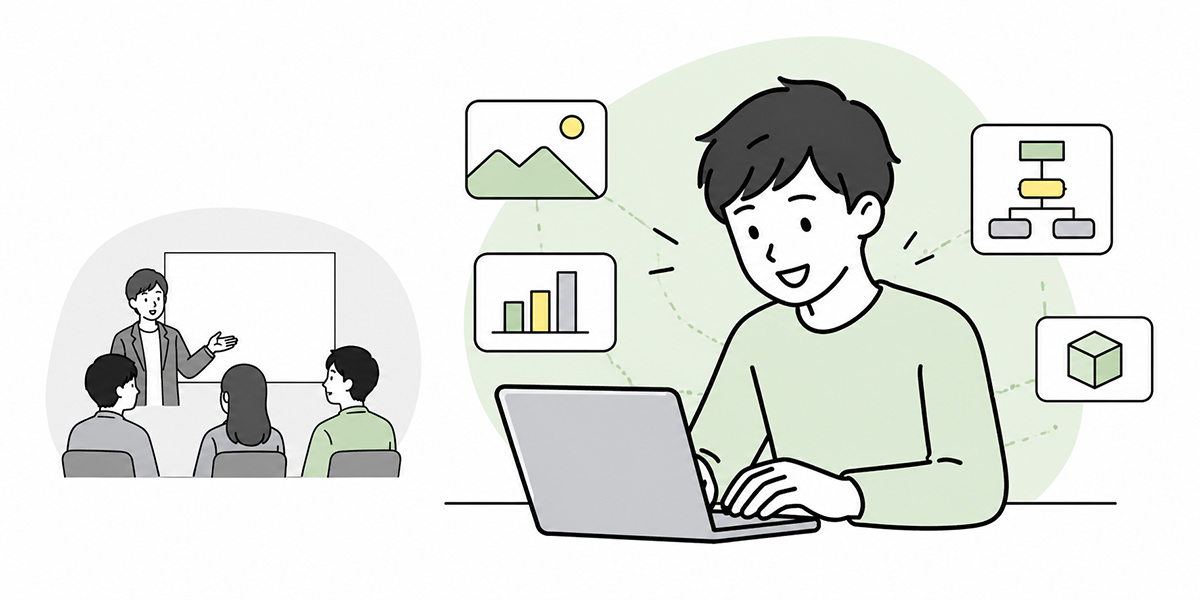
Common training tends to be lecture-led. Conveying the basics of generative AI, the risks, and the thinking behind prompts does call for a certain amount of input.
In department AI training, however, it’s important to shorten the lecture and lengthen the hands-on time. What participants should take away is not just knowledge, but something they can actually use in practice.
For a sales-department session, say, they might use fictitious customer information to produce a pre-meeting points summary, a set of questions to ask, and an outline for a proposal. For HR, a summary of a training video, a comprehension quiz, and the angles for analysing a post-course survey. For a back-office team, draft FAQ answers based on regulatory documents, or an explanatory note for internal use.
When designing the session, it helps to set the output exercises as follows:
| Type | Example tasks it suits |
|---|---|
| Drafting type | Target the things that are a slog to write from scratch: emails, proposals, internal notices, course invitations and so on |
| Summarising / tidying type | Convert minutes, meeting notes, regulatory documents, survey results and the like into a more readable form |
| Comparison / issue-framing type | Set out the pros and cons of several options, the criteria for a decision, and the risks together with their mitigations |
| Query-handling type | Handle work that follows set rules, such as internal FAQs, customer responses and regulation checks |
On the day, it is effective to build in time for participants to tackle the same exercise and then compare their outputs. Even with the same AI tool, they get a feel for how results shift depending on the assumptions, the output format and the way constraints are written.
That said, you should avoid treating whatever the AI produces as the right answer as it stands. The training should cover, as a set, the lens for judging whether an output is any good: the basis for the figures, the accuracy of proper nouns, consistency with internal rules, and consideration for customers and staff.
An example basic curriculum for department AI training
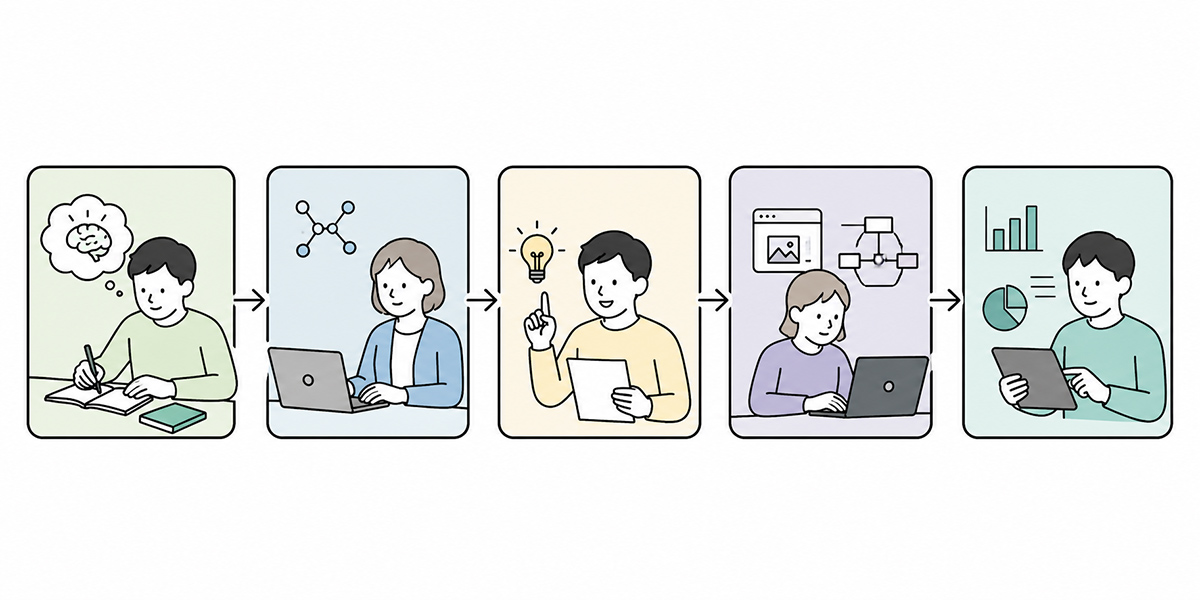
If you’re designing department AI training as a shared template, there’s no need to build a completely separate course for each department from the outset. The realistic approach is to prepare a common shape first, and vary only the exercise theme within it by department.
Recap the common rules
Start by reaffirming the basic rules for using generative AI at work: what information may be entered, what must not be entered, that outputs aren’t used as they stand, and that a person reviews anything before it leaves the company.
Keep this in, however briefly. The more department-specific the training, the closer the material is to real work, so awareness of information handling matters all the more.
Introduce department use cases
Next, introduce the use cases that work well for that department. The trick here is not to be exhaustive. For a first course, narrowing to roughly three to five makes it easier for participants to have a go.
For sales, candidates might be meeting preparation, minutes, and proposals; for HR, job adverts, interview notes, and training materials; for accounting, query handling, regulation checks, and monthly summaries; for managers, one-to-one preparation, appraisal comments, and framing the points for a decision.
A prompt template
The basics of a prompt are to be clear about the role, the purpose, the background information, the output format, and the constraints.
Rather than “write a proposal for sales,” for instance, you make the conditions concrete: “You are responsible for writing B2B sales proposals. Based on the customer issues below, produce a ten-slide proposal outline aimed at the board.”
Once people have this template down, it carries across even when the department changes.
Hands-on practice
Hands-on practice is the heart of the training. Using mock data, participants actually instruct the AI, check the output, and revise.
It’s better here not to make getting the right answer first time the goal. Far more valuable is learning the process of looking at the first output, working out what’s missing, and improving it with a second instruction.
Designing the take-back to the job
Finally, decide on the work to try within a week of the training. “Someday” never sticks. Each participant picks one concrete piece of work to try over the next week.
The granularity is something like “I’ll use it to tidy the notes from my next meeting,” “I’ll use it for the minutes of next week’s team meeting,” or “I’ll use it to summarise the monthly report.”
Whether it sticks after training comes down to on-the-job support and a way to share what works
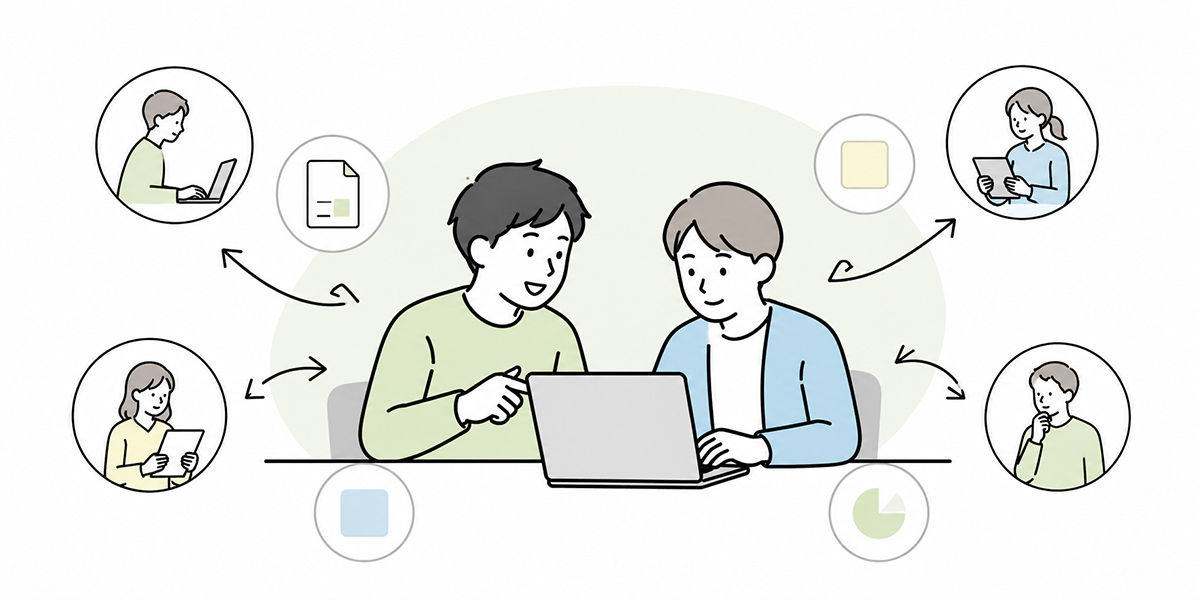
The payoff from department AI training shows up not on the day, but afterwards. What matters is whether the prompts and outputs created in the session are actually being used in the weeks that follow.
For that, designing the post-training on-the-job phase is indispensable.
First, schedule a short sharing session the week after training. Thirty minutes is fine. Participants share where they actually used it, what went well, and where the output differed from what they expected. Once use cases come out here, others find it easier to map them onto their own work.
Next, set up a place to post use cases on a chat tool such as Slack or Teams. To lower the bar for posting, a simple format is plenty.
- The work it was used for
- A summary of the instruction given
- The output obtained
- What a person corrected
- What to improve next time
Keep a record like this and practical use cases steadily accumulate within the department.
Beyond that, it matters for managers to check not just “did you use AI,” but “where did the work get easier,” “how much time went on quality-checking,” and “does it look usable going forward.” Chase the count of uses alone and you tend to get adoption in name only.
Reskilling isn’t simply about learning new knowledge; it’s also about steadily widening what people “can do” within their daily work. Using digital tools such as generative AI, and rethinking how work gets done, are widely recognised — including in government reskilling-support initiatives — as steps that can ease the burden of work and build skills.
Choose tools with the post-training operation in mind
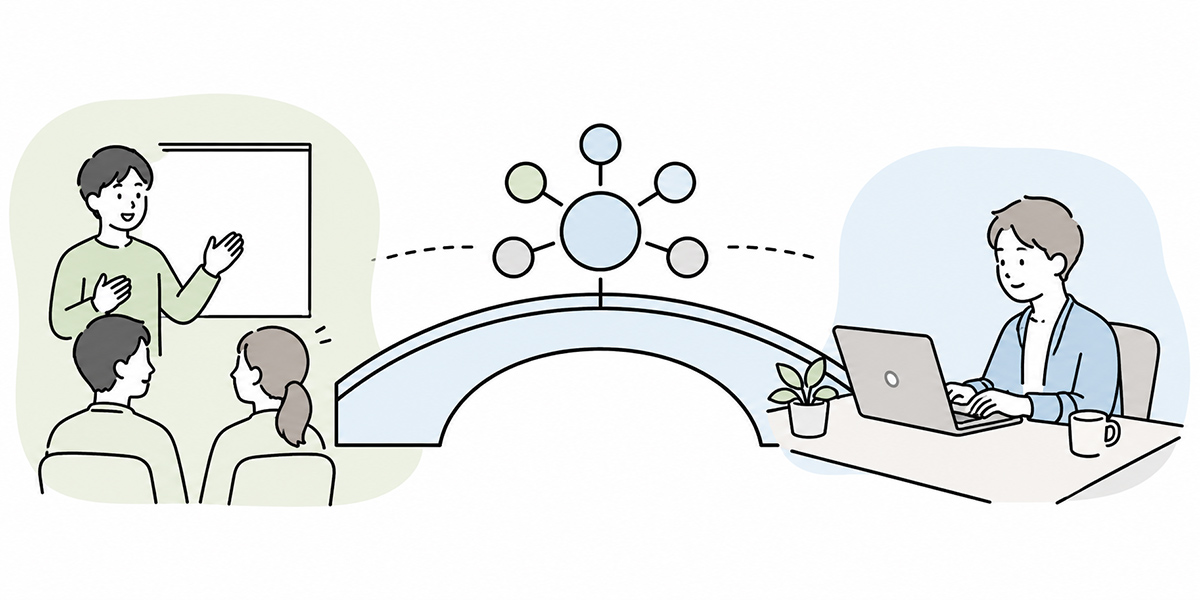
To stop department AI training being a one-off event, you also need to think about how you’ll manage the training content, the prompts, the learning data, and the AI chat used in practice.
There are several options: using a general-purpose generative-AI tool, combining it with an internal portal or knowledge base, or linking up an LMS (learning management system) or an AI chat platform. The important thing is that the prompts and materials used in training remain in a state where the field can reuse them.
Our own service, Kanata — which brings AI chat, AI summarisation, e-learning and project-by-project library management under one roof, is a good fit on this point. You might, for example, deliver the common training via e-learning, save the prompts created in department training to a project library, and then use them in practice through department AI chats afterwards. With Kanata, you can organise AI chat, AI summarisation, e-learning and the like by project, and manage prompts and learning data as a library.
Whatever tool you choose, though, it’s best not to judge on breadth of features alone. What you should be checking is access control, log review, how learning data is handled, consistency with internal rules, and the load on whoever runs operations after the course.
A tool won’t automatically guarantee the training pays off. It is best positioned as the environment that supports use and embedding after the training.
What to watch out for in department AI training
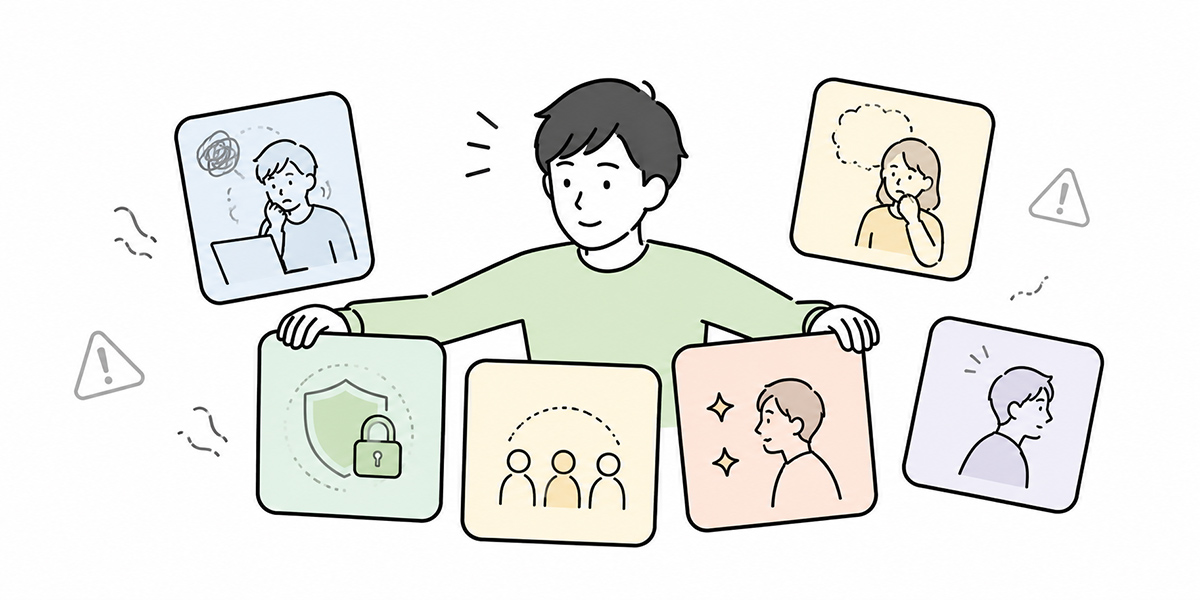
Department AI training tends to be more effective the closer it gets to real work. At the same time, though, the things to watch multiply.
- First, the handling of confidential and personal information. Wanting exercises that are close to real work is no reason to use customer names, employee data, contract values or undisclosed management information directly as training material. Always use masked information or mock data in training.
- Second, being clear about the scope you hand to AI. AI is well suited to drafting, summarising, framing issues and building comparison tables. Final judgements, responses that turn on the customer relationship, and important decisions touching legal, HR or finance, on the other hand, need a person to own.
- Third, not judging the payoff on short-term numbers alone. The usage count and survey satisfaction right after training are useful as a reference, but it’s too soon to judge embedding on those alone. What matters is whether, a month or three months on, it has been naturally woven into the work process.
- Fourth, reviewing the training content regularly. Generative-AI features change, and so does internal work. Rather than fixing a curriculum once and leaving it, you need to keep updating it as the field’s use cases come in.
Finally, don’t make “using AI” an end in itself. There is work that’s quicker without AI, work where the context of the judgement is what counts, and work better settled face to face. In department AI training, sorting out not just where AI is used but where it isn’t raises the field’s sense of buy-in.
In summary: design department AI training right through to life back on the job
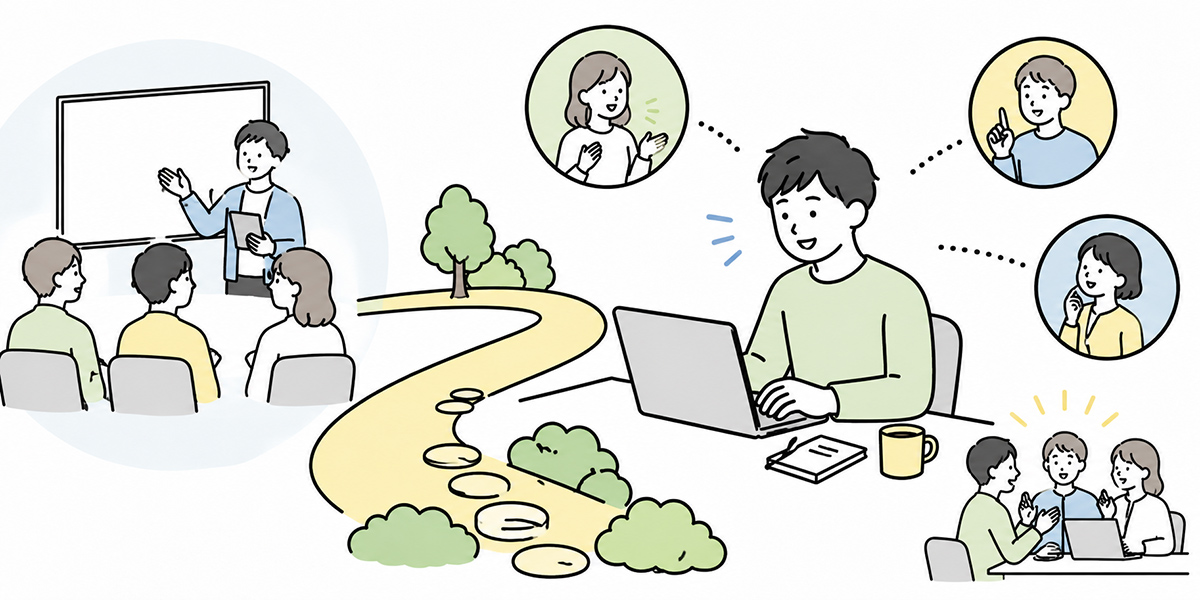
Department AI training is not a mere “advanced edition” tacked on after firm-wide training. It is reskilling design for embedding generative AI into the work of the field and reaching a state where it’s actually used in practice.
Common training levels up the basic knowledge and safe usage every employee needs. Building on that, department AI training designs the business themes, use cases, pre-work, output exercises, on-the-job learning and the sharing mechanism as one integrated whole.
The point is not only to get participants to “understand AI.” The week after training, they try it once in their own work. The team shares the results. Good prompts are kept. The line manager reflects with an eye to improving the work. Small cycles like these are what lead to it sticking.
That said, the same design won’t fit every department. The realistic move is to start with one department, one piece of work, and one output exercise. Recording that small piece of practice and shaping it so it can be rolled out to other departments is the first step from common training to practical training.
Q&A: things worth confirming before you design department AI training
May we run department AI training before the firm-wide common training?As a rule, it’s safer to run the firm-wide common training first. Moving on to department training while the basics of generative AI, the information that must not be entered, and the rules for checking outputs aren’t yet in place raises the risk around handling real work data. The preferred flow is to level up the common rules first, then progress to department-level practical training.
Who should decide the themes for department AI training?Rather than HR and learning leads deciding alone, it’s best to settle it with department heads, field leaders and DX-promotion leads in the room. Training themes need to be tied not just to participants’ interests but to the department’s business challenges and the processes you want to improve.
How much training time should we set aside?For a first session, two to three hours is a workable rule of thumb. Use the first half to confirm the common rules and the prompt template, and the second half for practical exercises and the take-back task. Even when running it short, the key is not to trim the practice time too far.
How should we measure the training’s effect?Look beyond satisfaction immediately after the session to how it’s actually used in practice over the week to month afterwards. For example, the number of use cases posted, the number of prompts reused, the work-improvement examples a manager has confirmed, and the number of tasks participants kept using it for. That said, don’t judge on numbers alone; you also need to look at output quality and the effort spent checking.
What tends to trip up department AI training?Common failures are finishing at a generic prompt showcase, not safely altering real data, and setting up no post-training on-the-job phase or share-out. Leaving AI adoption too much to the field also makes it hard to embed. It’s important to decide, before the training, which work will be tried and by whom afterwards.