


“This one looks like something we could hand over to AI, doesn’t it? But last time too, the task we picked because it ‘seemed suitable’ ended up barely being used at all.”
That remark came up in an AI-adoption meeting attended by Morita-san, who looks after operational reform in a manufacturer’s DX promotion office, alongside the sales planning, HR and information-systems teams. Three months earlier, the company had been sitting in front of an inventory of 128 catalogued tasks, picking candidates for “tasks to hand to AI” largely on the strength of each person’s gut feel. Minute-taking, enquiry handling, contract review, sales reporting—candidates piled up, but with no shared view of routine versus non-routine, judgement versus task, data availability, risk and human involvement, the priorities shifted with every meeting.
Today the company has re-assessed all 128 tasks against five decision criteria and narrowed the field to an initial 20 candidates to hand to AI. Information systems is weighing security, HR is weighing how readily the floor will accept it, and sales planning is weighing how readily it leads to results. Even where you adopt a tool such as Kanata’s AI chat, AI summarisation or learning-data library—which lets you carve out a distinct place for AI in each task—the first thing you need is to work out which tasks to use it for, and how far.
This article is for those in DX promotion, operational reform and departmental management who lack a clear set of decision criteria for AI and tasks. It sets out how to assess a task’s suitability for AI and how to decide the order in which to automate. The aim is a state in which you can pick AI candidates reproducibly, on the basis of a task’s characteristics rather than someone’s hunch. That said, simply drawing up the criteria will not make every task amenable to AI. Only with operating rules, well-organised data and a review structure in place does it become a mechanism the floor actually uses. If you find yourself stalled in front of your own task inventory, do read onkeeping your own candidate tasks in mind.
Why choosing tasks for AI “by feel” tends to fail
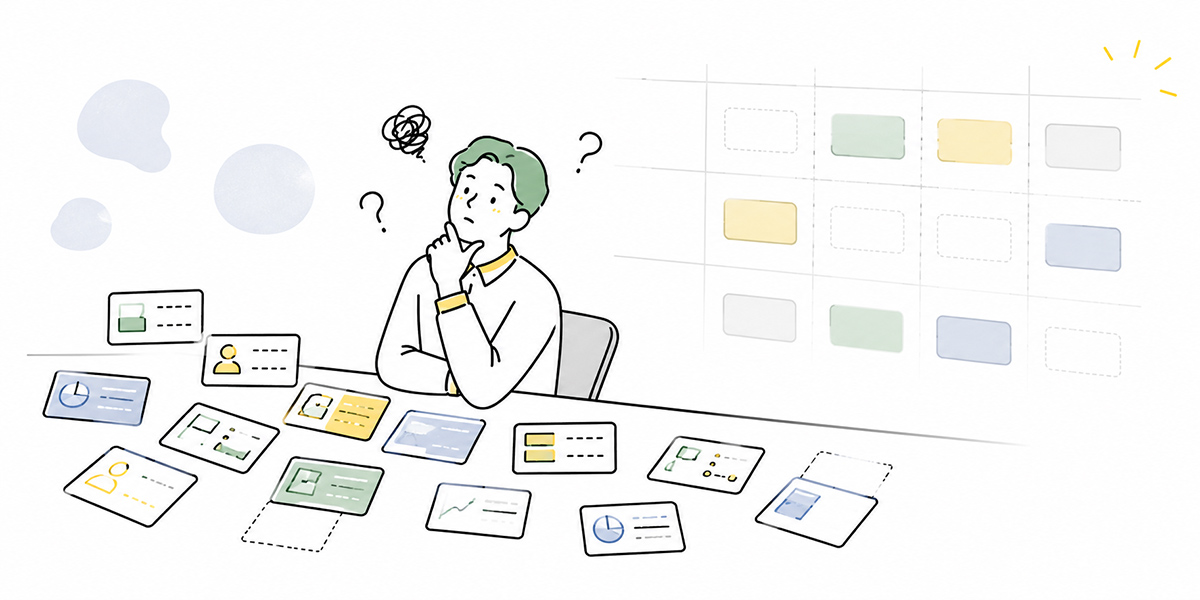
Faced with a task inventory, most meetings open with conversation along the lines of “this one feels suited to AI” and “this one’s better left to a person.”
That intuition is not useless—far from it. The people who know the floor best have a felt sense of which tasks are tedious, which judgements have become locked in one person’s head, and where the checking eats up time. For a first pass at candidates, the floor’s instinct is a valuable clue.
The trouble is letting that instinct alone settle the priority order for adoption.
Take “enquiry handling.” The same label covers wildly different work:
- Enquiries answered by checking internal regulations
- Enquiries answered in light of each customer’s contract terms
- Enquiries where you read the temperature of a complaint before deciding how to respond
- Enquiries settled simply by tweaking a past reply template
- Enquiries that cannot be answered without checking with the responsible department
At a glance these are all “enquiry handling,” yet their suitability for AI is not the same. How far you can hand a task to AI shifts with whether the information is in order, whether judgement is required, whether a wrong answer carries large risk, and whether a human needs to be in the loop.
In short, decide “can or can’t be done by AI” from the task name alone and your judgement becomes too coarse.
What matters in selecting tasks for AI is to see a task by its characteristics, not its name. You need to break it down: what inputs the task receives, what processing or judgement it passes through, and what deliverable it produces.
What AI-friendly tasks have in common
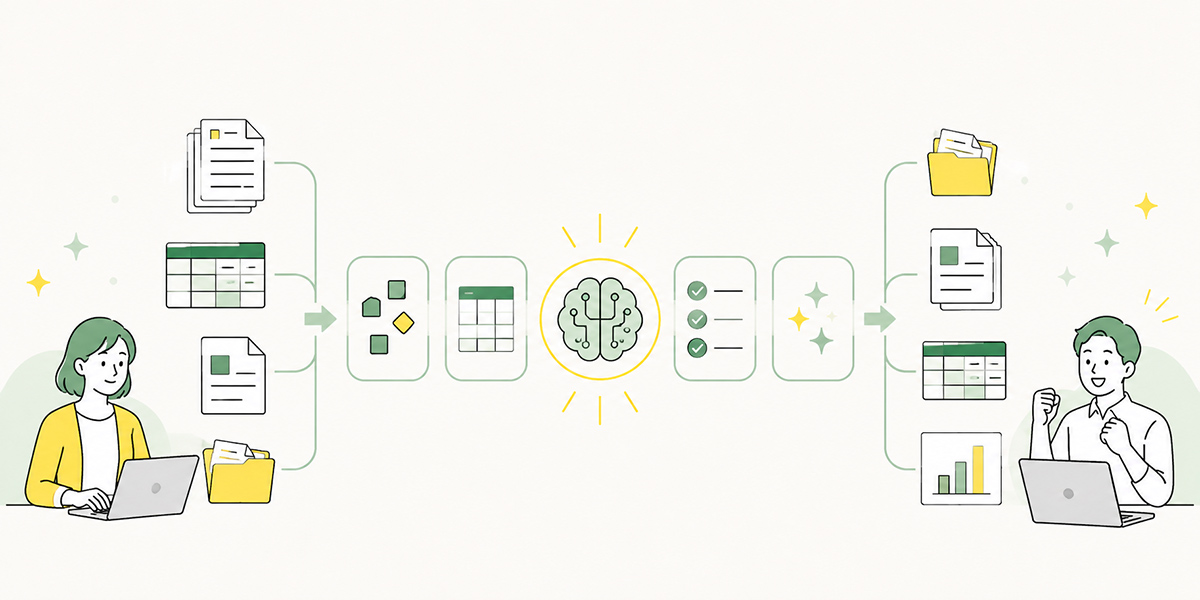
Tasks that lend themselves to AI tend to share a few traits.
The classic case is a task whose procedure and output format are settled to some degree. Even where it looks as though a fresh judgement is made each time, plenty of tasks in fact follow a flow of “check this information, apply these conditions, output in this format.”
For example:
- Drafting minutes from meeting notes
- Sorting enquiries into categories
- Summarising internal documents
- Extracting next actions from sales notes
- Producing a first-cut reply from FAQs or regulations
- Drafting reports
- Polishing the wording of text
- Summarising the content of training videos
What these share is that they contain the “organising,” “extracting,” “summarising,” “classifying” and “drafting” elements at which AI is said to excel.
With minute-taking, what you can readily hand to AI is organising the conversation, extracting the decisions and listing the to-dos. Whether the parties truly agreed to that content, who it should be shared with and in what wording, and whether it is fit to leave the building—those judgements need a person to check.
Handing a task to AI is not about replacing a person’s job wholesale. Shaping things so a person can check them easily, producing the first rough draft, reducing oversights—starting from these supporting roles tends to bed in far more readily on the floor.
What AI-resistant tasks have in common
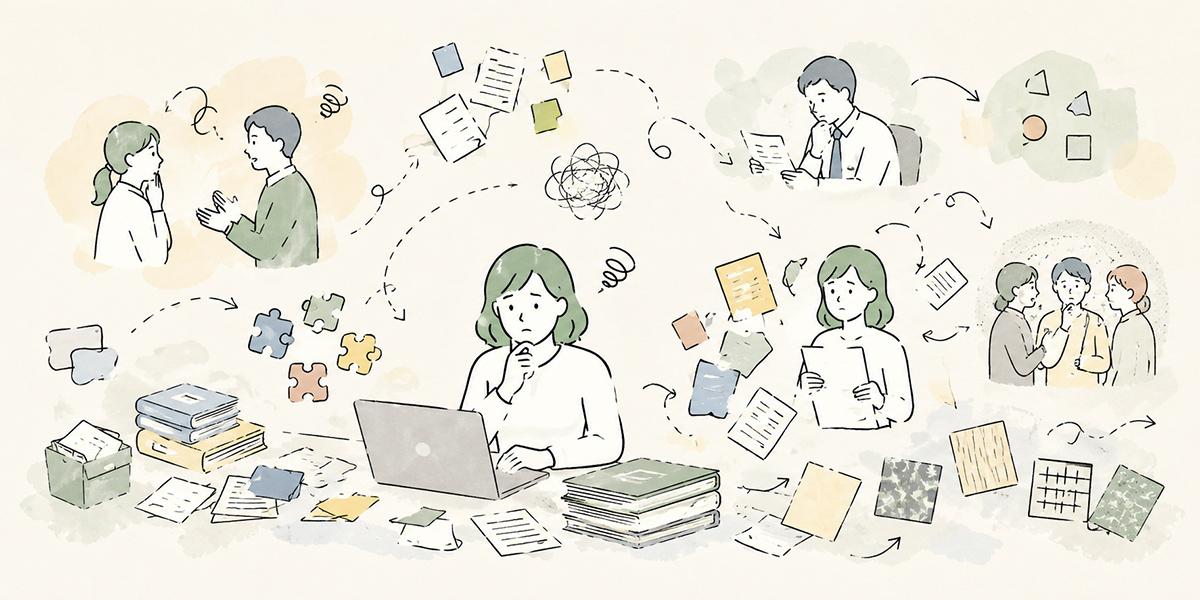
Conversely, the tasks that resist AI also share common ground.
Namely, their outcome is not settled by “correct information processing” alone.
Take an important customer negotiation, an appraisal conversation with a subordinate, a management decision, complaint handling, a final legal judgement, or building a relationship with a candidate—these are not tasks you can dispatch simply by tidying up information.
Bound up in them are trust with the other party, organisational responsibility, an understanding of context, risk appetite and, ultimately, the decision itself.
That is not to say AI is of no use in such work. On the contrary, it can be genuinely helpful for groundwork and for marshalling the issues.
For instance, you should not hand the management decision itself to AI, but you can have it turn the supporting evidence into a comparison table. You should not have AI stand in for a one-to-one with a subordinate, but you can have it organise the topics to discuss and suggest candidate questions. The final call on a contract belongs with legal or the responsible manager, yet AI can surface the points that warrant checking.
In other words, AI-resistant tasks are not “tasks where AI must not be used.” They are tasks where the scope handed to AI must be designed with care.
Rather than putting the whole task through AI, support part of the task with AI. That mindset matters.
AI and tasks, decision criterion: routine or non-routine?
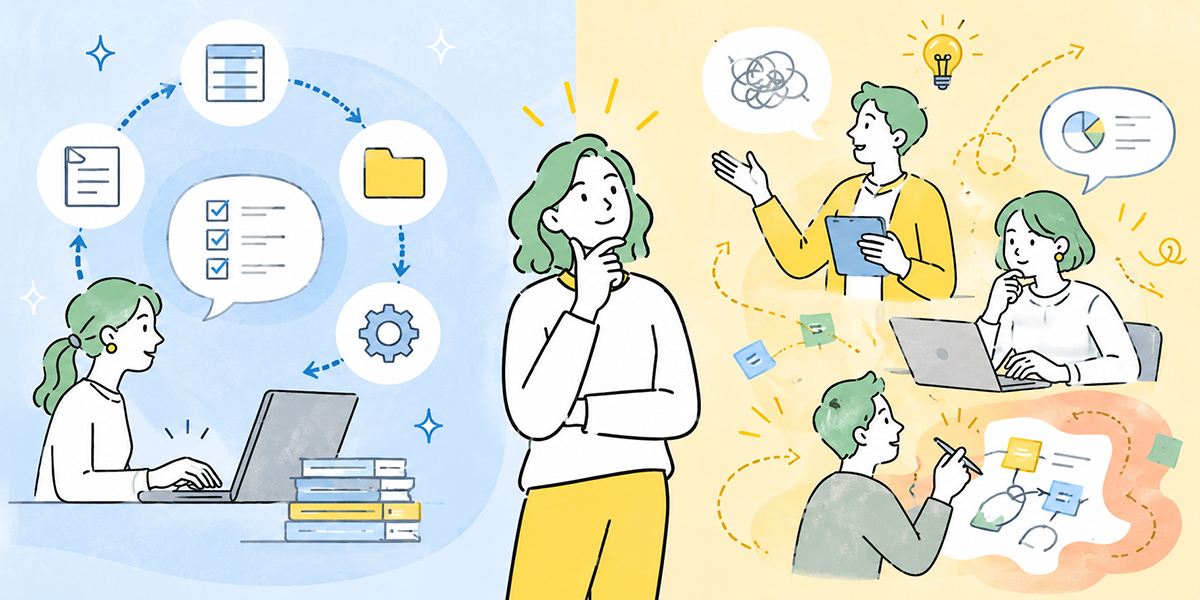
The first criterion is whether the task is routine or non-routine.
A routine task is one whose procedure and output format are settled to some degree. Tasks that take similar inputs each time, apply similar processing and produce similar deliverables tend to lend themselves to AI.
For example:
- Drafting minutes for the weekly standing meeting
- Summarising the monthly report
- First-pass triage of internal enquiries
- Drafting email copy
- Pulling out the key points of training videos
- Drafting FAQ answers
These are tasks where the output format is easy to specify and review is straightforward. Even when you use AI summarisation or AI chat, the clearer the shape of the input and output, the easier the task is to design. A service such as Kanata, which handles chat, summarisation and learning data on a per-project basis, is one option where you want to keep your trial scope separated by department or by task.
Non-routine tasks, by contrast, shift their decision inputs and approach from one situation to the next. The premises are complex, and each instance calls for reading a different context.
That said, being non-routine is no reason to rule a task out of scope for AI—because non-routine tasks contain parts that can be made routine.
A customer proposal, for example, is highly non-routine. Yet organising customer information beforehand, drawing up hypotheses about their issues, and sketching the structure of the proposal are all areas AI can readily support.
What you should be judging is not “is the whole task routine?” but “does the task contain a part that can be made routine?”
AI and tasks, decision criterion: judgement or task?
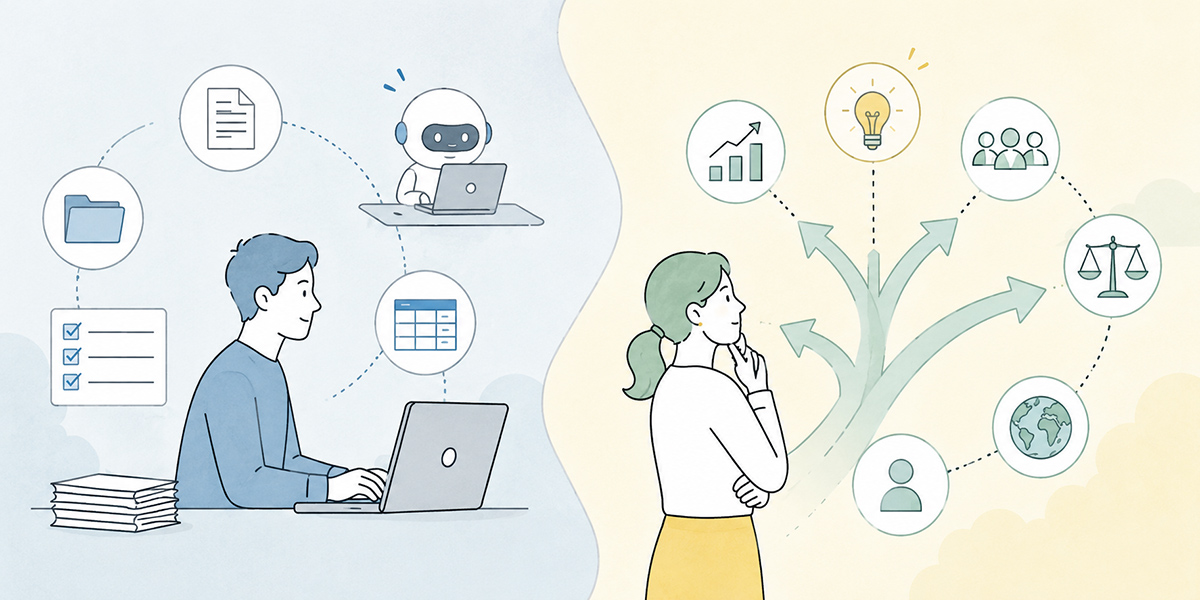
The next criterion is whether the task is, at heart, a judgement or a piece of work.
AI is suited to work such as tidying up prose, classifying information, extracting key points, converting formats and generating candidates.
On the other hand, it is not appropriate to hand a final judgement that carries responsibility, or a decision the organisation owns, straight to AI. Even from a governance standpoint, management proportionate to the risk, and human involvement, are important considerations (OECD AI Principles).
The thing that matters here is to split a task into “judgement” and “work.”
Consider contract review.
Contract review contains both work and judgement:
- Reading the clauses
- Extracting passages that look risky
- Organising them against the usual checking points
- Drafting amendments
- Judging whether to accept that risk
- Deciding, finally, whether to sign
Of these, the ones easy to hand to AI are the earlier “reading,” “extracting,” “organising” and “drafting amendments.” The later “accept-the-risk” and “sign-or-not” judgements should be borne by a person.
The easy way to come unstuck when putting a task through AI is to skip this breakdown and simply declare “we’ll AI-ify contract review.”
More precisely, it is better to phrase it as “within contract review, we hand the surfacing of checking points and the first-pass organising to AI.”
Make the scope handed to AI explicit and the floor’s unease shrinks too. You can say not “we’re replacing the lot with AI” but “we’re using AI to make it easier for a person to judge.”
AI and tasks, decision criterion: is there usable data?
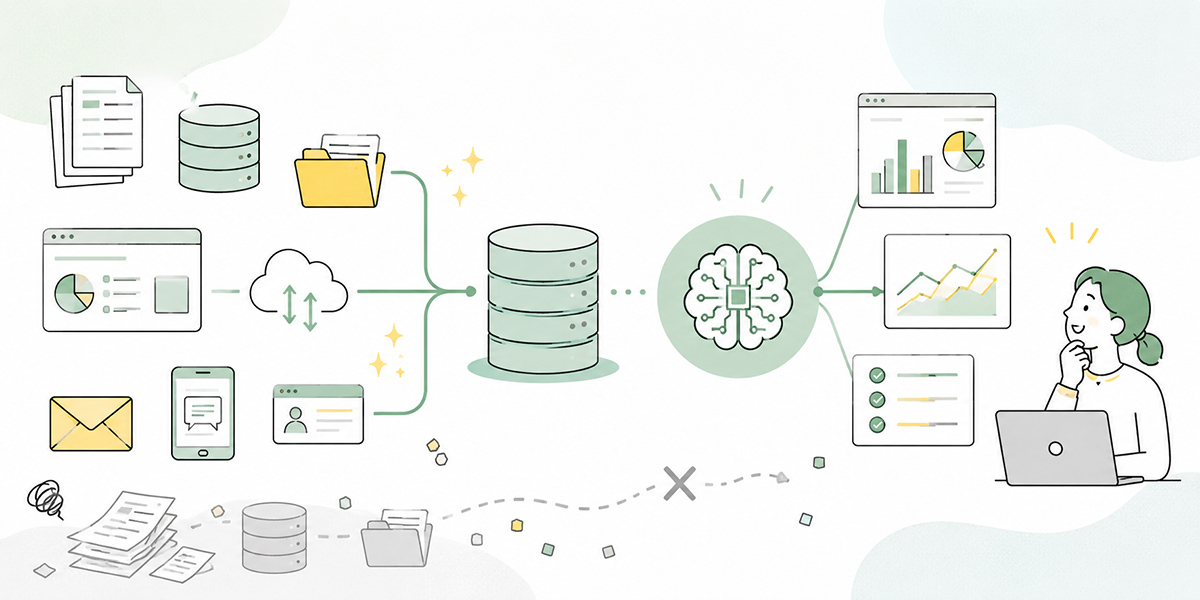
The third criterion is the availability of data.
To hand a task to AI, you need information that serves as the raw material for the judgement or output. Where operating manuals, FAQs, past minutes, deal notes, internal regulations, product materials and enquiry histories are in good order, AI can readily build answers and summaries from them.
By contrast, where the data does not exist—or lives only inside someone’s head—AI becomes hard to apply.
Consider a task where a veteran judges that “for this customer, given the history, it’s best to avoid putting it that way.” Such tacit knowledge is not information AI can handle straight off.
In that case, rather than jumping straight to AI, you first need to put the tacit knowledge into words:
- Organise the common judgement patterns
- Gather past cases
- Draw up examples of what to avoid and what works well
- Interview people about the information they use to judge
- Set it down as manuals or FAQs
Only with this groundwork can you widen the scope you hand to AI.
AI adoption does not advance on the strength of installing a tool alone. If anything, the very process of getting your operational data and knowledge into order is a crucial part of implementing AI.
AI and tasks, decision criterion: how great is the risk?
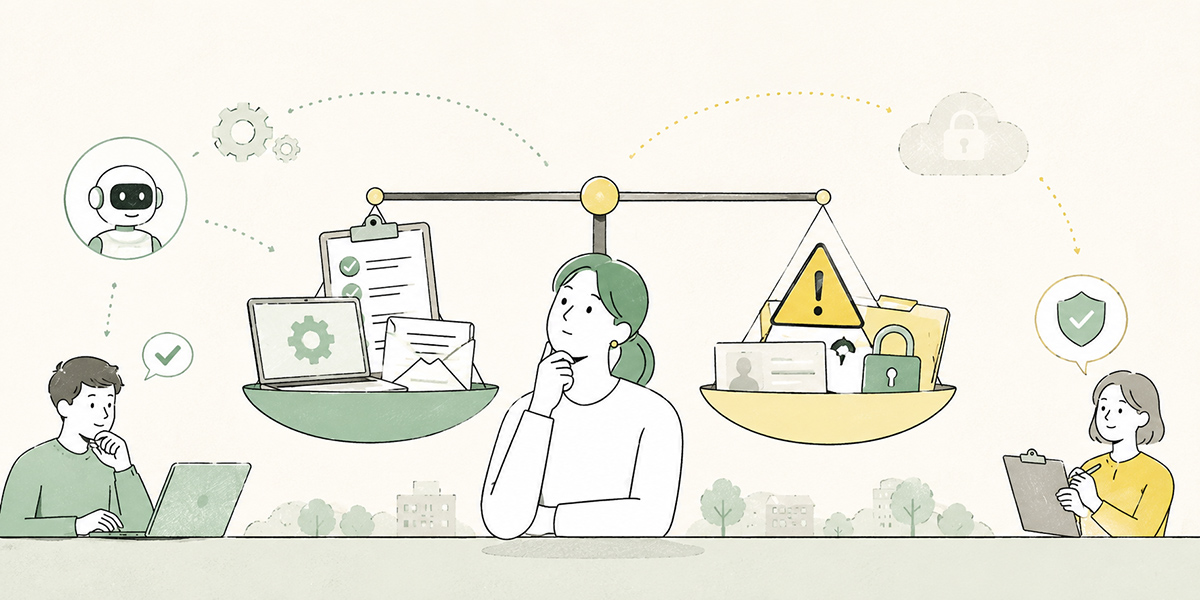
The fourth criterion is risk.
Even a task that is easy to hand to AI needs careful treatment if a wrong output could lead to serious harm.
For example, tasks of the following kind tend to carry higher risk:
- Legal judgements
- Judgements touching medical or safety matters
- Handling undisclosed financial information
- Processing that involves personal data
- Answers bearing on contractual terms with customers
- Judgements affecting personnel evaluation or treatment
- Formal documents to be released outside the company
For these tasks, what matters is less whether AI is used at all and more how the AI’s output is checked and who takes responsibility.
If you use AI to draft outward-facing copy, say, you can hand it the drafting; but figures, proper nouns, dates, quotations and contractual wording need a person to verify.
Where personal or confidential information is involved, you must decide in advance what may and may not be entered. From a security standpoint too, when assessing a task’s suitability for AI, always check not only “can AI do it?” but “what happens when it gets it wrong?” (ICO guidance on AI and data protection).
Starting with low-risk tasks is the realistic way to bring AI in. Target high-risk work from the outset and the checking burden balloons, making it harder to bed in on the floor.
AI and tasks, decision criterion: where is human involvement needed?
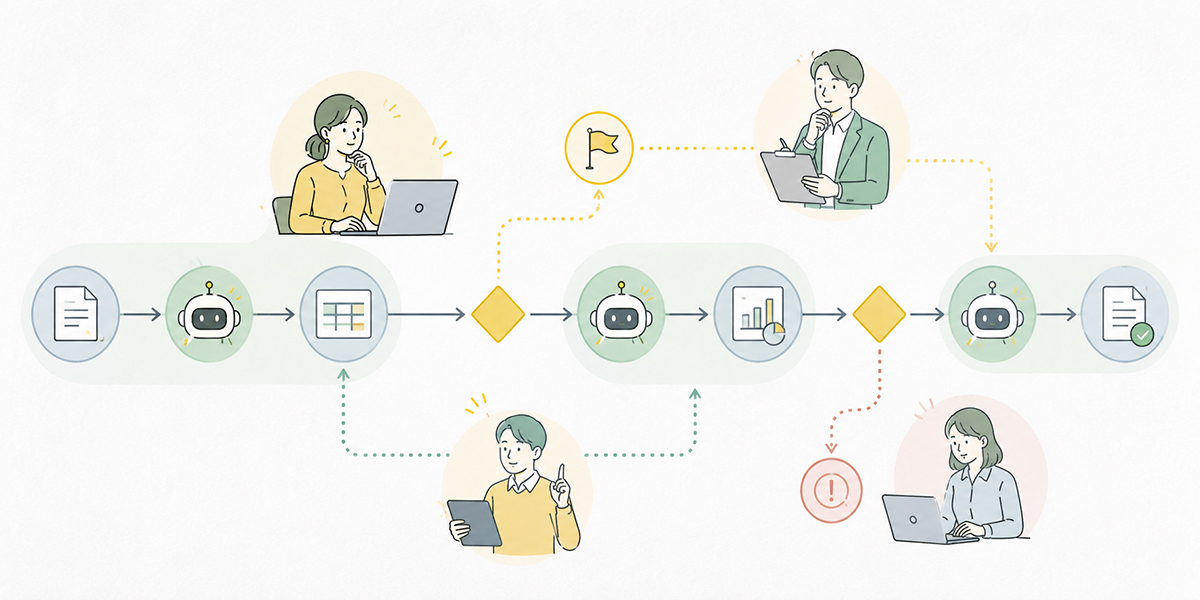
The fifth criterion is human involvement.
Frame AI adoption as a binary—“does it need a person or not?”—and the debate turns extreme. In practice, what matters is designing the moments at which a person should be involved.
Even when AI drafts the minutes, for instance, there are several points of human involvement:
- Strip out unnecessary information before feeding in the audio or notes
- Check the summary AI produces
- Confirm the decisions and to-dos are correct
- Judge whether the content is fit to share outside the company
- Feed improvements into the format for next time
In this way, the person does not vanish from the task; they move into the role of checking, judging and improving.
Handing a task to AI is not about reducing human involvement to zero. It is about designing where a person needs to be involved to preserve quality and safety.
Early in adoption especially, you need to settle “who looks at what AI produces,” “on what standard it is signed off,” and “how mistakes are put right.”
Bring AI in without that design and the floor tends to end up in states like these:
- The AI’s output cannot be trusted
- Checking grows until it takes longer than before
- Quality varies with who is using it
- Wrong outputs get used as they are
- Only a handful of in-the-know people end up using it
Whether AI adoption succeeds is not settled by the tool’s performance alone. It needs task design that takes human involvement as a given.
Five questions for assessing how AI-friendly a task is
Boil the criteria so far down into questions you can use in practice and you arrive at the following.
| Question | What to check |
|---|---|
| Can you explain the task’s procedure? | A task whose procedure you can explain is one you can readily instruct AI on. A task you can only describe as “I just judge it from experience, somehow” first needs to be put into words. |
| Is the shape of the deliverable settled? | Tasks with a fixed output format—minutes, summaries, emails, reports, FAQ answers, comparison tables—suit AI. The more you can specify the output format, the more stable the AI’s results tend to be. |
| Is there data to inform the judgement? | Check whether AI has information it can refer to—manuals, regulations, past cases, customer information, product materials. If the information is scattered, it needs organising before AI comes in. |
| Is the impact of a mistake small? | A task whose errors can be put right quickly is an easy target for the early days of adoption. A task whose errors lead to large legal, financial or reputational problems must be designed with care. |
| Can a person review it? | A task where someone can look at the AI’s output and judge whether it is right is easy to push forward. Conversely, handing AI a task no one can review is dangerous. |
Answering just these five questions changes how the task inventory looks.
Instead of “somehow seems suited to AI,” you can now say “there’s a procedure, there’s data, the risk is low and a person can review it—so let’s try this one first.”
Set AI priorities by “impact” and “ease of delivery”
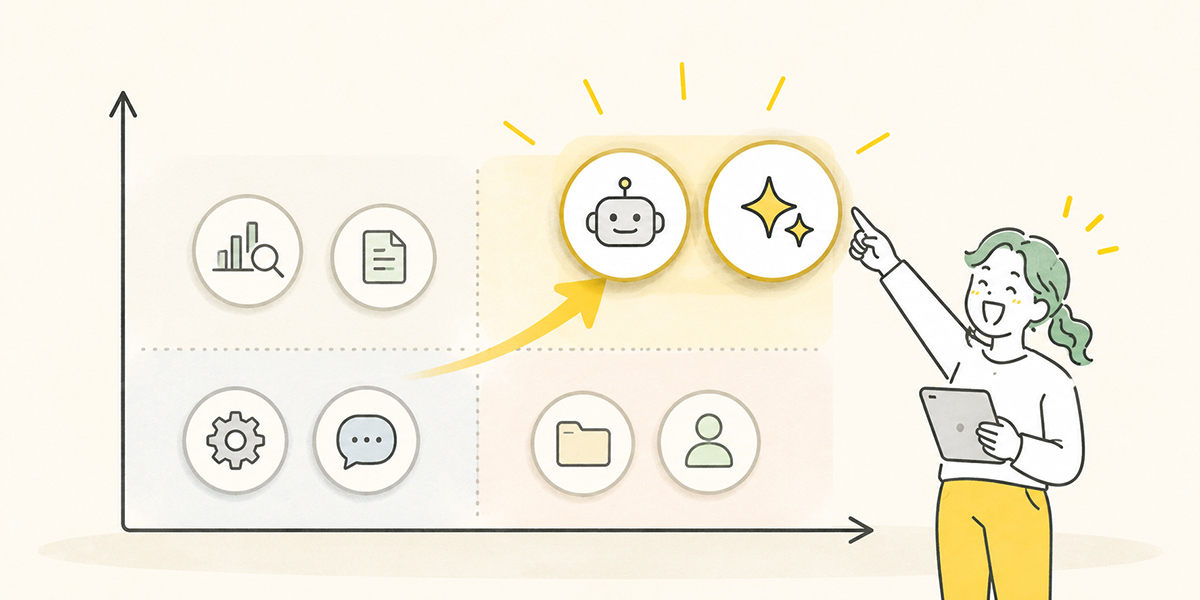
When picking AI candidates, you need to look not only at “is the impact large?” but also at “is it easy to deliver?”
The higher the impact, the more appealing a task looks—but it is not necessarily the one to tackle first.
Take report-writing tied to management decisions: done well, the payoff is large. Yet where the data needed is complex, the responsibility weighty and the stakeholders many, it may be a poor target for the early days.
Meanwhile, drafting meeting minutes or first-pass internal FAQ answers may look limited in impact, but they are frequent, easy to specify an output format for, and easy to review.
Early in adoption, it is realistic to start with tasks that are:
- High in frequency
- Adding up to a lot of working time
- Settled in output format
- Backed by reference data
- Open to a person checking the errors
- Limited in their impact if they go wrong
Produce a small win on tasks like these and you earn the floor’s trust more easily.
Rather than “transforming everything with AI,” the priority is to create the felt sense that “handing this piece of work to AI makes life easier.”
Think in terms of four task types
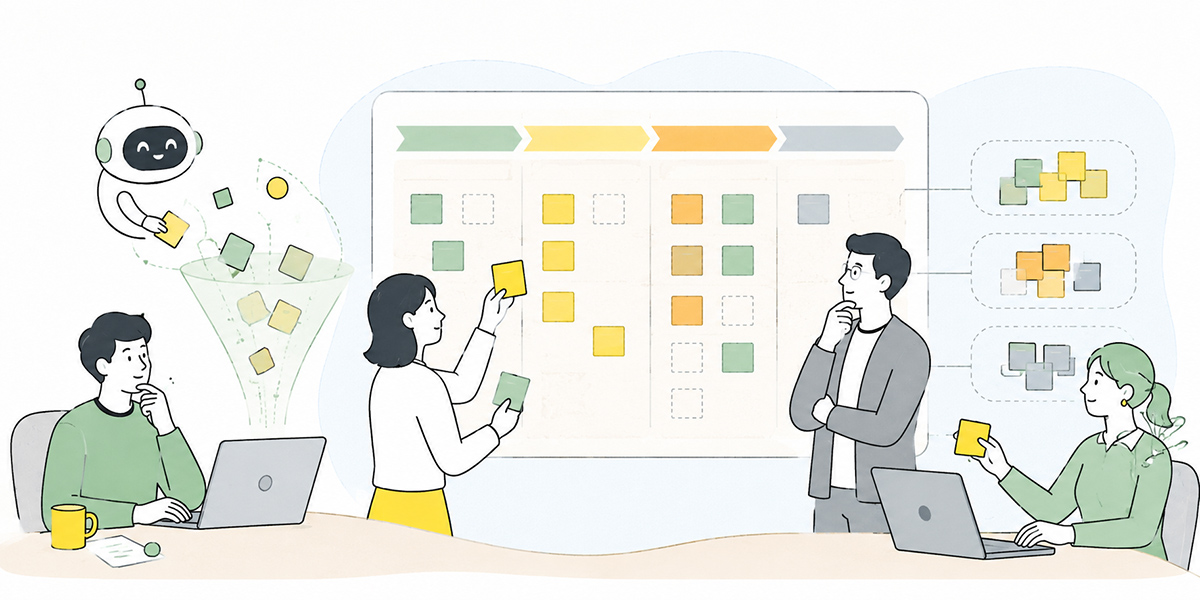
When organising AI candidates, sorting tasks into four types makes things clearer.
- Tasks you can trial with AI support right away
- Highly routine, backed by data, low in risk and easy to review. Drafting minutes, summarising, drafting emails, proofreading copy and drafting FAQ answers fall here.
- Tasks AI can support once you’ve prepared
- Tasks well-suited to AI in principle, but where the data is scattered, the manuals are out of date, or the output format is unsettled. Here you first need to organise the knowledge and draw up operating rules.
- Tasks AI can support only in part
- Even where judgement or dialogue is central, the groundwork, the marshalling of issues and the record-keeping can sometimes be handed to AI. Pulling together materials for a management meeting, preparing for a one-to-one, and sketching the bones of a customer proposal fall here.
- Tasks to handle with care
- Tasks where errors have large consequences, that handle personal or confidential information, or that carry a final judgement. The point is less “don’t use AI” than handling them only once the scope of use, the inputs, the review structure and the responsible owner are clear.
Use this four-way split and you do more than line up the task inventory—you make the next action easy to settle as well.
Trial it now, prepare first, support it in part, or leave it out of scope for now? Once you can classify, the debate in the meeting moves along more easily too.
Separate “hand to AI” from “owned by a person”
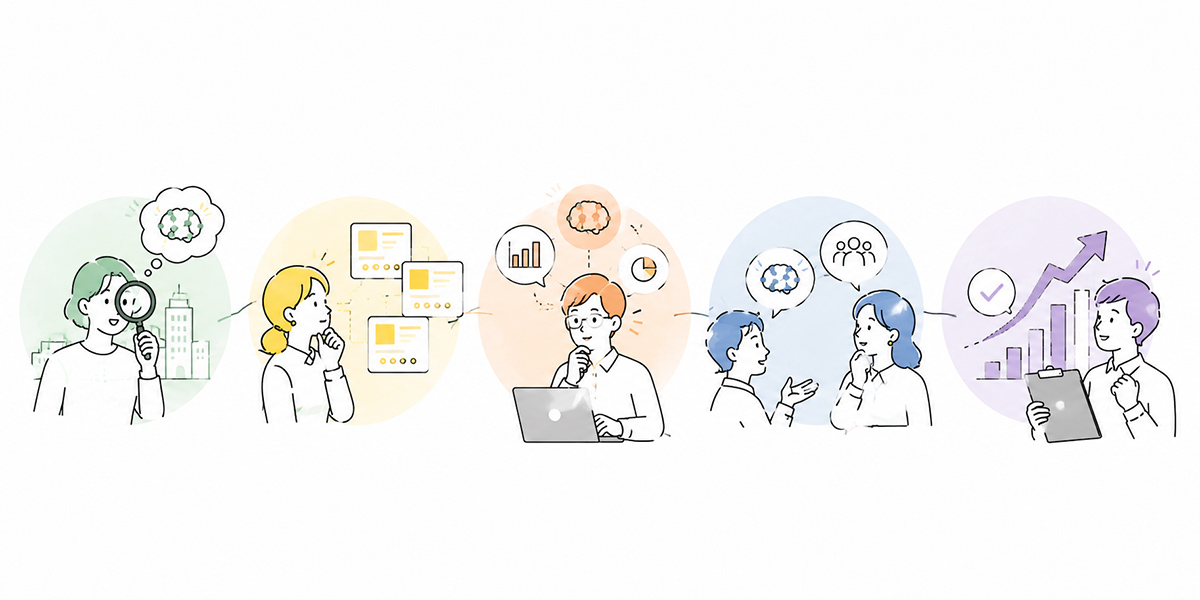
In AI debates, the question “should this task be handed to AI?” comes up a great deal.
The more practical question, though, is “which part of this task do we hand to AI, and which part does a person own?”
With sales reporting, for example, the parts easy to hand to AI are these:
- Summarising deal notes
- Organising the customer’s issues
- Extracting the next actions
- Drafting the report copy
- Surfacing risks and concerns
The parts a person should own, on the other hand, are these:
- Reading the customer’s temperature
- Deciding the priority of each deal
- How to report to one’s manager
- Responding in light of the relationship with the customer
- The final sales judgement
Think about it in these divided terms and AI use becomes far easier for the floor to accept.
“Hand it to AI” can stir a fear of having one’s job taken. But explain it as “hand the tedious organising and drafting to AI so people can concentrate on judgement and dialogue,” and the point of adoption lands more clearly.
The essence of AI adoption is not to cut headcount. It is to return people’s time to the work where they should be adding value.
How to organise your AI candidates
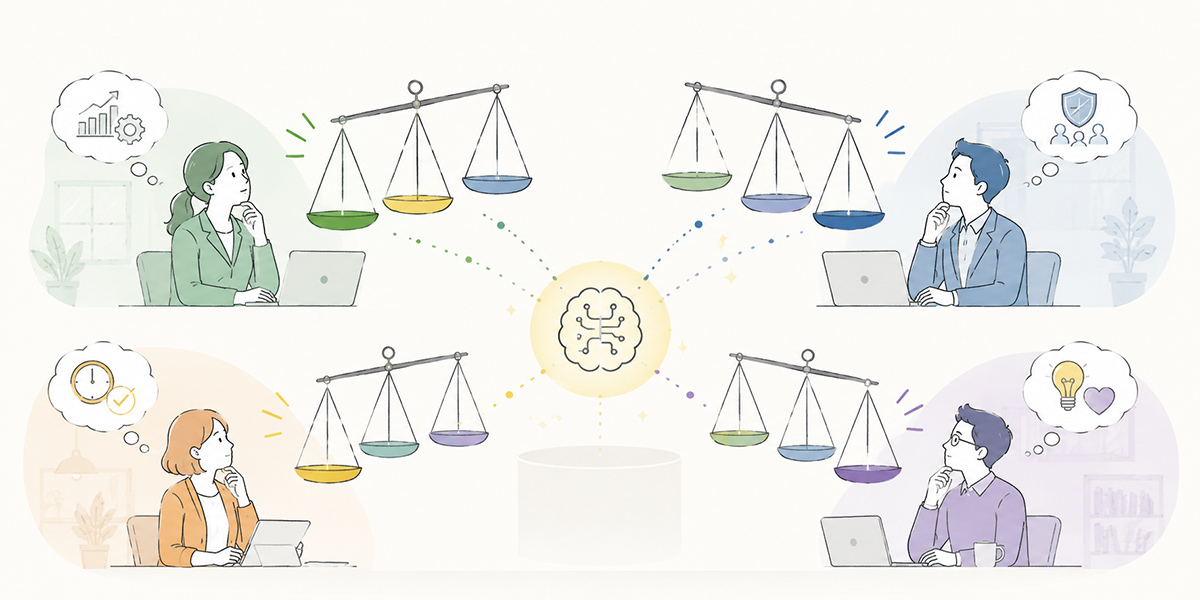
When organising AI candidates, the important thing is to get the task-selection process in order rather than handing tools straight to the floor.
One way to go about it is as follows:
- Prepare your catalogued task inventory. Beyond the task name, write out the responsible department, frequency, time required, data used, deliverable, stakeholders and risk.
- Assess each task against the five decision criteria. Set out routineness, the weight of judgement, data availability, risk and the points of human involvement.
- Summarise what came out of the floor interviews. Establish what the floor is struggling with, which work eats up time, and where the unease sits.
- For the high-priority tasks, accumulate the data and prompts you need. Keep minute templates, enquiry-answer rules and sales-report formats in a reusable form to reduce variability in how AI is used.
At this stage you compare AI chat, AI summarisation, internal knowledge search and workflow-automation tools, and pick the one that fits your requirements for tasks, access management and data management. Because Kanata brings AI chat, AI summarisation, e-learning and a project library together as a single work-support platform, it is one option where you want to accumulate knowledge while keeping the trial scope separated by department.
The important thing is not to make AI a one-off initiative, but to build it into a cycle of task design and knowledge upkeep.
Five steps to decide which tasks to AI-ify
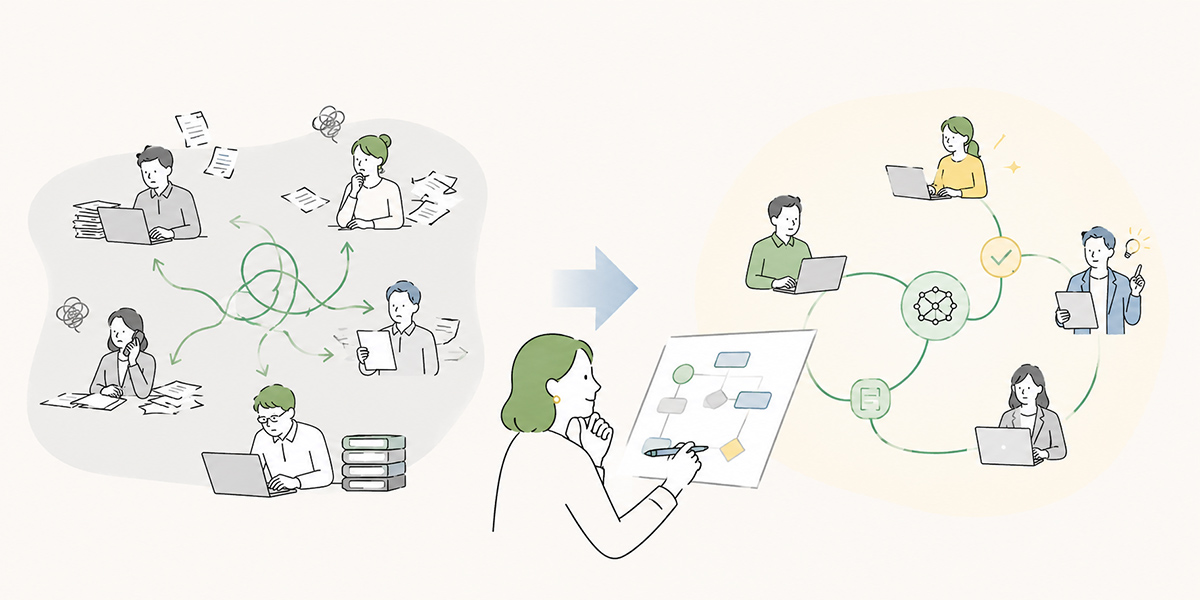
To pick AI targets from your task inventory in practice, working through these five steps keeps things tidy.
Break tasks down finely
First, do not take the task name at face value.
At a coarse grain—“sales,” “recruitment,” “enquiry handling,” “accounting”—you cannot judge how AI-friendly something is.
With enquiry handling, for instance, split it like this:
- Receiving the enquiry
- Classifying the content
- Checking past FAQs
- Drafting a reply
- Checking with the responsible department
- The final reply
- Recording the handling history
Split this way, the parts easy to hand to AI and the parts a person should own come into view.
Assess against the five decision criteria
Next, assess each task against the five criteria:
- Routine / non-routine
- Judgement / work
- Data availability
- Risk
- Human involvement
You may score them, or rate them with circles, triangles and crosses. What matters is that the team aligns on the basis for assessment.
Pick a task to trial small
There is no need to AI-ify a big, company-wide task from the start.
Better, in fact, to pick a task you can trial small at first—the minutes of one department’s standing meeting, summarising deal notes within the sales team, drafting FAQ answers for HR, and the like.
Narrowing the target makes measuring the effect easier too.
Decide the reviewer and the rules of use
Once you have settled the scope handed to AI, decide who reviews.
Who checks the AI’s output? On what basis do they amend it? Whose sign-off is needed before anything leaves the building? What information must never be entered?
Start using it without settling these and unease lingers on the floor.
Look at the results and improve
AI is not a design-once-and-done affair.
Use it in earnest and issues surface: the prompt was vague, the reference data was thin, the output format did not fit the floor.
On the strength of those results, revisit the prompts, the data and the operating rules. AI should be thought of not as an installation but as an improvement cycle.
AI-ifying is not “hunting for doable tasks” but “redesigning the task”
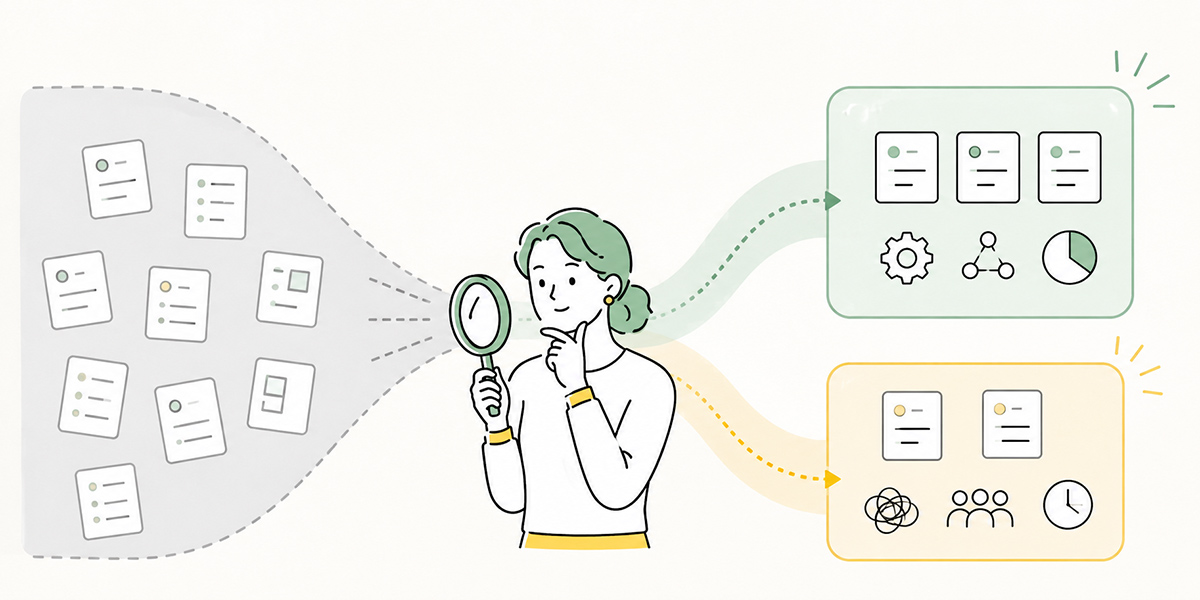
AI debates have a way of drifting into “which tasks can AI do?”
What really matters, though, is how you redesign the task process with AI as a given.
Work a person once owned end to end is re-divided like this:
- AI drafts
- A person checks
- AI tidies the format
- A person judges
- AI keeps the record
- A person feeds back the improvements
Recombining the roles of people and AI in this way changes the flow of the task.
Finding AI-friendly tasks is only the entrance. After that, you need to design who uses which information, at what moment, and on what standard they check.
AI-ifying is a matter of automation and, at the same time, a matter of redesigning the task process.
Not “AI or a person?” but “how do AI and a person share the load?” When you can recast the question that way, AI adoption moves from mere tool use to genuine operational change.
In summary: AI-friendly tasks can be told apart by decision criteria
AI-friendly and AI-resistant tasks are not things to tell apart by feel alone.
What matters is to assess a task by its characteristics:
- Is there routineness?
- Can you separate work from judgement?
- Is there usable data?
- How great is the risk of error?
- Can you design the points of human involvement?
Use these five decision criteria and the priority order for tasks and AI becomes far easier to organise.
What you should hand to AI is not the judgement and dialogue in which a person adds value. What to hand over first is the preparatory steps that come before a person judges—organising information, classifying, summarising, drafting, surfacing checking points.
And the success of AI is not settled by “which tool you bring in” alone. You need to break the task down, get the data in order, design the human review and keep improving the operating rules.
Stalled in front of your catalogued task inventory? Then look first not at the task name but at the task’s characteristics.
Aiming for a state in which you can say not “this one feels suited to AI” but “this part can be handed to AI; this is where a person judges” is the first step towards reproducible AI implementation.
Q&A: common questions on AI-friendly and AI-resistant tasks
How can I tell which tasks are AI-friendly?AI-friendly tasks are ones whose procedure you can explain, whose output format is settled, that have data to refer to, and that a person can review. Drafting minutes, summarising, classifying, drafting and producing FAQ answers are relatively easy areas in which to trial AI support.
Are AI-resistant tasks ones where I’d be better off not using AI at all?Not necessarily. You should not hand whole tasks such as management decisions, appraisal conversations, contract judgements or customer negotiations to AI—but AI can sometimes be used for marshalling the issues, preparing materials, building comparison tables and surfacing checking points. The point is to limit the scope you hand to AI.
When picking AI targets from a task inventory, what should I do first?First, break the task name into fine units of work. Rather than “enquiry handling,” split it into “enquiry classification,” “FAQ check,” “drafting a reply,” “final reply” and so on. Then assess routineness, the weight of judgement, data availability, risk and the points of human involvement.
Should I start with the tasks where AI’s impact looks largest?High-impact tasks are appealing, but in the early days ease of delivery matters too. Starting with tasks that are frequent, settled in output format, low in risk and easy for a person to check tends to bed in more readily on the floor.
What is the single most important thing to watch when advancing AI?Making clear the scope you hand to AI and the scope a person is responsible for. Especially for tasks touching personal data, confidential information, or legal, financial and HR-evaluation matters, you need to settle in advance what may be entered, who reviews, and the approval procedure. AI-ifying is not only automation; it is also a redesign of the task process and the division of responsibility.