


And it’s the same handful of people using it, isn’t it.
At the Monday-morning stand-up, Morita (not their real name), who leads digital transformation at a manufacturing firm, heard precisely that from a floor manager and an HR colleague. Generative AI had gone in three months earlier, yet the examples cropping up in Slack came almost entirely from a few keen souls, while the wider team were saying they “didn’t know what to use it for” or were “too busy to experiment.”
Six months ago, even a weekly glance at usage showed it clustered in a couple of departments, and post-training follow-up amounted to a single session and nothing more. These days, sales, HR and operations have each begun mapping out the use cases that genuinely fit their work—minute-taking, handling enquiries, rewriting documents—and the small wins are starting to circulate.
This article sets out what tends to sit behind AI that fails to take root—unease on the ground, thin motivation, weak training follow-up —and explains how to translate those AI-adoption challenges into lasting measures that make it stick. The aim is not a state in which only a select few bother, but one where everyone finds a way of working that suits their own role and, through shared knowledge, makes it a habit. That said, dropping in a tool changes nothing on its own. AI only beds in once you have the work design, the training and the regular review to go with it.
What actually happens in organisations where AI never beds in
In the days just after generative AI lands, most organisations feel a certain “let’s give it a go” mood. Training runs, examples are solicited on the company chat, handy prompts get passed around. For the first few weeks the response is genuinely upbeat.
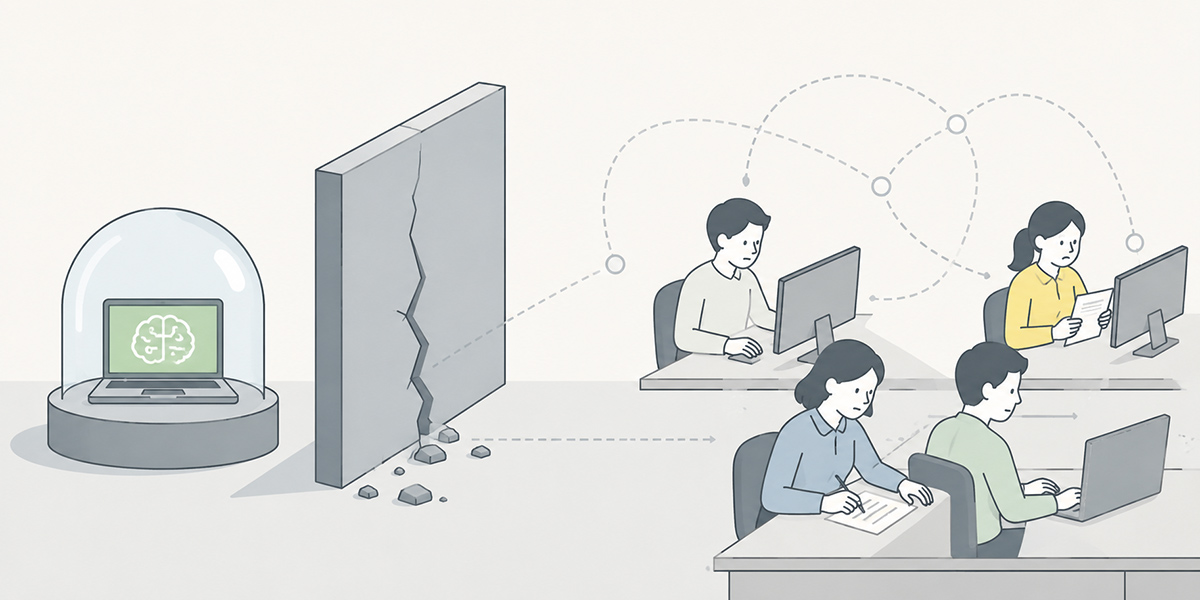
After a while, though,the user base tends to become fixed. Some staff reach for it daily; others barely touch it. And although there is plenty of work that suits AI well—summarising meetings, drafting emails, knocking together a first cut of a document—it simply never spreads across the team.
Leave that unaddressed and AI stays a “handy gadget for the few who know it well.” It does little for organisation-wide productivity or for any real change in how work gets done.
Usage is skewed towards a keen minority
The commonest pattern is that only the staff who were already drawn to new tools carry on using it.
In that case the company-wide average for usage may look respectable, while in reality it is concentrated in particular departments or individuals. Because the average alone makes it “look used,” the imbalance on the ground is easy to miss.
What you ought to be watching is not merely the total number of uses. Which departments are using it; for which tasks; who isn’t; and why not. Without that breakdown, any adoption effort will be wide of the mark.
The floor can’t work out “what to use it for”
AI fails to gain ground not necessarily because the team is hostile to it. More often than not, they reckon it “looks useful”—they just can’t see where in their own work it fits.
A salesperson, for instance, can use it to tidy up meeting notes, draft a proposal outline or rough out an email. Someone in HR can use it to organise training materials, draft an internal FAQ or structure one-to-one notes. A manager can use it to design a meeting agenda, marshal the points for a decision, or draft appraisal comments.
But simply explaining in training that “AI is good for writing and summarising” won’t let the team map it onto their own jobs. Many an adoption headache stems not just from a shaky grasp of the tool but from a missing link to the actual work.
Training is a one-off and stops there
Running a single generative-AI training session is nowhere near enough for it to stick.
Even if the immediate reaction is “looks handy, I’d like a go,” once people are back to business as usual the following week the prompt to reach for AI quickly evaporates. The busier the team, the less room they have to build a new habit unaided.
Left without any follow-up, the gap between those who use it and those who don’t steadily widens. What adoption needs is not merely training that imparts knowledge, but a state in which people try things out in real work, share where they got stuck, and reuse the approaches that worked.
Why AI doesn’t bed in: it isn’t just resistance on the ground
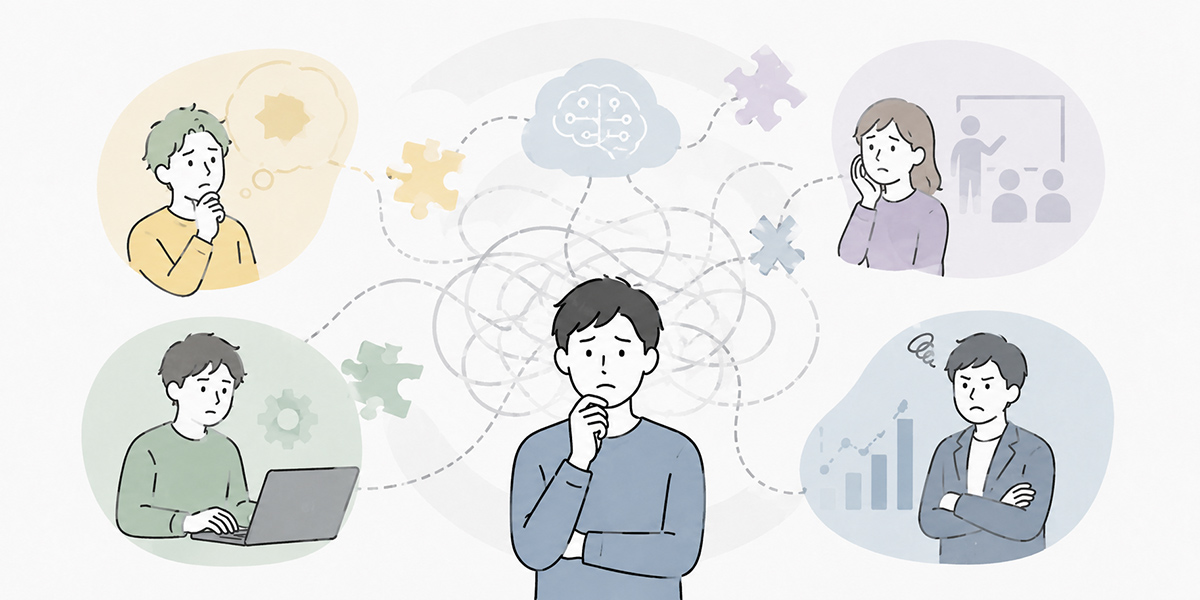
Hear that AI isn’t taking hold and the temptation is to put it down to “the team digging its heels in” or “staff with poor literacy.”
There is, of course, resistance on the ground. Worries that AI will take their jobs, that a duff output will land them in trouble, or unease about what they’re allowed to feed in—all of that is perfectly natural.
Pin everything on that alone, though, and you’ll prescribe the wrong remedy. The real reason AI fails to bed in lies not only in individual enthusiasm but in how the organisation itself has set things up.
Poor fit with the work
AI is no cure-all. It does not deliver the same benefit to every task alike.
It tends to take root in work of this sort:
- Recurs regularly
- Heavy on writing, summarising and organising
- Has a reasonably fixed output format
- Allows a human to do the final check
- Easy to trial small and refine
Tidying up minutes, drafting an FAQ, composing emails, roughing out a proposal structure, classifying enquiries—these all sit comfortably with AI.
On the other hand, final business judgements, legal calls, sign-off on appraisals, important customer negotiations—AI should not be carrying those alone. It can manage a draft or marshal the issues, but a human must make the final call.
Issue a blanket “just use it, please” without first gauging the fit, and it won’t take root on the ground.
Success stories aren’t being shared
Making AI a habit is impossible without small wins.
- Writing up the minutes after a meeting got easier
- It took less time to think through a proposal’s structure
- Drafting replies to internal enquiries became simpler
- One-to-one notes were easier to organise
Once concrete wins like these are shared, other staff find it far easier to picture the equivalent in their own work.
Conversely, when a win stays locked inside one person, it never spreads across the organisation. The well-versed few carry on, and everyone else concludes “this has nothing to do with me.”
Sharing knowledge is the linchpin of AI adoption.
Managers aren’t modelling how to use it
In spreading AI across the team, managers have a sizeable part to play.
Team members may want to use AI, but if the boss takes no interest it is hard to carve out the time to use it in the course of work. Conversely, when managers themselves use it to organise a meeting agenda, summarise a weekly report or marshal the issues, the psychological barrier within the team drops.
The point is not for managers to become AI experts.
- This task looks like one I could hand to AI for a draft
- Let’s summarise these meeting notes before sharing them
- Let’s reuse this prompt across the team
The point is to show, in concrete terms, the moments within the work where it earns its keep.
Chasing the usage rate alone
The usage rate is a worthwhile metric. But make it the sole target and the quality of how AI is being used slips out of view.
Tracking how many times a week someone logged in, or how many chats they fired off, tells you nothing about whether it is feeding through to results.
What you should be watching is the link between usage and business outcomes.
Has the time to write up minutes come down? Has the first response to an enquiry got quicker? Has the rework on documents fallen? Has the quality of pre-meeting preparation improved?
When you verify AI adoption, you need to look beyond “did they use it” to “which tasks changed, and how.”
Adoption measures that ease resistance on the ground
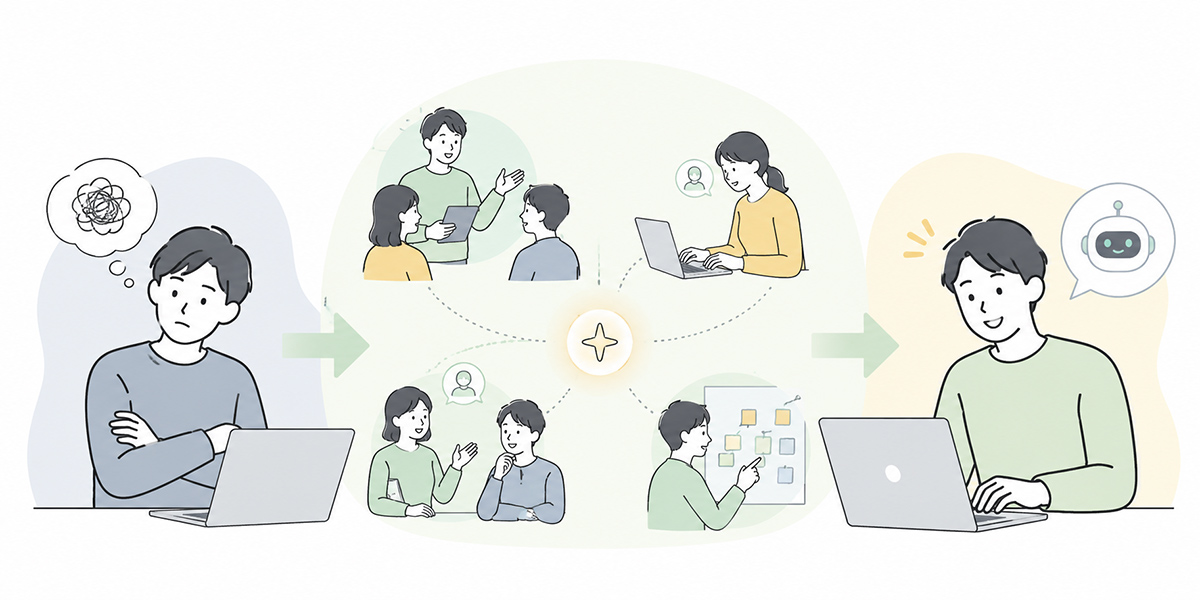
To make AI bed in on the ground, you need a design that lessens the unease and the faff rather than arguing the resistance away.
Here we set out adoption measures that any department should find easy to put to use.
Start with the work that crops up every week
The first targets for embedding AI are best narrowed to work that crops up every week.
With a task that surfaces only a few times a year, people forget how to use it before they’ve learned. A weekly task, by contrast, offers plenty of chances to try, and is easier to refine.
Work of this kind, for instance:
- Writing up minutes for the regular meeting
- Drafting weekly and monthly reports
- Composing internal reports
- Organising the substance of enquiries
- Summarising sales-call and interview notes
- Rewriting and proofreading documents
- Drawing up meeting agendas
There’s no need to chase a grand transformation from the off. Far better to begin with work where people can feel it “got a touch easier.”
Split use cases by department
Company-wide training alone lacks the specificity each team needs.
Sales, HR, finance, legal, IT, marketing and corporate planning each have different work that AI suits. It pays to set out, department by department, the “moments in our own work where it’s usable.”
In sales, for example, it lends itself to meeting notes, proposals and email copy. In HR, to training content, internal FAQs and interview notes. In IT, to triaging enquiries, summarising incident reports and tidying internal manuals.
Run department-level workshops after the shared training and the fit with the work tends to improve.
Gather the wins somewhere visible
AI wins shouldn’t stay buried in a personal note; gather them somewhere the team can see.
You might, for instance, set up an “AI in practice” channel in Slack or Teams and ask people to post in a format like this:
[Task] Writing up minutes for the sales meeting
[How it was used] Fed the recording notes into the AI summary to extract decisions and to-dos
[What was good] Time to share came down
[Watch-outs] A person checked the names and deadlines
[Reusable prompt] xxx
The point is not to oversell the results.
It’s to share them at a level of detail where people think “I could probably manage that much myself.” The more small wins accumulate, the more the team’s motivation tends to build.
Don’t let prompts become personal property
In organisations where AI use is siloed in individuals, the good prompts stay locked inside them.
One member can produce a first-rate set of minutes; another can’t make it work. Leave that gap unattended and you breed a split between “those who can use AI” and “those who can’t.”
To head that off, prompts need managing as a team asset.
For instance, Kanata —a service that lets you organise AI chat, AI summaries, a prompt library and a learning-data library by project—makes it easier to reuse common instructions and reference material across the team. If you already run another knowledge-management tool or groupware, putting your prompt collection and sample outputs there works just as well.
What matters is not the type of tool but keeping things in a form that can be reused.
When you share a prompt, don’t merely save the text; record what it’s for alongside it.
Prompt name: minutes_template_standard
Purpose: organise decisions, to-dos and key points from the recording notes of a regular meeting
Scope: shared across the company
Watch-out: flag uncertain figures or names as "needs checking"
Manage things this way and newcomers find it far easier to get going too.
Set your review steps on the assumption “AI will get things wrong”
In spreading AI across the team, you can never banish the unease entirely.
AI does put out wrong information. Even plausible-sounding prose can carry the wrong figures or proper nouns. That is precisely why you should design your operations from the outset on the premise that “AI can get it wrong.”
Rules of this sort, for instance:
- Anything going outside the company must be checked by a person
- Figures, dates and proper nouns are cross-checked against the source
- Decisions touching legal, HR or finance are checked by the specialist team
- Have any uncertain output flagged “needs checking”
- Set rules for entering confidential or personal information
With review steps like these, the team can use AI with greater peace of mind.
How to tie usage through to verified outcomes
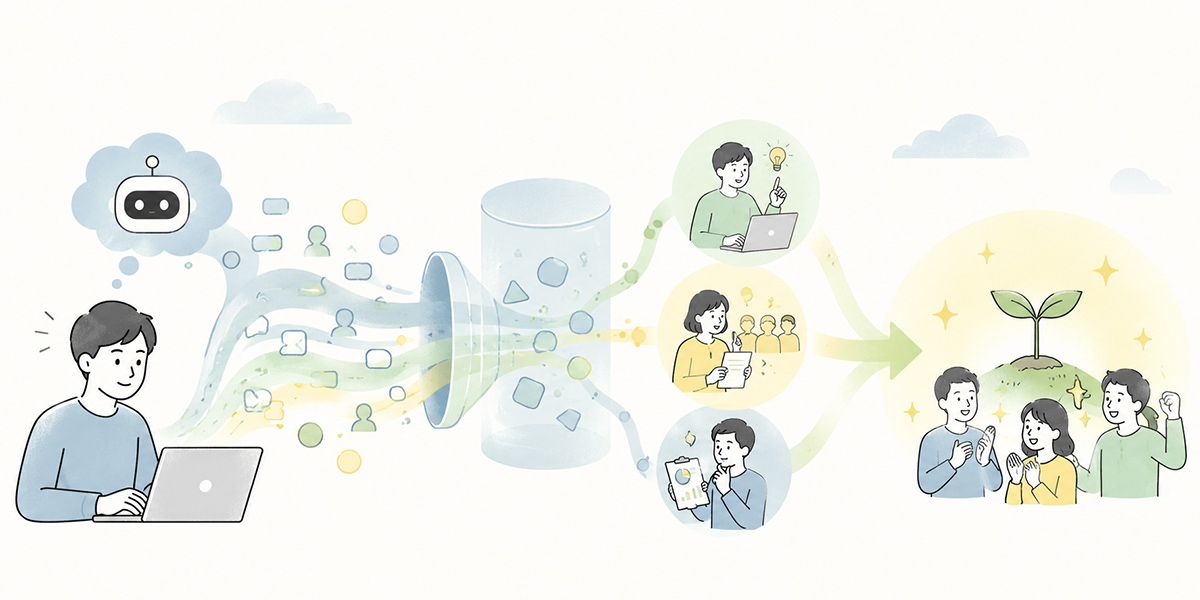
Embedding AI calls for reviewing usage on an ongoing basis.
That said, there’s no need to overthink the verification. To begin with, checking these three is quite enough:
Who is using it
First, look at the skew among users.
Look by department, by role and by seniority to see where usage clusters. If only one department is using it, ask the others why it’s hard for them.
At this point it is vital not to blame those who aren’t using it.
Reasons for not using it vary widely—no fit with the work, no time, no idea what they’re allowed to enter, no encouragement from the boss, never having seen a success story.
For which tasks it’s being used
Next, check which tasks AI is being used for.
Not simply “they used the AI chat,” but classified by task—minute-taking, rewriting documents, handling enquiries, drafting emails, marshalling the points for a piece of research.
Viewed by task, the areas that bed in readily and those that don’t come into focus.
The areas that take root, spread to other teams as success stories. The areas that don’t, leave be rather than forcing, and consider a different use.
How the work changed
Lastly, look at how the work itself shifted.
Along these lines, for instance:
- Did the time on the task come down?
- Did the rework fall?
- Did information-sharing get quicker?
- Did siloing ease?
- Did new joiners and transferees find it easier to get up to speed?
- Did the quality of meetings and reports improve?
Where something is measurable, compare like with like—matching the period, the subject and the conditions.
You might, for instance, pin the conditions down: “across the twelve regular sales meetings in April 2026, compare the average time to share minutes before and after introduction.”
Where putting a number on it is hard, a qualitative change will do.
- To-dos now get shared straight after the meeting
- Less time spent hunting down past answers when handling enquiries
- Junior staff find it easier to knock out a first draft of a document
Shifts in behaviour like these are also telling signs of adoption.
Designing the tooling so it embeds in the work

For AI to bed into an organisation, you need not only individuals using it freely but a setup the team can reuse.
This setup is not something only a particular service can deliver. You can put it together from your in-house knowledge-management tool, groupware, chat tool and document-management system.
That said, when AI chat, summaries, learning data, prompt management and training content are scattered across separate places, the burden on the team to learn how to use it grows. If adoption is the priority, the key is to consolidate things as close as possible to the flow of the work.
Kanata —a service that handles AI chat, AI summaries, e-learning and project-level libraries together—sits well with this kind of adoption design. It becomes one option in particular where you want to split projects by department and have the team build up the prompts and reference material they use most.
Split AI chats by purpose
Lay on just one general-purpose chat and the team can struggle to judge “what to use it for.”
In that case, splitting the AI chats by purpose makes them easier to use.
- For sales: a proposal and sales-prep assistant
- For HR: a training and internal-FAQ assistant
- For managers: a meeting and one-to-one organising assistant
- For IT: an enquiry-triage and manual-tidying assistant
The point is to make the use plain from the name of the AI chat alone.
AI summaries make the first win easy to land
An easy thing to bring in as that first win is the AI summary.
Feed in a meeting recording, rough minutes, a document or some text, and pull out the decisions, to-dos and key points. This is work that crops up across many departments alike.
Start with work where the benefit is easy to feel—minute-taking, say—and resistance to AI tends to ease.
That said, the summary too needs checking. Make it the practice to cross-check names, deadlines, figures and decisions against the original notes or recording before sharing.
Make prompts and learning data a team asset
What matters in using AI is not starting from scratch every time.
For routine work—minutes, emails, reports, sales notes, enquiry replies—prepare routine prompts. The instructions that worked, bank as a prompt collection.
And making your internal rules, product information, work manuals, past minutes and FAQs available for reference makes it easier to get answers in your own context rather than generalities.
That said, the material you register needs care. Personal data, confidential information and anything not yet public must be handled in line with internal rules.
An operating cycle for making AI a habit

AI adoption is not a rollout project but an operating cycle.
It isn’t a matter of setting the rules once and being done. You need to watch how it gets used, refine, and keep the knowledge up to date.
Week 1: decide the target work
In the first week, narrow down the work you’ll use AI for.
In each department, list three tasks that “crop up every week but are a bit of a chore.” From those, pick the ones that suit AI and where a slip carries no great risk.
Examples include writing up minutes, drafting reports, organising enquiries and rewriting documents.
Weeks 2–4: trial it small
Next, actually use AI on the work you’ve chosen.
At this stage it’s important not to demand too much. The aim is for the team to get a feel for what AI can do.
Ask those who used it to record these three points:
- Which task they used it for
- What got easier
- Where a human check was needed
This record feeds the knowledge-sharing that follows.
Monthly: review usage and how the work changed
Once a month, review how things are being used.
Check the usage rate, the departments and tasks using it, the success stories and the snags. The point here is not to blame the departments that aren’t using it.
Ask why it went unused, and work out whether the fit was poor, the training follow-up thin, or the rules unclear.
Quarterly: refresh the adoption measures
Each quarter, take a fresh look at the adoption measures themselves.
Standardise the prompts in use. Delete or improve the ones that aren’t. Where new use cases have emerged, fold them into training and the knowledge base.
AI adoption never runs to the plan you first drew up. Updating your operating rules as you watch the results on the ground is what makes it stick.
In summary: with AI, “build it into the work” beats “make them use it”
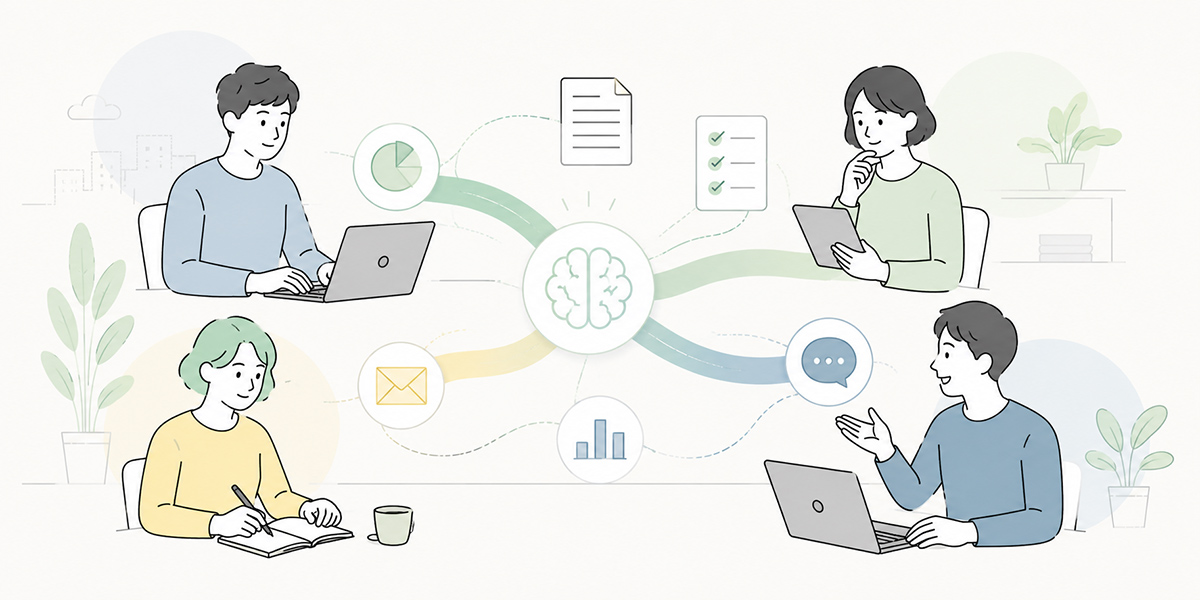
The reason AI fails to bed in on the ground isn’t merely a want of keenness.
More often the cause is a weak link to the work, wins that go unshared, training follow-up that stops at a single session, and chasing the usage rate alone.
To make AI stick, you need these perspectives:
- Start with the work that crops up every week
- Pick the use cases that fit each department well
- Share the wins somewhere visible
- Make prompts and learning data a team asset
- Set review steps on the premise that AI gets things wrong
- Look beyond the usage rate to how the work changes
- Keep training and operations joined up over time
AI won’t spread simply by exhorting staff to “use it more.”
Build it into the work on the ground, lay on usable templates, share the wins and review continually, and little by little it takes root in the organisation.
Q&A: common questions on making AI stick
If the usage rate is climbing, is it fair to say AI has bedded in?The usage rate is a worthwhile metric, but it alone won’t tell you it has bedded in. If only certain staff or departments are heavy users, the company-wide average can look high while it still hasn’t spread across the floor. Alongside the usage rate, it pays to check usage by department and task, the change in time spent on work, the quality of outputs, and whether knowledge is being shared.
How should I approach staff who don’t use AI?First, it’s important to ask why they don’t. The support they need shifts depending on whether it’s reluctance, not knowing how, not seeing where it fits the work, or unease about entering information. Rather than pressing them to use it out of the blue, you’ll bed it in more readily by finding together a use—within the work that crops up every week—that makes things “a touch easier.”
If we’re starting AI for the first time, which work suits it?Writing up minutes for the regular meeting, rewriting documents, drafting email copy, organising the substance of enquiries, and putting together the structure of a weekly report all make for easy starting points. What they have in common is that they recur, involve plenty of writing and summarising, and allow a human to do the final check. Early on it’s safer to begin with supporting work—drafting, organising, summarising—than with tasks carrying heavy responsibility for judgement.
If we’re uneasy about AI getting things wrong, what rules should we set?Set your review steps on the premise that “AI can get things wrong.” You’ll want rules such as: anything going outside the company is always checked by a person; figures, proper nouns and dates are cross-checked against the source; decisions touching legal, HR or finance are checked by the specialist team; and uncertain content is flagged “needs checking.” The point is not to ban AI but to make plain the range within which it can be used safely.
What sort of organisation does an AI-adoption platform like Kanata suit?It suits organisations that want to spread AI use department by department, those that want to reuse prompts and learning data as a team, and those that want to manage AI chat, summaries and training content without scattering them about. Where in-house knowledge management or chat tools are already well established, there’s also the option of using those to start small. What matters is not bringing in a particular tool but building operations that embed in the work and can be improved continually.