


We can get as far as asking the AI, but a state in which the AI carries itself through to the next task is something we still can’t quite picture.
This was the remark of Morita-san, who looks after DX in the corporate planning division of a manufacturer, during a meeting that brought together the head of IT and the person responsible for HR training. Until six months earlier, generative AI had been used at the company as a handy “chat companion” for summarising minutes and drafting emails. From the front line, though, came complaints: “writing out instructions every single time is exhausting,” and “we can’t hand it tasks that span Slack, the CRM and our internal documents.”
Now, the company has begun to get clear on what an AI agent actually is and where it differs from a generative AI assistant, and to identify areas it can trial with a multi-step, task-executing AI. In an environment where AI chat, AI summarisation and e-learning can be handled on a per-task basis, it pays to see AI not as a one-off respondent but as a mechanism that supports information organisation, execution preparation and learning. Kanata is one such option, well suited to companies that want to organise internal AI use and training on a per-task basis.
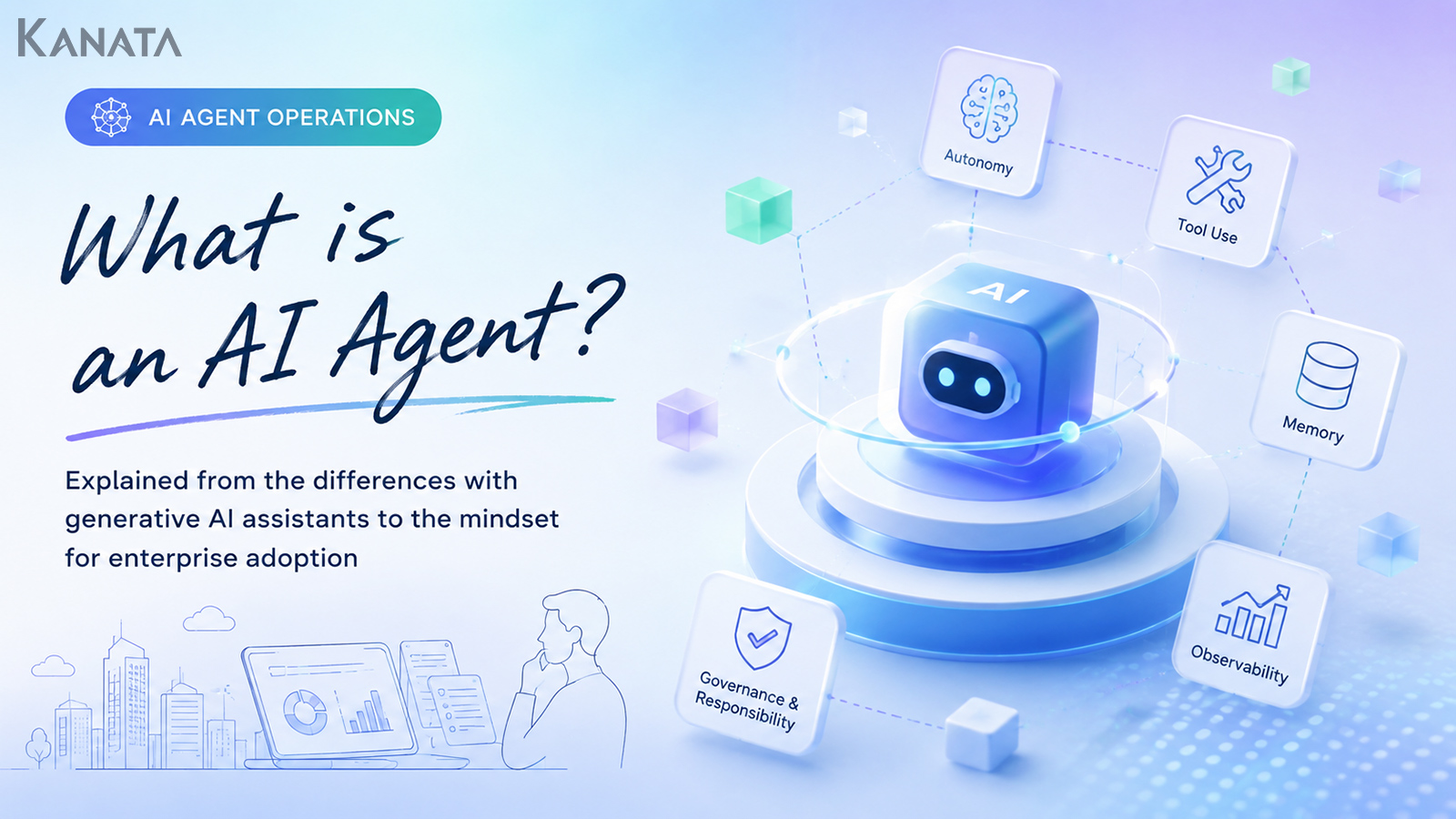
This article is aimed at the decision-makers weighing up corporate use of AI agents, and it sets out the issues around autonomous AI, tool use, memory, observability and accountability. The goal is a state in which you can separate the work you delegate to AI from the work people should judge, and articulate the scope of use that fits your own organisation. That said, an AI agent is no panacea. Without thought given to permissions, review, training and operating rules, it may, if anything, increase operational risk.
What an AI agent is
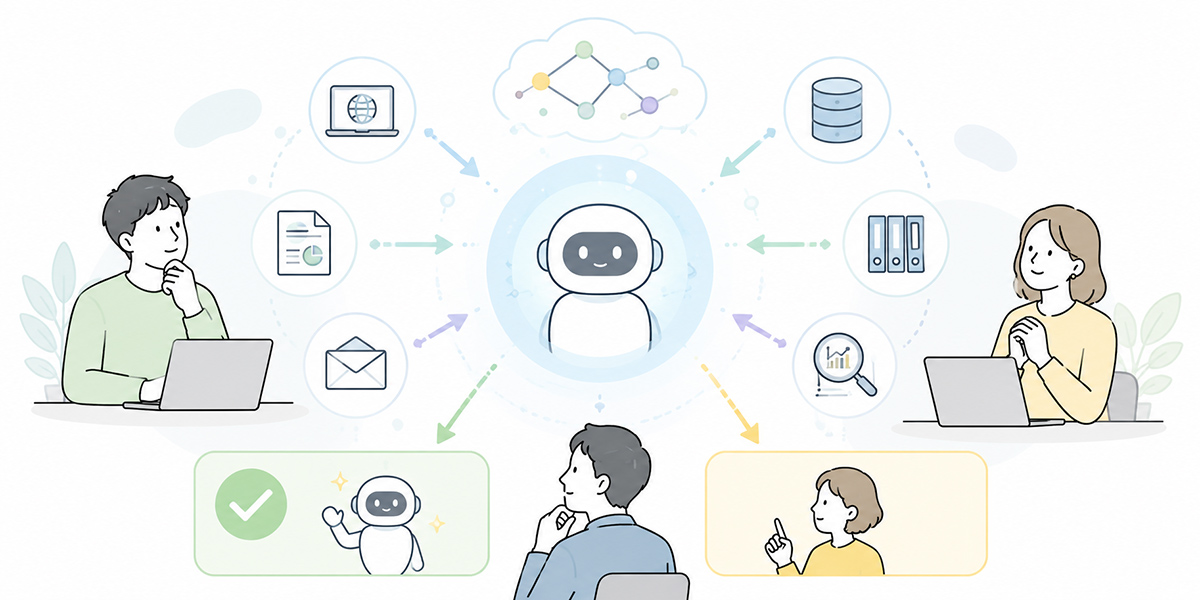
An AI agent is an AI system that, in line with the user’s objective, understands a task, works out the steps required, and proceeds with a degree of autonomy while drawing on external tools and data.
Where the conventional generative AI assistant was a response-centred affair — answering questions, drafting text, summarising — an AI agent places the emphasis on acting in order to achieve a goal. AI agents, or agentic AI, are sometimes described as AI systems that perceive a situation, reason about it and act, either semi-autonomously or autonomously.MIT Sloan’s explainer on agentic AI
Ask a generative AI assistant to “draw up an agenda for next week’s sales meeting,” for instance, and it will hand back a draft agenda. An AI agent, by contrast, is expected to take on the whole sequence: checking past minutes, pulling out unfinished tasks, looking at deal status in the CRM, assembling an agenda that suits the meeting’s aim, and, where needed, sending colleagues a request to confirm.
In short, an AI agent is not a “clever chat” as such; it is something that carries out and assists part of a business process.
How it differs from a generative AI assistant
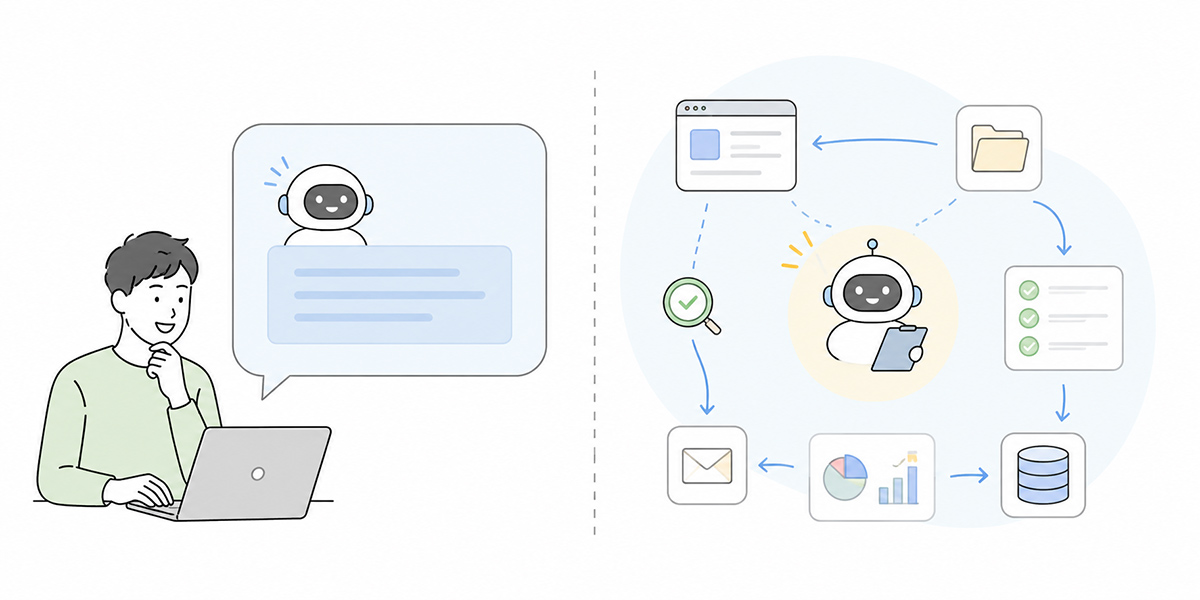
The difference between a generative AI assistant and an AI agent comes down to whether it answers or moves closer to getting things done.
A generative AI assistant returns text or information on the spot in response to the instruction a user types in. Email drafts, summaries of minutes, the outline of a proposal, an explanation of some code — these are its strong suit. The relationship runs: a person poses the question, the AI answers, the person performs the next operation.
An AI agent, on the other hand, receives an objective and then breaks the task down, decides the order, uses the tools required, and chooses its next move while watching the interim results. The distinguishing feature is that the AI does not merely “answer” but also handles what to check next and which step to proceed to.
| Aspect | Generative AI assistant | AI agent |
|---|---|---|
| Primary role | Answering, drafting, summarising, organising | Planning, supporting execution, checking, improving |
| User involvement | Instructs it each time | Sets the aim and conditions, then supervises progress |
| Unit of work | A one-off question or task | Multi-step work |
| Tool use | Often operated by a person | Uses external tools as needed |
| Approach to accountability | Centred on checking the output | Extends to results, permissions, logs and approvals |
Adopt one without grasping this distinction and you end up calling it an “AI agent” while, in practice, it is little more than an extension of a chatbot. Overstate its autonomy, conversely, and you risk handing it judgements and operations that ought never to be delegated to AI.
The main building blocks of an AI agent
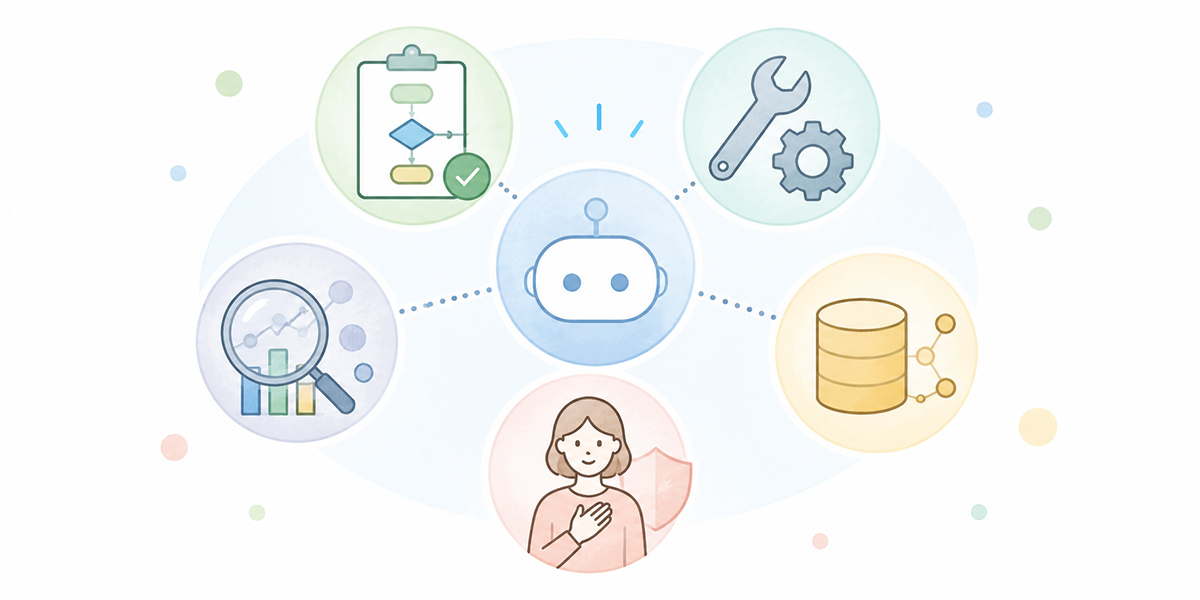
When a company is weighing up an AI agent, treating it simply as “AI that acts autonomously” will not do. You need to break it down — what the components are and where the risks sit.
Task execution
At the heart of an AI agent is task execution.
Given a request such as “carry out a competitor analysis,” it does not merely return an overview; it works through the whole sequence — deciding what to investigate, sorting the sources, setting the axes of comparison, pulling it together into report form, and flagging what remains unconfirmed.
What matters here is not leaving the delegated task too vague. Rather than “just handle it nicely,” a person needs to design the scope, the criteria and how far it should go.
Tool use
An AI agent is not self-contained. It functions far more readily as a task-executing AI when joined up with calendar, email, Slack, Teams, the CRM, internal documents, ticketing tools and the like.
After a sales meeting, say, the agent summarises the minutes, extracts the next actions, drafts an entry for the CRM and sends colleagues a request to confirm. Moves of this sort only hold together once several tools are in use.
Recent agent-development environments likewise treat instructions, models, tools, sessions, tracing and human checks as essential components.the official OpenAI Agents SDK documentation
Multi-step working
An AI agent shows its worth not in work that ends with a single response but in work that involves several stages.
The sequence might run as follows.
- Confirm the objective
- Gather the information needed
- Identify what is missing
- Form a hypothesis
- Produce the output
- Ask a person to check
- Revise, then move on to the next step
It is precisely this multi-step quality that makes an AI agent something you can hand part of the work to. Yet the more steps there are, the easier it becomes for a misreading or a mis-execution to creep in along the way. For that reason, it is important to design the checkpoints in advance.
Memory
Memory, in the context of an AI agent, is the mechanism that retains past exchanges, user preferences, business rules, project assumptions and so on, and brings them to bear on the next judgement.
In corporate use, memory is convenient but calls for careful design. Unless you decide what is retained, which users it is shared with, and how stale information is updated, the agent may act on mistaken assumptions.
Where it handles internal regulations, customer information, contract terms or past decisions in particular, the accuracy and currency of that memory become important.
Observability
Observability is the state in which you can establish, after the fact, what an AI agent referred to, what it judged and which operations it performed.
When a company uses an AI agent, a situation in which you cannot tell why it reached a given judgement, which data it looked at, or whose permissions it acted under is a risk in itself. In customer handling, contracts, recruitment, accounting and IT operations especially, logs and approval flows are indispensable.
The more autonomous an AI agent, the less it can be allowed to become a black box. Permissions, logs, approvals and anomaly detection all need to be designed in.
Where companies tend to expect most from an AI agent
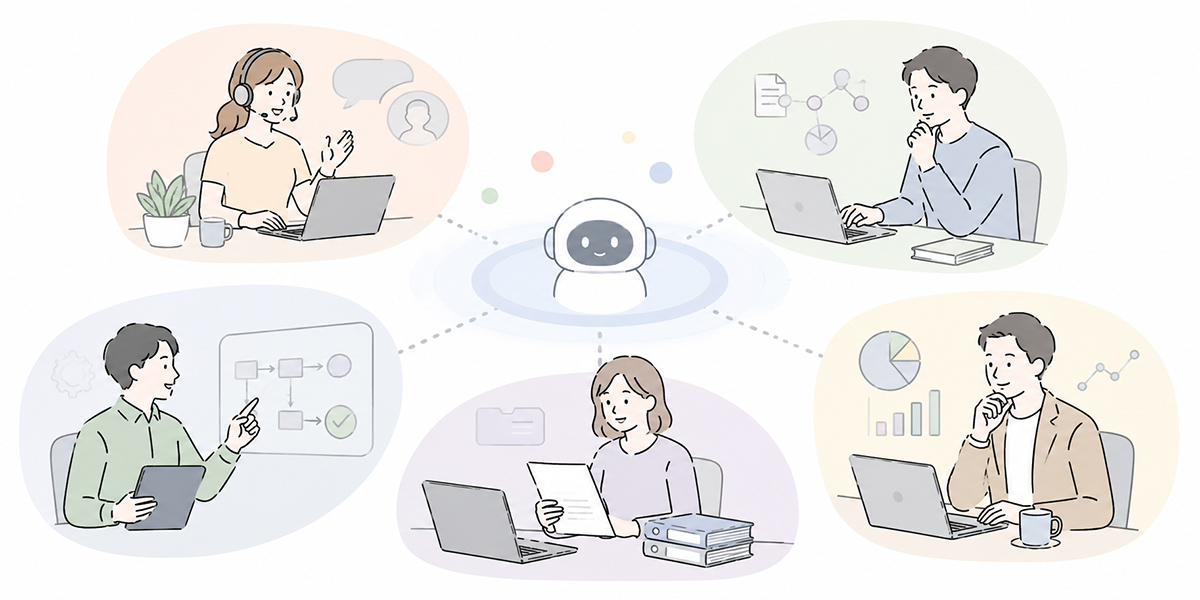
An AI agent is not suited to every kind of work. If a company is considering adoption, the realistic place to start is with work that recurs, has a defined procedure, spans several tools and allows a person to check along the way.
Sales and marketing
In sales and marketing, the candidates include preparing for meetings, researching customers, updating the CRM, drafting proposals, following up by email and analysing campaigns.
The agent might, for example, read the meeting notes, set out the customer’s issues, frame the points for the next proposal and even draft the CRM entry — leaving people to concentrate on the final check and on building the relationship with the customer.
Sending anything to the customer, putting forward pricing terms and any judgement bearing on a contract should, however, be predicated on a person’s sign-off.
IT and DX
In the IT department, one might think of first-line response to internal queries, guidance on account requests, marshalling the initial response to an incident, updating the FAQ and classifying tickets.
The agent reads the query, consults past knowledge, sets out the relevant procedure and, where needed, drafts a ticket. A flow of this kind may well lighten IT’s response burden.
Changing permissions, taking systems offline and altering security settings, on the other hand, should not be left to autonomous execution by the AI. Even where it does act, approval, logging and a rollback procedure must be mandatory.
HR and training
In HR and training, the candidates include designing internal training, tracking attendance, suggesting materials according to how well something has been understood, handling the FAQ and supporting onboarding.
In AI-agent training and advanced reskilling in particular, it matters that people learn not only how to use AI but what to delegate to it and what not to. Establishing the shape of the work through AI chat and AI summarisation, then carrying it into continuous learning via e-learning, is one realistic way to proceed in the early days of adoption.
Corporate planning and back-office functions
In corporate planning and back-office functions, one might think of first drafts of meeting materials, organising the points at issue, surfacing risks, checking internal regulations and building comparison tables for decisions.
Here the agent’s role is not to make the final judgement but, chiefly, to assemble the basis for it. It is best positioned with people making the management decision itself and the AI supporting the organisation of information and guarding against gaps in the analysis.
What to settle before you adopt one
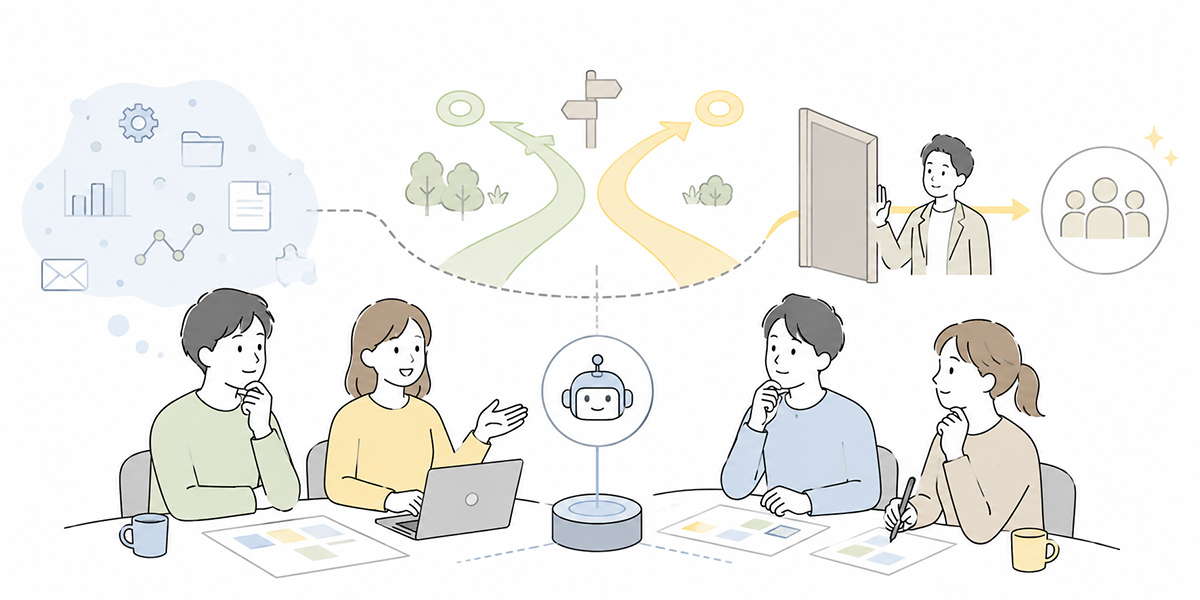
Before adopting an AI agent, a company needs to settle not only its choice of technology but its operating rules.
Decide how much to delegate to AI
The first thing to settle is how far to delegate to the AI.
“As far as a draft,” “as far as drafting internal notices,” “as far as requesting approval” and “as far as execution” call for markedly different levels of control. Rather than delegating right through to execution from the outset, it is safer to begin with areas a person can readily check — drafting, organising, classifying, suggesting.
Decide where a person signs off
An AI agent can be designed to pause and ask a person to confirm partway through — before sending a customer email, before updating the CRM, before an internal announcement, before a permissions change, and so on. Deciding in advance at which points a person’s sign-off is mandatory makes it easier to strike a balance between autonomy and safety.
Decide on logging and an accountable owner
You need to record what the AI agent did and to make clear who is accountable.
“The AI did it, so we don’t know” simply will not wash in a corporate setting. A document the AI produced is still the responsibility of the person who sends it outside the company. An operation the AI performed still leaves management responsibility with the organisation that granted it the permissions.
Governance of AI agents puts the weight on setting boundaries, oversight, observability, logging and human involvement.Gartner’s explainer on agentic AI
Design training and reskilling
Making good use of AI agents changes the skills required of users, too.
The focus used to be on how to phrase a question. From here on, what matters is how to break the work down, how much to delegate to the AI, what to check along the way and how to verify the output and the results of execution.
For that reason, AI-agent training needs to cover not just operating the tools but designing the work, pinning down where responsibility lies and how to review.
How to think about the deployment environment, Kanata included
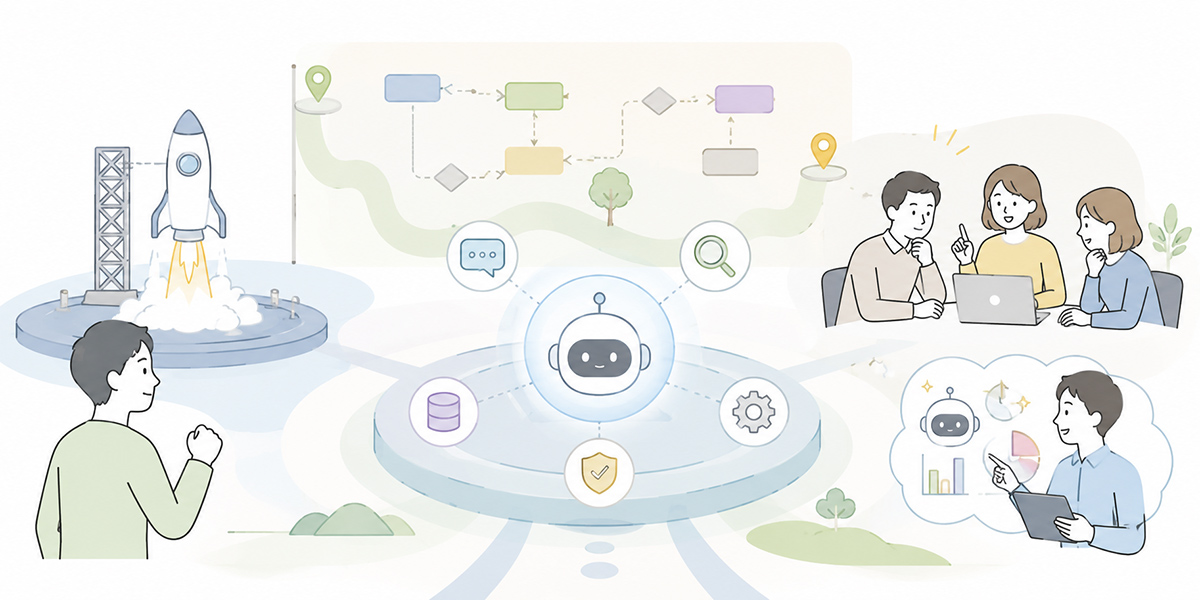
There is no need to roll an AI agent out across the whole organisation overnight. It is more realistic, in fact, to first get your use of it as a generative AI assistant in order, and then, as a natural extension, to ask which work could be turned into agent form.
When choosing a deployment environment, rather than judging by a particular product name alone, it is worth comparing on the following points.
- Whether projects and users can be separated by task
- Whether chat, summarisation, learning and knowledge management can be joined up
- Whether training data and prompts can be managed as team assets
- Whether permissions, logs and operating rules are easy to design
- Whether it can be run to include staff training and adoption support
Kanata is distinguished by handling AI chat, AI summarisation and e-learning within a single work-support environment. For a company that already wants to push ahead with AI use in internal training and day-to-day work, it is an easy option for laying the groundwork before adopting an AI agent. Where the requirements for connecting to existing SaaS, the CRM, an identity-management platform or a security policy are demanding, however, it should be weighed against other AI platforms or bespoke development.
The important thing is not to fix on a tool first. It is to get clear on your own work, permissions, data and the bounds of responsibility, and then choose an environment that fits that design.
An AI agent is no panacea
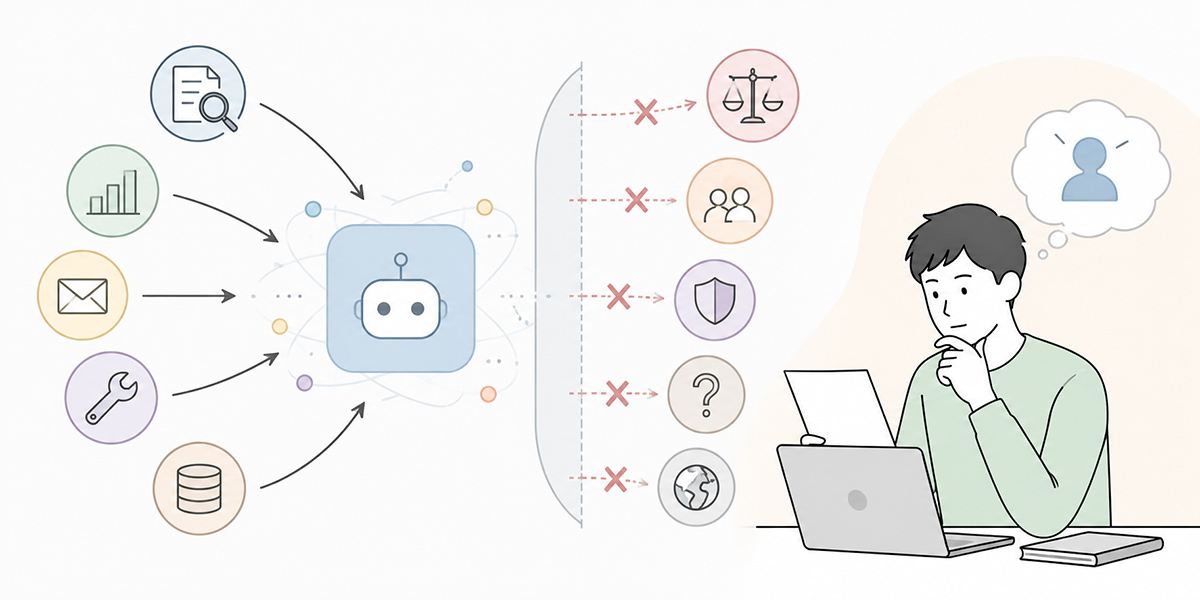
The phrase “AI agent” tends to carry the expectation that it will do everything in a person’s place. The reality in a company, though, deserves a rather more measured look.
What an AI agent does well is work where the objective is clear, there is information to draw on, the steps can be broken down and checks can be made along the way. Judgements of value or ethics, building trust with customers, coordination within the organisation, decisions that carry legal responsibility — these, by contrast, are areas people should own.
An AI agent will also reach a wrong judgement if it refers to wrong information. It may answer on the basis of outdated material, interpret a vague instruction to suit itself, or perform needless operations because its permissions are too broad.
That is exactly why, in adopting an AI agent, it matters to decide not only what it can do but what you will not let it do.
In summary
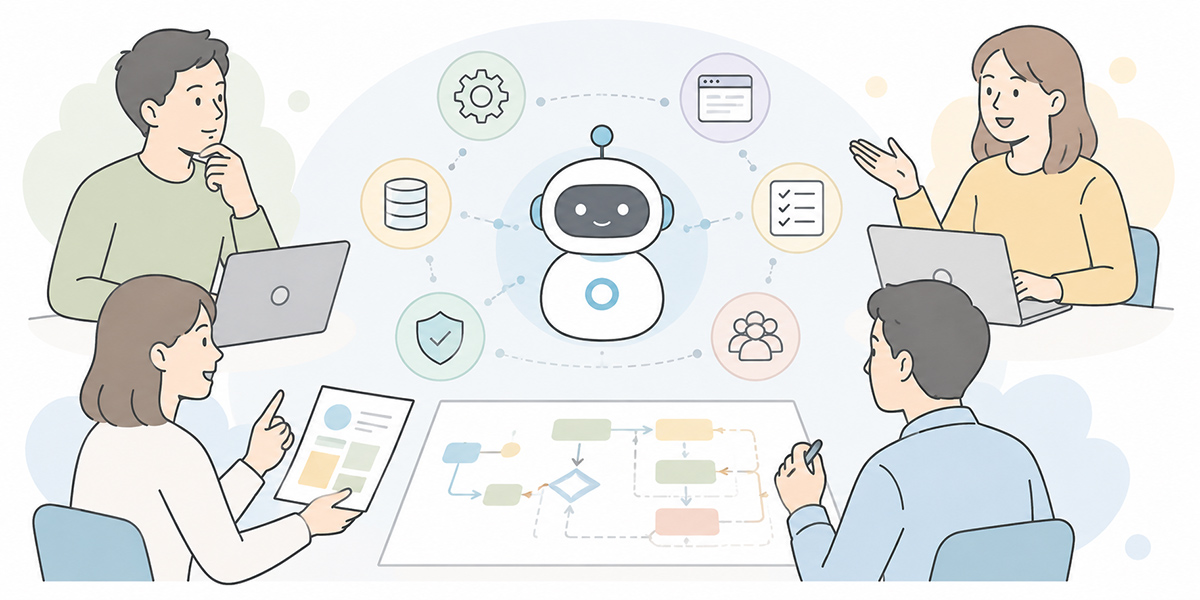
An AI agent is an AI system that, in line with the user’s objective, breaks a task down, uses tools and carries the work forward across multiple steps. What sets it apart from a generative AI assistant is that, rather than simply answering, it moves closer to actually executing the work.
That said, adopting an AI agent will not change how you work of its own accord. What a company needs is these four things.
- Separating the work you hand to AI from the work people judge
- Designing the scope of tool use and memory
- Securing observability through logs, approvals and review
- Training staff to handle AI agents properly
Moving from using generative AI as a chat companion to putting it to work as a task-executing AI takes more than technology; it takes design at the level of the organisation.
Understanding what an AI agent is marks the first step. The next thing to consider is which of your own areas of work could be delegated in a way that is small, safe and open to verification.
Q&A
What is an AI agent, in simple terms?An AI agent is an AI system that, in line with the user’s objective, breaks a task down and carries the work forward while drawing on the information and tools it needs. The distinguishing feature is that, rather than simply returning an answer, it moves on to the next step in step with the flow of the work.
How does it differ from a generative AI assistant?A generative AI assistant mainly answers questions, drafts text and summarises. An AI agent does that and more — assembling several steps, using external tools and choosing its next move while watching the interim results. The difference is whether the focus is on answering or on getting the task done.
Which work should a company trial it on first?The realistic approach is to start with work that recurs, has a procedure and is easy for a person to check. Summarising minutes, classifying queries, tidying up meeting notes, drafting CRM entries, handling the internal FAQ and organising training content are all candidates.
Is there work an AI agent should not be entrusted with?Yes, there is. Work that carries significant responsibility or risk — concluding contracts, fixing pricing terms, changing permissions, taking systems offline, hiring decisions, legal judgements, important communications to customers — should require a person’s sign-off. The preferred design is to let the AI handle drafts and the organisation of issues, while a person takes the final decision.
What should a company prepare before adoption?First, settle the scope you delegate to the AI, the points at which a person signs off, how logs are kept, who is accountable, and user training. Getting your workflow, permissions, data management and review arrangements in order before choosing a tool will reduce the confusion that follows adoption.