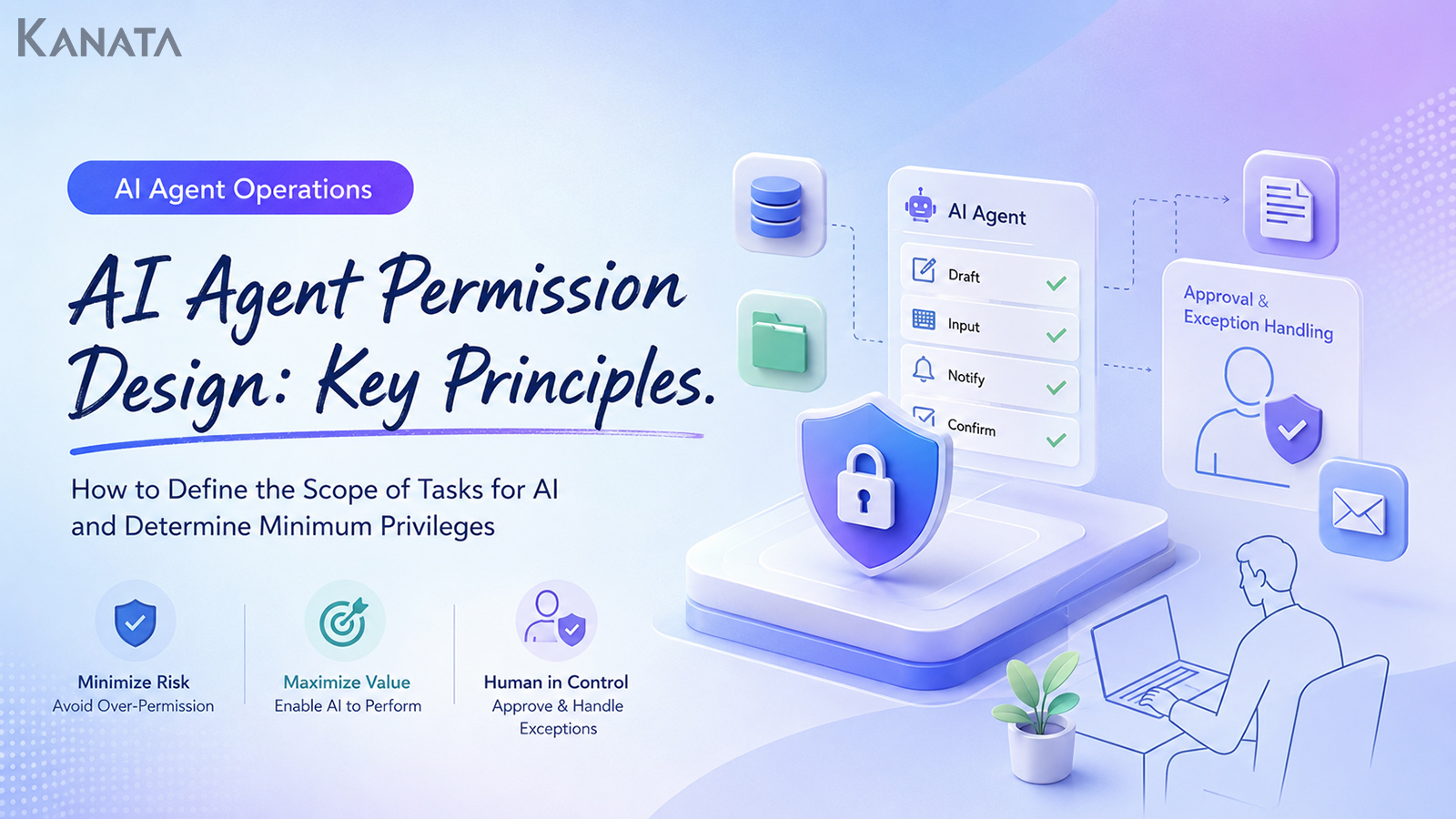



Why on earth can this AI agent edit our billing data?
That was the remark Saeki (not their real name) from the IT department made, eyes fixed on the screen, just gone five o’clock on a Friday. This is the story of how sales planning, finance and the security team worked together to design the permissions for a task-executing AI agent.
Six months earlier, an AI agent running in the test environment had been handed administrator rights and was about to be trusted with drafting quotes, updating customer records and even sending approval requests. The people on the ground complained that “narrow the permissions and it stops being any use,” while the security side worried that “we can’t trace who did what.”
These days the design is shifting: AI roles are split by task, the scope of view, edit and approve is mapped out alongside time limits, IP restrictions and the cadence of access reviews, and only the operations that are genuinely needed are entrusted to the agent.
In an environment such as Kanata, where users, training data, AI chat and business apps can be separated project by project, it becomes rather easier to organise, task by task, what you hand to an AI agent. The point is not to “let the AI do everything,” but to decide which data, in which business process, it may touch and how far.
This article is written for the IT, security and DX leads wrestling with AI agent permission design, and for the heads of business units. It sets out how to design a least-privilege AI that sits between two failure modes: handing over excessive rights, and trimming permissions so hard that the business AI is useless.
The aim is a state in which the AI handles drafting, data entry, notifications and checks, while people retain approval and judgement on the exceptions. That said, drawing up a permissions table does not, by itself, deliver safe operation. Only when it is paired with log review, training and regular access reviews do you arrive at a security design for AI that actually works on the ground.
Why is permission design for AI agents so hard?
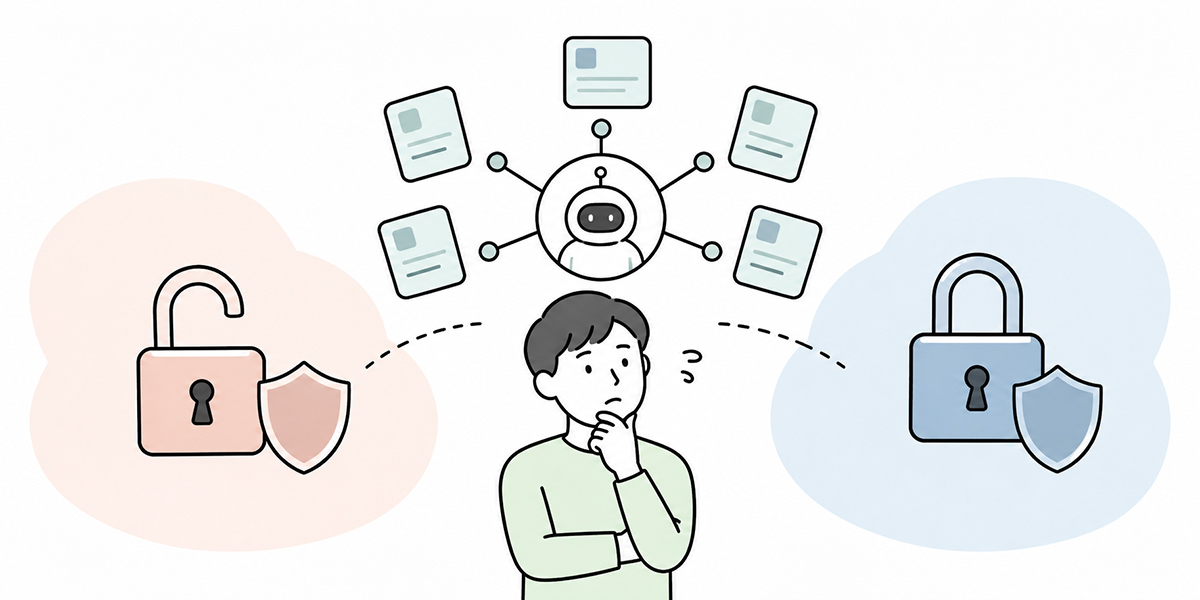
In the early days of generative AI adoption, the main question at most companies was simply “what shall we ask the AI?”
Summarise the minutes. Draft an email. Answer a question about an internal policy. Sketch the outline of a proposal. At that stage the AI is, by and large, something that answers, writes and tidies up information.
A task-executing AI agent, by contrast, is a mechanism in which the AI connects to external tools and business systems and works through a process in a set sequence. Think of it referencing a business system, drafting an update to a customer record, preparing a draft quote, sending an approval request, or raising a ticket in a task management tool.
The thing to watch here is that, once the AI moves from merely “reading” to “operating,” the meaning of permission design changes.
Whatever rights you grant an AI agent become, directly, its sphere of influence on the business. A human member of staff can pause before an operation that feels off, check with a manager, or judge from past context that “this is an exception.” An AI agent simply proceeds within the permissions and rules it has been designed with.
Grant too much, and you invite unintended data updates, misdirected messages and needless access to information. Grant too little, and every task bounces back to a human, until you arrive at the all-too-familiar conclusion: “honestly, it was quicker to do it ourselves
In other words, permission design for AI agents is not solely a security matter. It is a design problem where operational efficiency, day-to-day usability, auditability, lines of responsibility, system integration and the organisation’s operating rules all overlap.
The first split to make: view, edit and approve
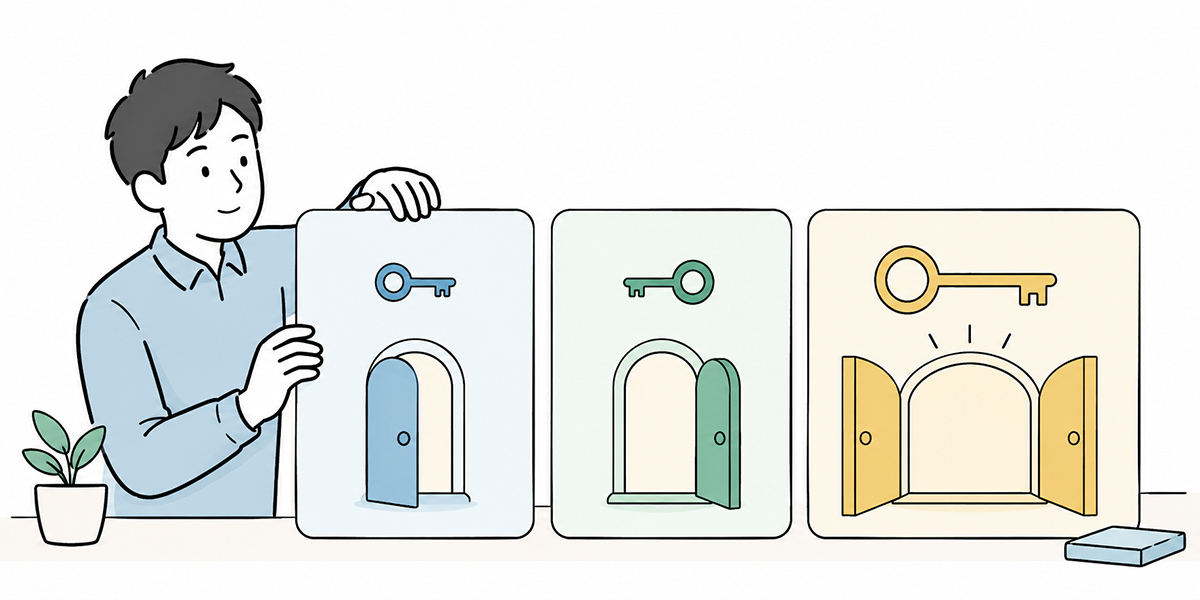
The first thing to consider in AI agent permission design is not to grant rights in one undifferentiated lump.
Frame it at the level of “let the sales-support AI use the CRM,” “let the finance AI use the billing system,” or “let the HR AI read employee records,” and the permissions tend to balloon. At a minimum, the first split to make is into three: view, edit and approve.
View permission
View permission decides which data the AI agent may look at.
For a sales-support AI, for instance, the risk changes enormously depending on whether it can see “only the customer name,” “the deal history as well,” “the contract value,” or even “the billing status.”
Even within the same “referencing customer information,” the range a task actually requires will differ. A draft sales email probably does not need the billing status. Handling an enquiry may need the contract plan but not the payment history.
To achieve a least-privilege AI, you have to decide first “what data is genuinely required to carry out this task.” View permission is the foundation of business AI permissions. Make it too broad here and the edit and execute permissions that follow tend to widen along with it.
Edit permission
Edit permission decides whether the AI agent may rewrite data.
Here you need to go beyond “can it edit or not” and separate out “which fields it may edit.” In a CRM, say, you might allow appending to deal notes and creating next actions, while disallowing changes to customer status or contract value.
What the AI takes on most comfortably are edits a person can check afterwards: drafts, notes, tagging, classification, candidate suggestions. Operations such as changing a contract value, the billing address, an approval status, permissions, or running a deletion, by contrast, warrant careful thought before you let the AI carry them out on its own.
Approval permission
The one to treat with the greatest care is approval permission.
Approval is not a mere operation; it is the act of the organisation taking on responsibility. Approving a quote, finalising an invoice, signing off an offer to a candidate, approving an increase in the advertising budget, sending a formal reply to a customer — hand these to an AI agent and you risk it becoming murky, after the fact, who actually made the call.
Having the AI marshal the material for an approval decision is useful. It can lay out comparable past cases, the risks, the points to check and the available options. The final approval, however, is better designed to rest with a person — that keeps the lines of responsibility clear.
| Operation | Easy to entrust to AI? | How to think about it |
|---|---|---|
| Searching for information | Easy to entrust | Limit the reference scope |
| Summarising and classifying | Easy to entrust | Make sources and original data verifiable |
| Drafting | Easy to entrust | Have a person check before the final send |
| Minor additions | Possible with conditions | Limit the fields and the targets |
| Status changes | Judge with care | Decide the scope of impact and how to roll back |
| Approval | As a rule, a person | Keep the AI to organising the decision material |
| Deletion | As a rule, a person | Recovery from a mistake is difficult |
Don’t map AI roles onto human job titles
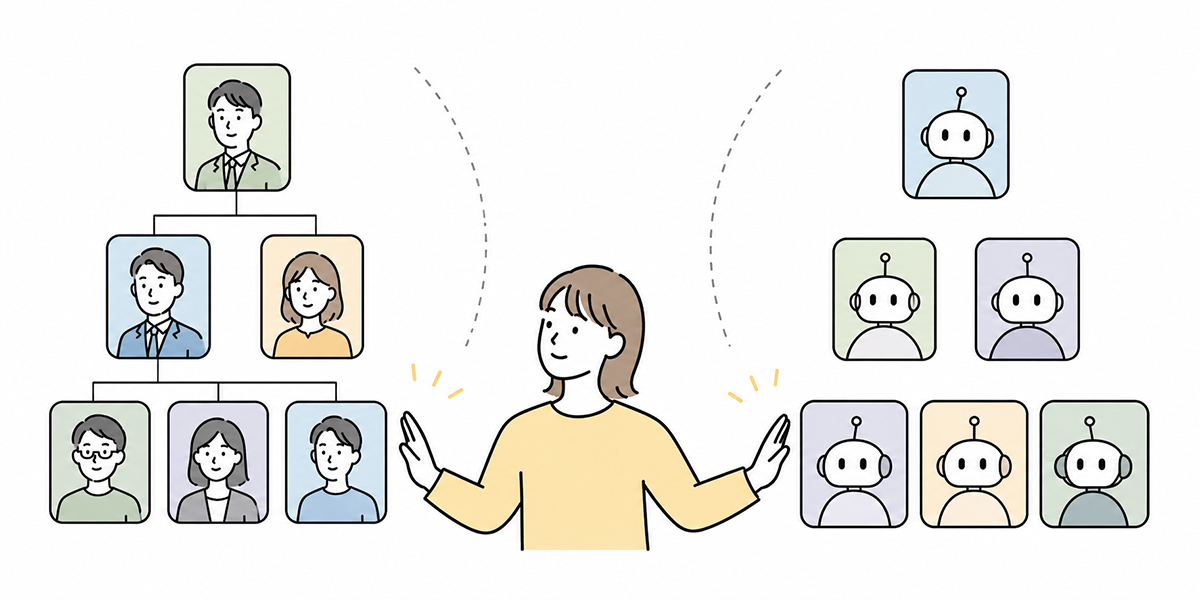
A common failure in AI permission design is to drop a human job title straight onto the AI.
The AI is used by a sales manager, so it gets “sales manager” rights. It is used by the head of finance, so it gets “head of finance” rights. It is used by an admin function, so it gets “administrator” rights. At first glance this looks perfectly natural.
But a human’s permissions come bundled with contextual judgement and organisational responsibility. A sales manager may be able to see a great deal in the CRM, yet does not perform every operation all the time. The head of finance may be able to change billing information, but that does not mean an AI should process the same things automatically under the same rights.
AI roles should be designed around the task, not the human job title.
| AI role | Main purpose | Example permissions |
|---|---|---|
| Deal-note tidying AI | Summarise the deal and organise next actions | View deal notes; draft notes |
| Proposal-drafting AI | Build a proposal outline from customer issues | View customer overview; reference proposal templates |
| CRM entry-assist AI | Help fill the gaps left after a meeting | Draft specified fields; apply after the owner checks |
| Renewal-risk detection AI | Surface risks ahead of a renewal | View contract term and usage; no changes allowed |
Designed this way, an AI role is safer split by “what kind of AI it is” than by “who uses it.”
In an environment such as Kanata, where users, training data and AI chat can be organised project by project, you need not place a single all-purpose AI across the whole sales department; you can design AI chats and training data split by task. That is one effective way to avoid over-broad permissions.
A least-privilege AI is defined by what it must not do, not what it can do
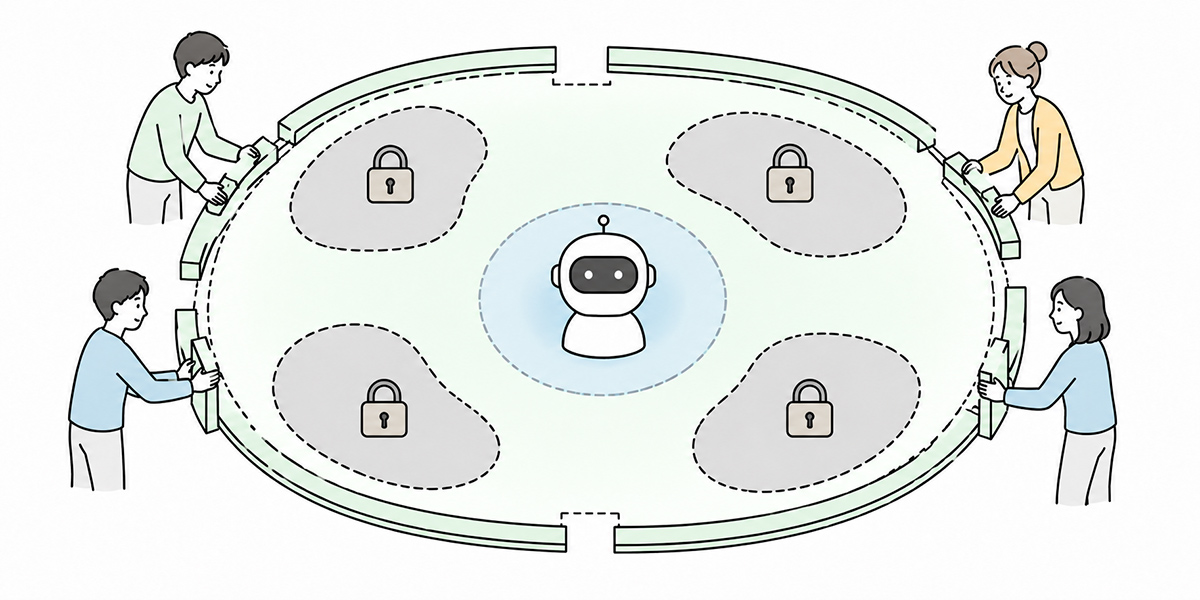
The term “least privilege” is well worn in security circles. Broadly, it means granting only the minimum access a task requires.
With AI agents, though, simply shrinking the permissions is not the answer. Trim them too hard and the agent stalls part-way through the work. It keeps replying “you don’t have access to this information,” it cannot read the data a draft needs, it can compose a notification but not send it, it cannot update a status so a person repeats the same task. In that state you end up with an AI the team finds awkward to use.
The important thing is to be clear, from the outset, about what the AI must not do.
Examples of what to keep the AI from doing
- Do not delete customer information
- Do not change contract values
- Do not update billing-address details
- Do not send anything externally without a human check
- Do not change an approval status on its own
- Do not add or alter permissions
- Do not add data containing personal information to the training data
Examples of what is comfortable to entrust to the AI
- Summarise deal notes
- Suggest candidate next actions
- Draft the wording of an email
- Flag where an entry may be missing
- Organise the items needed for an approval
- Find the relevant passage in a policy or manual
- Send a request for confirmation to the owner
Start by widening “what the AI can do” and the permissions tend to widen with it. Decide “what the AI must not do” first, and it becomes easier to strike the balance between the range the team can actually use and the range the organisation must protect.
Five lenses to look through when designing permissions
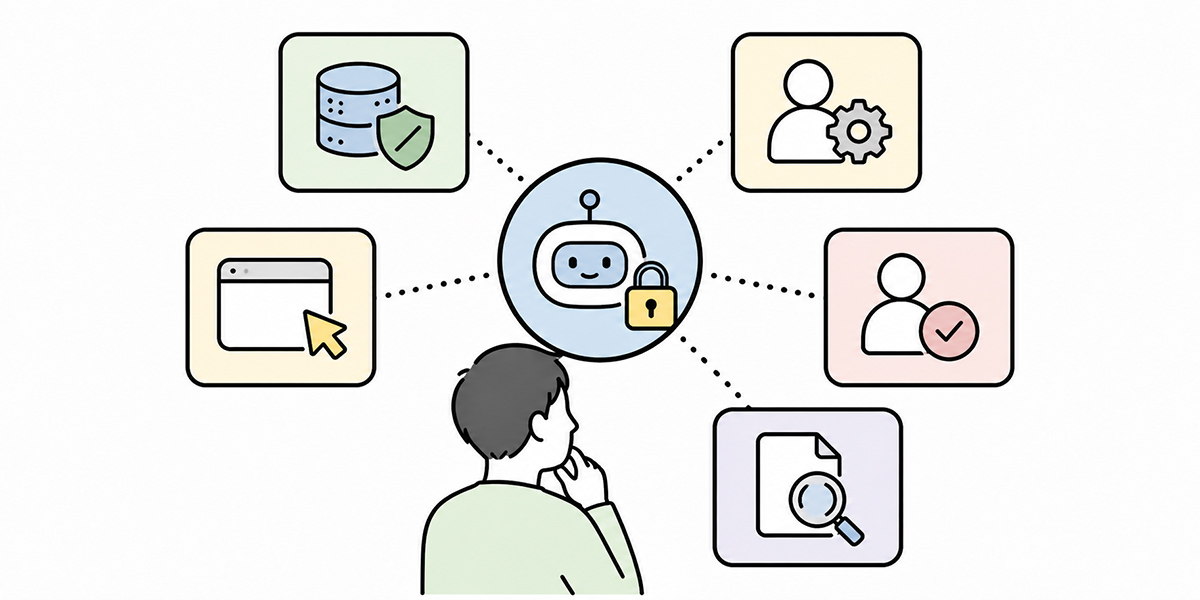
AI agent permission design has to account not only for view, edit and approve, but for the operating conditions too. Here are five lenses worth checking across the board.
Data scope
First, decide the range of data the AI agent may reference.
That might cover internal policies, sales material, customer information, contract details, enquiry histories, meeting minutes, manuals, knowledge bases and so on.
The important thing here is not to reason “it’s the same department’s information, so it’s fine to show it.” A sales AI does not necessarily need to see the contract terms of every customer. An HR AI does not necessarily need to see the appraisal records of every employee.
Scope the data by task, not by department.
Operation scope
Next, decide which operations the AI agent may perform.
| Level | Operation | Rough risk |
|---|---|---|
| Level 1 | Search and reference | Relatively low |
| Level 2 | Summarise and classify | Relatively low |
| Level 3 | Drafting | Moderate |
| Level 4 | Apply after a human check | Moderate |
| Level 5 | Automatic updates | High |
| Level 6 | Approve, send, delete | Very high |
There is no need to aim for Level 5 or Level 6 from the start. For many tasks, Levels 2 to 4 are quite enough to take the load off. Where you begin is a judgement based on the sensitivity of the data involved, the impact of a mistake, and how readily it can be put right.
Conditions
When you do grant an AI agent permissions, set conditions around them.
Typical conditions include time limits, IP restrictions, restrictions on the hours of use, limits to particular projects, limits to particular data types, caps on the number of operations, monetary ceilings, a named approver, and whether a second check is required.
For example: grant edit permission only during the trial period; allow operation only from the internal network; require a human approval for any quote above a certain value. Conditions like these let you keep the agent’s sphere of influence in check.
Logs
If an AI agent is executing work, logging is non-negotiable.
But “keeping a log” is not enough on its own. You need to record the following separately:
- Who instructed the AI
- Which data the AI referenced
- What the AI proposed
- Which operation the AI carried out
- Who approved it before execution
- Which data changed after execution
What matters most is being able to trace the human instruction and the AI’s execution as distinct things. Blur that, and pinning down the cause during an incident becomes much harder.
Review
Permissions are not set-and-forget.
The work changes. People change. An AI agent that has fallen out of use may linger. A temporary permission granted for a trial may quietly stay in place.
For that reason you need to run access reviews on a regular basis. Design which things to check monthly, which are fine to check quarterly, and which must be checked without fail at the time of a move or a departure.
The stronger the permission, the shorter the cycle on which you should review it.
AI role design by function: a few worked examples
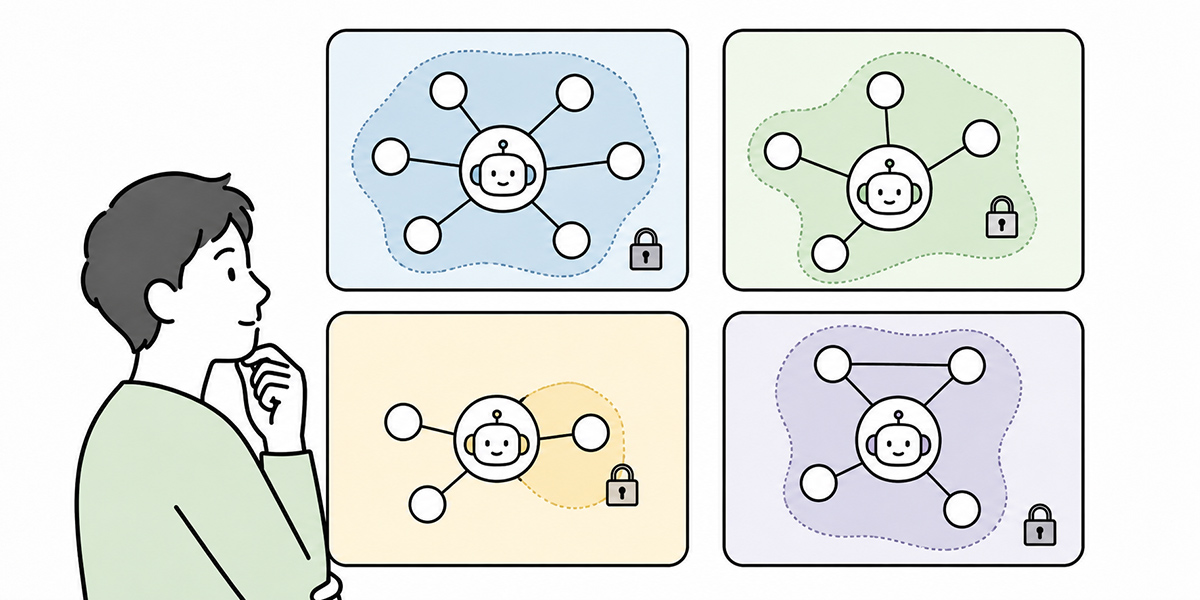
From here, let us look at how to design business AI permissions through a handful of examples.
Sales-support AI agent
A sales-support AI agent is one of the easier areas to get going with, since much of the work — tidying deal notes, drafting proposals, composing email copy, extracting next actions — plays to the AI’s strengths.
Connect it to the CRM or to contract information, though, and you need to take care.
| Item | Design example |
|---|---|
| View | Basic information on assigned customers, deal notes, past proposal material |
| Edit | Draft deal notes, candidate next actions |
| Approve | Performed by a person |
| Prohibited | Changing contract values, changing order status, deleting customers |
| Conditions | Assigned accounts only; a human check before sending anything externally |
Finance-assist AI agent
Finance deals with high-stakes data — invoices, payment information, supplier details. Edit and approve permissions therefore need to be designed with care.
| Item | Design example |
|---|---|
| View | Invoice data, payment schedules, expense policy |
| Edit | Draft journal-entry candidates, confirmation-request comments |
| Approve | Performed by a finance staffer or the responsible manager |
| Prohibited | Finalising payments, changing payee details, deleting invoices |
| Conditions | Monetary ceiling, named approver, operation logs mandatory |
HR enquiry AI agent
In HR, there are cases where AI handles enquiries based on internal policies and FAQs.
Here the safe approach is to design the AI’s permissions to be view-centred to begin with.
| Item | Design example |
|---|---|
| View | Work rules, expense policy, leave scheme, FAQs |
| Edit | Draft suggested FAQ improvements |
| Approve | Performed by an HR staffer |
| Prohibited | Referencing individual appraisal data, changing employee records |
| Conditions | Where there is no basis in policy, route the person to a staffer |
Marketing operations AI agent
In marketing there is broad scope for AI to be involved — ad operations, lead management, content production, email delivery. Where external delivery or budget changes are involved, however, an approval design is indispensable.
| Item | Design example |
|---|---|
| View | Campaign performance, lead attributes, past content |
| Edit | Draft email copy, candidate ad copy, proposed segments |
| Approve | Performed by the marketing lead |
| Prohibited | Automatic budget increases, finalising distribution lists, automatically running external delivery |
| Conditions | Pre-delivery review, masking of personal information |
Designing the operating environment when you use Kanata
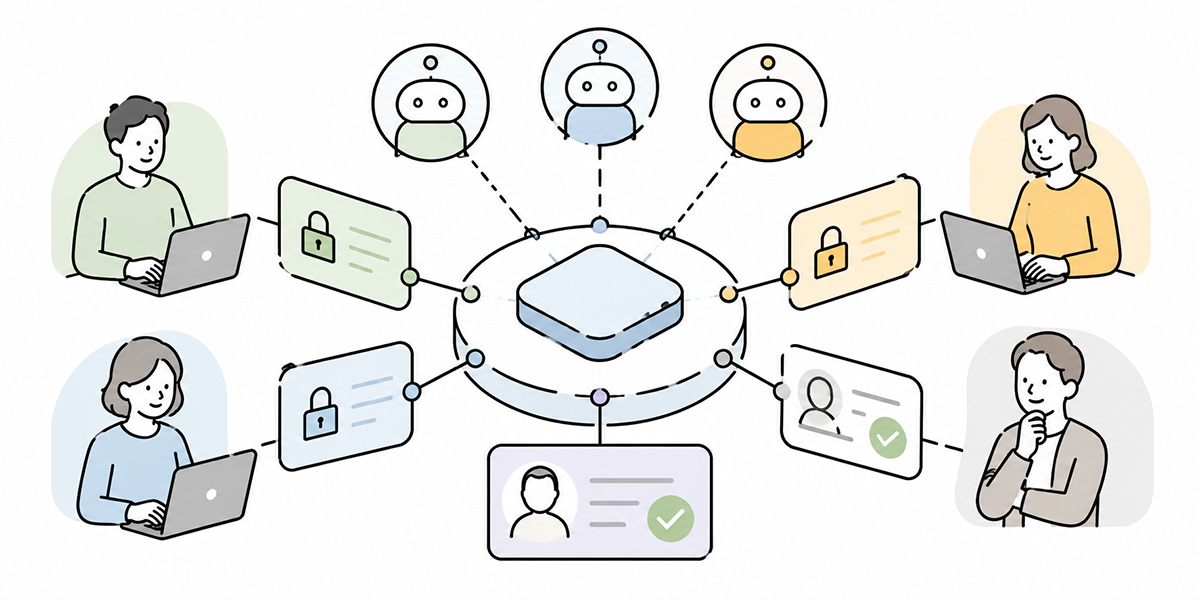
AI agent permission design cannot be run on principles alone. You have to design, in practice, which environment, at what unit of granularity, for whom, and showing what.
With Kanata, the “split it project by project” mindset helps. Separate projects by function — sales, HR, finance, corporate planning, a customer engagement, a training programme — and within each, organise the AI chat, AI summaries, training data and prompts.
This is not peculiar to Kanata; it is a principle common to any environment where AI is used in the business. What matters is to separate, by task, the information the AI references and the set of people who use it.
Separate the information the AI references by task
For an AI agent, the information it can reference is, in effect, a permission in itself.
An AI for sales proposals has no need to see appraisal data. An HR enquiry AI has no need to see the sales team’s deal history.
Keep the training data split project by project and you can organise, task by task, the range of information the AI draws on.
Separate users from administrators
Running an AI agent calls for administrators, not just users.
Who creates the AI chats? Who adds to the training data? Who updates the prompts? Who deletes the stale data?
Manage all of that in one undifferentiated pool and responsibility tends to blur. Place an administrator per project, and the people closest to the work can more readily own the operational responsibility.
Widen the permissions in stages
There is no need to hand a task-executing AI agent strong permissions from the outset.
Start with view-only. Then drafting. Then applying after a human check. Finally, limited automatic execution. Widening in stages like this makes it easier to reconcile day-to-day usability with safety.
With Kanata too, the realistic flow is to begin by using AI chat and AI summaries to organise the business knowledge, then to build prompts and training data into a library, and to extend into the operating environment for a task-executing AI agent only as the need arises.
The basic fields for a permission-design table
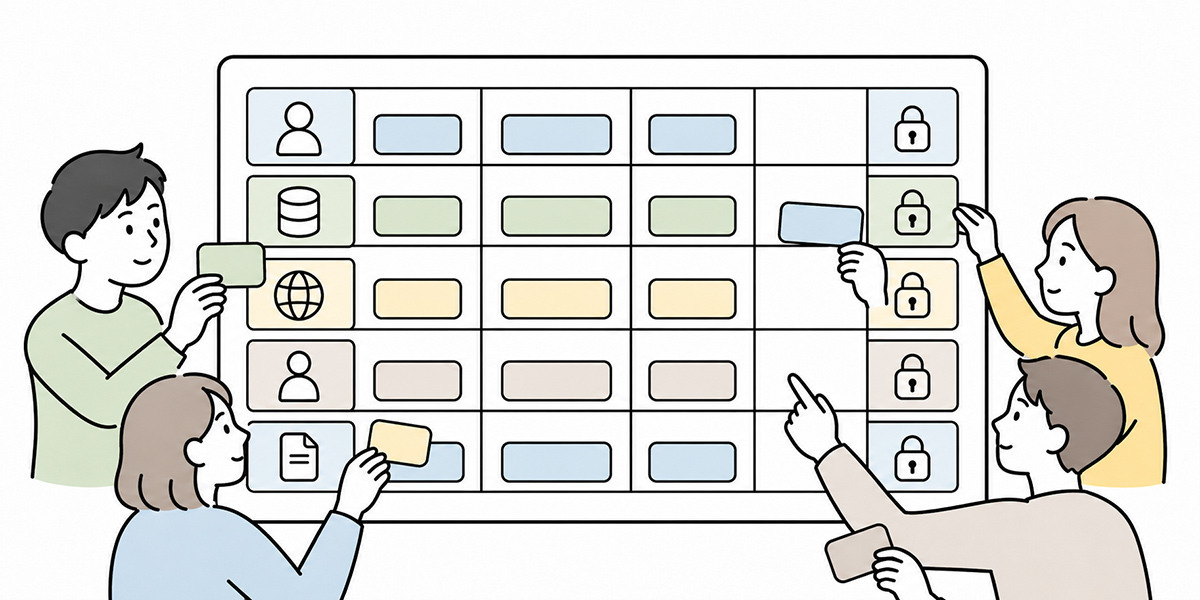
Discuss AI agent permission design in prose alone and it stays vague. To get everyone on the same page, it helps to draw up a permission-design table.
At a minimum, line up the following fields:
| Field | What to write |
|---|---|
| Task name | e.g. post-meeting follow-up, billing checks, HR enquiries |
| AI role | e.g. deal-note tidying AI, finance-check AI, policy-answer AI |
| Target data | The kinds of data it references |
| View permission | What it may look at |
| Edit permission | Which fields it may rewrite |
| Approve permission | Whether the AI may approve on its own |
| Prohibited operations | What the AI must not do |
| Conditions | Time limits, IP restrictions, monetary ceilings, target departments and so on |
| Logs | What should be recorded |
| Review frequency | Monthly, quarterly, half-yearly and so on |
| Owner | Business owner, system owner, security owner |
Draw up this table and the discussion becomes concrete.
The question stops being “may the AI use the CRM?” and becomes “do we permit the deal-note tidying AI to view the deal history of assigned customers and draft next actions — and no further?”
Get down to that level of granularity and both the team on the ground and the security side find it easier to make the call.
Access reviews matter most after go-live
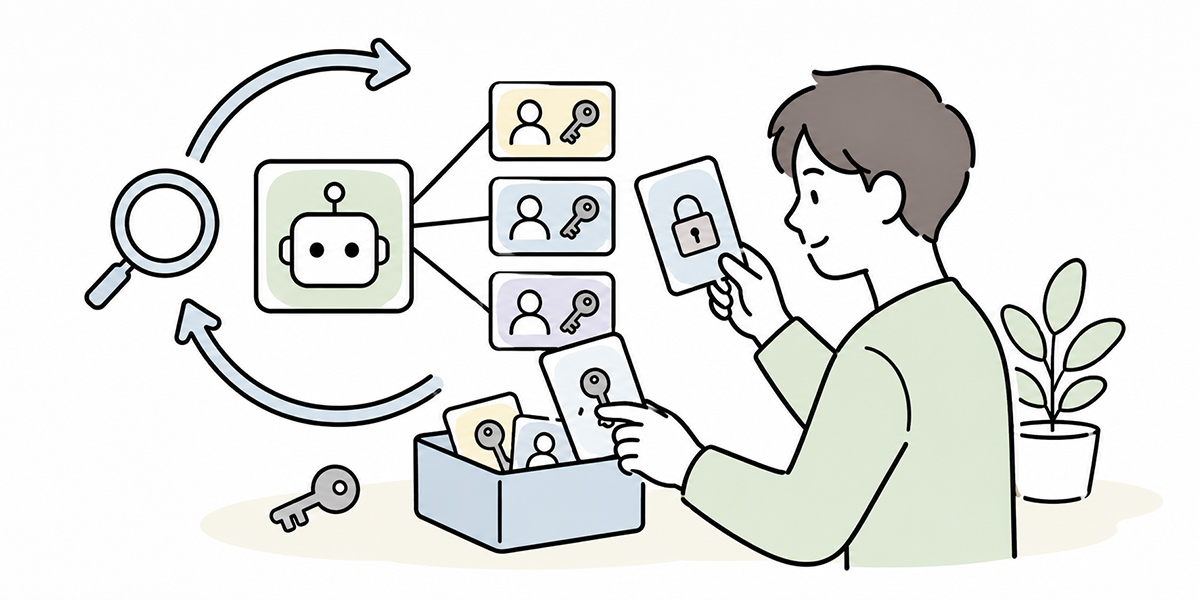
AI agent permission design is not finished with the pre-launch review.
If anything, what matters more is the access review after go-live. Permissions that were necessary at launch may be redundant a few months on. A trial agent may be left running. Someone who has moved on may still be able to reach a former project.
The moments to be especially alert to are these:
- A change of department
- A departure
- The end of an outsourcing contract
- The end of a project
- A change to the business workflow
- The addition of an external system integration
- A change to an AI agent’s permissions
- After an incident
In an access review you check not only “who can access what,” but also “what state the AI agent is in to act.”
Are there AI roles no longer in use? Are over-strong permissions lingering? Has a permission granted temporarily become permanent? Is stale or unnecessary confidential information sitting in the training data?
Check these regularly and you bring down the operational risk of your AI agents.
Widen what you entrust to the AI agent in stages
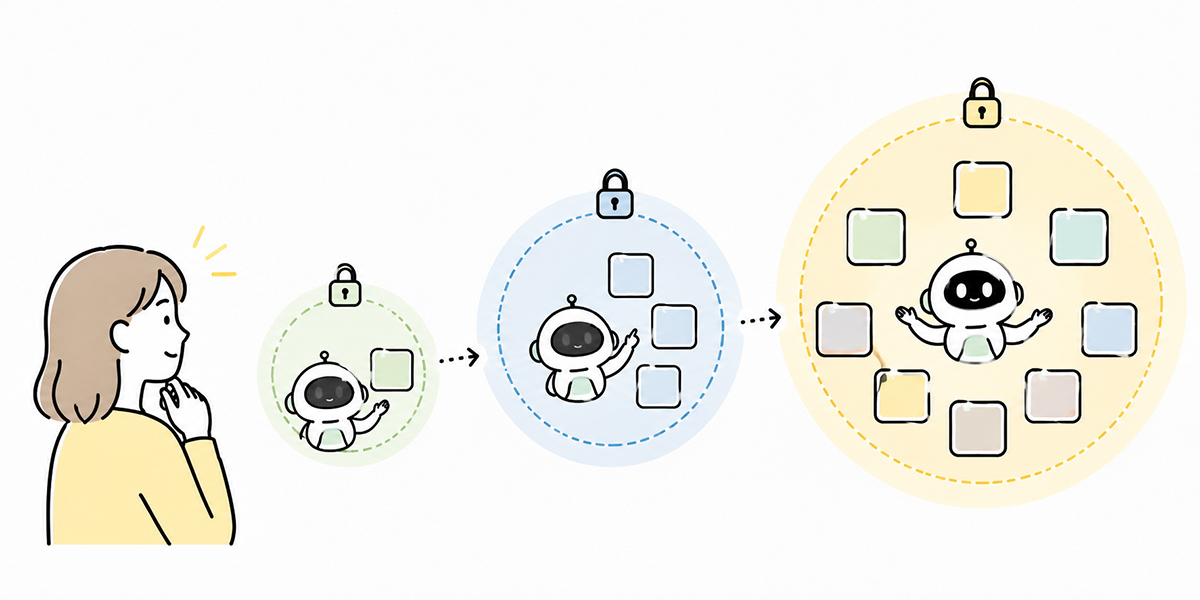
When you introduce a task-executing AI agent, there is no need to aim straight for autonomous execution. If anything, you should start small.
Stage 1: View and summarise
At first, the AI references data and performs summaries and the marshalling of key points.
Search internal policies. Summarise the minutes. Extract next actions from deal notes. Organise the points to check in a contract. Classify the content of an enquiry.
At this stage the AI does not rewrite any business system. You can confirm the fit with the work while keeping the risk comparatively low.
Stage 2: Drafting
Next, the AI produces drafts.
This covers things like draft email copy, a proposal outline, draft FAQ answers, a draft comment for a circulated request, candidate CRM entries.
Even here, the final commit is made by a person. The AI produces; the person checks. That is the rule of thumb.
Stage 3: Apply after a human check
Next, what the AI has produced is committed to the system after a person has checked it.
Apply the deal notes to the CRM. Raise a task. Save an enquiry classification. Register an FAQ candidate.
At this stage you must always keep operation logs and approval logs.
Stage 4: Limited automatic execution
Finally, automatic execution within tightly drawn conditions.
Send a low-risk notification. Raise a routine task. Send a reminder before a deadline. Classify data that meets a set condition.
The scope of automatic execution, though, has to be decided with care. External sends, changes to monetary values, approvals, deletions and permission changes should, as a rule, retain a human check.
Permission design is not there to stop AI adoption

Mention AI agent permission design and the response from the floor is sometimes “oh, more restrictions, then.”
But the real aim is not to put a stop to AI adoption. By making clear the range that can be safely entrusted, it is a design that lets the team use AI with confidence.
Leave the permissions vague and the team feels uneasy.
May I show this data to the AI? May I leave this operation to the AI? May I use the AI’s draft as it stands? If something goes wrong, who carries the can? With that unease left unresolved, an AI agent never beds in.
Make the permission design clear, by contrast, and the team finds it easy to use. This AI can see up to here. This AI can go as far as a draft. Approval is done by a person. Logs are kept. We review monthly. Once the rules are this clear, the AI agent slots into the work far more readily.
In summary: give the AI agent the right scope, not strong permissions
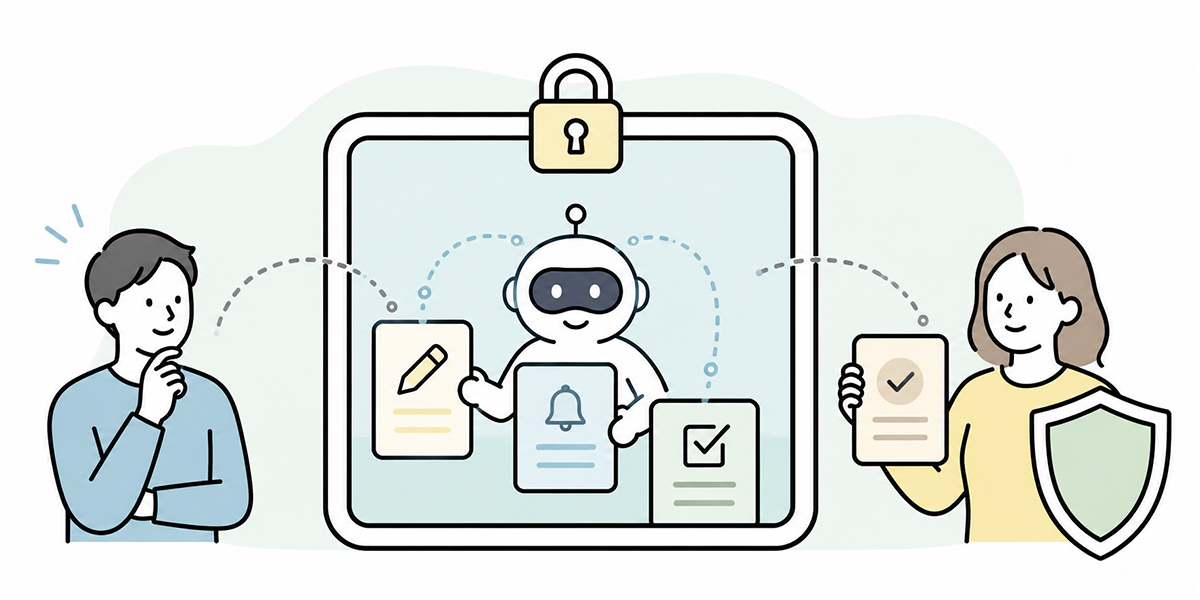
A task-executing AI agent could take a company’s use of generative AI to the next stage.
But entrusting work to an AI also means handing it a measure of permission. Leave that vague as you press ahead and both failure modes surface at once: the risk of excessive rights and the awkwardness of too few.
What counts is not granting strong permissions; it is granting the right scope of permission that the work requires.
To get there, think it through in this order:
- Decide which tasks to entrust to the AI
- Decide what the AI must not do
- Separate view, edit and approve
- Design around AI roles, not human job titles
- Set time limits, IP restrictions and approval conditions
- Keep logs
- Run regular access reviews
AI agent permission design is not a job for IT or security alone. It is a topic for management, business units, the people on the ground and the admin functions to think through together.
Even when you draw on a business-support platform such as Kanata, it is easier to advance permission design in stages if you start by organising data and users project by project and splitting AI chat and training data by task.
What it takes to run an AI agent safely is not an all-powerful AI, but one whose scope is clearly drawn.
Q&A: common questions on AI agent permission design
Is it acceptable to give an AI agent edit permission from the very start?It is safer to avoid handing over broad edit rights at the outset. Widen things in stages — first view and summarise, then drafting, then applying after a human check — and you make misoperations and unintended updates easier to keep in check. Contract values, billing addresses, approval statuses, deletions and permission changes warrant particular care.
What does a least-privilege AI mean in concrete terms?A least-privilege AI is the idea of granting an AI agent only the range of permission its work requires. Rather than simply shrinking permissions, you decide — task by task — what it may reference, what it may edit, what it may not approve, and under what conditions it may operate.
Should AI roles just be built to match human job titles?It is better not to map human job titles straight onto AI roles. A human’s job title carries contextual judgement and responsibility, but the AI does not take that responsibility on. AI roles are better designed around the task — a “deal-note tidying AI,” a “finance-check AI,” a “policy-answer AI.”
Can approval work be left to an AI agent too?Having the AI marshal the material for an approval decision is useful. The formal approval itself, though, is better designed to rest with a person, which keeps the lines of responsibility clear. Operations that carry organisational responsibility — quotes, invoices, offer letters, ad budgets, formal replies to customers — should retain a human check.
What points should be revisited after the permission design is done?The points to revisit are users, AI roles, referenced data, edit permissions, approval conditions, logs and the state of training-data updates. A change of department, a departure, the end of an outsourcing contract, the end of a project, the addition of an external system integration, and the aftermath of an incident are all moments to run an access review.