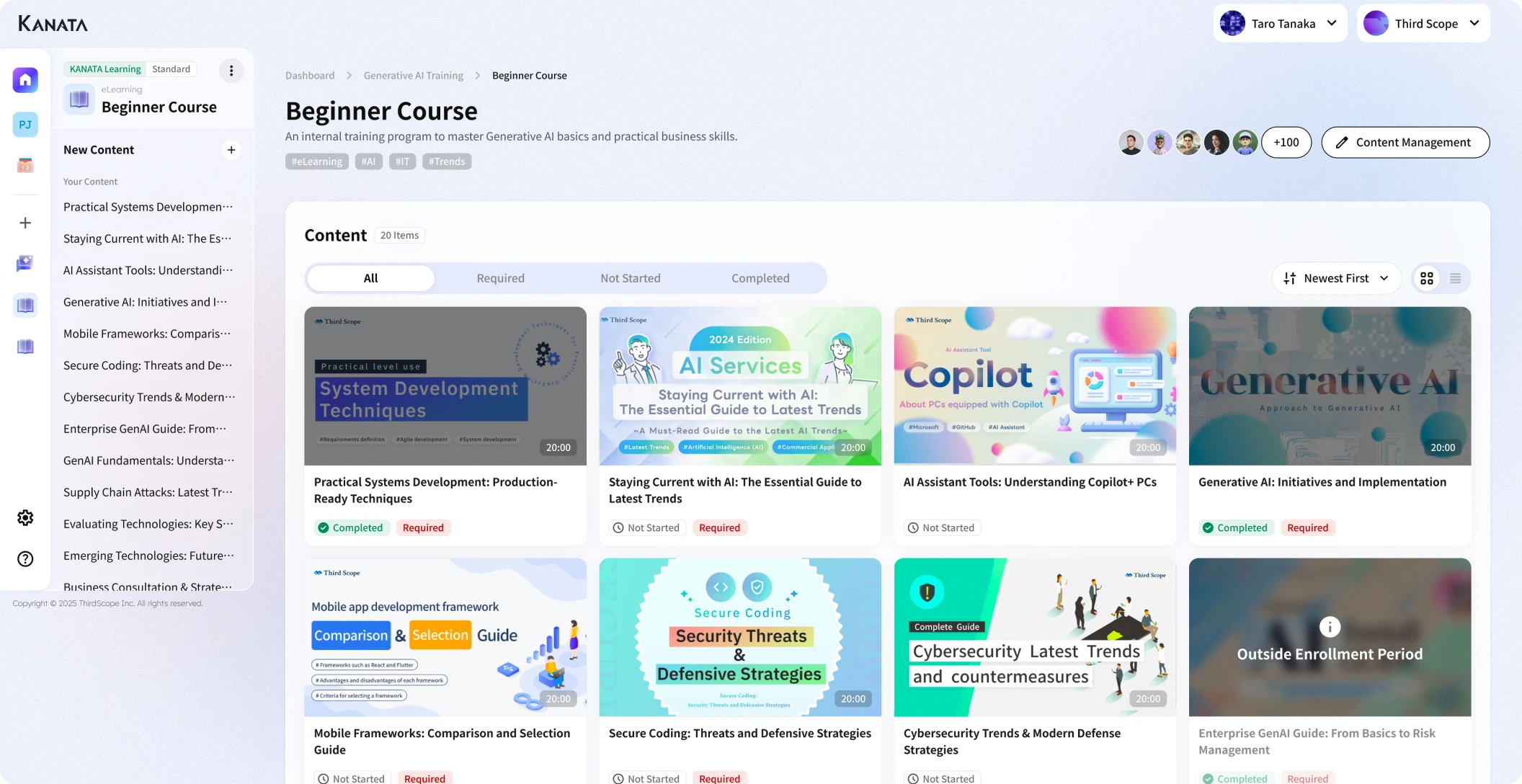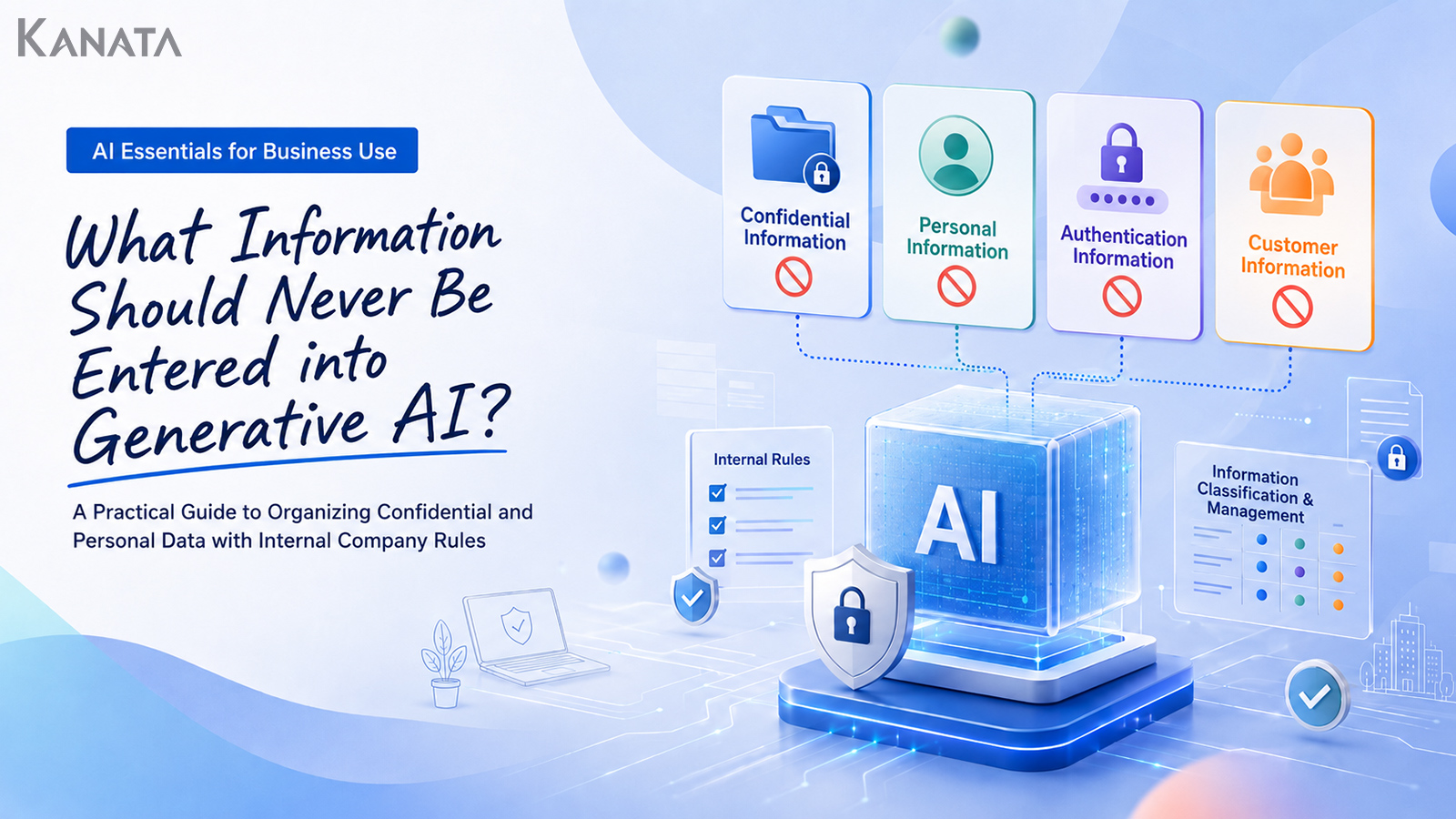



Are we allowed to put this into the AI, again?
When I design in-house training on generative AI, I run into this question time and again. It was precisely the worry that an IT team, together with HR, legal and the DX function, faced before training as their company set about rolling out generative AI across the business.
In the past, simply telling staff “please don’t enter confidential or personal data” served as a reasonable note of caution. But once generative AI starts creeping into everyday work, that is no longer enough. Meeting notes, minutes, snippets of contracts, employee numbers, customer names, login details. On the ground, opinions were divided over what was strictly off-limits and what could be used once it had been masked.
Sales wants proposals drafted more efficiently. Legal worries about how contract information is handled. HR needs concrete examples it can explain to every employee. And IT has to design a way of working that lowers the risk without sacrificing convenience.
What I keep feeling on the ground, supporting AI adoption, is that the risks of generative AI cannot be tidied away into a simple “use it or don’t”. What matters is having, ready to hand, the words that let staff pause in the moment of hesitation, and a table that lets them decide.
In this article I sort the information you must not feed into generative AI into categories such as “confidential”, “customer information”, “personal data”, “credentials” and “access information”, in a form that transfers easily into in-house training and guidelines. The aim is a state in which, when an employee hesitates, they can judge: “this one I don’t enter”, “this one I mask”, “this one I check within an approved environment”. That said, drawing up a table is not enough on its own. Only when it is combined with operating rules, education and regular review does it become a generative-AI rulebook that actually works on the ground.
What information must not be entered into generative AI
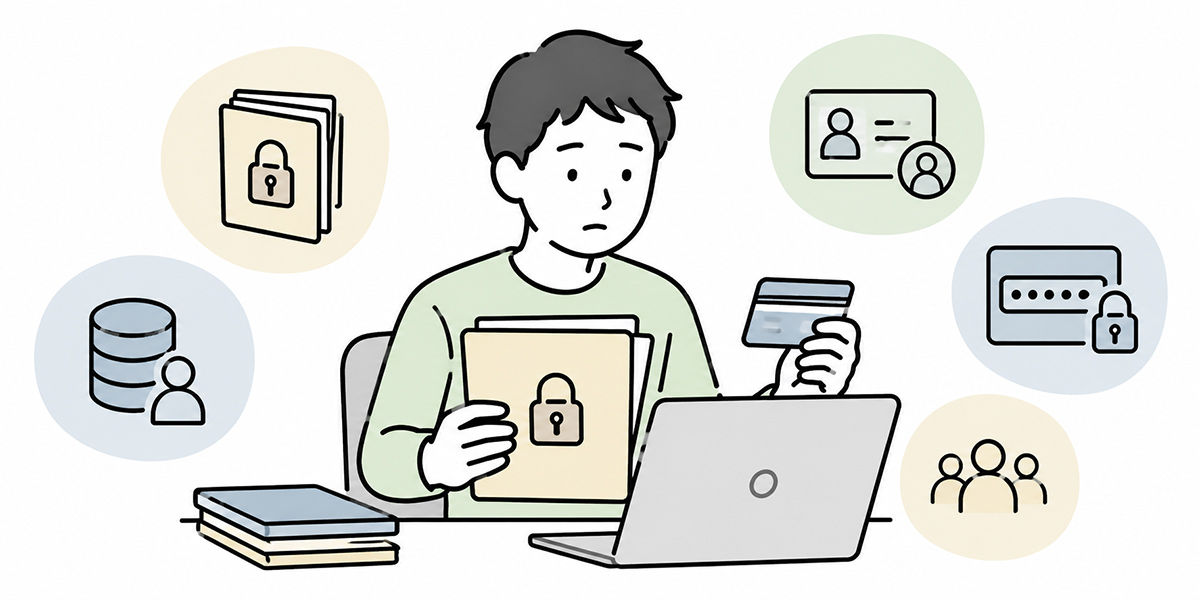
Information you must not feed into generative AI is not merely “information that mustn’t leave the company”.
For instance, the following also warrant care.
- Information that can identify an employee or customer
- Contract terms with business partners
- Login details for internal systems
- API keys and authentication codes
- Undisclosed revenue, profit, M&A or personnel moves
- Security settings and lists of access privileges
- Sensitive information such as health data, National Insurance numbers and bank account numbers
This does not mean such information is bound to leak the instant it is entered into generative AI. Here we need to be accurate rather than alarmist. The actual risk varies with the specification of the generative-AI service used, the form of contract, the management settings, how data is retained, and the scope of internal approval.
That said, in the UK the handling of personal data when using generative-AI services falls squarely within the UK GDPR and the Data Protection Act 2018, and the Information Commissioner’s Office (ICO) has published specific guidance on using AI in ways that comply with data protection law. In particular, where you enter content containing personal data, you need to check matters such as the purpose of use and any onward sharing with third parties, and satisfy yourself that this sits within the ICO’s guidance.
Reference: ICO guidance on AI and data protection
The failure I most often see on the ground is the case where people overdo the “generative AI is dangerous, so don’t use it” line and, in doing so, push staff towards using it on their own judgement. Employees want to get on with their work quickly, so when the official rules are vague they drift towards consumer services and unsanctioned tools.
For that reason, internal rules should not settle for “generative AI is dangerous, so we won’t use it”. It is important to define separately what must not be entered, what may be used, and under which conditions it may be used.
The decision criteria to settle first
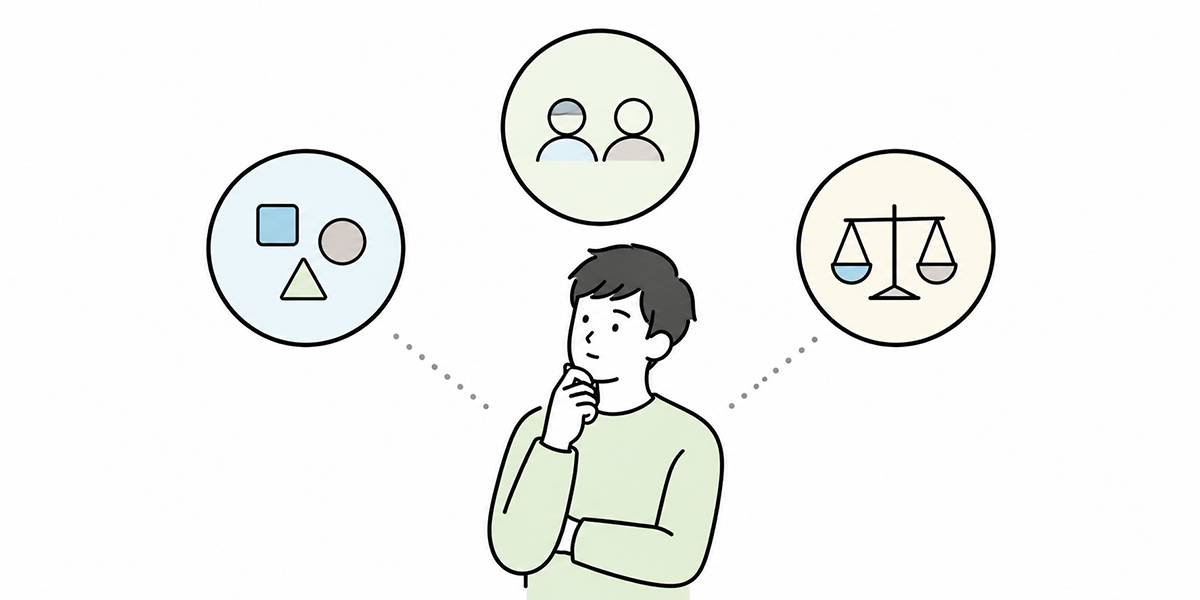
When you are drawing up input rules for generative AI, lining up fine-grained exceptions from the outset lands less well on the ground than getting the decision criteria aligned.
The three questions I most often use when supporting companies are these.
Is this information all right to leave the company?
The first thing to check is whether the information is all right to leave the company.
Official websites, press releases already issued, published IR materials and generally available service descriptions are relatively easy information to feed into generative AI. Internal meeting materials, undisclosed price lists, sales strategy and information on features still under development, on the other hand, were never created on the assumption of going outside.
What to watch here is that information not explicitly marked “confidential” may, in practice, still need handling close to confidential.
An internal collection of sales talking points, or a campaign idea not yet made public, may not have “confidential” written in the file name. Yet if it is information whose disclosure to competitors or business partners would be to your disadvantage, feeding it into generative AI is a call to make carefully.
Can an individual or customer be identified?
The next thing to check is whether the content includes information that can identify an individual or customer.
Names, addresses, telephone numbers, email addresses, employee numbers and the names of customer contacts may amount to personal data even on their own. Under the UK GDPR and the Data Protection Act 2018, personal data is defined broadly as any information relating to an identified or identifiable living individual — so even details that look harmless in isolation can qualify once combined. Strip out the name and you can still leave a person identifiable by combining department, job title, the date of a meeting, the name of a deal and the region.
In training I often say: “merely deleting the name does not make it anonymous”. Write “the sales director of the Manchester office who handled the deal with a major logistics firm in April 2026”, and people inside the company may well know exactly who is meant.
Before entering anything into generative AI, you need to check: “could someone reading this work out who it refers to?”
Does it involve credentials, access rights, contracts or undisclosed information?
Finally, check whether the content contains credentials, access information, contract information or undisclosed information.
IDs, passwords, API keys, authentication codes and private keys are the classic examples of what must not be entered into generative AI. Lists of administrator privileges, the make-up of internal systems and access-control tables can also lead to serious harm if misused.
The more technical or IT-minded someone is, the more they will be tempted to paste logs and configuration details into generative AI for troubleshooting. As a former engineer myself, I know the feeling well. There are genuinely moments when you want to find the cause of an error quickly, or have someone cast an eye over a config file.
But those logs may contain access tokens, internal URLs or personal IDs mixed in. Handing credentials or internal configuration straight out for the sake of convenience would be putting the cart before the horse.
The same goes for contracts and legal queries. Even when you want to consult generative AI on the interpretation of a clause, avoid entering partner names, amounts, contract terms and the particular history of the negotiation as they stand.
A list of information you must not enter into generative AI
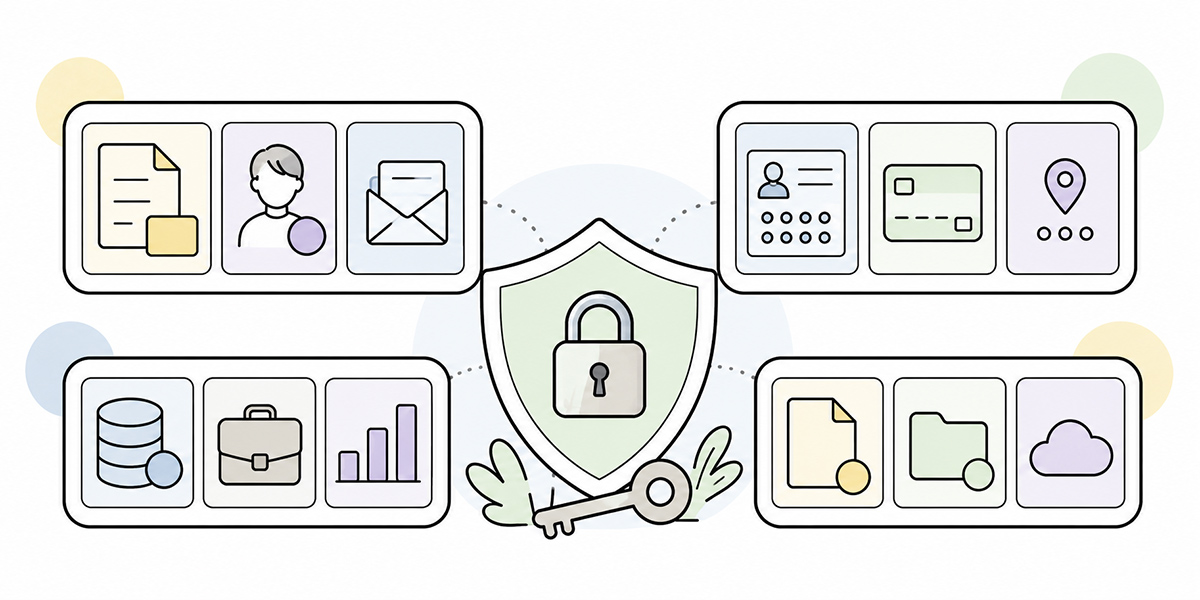
Below is a list of prohibited inputs that transfers easily into internal rules and training materials. When you actually use it, adjust it to your own information-security policy, data protection policy and contract terms.
| Category | Examples of information you must not enter | Main risks | How to handle it |
|---|---|---|---|
| Confidential / sensitive business information | Undisclosed business plans, sales strategy, price lists, costs, features under development | Competitive disadvantage, information leakage | Do not enter as a rule. When required, handle within an internally approved environment |
| Customer information | Customer names, contact names, deal history, proposals, contract terms, enquiry content | NDA breach, loss of trust, impact on business partners | Mask customer names, personal names and amounts, and check the contract terms |
| Personal data | Names, addresses, telephone numbers, email, employee numbers, facial photographs | Data protection risk under the UK GDPR and Data Protection Act 2018 | Do not enter as a rule. When required, process into a form that cannot identify an individual |
| Special category data (sensitive personal data) | National Insurance numbers, health information, religious or philosophical beliefs, trade union membership, bank account numbers, family information | Serious legal and ethical risk under the UK GDPR’s special category rules | Entry prohibited |
| Credentials | IDs, passwords, API keys, authentication codes, private keys | Unauthorised access, account takeover | Entry prohibited. If entered in error, report immediately and arrange revocation or change |
| Access information | Lists of administrator privileges, access-control tables, internal system architecture | Abuse of privileges, becoming a target for attack | Do not enter as a rule. Where necessary, consult in abstracted form |
| Undisclosed financial information | Unpublished results, performance forecasts, cash-flow positions, M&A, personnel moves | Disclosure risk, insider risk | Entry prohibited |
| Contract / legal information | Full contract texts, partner-specific terms, litigation information, negotiation history | Breach of confidentiality, mistaken legal judgement | Handle after legal review, processed down to the minimum necessary |
| Security information | Vulnerability information, fault logs, network architecture, monitoring settings | Increased risk of attack | Detailed entry prohibited; replace with summary-level description |
| HR / appraisal information | Appraisal comments, salaries, candidates for transfer, disciplinary information, reasons for leaving | Invasion of privacy, employment-law risk | Do not enter as a rule. Judge carefully even when anonymised |
The important point in this table is that personal data is not the only thing that is dangerous.
When drawing up rules on prohibited inputs for generative AI, many companies look first at personal data. That is, in itself, the right starting point. In practice, however, customer information, credentials, access information and undisclosed information can lead more directly to business risk.
For example, even with no personal names in it, entering an undisclosed pricing strategy or the discount terms granted to particular partners carries a competitive risk. Enter an API key or an access token and, before any question of personal data, you face the risk of a system breach.
That is exactly why prohibited inputs should not be judged solely on “is it personal data?”, but organised around business risk as a whole.
Information you may enter, and information you may use with conditions

Prohibit everything and you make generative AI hard to use on the ground.
When designing rules, I sometimes say: “hand people only a list of prohibitions and they freeze”. If you want to push generative-AI adoption forward, you need to set out, alongside the prohibitions, the information that may be used.
Information that is easy to enter
Public information is comparatively easy to handle.
For example, the following.
- Information already published on your own official website
- Press releases already issued
- Published IR materials
- Announcements for public events
- Generally available product pages
- Articles and white papers already published
Even with public information, however, mind copyright and the rules on quotation. Rather than pasting in large swathes of external articles or materials as they stand, the safer approach is to use them to organise key points or to frame the issues for your own purposes.
Information you may use with conditions
General internal information and operational manuals can sometimes be used, provided it is within an internally approved environment.
Internal FAQs, work procedures, training materials already published and explanations of general regulations, for instance, sit well with generative AI. Organising these can make handling enquiries, drafting documents, summarising minutes and creating training content more efficient.
Even within an internal-use environment, though, this does not mean “anything that exists internally may be entered”. Internal regulations, operational manuals and FAQs are easy to handle, but you still need to check that they do not contain personal data or customer-specific information.
The basic rules of masking
If there is something you want to consult generative AI about, but the input contains personal or customer names, consider masking.
Masking means replacing information that can identify an individual or company with a different expression. It refers to processing such as turning a name into “Contact A” and a company name into “a mid-sized manufacturer”.
Masking is not, however, a piece of magic that makes information safe. What I particularly stress on the ground is this: information not needed for the purpose of the query should be deleted rather than replaced.
| Original information | Masking example | Points to watch |
|---|---|---|
| Mr John Smith | Contact A | Check it cannot be identified in combination with job title or department |
| XYZ Ltd | Mid-sized manufacturer A | May be identifiable from industry, region or scale |
| £320,000 | In the region of a few hundred thousand pounds | Round it off where the exact figure is not needed |
| 13 May 2026 | Mid-May 2026 | Where a date leads to identification, give it a range |
| jsmith@example.com | Delete the email address | Contact details should be deleted as a rule |
| API key | Do not enter | Delete or prohibit entry rather than replace |
If, say, all you want is to draft the wording of a sales email, you don’t need the customer name or the exact contract amount. The information “I want to send a renewal-timing check email to an existing customer in manufacturing” is plenty to produce a draft.
Likewise, if you only want to organise the angles for a contract review, you can consult without entering the partner’s name or specific amounts, by saying “I want to organise the points to check for a confidentiality clause”.
More information handed to generative AI is not necessarily better. Paring it back to the minimum needed to achieve the purpose is the practical safeguard.
Input mistakes that tend to crop up, department by department
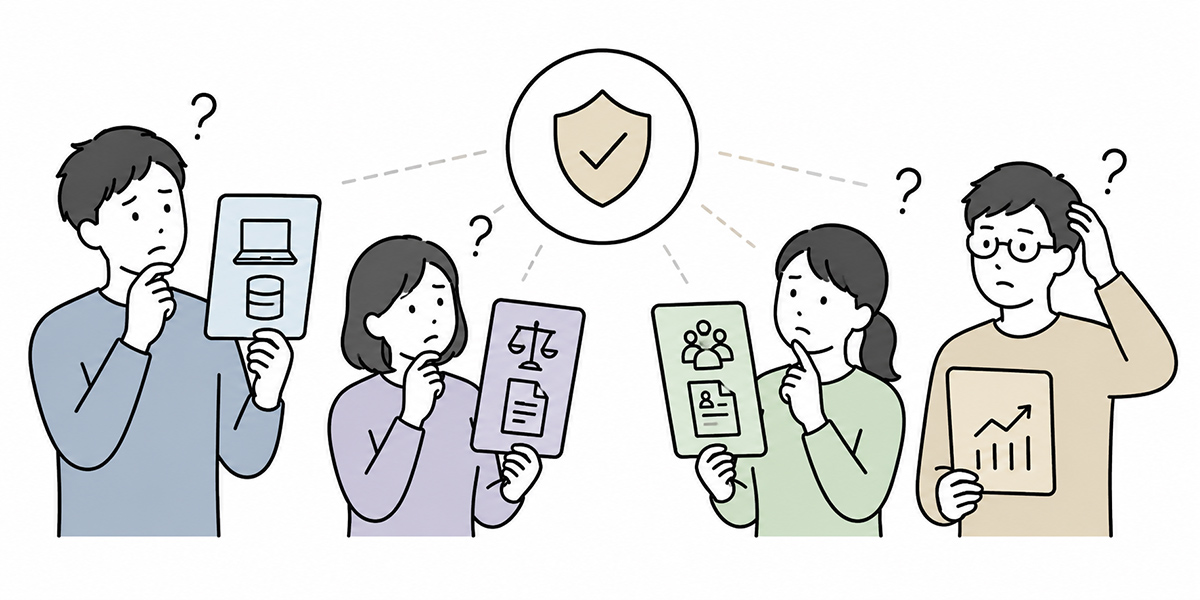
When rolling prohibited-input rules out across the whole company, showing concrete examples for each department helps the message land.
Even within the same “generative-AI use”, sales and legal, HR and IT each tend to enter different information. Explain it as a single blanket rule, without separating these out, and the front line finds it harder to take as their own concern.
Sales and marketing
In sales and marketing, there are many moments when you’ll want to use generative AI for drafting proposals, email wording, deal preparation and customer analysis.
The inputs to watch are as follows.
- Meeting notes containing customer names
- Partner contact names and email addresses
- Proposed amounts and discount terms
- Reasons for lost deals and competitor-comparison materials
- Proposals and minutes covered by an NDA
On the sales front line, speed matters. You want to summarise straight after a meeting, draft the proposal at once, send the email right away. That instinct is natural.
But entering customer information into generative AI as it stands can lead to contractual problems and loss of trust. If you do use it, replace the customer name with an industry or company size, and abstract the amounts and contract terms before you consult.
Legal and compliance
In legal, there will be times you want to use generative AI for contract review or for rephrasing clauses.
I, too, believe generative AI has potential for streamlining first-pass contract checks and clause comparisons. In the legal domain, though, you need to be mindful that the input itself can readily fall under a duty of confidentiality.
The inputs to watch are as follows.
- Full contract texts
- Partner names
- Contract amounts
- Matters under dispute
- The history of negotiations with the other party
When handling contracts, you must work within the internal rules and within the scope authorised by the head of legal. Because AI output is not a legal judgement in itself, a specialist must always carry out the final check.
HR and labour relations
In HR and labour relations, there are moments when generative AI is used for appraisal comments, training, interview notes and drafting internal notices.
The inputs to watch are as follows.
- Appraisal comments
- Salary information
- Health information
- Reasons for leaving
- Disciplinary information
- Information on family circumstances, childcare or eldercare
HR information can often allow a person to be guessed even after anonymisation. In a small department, for instance, combine “a salesperson in their third year”, “just back from parental leave” and “the person handling a particular project”, and the individual can be worked out.
In the HR domain, especially careful judgement is needed before entering any individual-linked query into generative AI.
IT and information security
In IT, generative AI is sometimes used for analysing error logs, checking configuration files and drafting the wording of enquiries.
The inputs to watch are as follows.
- API keys
- Access tokens
- Passwords
- Lists of IP addresses
- Lists of administrator privileges
- Network diagrams
- Detailed vulnerability information
Logs and configuration files can contain credentials or internal architecture in ways the person doesn’t notice. Always build in a step to remove what isn’t needed before pasting.
In training for IT teams I sometimes say: “before you paste a log, search it first”. Simply checking whether the log contains strings such as token, secret, password, key or credential can cut down on incidents.
A pre-input checklist you can use in training
Input rules for generative AI won’t take root on the ground through long pages of regulation alone. In training and on the intranet, presenting them as a short checklist makes them easier to use.
Five questions before you send
Before entering anything into generative AI, check these five.
- Is this information all right to leave the company?
- Does it contain information that can identify an individual or customer?
- Does it relate to a contract, an NDA or undisclosed information?
- Does it contain an ID, password, API key or authentication code?
- Do you know who to turn to when the call is hard to make?
If any one of these gives you pause, don’t enter it as it is; check with your manager, IT, legal or the information-security team.
It also matters that the front line doesn’t find this one extra step of “checking” a chore. If it is unclear who to ask, or if getting an answer takes too long, staff drift towards deciding for themselves.
Getting people to follow the rules also requires designing things so that asking is easy.
A three-second decision flow
In training, a simple flow like the following also works well.
- Is it information that can’t leave the company? If yes: don’t enter it.
- Can an individual or customer be identified? If yes: delete or mask it.
- Is it credentials, access rights, a contract or undisclosed information? If yes: don’t enter it, or check with the responsible team.
- Are you in doubt? If yes: don’t enter it, and ask.
- All clear? You may enter it, but a person must review the output.
In the UK, this kind of structured decision-making supports the accountability principle at the heart of the UK GDPR, and reflects the approach the ICO recommends in its guidance on AI and data protection. International frameworks likewise set out the importance of transparency, accountability, and education and literacy when using AI. In drawing up internal rules too, the goal should not merely be to line up prohibitions, but to reach a state in which employees understand them and can explain them.
Reference: NIST AI Risk Management Framework
How to make generative-AI rules stick within the company
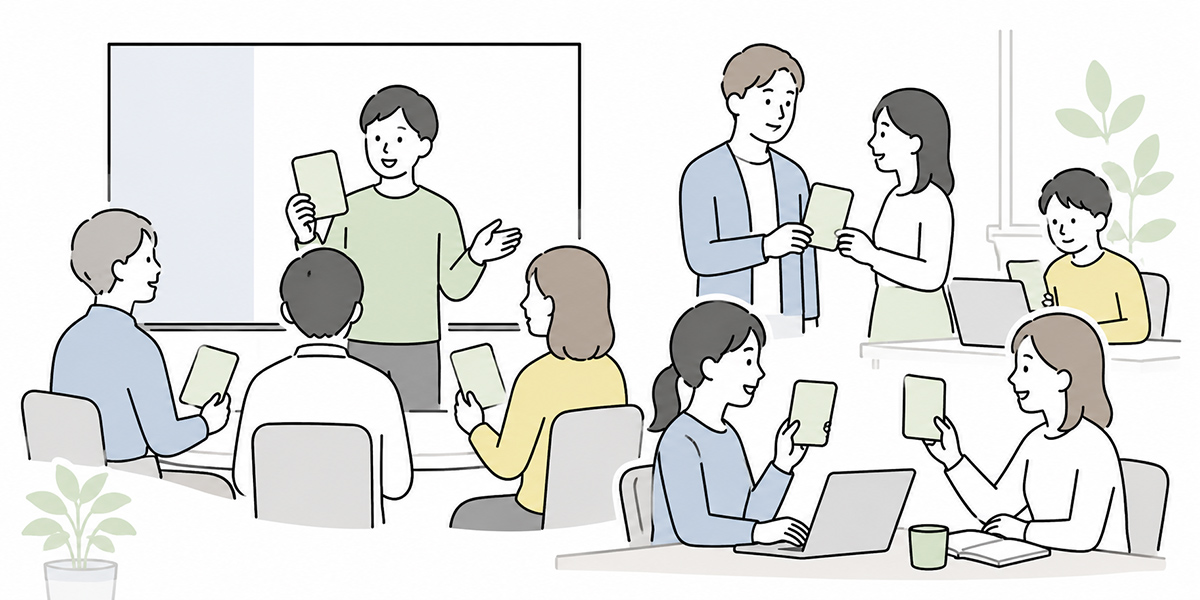
Merely drawing up a list of prohibited inputs won’t change behaviour on the ground.
What I often see when supporting AI adoption is the case where a fine set of guidelines is produced but barely read on the ground. The rules exist, yet staff don’t know how to make day-to-day judgements. The upshot is that the AI either goes unused, or gets used on people’s own judgement.
To make them stick, you need to think of rules, education and operation as a set of three.
Show “examples you may use”, not just prohibitions
Tell people only “this is banned” and “that’s banned too”, and they start avoiding generative AI altogether.
In your internal rules, set out examples you may use alongside the prohibited ones.
| Task | Inputs to avoid | Easy-to-use inputs |
|---|---|---|
| Drafting email | Entering customer names, contact names and contract terms as they stand | “A polite email asking an existing manufacturing customer to change the schedule” |
| Summarising minutes | Entering attendee names, customer names and undisclosed terms as they stand | Replace names with job titles and summarise only the points at issue |
| Contract consultation | Entering the full contract text and the partner’s name | Organise the points to check for a generalised draft clause |
| HR wording | Entering individual appraisals or health information | Drafting a training-invitation notice for all staff |
By showing not only “what you must not do” but “how to use it well”, you reduce anxiety on the ground.
To my mind, internal rules should be not only a brake but a steering wheel. Make them rules that point the safe way forward, not rules that stop you. That, in the end, lowers the risk too.
Set out, in writing, who to consult
Whether something may be entered into generative AI is, at times, beyond the front-line person to decide alone.
So spell out in the internal rules who to consult.
- Queries about personal data: legal, the data protection lead (DPO)
- Queries about customer or contract information: legal, the head of sales
- Queries about credentials, logs or system information: IT, the information-security lead
- Queries about training or communication: HR, the DX function
When it’s vague who to ask, staff slip more easily into “it’s probably fine” on their own judgement. Building a path that lets people stop when they hesitate is what prevents incidents.
A culture in which the person who asked isn’t blamed also matters. In an organisation that hides incidents and near misses, risk grows out of sight. Creating an atmosphere in which the person who raised it early is valued is also part of the foundation for generative-AI use.
Review it regularly
The specification of generative-AI services, the internal scope of use, regulation and contract terms with partners all change. So a list of prohibited inputs is not a one-and-done.
Once a month or once a quarter, it is worth reviewing the following.
- Whether unexpected inputs are occurring in newly adopting departments
- Whether the prohibited examples have reached the front line
- Whether the masking rules fit actual practice
- Whether incidents and near misses are being shared
- Whether the training materials and FAQs have gone stale
What matters is the stance of not merely “making people follow the rules” but “gathering the cases where the front line hesitated and improving”.
With generative-AI use, refining the rules as you operate is more realistic than building perfect rules from the start. In my own AI-adoption support, I recommend not over-engineering things at the outset: first make the lines you must hold clear, then add department-specific exceptions and use patterns afterwards.
How to think about choosing a business-use environment
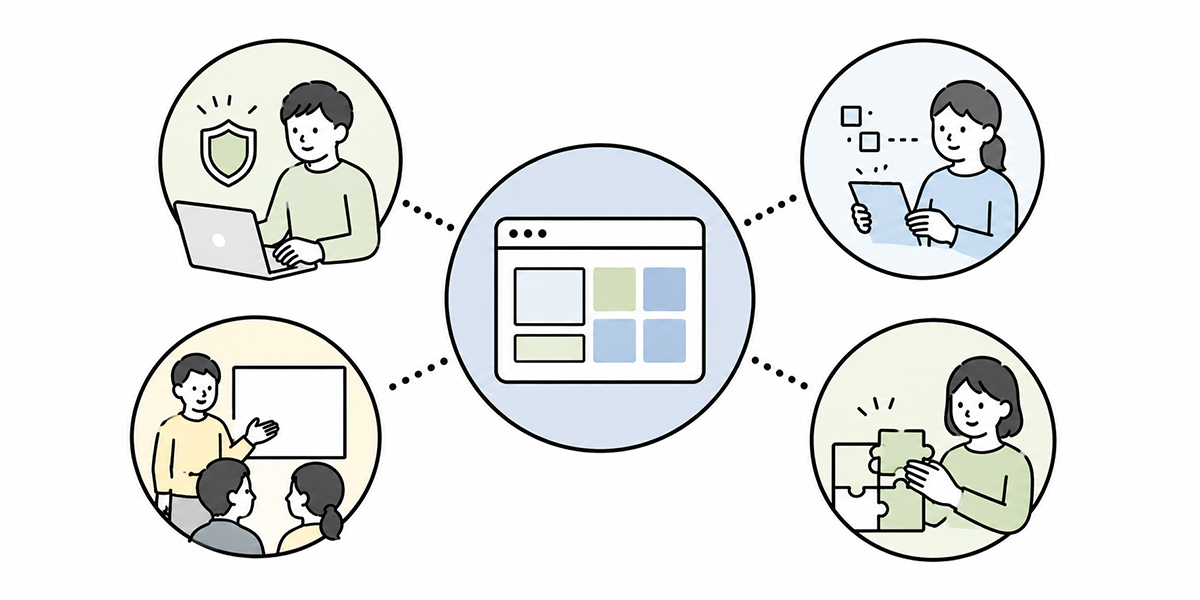
For internal use of generative AI, providing an environment the company has approved is easier to manage than a state in which individuals freely use external services.
When choosing a business-use environment, for instance, check the following.
- How input data is stored and used
- Whether an administrator can manage users and privileges
- Whether information can be separated by department or project
- Whether logs and usage can be reviewed
- Whether it combines easily with internal training and usage rules
- Whether it fits with existing security policy
An environment such as Kanata, with AI chat, AI summarisation, e-learning and project-level management, is one option for companies that want to operate generative AI internally. You might, for example, split projects by sales, HR or training, making it easier for teams to reuse frequently used prompts and learning data.
Use the e-learning feature, too, and you can turn the prohibited-input list into internal training content and make it known to every employee. Rather than “hand out a PDF and be done with it”, combine training videos, comprehension tests, an FAQ and a collection of worked examples, and you can curb the variation in understanding.
Whatever tool you use, though, it won’t automatically decide everything about “what may be entered” for you. Which information may be entered, which must not, and which may be handled with conditions, all need designing to fit each company’s regulations, contracts and risk appetite.
A tool can be the foundation that supports safe operation. But what ultimately decides which information gets handled is the organisation’s rules and human judgement.
In closing: make generative-AI input rules a table the front line never gets lost in
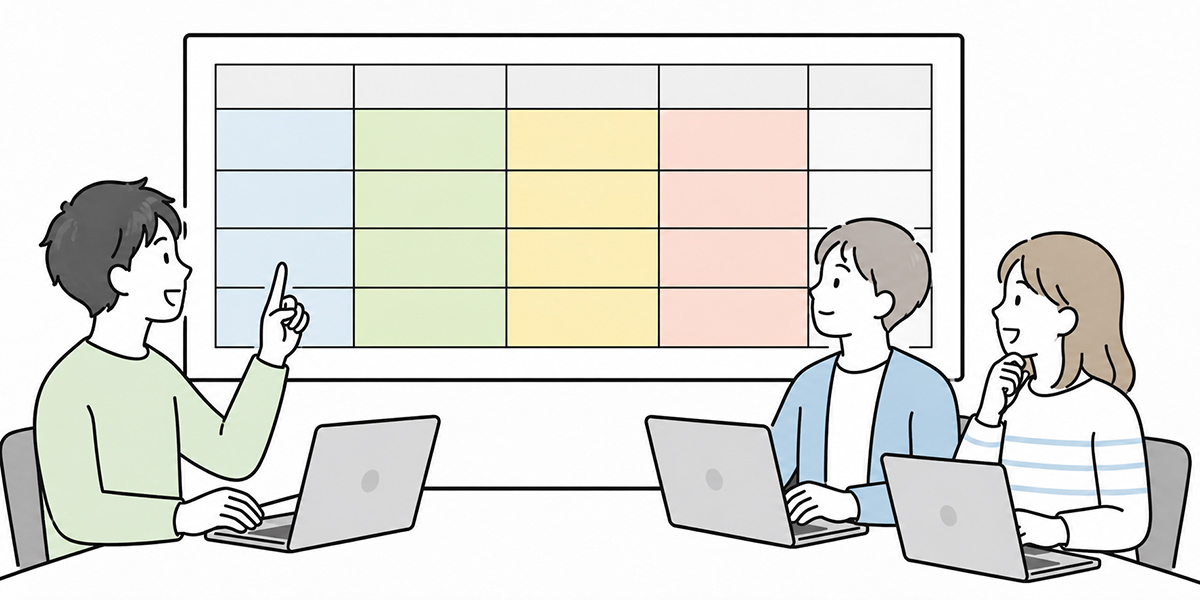
For internal use of generative AI, the single line “please don’t enter confidential or personal data” is not enough.
What the front line needs is a state in which it can make judgements like these.
- This information must not be entered
- This information can be discussed once masked
- This information needs checking even within an internally approved environment
- This information is public, so it’s easy to use
- When in doubt, here is who to ask
To get there, it helps to draw up a table separating confidential, customer, personal, credential, access and undisclosed information, and to roll it out across training, FAQs, the intranet and onboarding materials.
I don’t regard drawing up generative-AI rules as purely a matter of “restriction”. Rather, I see it as the work of building a common language for using it with confidence.
How far may you go? Where should you stop? Who do you ask when you hesitate? It is precisely because those lines exist that staff can keep using generative AI in their work.
The point, for the AI-use environments of the years ahead, is to set these up not as rules for stopping generative-AI use, but as rules for carrying on using it safely.
Q&A
If I don’t enter personal names into generative AI, can I avoid data protection problems?
Merely deleting personal names is sometimes not enough. Combine department, job title, region, deal name and date, and the individual can be guessed. Where any possibility of identification remains, you need either not to enter it or to abstract the information further.
If it’s an internal-only generative-AI environment, may I enter confidential information?
Even in an internal-only environment, it does not follow that all confidential information may be entered. You need to check contractual restrictions, your obligations under the UK GDPR and Data Protection Act 2018, internal regulations and the scope of access rights. Customer information, contract information, credentials and undisclosed financial information, in particular, should be handled carefully.
May I use generative AI for contract review?
There are cases where generative AI can be used for organising the angles of a contract review or for clause comparison. You should, however, avoid entering the full contract text, partner names, amounts and negotiation history as they stand. Use it with legal’s approval, processed down to the minimum necessary, and with the final judgement made by a specialist.
What should I do if I enter an API key or password by mistake?
Stop using it at once and report to the internal information-security team or IT. Then revoke or change the relevant API key, password or token. It is also important to record what was entered in error, when, which service was used, and the scope of the impact.
In training, what should be taught as a priority?
What should be taught first is the “shape of the judgement” rather than fine points of regulation. Specifically, equip people to check: is it information that can’t leave the company; can an individual or customer be identified; does it involve credentials, access rights, a contract or undisclosed information; and who to consult when in doubt. Setting out examples you may use, not just prohibited ones, helps it take root.