


We are keeping the logs. But if an auditor asked us what we could actually explain with them, I have to admit we couldn’t quite answer yet.
This is a worry that IT, security, audit and DX leads in companies rolling out generative AI internally tend to find all too familiar. In the early days, the main question was whether AI chat and summarisation tools were simply “handy to use”. Nowadays, though, the question has shifted to whether you can later explain who used what, when, for which business purpose, what information they entered, and which output they relied upon.
Take a hypothetical: three months after a company-wide trial begins, with 300 participants and 1,200 instances of AI use, looking back at the figures is not as simple as tallying up usage counts. IT cares about access rights, security about whether confidential information has crept in, audit about the integrity of the trail, and the DX lead about an operating model that does not leave staff afraid to use the tools at all. AI governance is the discipline of recognising risk properly and putting the necessary measures in place across the entire AI lifecycle, an approach set out in frameworks such as the NIST AI Risk Management Framework.
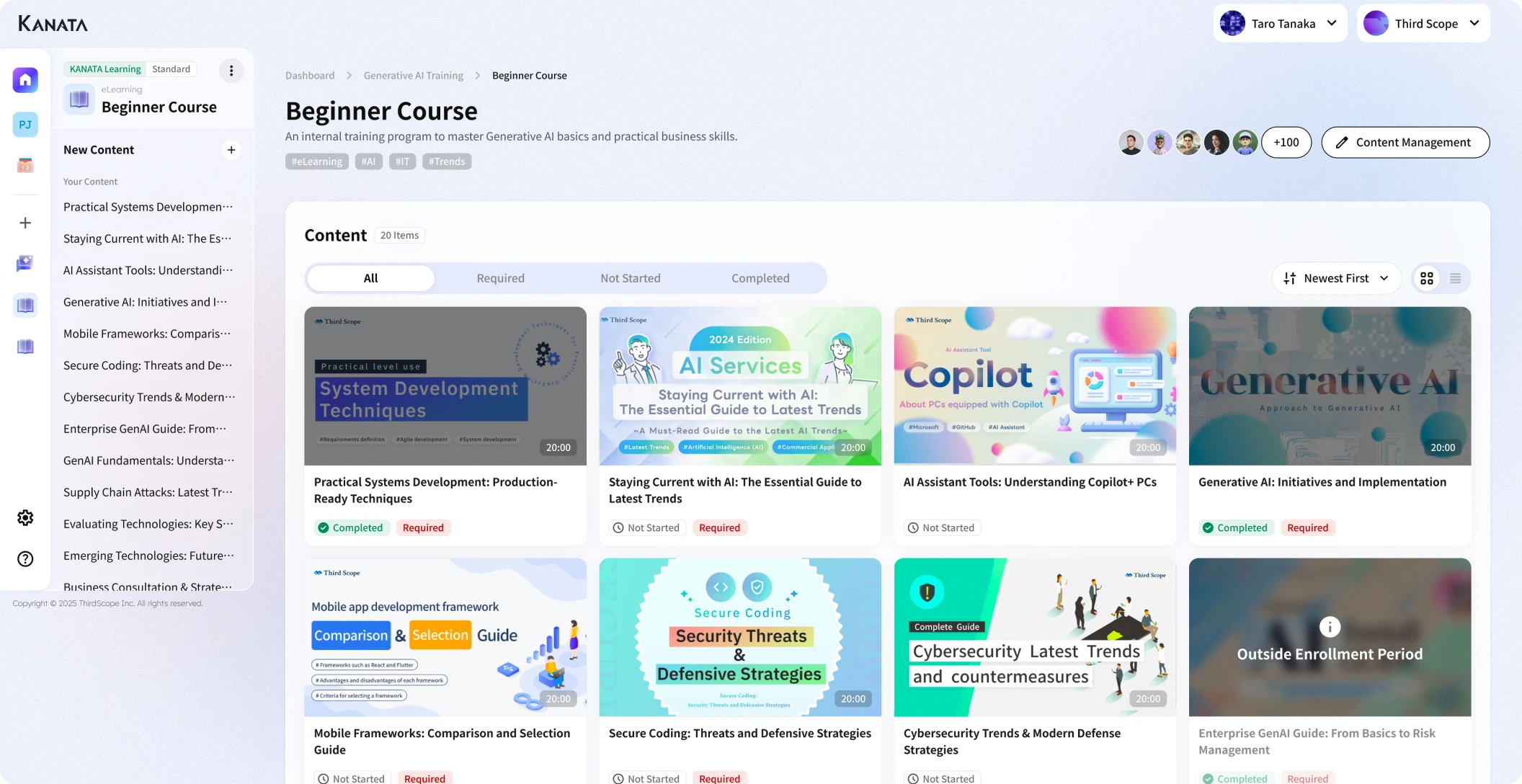
Even when you use a service like Kanata, which manages members and permissions on a per-project basis and lets you use AI chat, AI summarisation, e-learning and the like as discrete business units, log design itself still has to be decided to fit each company’s work, internal rules and audit policy. Kanata’s operational guidance sets out a way of organising users, data and apps project by project. It also notes, as a matter of practical operation, the importance of how information is handled within internal-only spaces and of human review.
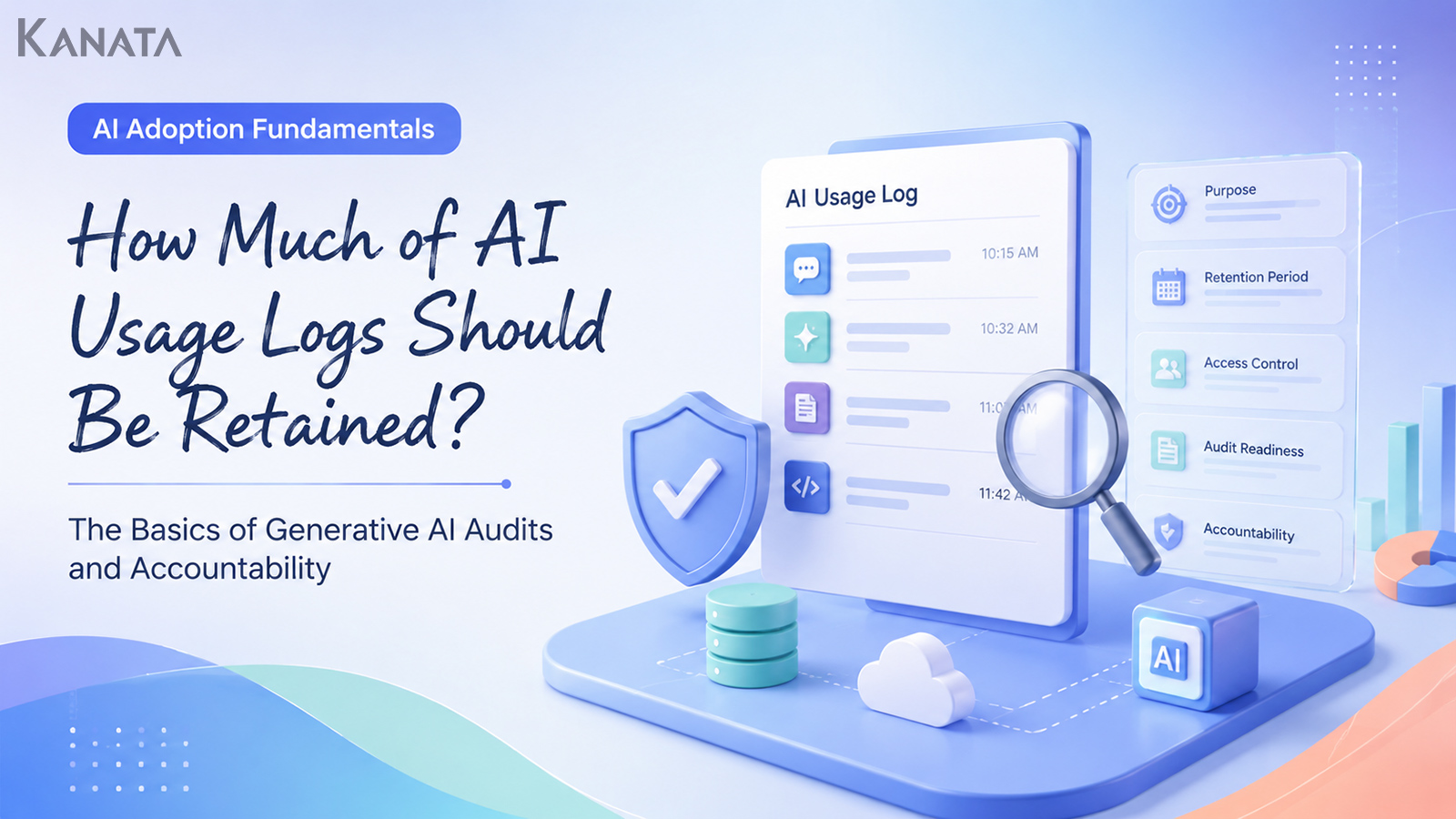
This article sets out how to design AI usage logs not as a binary “keep or don’t keep”, but in terms of the relationship between purpose, the items recorded, retention period, access rights, audit readiness and accountability. The aim is a state in which you keep the trail you need while your teams can use AI with confidence. That said, logs alone do not complete governance. Only when combined with input rules, training, permission management and periodic review do you get close to genuinely explicable AI use. Read on as though you were inspecting your own log design.
Design AI usage logs for accountability, not surveillance

The phrase “AI usage logs” is sometimes taken to mean “a way of monitoring how staff behave”. But what a company genuinely needs when it uses generative AI for work is not a record designed to make people nervous.
What you need is to be in a position to answer the following questions after the fact.
- Who used AI, and for which piece of work
- What sort of information they entered
- Whether the AI’s output was used in a business decision or in material destined for outside the company
- Whether a human check was carried out
- Whether, when something goes wrong, you can trace the cause
If you cannot answer these, your use of generative AI becomes “convenient work that you cannot explain”.
On the other hand, saving every conversation unconditionally is not the answer either. Over-collect, and you end up hoarding personal and confidential information for long stretches, which only increases your management risk. What is more, if staff feel that “whatever I ask is being watched”, the very adoption of AI may stall.
For that reason, AI usage logs should not be designed to “keep as much as possible”, but to “keep what is necessary and sufficient for the purpose”.
Think about why you keep AI usage logs in terms of four distinct purposes

The first thing to settle in log design is not which items to store. What you should decide first is what you are keeping the logs for.
Pile up items while the purpose remains vague, and you end up with logs that are hard to use even when you go back to them. Conversely, a clear purpose makes it far easier to decide which items to store, for how long, and who may view them.
For security
The most obvious purpose is detecting information leakage and inappropriate use.
For example, you use logs to check whether personal data, confidential customer information, undisclosed financial figures or contract terms are being entered into the AI. The UK’s Information Commissioner’s Office, in its guidance on AI and data protection, sets out how to balance the proper handling of personal data with the encouragement of innovation when using AI.
For this purpose, what matters is the input content, the user, the date and time of use, the project or app used, and the classification of the information handled.
For audit
In an audit, the question is not merely “did you use AI”, but “was that use appropriate in business terms” and “how did you verify the output”.
If, for instance, you used AI for a customer proposal, a contract review, a check against internal rules or a summary of minutes, you need to be in a position to trace the basis for your decisions afterwards.
For this purpose, what matters is the input content, the output content, the materials referenced, who reviewed it, and whether the output was ultimately adopted.
For quality improvement
Logs are useful not only for risk management but also for improving how AI is used.
Which departments use it most? In which tasks is usage heaviest? Which prompts are used over and over? Where do “needs checking” flags and reworked outputs pile up? Look at this sort of information and the themes worth training on, and the tasks worth turning into templates, start to become clear.
Kanata sets out an approach in which a prompt library and a learning-data library let you reuse frequently used instructions and internal materials. Features of this kind are also handy when you want to share the “good ways of using AI” surfaced in a log review across the organisation.
For this purpose, the usage purpose, business category, frequency of use, and a success/failure classification can be more helpful than detailed full-text logs.
For training and embedding good practice
AI usage logs are not only for policing staff; they can also be used to spread good practice more widely.
For example, turn a well-crafted prompt into an internal template. Share examples of risky inputs in training. Use a near-miss, where someone almost submitted raw AI output to a client, to tidy up your review procedure. Used this way, logs become not a leash on your teams but raw material for making AI use more repeatable.
The basic items worth keeping in your AI usage logs

Which items belong in your AI usage logs varies with the task and the risk. Even so, there are basic items that most companies ought to consider in common.
The bare minimum worth keeping
To start with, keep basic information such as the following.
| Item | Purpose | Notes |
|---|---|---|
| User ID | Identify who used it | Avoid shared accounts |
| Department / project | Identify which area of work it was used in | Especially important for cross-departmental use |
| Date and time of use | Trace events in sequence | Needed for incident response |
| App / feature used | Identify what was used | AI chat, AI summarisation and so on |
| Input content | Check for inappropriate information being entered | Decide whether to store full text or a summary |
| Output content | Check the basis for a decision | Record adoption / rejection too |
Kanata is designed so that apps such as AI chat, AI summarisation and e-learning are used on a per-project basis. So in your log design too, making it possible to trace “which project, and which app” keeps your operating units and your logging units aligned.
The items that matter for audit
From the perspective of audit and accountability, the basic items alone are sometimes not enough. What matters in particular is how the AI’s output was actually used in the business.
| Item | Purpose | Notes |
|---|---|---|
| Input content | Check for inappropriate information being entered | Decide on full-text vs summary storage |
| Output content | Check the basis for the decision | Record adoption and rejection |
| Materials referenced | Verify the supporting sources | Watch for a mix of outdated materials |
| Prompt used | Confirm reproducibility | Template name and version are useful too |
| Where the output was used | Check whether it was for internal use or external submission | External-facing material requires review |
| Whether reviewed | Show that a human checked it | Record the reviewer and the date and time |
| Edit history | Check how the AI output was amended | Useful for important documents |
What matters here is not to leap to the conclusion that “the full text of every input and output must always be kept”. Some tasks call for full-text storage; for others, a summary or metadata is quite enough.
For relatively low-risk use such as an internal FAQ, for example, a question category and an answer log may suffice. For use bound up with customer proposals, contracts, audit, legal or HR appraisals, on the other hand, more detailed logs may be required.
Decide what not to keep, or to mask

In log design, “what not to keep” is every bit as important as “what to keep”.
Generative AI usage logs can contain prompts and output text. If those carry personal data, customer information, contract terms or financial figures, the log itself becomes a high-risk information asset.
Information to be careful with when storing logs
| Information category | Examples | Policy |
|---|---|---|
| Personal data | Names, addresses, contact details, employee numbers | Mask as a rule |
| Sensitive information | Health information, beliefs, account numbers and the like | Do not store |
| Customer confidential | Deal history, contract terms, undisclosed materials | Manage in line with contract terms |
| Undisclosed financial information | Results, M&A, personnel moves | Do not enter or store, as a rule |
| Legal / HR information | Appraisals, disciplinary matters, litigation-related | Strict permission management required |
Kanata’s best practice likewise sets things out along the lines of: personal data not allowed as a rule, masked where necessary, and sensitive or undisclosed financial information prohibited.
Examples of masking
| Original information | Masking example |
|---|---|
| John Smith | {Contact A} |
| ABC Co., Ltd. | {a major manufacturing company} |
| £348,000 | {in the hundreds of thousands of pounds} |
| 13 May 2026 | {mid-May 2026} |
| smith@example.com | Delete |
| Bank account number | Delete |
The point of masking is not simply to hide names. Combine several pieces of information and you may be able to re-identify an individual or a company. Small teams, large customers in a particular sector, and unusual contract terms in particular can often be inferred even after anonymisation.
For that reason, masking should be thought of not as “substitution” but as “a process that lowers the risk of re-identification”.
Retention periods should vary by business risk, not be uniform

The retention period for AI usage logs need not be uniform across the board. It is rather more realistic to vary it according to the nature and risk of the work.
When deciding retention periods, think along three axes.
- Business risk. Routine internal drafting and a customer proposal or contract review carry rather different weights when it comes to what you may later need to explain.
- Sensitivity of the information handled. Content close to public information and content close to customer confidential or personal data pose different risks when stored.
- The period over which an explanation might later be needed. Anything bound up with contracts or audit may need to be revisited years later. Day-to-day brainstorming or rewording, on the other hand, may have little need for long-term storage.
Illustrative retention periods
The following are illustrative only. In practice you need to decide in line with your own document-management rules, contract terms, the law and your audit policy.
| Area of use | Illustrative retention period | Reason |
|---|---|---|
| Day-to-day drafting / brainstorming | 90–180 days | Relatively little need for long-term storage |
| Internal FAQ / rule checks | 1 year | Used to review enquiry trends and answer quality |
| Minutes / meeting summaries | 1–3 years | Varies with the importance of the meeting body |
| Customer proposals / sales materials | 3–5 years | Needs to be reconciled with contract and deal history |
| Contract / audit / legal-related | 3–5 years or more | Follow internal rules and legal judgement |
| Incident-related | Case by case | Preservation of the trail is required |
A longer retention period does not mean more peace of mind. The longer you keep unnecessary logs, the wider the potential impact in the event of a leak. Old logs also lose their context and can give rise to misunderstanding.
What matters is being able to explain “why we keep it for that period”.
Keep the number of people who can see logs to a minimum

AI usage logs may contain the substance of work-related consultations, internal materials, customer information and information bearing on individuals. So you must not merely store the logs; you must design who can see them.
The basics of log-viewing permissions
| Role | Viewing scope | Main purpose |
|---|---|---|
| The user themselves | Their own usage logs | Reflection, reuse |
| Project administrator | Within the projects they oversee | Operations, improvement |
| IT lead | The technical logs required | Fault response, usage monitoring |
| Security lead | High-risk logs | Inappropriate use, leak checks |
| Audit lead | Logs under audit | Trail verification |
| Legal / management | Only when needed | Serious matters, accountability |
What you want to avoid is a state of “administrators can see everything”. Administrator privileges are convenient, but excessively strong permissions become a vector for insider misuse and for unnecessary viewing.
It is also advisable to record the viewer, the date and time, and the reason for viewing the log itself. For logs that come close to personal or customer information in particular, you should avoid a state in which you cannot trace “who looked at the log”.
Align it with per-project permission design
Kanata organises work in terms of spaces, projects and apps. A space is described as the container for the whole organisation, a project as a group at the unit of a piece of work, and an app as a feature unit such as AI chat, AI summarisation or e-learning.
On that premise, it becomes easier to think about log design on a per-project basis as well.
The sales team’s proposal-drafting project, HR’s enquiry-handling project and the management meeting’s minutes-summarisation project, for instance, differ both in their participants and in the sensitivity of the information. There is no good reason for their log-viewing permissions to be identical.
Kanata’s best practice sets out the idea of dividing projects by “may these people see the same information”. Design your AI usage log viewing scope to match this unit and you will find it easier to reconcile day-to-day operations with security management.
What an audit asks is not “do you have logs” but “can you explain”

What matters in a generative AI audit is not the mere existence of logs. It is whether you can use the logs to explain the soundness of your business decisions and your operations.
An audit, for example, might pose questions such as the following.
- In this department, which tasks do you use generative AI for?
- Do you have a rule against entering personal or confidential information?
- When a rule is broken, can you detect it?
- Are you putting AI output straight out to external parties?
- Where is human review carried out?
- Are you using outdated learning data or erroneous prompts?
- Are the access rights of leavers and movers being reviewed?
Answering these questions takes more than mere access logs. You need to explain the operation as a whole, including the usage purpose, the input information, how the output was used, the review history, permission management and the state of training.
A log-review procedure for audit readiness
Setting up a monthly or quarterly review procedure such as the following makes it easier to put into practice.
- Decide the period covered
- Decide the departments and projects covered
- Extract high-risk use
- Check the appropriateness of the input information and the use of the output
- Confirm whether a human review took place
- Record corrective items
- Feed it into training and rule revisions
An illustrative monthly review
| Item | Detail |
|---|---|
| Frequency | Once a month |
| Period covered | The previous month |
| Logs covered | Those among all AI usage logs falling into the high-risk classification |
| Reviewers | One from IT, one from security, one from DX |
| Items checked | Entry of prohibited information, external use, whether reviewed |
| Outputs | Number of inappropriate-use cases, number remediated, candidate rule revisions |
Here too, the aim is not to blame individuals. Rather, it is to improve the rules, templates, training and permissions so that the same mistake does not recur.
To discharge accountability, a human review history is indispensable

Generative AI output is convenient, but it is not necessarily correct. AI can deliver mistaken content in perfectly natural prose. Figures, proper nouns, dates, quotations and contract terms call for particular care.
Kanata’s best practice likewise sets out that, because AI may tell a “plausible lie”, documents going outside the company, along with figures and quotations, must always be verified by a person.
In short, what matters is not only the AI usage log but also a history of how a human verified things.
Items worth keeping as a review history
| Item | Purpose |
|---|---|
| Reviewer | Who checked it |
| Review date and time | When it was checked |
| Whether amended | Whether the AI output was changed |
| Adopted / rejected | Whether the output was used in the work |
| Whether submitted externally | Whether there is external impact |
| Primary source referenced | What it was verified against |
For external-facing proposals, contract-related documents, recruitment and HR appraisals, and legal or audit materials in particular, “because the AI produced it” is no explanation at all. You need to record that a person ultimately verified and decided.
An AI usage log design template

From here, we set out a template for actually getting on with log design. You need not fill in the same items for every task. Realistically, it is best to start by organising the high-risk work bound up with information leakage, legal and audit, customer dealings and external-facing deliverables.
Log design sheet
| Item | What to enter |
|---|---|
| Task covered | e.g. drafting sales proposals, internal FAQ, summarising minutes |
| AI features used | AI chat, AI summarisation, file summarisation and so on |
| Information categories handled | Public information, internal information, customer information, personal data and so on |
| Main users | Department, role, project |
| Log items to keep | User, date and time, input, output, materials referenced and so on |
| Full-text storage of input | Store / summary only / do not store |
| Full-text storage of output | Store / summary only / do not store |
| Retention period | 90 days, 1 year, 3 years and so on |
| Who may view | The user, administrators, audit leads and so on |
| Whether review is required | Not required / required / required only for external use |
| Explanatory angle for audit | What you need to be able to explain |
| Deletion / extension conditions | Expiry, incident, end of contract and so on |
| Response in the event of an incident | Who to report to, preserving the trail, deletion judgement |
Design examples by type of work
| Work | Input log | Output log | Illustrative retention period | Notes |
|---|---|---|---|---|
| Internal FAQ / rule checks | Full question text or summary | Full answer text | 1 year | Stop the AI inferring content not in the rules |
| Minutes / meeting summaries | Metadata for audio, transcript and source materials | The summary result | 1–3 years | Watch for personal or undisclosed information |
| Drafting customer proposals | Deal overview, customer issues, proposed terms | Proposal drafts, comparison tables, summaries | 3–5 years | Check NDAs, contract terms and customer confidential |
| Contract / legal-related | Storing the original text calls for careful judgement | Points at issue, risk classification, items to check | Follow internal rules and legal judgement | Do not treat AI output as a legal judgement |
The retention periods are illustrative only. In practice, adjust them in line with your own document-management rules, contracts, the law and your audit policy.
Operational points to bear in mind when using Kanata

Kanata is designed as a platform for putting AI chat, AI summarisation, e-learning and the like to work in the business. Its operations manual sets out an approach of organising users, data and apps project by project and collaborating safely.
So, even when you use Kanata, log design should not be thought through in isolation; it should be considered together with project design, permission design, learning-data management and prompt management.
Divide the scope of use by project
First, divide your projects according to how information should be exposed.
One approach is to divide by department. This suits cases where sales, HR, finance, IT and so on handle markedly different information.
Another is to divide by task. This suits cases such as summarising minutes, the internal FAQ, drafting proposals and training content, which are used across the organisation.
A further approach is to divide by customer or matter. Where you handle a particular customer’s information or contract terms, it becomes easier to limit who is involved.
Kanata’s best practice likewise sets out the idea of dividing projects by “may these people see the same information”. Align your AI usage logs with this thinking and it becomes easier to organise viewing scope and management responsibility.
Make learning data and prompts subject to management too
When people hear “AI usage logs”, they tend to fix on the user’s input and the AI’s output alone. But which materials the AI referenced, and which prompt template was used, matter too.
Suppose, for instance, that answers were drawn from an outdated set of rules; that a proposal was built on an old version of a sales document; or that an old prompt containing prohibited wording was left lying around. In such a state, even with input and output logs in place, accountability cannot be fully discharged.
Kanata sets out an approach of registering AI settings, prompts and learning data in a project library for reuse. For that reason, it is important to carry out a monthly stocktake and version control, and not to let outdated materials and unnecessary prompts linger.
Kanata alone does not complete your log design
Kanata can serve as a foundation for organising AI use at the unit of a task and managing users and projects. That said, the retention periods, audit policy, viewing permissions and approval rules for external use have to be designed to fit each company’s rules, contracts and audit standards.
In other words, adopting Kanata does not automatically complete your accountability. You need to combine the platform’s features with your own operating rules.
A checklist for AI usage log design

Here is a checklist for reviewing your own AI usage log design.
Purpose design
- Have you set down in writing the purpose of keeping AI usage logs?
- Have you separated out which of security, audit, quality improvement and training they serve?
- Have you stated a policy of not using logs solely to monitor staff?
Item design
- Are you keeping the user, date and time, project, app and operation type?
- Have you decided at what granularity to keep input and output content?
- Can you trace the materials referenced and the prompt templates?
- Can you record whether the output was used in the business?
Retention period
- Have you varied retention periods by business risk?
- Can you explain the basis for the retention periods?
- Are you avoiding keeping unnecessary logs for long stretches?
- Have you decided on deletion and extension conditions?
Access rights
- Are you keeping the number of log viewers to a minimum?
- Are you dividing viewing scope by project?
- Are you keeping a history of log viewing?
- Are you reviewing the permissions of leavers and movers?
Audit and review
- Are you carrying out a monthly or quarterly log review?
- Can you extract high-risk use?
- Are you keeping a history of humans reviewing AI output?
- Have you decided the format you will submit at audit?
Training and improvement
- Are you feeding common bad inputs into your training?
- Are you turning good prompts into templates?
- Are you stocktaking outdated learning data?
- Are you feeding incidents and near-misses into rule revisions?
In summary: AI usage logs are business design that lets you explain after the fact
AI usage logs are not a mere technical log. Once you use generative AI for work, they are the very design of the business that explains who used which information, for what purpose, and how they verified the output.
What matters is not keeping everything. It is keeping the necessary items, for only as long as necessary, in a form that only the necessary people can see, according to the purpose.
In designing AI usage logs, you need to bear the following in mind.
- Design logs for accountability, not surveillance
- Separate the purpose into security, audit, quality improvement and training
- Keep input, output, materials referenced and review history as needed
- Vary retention periods by business risk
- Keep viewing permissions to a minimum
- Combine logs not only with each other but with training, permission management and periodic review
- Even when using a task-level AI foundation such as Kanata, you still need to connect it to your own rules
The wider the use of generative AI spreads, the more it is “can you explain after the fact”, not just “may you use it”, that comes to matter. Log design is not there to put a stop to AI use. It is the foundation that lets your teams go on using it with confidence.
To begin with, it is worth picking three of your high-risk tasks and filling in the log design sheet for them.
Q&A: Common questions on AI usage log design
Should all AI usage logs be kept in full text?
Not necessarily in full text. For work carrying heavy accountability, such as customer proposals, contracts, audit and legal matters, full-text storage may be required. For day-to-day brainstorming or rewording, on the other hand, metadata alone—the usage purpose, category, date and time, user and so on—may be enough. It is important to separate full-text storage, summary storage and metadata storage according to business risk.
What is a reasonable retention period for logs?
There is no one-size-fits-all answer. The retention period has to be decided in line with your own document-management rules, contract terms, the law and your audit policy. By way of illustration, day-to-day drafting might be 90–180 days, an internal FAQ a year, and customer proposals or contract-related matters 3–5 years. That said, these are general design examples, and in practice you need to verify against each company’s own risk assessment.
Who should be given permission to see AI usage logs?
The rule is least privilege. You divide viewing scope by purpose—the user themselves, the administrator of the project concerned, IT, security, the audit lead and so on. A design where “administrators can see everything” is best avoided. For logs that may contain customer or personal information in particular, it is advisable to keep a viewing history as well.
If we keep logs, is that enough for generative AI audit readiness?
Logs alone are not enough. What an audit asks is not whether logs exist, but whether you can explain the soundness of your business decisions and operations. So you need to combine them with input rules, definitions of prohibited information, human review, an approval flow, training and a periodic stocktake.
Does using Kanata complete AI usage log design automatically?
It does not complete it automatically. Kanata can be used as a business foundation that makes it easier to organise AI chat, AI summarisation, learning data, prompts and the like on a per-project basis. The retention periods, audit policy, viewing permissions and review procedures, on the other hand, have to be designed to fit each company’s rules, contracts and audit standards. Connecting the tool’s features to your internal rules is what matters.