



Did the AI do this, or does it count as something Yamamoto did?
At the Monday-morning security stand-up, that single remark from the auditor brought the room to a halt. This is the story of Yamamoto in IT, who is driving generative-AI adoption, and the legal, audit and front-line teams who together ran into the question of how to manage accounts for AI agents. Six months earlier, the company had been letting task-executing AI agents work under individual user IDs, trialling them on viewing and updating the CRM and the ticketing tool. Work did get easier, but in the audit log everything showed up as “Yamamoto’s actions”, and it was hard to explain after the fact whether the AI had carried out an operation or a person had done it directly.
They are now revising course towards issuing dedicated non-human IDs for AI agents and designing permissions, key management, rotation and lifecycle management separately, treating the agent as a service-account AI. Even when you use a business-support platform such as Kanata, which lets you organise users, data and apps on a per-project basis, the wider the use of AI chat and training data grows, the more it matters to have a design that can explain “who did what, under which permissions”.
This article is for anyone uneasy about the state of sharing a personal account with an AI, and it sets out how to make sense of non-human IDs, machine identities and audit logs. The aim is a state in which you can keep the AI’s work running while still separating, and explaining, the scope of its operations and where responsibility sits. That said, simply creating a non-human ID does not make you safe. Only once you fold in permission design, stock-taking, training and regular review does it become an arrangement that holds up in practice.
What goes wrong when you lend an AI agent a personal ID
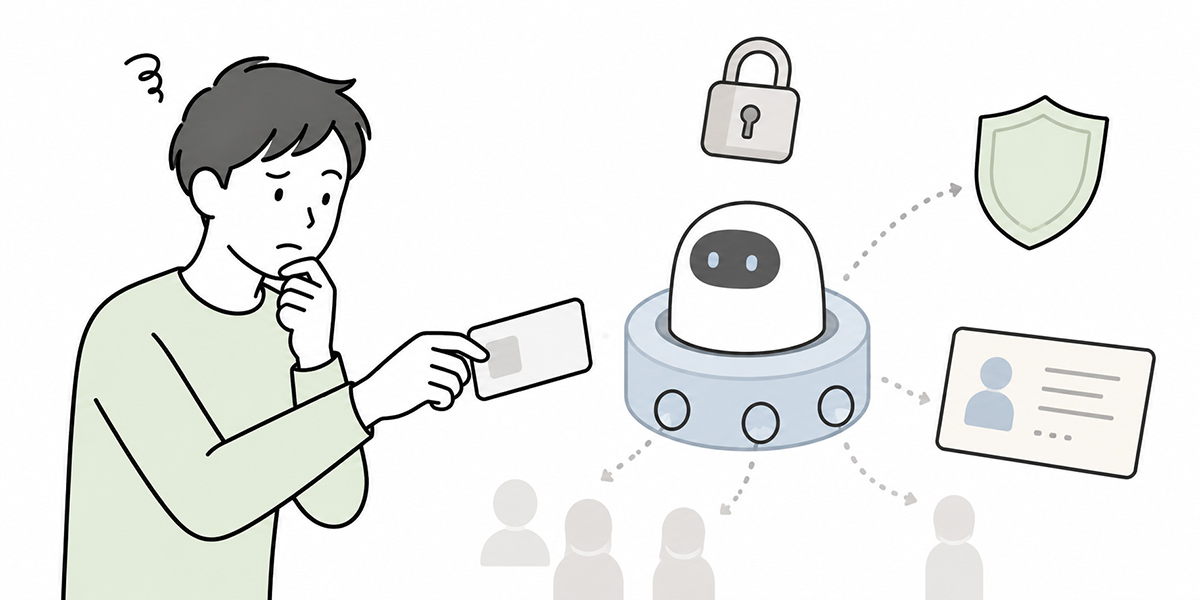
A task-executing AI agent is a rather different beast from an AI that merely generates text. Once it logs into SaaS, updates tickets, checks customer records and pushes internal workflows along, the AI shifts from “something that advises” to “something that operates”.
The first thing that becomes a problem at this stage is which account you let the AI use.
In the trial phase, teams often run an AI agent under a staff member’s personal account. If all you are doing is experimenting with browser automation, CRM updates, ticket triage and internal knowledge search, that route looks quicker.
Keep that state up in something close to production, however, and problems crop up readily on the audit, accountability and access-management fronts.
In the audit log it looks like “a person’s action”
When an AI agent operates under a personal ID, the audit log records the action as that individual’s.
For instance, if the AI changes a deal’s status in the CRM under Yamamoto’s account, the log reads “Yamamoto made the change”. In truth, you cannot tell whether the AI decided this on its own, whether Yamamoto explicitly instructed it, or whether another colleague asked for it via Yamamoto.
That makes things hard to explain when something goes wrong.
There are at least four points worth pinning down.
- Who instructed the AI
- Which account the AI operated under
- Whether a human approved before the action
- Which data or basis the action rested on
If these four are not kept apart, then handy as AI agents are, they leave a nagging worry from the point of view of audit, legal and internal control.
Responsibility becomes blurred
If an AI agent carries out the wrong operation, with whom does responsibility lie?
Is it the staff member who lent their personal ID? The IT department that designed the agent? The business unit that decided to hand the work to the AI? Or the approver who failed to check the AI’s output?
Roll out the arrangement without being able to answer that, and the front line grows reluctant to use the AI, left with the worry that they alone will carry the can if there is an incident.
Advancing AI adoption takes more than “getting more people to use AI”. You need to make clear who is responsible for what, and you need to do so in both the account design and the operating rules.
Permissions tend to become excessive
A personal account carries the permissions that individual needs for their job. A manager may hold approval rights; an IT staff member may have rights to change settings or manage users.
Let an AI use that account and the agent ends up holding permissions it has no business holding.
An AI meant only to triage support tickets, say, might end up able to edit customer records or change user permissions. This means the AI has been granted excessive privileged access.
An AI agent should be given only the minimum permissions the work requires. The practical way to do that is to use a non-human ID designed per use case, rather than a person’s individual ID.
What is a non-human ID
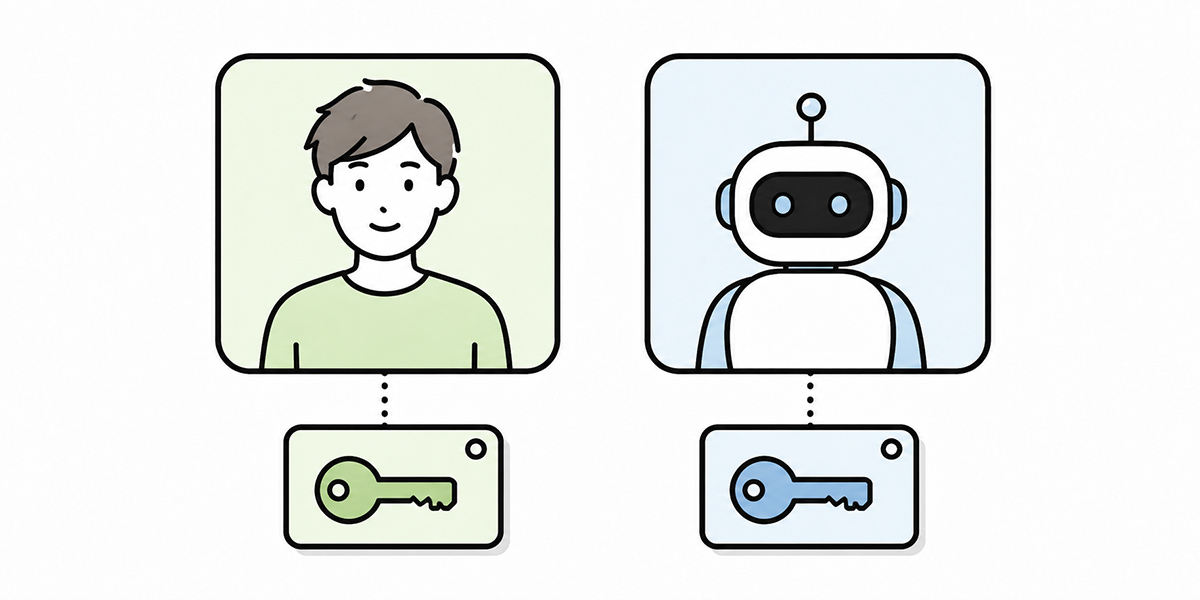
A non-human ID is an identity used not by a human employee but by an AI agent, application, integration, batch job and the like. In English, this is sometimes referred to as a Non-Human Identity or Machine Identity.
When an AI agent operates SaaS or a ticketing tool, preparing a dedicated non-human ID for it lets you keep its actions separate from a human’s personal-ID actions.
The difference between human IDs and non-human IDs
A human ID is an ID tied to a real individual, such as an employee or contractor. It is issued for logging in, and for using email, chat, business systems and so on.
A non-human ID, by contrast, is tied not to a person but to a business process or system. Examples include the following.
- Account for a ticket-classification AI agent
- Account for a CRM-update AI agent
- Account for an invoice-checking AI agent
- Account for an internal FAQ-answering AI agent
- Service account for data integration
- Token for API execution
- Account for batch processing
What matters is that a non-human ID is not “a shared account used on someone’s behalf.”
A non-human ID is a managed object with a defined business purpose, scope of operation, responsible owner, approver and stop condition. It should not simply be something you can log into — it needs to be treated as subject to lifecycle management.
Manage it as a service-account AI
A non-human ID for an AI agent is sometimes called a service account, treated as a service-account AI.For example, when a customer-support AI agent logs into the helpdesk tool and changes a ticket’s category, it uses a dedicated service account created specifically for that AI.
The point is not the label but managing it deliberately as an “operating entity that is not a person”. To this account you tie information such as the following.
- Which AI agent uses it
- Which work it is used for
- Which systems it accesses
- Whether it is read-only, or can write as well
- Who checks the results of its actions
- Who is responsible when something goes wrong
- When it will be stock-taken
- When it will be retired
Defining it this way lets you treat the AI agent not as “something running on someone’s borrowed account” but as a “managed entity that executes work”.
Basic principles for designing AI-agent accounts
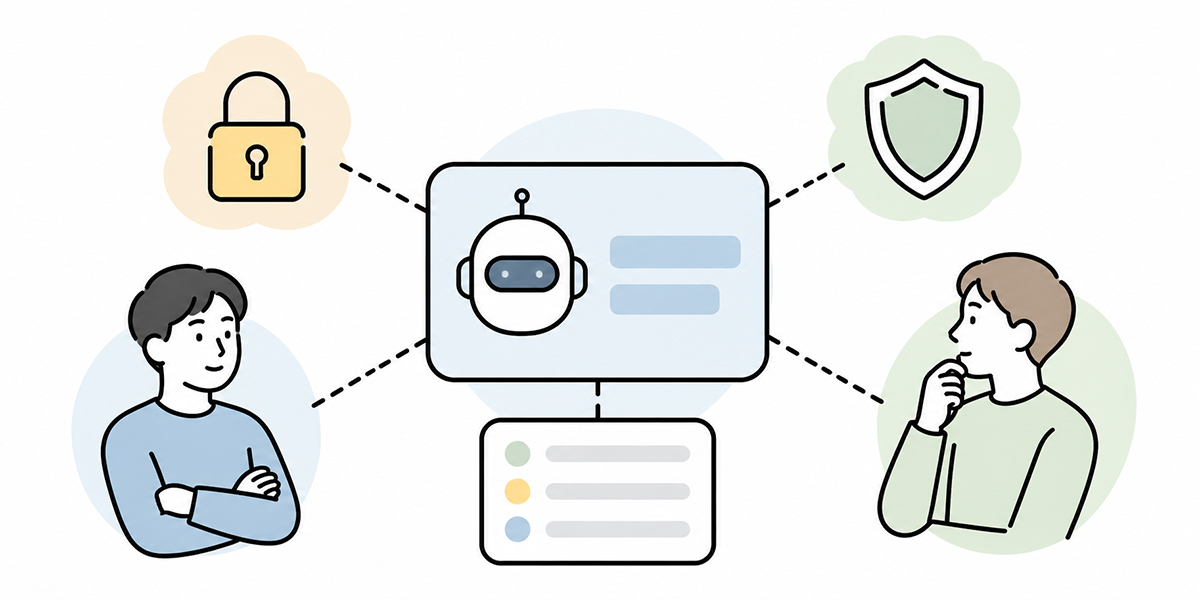
To run non-human IDs safely, the initial design matters. Here we set out the basic principles for designing an account for an AI agent.
Issue a dedicated ID per AI agent
Share one non-human ID across several AI agents and, looking at the audit log, you will no longer be able to tell which AI did what.
Create a shared account called “AI-agent-common”, say, and have the triage AI, the FAQ-answering AI and the CRM-update AI all run under it, and every action lands under the same name. If a problem surfaces, you cannot tell which AI was responsible.
Non-human IDs should be separated by AI agent, or at the very least by use case.
Good examples of naming follow a pattern such as this:
ai-helpdesk-ticket-classifierai-crm-update-assistantai-internal-faq-readerai-invoice-checkerai-marketing-report-drafter
Making sure the name alone tells you which AI is used for which task makes stock-taking and auditing far easier.
Start from least privilege
It is important not to grant an AI agent broad permissions from the outset.
Hand out generous permissions on the “so we don’t get caught short later” principle and you widen the blast radius when the AI does something unexpected. Starting from read-only, or narrowly scoped write permissions, is the safer course.
For a support AI, for example, you might split things this way at the outset.
- Can view FAQs and past tickets
- Cannot send replies to customers
- Can draft ticket classifications
- Can change status only after human approval
In this way you separate what the AI may do from what a human ought to check.
An AI agent grows more useful the more autonomously it acts, but you need not entrust it with every operation from day one. Widening permissions in stages is the realistic way to run things.
Make clear which operations need approval
Among an AI agent’s operations, some may run without approval and others call for a human check.
Operations like the following, for instance, are often comparatively easy to treat as lower-risk.
- Searching internal documents
- Summarising minutes
- Drafting ticket classifications
- Drafting email copy
- Generating draft FAQ answers
Operations like the following, on the other hand, ought to have a human check in the loop.
- Sending email to customers
- Changing contract terms
- Finalising quoted amounts
- Overwriting customer records
- Changing user permissions
- Operations touching payments, refunds or billing
In designing an account for an AI agent, it matters not merely to attach permissions but to separate “operations the AI may execute” from “operations the AI drafts but a human approves”.
Record the responsible owner and the operator separately
Every non-human ID should have a responsible owner set.
That owner, though, need not be the same as the day-to-day technical operator. For a ticket-triage AI agent, for instance, the business owner might be the head of customer support, the technical operator the IT department, and the users the front-line team.
Manage this relationship in a register.
At a minimum, it is worth recording the following items.
- Non-human ID name
- Name of the AI agent that uses it
- Purpose
- Target systems
- Permission scope
- Business owner
- Technical operator
- Approver
- Created date
- Last review date
- Planned retirement or review date
Without this register, six months on you will no longer know “what this account was created for”.
What to watch in lifecycle management
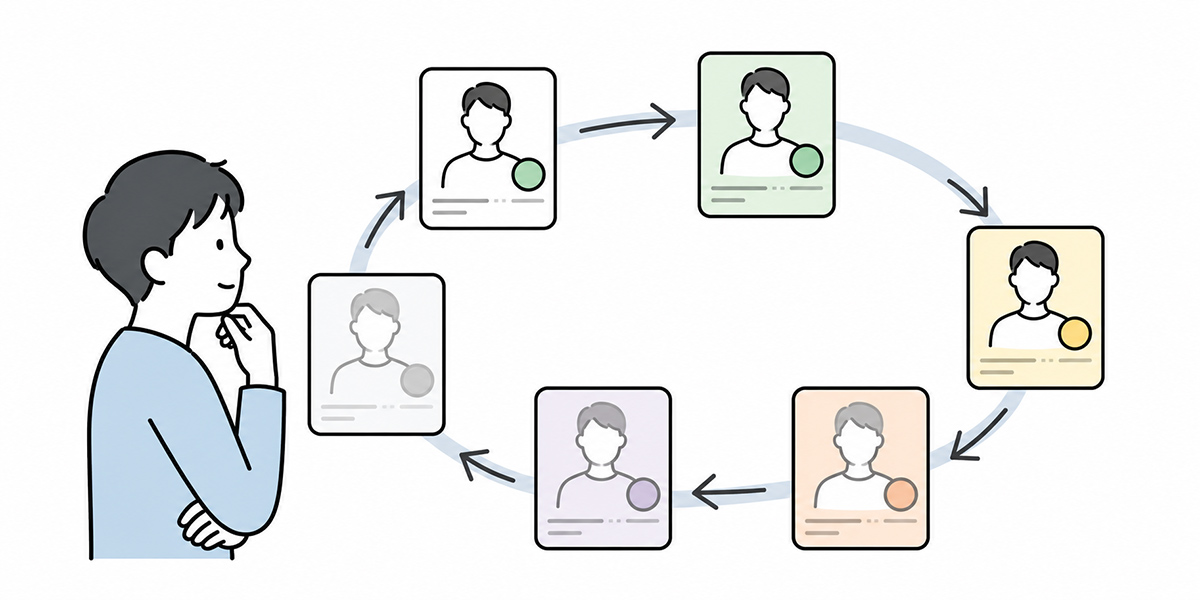
A non-human ID is not “create and forget”. Like a human account, it needs lifecycle management across creation, change, use, retirement and deletion.
If anything, because a non-human ID is not directly tied to a person’s transfer or departure, it tends to be left lying around. That is precisely why regular stock-taking is needed.
At creation, make purpose and permissions clear
When you create a non-human ID, first make its purpose clear.
What you want to avoid is creating it under a vague name such as “for AI trials”, “for automation” or “common account”. From those you cannot later tell which work it is needed for.
At creation, make sure you can answer at least the following questions.
- What work does this AI execute
- Why does it need a non-human ID rather than a personal ID
- Which systems does it access
- How far is it permitted to read, create, update and delete
- Which operations need human approval
- When will it be reviewed
Accounts that are vague at this point stay vague after they go live.
While in use, check the audit and execution logs
Once an AI agent actually starts running, check the logs.
What you should be watching here is not simply whether errors are appearing. Check whether the AI is acting within its intended scope and whether unexpected operations are on the rise.
For a triage AI, for instance, you might look at the following.
- Whether unexpected category changes are increasing
- Whether there is unnatural activity at night or on weekends
- Whether the same ticket is being changed repeatedly
- Whether permission errors are recurring frequently
- Whether any operations skipped human approval
In auditing an AI agent, what matters is not only “what succeeded” but also “what was refused” and “what failed”. Refusal and failure logs are raw material for improving permission design and prompt design.
On change, separate a change of purpose from added permissions
As an AI agent’s use beds in, the front line asks “let it do this too”.
If at that point you simply keep tacking on permissions, the account’s purpose sprawls. An AI built for ticket triage may, before you know it, be sending customer replies, changing statuses, producing reports and updating the CRM.
Where the purpose changes, consider whether to add permissions to the existing non-human ID or to split it off into a new AI agent or new non-human ID, rather than simply extending the existing one. Check the following.
- Whether it falls within the existing purpose
- Whether to add to the existing ID or split off a new one
- Whether the added permission is read or write
- Whether an approval flow is needed
- Whether it can be distinguished in the audit log
Inserting this check keeps non-human IDs from bloating.
On retirement, do not leave unused IDs lying around
The non-human IDs of an AI agent whose PoC has ended, of automation that fell out of use, or of work whose owner has moved on, all tend to be left lying around.
Yet the less an ID is used, the greater a risk it becomes. If permissions and API keys linger on an account no one is watching, leaks and misuse become harder to notice.
On retirement, carry out the following.
- Stop the AI agent from running
- Revoke API keys and tokens
- Remove permissions from the target systems
- Stop any related scheduled runs
- Check the log-retention period
- Update the status in the register
“Not in use, but kept just in case” is best avoided. Even where reuse is possible, it is safer to strip the permissions off for now.
How to think about key management and rotation
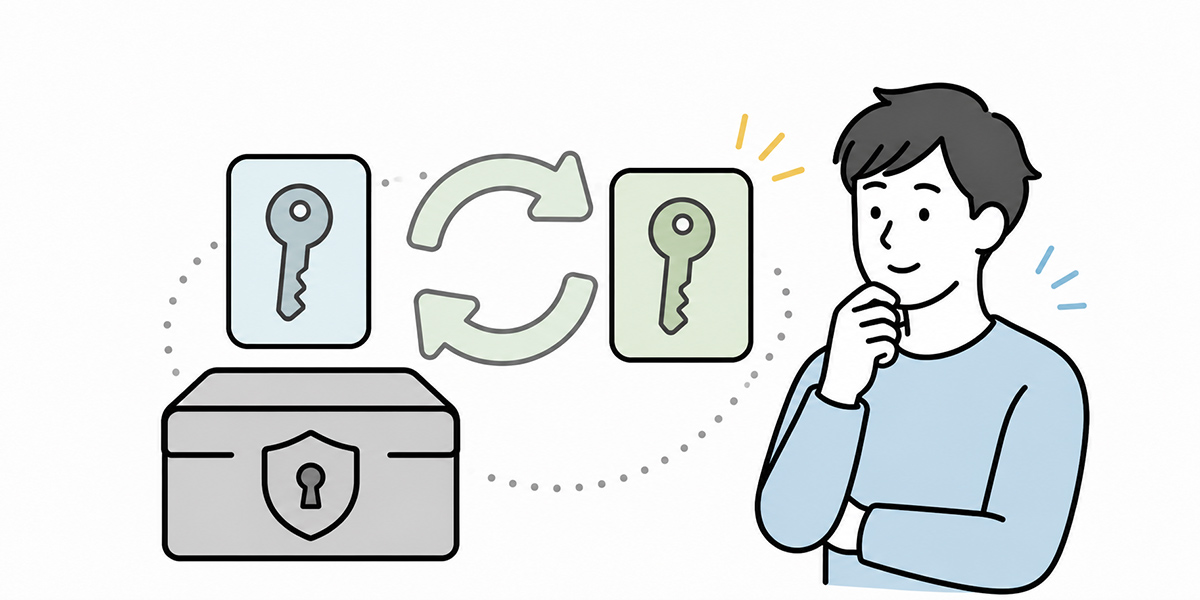
When an AI agent operates business systems, it may handle API keys, access tokens, certificates, webhook signing keys and the like. These deserve managing every bit as carefully as the non-human ID itself.
By key management we mean handling credentials such as API keys and tokens consistently, from issuance through storage, renewal and revocation. Rotation refers to invalidating old keys on a set schedule or under set conditions and switching to new ones.
Do not put keys on personal devices or in chat
What you most want to avoid is placing API keys or tokens on personal devices, in note-taking apps, in chat, in spreadsheets and so on.
Once a key is pasted into chat, it becomes hard to tell who has seen it. It may also linger in screenshots or logs.
Keep keys in a secrets-management tool or the secure storage of a cloud environment. Have the AI agent’s runtime reference them only when needed, and never write them directly into code or the body of a prompt.
Decide the rotation cycle
In key management, rotation matters too.
The cycle varies with your organisation’s security policy and the importance of the system. What matters is deciding in advance “under which conditions to renew”.
Conditions like the following come to mind.
- When a set period has elapsed
- When a staff member has moved or left
- When the AI agent’s purpose has changed
- When you have widened the permission scope
- When a leak is suspected
- When the used system’s policy has changed
What is important in rotation is to have the procedure ready in advance.
- Issue a new key
- Update the AI agent’s settings
- Confirm it works
- Revoke the old key
- Record the update date in the register
Without a settled flow like this, renewal can halt the AI agent or leave old keys behind.
Decide the revocation procedure for a leak in advance
Where a key or token may have leaked, you need to be in a position to revoke it at once.
The important thing is to draw up the procedure beforehand, rather than starting to think it through once a leak is confirmed.
You might, for example, settle the following items.
- Who decides to revoke
- On which screen or API revocation happens
- Which AI agents stop once it is revoked
- The procedure for issuing a replacement key
- How those concerned are notified
- How far the audit log is checked
The more autonomous an AI agent, the greater the impact of a key leak. The procedure for the crisis matters as much as the management in peacetime.
Getting to a state where you can trace “what the AI did” in the audit log
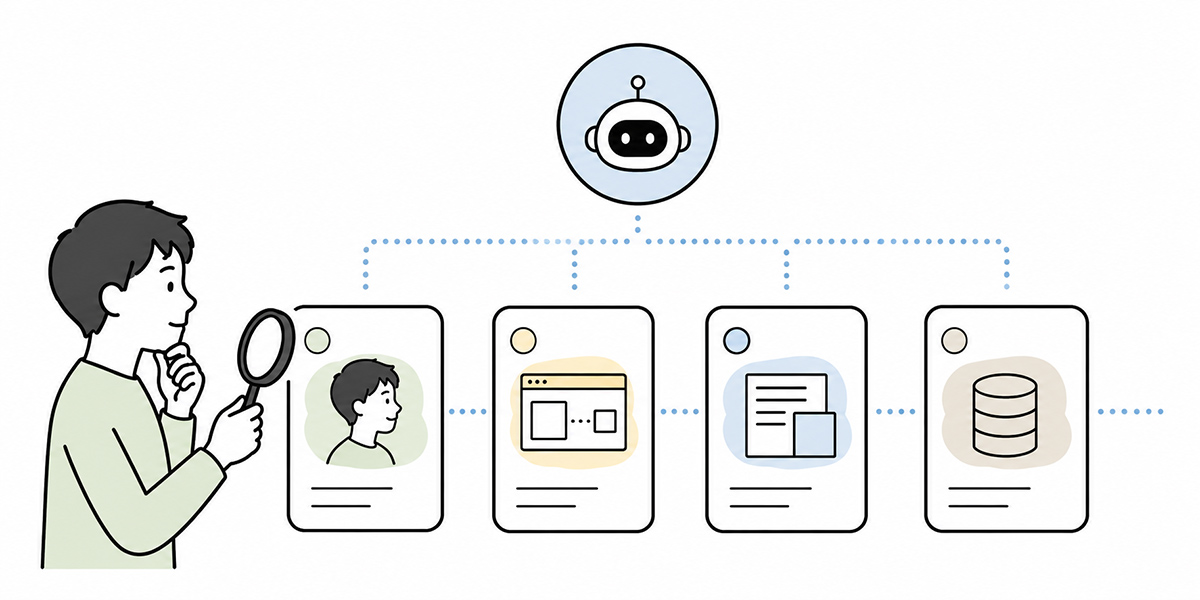
Even if you issue a non-human ID, weak log design leaves responsibility unclear.
In the audit log, you want at least to be able to trace “who instructed it, under which ID the AI did what, when and with which permissions”.
For an AI agent, log design is more involved than for human operations, because several actors are bound up in the AI’s execution.
- The person who instructed the AI agent
- The AI agent itself
- The non-human ID the AI used
- The person who approved
- The target system that was acted upon
- The data that was referenced
- The basis for the output or judgement
You need to record these as separately as you can.
Tie human instructions to AI execution
Looking at an AI agent’s operation log alone, you sometimes cannot tell why the operation took place.
From a log that merely says a CRM deal’s status changed, for instance, you cannot tell on what basis the AI changed it. Nor can you distinguish whether a human said “review this deal and update it” or the AI updated it automatically in a scheduled job.
For that reason it is best to tie the AI’s execution log to the human instruction and a workflow ID.
Items worth recording are along these lines.
- The instructing user
- The time of the instruction
- A summary of the instruction
- The AI agent name
- The non-human ID used
- The target system
- What was executed
- The result of execution
- The approver
- Errors or exception handling
You need not keep everything to perfection from the start, but for important work at least, you should settle on a granularity that lets you explain things afterwards.
Log failures, refusals and exceptions too
In the audit log, not only successful operations but failed and refused ones matter.
If an AI agent fails to update a customer record for want of permissions, for instance, that is also evidence the permission design worked as intended. On the other hand, if the same failure keeps happening, the prompt or workflow may be wrong.
Refusal logs and failure logs are raw material for raising an AI agent’s safety.
By making visible not just “what was executed” but “what was not executed”, you make headway on operational improvement.
How to separate the AI agent’s execution environment
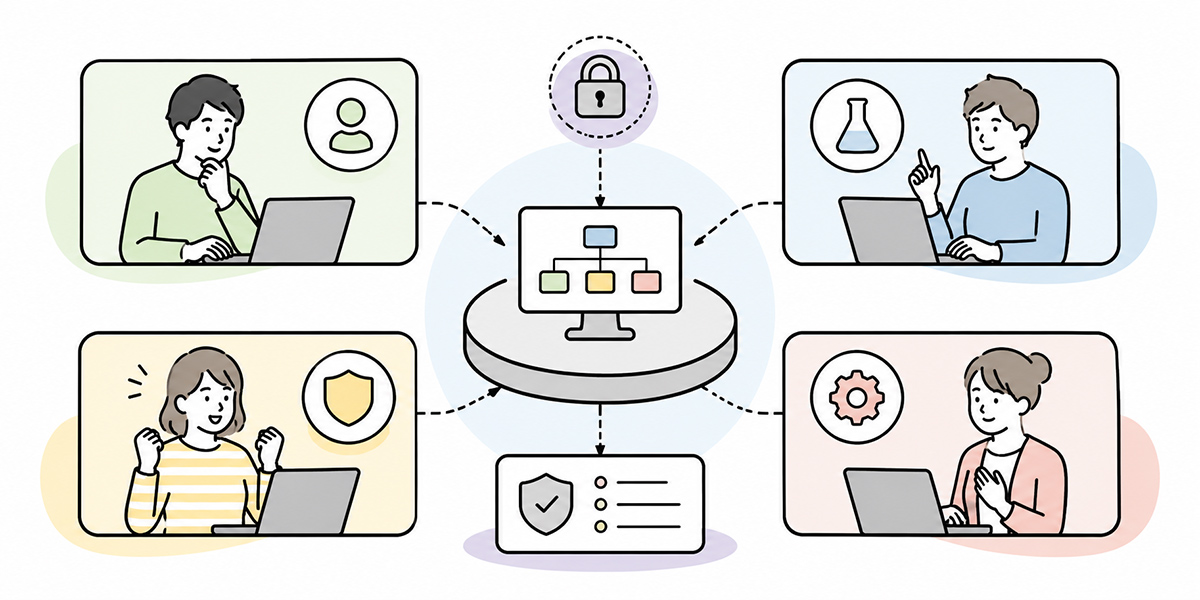
Running an AI agent safely takes more than account management; you also need an environment that organises users, data, apps and prompts.
It is not a matter any single tool can settle. You need to design it by combining identity management, privileged-access management, secrets management, log management, workflow management and an AI-use platform.
On that footing, using a business-support platform such as Kanata, which lets you organise users, data and apps on a per-project basis, makes it easier to split the unit of AI use. The idea is to divide projects, such as sales support, customer-support support, HR-enquiry handling and contract-review support, and to organise the reference data and users accordingly.
Split the scope of use by project
Roll an AI agent up into a single company-wide one and the boundaries of permissions and data turn vague.
A state in which one AI agent handles the sales team’s CRM records, HR’s appraisal records and legal’s contract records, for instance, becomes hard to manage.
By dividing projects per business domain and organising users, training data, prompts and apps, you can make clear the range of information an AI agent may reference.
Concretely, splits like the following come to mind.
- Sales-support project
- Customer-support project
- HR-enquiry handling project
- Contract-review support project
- Management-meeting materials project
The criterion for splitting projects is “may the same people see the same information”. This matters too when you weigh up an AI agent’s range of access.
Do not conflate training data with operating permissions
You need to think separately about “the information an AI agent can reference” and “the permissions it can operate with”.
That a contract-review AI can read a contract, for instance, is a different matter from its being able to change a contract’s status in the contract-management system.
A broad range of referenceable training data is no reason to widen operating permissions to match.
When designing an AI-use foundation, it is important to think of these two separately.
- Data the AI may reference for its answers or judgements
- Operations the AI may execute on business systems
Conflate the two and the AI agent’s permissions become excessive.
Make the library managers and the ID managers work together
As AI adoption advances, the front line keeps adding prompts and training data. Meanwhile the IT and security teams look after IDs, permissions, logs and key management.
Let these two drift apart and the front line, thinking it has built a handy AI, may have created something the management side finds hard to account for.
For that reason the library managers and the ID managers need to work together.
When building a new task-executing AI agent, for instance, run checks like the following.
- Which business domain it is used in
- Which training data it references
- Which prompts are taken as standard
- Which non-human ID it uses
- Which operating permissions it is granted
- Where the audit log is checked
- Who carries out the regular review
Driving AI adoption and managing IDs are not separate activities. At the stage where an AI agent executes work, they have to be handled within the same operating design.
A checklist for getting started with non-human ID management
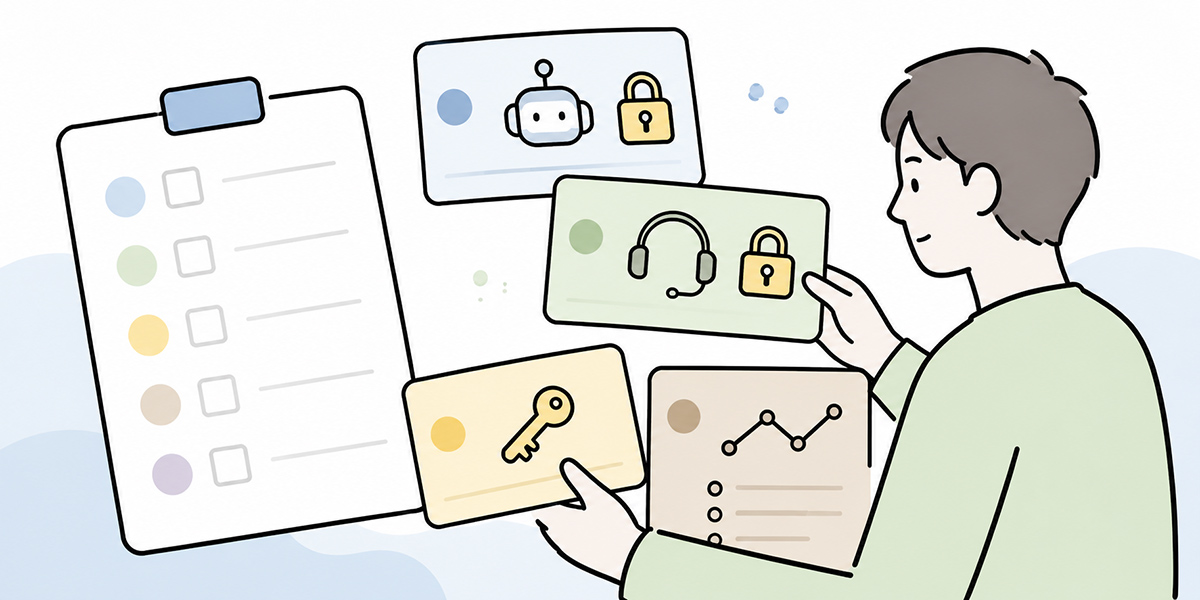
Taking the above on board, let us set out where to begin.
Try to manage every AI agent across the company to perfection from the outset and it will take an age. The realistic course is to first surface where you are letting AIs use personal IDs, and to convert the highest-risk of those to non-human IDs first.
Surface which accounts the AIs are using
The first thing to establish is which accounts your AI agents and automation tools are running under.
Surface them along these lines.
- Are there AI agents running under personal IDs
- Is there automation running under shared IDs
- Are API keys owned by individuals
- Is there automation tied to the accounts of leavers or movers
- Are PoC-era trial accounts still lingering
At this stage you need not have a perfect register. What matters first is making the current state visible.
Prioritise the higher-risk operations
Not all AI use carries the same risk.
Drafting copy or searching the internal FAQ is a different risk from updating the CRM or auto-replying to customers. Start by prioritising operations that write data or have external impact.
The high-priority ones are operations such as the following.
- Updating customer records
- Sending notifications or email to customers
- Touching contracts, billing or payments
- Changing user permissions
- Generating information published externally
- Anything touching legal, audit or regulatory matters
In these areas you need to stop lending personal IDs early and put non-human IDs and approval flows in place.
Build a non-human ID register
Next, build a non-human ID register.
A spreadsheet will do to begin with. In time, though, you want it in a form that can link up with an identity-management system or a privileged-access-management setup.
Put the following items in the register.
| Item | Content |
|---|---|
| Non-human ID name | The name of the AI agent or service account |
| Purpose | Which work it is used for |
| Target systems | The SaaS, internal systems and APIs it connects to |
| Permission scope | Read, create, update, delete and so on |
| Business owner | The department or person holding business responsibility |
| Technical operator | Whoever handles settings and key management |
| Approver | Whoever approves the granting or changing of permissions |
| Created date | The issue date |
| Last review date | The date it was last stock-taken |
| Next review date | The date it will next be reviewed |
| Retirement condition | When to retire it, and what triggers a stop |
Having this register alone makes it easier to lighten the load of auditing and stock-taking.
Decide the minimum audit-log requirements
Decide too how much of an AI agent’s log to keep.
Keeping every detail is the ideal, but to begin with you may narrow it to important operations. At a minimum, make sure you can trace the following.
- AI agent name
- The non-human ID used
- The target of the operation
- What the operation was
- The operation’s date and time
- The instructor
- The approver
- The result of execution
- Error details
- The main data referenced
Operations touching external notifications, changes to customer records, and amounts or contract terms in particular should be kept in a form you can explain afterwards.
Stock-take monthly or quarterly
Stock-take non-human IDs regularly.
In a stock-take, check the following.
- Whether it is still in use
- Whether the purpose has changed
- Whether permissions have become excessive
- Whether the responsible owner has changed
- Whether keys and tokens are being renewed
- Whether the audit log is being captured
- Whether there is any unnatural activity
Vary the frequency with the importance of the work. Set it by risk, monthly for AI agents touching customer or contract records and quarterly for read-centric ones, for example.
Common failure patterns
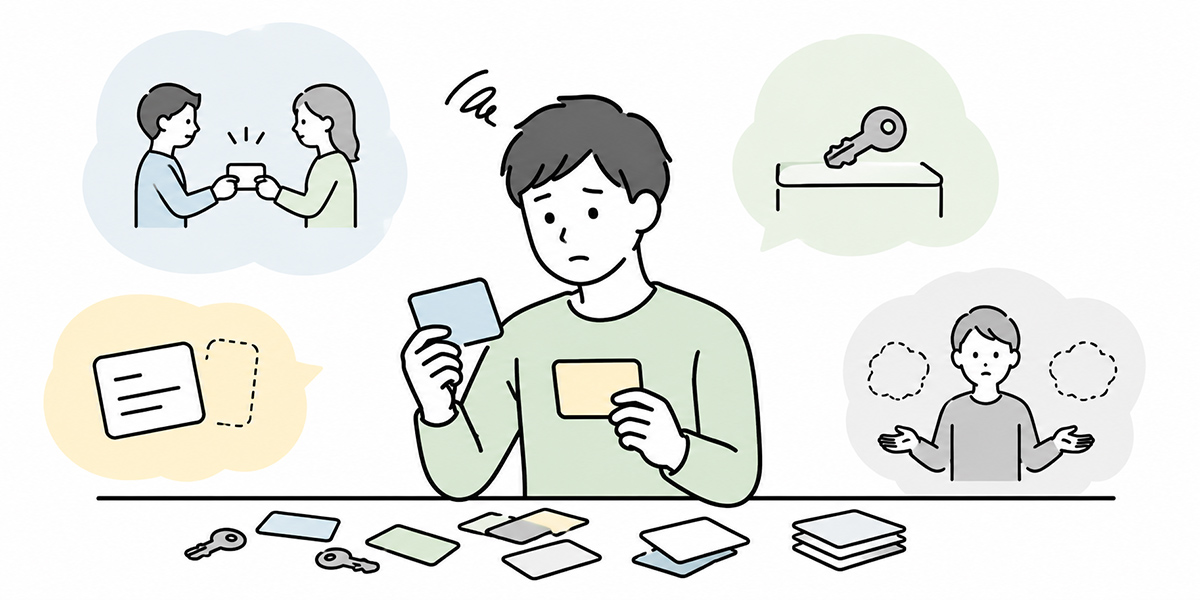
When you start on non-human ID management there are a handful of failure patterns. Knowing them up front makes them easier to design out.
It is a non-human ID in name only
You have stopped using personal IDs and created an AI-only account, yet in reality it is a shared account with broad permissions.
That rather weakens the point of creating a non-human ID. What matters is not the name but whether the purpose, permissions, responsible owner, log and stop condition are defined.
The AI’s judgement and the human approval are mixed together
This is the case where, from the log, you cannot tell whether a human approved what the AI proposed or the AI executed it automatically.
In this state, tracing the cause when something goes wrong is hard. The AI’s proposal, the approval and the execution need to be recorded separately.
Keeping PoC settings in production
In the trial phase, you sometimes use personal IDs or broad permissions to prioritise speed. The trouble is carrying that straight into production.
At the point of moving from PoC to production, always revisit accounts, permissions, logs and key management.
“It worked, so we’ll keep using it as is” is dangerous in AI-agent operation.
Designing it with the front line alone, or with IT alone
Design it with the front line alone and it may be convenient yet weak on auditability. Design it with IT or security alone and you may end up with rules the front line finds awkward to use.
Non-human ID management for AI agents needs the front line, IT, security, legal and audit to design it together.
Each cares about something different.
- The front line values work not grinding to a halt.
- IT values being able to operate it.
- Security values permissions and key management.
- Legal values responsibility and contractual risk.
- Audit values being able to explain things afterwards.
It is important to build common rules on the premise of these differences.
In summary: towards an operation that keeps the AI agent running while explaining responsibility
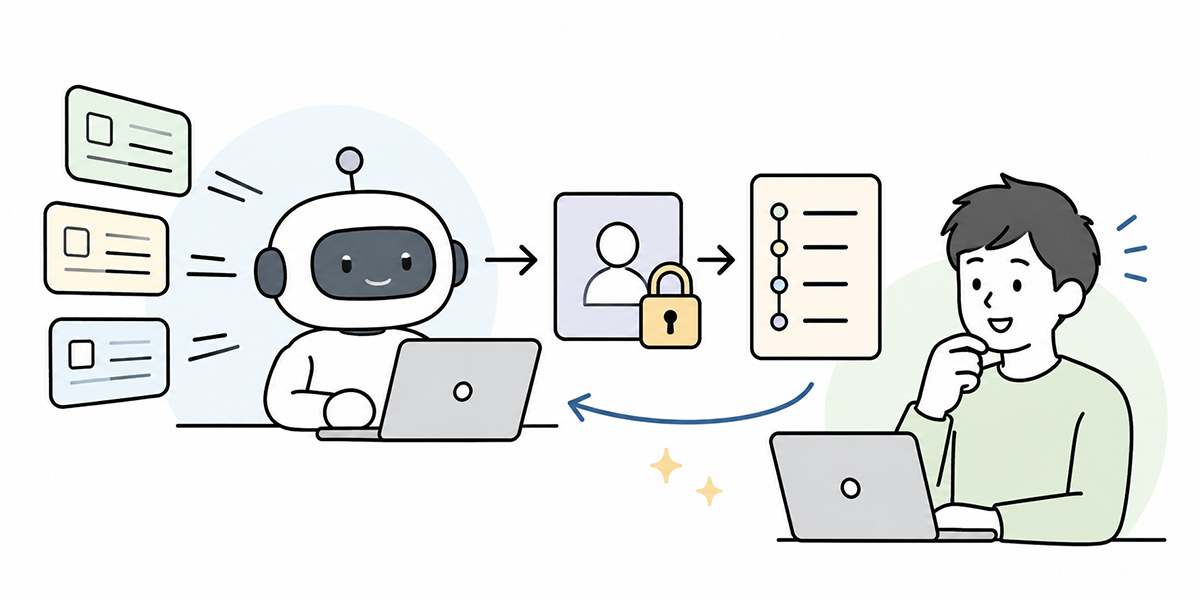
Task-executing AI agents take a company’s use of generative AI to the next stage. They become not merely something that produces text but something that operates systems and pushes work forward.
Yet the more an AI agent executes work, the more account management matters.
Lending personal IDs to an AI is simple in the short term. But once you weigh up audit logs, where responsibility sits, privileged access, management at departures and transfers, and key management, it is ill-suited to long-term operation.
What you will need from here on is to design dedicated non-human IDs for AI agents and manage them as service accounts.
To do that, you need to nail down the following five points.
- Issue a dedicated non-human ID per AI agent
- Start from least privilege and make the scope of operations clear
- Separate, in the log, the human instruction, the AI’s execution and the approver
- Build key management and rotation into operation
- Carry out lifecycle management and regular stock-takes
A non-human ID is not a mechanism for reining in AI use. Rather, it is the foundation for folding AI agents into your work with confidence.
Keep the AI agent’s work running while building a state in which you can explain who did what, under which permissions, and why. That is management for the age of AI agents.
FAQ: common questions about non-human IDs and AI-agent management
What is a non-human ID?
A non-human ID is an identity used not by a human but by an AI agent, application, integration, batch job and the like. When an AI agent operates SaaS or a ticketing tool, preparing a dedicated non-human ID for it lets you keep its actions separate from a human’s personal-ID actions.
Why is it a problem to let an AI agent use a personal ID?
Because in the audit log it is recorded as that individual’s action, it becomes hard to distinguish afterwards whether the AI executed it or a person operated directly. A personal ID may also carry permissions the AI has no business needing, which risks widening the scope of privileged access.
Is it safe once I create a service account?
Creating a service account is important, but it does not make you safe on its own. Only once you define the purpose, permission scope, responsible owner, approver, audit log, key management and stop condition does it become something you can manage in practice.
Which AI agent should I revisit first?
The priority is agents that carry out operations with external impact or financial and legal risk, such as updating customer records, notifying customers, contracts, billing and payments, and changing user permissions. It is more effective to revisit ones that write or execute before read-centric ones.
Should IT alone drive non-human ID management?
Driving it with IT alone is difficult. Responsibility for the work an AI agent executes lies with the front-line department, and audit logs and controls also concern security, legal and audit. It is important for IT, the front line, security, legal and audit together to check the design of purpose, permissions, responsibility and logs.


