case study
e-Learning
e-Learning
From a single video to creating materials and tracking learners.
e-Learning is an LMS (learning management system) that creates training materials from training videos and handles exams and progress tracking. Materials are saved to the Library, so what people learn becomes the basis for real work as it is.
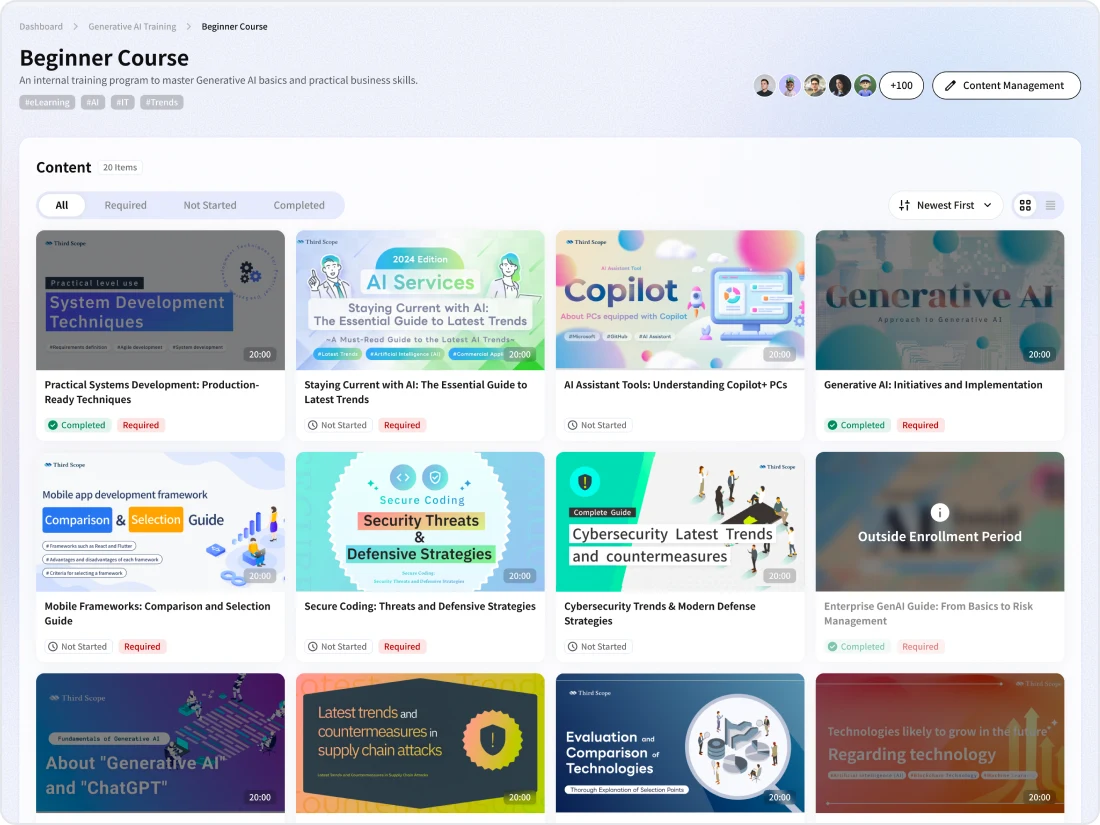
Video: e-Learning
An introduction to the flow from creating materials from a video to checking exams and learners' progress.
e-Learning overview
The body text of e-Learning lessons is saved to the Library as training materials, and videos as Media.
01
What it covers
Creating materials from videos, setting required content, multiple-choice and written exams with AI grading, and checking learners' progress with CSV export
02
Best suited for
Organizations where training content varies by instructor and it takes effort to track learners' progress and understanding
03
What you can aim for
Standardizing training content, understanding learners' progress and comprehension, and accumulating materials as internal knowledge
Problem
Challenges in internal training

"Training content differs" depending on the instructor

Learners' progress and understanding are "hard to track"

On-the-job training "squeezes regular work"

People "don't know" which materials are the latest
Rather than ending with the training session, you need to accumulate materials as assets and connect them to practice on the job.
Use cases
How e-Learning is used
New hire education
Required content
Onboarding trainingExam
Comprehension checksStandardizing work
Document
Procedure manualsAI Agent
Questions about proceduresDeveloping sales staff
AI Recording
Recordings of sales meetingse-Learning
Video materialsSecurity training
Required content
Periodic trainingInternal rules
Checking understanding of rulesFeatures
e-Learning features
e-Learning creates training materials from training videos and handles exams and progress tracking in a single app. Required and published settings are changed for each piece of content.
Creating materials
Draft a title, overview and summary for materials from a video (MP4, MOV, AVI, up to 2 GB).
Exams and AI grading
Set multiple-choice and written exams; written answers are graded by AI.
Tracking progress
Check progress by learner and by content, and export to CSV.
Main features
Create
Creating materials from video
Create a draft of the material from the video transcript
Select a video from Media in the Library or upload a new one and click [Generate draft with AI], and a draft title, overview and summary of the material are created from the transcript. For videos that have already been transcribed, materials are created from the transcript right away. The body text is saved to the Library as training material, and the video as Media.
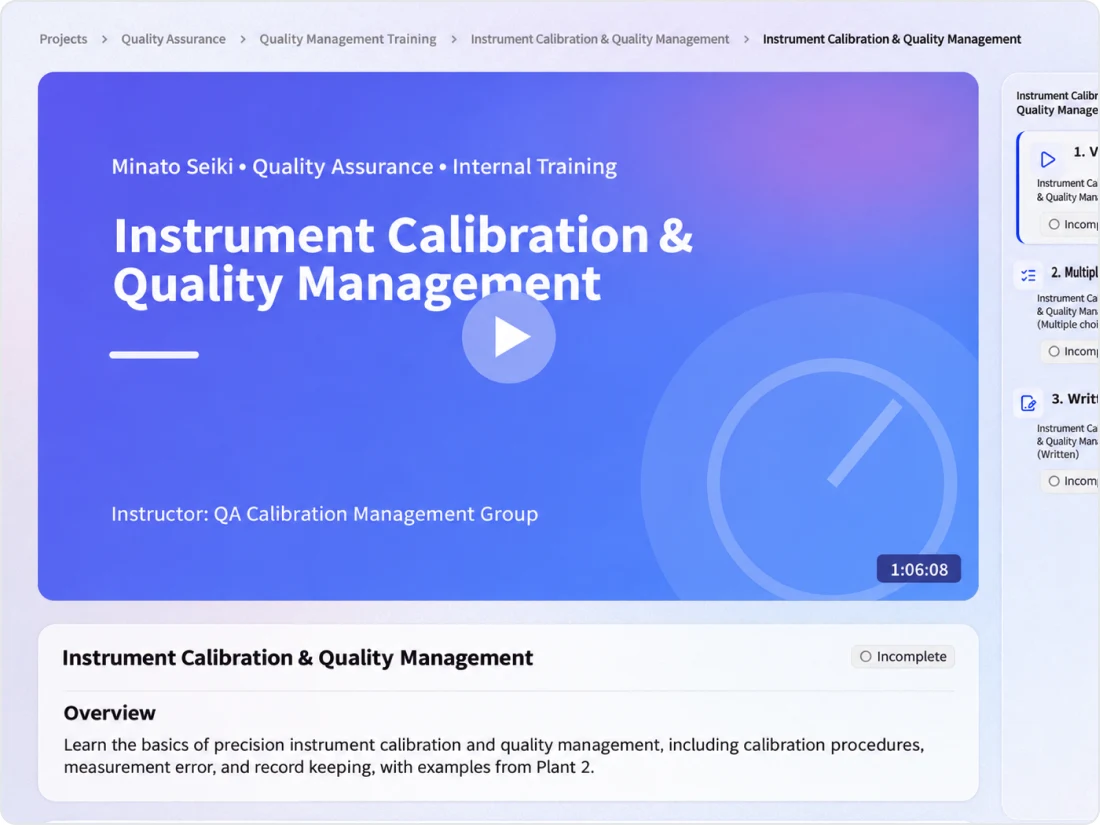
Exam
Exams and AI grading
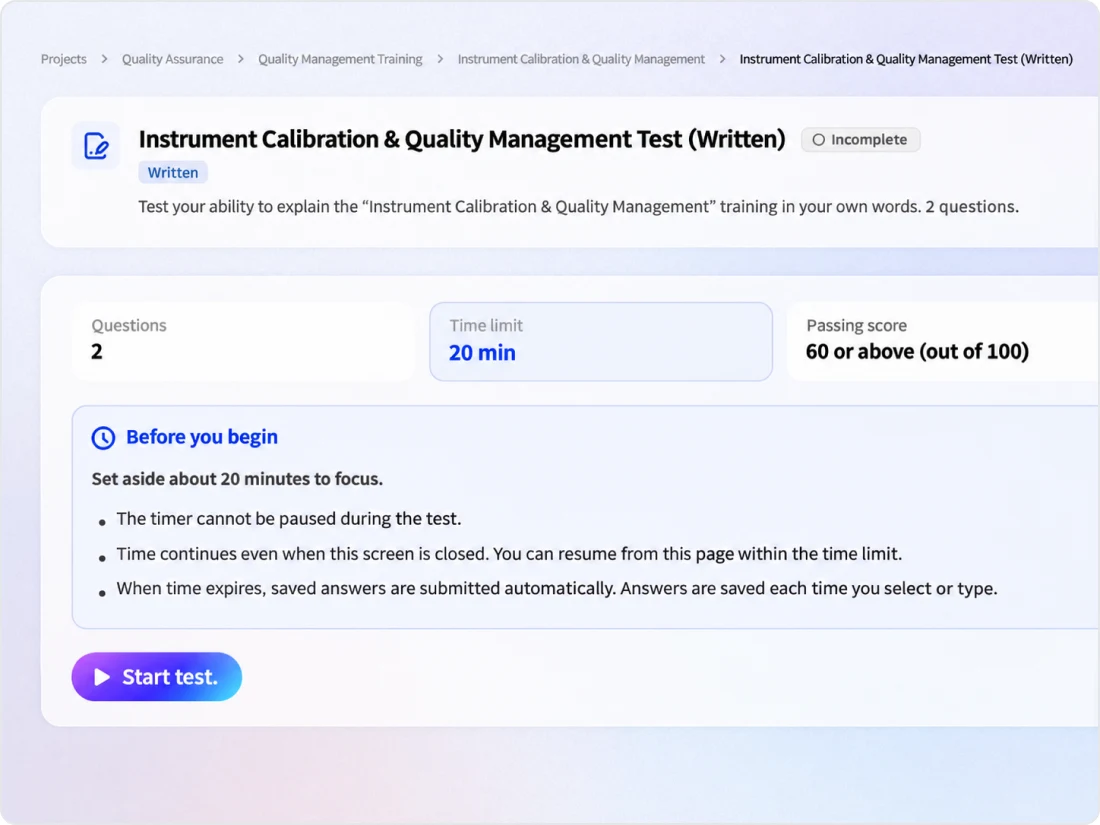
Set multiple-choice and written exams for each lesson
Set multiple-choice and written exams. Multiple-choice questions are graded automatically, and written answers are graded by AI. You can also set a time limit, and exam time counts toward learning time.
Progress
Tracking progress
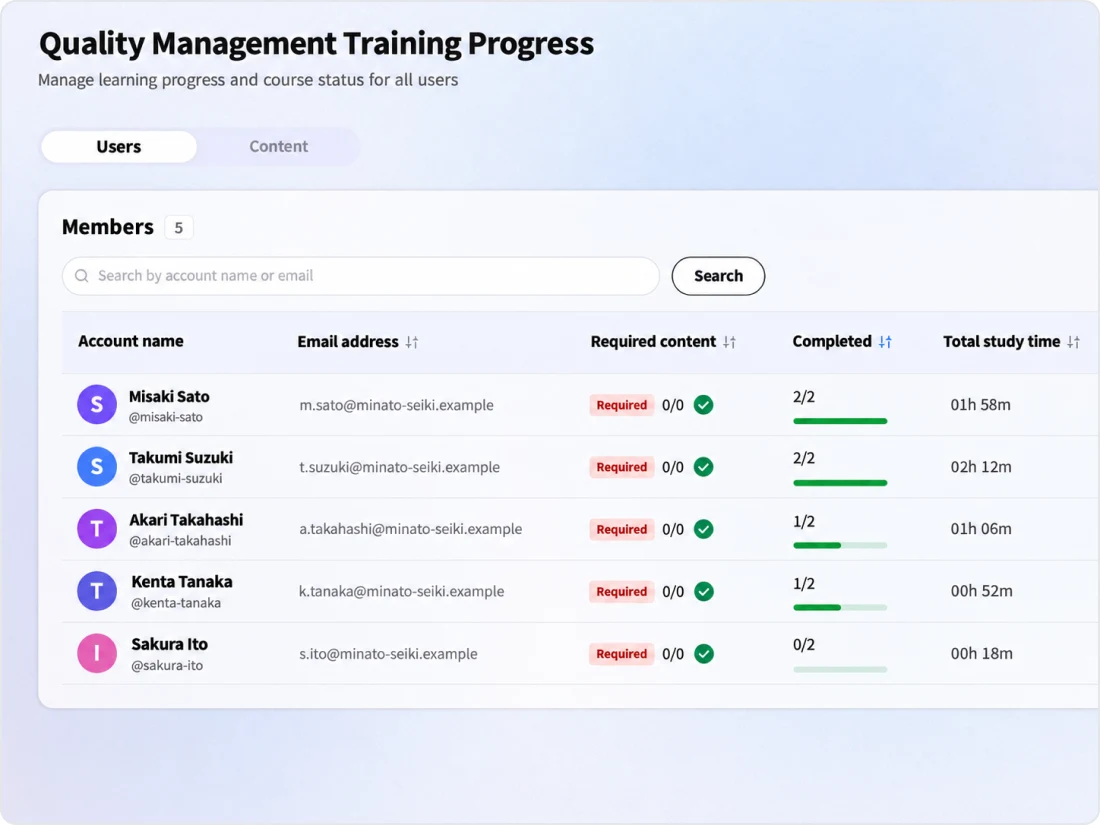
Check by learner and by content
Check total learning time, the completion rate of required content, and exam attempts and passes by learner and by content, and export to CSV. A video is marked as completed when its total playback time reaches the video's length. Fast-forwarded or skipped parts are not counted.
Roles
Course management and roles
Column
Related columns
FAQ
FAQ
QWhat kinds of videos can be used as training materials?
You can upload videos in MP4, MOV or AVI format, up to 2 GB. You can also create materials from videos in the Library's Media. Because materials are created by transcribing speech in the video, drafts are not created automatically for videos without speech.
QCan we create exams?
Yes. For each lesson, you can set multiple-choice and written exams. Multiple-choice questions are graded automatically, and written answers are graded by AI. You can also set a time limit.
QHow do we check learners' progress?
In the views by learner and by content, you can check the completion rate of required content, exam attempts and passes, total learning time and last access. Export to CSV is also supported.
QDoes fast-forwarding a video count as completed?
No. A video is marked as completed when its total playback time reaches the video's length, and fast-forwarded or skipped parts are not counted.
QIs this the same as the former "Kanata Learning"?
Yes. The Kanata Learning features we have offered for learning and training continue to be provided as the e-Learning app.
Last updated: