Kanata features
Combine four features to put your internal knowledge to work.
In Kanata, you combine four main features (Kanata AI Agent, Kanata Library, Kanata Apps and Kanata Studio) in projects created for each purpose. AI answers, creates and acts based on your internal knowledge.
Video: Kanata features
An introduction to the four features (AI Agent, Library, Apps and Studio) and how to combine them in a project.
Structure
How the features are structured and work together
Outputs created in Apps, Studio or AI Agent are all gathered in the Library and become the basis for the AI agent.
SPACE / PROJECTProjects for each purpose within a space (organization)
APP · Everyday use
Kanata Apps
AI Recording, e-Learning and more
STUDIO · Creation and building
Kanata Studio
Images, slides, business apps and Design System
The AI agent runs Apps and Studio within its execution permissions.
AI AGENT · Works on your behalf
Kanata AI Agent
Takes requests in chat and acts after the plan is reviewed according to the autonomy level
The AI agent's output is saved to the Library, and the internal knowledge in the Library becomes the basis and input for the AI agent.
LIBRARY · Knowledge accumulation
Kanata Library (internal knowledge)
Content (knowledge AI refers to as a basis) and Media (the files themselves)
Minutes, training materials and data from Apps are saved to the Library, and images and slides you choose to save in Studio are registered in the Library.
4 Functions
Four main features
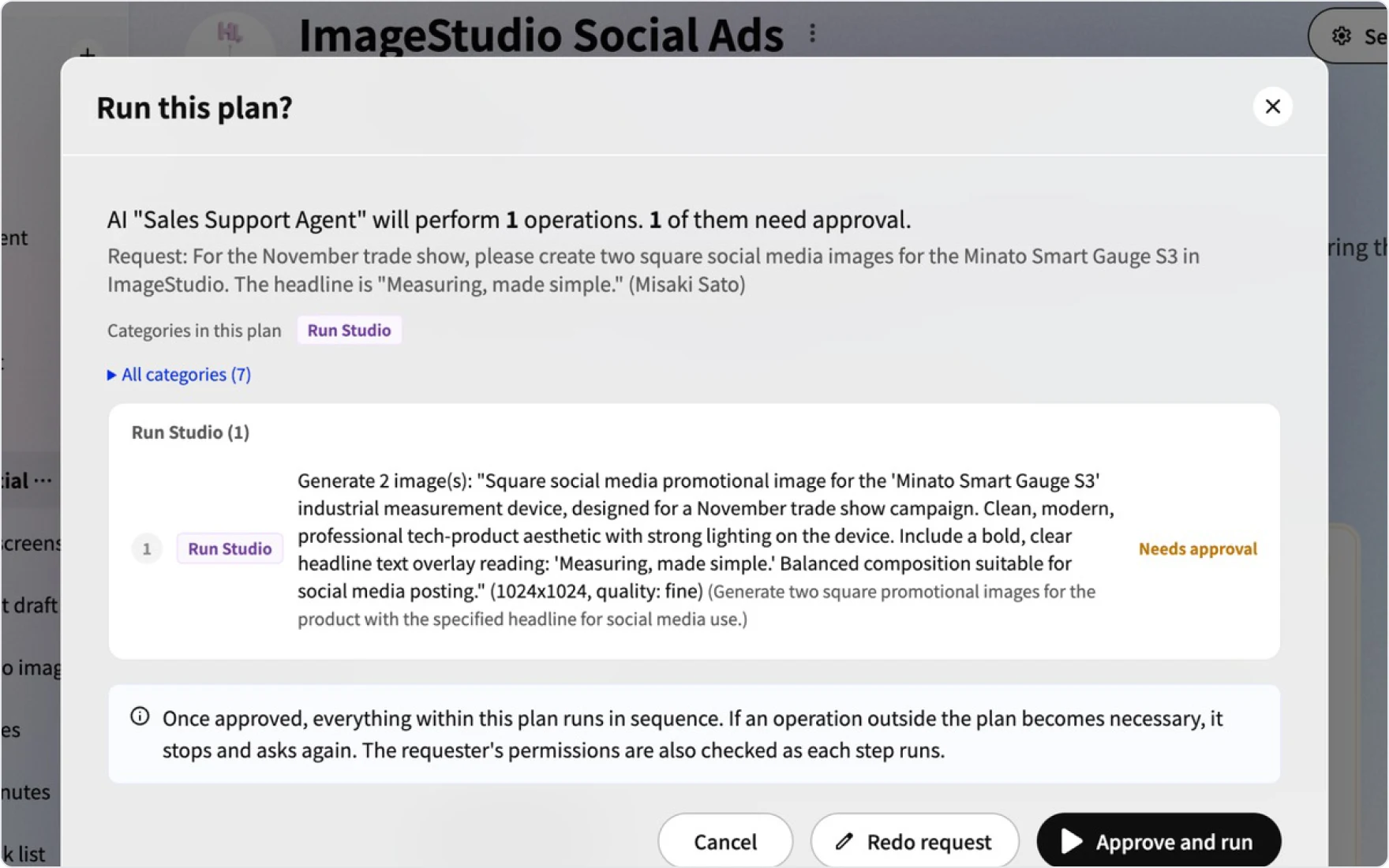
AI Agent · Works on your behalf NEW
Kanata AI Agent
Takes on the work you request. Shared in the project and called up from chat DMs or the button at the bottom right of the screen.
- Request from chatCall up from DMs or the button at the bottom right
- Set what it handlesReference folders, execution permissions, model and autonomy level
- Act after approvalReview the plan; only the approved scope is run
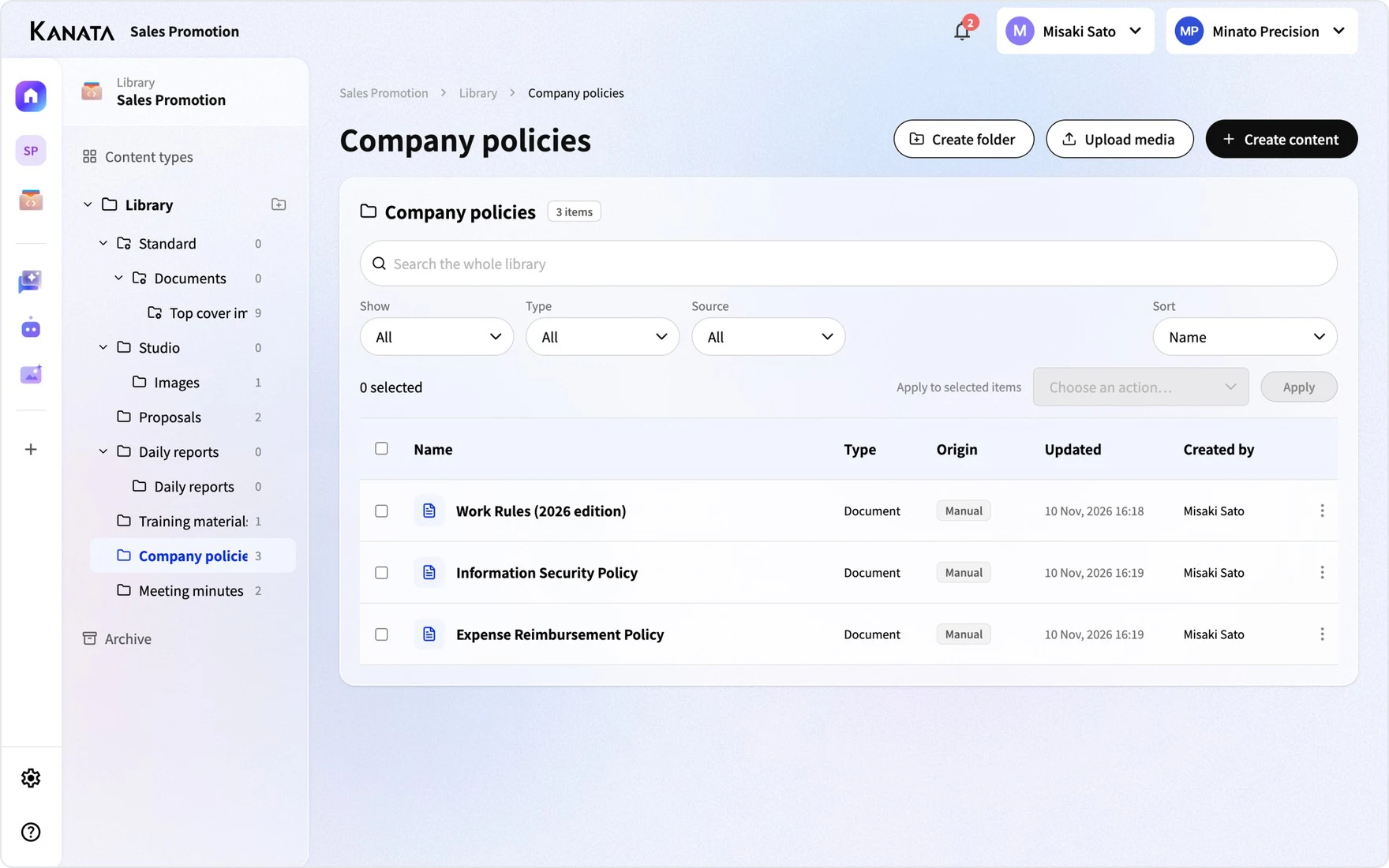
Library · Knowledge accumulation NEW
Kanata Library
Where internal knowledge is stored and becomes the basis for AI answers and actions. Editing, versions and permissions for records are also managed here.
- The foundation for RAGDocuments, minutes and prompts
- Files tooImages, video, audio, PDFs and slides
- Manage permissions and sourcesPermissions per folder and a record of sources
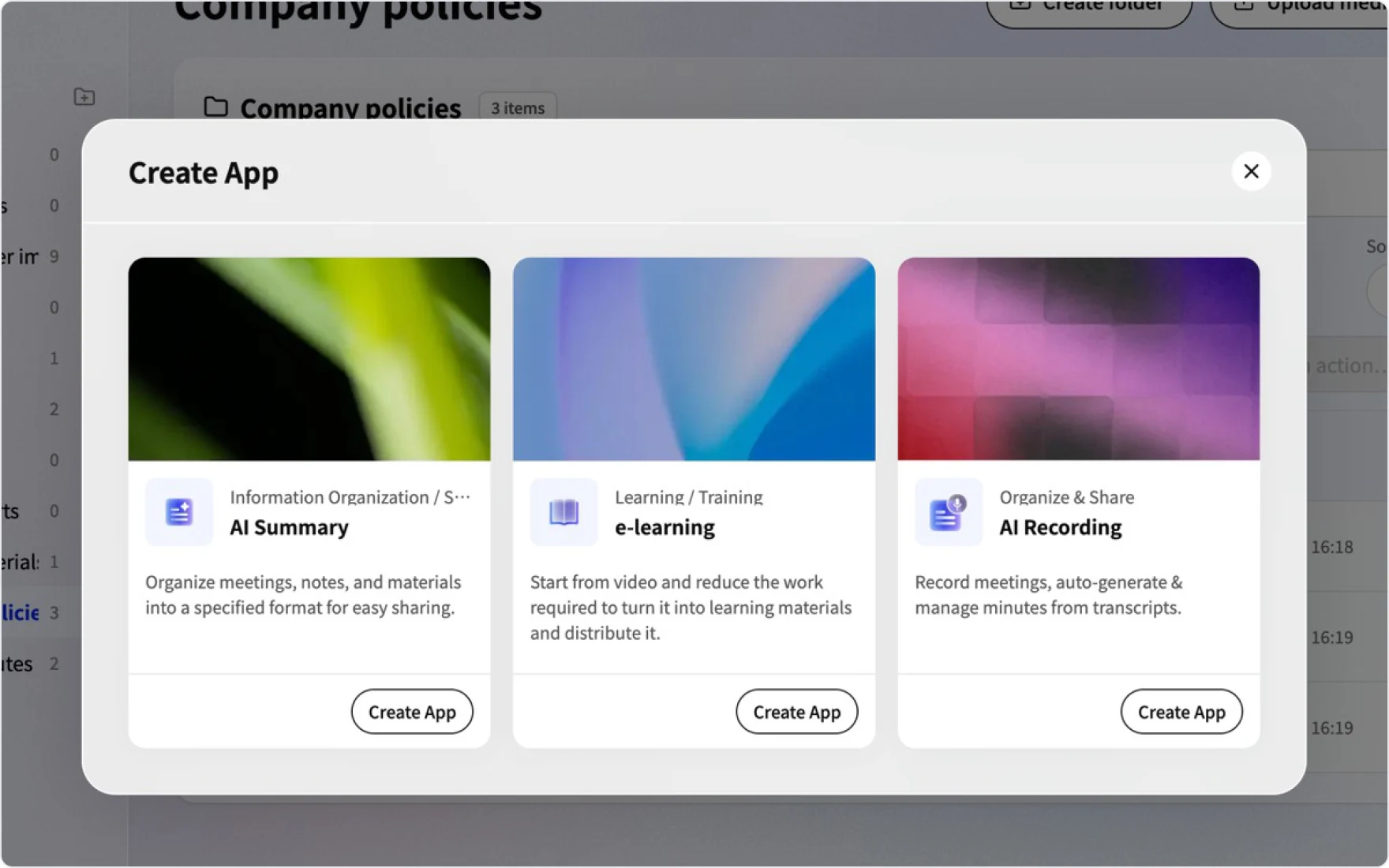
App · Everyday use
Kanata Apps
Where you use AI in everyday work. Records do not stay inside the app; they are saved to the Library.
- AI RecordingJoins meetings and creates recordings and minutes automatically
- e-LearningCreates materials and exams from videos and tracks learners' progress
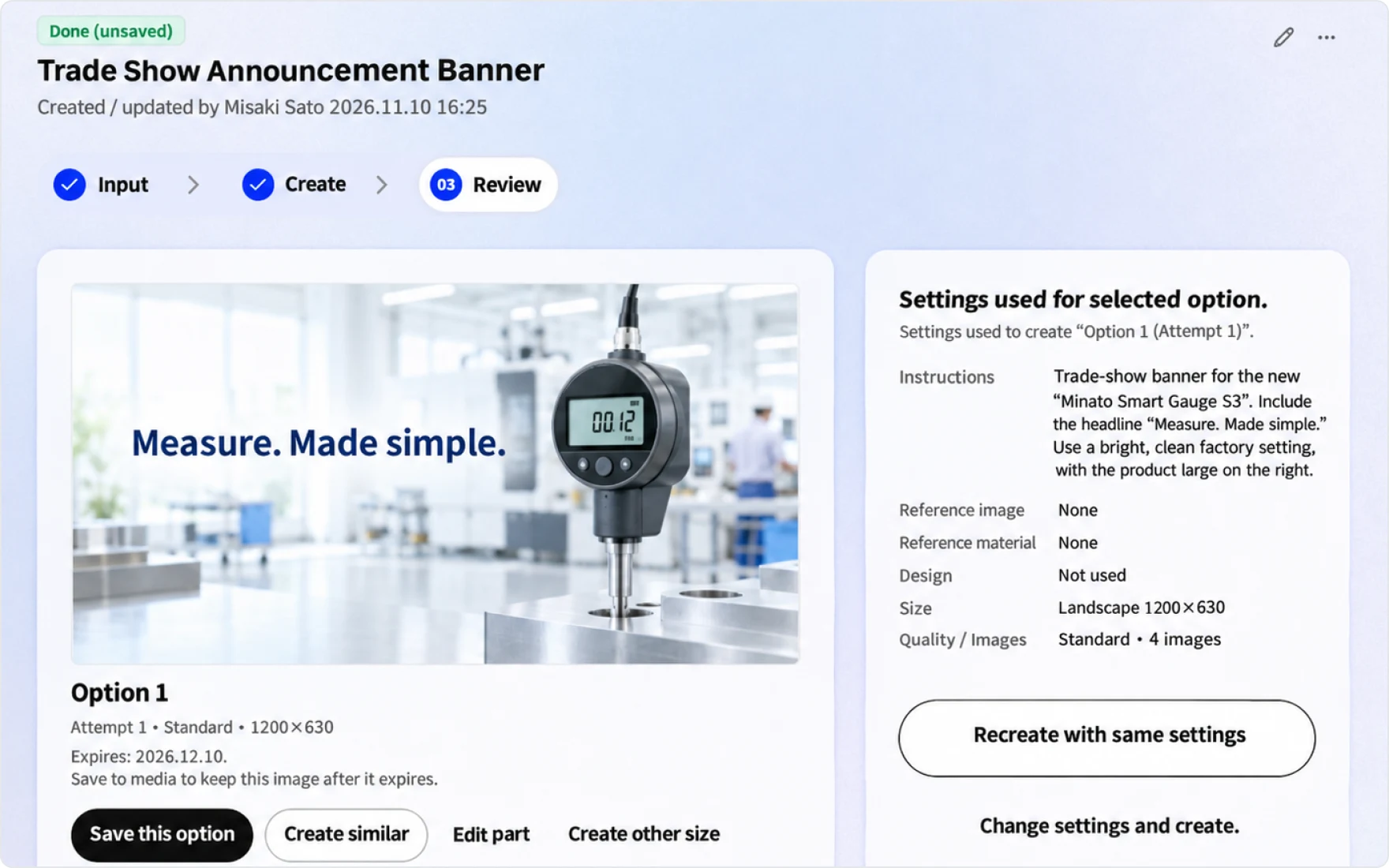
Studio · Creation and building BetaNEW
Kanata Studio
Where you create. Work in progress is managed inside Studio, and only finalized work is registered in Media.
- ImageStudioCreate images that follow your Design System
- SlideStudioTurn minutes and documents into slides
- AppStudioBuild business apps with AI built in
Models
Supported AI models
Use generative AI models from OpenAI, Anthropic and Google from a single screen. Each model has a credit consumption multiplier, and higher-performance models consume more credits.
OpenAI
GPT
Anthropic
Claude
Gemini
Supported models as of . Supported models and credit consumption multipliers are updated as needed. The latest list is shown in the model selection menu in the app.
How it works
The cycle of work and knowledge
The four features make possible a cycle of learning, decision-making, recording, delegating to AI and reviewing. Each time the cycle repeats, your internal knowledge grows richer.
01
Learn
People Decide
02
Decide
Share the Why
03
Record
Share the Why
04
Delegate to AI
Build the Harness
05
Review
Close the Loop
Reflect what you learn from reviews in the next round of learning and decisions
Design rules
Kanata's design rules
When we add screens or features, we decide where they go according to these five rules.
FAQ
FAQ
QWhat is the difference between a space and a project?
A space is the unit for an organization such as a company or team. A project is a unit you create within a space for each business purpose, with its own members, chat, AI agents, Library, Studio and apps. You can use projects for different purposes while keeping each department's confidential information separate.
QWhich AI models are available?
You can choose from OpenAI's GPT, Anthropic's Claude and Google's Gemini. Higher-performance models consume more credits per task, so you can use a lightweight model for everyday questions and a high-performance model for important analysis. The latest list and credit consumption multipliers are shown in the model selection menu in the app.
QWhat happens to the existing AI Chat and AI Summary?
AI Chat will be discontinued in the new version. You will ask AI for help through chat DMs and the AI agent at the bottom right of the screen. AI Chat apps, settings and conversations will not be migrated to the AI agent or chat. How past conversations are handled (the period for viewing and exporting them) will be announced in our news. Save documents you want the agent to refer to in its reference folders. The AI Summary app will be discontinued in the new version.
Last updated: