A business AI platform for organizations|RAG on your internal knowledge
— The Beyond, Made Real. —
Kanata is a business AI platform that builds an internal database connected to AI and supports people and organizations.
Internal knowledge from meetings, everyday conversations, documents and internal training accumulates as part of your work.
Working with multiple generative AI models including GPT and Claude, AI agents support a wide range of tasks.
Video: Kanata overview
An introduction to using Kanata, from recording meetings to making requests to the AI agent.
Overview
What is Kanata
Individual will and organizational intelligence form the foundation for work in the age of AI
Kanata works as a database of internal knowledge connected to cutting-edge AI models.
What makes Kanata different
Build a wide variety of
business generative AI applications with no code
In AppStudio in Kanata Studio, ask the AI agent for the business app you need, and it assembles the data, screens and connections between screens. Component layout, list filters and button actions can be changed by making selections on screen, without writing formulas. App data is saved to the Library.
Accumulate every kind of internal information, from training to meetings, in a database connected to AI
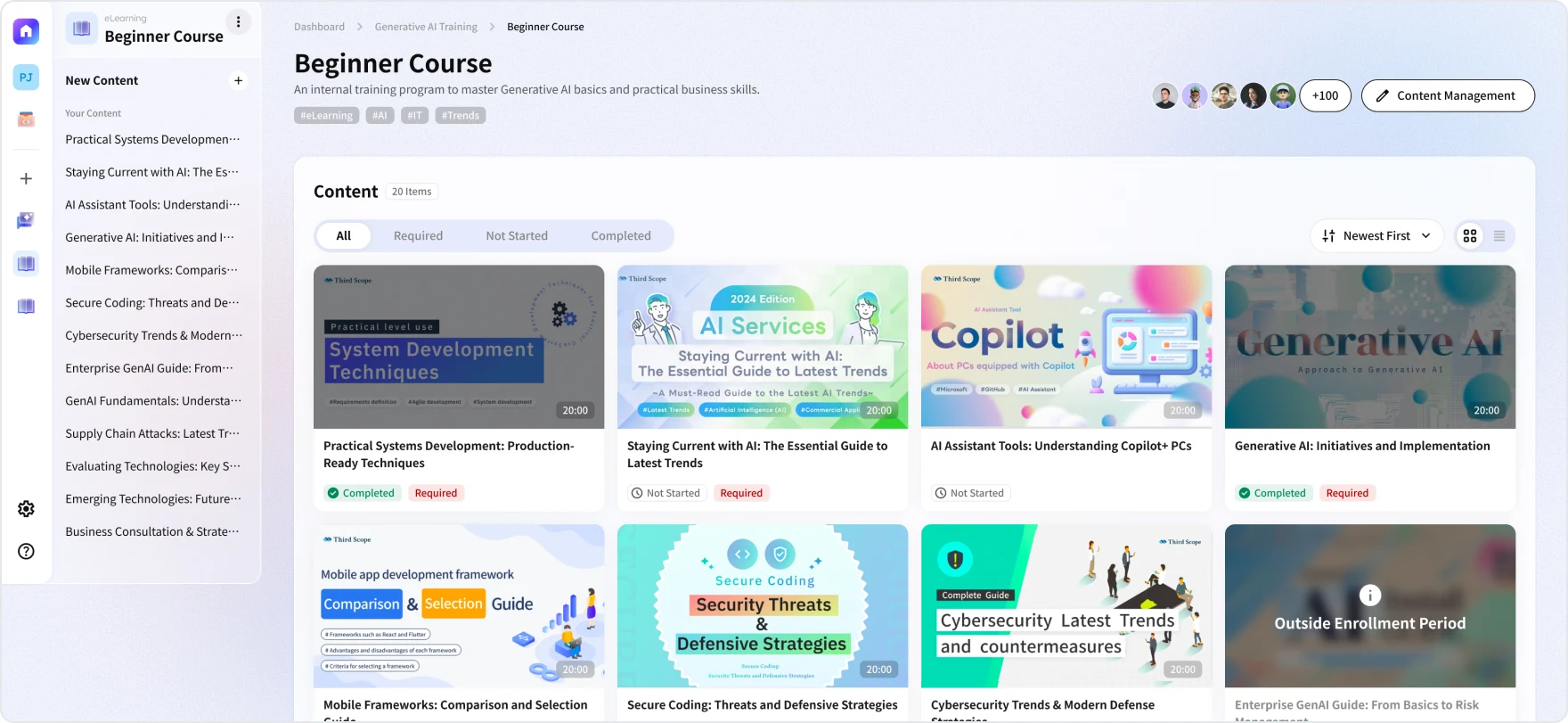
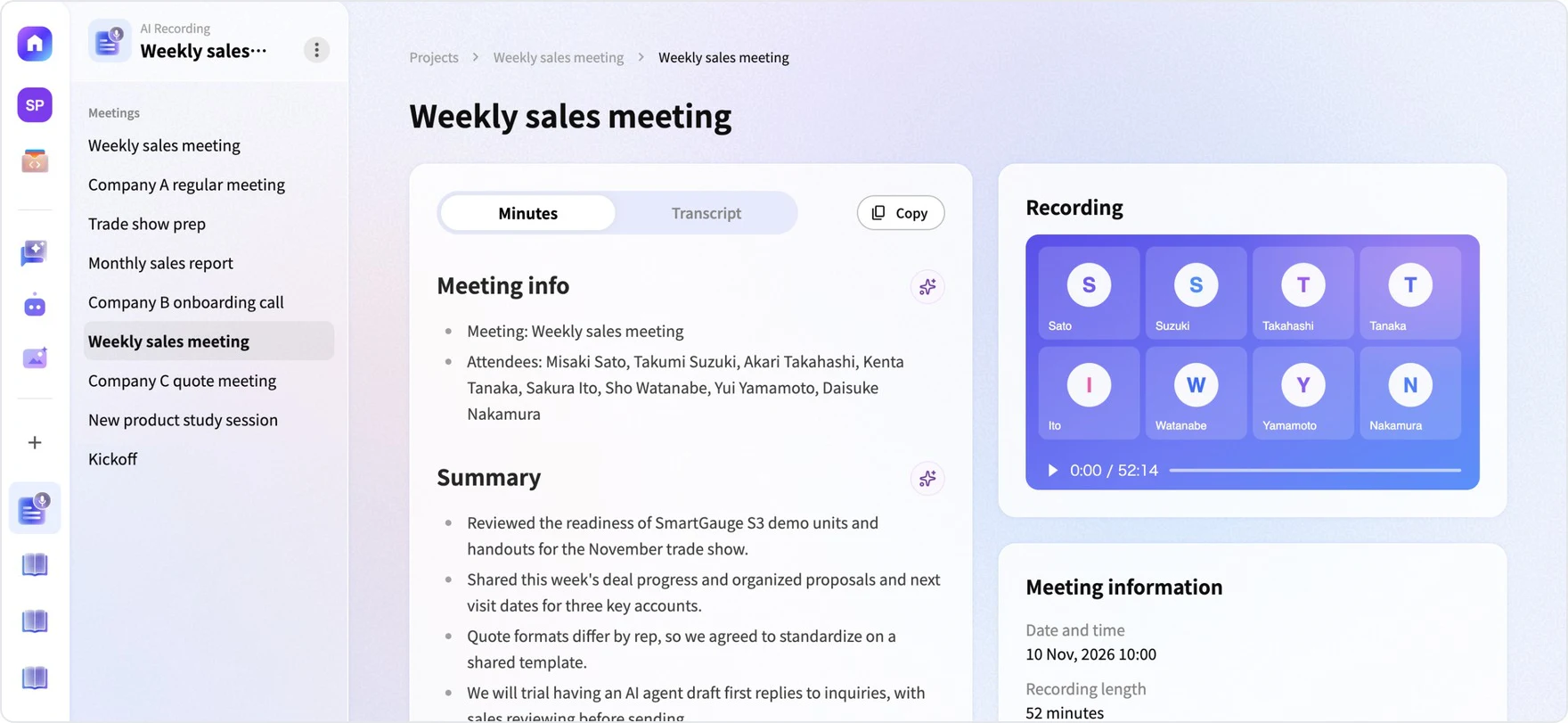
Meeting recordings and minutes, training videos and materials, and internal policies and documents accumulate in Kanata Library, which AI refers to as the basis for its answers. Minutes are created automatically after meetings, and materials are saved to the Library as soon as they are created from training videos, so there is no need to enter information again.
Wide-ranging work support from AI agents, from minutes to documents
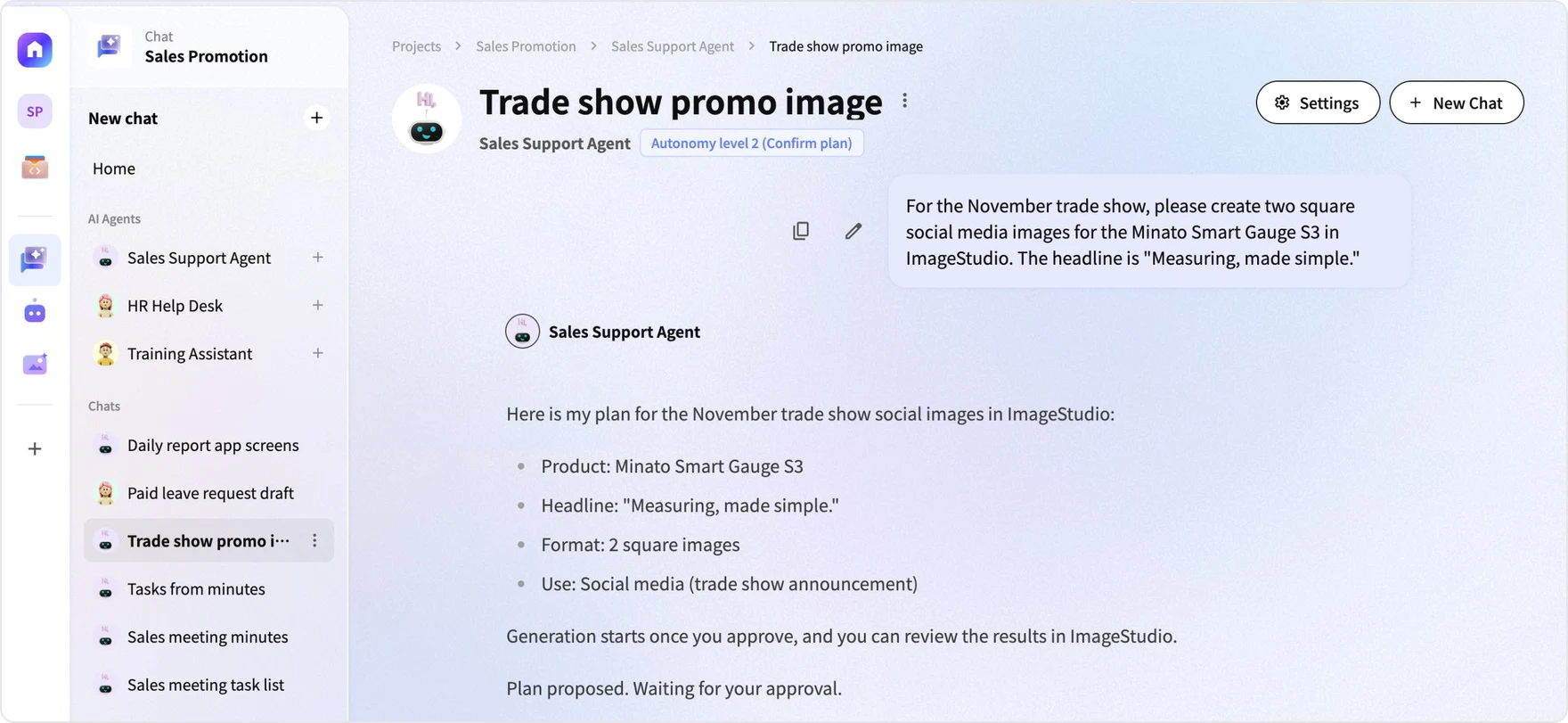
You can ask the AI agent in chat to organize minutes, check decisions, and create documents and images. Writes and app executions proceed after the plan is reviewed according to the autonomy level.
Advanced information security for a safe and secure environment
Input data is not used to train AI, and AI use is managed with folder permissions and plan review. Viewable information is separated by space, project, app and folder, and the AI agent's operations are limited to the permissions of the user who made the request. Publishing, overwriting and deleting are confirmed before execution even with automatic execution.
Kanata's main features
AI Agent · Works on your behalf
AI Agent
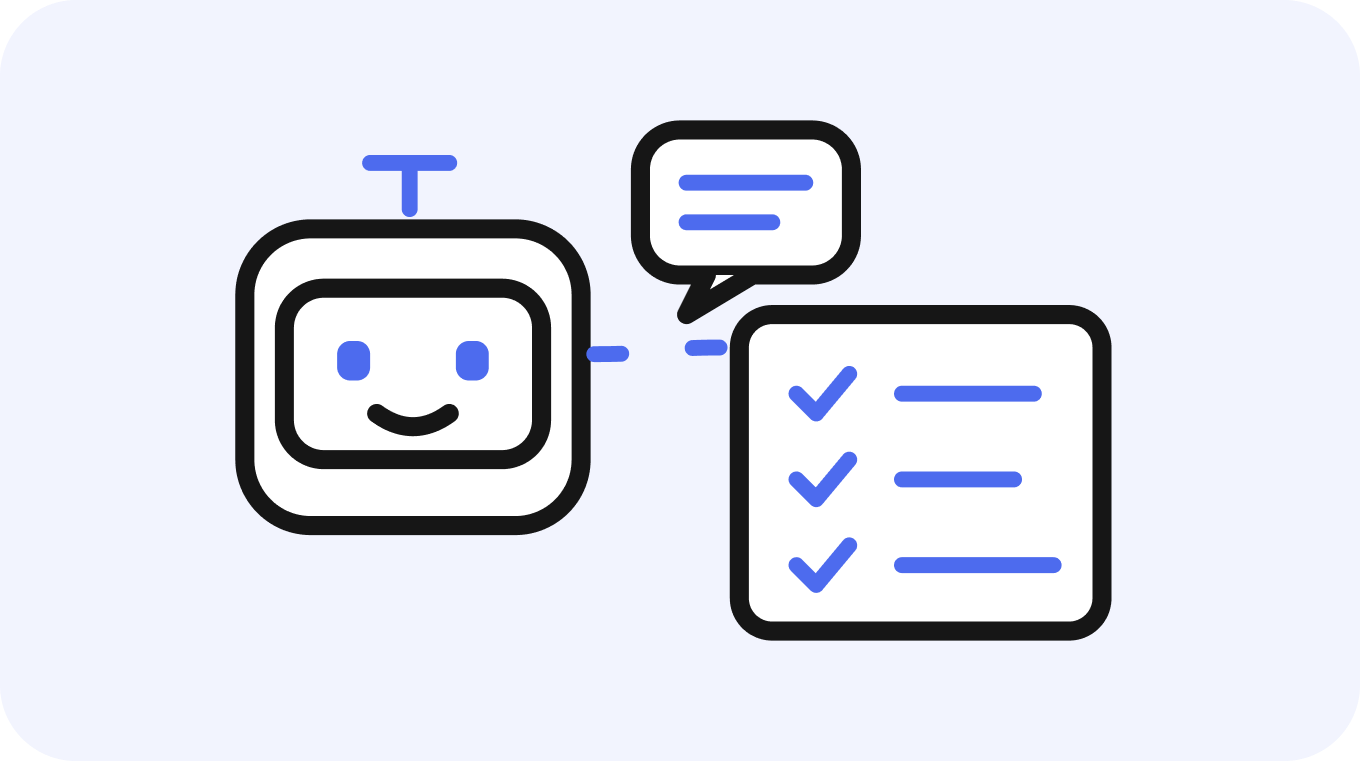
An AI agent that, when asked in chat, carries out research, document creation and app operations based on the internal knowledge in the Library. It acts after the plan is reviewed according to the autonomy level.
Learn more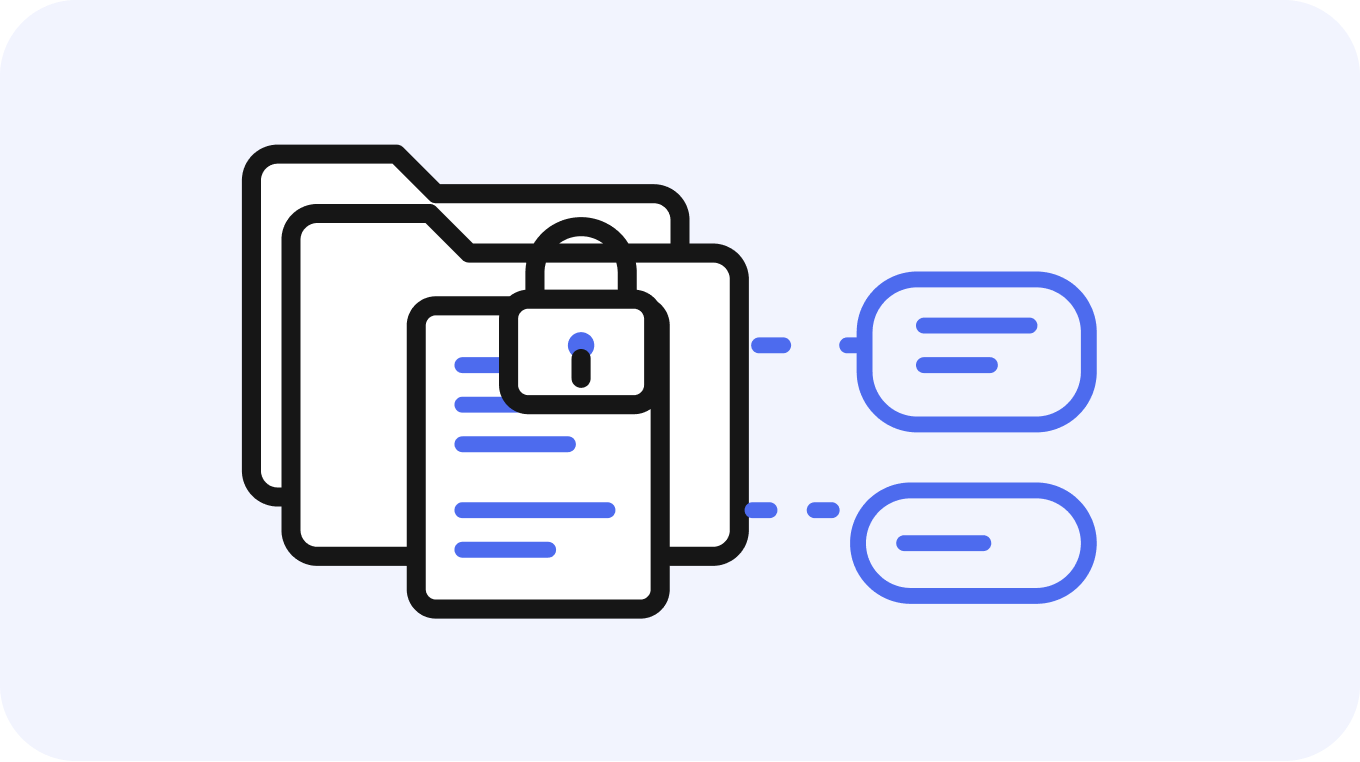
Library · Knowledge accumulation
Library
Centrally manages internal knowledge such as meetings, training and documents as a database AI refers to. You can manage permissions and versions per folder, as well as sources.
Learn more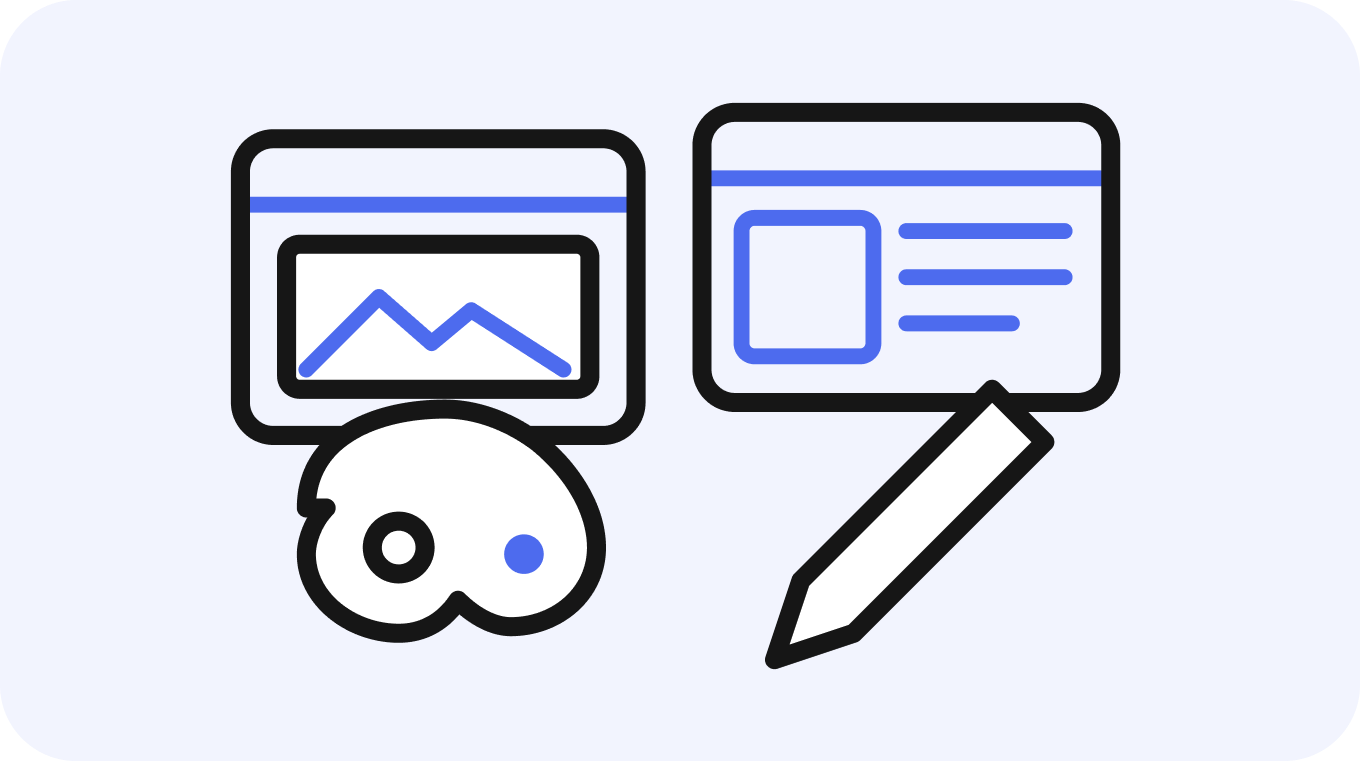
Studio · Creation and building
StudioBeta
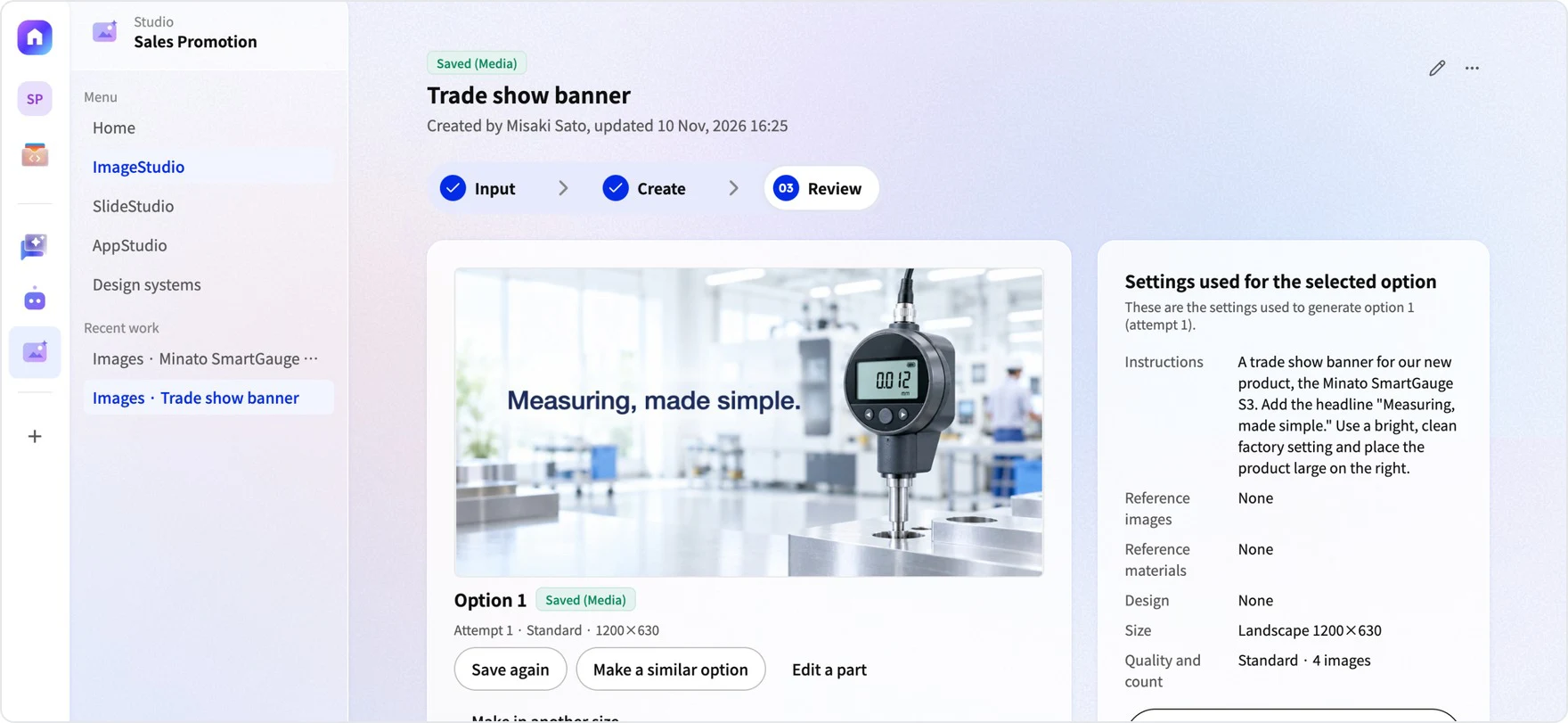
Features for creating images and slides and building business apps. Images and slides keep your brand consistent with Design System, and business apps with generative AI built in can be created with no code by asking AI.
Learn more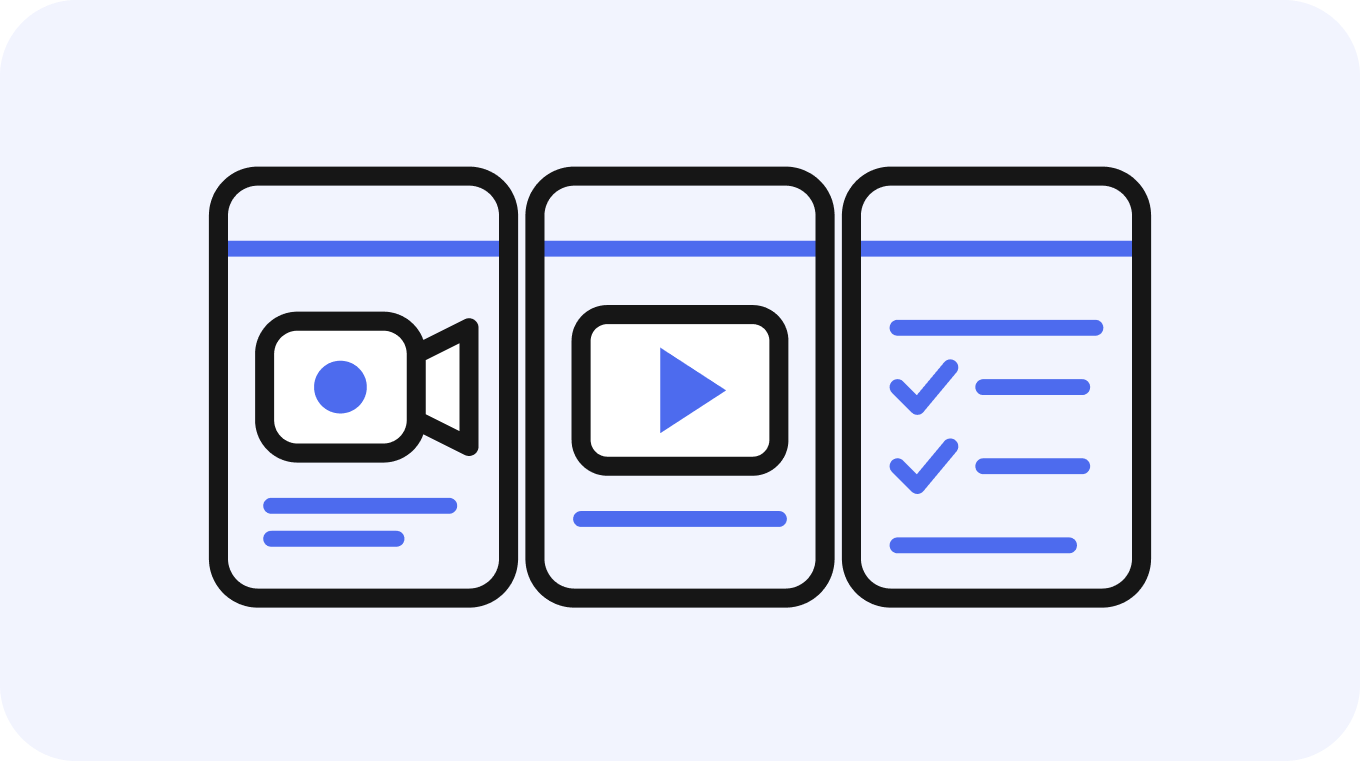
App · Everyday use
Apps
Apps you add for each purpose, such as AI Recording, e-Learning and business apps built with AppStudio. Records created in apps are saved to the Library.
Learn moreProblem
Challenges in adopting generative AI
Many organizations adopt generative AI without it leading to real use or results. Simply rolling out a chat tool may leave internal policies and meeting decisions out of what AI can refer to, and the location of documents and handover knowledge still depends on individuals. Information that is hard for people to find is also hard for AI to use as a basis.
We adopted generative AI but can't move on to real use
Without an internal database connected to AI, internal knowledge can't be the basis
It's unclear where documents are, so neither people nor AI can find them
Handover and on-the-ground knowledge depends on individuals
Even after training, it isn't used on the job
We can't tell what AI's answers are based on
Share of companies using generative AI at work
34.5%
By company size: 46.5% of large companies, 32.4% of SMEs and 28.0% of small businesses.
Share with an environment where generative AI learns from or refers to internal data (Japan)
24.5%
The share answering "we have generative AI learn from internal data or have built a database generative AI can refer to". It was 57.2% in the US, 54.4% in Germany and 73.0% in China.
Share of companies saying AI adoption "increased sales or profits"
3.9%
91.6% of companies said AI adoption "made work more efficient or faster".
Source: IPA, "DX Trends 2026" (survey conducted April 17–June 12, 2026; 1,799 responses)
RAG
How RAG is built
Your internal knowledge becomes a database that works with AI automatically.
RAG (retrieval-augmented generation) is a mechanism in which AI searches internal documents before answering and is given what it finds as the basis for its answer. In Kanata, minutes, training materials and app data created in work such as meetings and training accumulate in the Library as they are. There is no need to re-enter information for the database, and the more work you do, the richer the internal knowledge the AI agent refers to becomes.
Comparing how data is accumulated
A database that relies on manual entry
- Staff enter information again after the work is done
- When entry gets put off, information easily becomes outdated
- Data may end up rarely referred to
Kanata Library
- Work such as meetings, training and document creation happens in Kanata
- Minutes, training materials, app data, and images and slides you choose to save accumulate in the Library
- The AI agent answers based on the accumulated internal knowledge
With some business systems, data entry depends on manual work by staff, and information is rarely updated.
Three steps to build RAG
01
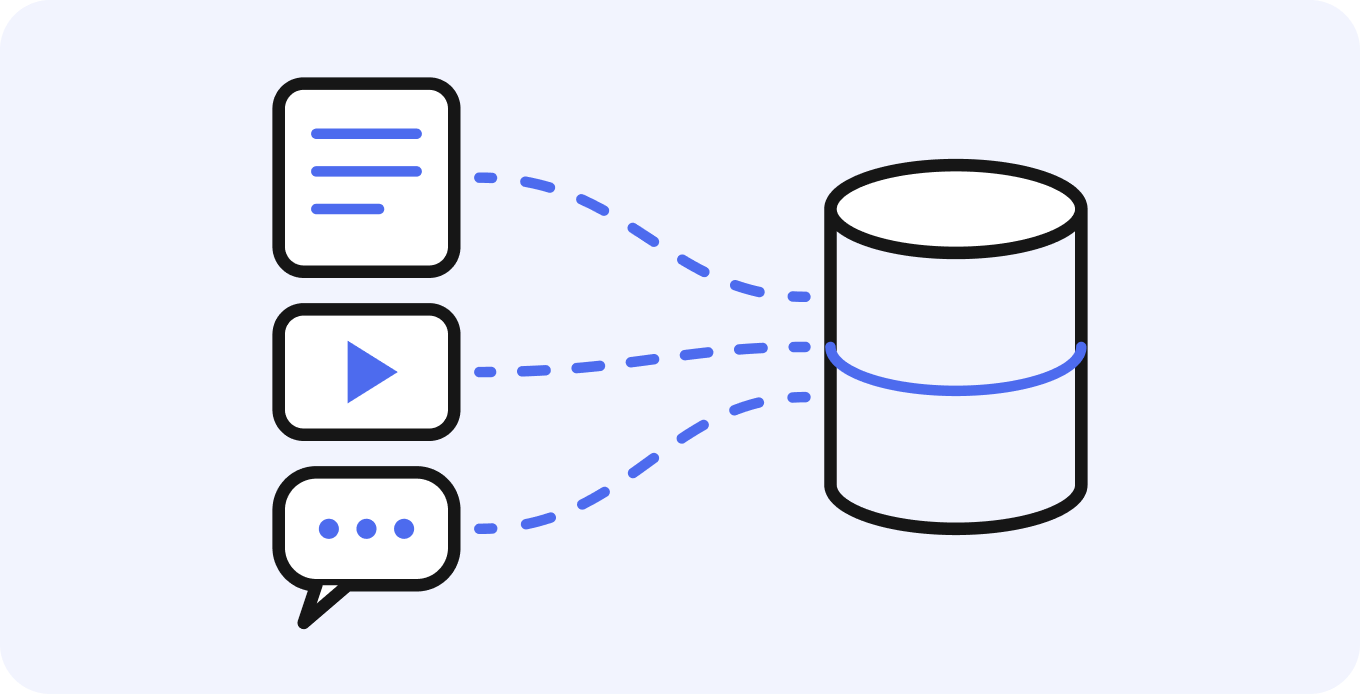
Collect and organize data
AI Recording minutes, e-Learning materials and AppStudio app data are saved to the Library as part of everyday work. Internal policies and procedures are created as documents and managed with per-folder viewing permissions and versions.
Meeting recordings and minutesTraining videos and materialsDocuments, PDFs and web pagesFolder viewing permissions and versions
02
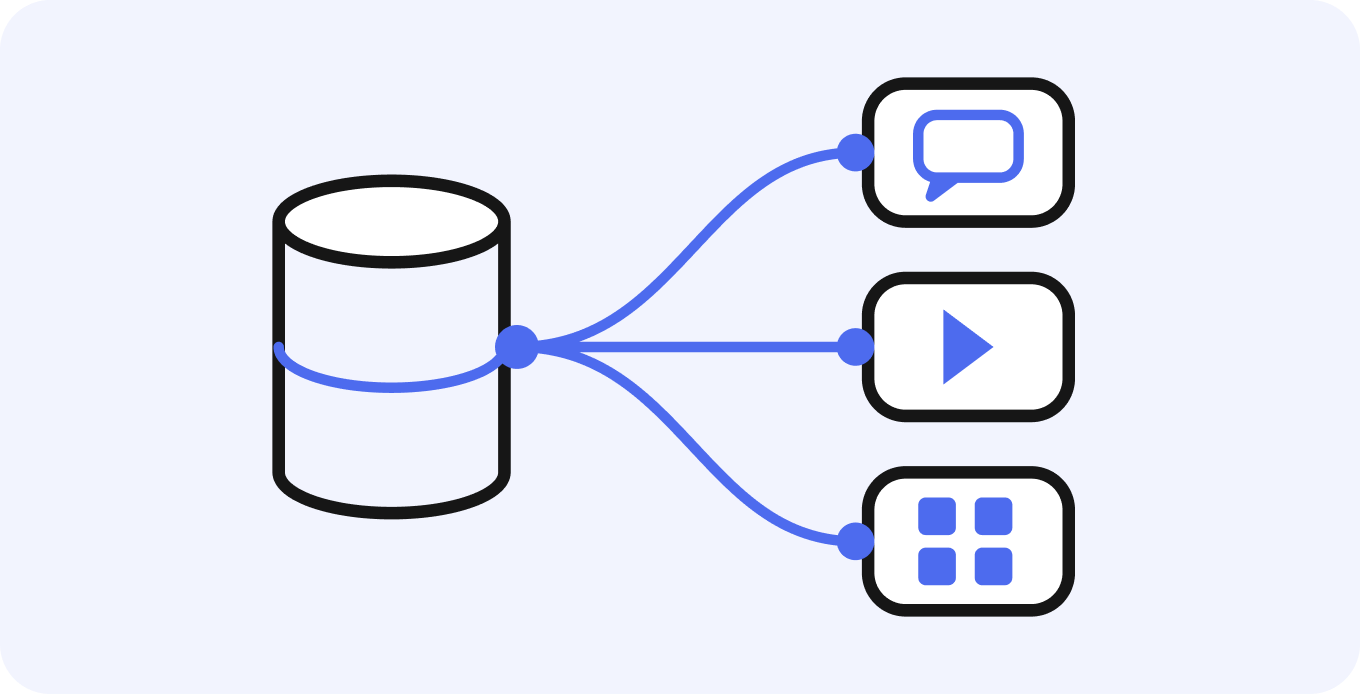
Connect apps and AI
When you set the folders each AI agent refers to, the content in those folders becomes candidate sources. The AI agent answers by referring to documents within the user's viewing permissions, and operates the apps and Studio features allowed in its execution permissions after the plan is reviewed according to the autonomy level.
Folders AI refers toOperating apps and StudioChoice of GPT, Claude and GeminiSources limited to viewing permissions
03
Improve data
Check answers and sources against frequently asked internal questions, then update outdated documents and add missing ones. Minutes and documents created by the AI agent also accumulate in the Library.
Check answers and sourcesUpdate outdated documents and add missing onesAccumulate minutes and AI-created documents
Results of use become the basis for the next answer
Multi-model
Supported AI models
Use generative AI models from OpenAI, Anthropic and Google from a single screen. Choose by task, such as a lightweight model for everyday questions and a high-performance model for important analysis. The credit consumption multiplier for each model is shown on screen, so you can also check costs.
OpenAI
GPT
GPT 6 LunaGPT 6.1 TerraGPT 6.1 SolGPT 6 Astra
Anthropic
Claude
Claude Haiku 5.5Claude Sonnet 5.5Claude Opus 5.5
Gemini
Gemini 3.1 Flash-LiteGemini 3.5 Flash-LiteGemini 4 HydrogenGemini 4 CarbonGemini 4 Argon
Supported models as of . Supported models and credit consumption multipliers are updated as needed. The latest list is shown in the model selection menu in the app.
NEWAI Agent
Manage AI agents with a harness
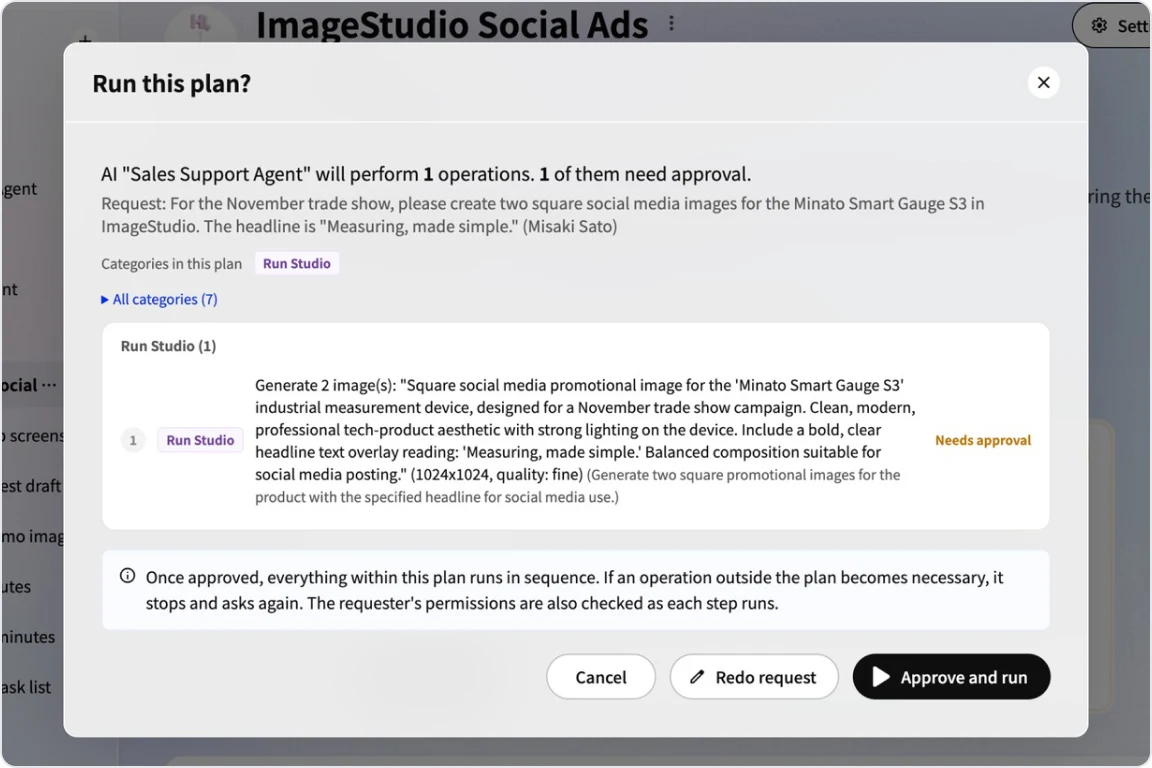
Kanata AI Agent carries out work requested in chat, based on the internal knowledge in the Library. A harness is the mechanism that keeps AI running safely. Reference folders, execution permissions and autonomy level can be set in advance for each agent.
- What it handlesSet reference folders and per-tool execution permissions (read, write, execute) for each agent
- Autonomy levelThree levels: suggest only, review the plan and run, or run automatically. Publishing, overwriting, deleting and schema changes are confirmed even with automatic execution
- RecordCredits are counted as usage by the requesting user
- Requests from the bottom right of the screenAsk from the button at the bottom right of the project screen with the current screen as context. The conversation remains in your chat DMs
People development
Connecting talent development and business AI
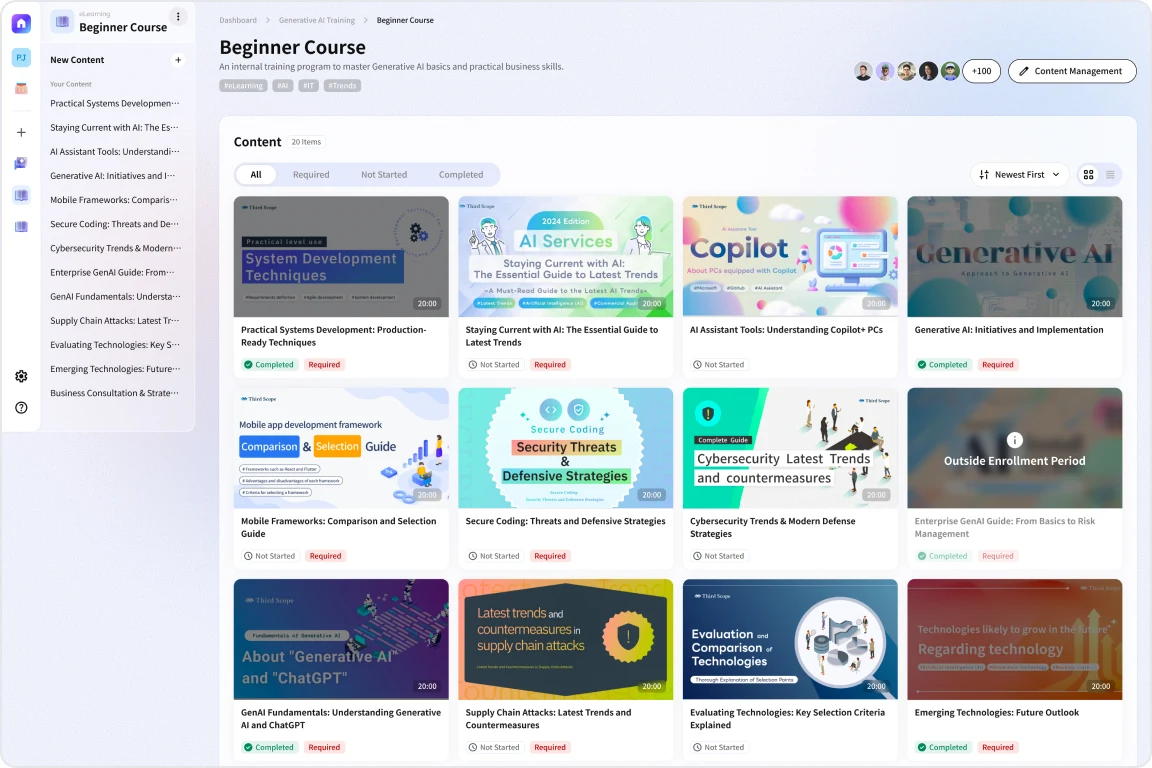
Making AI stick requires both adopting tools and developing people. In Kanata, e-Learning and AI agents for work live in a single project. Materials created for training accumulate as internal knowledge as they are, and you can also check exam results and learners' progress.
- Draft a title, overview and summary for materials from a single video
- Multiple-choice and written exams with AI grading
- Set required content and check progress by learner and by content
- Generative AI training drawing on know-how from creating materials used by more than 250,000 people a month (Third Scope Inc.)
Capabilities
Features at a glance
From building RAG to recording meetings, training, AI agents and creating images and slides, everything is available in a single project. There is no need for each department to adopt separate tools.
AI AgentRequest from chat DMs or the bottom-right button, and it answers and acts based on the LibraryAutonomy levels and plan reviewThree levels: suggest only, review the plan and run, or run automatically. Publishing and deleting are always confirmedCredit managementCounted as usage by the requesting user; check the remaining creditsChatsUse multiple chats with the AI agent in DMs, one for each topicLibraryManage Content and Media with folder permissions and versionsDocumentsManage internal policies with versionsAI RecordingZoom, Google Meet and Microsoft Teams recordings and minutese-LearningCreate materials from videos, run exams with AI grading, and track progressImageStudioCreate images that follow your Design SystemSlideStudioCreate slides after reviewing an outline (PPTX, PDF)AppStudioAsk AI to assemble business apps and adjust them on the canvasMultiple AI modelsUse GPT, Claude and Gemini according to the task7 languagesInterface and minutes output in seven languagesENTERPRISESecurity assessment at onboardingCheck security at onboarding on the ENTERPRISE plan
ENTERPRISE: features available on the ENTERPRISE plan
Security
Advanced information security
Because you entrust your internal knowledge to AI, Kanata lets you set in advance how data is handled, what can be viewed, and how AI behaves.
Handling of input data
We do not use your input data to train AI models.
Permissions and reference scope
Separate the information that can be viewed by space, project, app and folder. The AI agent uses as its basis only documents the user in the conversation can view.
Managing the basis for answers
Set the folders each AI agent refers to, and choose whether to use web search.
Plan review before execution
Writes and app executions run after the plan is reviewed according to the autonomy level. Publishing, overwriting and deleting are confirmed even with automatic execution.
Where files are stored
Files such as recordings, training materials and documents are stored in the AWS Tokyo Region.
Additional measures on the ENTERPRISE plan
Supports security assessments at onboarding.
Why Kanata
Why Kanata
Here are Kanata's strengths for each point worth checking when choosing generative AI for your business.
01
Knowledge that accumulates from work
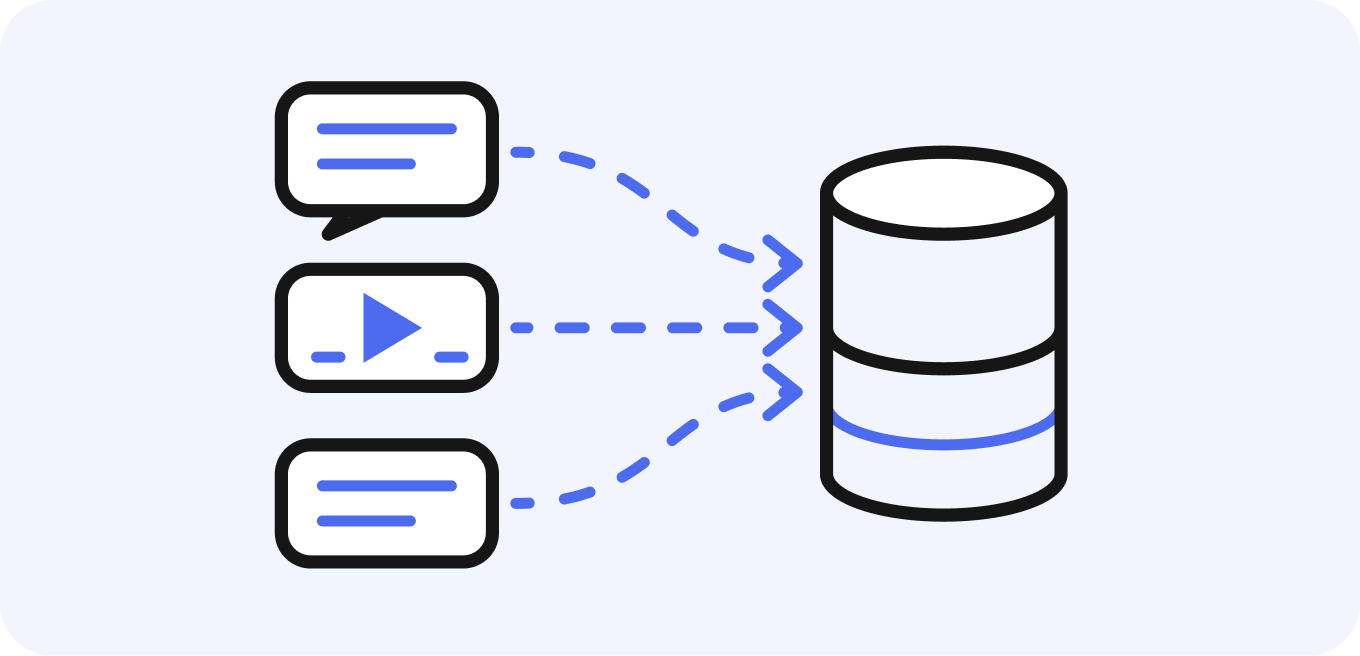
Meeting records and imported documents become the basis for AI answers as they are. The foundation for RAG grows without adding work just to collect information.
02
Learning and work in one place
e-Learning and AI agents for work can be used in the same project. Training content accumulates as internal knowledge, and you can check exam results and learners' progress.
03
Set in advance what AI handles
Set reference folders, execution permissions and autonomy level for each AI agent.
04
Choose AI models with costs in mind
GPT, Claude and Gemini can be chosen by task. The credit consumption multiplier for each model is shown on screen.
05
Pricing you can choose per user
After trying the FREE plan, you can choose a seat for each member. FREE and BUSINESS prices and the ENTERPRISE unit price (with the maximum volume discount) are published on this site.
06
Seven languages, including for overseas offices
The interface and minutes output support seven languages. Payments can be made from more than 195 countries and regions.
Use cases
Use cases by department
On a foundation of a shared Library, each department combines the apps and AI agents it needs.
HR & general affairs
Library
Internal policiesAI Agent
First-line answers based on policiese-Learning
Checking understanding of policiesSales
AI Recording
Records of sales meetingsAI Agent
Organizing next actionsSlideStudio
ProposalsIT
Library
Procedure manualsAI Agent
Procedure guidanceCredit management
Check remaining creditsManagement
Minutes
Meeting conclusionsAI Agent
Organizing issuesSlideStudio
ReportsPlan
Pricing plans
Choose a seat that fits how each member works. Start by trying the same features as the BUSINESS plan on the FREE plan.
Monthly equivalent when paid annually (billed once a year). The 20% annual discount is our standard pricing, not a limited-time offer.
Monthly billing prices. Annual billing (paid once a year) is 20% off.
-
FREE
Free
No payment required
For those who want to try Kanata before adopting it. Try the same features as the BUSINESS plan at no cost.
- Library
- Apps
- Usage limits per app
- Choice of AI models
- Recommended
BUSINESS
Monthly: $4
Annual (monthly equivalent): $3.2
~ / seat / month (excl. tax)
Choose from three seat types (LIGHT, BASIC and MAX) for each member according to usage.
- LIGHT$4$3.2×1
- BASIC$28$22.4×10
- MAX$150$120×100
- All FREE features
- Combine three seat types
- Purchase additional credits
- Credit card payment
-
ENTERPRISE
Monthly: $ 8
Annual (monthly equivalent): $ 6.4
~ / account / month (excl. tax)
When the maximum volume discount is applied
For teams of 10 or more and companies with security requirements.
- All BUSINESS features
- Contracts from 10 accounts
- Volume discounts based on the number of accounts
- No weekly credit cap
- 3× the additional credits of BUSINESS for the same price
- Security assessment at onboarding
- Invoice payment
All prices are shown in US dollars, excluding tax. ENTERPRISE prices are per-account prices with the maximum volume discount (higher for fewer accounts).
Selected as an IT adoption support provider
Learn more about the subsidy Digitalization & AI Adoption Subsidy 2026
Kanata is registered as an IT tool for Japan's Digitalization & AI Adoption Subsidy 2026. Third Scope Inc. has been selected as an IT adoption support provider for the subsidy and supports you from preparing the application to making use of Kanata after adoption.
*Grants are decided by the secretariat's review and are not guaranteed.Anything contracted or paid for before the grant decision is not eligible.
Topics
Topics
FAQ
FAQ
QWhat is Kanata?
Kanata is a business AI platform for organizations that can be used to build RAG on your internal knowledge. Internal knowledge such as meetings, everyday conversations, documents and internal training accumulates in Kanata Library, and Kanata AI Agent supports your work based on that knowledge, working with multiple generative AI models such as GPT, Claude and Gemini.
QWhat is RAG?
RAG (retrieval-augmented generation) is a mechanism in which AI searches internal documents before answering and is given what it finds as the basis for its answer. It enables answers based on the latest internal information without retraining the AI model. In Kanata, you can use it simply by saving documents to the Library and setting the folders the AI agent refers to. For details, see the AI and RAG page.
QHow is Kanata different from personal generative AI services such as ChatGPT?
Kanata is a platform designed for use by organizations. The main differences are that input data is not used to train AI, answers are based on internal knowledge, and multiple models such as GPT, Claude and Gemini can be used from a single screen. It also provides permission settings by member and folder, AI agent execution built around plan review and records, and a mechanism that accumulates knowledge from meetings and training.
QWhich AI models are available?
You can choose from OpenAI's GPT, Anthropic's Claude and Google's Gemini. Each model has a credit consumption multiplier, and higher-performance models consume more credits. The latest list is shown in the model selection menu in the app.
QIs the data we enter used to train AI?
Kanata does not use your input data to train AI models (this is stated in our Privacy Policy). How we handle data is summarized on the Security page.
QCould the AI agent perform unintended actions?
Writes and app or Studio executions run after the requesting user reviews the plan the agent presents, according to the autonomy level. Publishing, overwriting, deleting and schema changes are always confirmed, even at autonomy level 3 (automatic execution). If an action beyond the approved scope becomes necessary, it stops at that point and asks again.
QCan we use Kanata for free?
Yes. The FREE plan is free and lets you try the same features as the BUSINESS plan. It does not include an ongoing credit allowance. For details, see Pricing plans.
QCan we adopt Kanata using a subsidy?
Third Scope Inc. has been selected as an IT adoption support provider for the Digitalization & AI Adoption Subsidy 2026 and has registered Kanata as an IT tool. Grants are decided by the secretariat's review and are not guaranteed. Contracts and payments made before the grant decision are not eligible, so please talk to us before applying. For details, see the Digitalization & AI Adoption Subsidy page.
Last updated: