


They did attend the training. But by the following week’s meeting, nobody was using AI at all.
In conversations about AI training, I have heard much the same thing more times than I can count. Attendance is respectable. Satisfaction scores are perfectly decent. And yet, a few weeks on, you look at how people actually work and almost nothing has changed. The real difficulty of AI reskilling lies precisely in that quiet stall — the “we learned it, but nobody uses it” problem.
This is the story of Sato from the talent development team, who planned company-wide AI reskilling, alongside the DX office, frontline managers, and the IT department. Six months ago, the same AI course was pushed out to every employee at once and only attendance was tracked. Post-course surveys showed high satisfaction, yet from the floor came remarks such as “I don’t know how this applies to my own work” and “the do’s and don’ts for my department are fuzzy.”
Today, as a worked example, they have reshaped it into a three-month internal programme for 300 people, designing company goals, a role-based skill map, segment-specific curricula, and adoption KPIs as separate strands. In this article I set out, from both the training-design and the embedding angles, how to tackle the familiar bind of “we planned company-wide reskilling, but it ends at attendance.” The aim is a state in which employees trial AI in line with their own role, tasks, and permissions, and teams keep updating their shared know-how. That said, training and tools alone will not make it stick. You have to design the operating rules, managerial involvement, and KPI revisions in as well.
One thing I have felt again and again on AI adoption and business-change projects: AI does not spread through flashy demos. It begins to take root the moment someone on the ground thinks, “right, I could actually use this in tomorrow’s work.” Do read on with your own training plan in mind, and check the design skeleton against it.
Why company-wide reskilling so easily ends at “attendance”
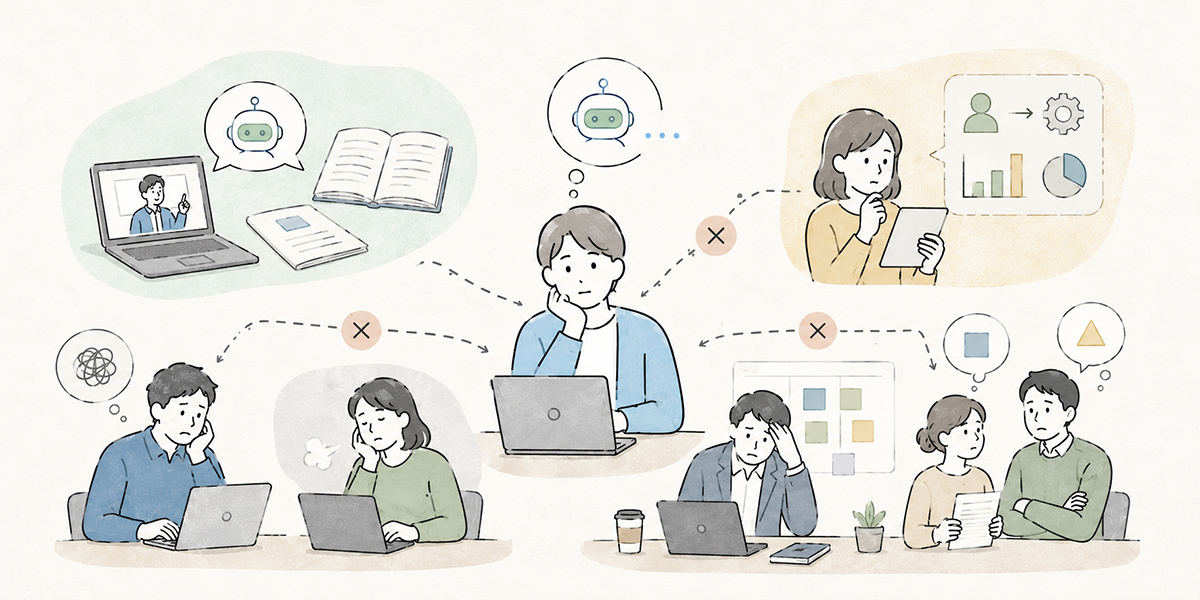
When rolling AI training out to everyone, the first KPI most companies reach for is the attendance or completion rate. To be fair, in company-wide reskilling, tracking attendance is not in itself pointless. In the early stages it is an important measure of how many employees you have managed to get the basics in front of.
Attendance alone, however, tells you nothing about whether people can actually use AI in their work. Watching a training video to the end is one thing; using AI to prepare for the next day’s meeting is quite another. Passing a comprehension test is one thing; drafting a client document with AI, having a person verify the content, and shaping it into something the team can reuse is something else entirely.
What I most often see on engagements is not that the training itself is poor, but that it is never connected to the actual work. An overview of AI, the basics of prompting, use cases, things to watch for — all of it is necessary. But unless it lands at the level of “where, exactly, in my own work do I use this,” it simply washes over the employee as so much knowledge.
External research, too, shows that the challenge of AI adoption cannot be explained by “deploying a tool” alone. BCG’s 2025 study, for instance, finds that using generative AI several times a week is common among leaders and managers, while take-up among frontline staff has been slower to build. McKinsey’s 2025 report, similarly, points out that formal training, pilot use, and incentives matter when it comes to getting employees to adopt AI.
Under the old approach, running through the basic AI terms, the headline use cases, and the caveats was taken to mean you had “delivered AI literacy to every employee.” Today that is nowhere near enough. What employees want to know is not merely “what is generative AI.” It is “in my own work, how far am I allowed to use it,” “which information must I never type in,” and “how should I share this with my manager and colleagues.”
HR and L&D want to design a common learning experience for everyone. The DX team wants to embed AI in the actual business processes. IT cares about security and access management. Frontline managers want a shape that delivers results without piling on more work.
So while AI training looks, at first glance, like an educational initiative, it is in fact a subject where talent development, process improvement, information governance, and management all intersect. That is exactly why, to avoid ending at attendance, you have to decide at the design stage — before the training — not just “what we will teach,” but “once they have learned it, which work will they use it in, who will support them, and what will we revisit.”
Start by working back from the company goal
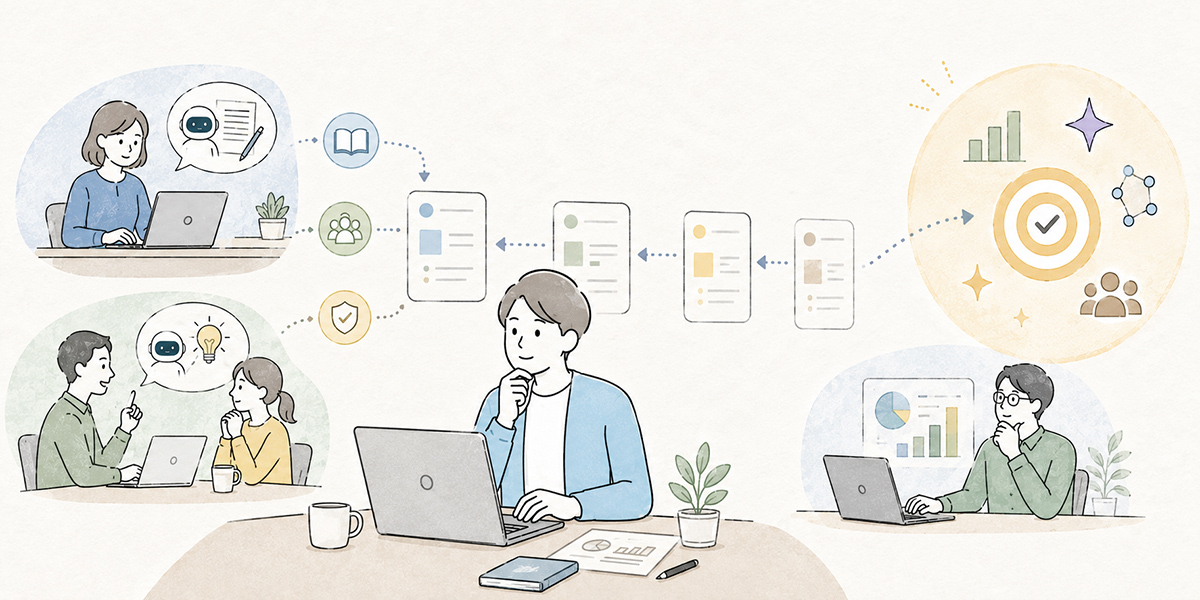
When designing company-wide reskilling, the first thing to settle is not the training topic. What you should decide first is what, as a company, you want AI use to change.
Take the very same “AI basics course”: with a different corporate purpose, the design changes. A company that wants to cut the time spent producing documents and one that wants to make internal knowledge easier to share will use different material in their exercises. A company seeking to even out the quality of enquiry handling and one looking to speed up new-business ideation will need different skills.
The first thing I check on an AI adoption engagement is likewise not the tool name or the course menu. It is “why, now, do you want to spread AI across the organisation.” Push ahead while that remains vague and the training may go down a storm, yet a few weeks later nobody can say what ought to count as a result.
Company goals are easier to translate into practice if you organise them across the following three layers.
- Company-wide direction
- Define what the company, as a whole, wants to achieve through AI use. For example: “cut the hours spent on routine work and redirect them into planning, judgement, and customer-facing activity,” or “make knowledge scattered across departments easier to reuse.”
- Departmental challenges
- For sales, HR, finance, marketing, IT, managers, and so on, map out where each function would use AI. For sales it might be deal preparation and structuring proposals; for HR, training materials and internal FAQs; for managers, meeting agendas and one-to-one preparation.
- Individual work
- Bring it right down to a unit at which each employee can think, “here, I could use AI.” Drafting an email, summarising minutes, rewriting a document, organising the angles for a piece of research — the first use case can be small, and that is perfectly fine.
The important thing is not to aim for sweeping transformation from the outset. In the early stages of company-wide reskilling, setting “every employee becomes an advanced AI practitioner” as the goal only makes the design abstract. Far more realistic, to begin with, is for employees to have an entry point for using AI in their own work, to understand the criteria for judging when to use it, and to build the habit of having a person review the output.
AI is not a magic wand that resolves every corporate problem at a stroke. It is more like a mirror, reflecting back what the company values and which work it wants to change. In an organisation whose goals are vague, AI use turns out vague too. That is precisely why the first step in training design has to be putting the corporate purpose into words.
Build a role-based skill map
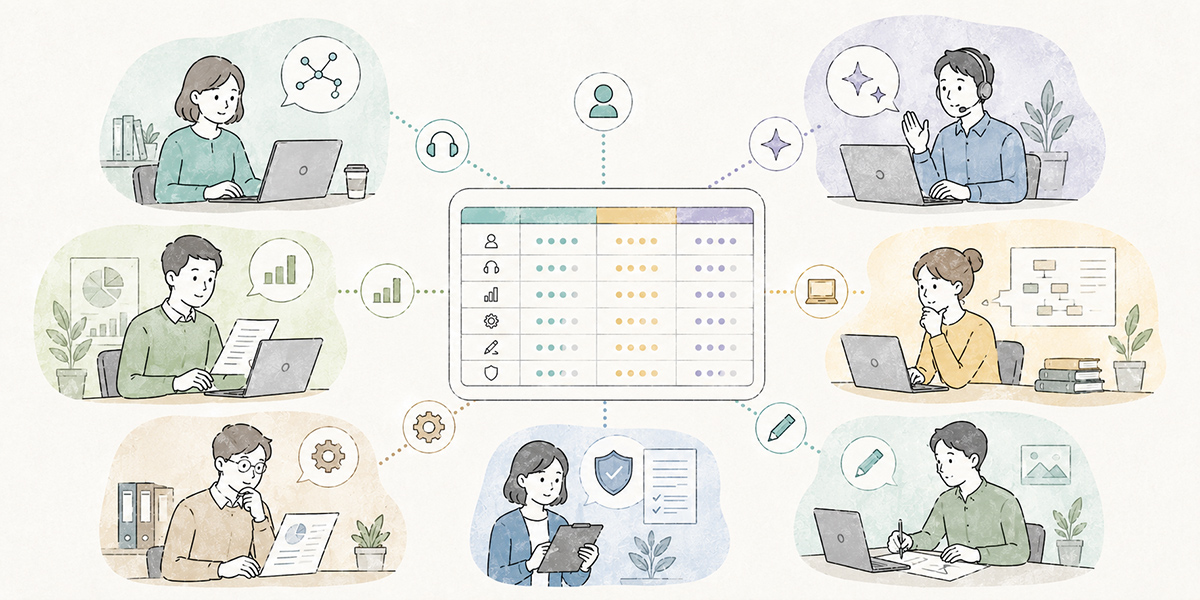
Once the company goal is settled, the next step is to build a role-based skill map. Even under the banner of “company-wide” reskilling, there is no need to demand the same skills, to the same depth, from everyone.
First, define the skills everyone needs in common — for instance, the basic mechanics of generative AI, how to write a prompt, how to think about checking output, the rules for handling information, and review before anything leaves the building. This is the foundation required of everyone who uses AI in their work.
Next, separate out the skills needed by role. Salespeople will need to prepare for deals using customer information, structure proposals, and marshal responses to objections. Marketing benefits from drafting content ideas, comparing messaging by target segment, and outlining articles. HR might produce training content in-house, organise internal enquiries, and draft appraisal comments. Managers can apply it to designing meetings, structuring the points at issue in a decision, and preparing for one-to-ones.
The skill map becomes more useful still if you organise it by level.
| Level | Stage | What it involves |
|---|---|---|
| Level 1 | Know | Understanding the basics of generative AI, what it can and cannot do, and what to watch for when entering information. |
| Level 2 | Try | Having a go with AI on low-risk tasks such as drafting emails, summarising, and rewriting text. |
| Level 3 | Build into the work | Embedding AI in recurring tasks — minutes for regular meetings, weekly reports, deal preparation, drafting internal FAQs. |
| Level 4 | Share | Sharing prompts and patterns that worked with the team, and shaping them so others can use them too. |
| Level 5 | Improve | Revisiting prompts, training data, and operating rules in light of usage and failures. |
Staging skills in this way makes it far easier to see where employees have stalled after the training. Whether they “attended but aren’t using it,” “are using it but not sharing it,” or “are sharing it but not updating it” calls for quite different next moves.
The OECD’s AI Principles also stress investing in people’s skills and supporting a fair transition as AI reshapes work, which underlines why visualising and classifying skills matters for talent development.
On reskilling engagements I often see the state of “we’ve taught everyone the same thing so thoroughly that it lands deeply with no one.” Common training is necessary. But common training alone is not enough. To make it stick on the ground, you have to design the moment at which it becomes personal — by role.
Design segment-specific curricula
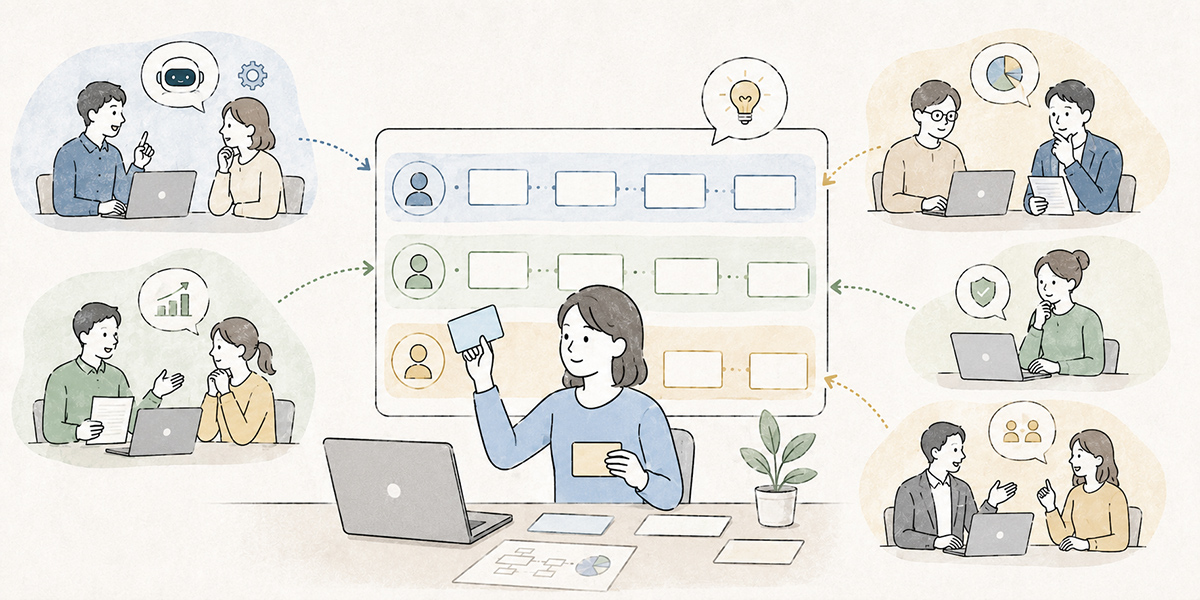
Once the role-based skill map is built, the next step is to design the curriculum. The crucial thing here is to separate the common training for everyone from the applied training by role and function.
The common training covers the basics of using AI: the characteristics of generative AI, what it is and is not good at, handling information, the fundamentals of prompting, and the need to check output. At this stage, rather than weighty talk of business transformation, the emphasis is on establishing a shared language for getting started safely.
Next, prepare applied training by role. Build in exercises close to real work — for sales, organising deal notes and structuring proposals; for HR, creating training materials and handling internal enquiries; for marketing, outlining articles and drafting social posts; for managers, designing meetings and tidying up appraisal comments.
You also need training for the champions. Spreading AI use into each department calls for people who can field colleagues’ questions. Champions need the ability to curate prompts, to organise internal knowledge, to explain the information-handling rules, and to gather and share use cases.
It is wise not to confine the format to a single classroom session. A realistic flow is to align shared knowledge through an initial classroom or online session, then allow people to revisit it via e-learning, and run role-specific workshops for hands-on practice.
Kanata, for example, can handle AI chat, AI summarisation, and e-learning on the same work-support platform, so it is one option where you want to design the delivery of training content, exercises, summarisation, and prompt reuse as a single connected flow. In Kanata, AI chat, AI summarisation, and e-learning can be added on a per-project basis, and prompts and training data can be saved to a library for reuse.
That said, simply laying on e-learning or tools will not embed anything. After the course you need mechanisms that join learning to real work — setting a task to “use AI once in your own job,” sharing examples in team meetings, having managers review how it was used.
In training design I care less about “time spent learning” than about where you place the “time spent using.” People do not change their behaviour just by listening to a lecture. Only when they try it on their own document, their own meeting, their own customer interaction does AI use become real work.
Widen the KPIs from “attendance” to “use and adoption”
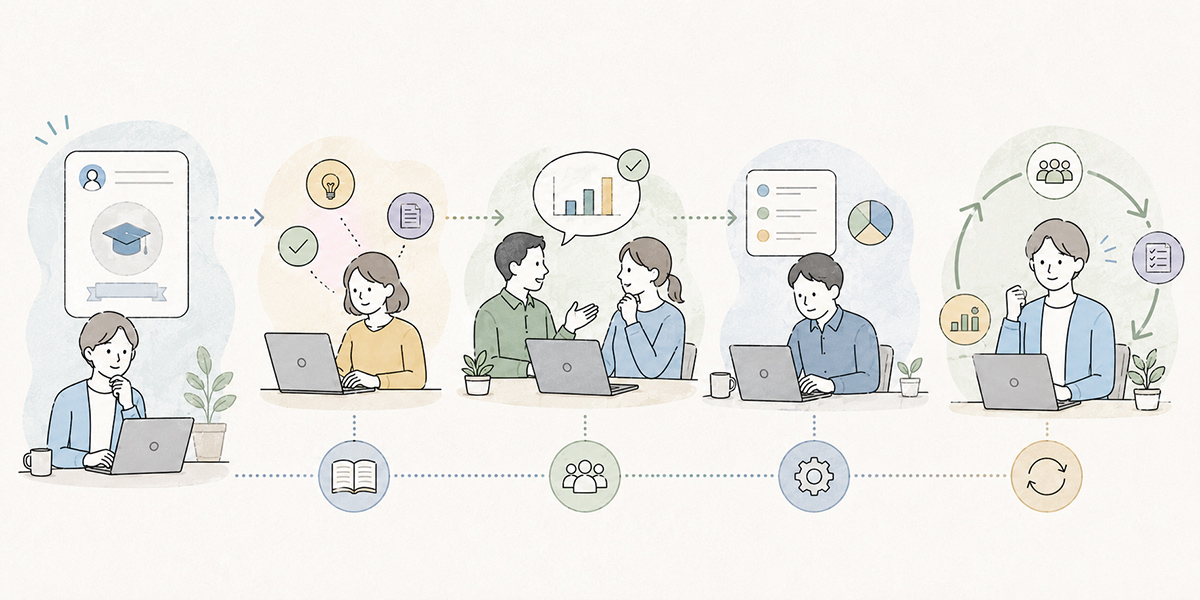
Attendance rate alone is not enough as an AI-training KPI. Attendance, completion, and comprehension-test scores measure whether the training landed. To measure whether it is being used on the ground, you need different indicators.
It is worth designing KPIs in at least four categories.
| KPI category | What it checks | Example metrics |
|---|---|---|
| Attendance KPIs | Whether the training reached its intended audience. | Attendance and completion rates against the target population, average comprehension-test scores, and so on. |
| Usage KPIs | How much it was actually used in work after the training. | Monthly active users, number of use cases by function, count of minutes or document drafts produced with AI, and so on. |
| Adoption KPIs | Whether it goes beyond individual use to being shared across the team. | Number of prompts shared within a team, reused templates, use cases by department, monthly share-out sessions held, and so on. |
| Quality KPIs | Whether AI output is being used as-is, or checked by a person. | Review rate for externally bound deliverables, number of flagged inaccuracies, send-back rate, breaches of information-handling rules, and so on. |
As a worked example, you might set “of 300 people over three months, get the common-course completion rate to 85% or higher.” This is not an actual result but an illustration of a target value set at the planning stage. When you do put a number down, it is important to state the period and the denominator.
One thing to watch especially: do not treat “usage volume went up” as success in its own right. With AI, even as usage rises, risk grows if the checking of output becomes lax. In Kanata, the working principle is that documents, figures, and quotations destined for outside the company are checked by a person.
Company-wide reskilling KPIs are best designed by combining four things: volume of learning, volume of use, volume of sharing, and quality.
When I design KPIs, I make a point of asking myself, “if this number goes up, can we honestly be pleased?” Even if the count of uses rises, it is no success if faulty output is going out to clients unchecked. Conversely, if usage is still modest but AI is being used safely on important work and learning is left behind for the team, that is a green shoot of real adoption.
Design the post-training measures that make it stick
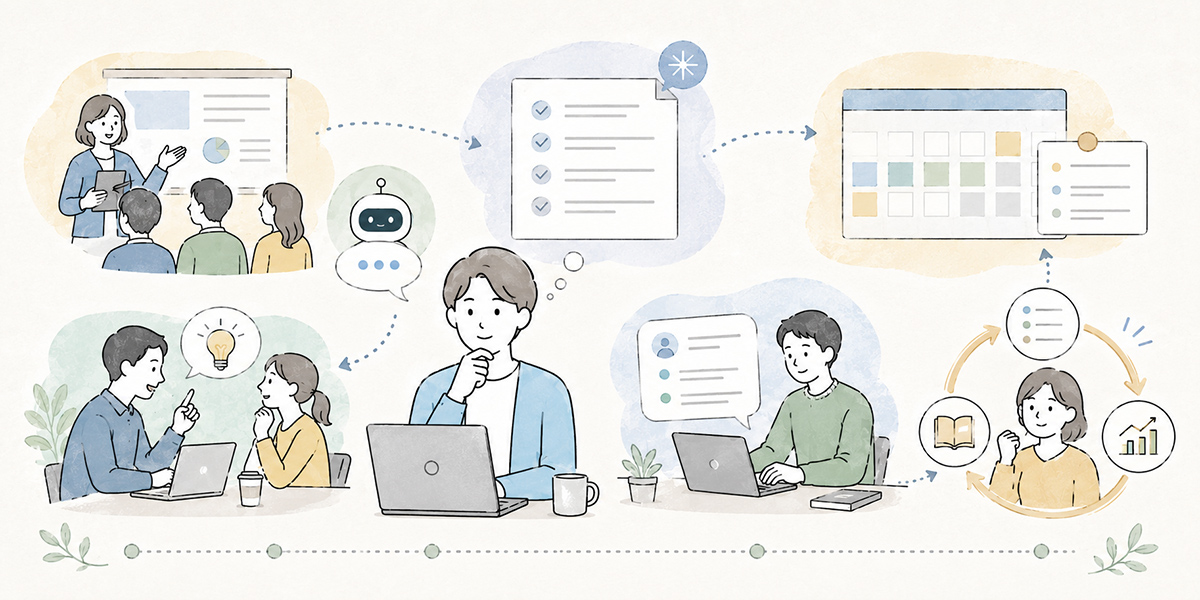
Whether AI training succeeds is decided not on the day, but over the 30 days that follow. Right after the course, attendees’ interest is high. Whether you can connect that to real work in this window is the parting of the ways for adoption.
First, within a week of the training, create an opportunity for everyone to use AI on a low-risk task — summarising meeting notes, drafting an internal email, rewriting document text, organising the angles for some research. For this first task, value the experience of “I managed to use it” over the scale of the result.
Next, share examples at team level. If individuals use AI and leave it there, the learning never stays with the organisation. By sharing the prompts that worked, the ones that didn’t, the output that needed checking, and the points a manager corrected, the team’s collective judgement gradually falls into line.
Then turn prompts and documents into a library. In Kanata, for instance, you can save standard instructions to a prompt library and organise internal materials in a training-data library. This makes the prompts and reference materials individuals create easier to reuse within the project.
Running a library like this matters for the adoption side of company-wide reskilling, because leaving AI use entirely to individual ingenuity tends to make it dependent on particular people. One employee may craft a clever prompt, but if it is never shared it does nothing for the organisation. Share the frequently used prompts and the caveats, on the other hand, and employees new to it can fold them into their work far sooner.
Finally, take stock monthly. Leave unused prompts, dated materials, and duplicate templates lying about and the library becomes hard to use. Once a month — even just 30 minutes — bring the champions and departmental leads together to review how things are being used and what could be improved.
My sense is that the companies where AI use takes hold are, if anything, the ones that do not try to build a perfect system from the start. Use it small, share what worked, fold what nearly went wrong into the rules. That unglamorous repetition turns out, in the end, to be the most robust way to operate.
Put information-handling rules at the centre of the training

In AI reskilling you have to cover not only the handy uses but, without fail, the rules for handling information. In company-wide training especially, it is the gap in understanding the rules, rather than the gap in skill, that becomes a risk.
What makes employees uneasy is not only “what should I ask the AI.” It is judgements such as “may I put this document in,” “should I redact the customer’s name,” “is it all right to feed it the internal regulations,” and “can I send the output straight out of the company.”
In company-wide reskilling, the key is not to let the information-handling rules end as a recital of prohibitions. Picture real work situations and build into the exercises questions such as “may this information go in,” “how far should I anonymise it,” and “if I’m unsure, who do I check with.”
Including cases like the following in the training, for instance, makes it easier for employees to judge.
- When a salesperson wants to tidy up deal notes with AI, how should they treat the customer name, the contact’s name, and the contract value?
- When an HR colleague wants to summarise one-to-one notes, how should they treat information about an individual’s appraisal or health?
- When a marketer wants to write up a customer case study, how should they separate already-public from not-yet-public information?
- When a manager wants to draft appraisal comments, how should they rework the AI output into their own words?
So the information-handling rules are not something to tack on at the end of the training; they should be built in from the start as a precondition of using AI. The UK ICO’s guidance on AI and data protection is a useful English reference for setting these expectations.
The more I work on spreading AI use, the more I think that being clear about “what you must not do” actually widens the freedom people have on the ground. Leave the boundary fuzzy and the cautious cannot use it at all, while the optimistic use it in dangerous ways. Showing the range within which it is safe to use is not a brake; it is the rail that lets people press the accelerator with confidence.
Training that leaves managers out rarely sticks
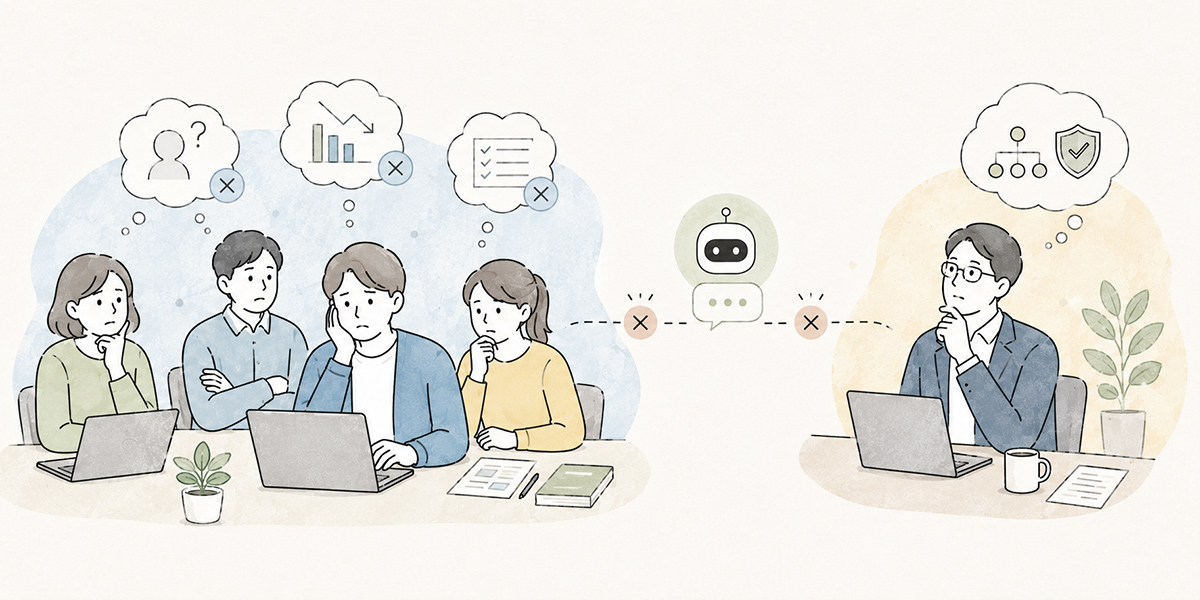
One thing easily overlooked in company-wide reskilling is the role of managers. Even when employees attend the AI training, use struggles to advance on the ground if their managers do not understand how it is used.
If, when a team member brings along a document draft made with AI, the manager reacts with “anything AI-made makes me nervous, so we won’t use it,” the member will stop using it next time. Conversely, if the manager can ask “which parts did you hand to the AI, and which did you check yourself,” AI use becomes a conversation about improving the work.
Manager training has to cover not just how to operate AI, but the lens for reviewing it — fact-checking, checking figures, adjusting tone, the pre-external checks, and verifying how information was handled.
Managers also have a part to play in surfacing the team’s use cases: sharing what worked in meetings, treating failures as material for improvement rather than blame, and nudging people to register prompts and templates in the library. Small behaviours like these shape whether it sticks after the training.
I would advise against leaving managers to last in the design of AI training. The mood on the ground shifts greatly on a single word from the boss. Whether it becomes “don’t use AI to take it easy” or “let’s use AI to free up time to think” can matter more than the content of the training itself.
To move AI reskilling beyond “individual learning” and into “team improvement,” managers’ involvement is indispensable.
The scope of support to consider if you use Kanata
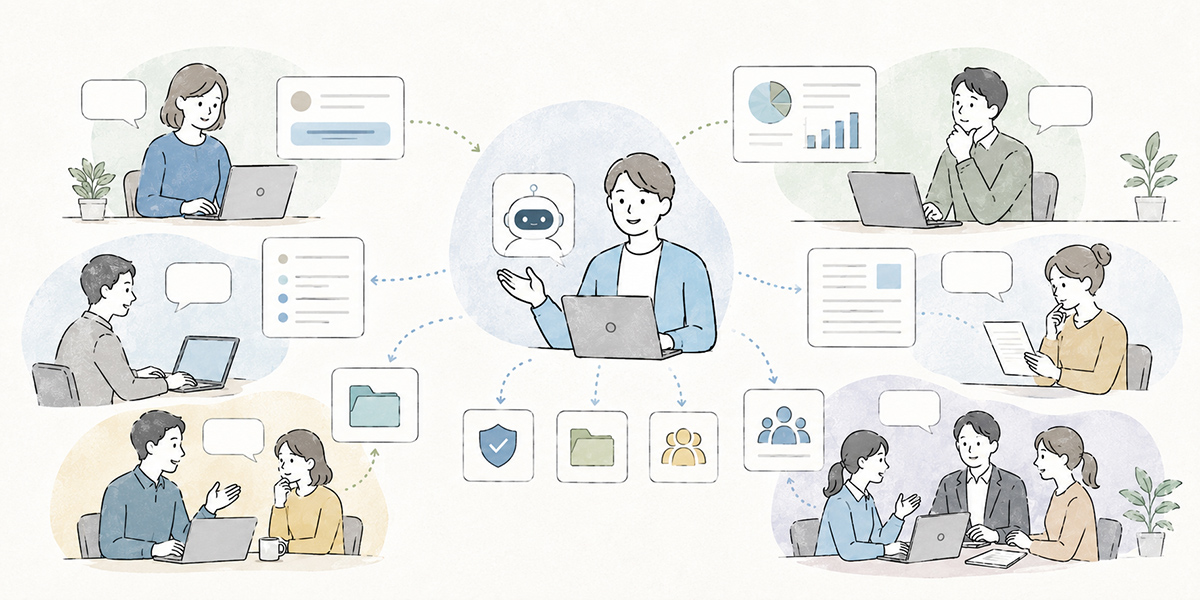
As set out above, company-wide reskilling requires you to design training content, hands-on exercises, knowledge sharing, information handling, and KPI management as a connected whole.
There are several options. You can combine an existing LMS, an intranet portal, a chat tool, a document-management system, and a general-purpose AI chat tool. On top of that, where you want to handle training delivery, AI chat, summarisation, and the reuse of prompts and training data on the same operational footing, a work-support platform such as Kanata becomes a candidate.
Kanata is a work-support platform that lets you use AI chat, AI summarisation, e-learning, and more from a single account. With AI chat you can ask questions, talk things through, and draft text; with AI summarisation you can summarise documents, audio, URLs, text, and the like; with e-learning you can study using mainly video-based content.
In a company-wide reskilling context, you might use it as follows.
- Deliver the common-course videos as e-learning so employees can revisit them later.
- As a post-training exercise, try email drafting, minute summarisation, and document rewriting in AI chat.
- Use AI summarisation to organise meeting recordings and training notes, making the learning easier to share.
- Save standard prompts by department in the prompt library.
- Organise materials you want it to reference — internal regulations, work manuals, and the like — in the training-data library.
That said, deploying Kanata will not make reskilling succeed automatically. The tool is a means of underpinning learning content and knowledge sharing. Without the company goal, the role-based skill map, the operating rules, managerial involvement, and the KPI design, use will not spread however good the tool.
If you are weighing up Kanata, it is just as important to decide, in advance, “what to deliver,” “who will use it,” “which prompts to standardise,” “which materials to treat as training data,” and “who will review it regularly.”
In tool-selection meetings I am sometimes asked, “if it has this feature, does that solve it?” Each time I try to answer with a degree of caution. Features are necessary. But features alone do not change the work. Who uses it, in which situations, under which rules — only once you have designed to that level does a tool genuinely become a help on the ground.
A reskilling-design template you can use in practice
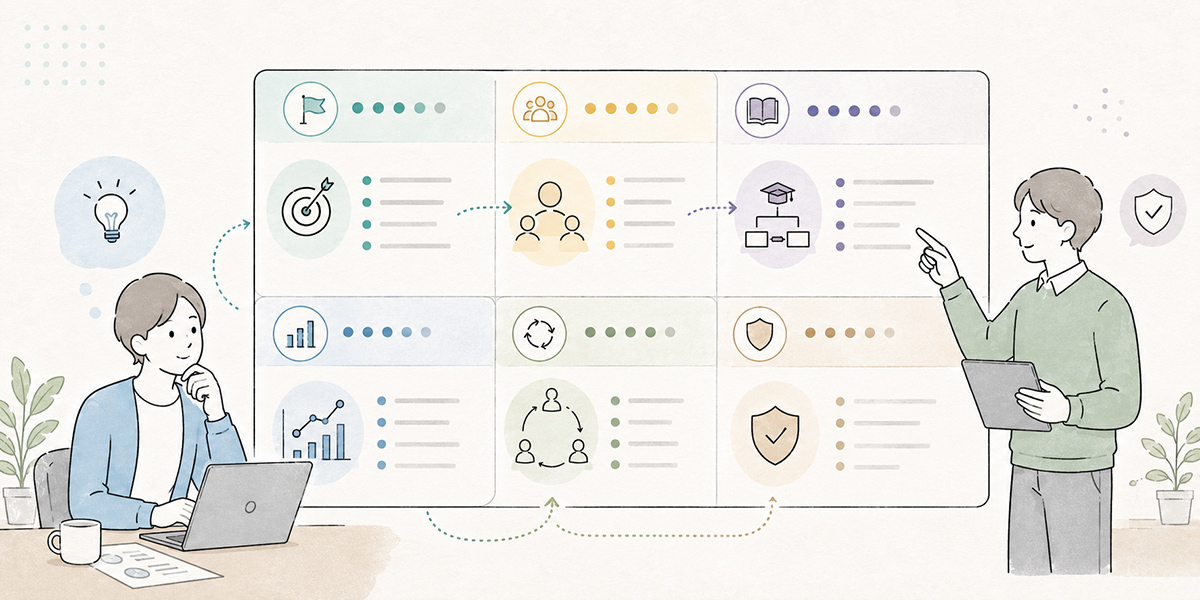
Finally, let me set out a template for designing company-wide reskilling. Simply filling in the items below will sharpen the outline of your training plan.
Company goal
First, write down what you, as a company, want AI use to change.
For example, something along these lines:
Cut the effort spent on routine document production, minute-taking, and internal enquiry handling, so that employees can spend time on planning, judgement, and customer-facing work.
Here it matters to express the change to the work and the organisation, rather than simply writing “increase the number of people who can use AI.”
Target segments
Next, divide up the audience. All employees, managers, sales and marketing, HR and general affairs, IT, champions — whatever division suits your company is fine.
Rather than putting everyone through the same curriculum, organise it on the premise of separating the common part from the role-specific part.
Required skills
Write out the skills each segment needs.
For all employees, the core is basic understanding of AI, prompt fundamentals, information handling, and output review. For sales it would include deal preparation and structuring proposals; for HR, training materials and internal FAQs; for managers, designing meetings and tidying up appraisal comments.
Curriculum
Split the curriculum into three: knowledge, exercises, and real-work tasks.
In knowledge, they learn how AI works and its risks. In exercises, they actually draft emails, summarise, and so on. In real-work tasks, they use AI once in their own job and share the result with the team.
KPIs
Design KPIs across the four types: attendance, use, adoption, and quality.
Beyond attendance and completion rates, candidates include the usage rate within 30 days of training, the number of shared prompts, and the pre-external review rate. When you set a number, always state the period, the denominator, and the scope.
Adoption measures
For adoption measures, include post-training real-work tasks, team share-outs, a prompt library, monthly stock-takes, and manager reviews.
What matters here is to decide the post-training behaviour concretely. Not “please use it as you see fit,” but “within a week of the training, try AI once in your own work and share it at the team meeting.”
When I build templates like this, my benchmark is always “could someone on the ground act on it if they looked at it tomorrow?” However handsome the design document, it is worthless if the people on the ground cannot tell what to do next. Designing AI reskilling has to be done by moving back and forth between abstract direction and concrete action.
In summary: company-wide reskilling is decided by “operating design,” not “training”
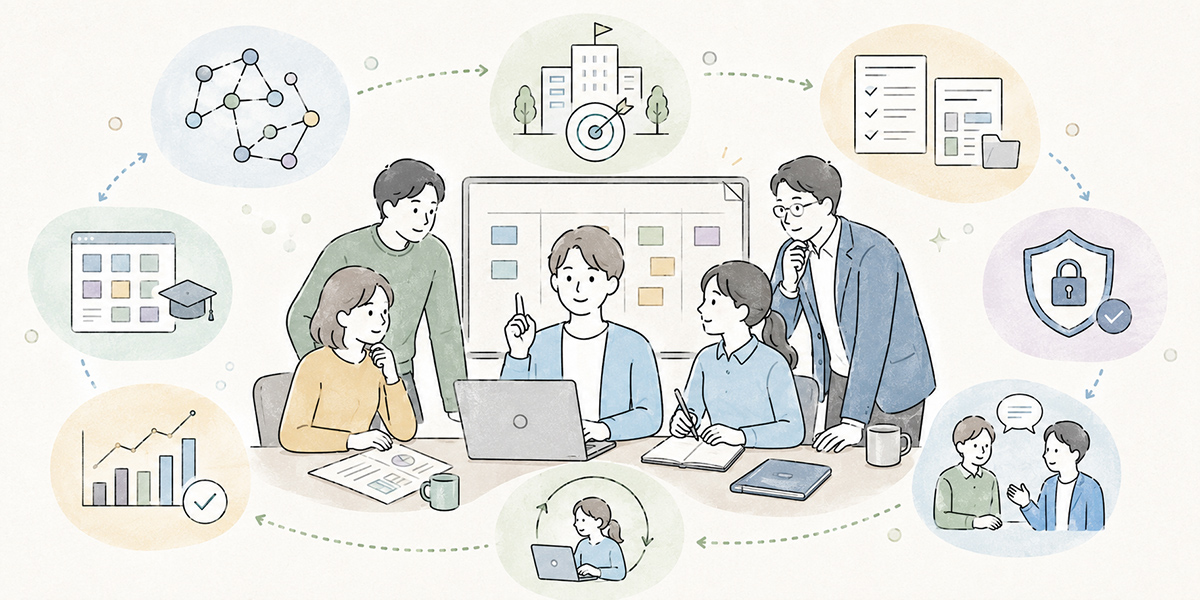
To make company-wide reskilling succeed, it is important not to treat AI training as a one-off educational initiative.
Attendance matters, but on its own it tells you nothing about whether it is being used on the ground. You need to work back from the company goal, build a role-based skill map, design segment-specific curricula, and put in place the post-training KPIs and adoption measures.
And with AI use, the habits of information handling and review matter every bit as much as the convenience. Only when employees understand the range within which they can use it safely, output is checked by a person, and know-how is shared across the team does company-wide reskilling become a force for the organisation.
A work-support platform such as Kanata is one option for underpinning post-training learning and knowledge sharing, through AI chat, AI summarisation, e-learning, and library features. The tool, though, is no panacea. What decides the result is the design of what you have people learn, which work they use it in, who supports them, and how you revisit it.
On AI adoption projects I sometimes feel that, in the end, it is human work that matters most. What AI can do keeps growing. But it is people who decide what to delegate, what to keep, and how to keep using it as an organisation. Company-wide reskilling is an effort to make employees comfortable with AI, and at the same time an opportunity to rethink how your own company gets its work done.
So that AI training does not end at “attendance,” start by revisiting your own company goal, your role-based skills, and your adoption measures for the 30 days after training.
Q&A
Where should company-wide reskilling begin?
The first thing to settle is not the training topic but the company goal. Be clear about what you want AI use to change — cutting routine work, sharing knowledge, standardising document quality, improving customer service — and then translate that into a role-based skill map and curriculum. Do this and the training connects far more readily to real work on the ground.
If the attendance rate is high, can we regard the AI training as a success?
Attendance is an important indicator, but it does not, on its own, let you judge success. Attendance measures “whether the training reached people”; to see “whether it is being used on the ground” you also need to look at monthly active users, the number of use cases by function, the number of shared prompts, and the output-review rate.
Should every employee take the same curriculum?
Common training is necessary, but it is not enough on its own. The basics of generative AI, information handling, and output review should be covered for all employees in common. On the other hand, because sales, HR, marketing, managers, and IT use AI in different situations, combining role- and function-specific applied training makes it easier to connect to real work.
What measures are effective for adoption after AI training?
It helps to set a low-risk, real-work task within a week of the training and to share use cases at a team meeting. Going further, turning the prompts and caveats that worked into a library and taking stock monthly makes it easier to turn individual ingenuity into organisational know-how.
How can Kanata be used for company-wide reskilling?
Because Kanata can combine AI chat, AI summarisation, e-learning, and library management for prompts and training data, it is a candidate where you want to run training delivery, hands-on exercises, and knowledge sharing on the same operational footing. That said, deploying Kanata alone will not make it stick — it is important to use it together with the company goal, the operating rules, managerial involvement, and the KPI design.