


Ask ChatGPT and, when it comes down to it, it simply doesn’t know our staff handbook or our past projects.
That was a remark from the floor, made by an IT systems manager at a mid-sized B2B company that was weighing up an internal knowledge AI. At the firm, sales, general affairs, HR and customer support were each searching shared folders and the company portal, and when they came up empty they would fall back on asking whoever knew best over Slack. General-purpose AI was perfectly handy for drafting emails or summarising, but it could not answer questions about the company’s own rules, proposals, FAQs or past meeting minutes. The upshot was a familiar bit of double handling: “ask the AI”, “hunt for the document”, “check with a person”.
So the company narrowed its focus to HR and general-affairs enquiries, tidied up its internal documents, and ran a pilot internal knowledge AI built on RAG. Comparing 120 internal enquiries over the three months before and after rollout, the average time needed to reach a first-pass answer fell by roughly 40 per cent. That figure reflects this company’s particular conditions, mind you, and you shouldn’t assume every organisation will see the same result.
This article is written for IT, DX and data-platform teams who want to put their internal data to work, and it sets out how to design RAG, knowledge foundations, vector search, document preparation, access permissions, metadata, PII protection and accuracy evaluation. The aim is a state in which staff can put a question to an enterprise search AI, check the supporting documents, and stand at the threshold of a sound business decision. RAG is no cure-all, however. Stale documents, sloppy permission design or thin evaluation will leave the risk of wrong answers and information leaks firmly in place. Read on with one eye on how you might shape your own knowledge foundation alongside the way your teams actually work.
Why general-purpose AI alone can’t answer internal business questions
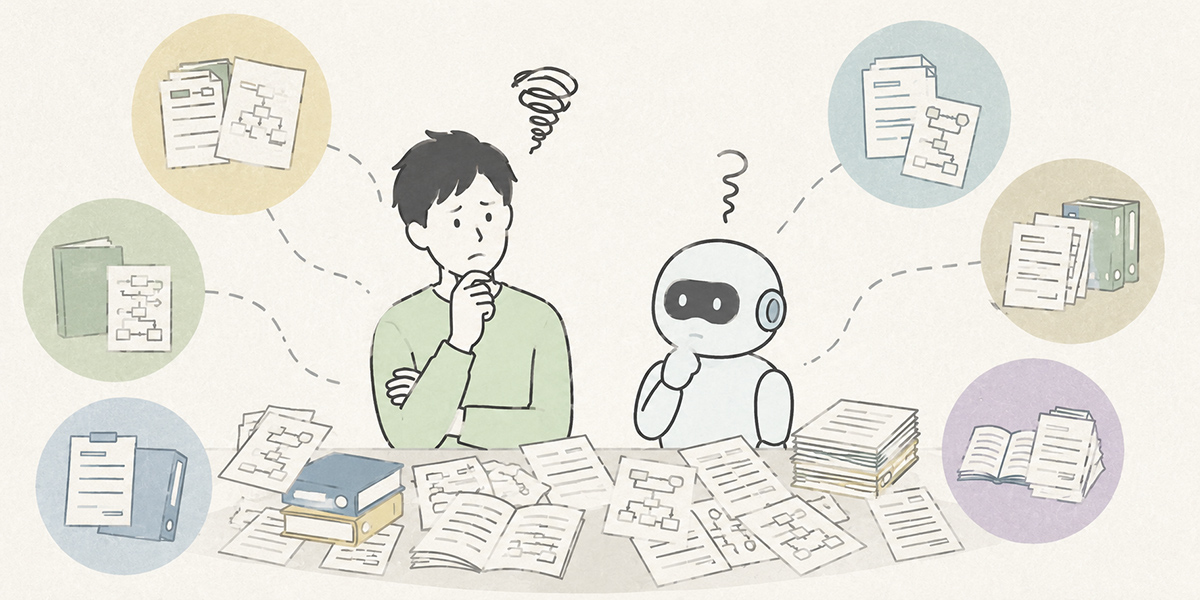
As adoption of generative AI gathers pace, the first thing many companies notice is a particular snag: it’s useful, but it doesn’t reach the heart of the work.
For drafting emails, summarising minutes, brainstorming or general research, a general-purpose AI such as ChatGPT earns its keep. Turn to questions like the following, though, and it becomes hard to vouch for the accuracy of the answers.
- Under our travel-expense rules, on what conditions is staying the night before approved?
- In our past proposals to Company A, which issues did we treat as priorities?
- In this product’s internal FAQ, how is the first-line response to an incident defined?
- What pricing-revision policy was agreed at the 2024 sales conference?
The answers to these sit not in general information on the internet but in internal rules, past minutes, proposal materials, FAQs, manuals and the to-and-fro of internal chat. In other words, well before any question of the AI’s writing ability, the problem is that the internal knowledge the AI could draw on simply isn’t in order.
In this state, staff first search the company portal or shared folders. If they come up empty, they ask whoever knows best over Slack or Teams. The person on the receiving end then digs through old materials or their own memory to reply. And the colleague who gets that answer still has to confirm whether it is the latest version, the formal rule, or an exception.
The net result is that, even with generative AI in place, the feeling lingers that “it’s quicker to just ask a person after all”. Realising an internal knowledge AI takes more than dropping in an AI tool. You have to get your internal data into a form the business can actually reference, and design it as a knowledge foundation that takes in search, permissions, updates and evaluation.
What is RAG?
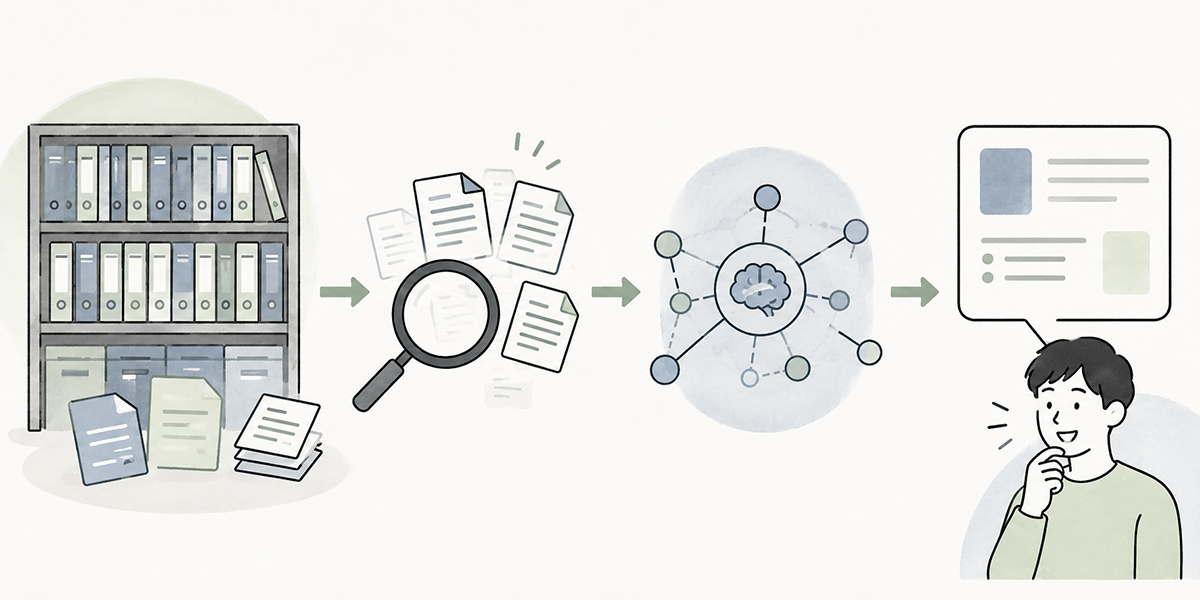
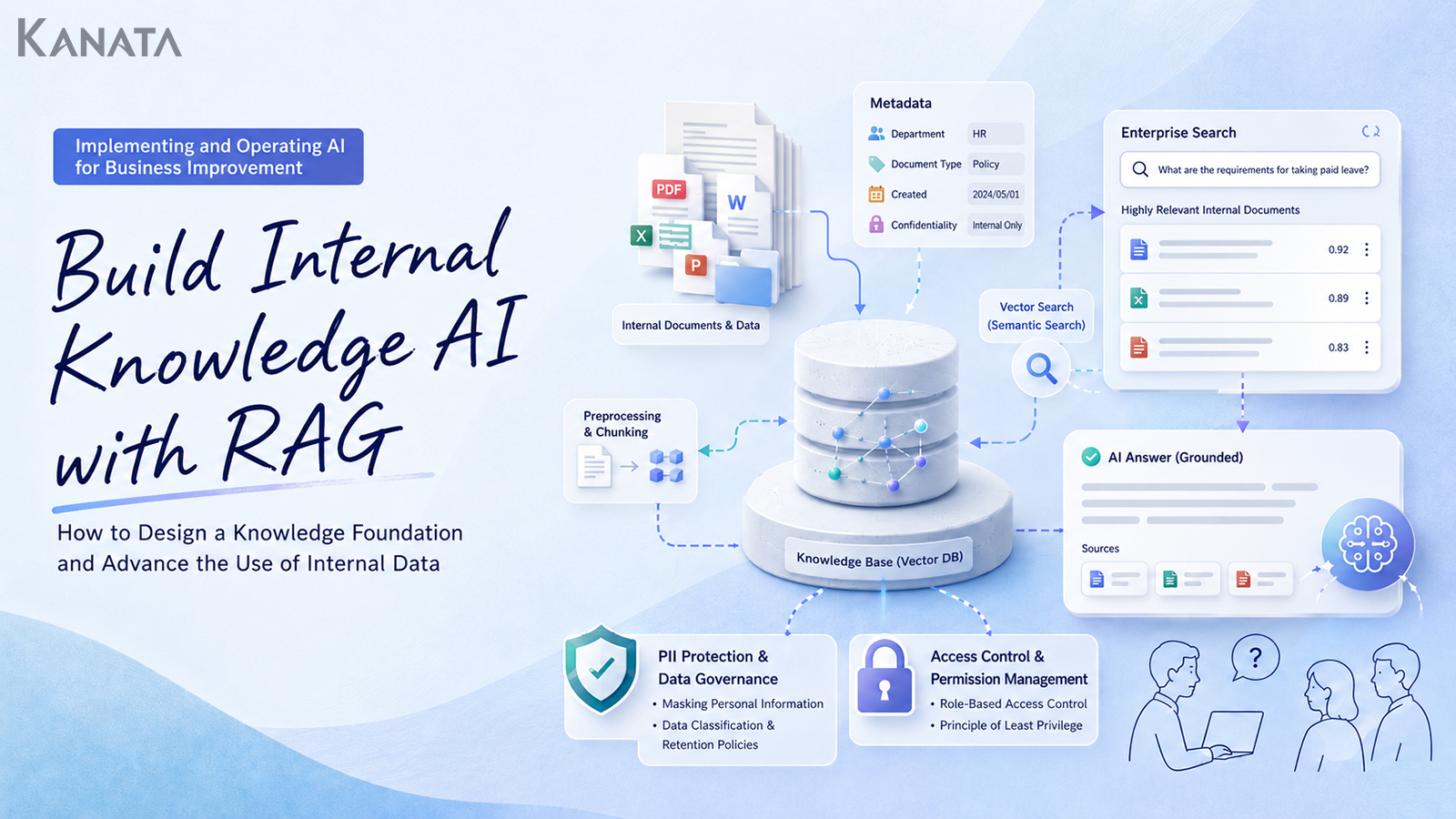
RAG stands for Retrieval-Augmented Generation. Before the AI generates an answer, it searches for relevant external information and uses that material as context for its reply. OWASP’s guidance on LLM applications likewise describes RAG as a technique that pairs external knowledge sources with a large language model to improve the contextual relevance of answers.
When you put RAG to work in an internal knowledge AI, the basic flow runs as follows.
- A member of staff asks a question in natural language
- The system searches for internal documents relevant to the question
- The pertinent passages from the retrieved documents are passed to the AI
- The AI generates an answer grounded in the document content
- Alongside the answer, it displays the source document names and the relevant passages
The crucial point is that RAG is not a scheme for making the AI memorise your internal documents wholesale. It searches for the relevant documents when needed and uses their content to answer. So when an internal rule or manual is updated, the usual approach is not to retrain the model itself but to update the knowledge foundation it refers to.
Information inside a company changes by the day. Policy revisions, reorganisations, product-spec updates, revised price lists, fresh customer-handling guidelines: when these happen, the documents change too. For handling internal information that shifts in this way, RAG is a comparatively realistic approach.
That said, using RAG does not guarantee accuracy. Where the documents being searched are out of date, the search results are off the mark, the answer rules are vague, or permission management is weak, the risk of wrong answers and information leaks remains.For checking the definition of RAG and the risks in LLM applications, OWASP’s “OWASP Top 10 for LLM Applications 2025” is a useful reference.
What RAG can and can’t do
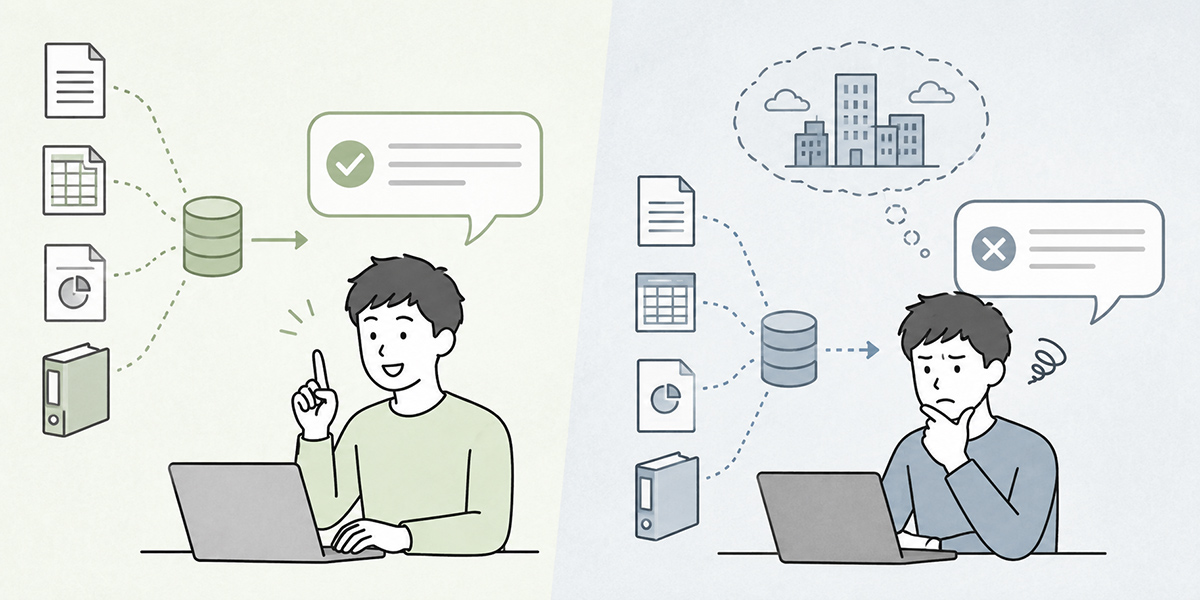
Bring RAG in and, as an internal knowledge AI or enterprise search AI, the following kinds of use become a good deal easier.
In HR and general affairs, when a member of staff asks “By when do I need to apply for parental leave?”, the system can answer by referring to the staff handbook or the HR FAQ. In sales, ask “What issues come up most often in our past proposals to manufacturers?” and it can pull together the patterns from old proposals and deal notes. In customer support, ask “Tell me the first-line response when this error appears” and it can answer on the basis of the product FAQ or the incident-handling manual.
RAG has its limits, too.
- If the document it refers to is wrong, the answer may be wrong as well.
- Where old rules, unapproved drafts, duplicated FAQs and someone’s personal notes are all jumbled together, the AI may not reliably tell them apart.
- If the search fails to surface a suitable document, the quality of the answer won’t improve.
- Where access-permission design is inadequate, there is a risk that information no one should be seeing finds its way into the answer.
RAG’s accuracy turns not only on the AI’s way with words but, to a great extent, on search precision. Vector search makes it easier to find documents that are close in meaning, but that alone does not guarantee accuracy in a business sense.
Board-meeting materials, performance-review information, customer-specific contract terms, undisclosed financial information and the like are not things anyone should be free to look at. Adopting RAG is not merely adopting AI; it is a redesign of how internal knowledge is run. Beyond the technology, you need to think through document management, permission management, operating rules and accuracy evaluation together.
The first step in designing a knowledge foundation is narrowing the scope
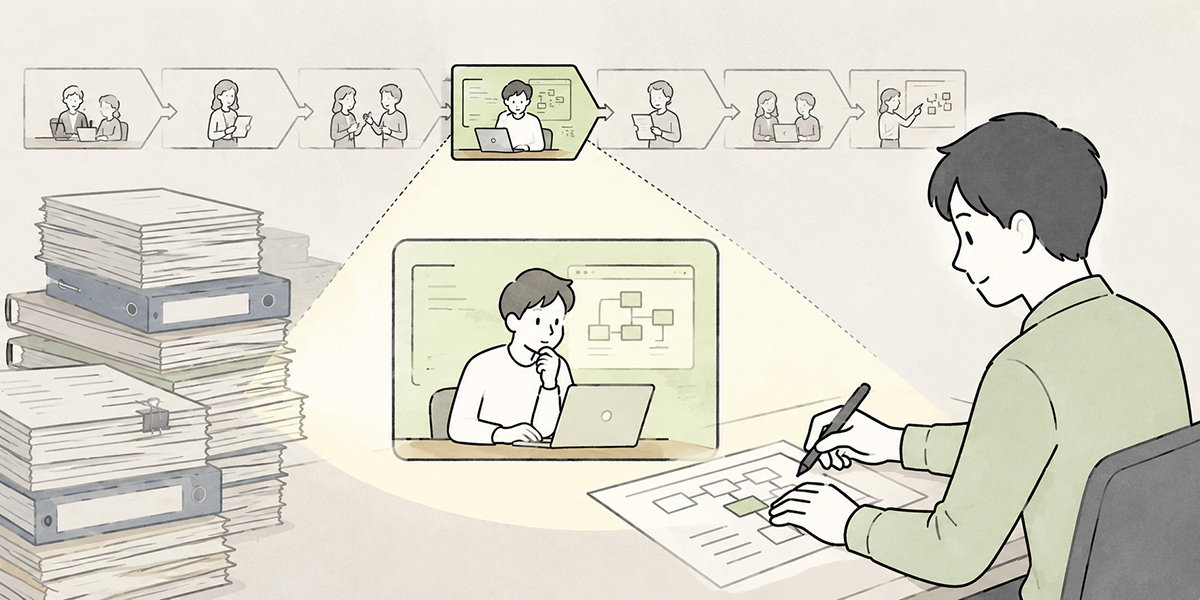
When companies set out to put internal data to work with AI, the first thing said is often “we want the AI to ingest every document we have”. Casting the net across the whole company’s documents from the outset, though, deserves careful thought.
Internal documents vary wildly in format, quality, update frequency, sensitivity and audience. Spread the scope too wide and verifying search precision, managing permissions, updating documents and analysing enquiries all become harder at once.
To begin with, narrowing the target business is what matters. The following areas suit an initial rollout well.
- Handling internal HR and general-affairs enquiries
- FAQs on expense claims and travel rules
- Searching product manuals and incident-handling procedures
- Searching sales proposals and case studies
- Fielding questions about internal training content
- Guiding staff through IT account requests and tool-usage procedures
What these share is that the question patterns recur to some degree, the documents to be referenced exist, and answers are expected to be grounded in evidence.
Conversely, areas that carry heavy responsibility or context, such as management decisions, legal judgements, performance reviews and one-to-one customer negotiations, are best handled with caution as a first target. Rather than letting the AI reach the conclusion, it is safer to confine its role to organising the material on which a judgement rests.
Document preparation makes or breaks RAG accuracy
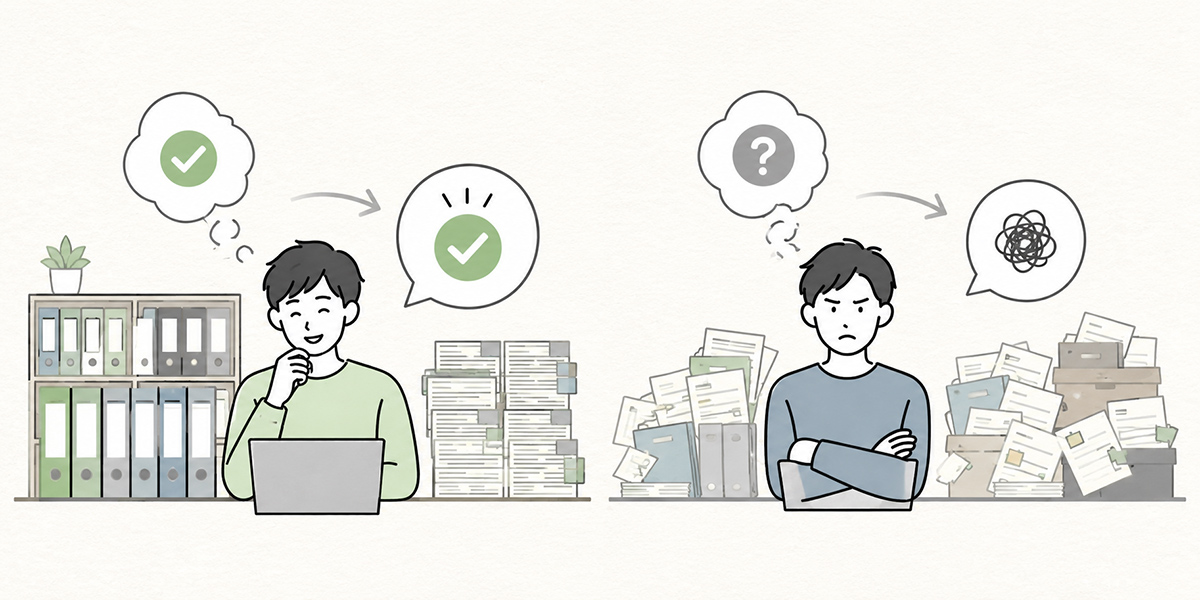
Whether RAG succeeds is not settled by the AI model’s performance alone. The quality of the documents it refers to has a large bearing on the accuracy of the answers.
Inside most companies, documents like the following sit cheek by jowl.
- The latest version and old versions left in the same folder
- File names that give no clue to the content or the owning department
- PDFs whose body text is hard to search
- Materials saved as images, from which text can’t be extracted
- The same content duplicated across several FAQs
- A profusion of abbreviations only the author understands
- Formal documents and working notes that are never distinguished
Bring in RAG while things are in this state and the AI may answer in fluent prose yet fail to pick the right document as its basis.
That is why, as a step before RAG, document preparation is needed. First, take stock of the documents tied to the target business. Establish which document is the official version, which are past versions, and which department owns each one.
Next, get the granularity of the documents right. Where a single PDF crams in several policies or procedures, the AI struggles to locate the relevant passage. Sorting out chapter structure, headings, FAQ formats and tables makes everything easier to search.
Further, attach metadata to each document. Metadata is supplementary information appended to the document itself: department, document type, creation date, update date, version number, scope of disclosure, confidentiality classification, target business and so on.
With metadata in good order, controls such as “refer only to the latest HR rules”, “search only the proposals meant for the sales department” or “exclude documents visible only to administrators” become far easier to apply.
How to choose between vector search and keyword search
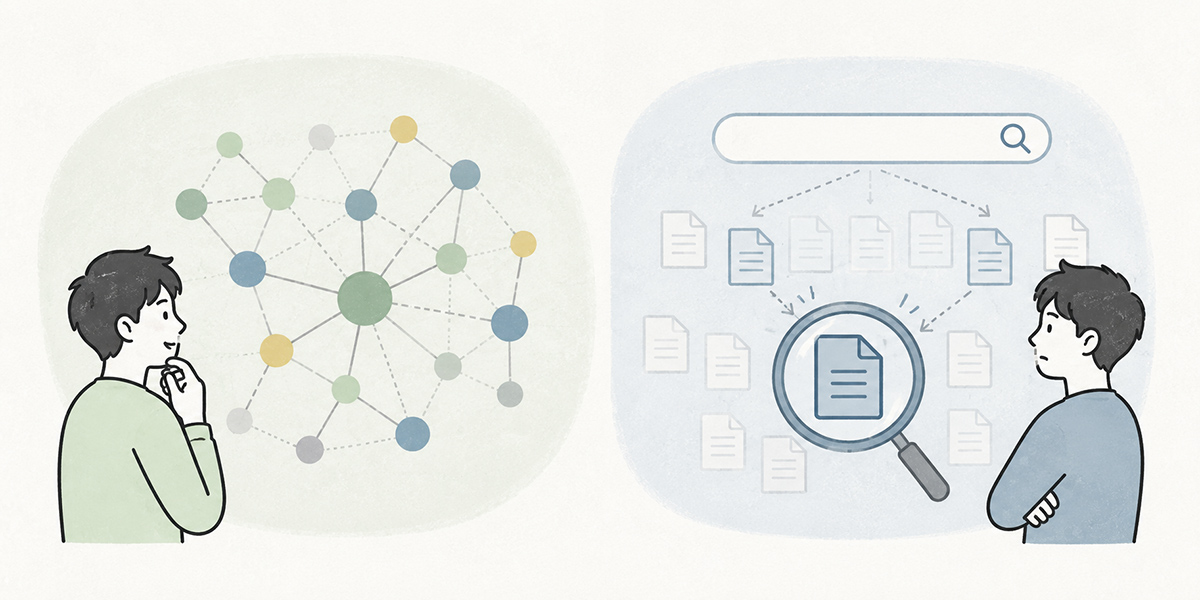
In the context of RAG, the term vector search comes up a great deal.
Vector search converts text into numerical vectors and looks for passages close to one another in meaning. Where conventional keyword search prizes “does it contain the same word”, vector search prizes “is it close in meaning”.
Suppose, for instance, a member of staff asks “Can I stay over the night before a business trip?”. The internal rules might phrase it as “travel involving an overnight stay”, “travel the previous day” or “where required for business”. Even without an exact keyword match, vector search makes it easier to find documents that are close in meaning.
Leaning on vector search alone, however, is risky.
In business documents, exact string matches matter in plenty of cases too, such as part numbers, scheme names, document numbers, department names, customer names and contract clauses. For such information, keyword search is sometimes the better fit.
In practice, then, a design that combines vector search and keyword search is effective. Find the documents close in meaning to a natural-language question, while using keyword search for clear conditions such as document numbers or rule names; and then narrow the results down by metadata. Combining several search methods in this way raises the practical usefulness of an enterprise search AI.
| Search method | Well suited to | Points to watch |
|---|---|---|
| Vector search | Finding documents close in meaning from a natural-language question. Helpful for surfacing related documents even when the wording is not an exact match. | For searches that demand an exact match on scheme names, document numbers, part numbers and the like, take care when using it on its own. |
| Keyword search | Uses where a string match matters, such as rule names, document numbers, customer names and contract clauses. | For questions with much paraphrasing or inconsistent notation, it may overlook the relevant document. |
| Metadata filtering | Controlling the search scope by department, disclosure scope, update date, document type and so on. | If the metadata is inadequate, controlling the search scope becomes difficult. |
Don’t leave access permissions until later
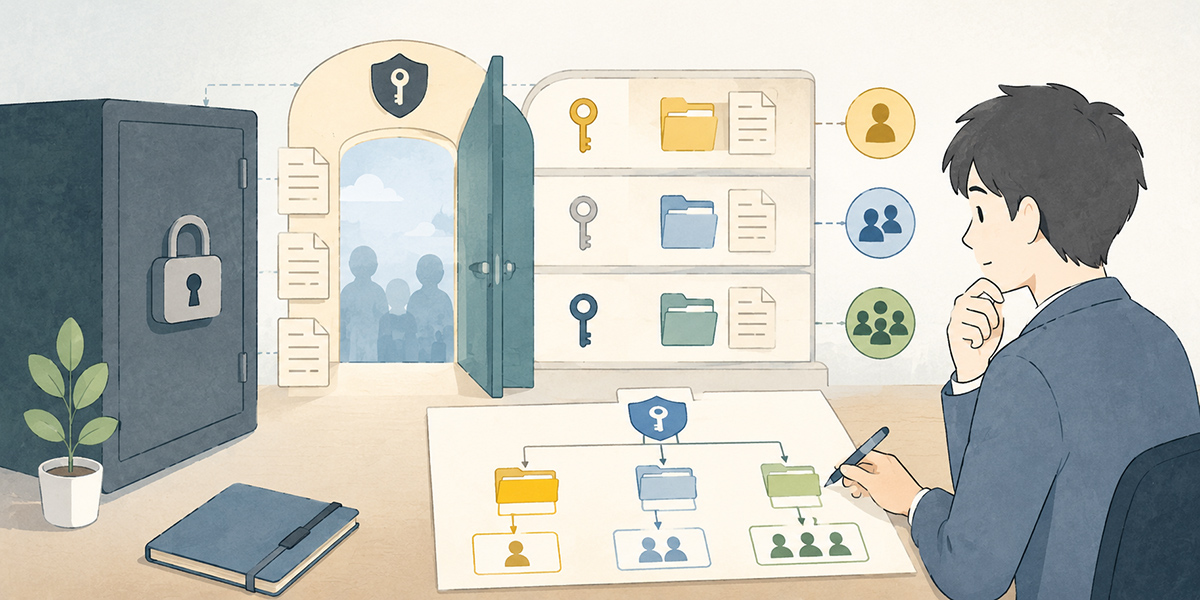
In designing an internal knowledge AI, access permissions are an important item to consider from the very first stage.
With RAG, the AI refers to internal documents to answer. If the search scope includes documents no one should be seeing, information can leak through the AI’s replies. OWASP Top 10 for LLM Applications 2025 likewise explains that, while RAG and fine-tuning make an LLM’s output more relevant, they do not wholly eliminate vulnerabilities such as prompt injection.
The information that calls for particular care includes the following.
- Board-meeting minutes
- Materials on performance reviews and staff transfers
- Customer-specific contract terms
- Undisclosed price lists
- Proposals covered by an NDA
- Enquiry histories containing personal data
- Undisclosed financial information
- Materials on M&A and new-business deliberations
In RAG access-permission design, the test must be not “what does the AI know” but “what is the person asking allowed to see”.
Put the same question, and a member of the sales team, someone in HR, the leadership and an external partner should each be able to reference different documents. The AI’s answer, too, needs to be generated within that permission scope.
Leave this design until later and, every time you widen the range of target documents, the risk of an information leak rises. From the outset, it is important to plan access control by department, by project, by job grade and by document type.
For checking prompt injection in LLM applications and the operational risks of running RAG, OWASP’s “OWASP Top 10 for LLM Applications 2025” is a useful reference.
PII protection and handling confidential information

When you put internal data to work, PII protection is indispensable. PII means information that can identify an individual: names, addresses, email addresses, telephone numbers, employee numbers, the names of customer contacts and so on.
When entering personal data into a generative AI service, you need to confirm matters such as the lawful basis for processing, the individual’s consent, the purpose of use and whether it amounts to a disclosure to a third party. Data-protection regulators have published guidance on the use of AI and personal data along just these lines.
Where documents containing personal data are registered in a RAG knowledge foundation, measures like the following are needed.
- Judge whether it is information the AI actually needs to reference
- If a business answer is possible without naming individuals, mask the names before registration
- Don’t leave HR or customer information searchable by every member of staff
- When answering, generalise to “the person responsible”, “the sales lead”, “the applicant” and the like
- Set the retention period, viewing permissions and audit method for chat logs and search logs
Staff may well enter personal data or confidential information into the body of a question, too. An internal knowledge AI is convenient, but put convenience first to the exclusion of all else and the risk to information management climbs. RAG design has to satisfy ease of use and safety at one and the same time.
For the points to mind when entering personal data into a generative AI service, the UK Information Commissioner’s Office “Guidance on AI and data protection” is a useful reference.
Make the answer rules explicit in the prompt
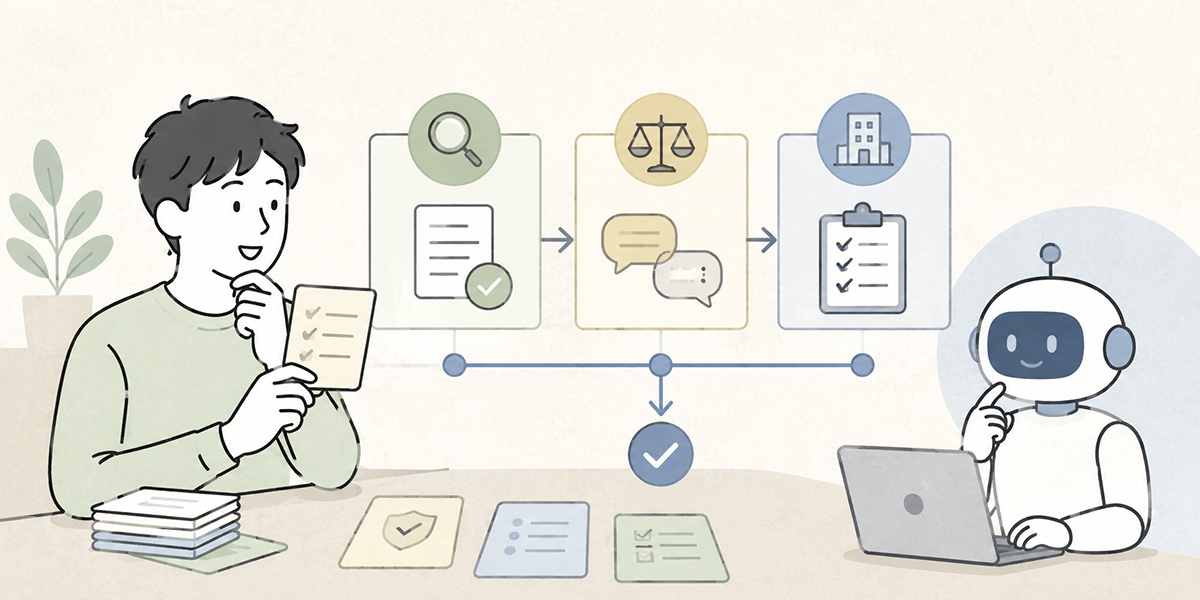
With RAG, simply handing the retrieved documents to the AI is not enough. You need to make explicit, in the prompt, how the AI ought to answer.
For an AI that refers to internal rules, rules like the following are needed.
- Answer solely on the basis of what is written in the referenced documents
- Cite the source document name and the relevant passage
- Where something is not set out in the documents, don’t answer by guesswork
- Where an old document and a new one conflict, give the update dates and present both
- Where judgement is called for, prompt the user to check with the responsible department
- Don’t output personal data or confidential information needlessly
What matters most of all is a design that can say “I don’t know”.
What is dangerous in an AI is answering in fluent prose when it has no grounds. In internal business, a plausible-sounding wrong answer becomes a serious problem. In expense claims, contract checks, customer handling, HR policy and the like, a mistaken answer can shape the actions of staff or customers.
For that reason, RAG answer rules do well to build in constraints such as “if no relevant document is found, state plainly that you cannot answer”, “do not fill the gap with generalities” and “direct the user to the responsible department”.
Always evaluate accuracy after rollout
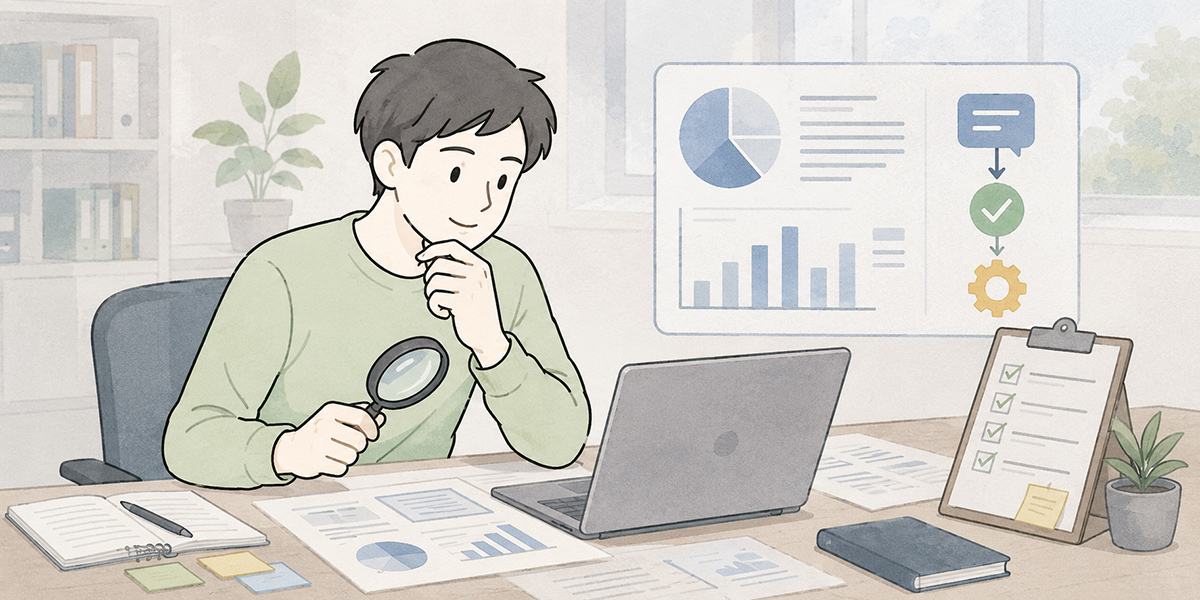
With RAG, building it is not the end of the matter. Evaluating accuracy and improving after rollout is what counts in live operation.
In evaluating an internal knowledge AI’s accuracy, you shouldn’t look only at “does the answer read naturally”. At a minimum, the following angles need to be evaluated separately.
Search precision — Check whether a suitable document is being retrieved for the question. Where an answer is wrong, the problem may lie not in the AI’s prose but in the search results.
Answer precision — Check whether it summarises the content of the retrieved documents correctly and answers in a form free of business misunderstanding.
Soundness of grounding — Check whether the answer and its sources correspond. If the document cited as a source does not, in fact, contain the basis for the answer, users will trust it mistakenly.
Appropriateness of declining to answer — this needs verifying too. Evaluate whether, faced with a question it cannot answer, it refrains from forcing a reply and instead points the user to where to check.
Feedback after business use — Check, once the floor has used an answer, whether further checking was needed, whether the matter was resolved unaided, or whether a misunderstanding arose.
Prepare a set of evaluation questions and check them even just monthly, and RAG quality becomes easier to improve. For an HR FAQ, for instance, putting together 30 common questions with their expected answers, the documents that ought to be referenced and examples of unacceptable answers makes evaluation easier.
What operation looks like when you use Kanata
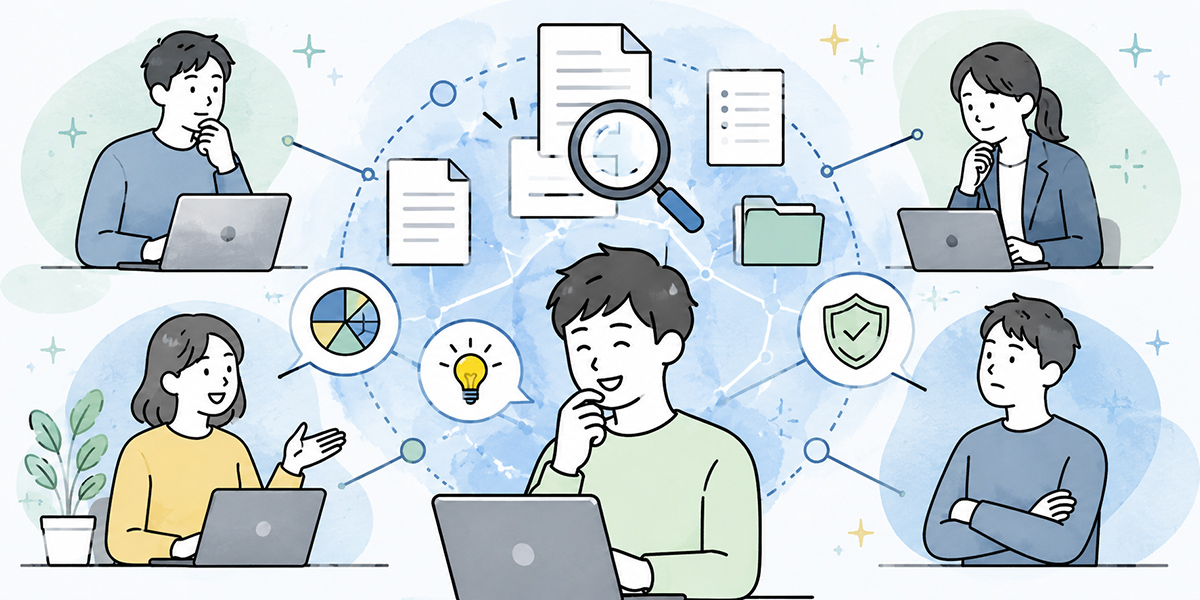
There are several ways to implement RAG and an internal knowledge AI. In-house development, cloud-based search services, integration with your existing groupware, the use of an AI platform: the options shift with a company’s structure and security requirements.
Among these, when you use a B2B AI platform such as Kanata, the important thing is to design it not as a standalone search system but as an AI app used within the daily run of the business.
For example, separate the projects by department. Split them along lines where the data handled and the users are closely related, such as an HR and general-affairs project, a sales-support project, a CS knowledge project and an IT help-desk project, and permission management and operation become easier.
Next, register the rules, FAQs, manuals, proposals, minutes, training materials and so on in each project’s training-data library. If you sort out each document’s update date, owning department, disclosure scope and version number at this point, later operation will be steadier.
Further, register your answer rules in the prompt library. Rules such as “do not answer by guesswork on anything not in the internal rules”, “always cite the source” and “where there is an old document and a new one, give precedence to the new one”. This keeps the instructions given to the AI from varying from one person to the next.
Staff can then ask, through the AI chat app and in natural language, “Which rule should I look at in this case?” or “Are there similar past proposals?”. Combine it with AI summarisation and e-learning and you can picture further uses too: summarising minutes into knowledge, making it possible to put questions to training-video content, and building induction material for new starters from past documents.
The advantage of using Kanata is that AI chat, summarisation, training data, prompts and training content are easy to handle on a per-business basis. That said, adopting it will not put a knowledge foundation in order automatically. Document preparation, permission design and evaluation operations are needed whichever tool you use.
RAG rollout patterns that tend to fail
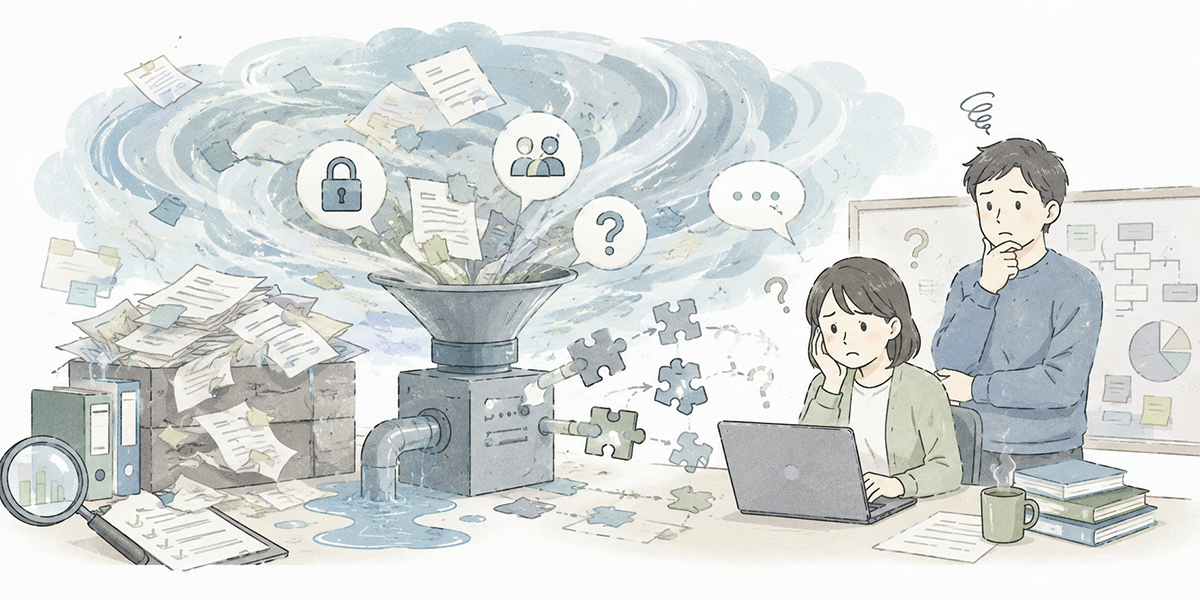
The common failures in RAG rollout arise less from the technology itself than from a want of operational design.
Assuming that simply loading the documents will yield accuracy straight away — Duplicated documents, staleness, inconsistent notation and missing metadata all drag accuracy down. RAG is not a scheme that solves document-management problems on its own.
Leaving access permissions until later — As more departments come on board, information that may be shown and information that must not be get mixed together. You need a settled policy on permission design from the outset.
Not gathering feedback from the floor — Unless you see whether the AI’s answers were of use, where they were hard to follow and which questions went unanswered, you cannot improve.
Leaving stale information in place — If the knowledge foundation is not updated when policies or the organisation change, the AI will answer on the basis of out-of-date information.
Using the AI’s answers directly to make business decisions — RAG is not a substitute for judgement. It is a mechanism for cutting the time it takes to reach the evidence and for organising the material on which a decision rests. The final judgement has to be made by the person who bears responsibility for the work.
Start small, and widen the scope as you evaluate
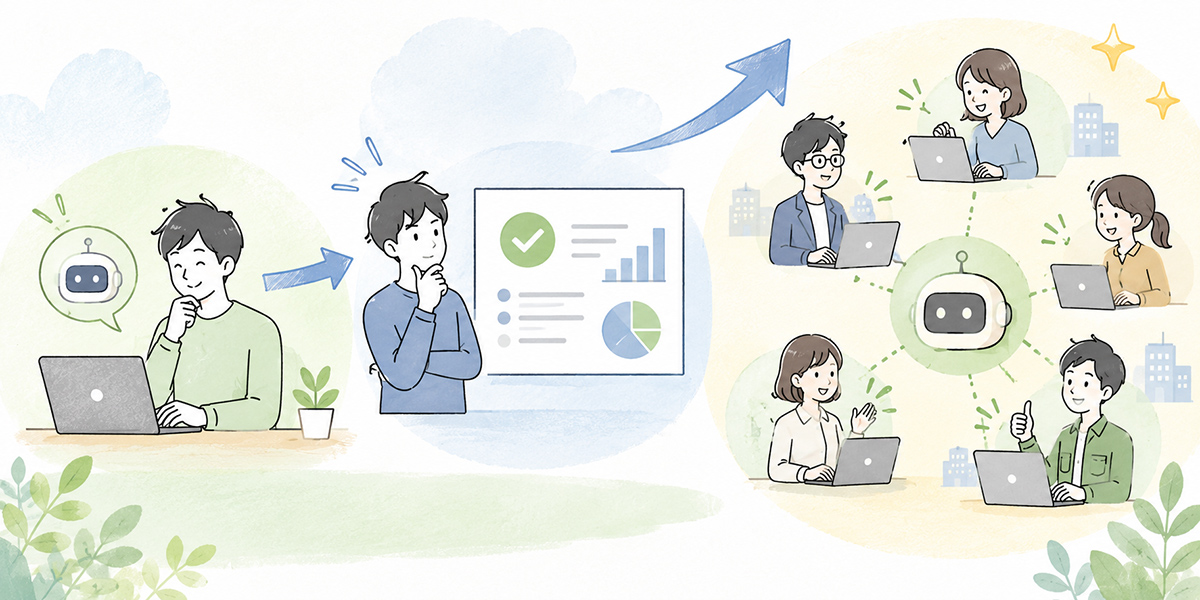
To make an internal knowledge AI a success, starting small matters.
Rather than targeting all company data from the off, begin with a business that fields plenty of enquiries, whose documents are comparatively in order, and whose effect is easy to measure: an HR FAQ, IT usage procedures, searching sales proposals, a product-manual Q&A, and the like.
For an initial rollout, the following flow is realistic.
- Pick one target business
- Gather around 20 to 50 of the common questions
- Take stock of the documents needed to answer them, and tidy up so only the latest versions remain
- Attach metadata to the documents and confirm access permissions
- Build an AI chat that uses RAG
- Have staff try it, and record answer accuracy, how clearly the grounding reads, search misses and the cases it could not answer
- After running it for one or two months, check enquiry-handling time, self-resolution rate, the number of escalations, the number of answer corrections and so on
It isn’t only the numbers that matter; comments from the floor count too. Remarks such as “I now know where to look”, “even a new starter can do a first check” and “an old document turned up and caused confusion” feed into the next round of improvement.
Turning this cycle while widening the target business little by little is the safe way to go.
In summary
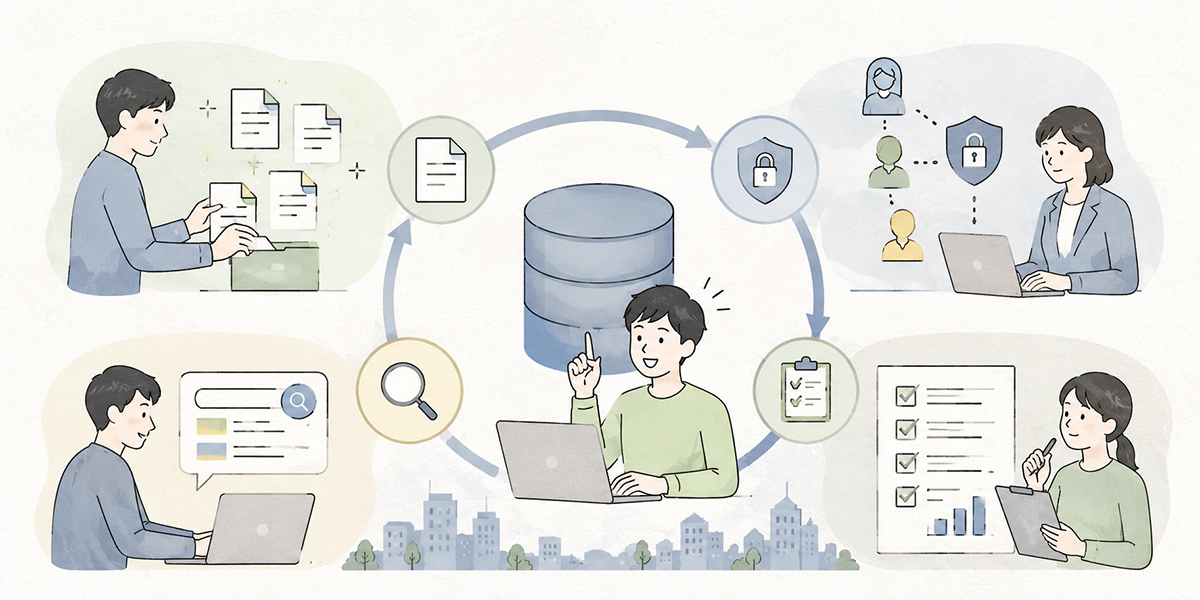
RAG is an effective mechanism for putting internal data to work with AI. It makes it easier to realise an internal knowledge AI that refers to the company’s own rules, FAQs, manuals, proposals, minutes and the like — the things general-purpose AI cannot answer — and replies with its grounds attached.
RAG is no magic search engine, however. If the knowledge foundation is not in order, the AI will answer on the basis of stale or unsuitable documents. If access permissions are vague, the risk of an information leak rises. Without accuracy evaluation, it will not reach a state that is genuinely usable on the floor.
That is precisely why, in adopting RAG, you need to settle the following questions before any choice of technology.
- Which business will you start with?
- Which internal documents will you treat as official knowledge?
- Who manages those documents?
- Who may see which information?
- By what standard will you evaluate the AI’s answers?
- How will you update information once it has gone stale?
The aim of an enterprise search AI is not to hand staff’s judgement wholesale to the AI. It is to cut the time spent searching, make the evidence easier to reach, and raise the quality of checking. The result is less double handling on the floor, tidier enquiries to those in the know, and an organisation’s knowledge that is more readily reused.
To adopt RAG is to move the company’s knowledge from “an individual’s memory” to “a foundation the organisation can use”. The realistic course is to start with a small piece of the business, with document preparation, permission design and accuracy evaluation as a set.
Q&A
What is the difference between RAG and ordinary ChatGPT use?
With ordinary ChatGPT use, the model answers on the basis of the general knowledge it holds and the information the user enters. With RAG, before answering it searches internal documents, FAQs and the like and passes their content to the AI as context. That makes it easier to build answers grounded in information particular to the company, such as internal rules and past materials.
If we register all our internal documents, will the internal knowledge AI be usable straight away?
It won’t necessarily be usable at high accuracy straight away. Where the latest and old versions are mixed together, documents are duplicated, file names are ambiguous, or permission settings are lacking, there is a risk of wrong answers and information leaks. First, narrow the target business, tidy up the official documents, and get the metadata and access permissions in order.
Is vector search alone enough?
Not necessarily. Vector search is well suited to finding documents close in meaning, but where an exact string match is needed — part numbers, contract clauses, scheme names, document numbers — keyword search matters too. In practice, a design that combines vector search, keyword search and metadata filtering is effective.
Which business is easiest to tackle first when adopting RAG?
Candidates include HR and general-affairs FAQs, IT usage procedures, expense claims and travel rules, product manuals, and searching sales proposals. Starting with a business where questions recur, the documents to be referenced exist, and answers are expected to be grounded makes it easier to verify both the benefits and the issues.
What is the most important risk to watch when adopting RAG?
The chief risks are wrong answers, referring to stale information, inadequate access permissions, and leaks of personal or confidential information. By way of countermeasures, you need to design document preparation, permission design, PII protection, answer rules, source display and accuracy evaluation as a set. RAG is not a substitute for judgement; it is best positioned as support for reaching the evidence.