


It’s clearly convenient. But is it truly safe to put internal company data into this AI tool?
This is a question that tends to surface between the IT department, the security team, procurement and purchasing, legal, and the front-line business units whenever a company weighs up adopting generative AI. It used to be that individuals would try a free version of an AI tool and, finding it useful, would begin using it at a departmental level. These days, however, organisations need to compare several AI tools such as ChatGPT, Claude, Gemini and Copilot, and judge as an organisation whether each is fit for corporate use.
As a worked example, suppose a company of roughly 1,000 people across 20 departments is considering rolling out generative AI. The front-line units care about “being able to use it straight away”, IT cares about “authentication, permissions and logging”, procurement cares about “contract terms and support”, and legal cares about “data retention, training use and where data is sent”. If the selection process proceeds while everyone is looking at a different set of concerns, you can end up with a tool that is excellent on features yet doesn’t fit internal policy, or with clauses you simply cannot operate once the contract is signed.
In this article, we set out the security requirements a company should check when selecting an AI tool, organised into seven areas: data retention, training use, data destinations, authentication, logging, permissions and support. The aim is to reach a state where you can judge “approved”, “approved with conditions”, “needs further checking” or “decline” on the basis of a shared checklist, rather than on any individual’s gut feel. That said, a checklist alone will not make you watertight. Only when it is run alongside internal policy, user training, permission design and periodic review do you genuinely move closer to safe AI use.
Why security requirements deserve a first look when selecting an AI tool
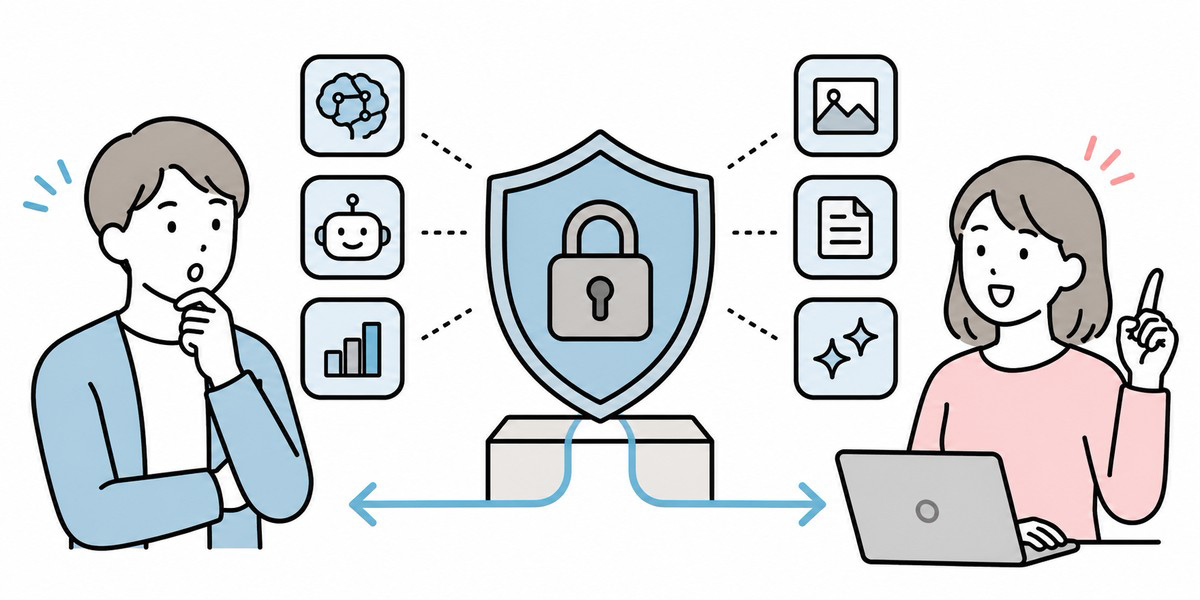
When selecting an AI tool, it is all too easy to focus on answer quality, ease of use, the models supported and the price. Those things matter, of course. But in corporate use there is something you need to check before convenience: whether this AI tool should be handling internal or customer information at all.
Generative AI is used across a wide range of tasks: drafting emails, taking minutes, drafting proposals, handling enquiries, managing internal FAQs, and assisting with contract review. In other words, an AI tool is not merely a writing aid; it becomes a place where business information naturally accumulates.
So when selecting an AI tool, you need to confirm not only “what this tool can do” but “what may be entered into it”, “who may use it”, “whether it can be traced after the fact” and “whether you can respond when something goes wrong”.
According to NIST’s risk-management profile for generative AI, the risks of generative AI arise across the entire lifecycle — design, development, operation and decommissioning — making it clear that managing the tool after adoption matters just as much as the initial checks.
The overall picture of security requirements to check when selecting an AI tool
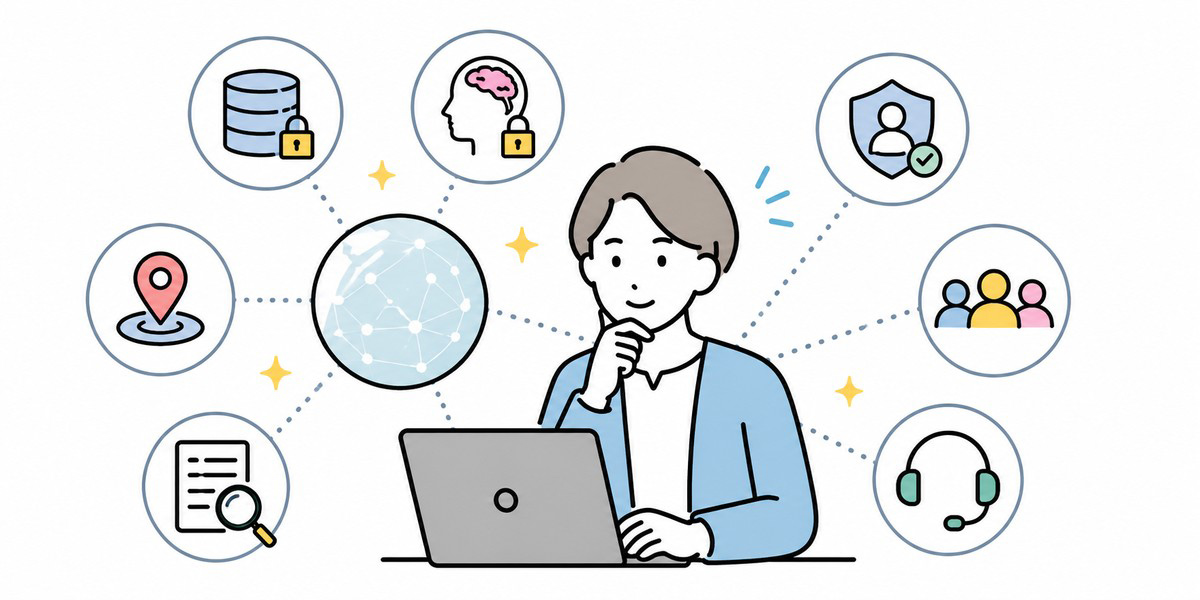
Look closely, and security requirements for AI tools turn out to be wide-ranging. Even so, the concerns you should line up first in a selection meeting are the following seven.
| Area | What to confirm | Primarily responsible |
|---|---|---|
| Data retention | Where, and for how long, are input data, attached files and conversation history stored | IT / Security |
| Training use | Whether input is used to train the AI model, and whether this can be turned off | Legal / Security |
| Data destinations | Whether you can confirm the regions of processing, external subcontractors and integration partners | Legal / IT |
| Authentication | Whether it supports SSO, two-factor authentication and account management | IT |
| Logging | Whether you can trace who did what, and when | IT / Audit |
| Permissions | Whether access can be controlled by department, project and role | IT / front-line managers |
| Support | Whether there is a contact point or SLA for outages, specification changes and incidents | Procurement / Purchasing |
Once you have these seven areas in hand, comparing AI tools shifts from “it feels reassuring enough” to “which conditions does it actually meet”.
Data retention: where do your inputs and conversation history end up?
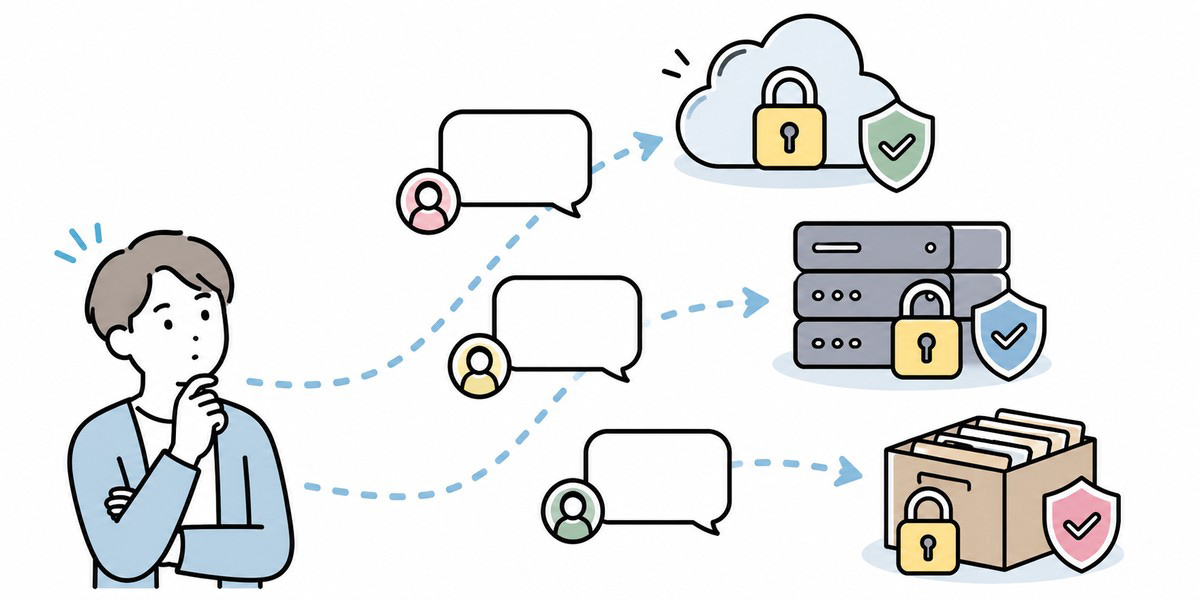
The first thing to confirm is where the prompts a user enters, the files they attach, the generated results and the conversation history are stored.
With AI tools, what a user enters is not merely processed transiently; in some cases it is retained as history. For corporate use, you need to confirm who can view that history, whether an administrator can delete it, and how a departing employee’s history is handled.
| Checklist item | The question you want answered |
|---|---|
| What is retained | Which of the prompt, attached files, generated results and conversation history are stored |
| Where stored | In which country or region’s servers is the data held |
| Retention period | Is the retention period fixed, or can the company change it |
| Deletion method | Can a user or administrator delete it |
| On contract end | Is data deleted once the contract ends, and is a deletion certificate issued |
Where there is any prospect of handling internal materials or customer information, knowing merely “whether or not it is stored” isn’t enough. You also need to confirm who can manage it, when, and at what level of detail, if it is stored.
Training use: is your input data used to train the AI model?
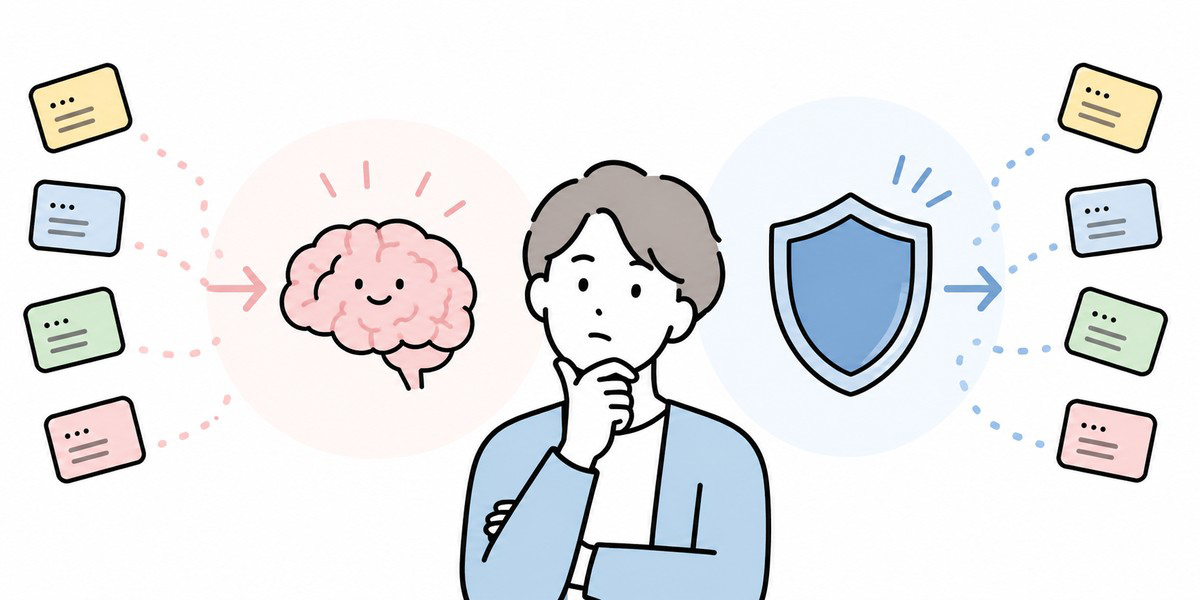
Next in importance is whether the data you enter is used to train the AI model. Business-oriented AI tools sometimes offer a setting or contract under which input data is not used for model improvement or training. With consumer or free plans, by contrast, the terms can differ.
What you should confirm here is not merely “may we enter sales materials, internal policies or customer information”. You also need to confirm what happens if such data is entered — how far it is then stored, used and reviewed.
| Checklist item | Point to watch |
|---|---|
| Whether used for training | Whether input data is used for model improvement or training |
| Opt-out | Whether training use can be stopped, and what the default state is |
| Plan differences | Whether the terms differ across consumer, team and business editions |
| Stated in the contract | Whether it is set out in the terms of service, the DPA and the security documentation |
| Exception conditions | Whether there are exceptions where data is stored or reviewed for abuse detection or quality improvement |
Particular care is needed where the front line has already started on a free version. Moving to a corporate contract does not automatically make things safe. You need to confirm which plan, which settings and which contract terms will govern how your company’s information is handled.
Data destinations: can you confirm the processing regions and external integration partners?
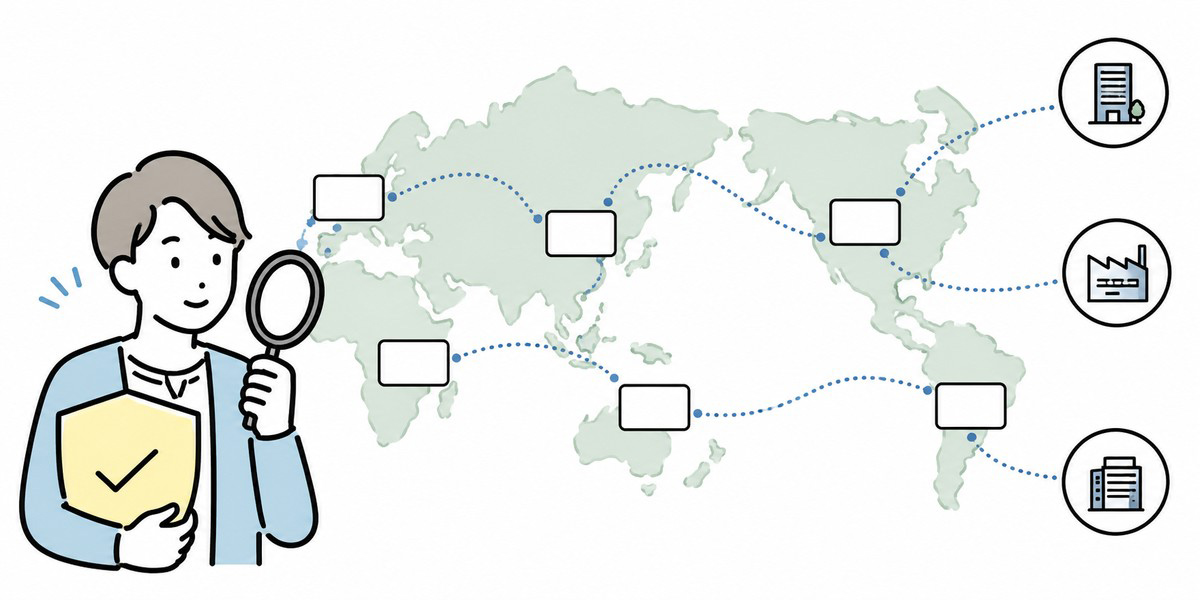
With AI tools, input data may be sent not only to the service provider’s own platform but to cloud infrastructure, the model provider, sub-processors and connected applications. A sub-processor is an external party to which the provider delegates data processing.
If you cannot explain where your own data travels, it tends to get stuck in legal and security review.
| Checklist item | What to confirm |
|---|---|
| Processing region | In which country or region is it processed |
| Storage region | Can you specify the region in which it is stored |
| Sub-processors | Is a list of external subcontractors published |
| External integrations | What is sent when integrating with the likes of Slack, Teams and Google Drive |
| Change notifications | Are you notified when a sub-processor or processing region changes |
When comparing the security of AI tools, what matters is not only model performance but whether the data flow can be explained. Companies handling personal data, customer information or contract details in particular should be especially cautious about rolling out company-wide a tool whose data destinations are hard to pin down.
Authentication: does it support SSO and two-factor authentication?
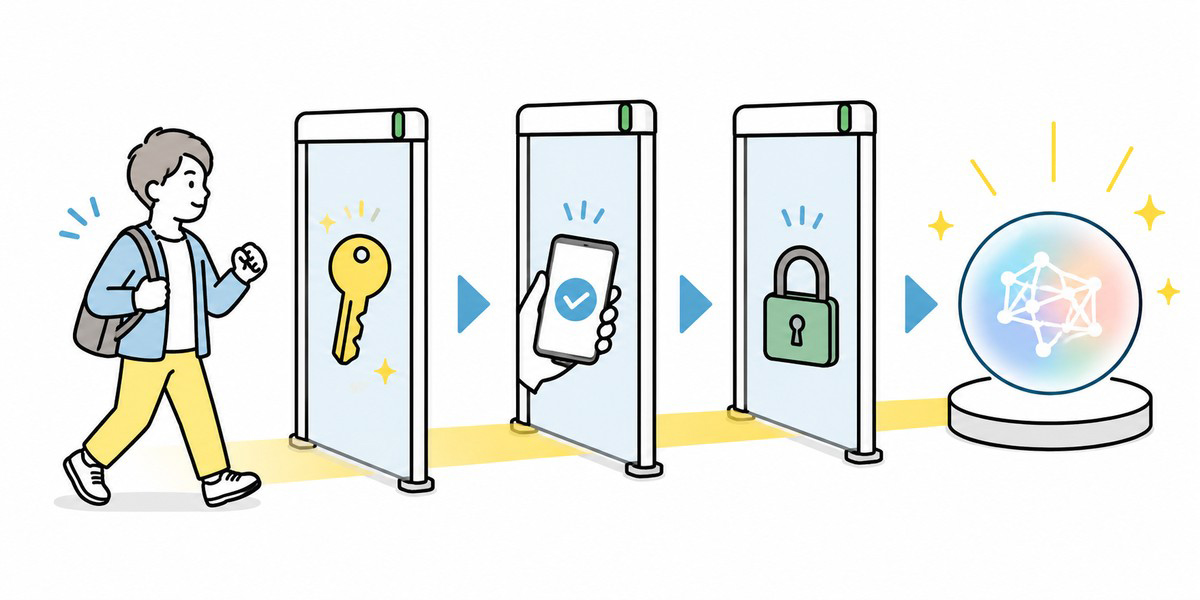
For corporate use, the login method matters too. Relying solely on individual email addresses and passwords tends to invite problems: gaps in disabling leavers’ accounts, shared accounts, and use via personal email.
| Checklist item | What to confirm |
|---|---|
| SSO | Whether it can connect to your authentication platform via SAML, OIDC and the like |
| Two-factor authentication | Whether 2FA or MFA can be made mandatory |
| Account provisioning | Whether an administrator can invite and disable users |
| Handling leavers | Whether disabling someone on the IdP side is reflected in the AI tool |
| Preventing personal accounts | Whether use from outside the company domain can be restricted |
Kanata, the platform we provide, has an operating manual that sets out the concepts of spaces, projects, apps and libraries, and explains that members and permissions can be managed per project. When using an AI tool for corporate purposes, it is similarly important to be able to design “who can access which business data”.
Logging: can you trace, after the fact, who did what?
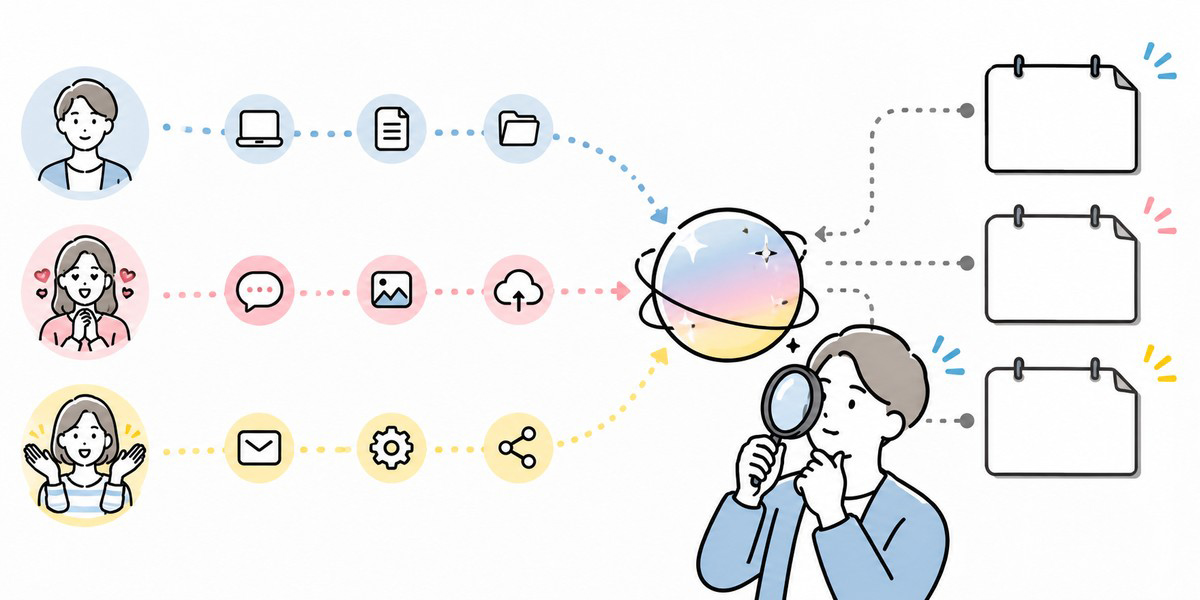
Once an AI tool is in use, a great deal of business information gets entered into it. So, should an incident or an internal query arise, you need to be able to trace who entered, generated or shared what, and when.
| Log item | What to confirm |
|---|---|
| Login history | Who logged in, and when |
| Input history | Who entered something into which chat or app |
| File operations | Upload, deletion and access history for attached files |
| Sharing history | To whom output or chats were shared |
| Administrator actions | Management actions such as permission changes, adding members and deletions |
| Export | Whether logs can be exported for auditing |
Without logs, even when something goes wrong you cannot tell “who did what”. This is an important checkpoint not only for the security team but for procurement and legal too.
That said, being able to obtain logs is not in itself sufficient. Include in your operating procedures who reviews the logs, for how long they are retained, and whether they are reviewed monthly or quarterly.
Permissions: can you separate access by line of business?
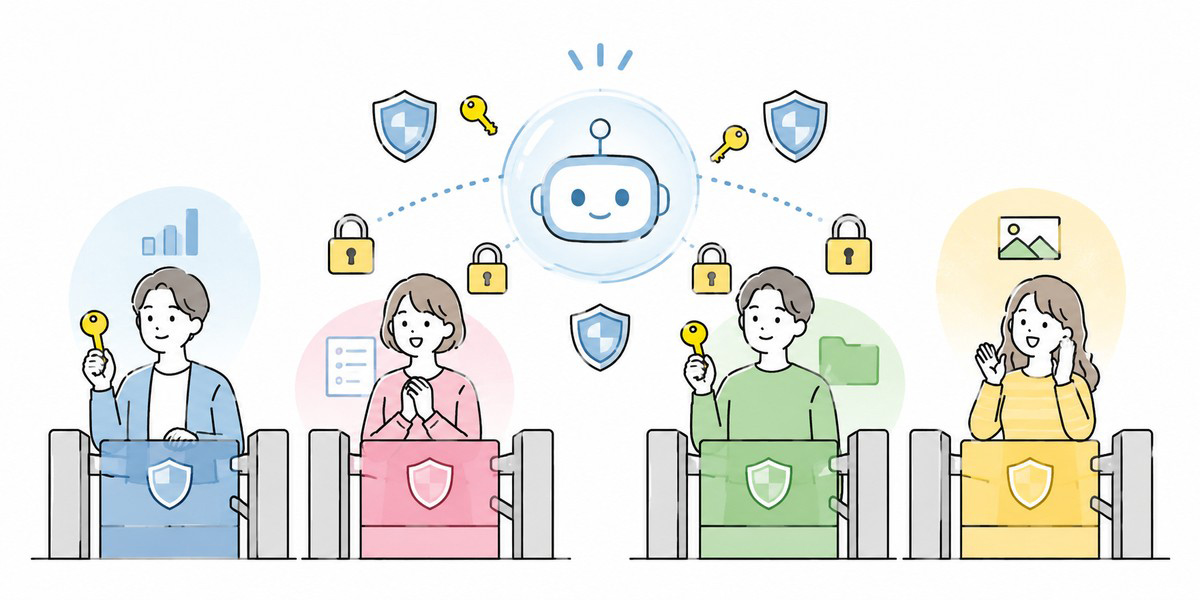
In permission design for an AI tool, you need to avoid a state where every employee can see the same scope. Sales’ deal information, HR’s appraisal information, finance’s financial information and legal’s contract information should each be visible to a different, appropriately limited group of people.
| Checklist item | What to confirm |
|---|---|
| Organisational unit | Whether it can be divided by whole company, department or team |
| Project unit | Whether members can be separated by matter or task |
| Roles | Whether permissions such as administrator, editor and viewer can be set |
| Least privilege | Whether you can show only the necessary scope to only the necessary people |
| Handling transfers | Whether permissions are easy to change when someone moves department |
Kanata’s best-practice guide recommends carving up projects by “whether the people involved may all see the same information”, and narrowing highly confidential projects to “only those with a need to know”. This thinking applies directly to AI tool selection as well.
If you roll out an AI tool with weak permission design across the whole company, it may feel convenient at first — but you will soon be left wondering, “How far can I enter things?” and “Who can see this information?” At the selection stage, confirm whether access control by line of business is possible.
Support: can they respond on outages, specification changes and incidents?
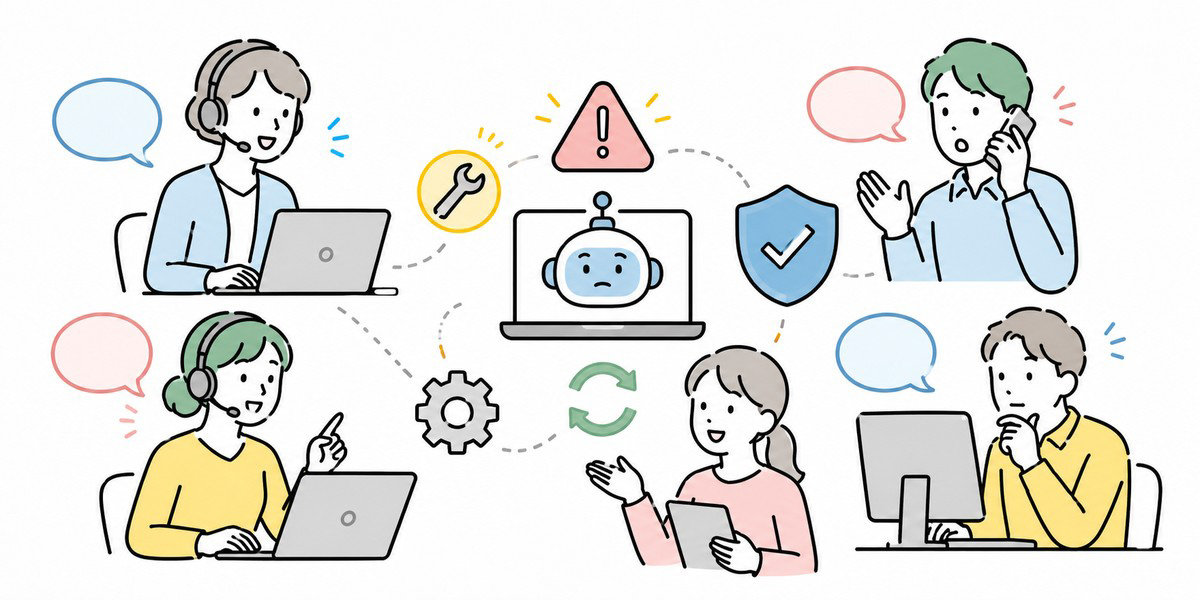
Adopting an AI tool isn’t the end of the story. Outages, specification changes, model changes, security updates and changes to contract terms may all occur. Confirm whether, when they do, you as a company have a contact point to raise queries and a notification regime in place.
| Checklist item | What to confirm |
|---|---|
| Support desk | Whether there is English-language support, and how to make contact |
| Hours of cover | Whether it is weekday business hours only, or there is emergency cover |
| SLA | Whether there is a stated uptime target and incident response time |
| Specification-change notice | Whether there is notice of feature changes, price changes and contract-term changes |
| Incident notice | The deadline and method for notification when a security incident occurs |
| On contract end | Handling of data deletion, export and deletion certificates |
Generative AI is a fast-moving field. Don’t judge on the specification at adoption alone; what matters is confirming whether your company can stay informed when changes occur, and whether you are entitled to contractual notice.
A security checklist for AI tools you can use in a selection meeting
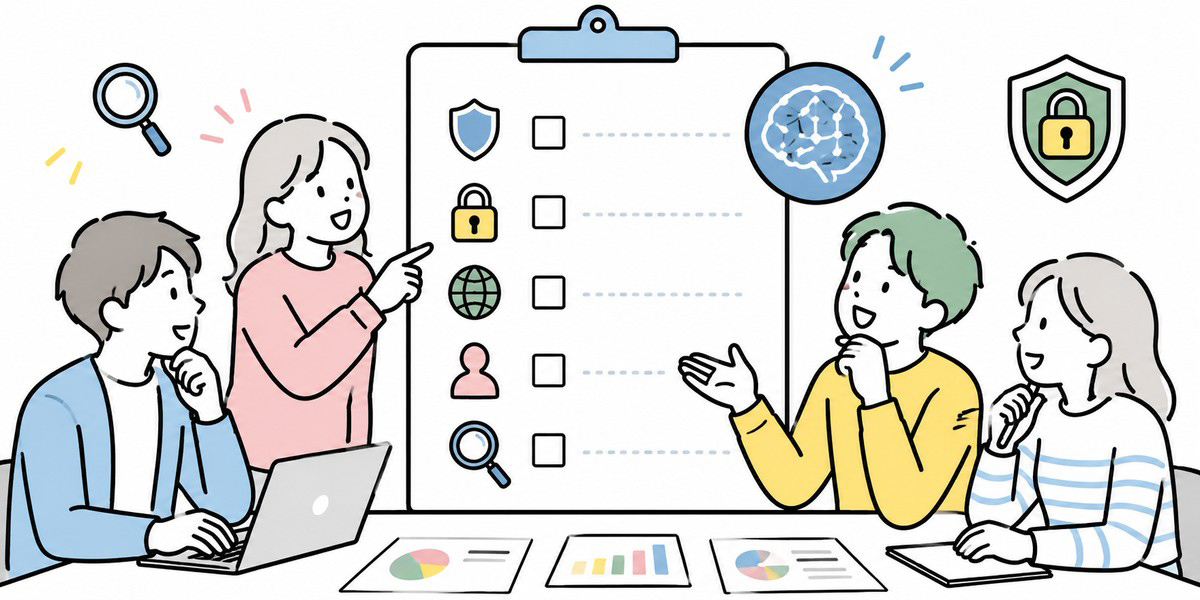
Here we pull the foregoing together into a form you can use in a selection meeting. For each AI tool, fill in the following items and compare.
| Area | Checklist item | Verdict |
|---|---|---|
| Data retention | Whether the retention scope for input data, attached files and conversation history is clear | OK / Needs checking / NG |
| Data retention | Whether the retention period and deletion method are clear | OK / Needs checking / NG |
| Training use | Whether it is stated whether input data is used for model training | OK / Needs checking / NG |
| Training use | Whether training use can be stopped or controlled | OK / Needs checking / NG |
| Data destinations | Whether the data processing region and storage region can be confirmed | OK / Needs checking / NG |
| Data destinations | Whether sub-processors and external integration partners can be confirmed | OK / Needs checking / NG |
| Authentication | Whether it supports SSO and two-factor authentication | OK / Needs checking / NG |
| Authentication | Whether disabling accounts for leavers and transferees is easy to operate | OK / Needs checking / NG |
| Logging | Whether an administrator can review operation logs and audit logs | OK / Needs checking / NG |
| Logging | Whether the log retention period and exportability are clear | OK / Needs checking / NG |
| Permissions | Whether permissions can be separated by department, project and role | OK / Needs checking / NG |
| Support | Whether there is a contact regime for outages, specification changes and incidents | OK / Needs checking / NG |
| Contract | Whether the conditions for deleting or returning data at contract end are clear | OK / Needs checking / NG |
For the verdict, rather than simply scoring, it works better in a meeting to sort into the following four categories.
| Verdict | Meaning |
|---|---|
| Approved | Meets the main requirements and fits the company’s policies |
| Approved with conditions | Usable if restricted to certain departments, uses or data types |
| Further checking | Documentation or contract terms need to be confirmed |
| Decline | Too risky to handle company data, or too many items that cannot be confirmed |
What matters is comparing all tools against the same criteria. Evaluate one tool on features, another on price and a third on impression, and the basis for your selection becomes muddy.
How to translate this into internal policy
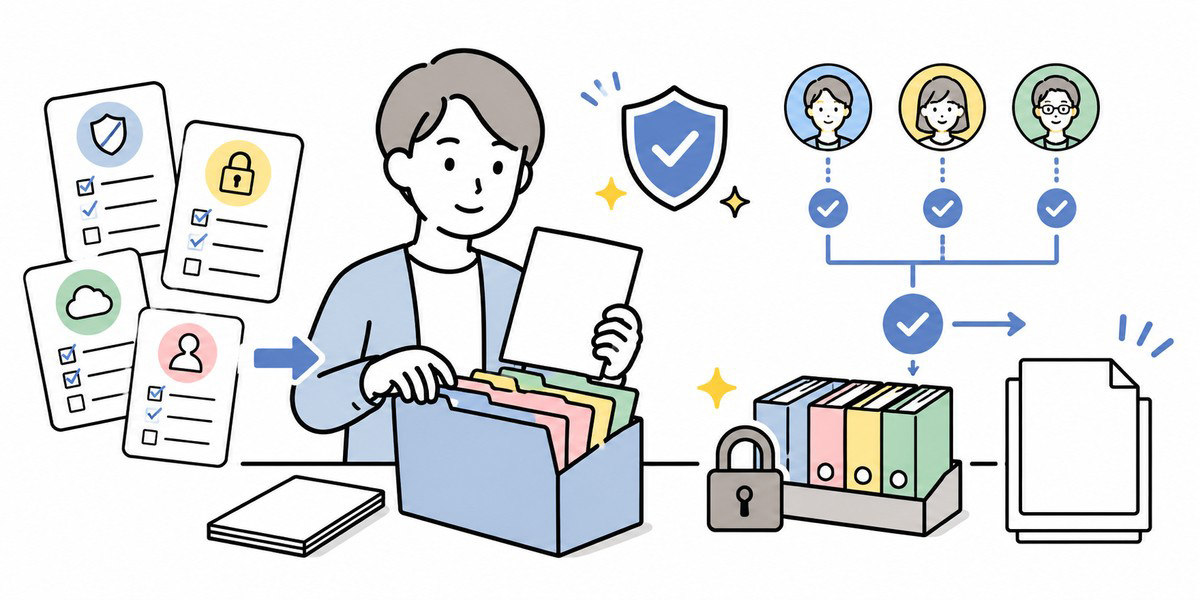
Once you have selected an AI tool, you need to translate it into internal policy and usage guidelines. Even if the tool’s contract terms are sound, risk remains if how it is used is left vague.
The first thing to decide is “information that may be entered” and “information that must not be entered”.
| Information category | Example | Input policy for the AI tool |
|---|---|---|
| Public information | Official website, published IR, press releases | Permitted in principle |
| General internal information | Internal manuals, general work materials | Permitted in an internal-use environment |
| Customer information | Deal history, proposal content, contract terms | Permitted in a limited way subject to contract and NDA checks |
| Personal data | Names, contact details, employee numbers | Masked in principle |
| Sensitive information | Health information, beliefs, account numbers and the like | Prohibited in principle |
| Non-public information | Unpublished results, personnel, M&A information | Prohibited in principle |
Kanata’s best-practice guide likewise sets out categories — public information, general internal information, customer transaction information, personal data, sensitive information, unpublished financial information and so on — and offers a way of thinking through how each should be handled.
In addition, you need a rule that AI output is not sent outside the company as-is. Figures, proper nouns, dates, quotations and anything touching legal or regulatory matters in particular should be run against the original source as a matter of practice.
Kanata: Managing Enterprise AI Use on a Per-Project Basis
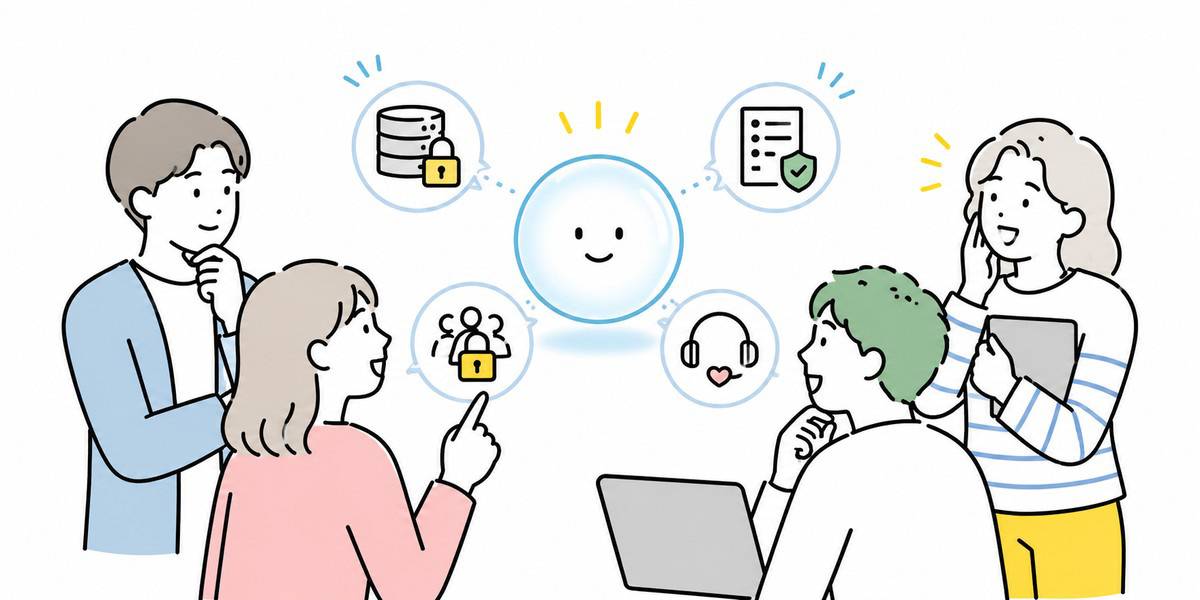
Kanata is described as a business-support platform encompassing AI chat, AI summarisation, e-learning and more. Its operating manual introduces asking and consulting the AI while drafting and researching; summarising meeting recordings, minutes and materials into a specified format; building training material from video as a starting point and distributing it as learning content; and organising users, data and apps on a per-project basis.
Kanata also has the concepts of spaces, projects, apps and libraries: members and permissions can be managed per project, and AI settings, prompts and training data can be stored in a library. These are among Kanata’s core strengths.
Companies wanting to organise AI use by department and by line of business will find these characteristics worth considering. That said, Kanata aside, whenever you adopt an AI tool you must confirm it against your own security policy, contract terms, the data types you handle and your audit requirements. Whether you can actually use it should be judged after confirming the contract terms, the usage plan, the management features and the conditions for handling data.
Common pitfalls in AI tool selection
Deciding purely on front-line ease of use
A tool the front line finds easy to use has an advantage when it comes to gaining traction after roll-out. But put off the IT and legal checks and you can find yourself halted just before signing. The more practical approach is to confirm the security requirements first, and then choose the most usable tool within that scope.
Assuming “it’s a business plan, so it’s safe”
Even on a business plan, data retention, training use, external integrations, log capture and support terms differ from product to product. Don’t judge by the words “business plan” alone; confirm the contract, the security documentation, the management console and the scope of support.
Making only input-prohibition rules and leaving it there
Merely writing “don’t enter personal data” and “don’t enter confidential information” leaves the front line unsure how to judge. You need to give concrete examples: whether a customer’s name may go in, how deal notes should be treated, and how far contract clauses may be entered.
Not setting a date to review after adoption
AI tools are a field where specifications change readily. The conditions confirmed at adoption may not still hold six months later. At least once a quarter or half-year, we’d recommend reviewing usage, permissions, logs, policy and contract terms.
In closing: choose an AI tool not on “can we use it” but on “can we keep using it safely”
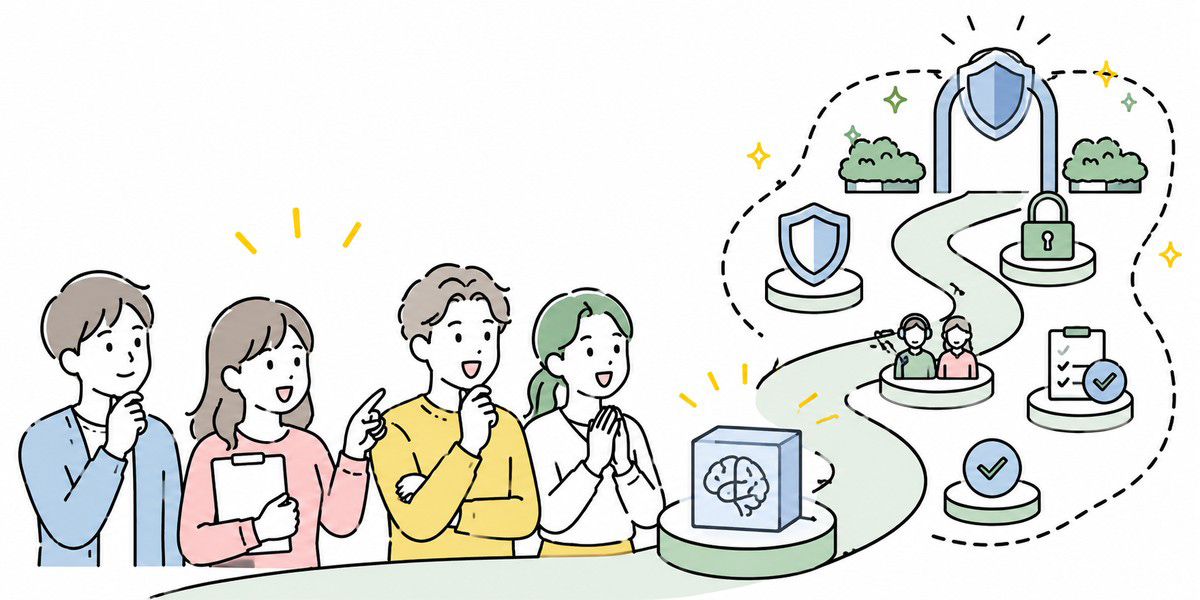
When selecting an AI tool, you need to confirm not only answer quality and price but whether your company can keep using it safely.
At the centre of what you should confirm are the following seven.
- Data retention
- Training use
- Data destinations
- Authentication
- Logging
- Permissions
- Support
Translate these into a shared checklist, and IT, security, procurement and purchasing, legal and the front-line units will find it easier to evaluate every tool against the same criteria.
That said, a checklist is only the starting point for the adoption decision. In actual operation, internal policy, user training, rules on input data, permission management and periodic review are all indispensable. Using an AI tool safely is not about reducing risk to zero; it is about deciding, as an organisation, what you will confirm, how far you will permit, and how you will respond when something goes wrong.
Q&A: common questions on AI tool selection
What should you confirm first when selecting an AI tool?
The first thing to confirm is the handling of input data. Specifically, whether the prompts, attached files, conversation history and generated results you enter are stored, whether they are used for model training, and in which country or region they are processed. While that remains vague, comparing authentication or pricing will not get you to an adoption decision.
If it’s a business plan, is it fine to enter company data?
Even on a business plan, one cannot say it is unconditionally fine. Data retention, training use, sub-processors, log capture and the deletion conditions at contract end vary by tool and by plan. What matters is confirming it not by the name “business plan” but in the contract, the DPA, the security documentation and the management console.
How much logging do you need from an AI tool?
At a minimum, you’ll want login history, input and file operations, permission changes made by administrators, and sharing and export history. You needn’t retain every log forever, but you should decide the period needed for incident investigation and auditing, who reviews them, and how they are stored.
If the front line is already using a free AI tool, how should you respond?
First, grasp the reality of use: which departments are entering which kinds of information into which tools. Then sort out the prohibited inputs, the permitted uses, whether a move to a corporate contract is needed, and the cases where use must be stopped. Since an outright ban can push the front line into using it covertly, it is more realistic to address this alongside offering an alternative.
What sorts of companies is Kanata suited to?
Kanata is a candidate for companies wanting to use AI chat, AI summarisation and e-learning together as a business-support platform, and for those wanting to organise members, apps and training data on a per-project basis. As with any AI tool, though, the final decision needs to confirm the contract terms, data handling, permission management, logging and support regime against your own requirements.